Manage kitchen repairs, schedule maintenance, and track vendors in an AI-powered system built with AI to fit your restaurant's workflow.



Customize your work order management setup with the exact repair steps and equipment views your team needs. Add features as workflows evolve.


Connect repair requests, vendor lists, and equipment logs with real-time sync—or manage everything in Softr Databases. Create one source of truth for your restaurant operations.
Give each manager and technician the right tools and access. Set up secure logins, user groups, and granular permissions—no dev work needed for your restaurant group.
Give chefs, maintenance techs, and external vendors tailored dashboards and access so each role sees just the work orders and tasks that matter to them.
Streamline maintenance with Softr Workflows. Trigger native notifications for urgent kitchen repairs or status changes to keep your restaurant running smoothly.
Access and update repair requests on the go. Managers can submit kitchen repair orders directly from their phones during and after service, out of the box.
Use Google, email, or SSO logins to give your restaurant staff fast, secure access to the maintenance system—no IT support tickets needed.
Keep maintenance records and vendor data safe with SOC2 and GDPR compliance, plus fine-tuned access control at every level of your organization.
No more one-size-fits-all tools or costly custom builds. Softr is easy to use and fully customizable, so you can launch faster, adapt as you grow, and skip the complexity of traditional software.

Build your restaurant maintenance software in minutes with AI—no manual configuration needed.

Add features like preventative scheduling or cost reporting as your operations evolve—no rebuild needed.

Start with work orders, then add equipment inventory or vendor portals—all in one place with no extra tools.
Co-build with AI
Simply describe what you need. Let Softr handle everything - Interface, database, workflows.
Iterate with AI or visually
Control most critical parts of your app yourself - roles, permissions, security.
Ship the same day
Invite team members or external clients and partners right away. No developer handover.
Use drag-and-drop blocks to build a portal that looks sleek and modern out of the box. Add only the features you need, and iterate as your workflows evolve.




Work order management software for restaurants is a secure digital space where restaurant managers and owners can track maintenance requests, equipment repairs, and facility upgrades. It keeps every repair request, technician contact, and invoice in one place, so you don't have to rely on frantic phone calls or messy paper logs when a freezer breaks or an oven malfunctions. This makes it easier to keep your kitchen running smoothly and provide a consistent experience for your diners and staff.
Softr is the first AI-native platform for building business software. It makes it easy to build work order management software that fits the specific layout and equipment list of your restaurant. You can describe your maintenance needs to the AI Co-Builder to instantly generate your database of kitchen assets, repair logs, and priority logic—already connected and secure.
You don't need to code anything. You can start by generating with AI, using a restaurant-specific template, or building from scratch. Everything runs on Softr Databases, the native, relational database built into the platform, or you can connect external tools like Airtable or Google Sheets where you might already track your vendor contacts. You have full control to adjust the scheduling view visually, decide which staff can submit tickets, and brand it to match your restaurant group's identity. It's quick to get up and running, simple to update when you open new locations, and flexible enough to scale from one bistro to a nationwide chain.
You can include a wide range of features in your work order management software, depending on your kitchen's specific operations. A great software solution usually mixes functional maintenance blocks with AI-powered intelligence:
- AI-Powered Intelligence – Use Ask AI to let managers query historical repair costs conversationally, or set up Database AI Agents to automatically categorize maintenance requests based on urgency or equipment type.
- Vibe Coding Blocks – Build custom UI elements—like an interactive floor plan mapping your equipment—using the AI Code block to 'vibe code' exactly what your maintenance team needs.
- Softr Workflows – Build native automations, such as an instant SMS alert to your HVAC technician when a walk-in cooler temperature sensor triggers a ticket.
- User Portals & Logins – Securely manage access so line cooks can submit tickets, general managers can approve quotes, and external contractors can only see the specific jobs assigned to them.
- Forms & Data Collection – Capture issues with custom forms including photouploads of broken parts and symptom descriptions.
- Dashboards & Charts – Visualize your maintenance spending and equipment downtime with real-time charts and cost summaries.
- Lists & Advanced Filtering – Display and manage your work orders with searchable tables, kanban boards for repair stages, and detailed views of every kitchen asset.
Everything is built using Softr's drag-and-drop blocks, so you can create these features without writing code. Need a specific inventory tracker for spare parts? Use the Vibe Coding block to generate it with AI. And as your restaurant grows, it's easy to update the software later.
Vibe coding is all about moving fast and using AI to build exactly what your kitchen needs. You can "vibe code" work order management software in Softr by simply describing your requirements—like recurring grease trap cleanings or appliance warranty tracking—to the AI Co-Builder. Softr then generates a production-ready app on top of a stable, secure foundation.
Unlike other tools that just generate raw, fragile code, Softr handles the "boring 80%"—like staff authentication, maintenance database logic, and vendor security—natively. This means you get the speed of vibe coding without the "Day Two" headaches of managing raw code. You describe your restaurant's maintenance workflow, Softr builds it, and it’s ready for your back-of-house team instantly.
Yes. You can manage multiple restaurant locations or kitchen teams in a single work order portal. Each manager only sees the maintenance tickets and equipment lists assigned to their specific branch, based on their login and role. This is useful for multi-unit operators, franchises, or hospitality groups working with various local service providers.
Yes, you can. You don't need to have a pre-existing list of assets to start building with Softr. If you're starting from scratch, you can use Softr Databases, which is built into the platform and integrates perfectly with your work order system, allowing you to manually add equipment as you go.
But if you already have equipment lists or vendor spreadsheets in tools like Airtable, Google Sheets, or SQL, you can connect those too. You can also use the REST API connector to bring in sensor data from smart kitchen appliances. Either way, you have full control over how your repair logs and asset data are structured and displayed.
Softr Databases is the recommended native, relational data source for your maintenance app. It is built explicitly for business software, offering the highest performance for quick ticket submissions and a lightning-fast experience because the maintenance data is native to the platform.
If you already have your vendor or asset data elsewhere, Softr also connects to 17+ external data sources. You can connect to Airtable, Google Sheets, HubSpot (for vendor CRM), and BigQuery. You can even integrate multiple data sources into the same app—so your portal could pull in internal maintenance logs from Softr Databases and billing information from your accounting tool at once. Most sources support real-time, two-way sync, so any updates to a work order status stay in sync automatically.
Yes, Softr gives you full control over how your restaurant staff and external technicians experience the portal. You can customize the layout to show a simplified ticket form for busy line cooks and a detailed financial dashboard for owners. Each page or block can be shown or hidden based on who's logged in, so a plumber only sees their assigned plumbing repairs and not your HVAC invoices.
You can also set up different user roles, such as Staff, Manager, or Contractor—and define exactly what each role can view or edit. For example, staff can only report issues, while managers can approve repair costs. You can also create personalized views by filtering the maintenance queue based on the logged-in technician.
This level of customization is especially useful when you're managing various service providers across different restaurant units. It helps keep the maintenance process organized, secure, and tailored to every user's job.
Yes, you can fully white-label your work order management software in Softr. You can use your restaurant group's logo, brand colors, fonts, and a custom domain to make the software feel like a professional internal tool. You can also remove all Softr branding, so your staff and service providers only see your company's identity whenever they log in to check a repair status.
Yes, you can. Softr gives you a lot of flexibility to control both the design and layout of your work order portal. You can adjust the interface to match your restaurant's branding and design logical page structures for reporting and tracking issues. You can choose which blocks go where and set what different employees see depending on their station.
To display your maintenance data, you can add different types of blocks depending on your needs:
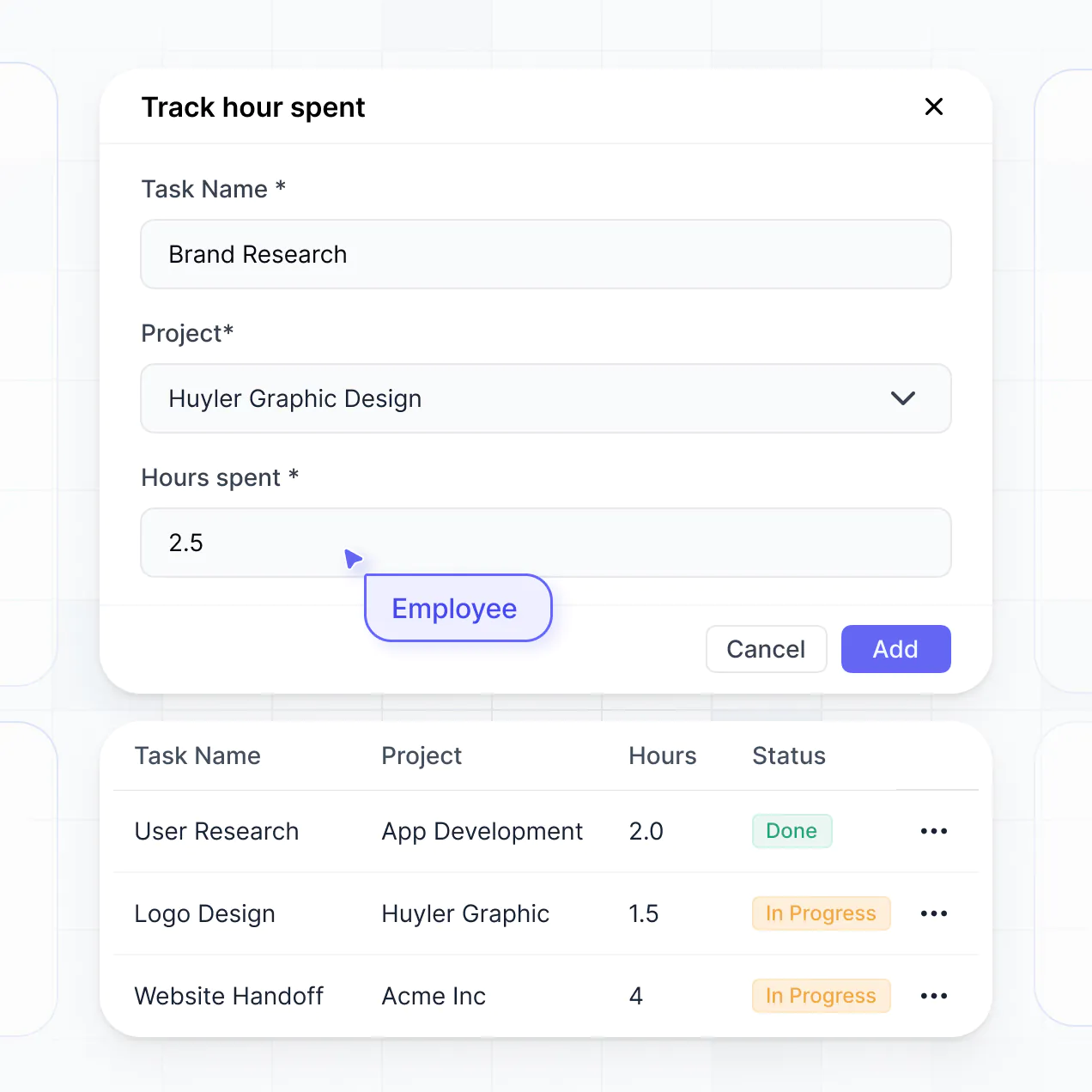
- Table blocks – to show structured logs of all past and present work orders.
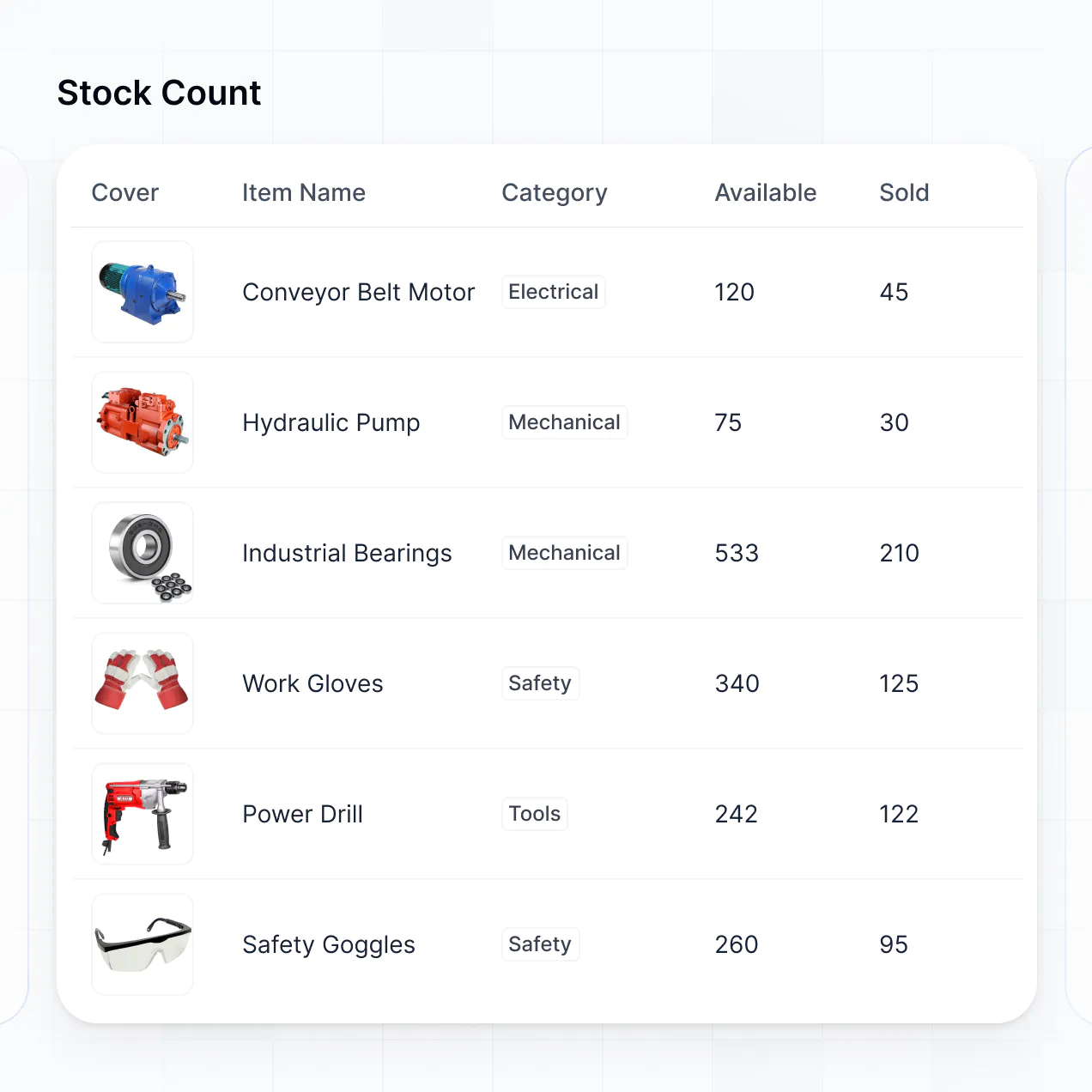
- List or Card blocks – to highlight specific pieces of equipment, like fryers or POS systems.
- Detail View – to show the full history and warranty of a single refrigerator.
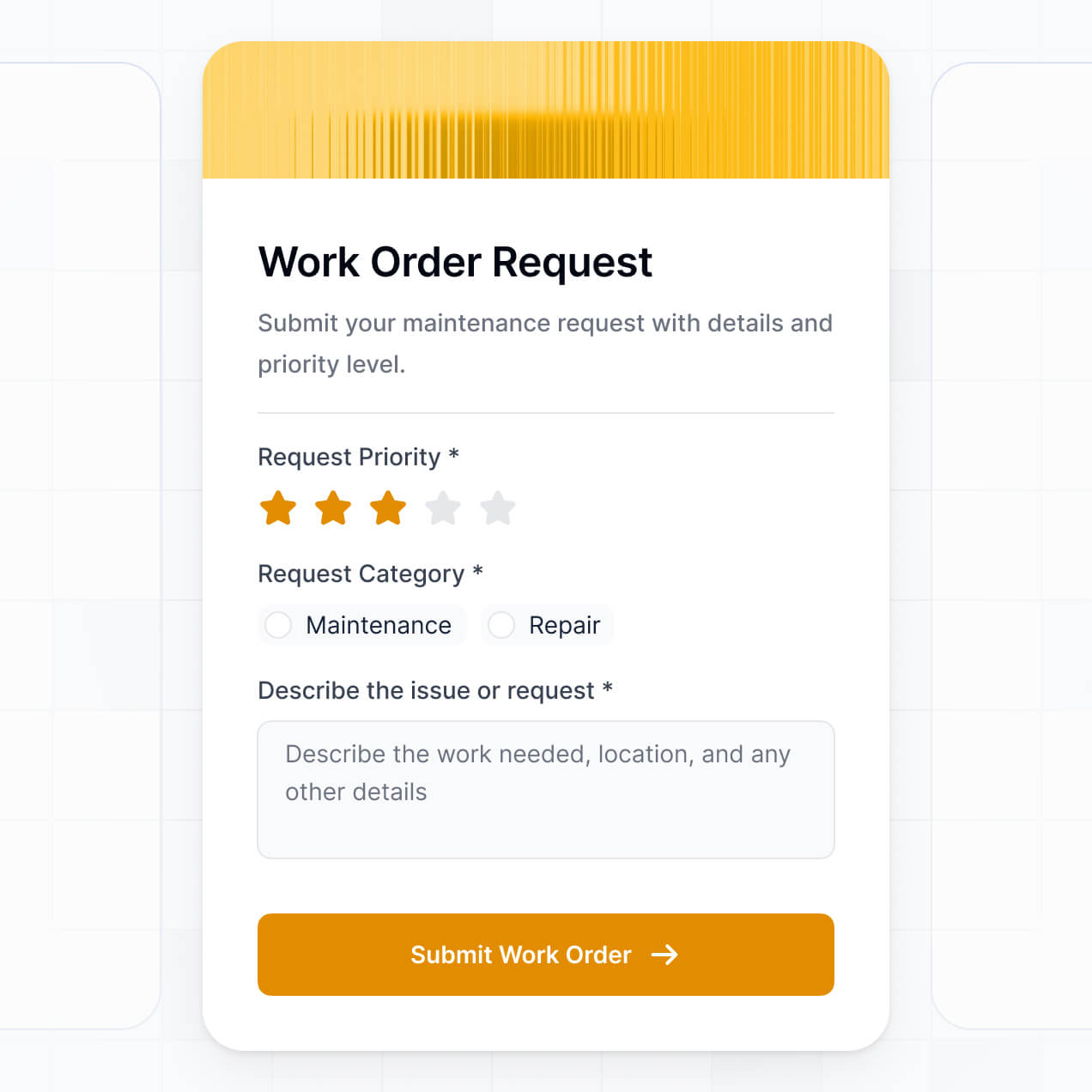
- Forms – for staff to quickly report broken equipment.
- Charts – to show maintenance spend trends year-over-year.
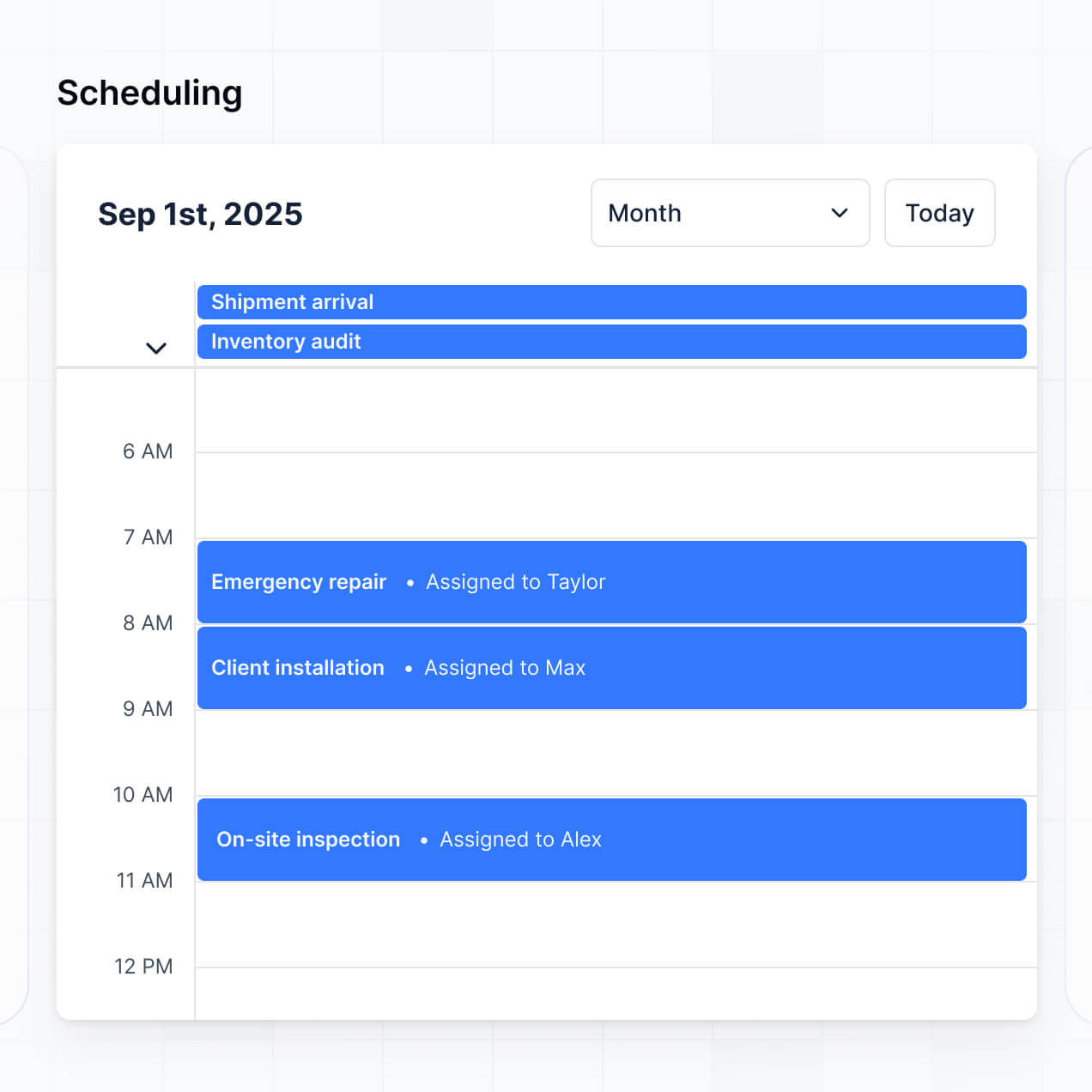
- Calendar blocks – to display scheduled preventive maintenance like hood cleanings.
If your kitchen equipment or reporting needs change, it's easy to update the design right in the visual builder.
Softr is built with security in mind. All your restaurant maintenance logs and vendor data are encrypted in transit (TLS) and at rest, hosted on secure infrastructure. Softr apps give you full control over who can see sensitive cost data or equipment manuals. You can set up role-based permissions, manage kitchen staff directly within your data source, and apply global restrictions to protect your operational data across the entire organization.
For apps using Softr Databases, your data is stored in a secure environment with SOC 2 Type II compliance. For apps connected to external sheets or databases, Softr doesn't store your sensitive information—it just displays it in real time based on your specific access settings. You're always in control of who can edit your maintenance tickets.
It is fully production-ready. Unlike many AI tools that just "vibe code"—generating fragile code that can't handle the daily stress of a busy kitchen—Softr builds your work order management system on top of a stable, business-grade foundation.
We handle the "boring 80%" (like secure logins for staff, reliable hosting, and granular permissions for vendors) natively. This solves the "Day Two" problem of AI: you get the speed of instant generation without the headache of managing unreliable code in a fast-paced restaurant environment. Your app is secure, scalable, and ready for your team to start logging repairs from day one.
Softr is the first AI-native platform for building business software. Unlike generic maintenance tools that are hard to customize or traditional no-code tools that require weeks of setup, Softr's AI Co-Builder creates a restaurant-specific app on top of a secure, production-ready foundation.
What sets it apart is the hybrid advantage: you can use AI to generate your equipment database and maintenance logic in minutes, then use visual controls to tweak the workflow for your specific kitchen. You get the speed of AI with the reliability of professional software (auth, roles, and hosting) already built-in. It's designed for restaurant operators who want to move from a broken fridge to a streamlined repair process on day one.
Yes. Softr supports powerful native workflows and a wide range of integrations so you can connect your work order portal to your existing restaurant tech stack. You can automate tasks using Softr Workflows, like notifying a manager when a repair exceeds a certain budget, or sync with tools like Stripe for vendor payments. Softr also supports REST API and webhooks for connecting to IoT kitchen sensors.
Whether you need to send repair updates to a Slack channel, trigger alerts based on equipment age, or display data from your inventory system, you can build it into your portal without writing code.
Describe your maintenance workflow. Softr's AI builds your custom work order management software in minutes.