












Automate processes.
Save hours of manual work.
Connect any tools in your tech stack.
Set up automations that connect your Softr apps, Softr Databases, and any other tool in your stack, including Airtable, Google Sheets, Slack, Gmail, and more.
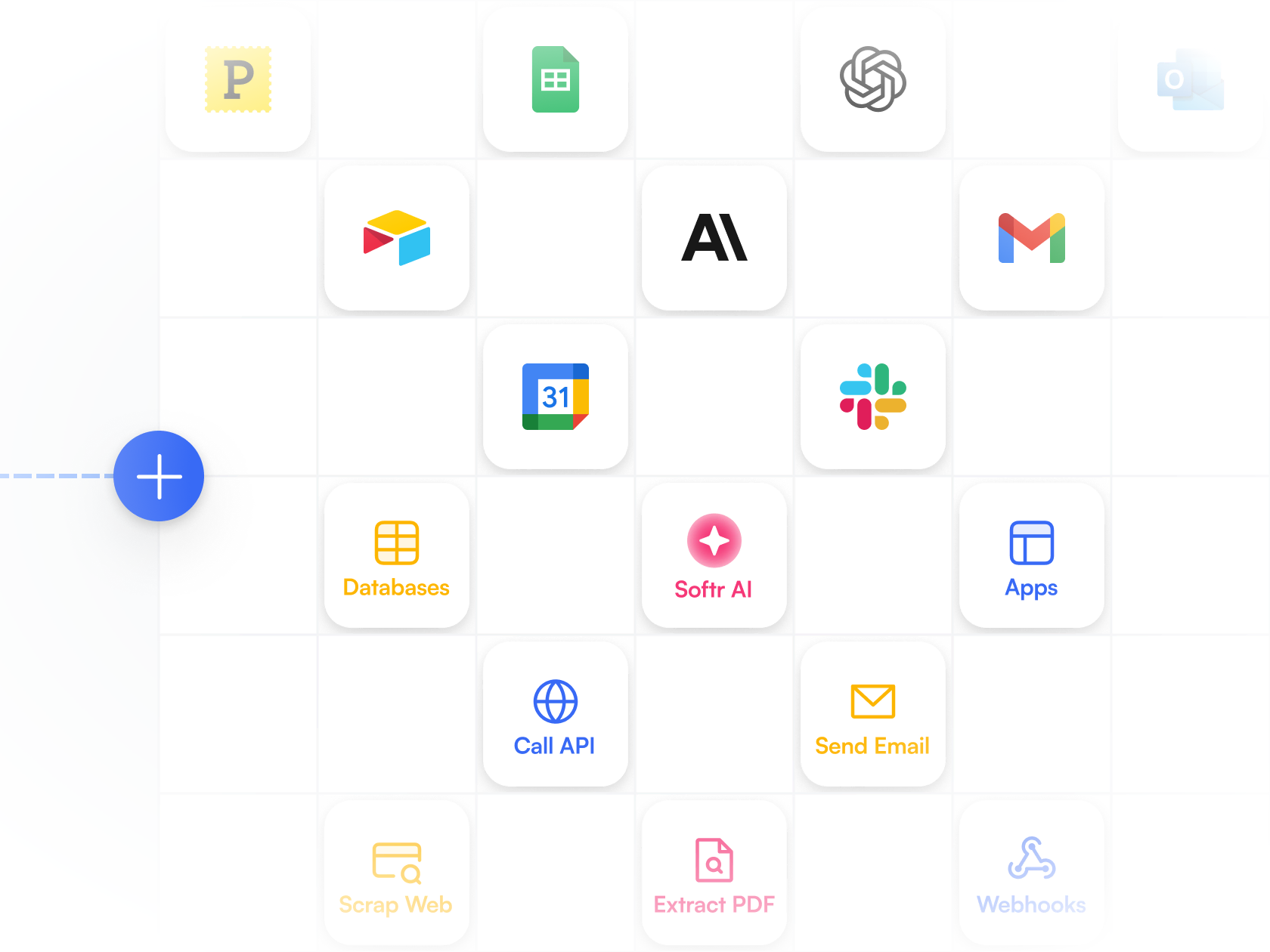
Softr apps & databases
Start workflows when there's a change in your database, or let app users trigger automations from your live apps.
Built-in tools
Connect data sources and actions in a single flow, and add conditions, loops, filters, wait times, and branching logic.
Third-party integrations
Build AI workflows with Gmail, Slack, calendars, Airtable, Notion, and other tools in your stack.
Deploy AI agents in your workflows.
Go beyond basic automation. Build AI-powered agents that can reason, take actions, and manage workflows on their own.

Add AI where you need it
Automate repetitive or logic-based tasks and let AI handle steps that would otherwise require manual input.
Verify and enrich content
Summarize and tag data, analyze PDFs, search websites, or enrich data using built-in AI capabilities.
Choose your AI model
Connect with Softr’s built-in LLM integrations like Anthropic or OpenAI, or bring your own API key for full control.
Create powerful, multi-step workflows with a visual builder.
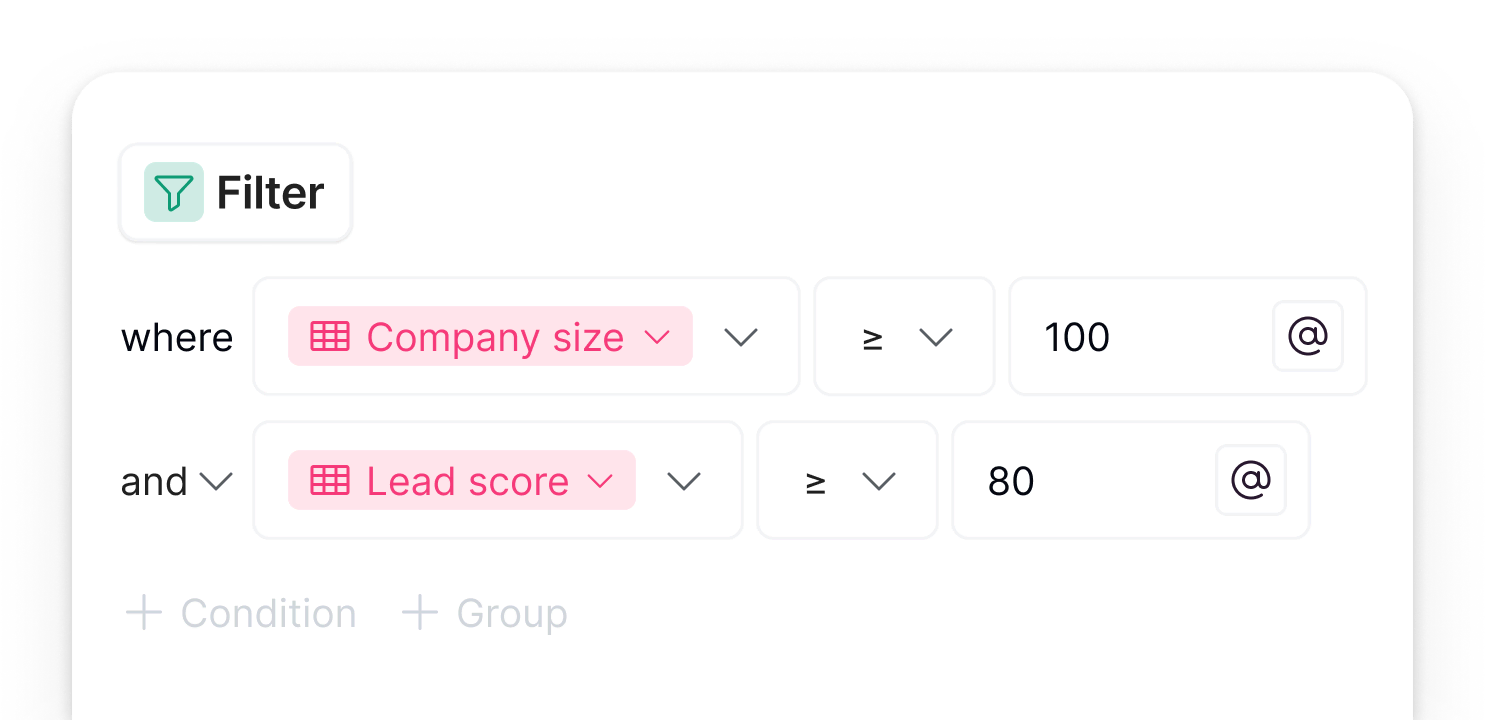
Conditions & Filters
Avoid wasted runs. Trigger workflows only when specific fields or values meet your conditions.

Call API
Connect Softr to any external system with a REST API. Send or retrieve data instantly to keep your apps and tools in sync.

Branches
Branch workflows to display different messages or route users to different pages based on conditions.

Webhook
Trigger workflows instantly when events happen in your apps or external tools. Keep data flowing between systems in real time.

Looping
Run the same actions for each item in a list or record set, and automate bulk updates or repetitive steps across your data in one go.
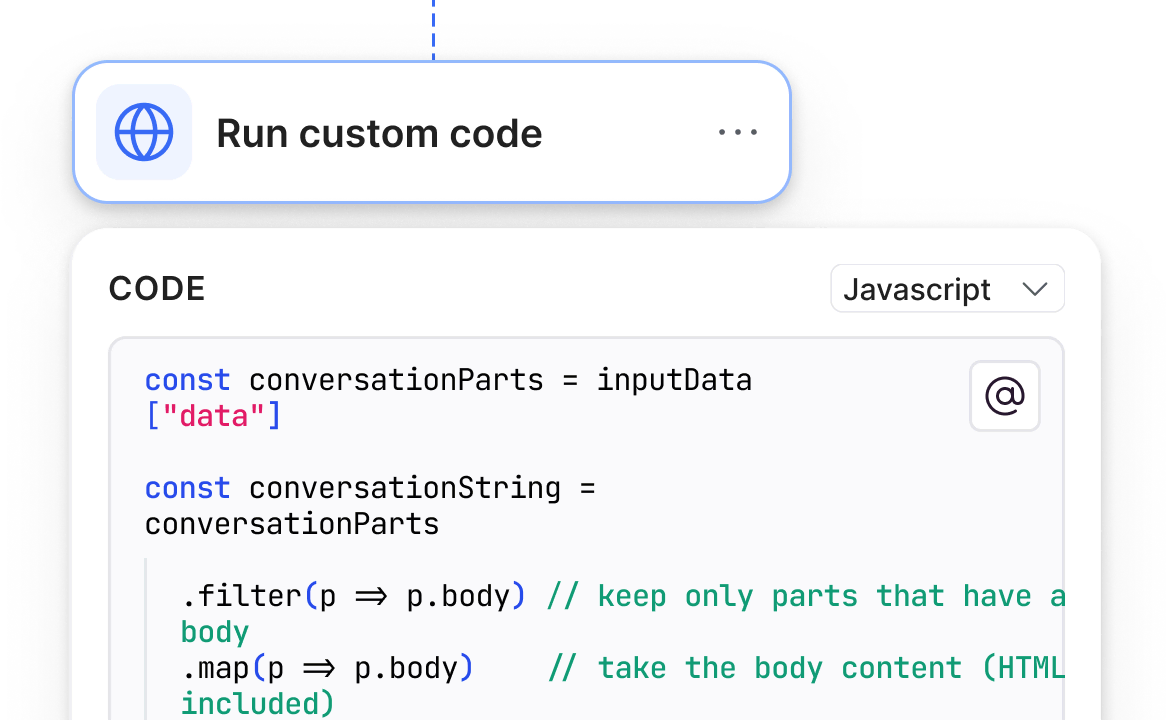
Custom code
Add custom JavaScript or Python code blocks for advanced logic or integrations.

Scheduling
Schedule workflows to run automatically at the times you choose, and control timing between steps with built-in wait actions. Perfect for daily summaries, recurring tasks, or timed alerts.
Trigger workflows from Softr apps and databases.
Run workflows when your database changes.
Run end-to-end automations the moment new records are created or whenever your data changes.
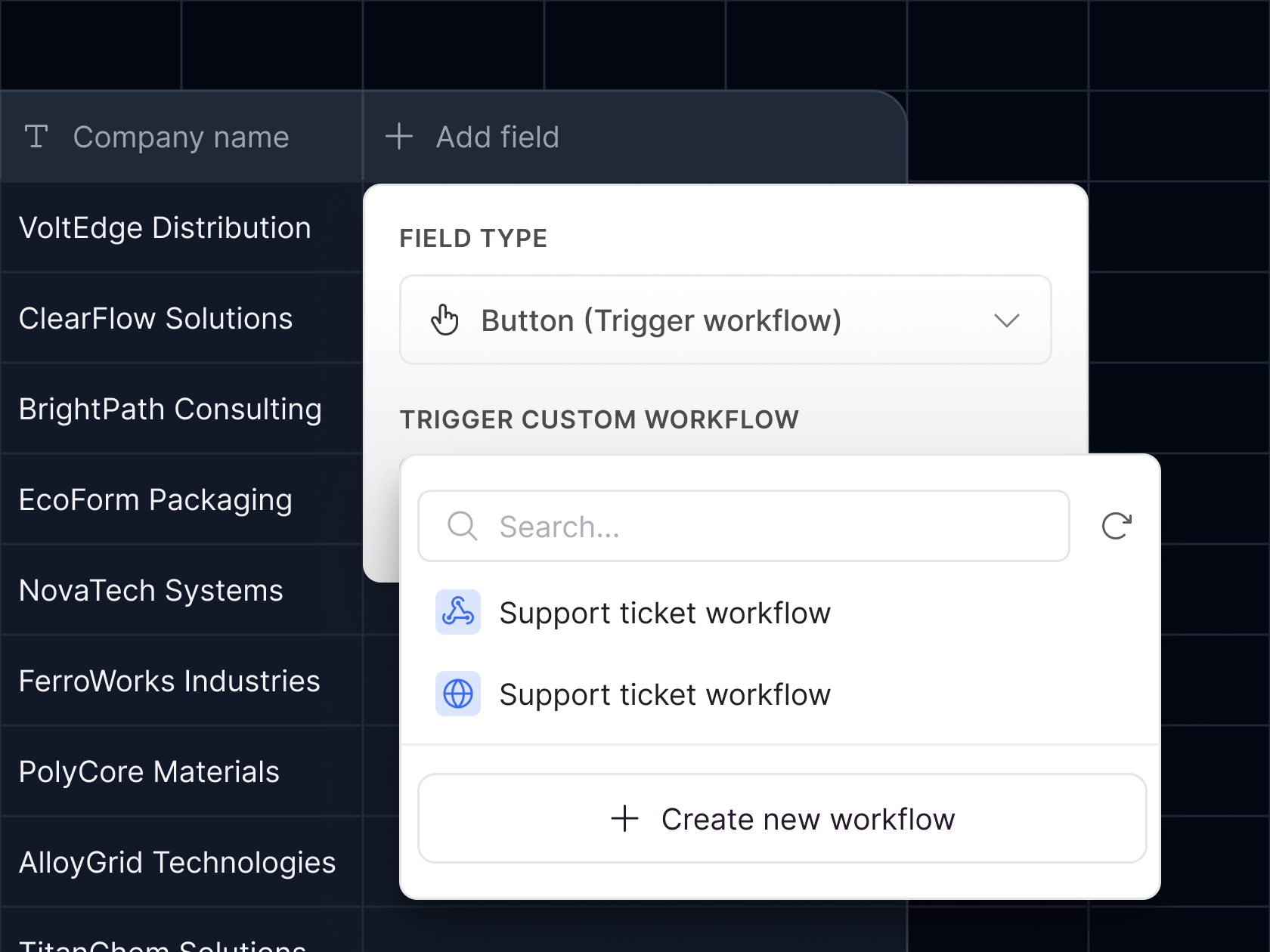
Trigger on record updates
Launch workflows when records are created or updated in your database, like sending a welcome email when a new client record is added.
Set precise conditions
Trigger workflows only when specific fields or values meet your conditions, like updating a Slack channel only if deal status changes to “Closed Won.”
Add database actions
After a trigger, you can update, add, delete, or find records in Softr Databases to close the loop and make data management easier.
Run workflows when users take action in your Softr apps.
Run end-to-end workflows based on what users do inside your app. Use workflows to personalize user interactions.
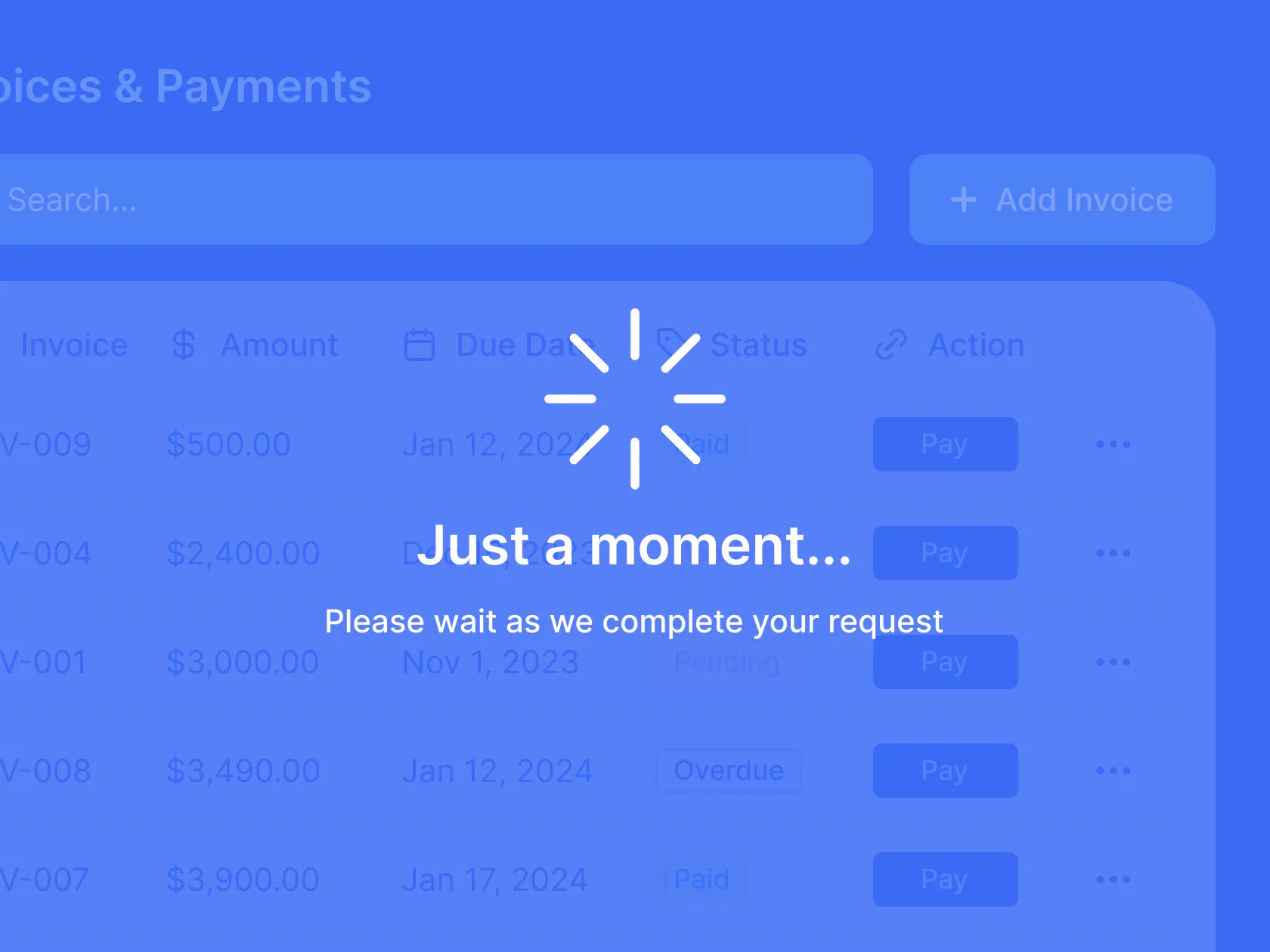
Turn user actions into workflows
Trigger automations when someone clicks an action button from the UI of your Softr app.
Guide users through the flow
Show progress or wait screens while the workflow runs, then show confirmation or success screens once it completes.
Personalize the experience
Branch workflows to display different messages or route users to different pages based on conditions.

Start with ready-made workflow templates
Need ideas for what to automate? Explore AI workflow templates you can customize to fit your business processes and apps.

Notification on new record
Send an instant Slack message when a new lead, project, or request is created

Weekly app digest
Generate an automated weekly summary of app records or activity using AI.

Personalized emails
Send or schedule tailored emails to clients or team members based on workflow logic.

Threshold alerts
Trigger workflows when a key metric—like deal size or response time—reaches a specific number.

Scrape webpages
Capture lead or product data from external websites, summarize with AI, and save to a database.

Onboarding sequence
Send an onboarding email sequence after a new customer or client record is created.

Auto-assign owners
Use AI to review new records, determine the right owner, and update assignments instantly. ation.




.avif)



Frequently asked questions
What are Softr Workflows?
How do workflows work?
Can I show users a wait screen while a workflow runs?
How do I trigger a workflow?
Can workflows run from or connect to external systems?
What can I build with an AI workflow?
How do AI Agents and AI Actions work within Workflows?
Can workflows update data in Softr Databases?
Can I test and monitor my workflows?
Are there templates or in-app guides to get me started?
How does pricing and usage work?
Build and launch workflows inside Softr.
Build and launch your first workflow in minutes.