


.svg)
Turn your business data into no-code portals with AI
Softr makes it easy to build custom portals to replace your spreadsheets, manual processes, and disconnected tools.










From prompt to
no-code portal in minutes
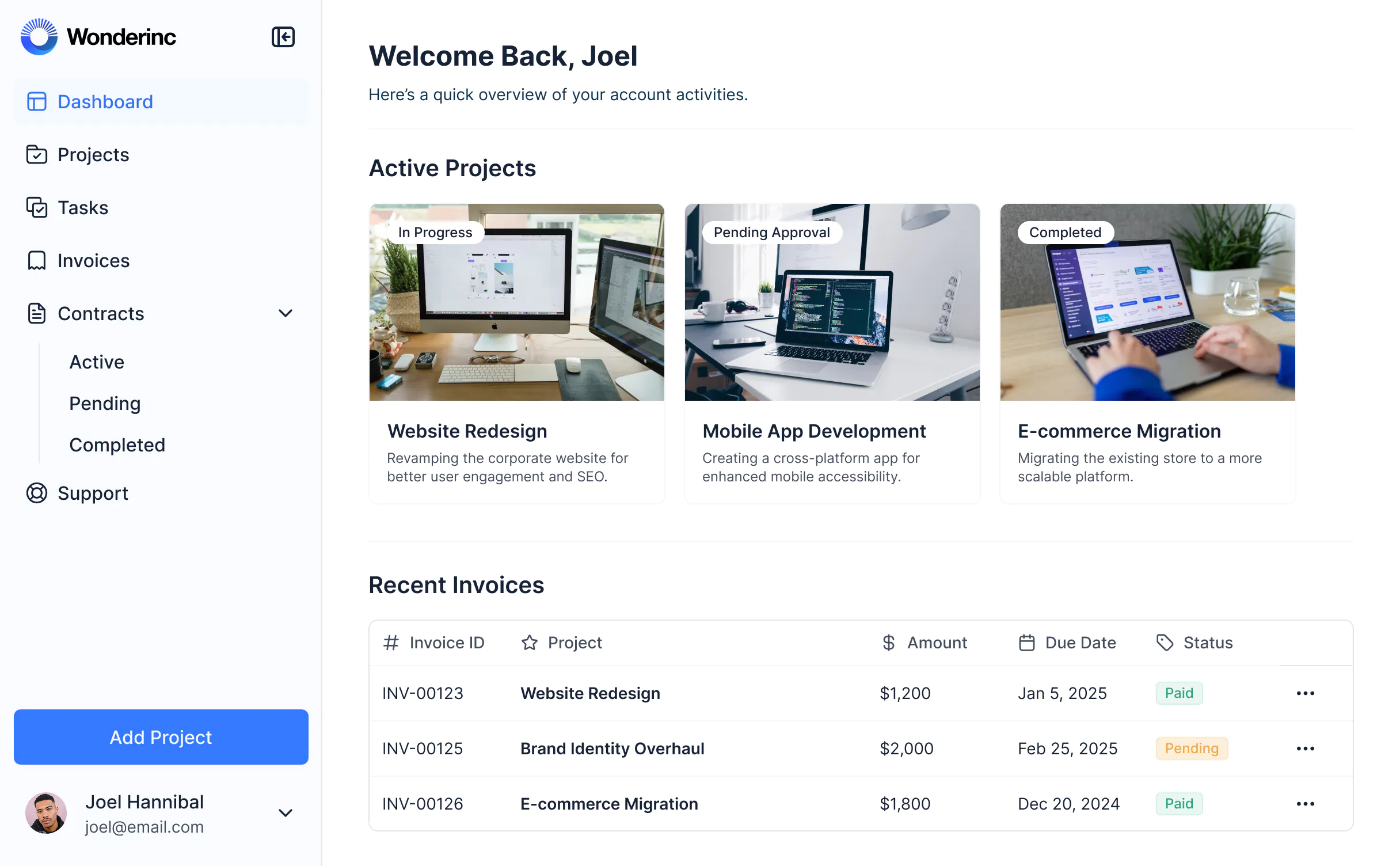
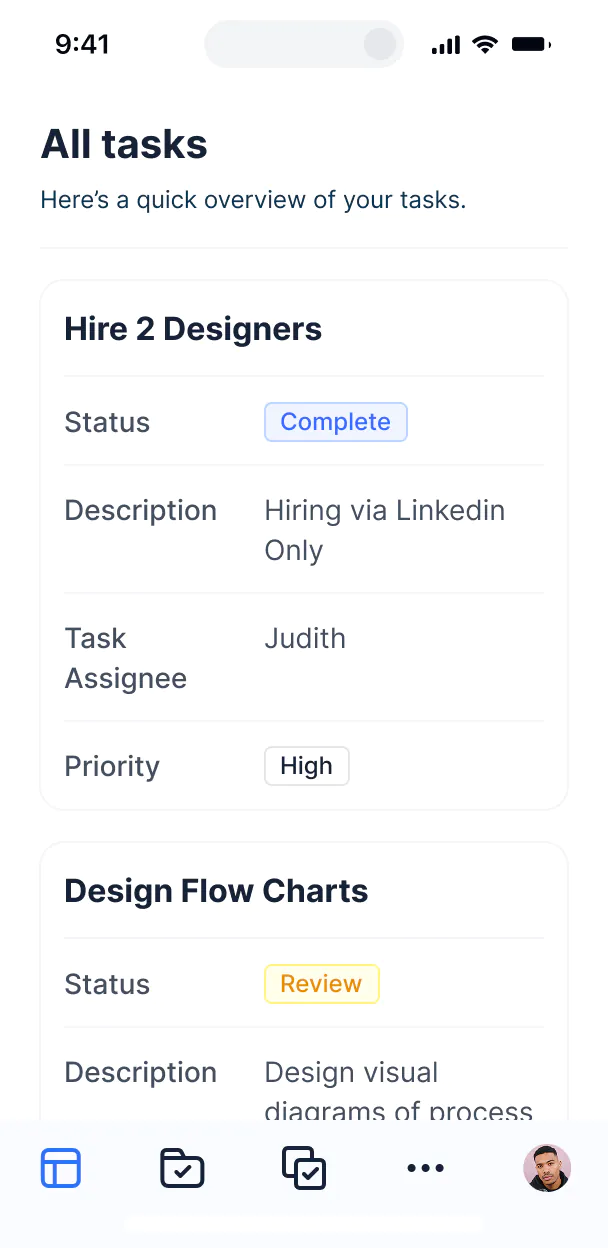
Teams need to move fast, but siloed data and software slows them down. With Softr, you can build portals and tools tailored to your workflow—without waiting on devs.

Own your portal fully — no devs needed
Describe what you need, get a full portal back—database, app, and business logic. Switch between AI and visual editing to iterate and match your exact workflows.

Build one portal, personalize it for many users
Custom user groups and granular permissions let you control what information each user can see and edit, all within the same portal.

Customize to fit your brand and business
You have full control over layout, logic, and design. Style your portal to match your brand and deliver a polished, professional experience.

Build any type of no-code portal for your business
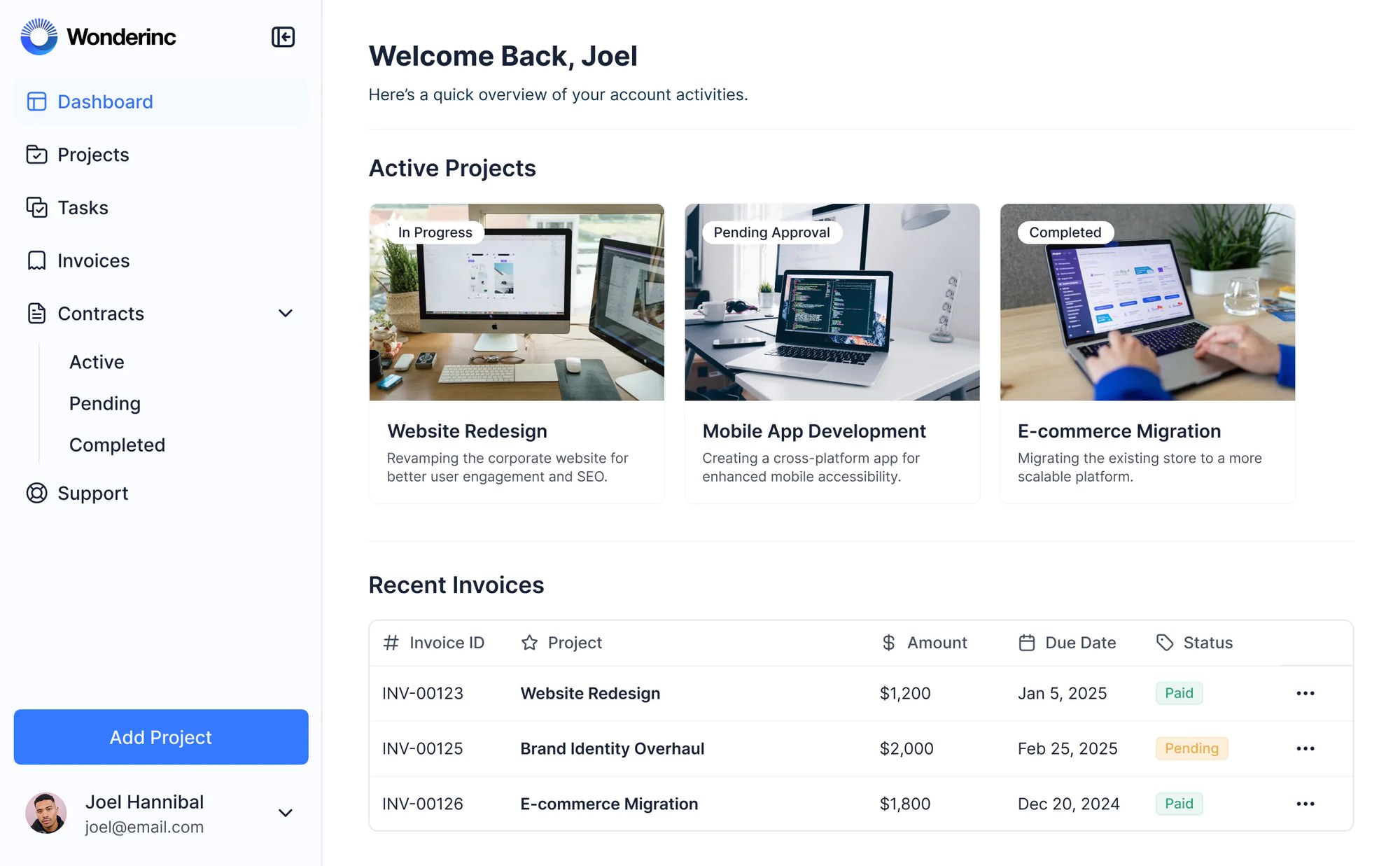
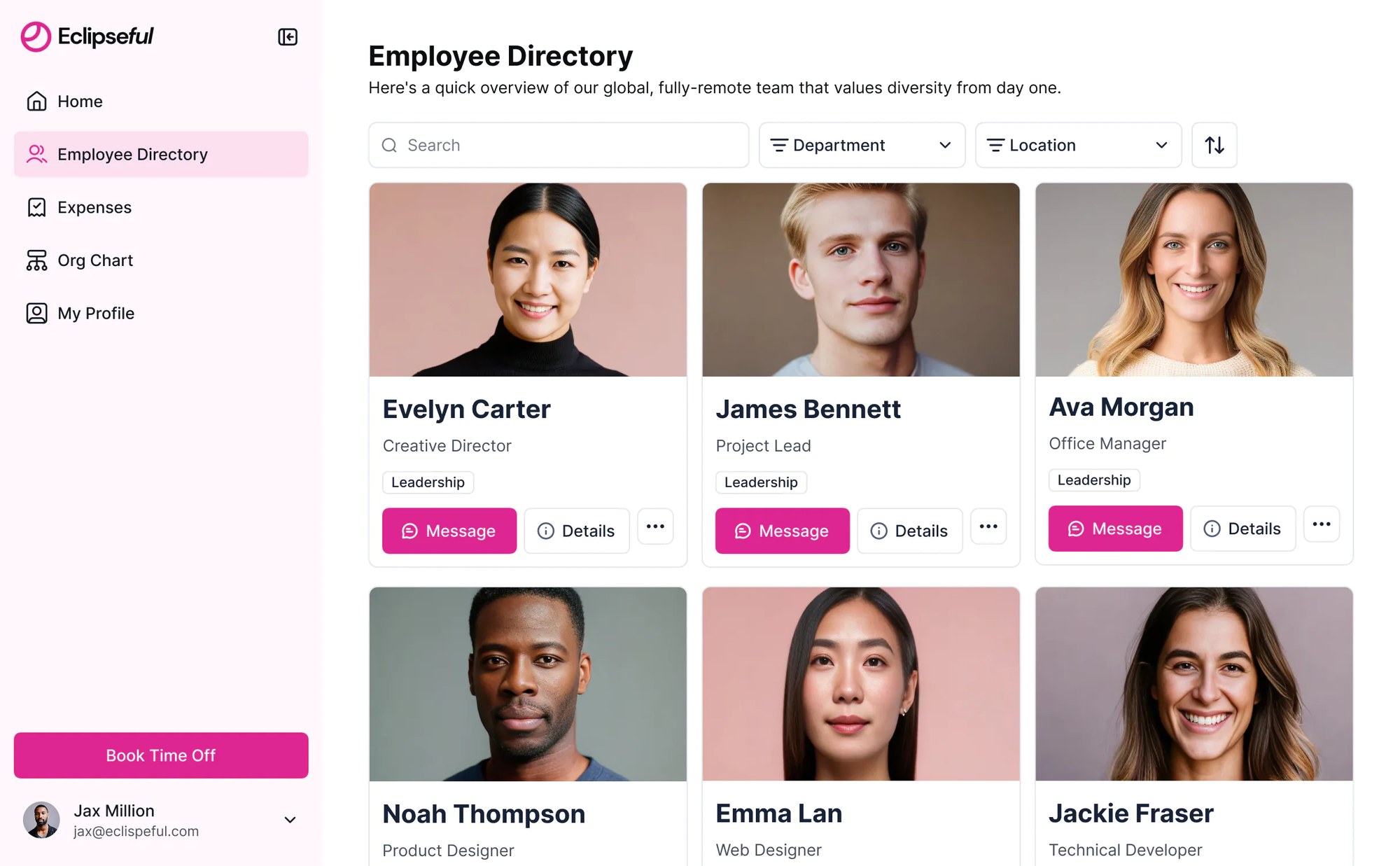
Deliver sleek and modern portals that reflect the look and feel of your brand.



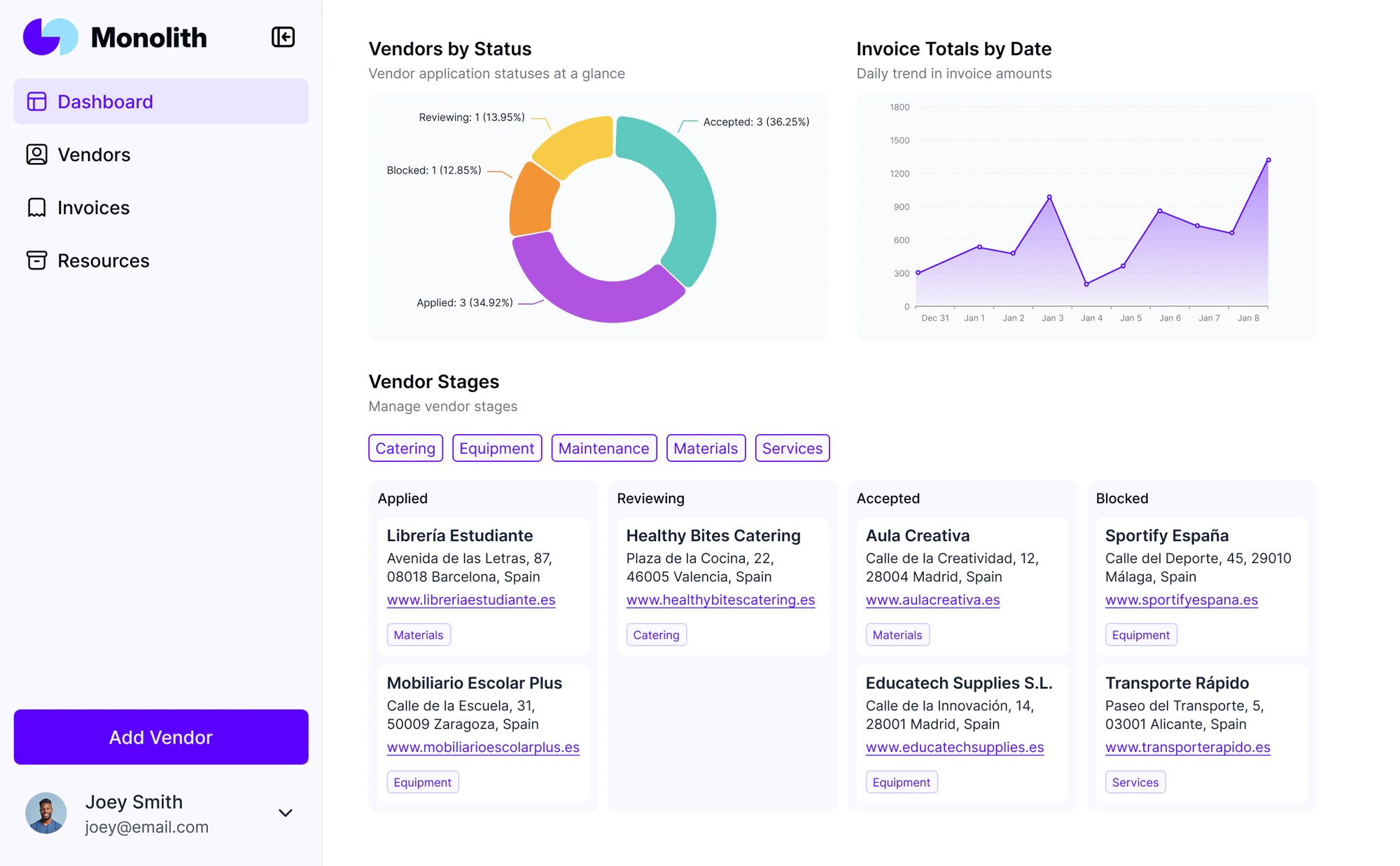

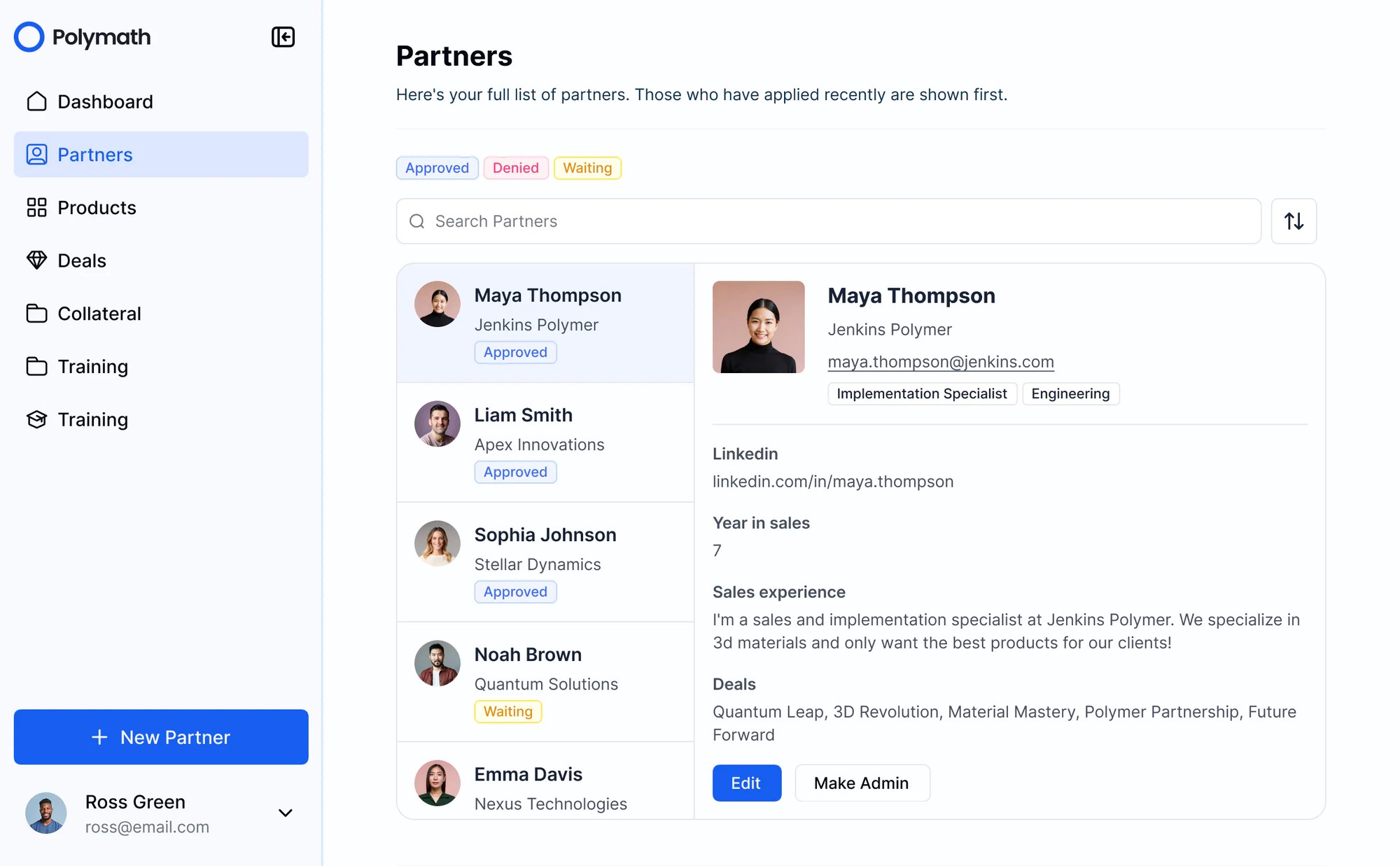

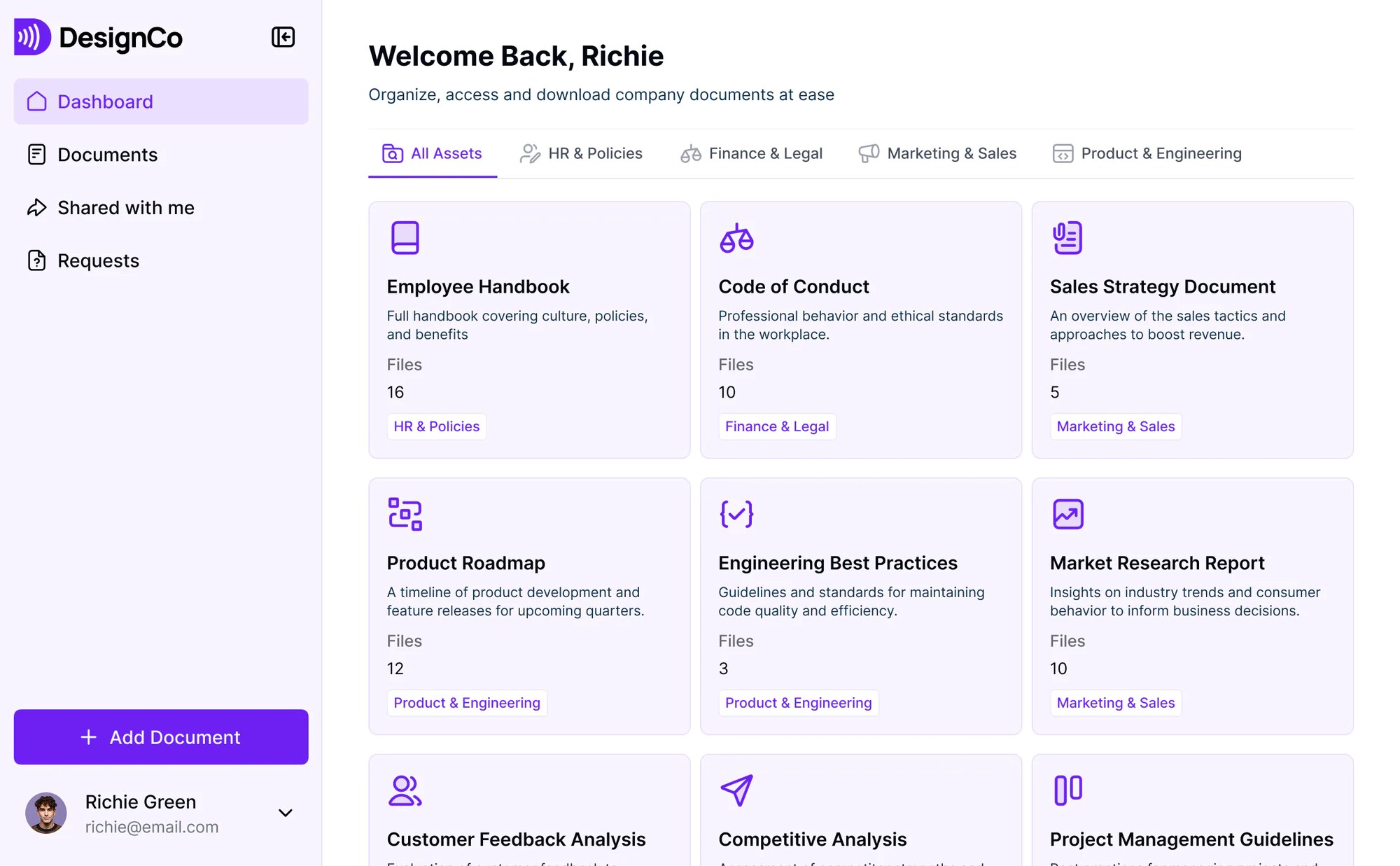

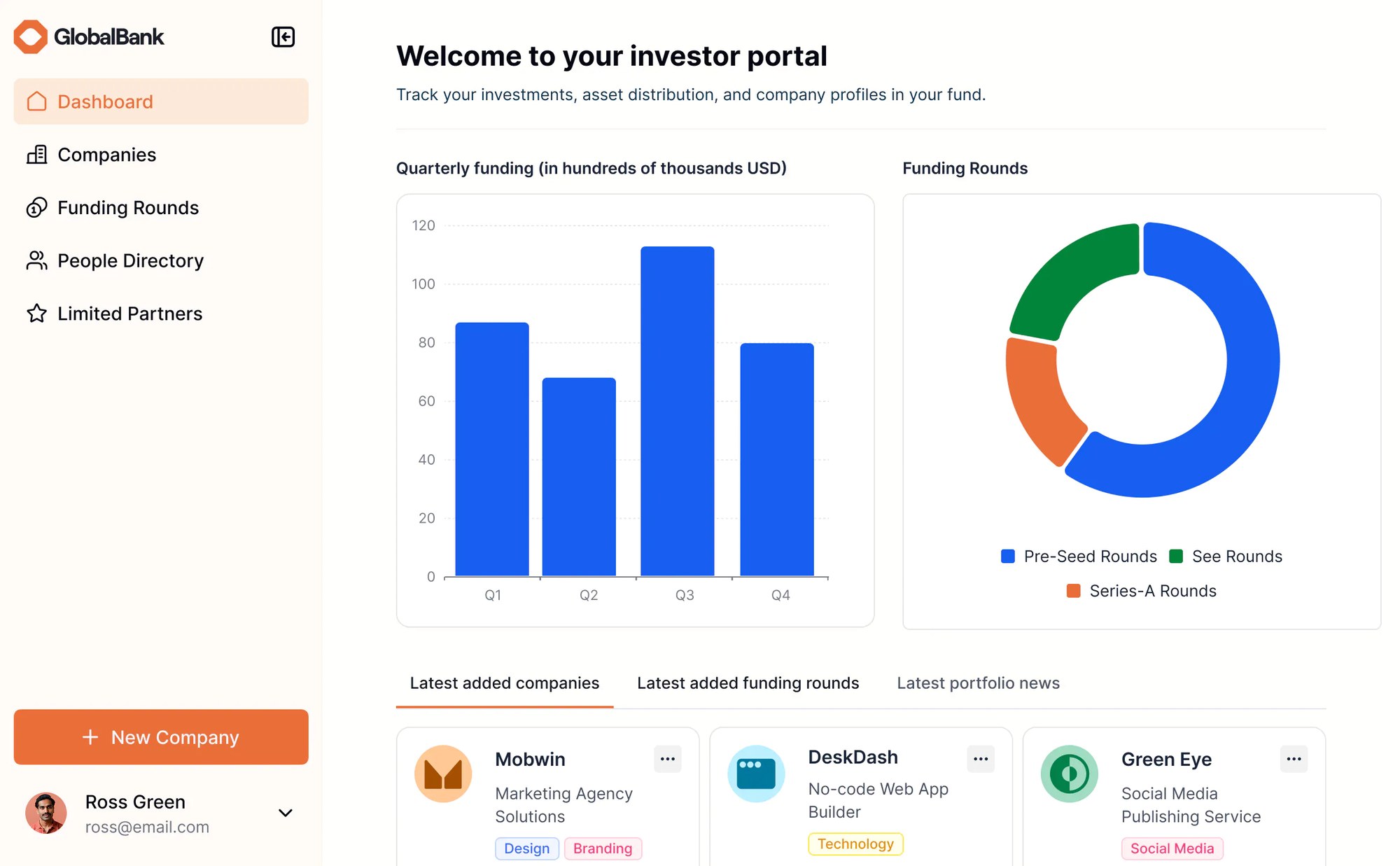

Bring all your data and tools together in real-time
Use Softr's built-in databases to power your portals, or build on top of 17+ data sources like Airtable, Notion, Google Sheets, and more. No manual updates—your content stays synced automatically.


Portals that scale with your business
Deliver sleek and modern portals that reflect the look and feel of your brand.

Branding
Deliver a professional portal experience that reflects the look and feel of your brand.

Works on any device
Turn your portal into a mobile app in one click with Softr’s PWA feature, no extra design work needed.

Forms & automations
Use Softr Forms and Workflows to automate processes across your app—or connect to Make, Zapier, n8n and more.

Advanced permissions
Customize who sees what, and which actions they can take, at even the most granular level.
.svg)
Embeds & reporting
Embed external reports, so users can view what they need without switching between tools.

Security
Protect information from security threats. Softr is fully compliant with SOC2 and GDPR regulations.


Go from zero to app, incredibly fast
Co-build with AI
Simply describe what you need. Let Softr handle everything - Interface, database, workflows.
Iterate with AI or visually
Control most critical parts of your app yourself, including: roles, permissions, and security.
Ship the same day
Invite team members or external clients and partners right away. Build AI apps with no developer handover.


Built with
AI App Builder
Create business apps with AI
Databases
Store and manage your data
Frequently asked questions
What is a portal?
What is a portal?
A portal is a login-protected space where specific people (clients, vendors, partners, employees, or members) can view data and take actions on it, but only the actions you allow. Unlike a public website, everything behind the login is personalized and permission-controlled, so each user sees only what's relevant to them.
What can you use a portal for?
What can you use a portal for?
Any workflow where outside people need access to your data without getting access to everything. The most common are client portals for sharing project status, files, and invoices; vendor and partner portals for orders, inventory, and documents; employee and intranet portals for internal tools and directories; and member portals for communities, associations, and course access. The underlying build is the same each time — data, logins, permissions — so one portal often expands to cover several of these as your needs grow.
How do you build a portal without code?
How do you build a portal without code?
With Softr, the fastest path is to describe your portal to the AI Co-Builder, which generates the interface, a connected database, user logins, and permissions in minutes. From there you refine everything visually, so you're never locked into re-prompting. You can also start from a pre-built template or build from scratch. All three paths produce a real, working portal, not just a prototype.
Are no-code portals secure enough for client and business data?
Are no-code portals secure enough for client and business data?
Yes, when the platform handles security natively. Softr portals come with authentication, role-based permissions, and record-level data controls built in, so users only ever access their own data. Softr is SOC 2 Type II compliant and GDPR-ready, with data hosted in Europe, which is the standard most client-facing and regulated businesses need.
What makes Softr different from other portal builders?
What makes Softr different from other portal builders?
Softr pairs AI generation with a secure no-code foundation, so your portal works the moment you publish it, with no developer needed. It's built as a dedicated interface with granular user groups, so different people see entirely different parts of the same app. And it runs on its own native database, with client logins priced separately from builder seats, so opening a portal to a large client base doesn't mean buying everyone a seat in the builder.
Where does a portal's data come from?
Where does a portal's data come from?
Softr portals run on native Softr Databases, which the AI Co-Builder can set up for you with the right tables and relationships. If your data already lives elsewhere, Softr also connects to 20+ external sources, including Airtable, Google Sheets, Notion, SQL databases, and more.
How do permissions work in a Softr portal?
How do permissions work in a Softr portal?
Through user groups. You define groups based on any condition in your data, then control what each group can see and do, down to individual records and fields. A client sees only their own projects. A vendor sees only their own orders. An internal admin sees everything. Because groups read from your live data, a new user lands in the right group automatically the moment their record is created.
Can I add AI features to my portal for end users?
Can I add AI features to my portal for end users?
Yes. Softr includes a built-in AI assistant you can add to a portal without any API setup. Users can ask questions in plain language instead of digging through tables — “what's the status of my order” or “show me invoices from last quarter” — and get an answer from live portal data. The assistant only reads what that user already has permission to see, so it never surfaces another customer's records.
Build no code portals with AI, fast
Build and launch your first app in under 30 minutes.


