


Build a custom project management app with AI
Create a flexible project management app that fits your team and client workflows—no code required.
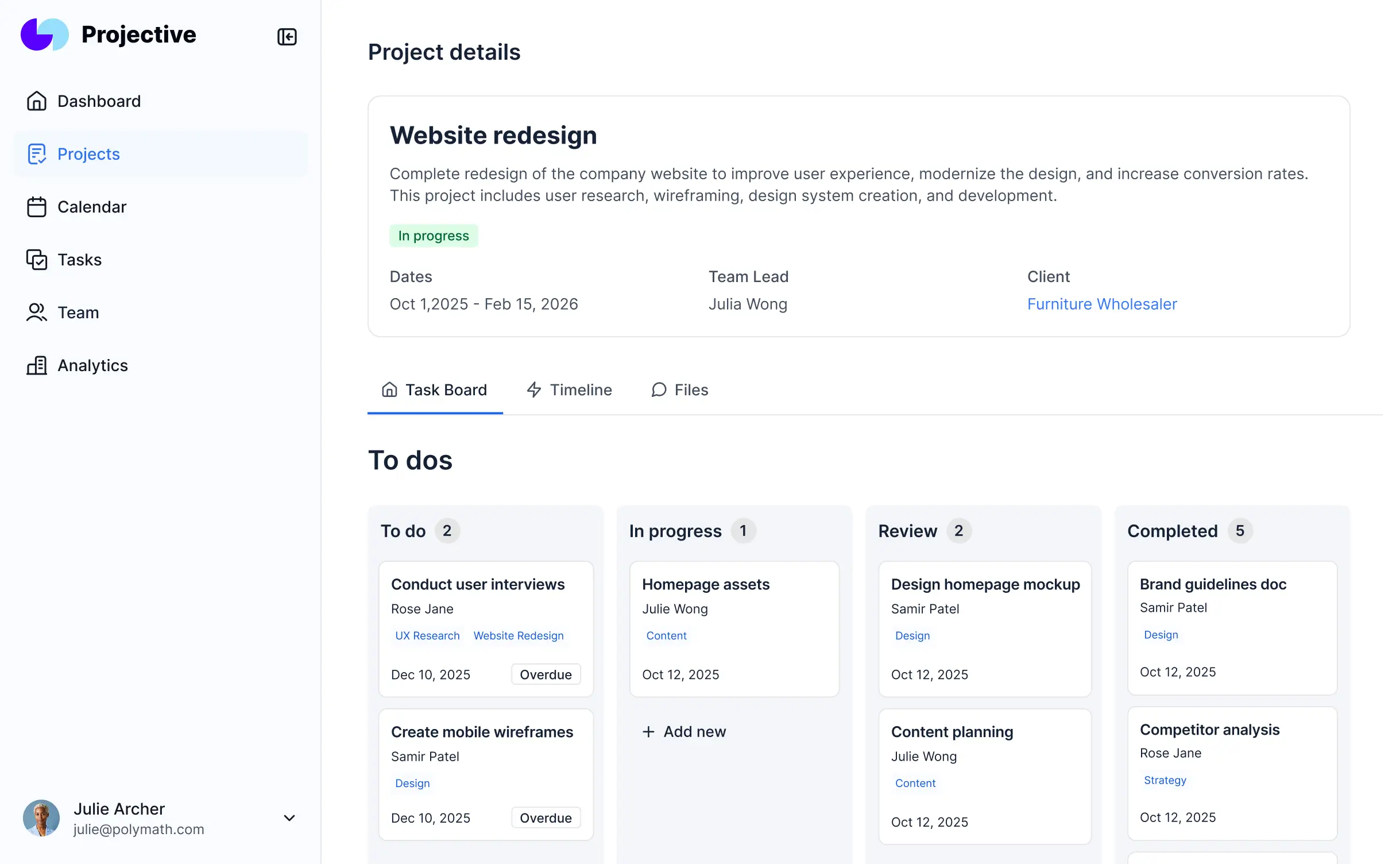











Bring scattered project data into one place
Softr's AI Co-Builder generates a database when it builds your app, or you can connect to 17+ data sources. Whether you have existing data or are building from scratch, you're covered.


Add only the views and features you need
Describe what you need and get a project management system back. Then switch between AI and visual editing to adjust logic, layout, and design.
Project & Task Management


Creative Approvals & Deliverables

Client Communication

Document Management

Onboarding & Project Requests
Reporting & Dashboards


Secure and fully functional by default
Create an easy-to-use system that gives your team and clients real-time access to the project information they need.

Production ready
Logins, user management, hosting, and more — built in and working from the moment you hit publish.

Branding
Deliver a professional project management system that reflects the look and feel of your brand (and impresses your end users).

Workflow automation
Use Softr Workflows to automate processes across your app — or connect to Make, Zapier, n8n and more.

Advanced permissions
No more messy guest access. Customize who sees what, and which actions they can take, even at the most granular level.

Works on any device
Turn your project management system into a downloadable mobile app in one click with Softr’s PWA feature.

Security
Protect information from security threats. Softr is fully compliant with SOC2 and GDPR regulations.
.svg)
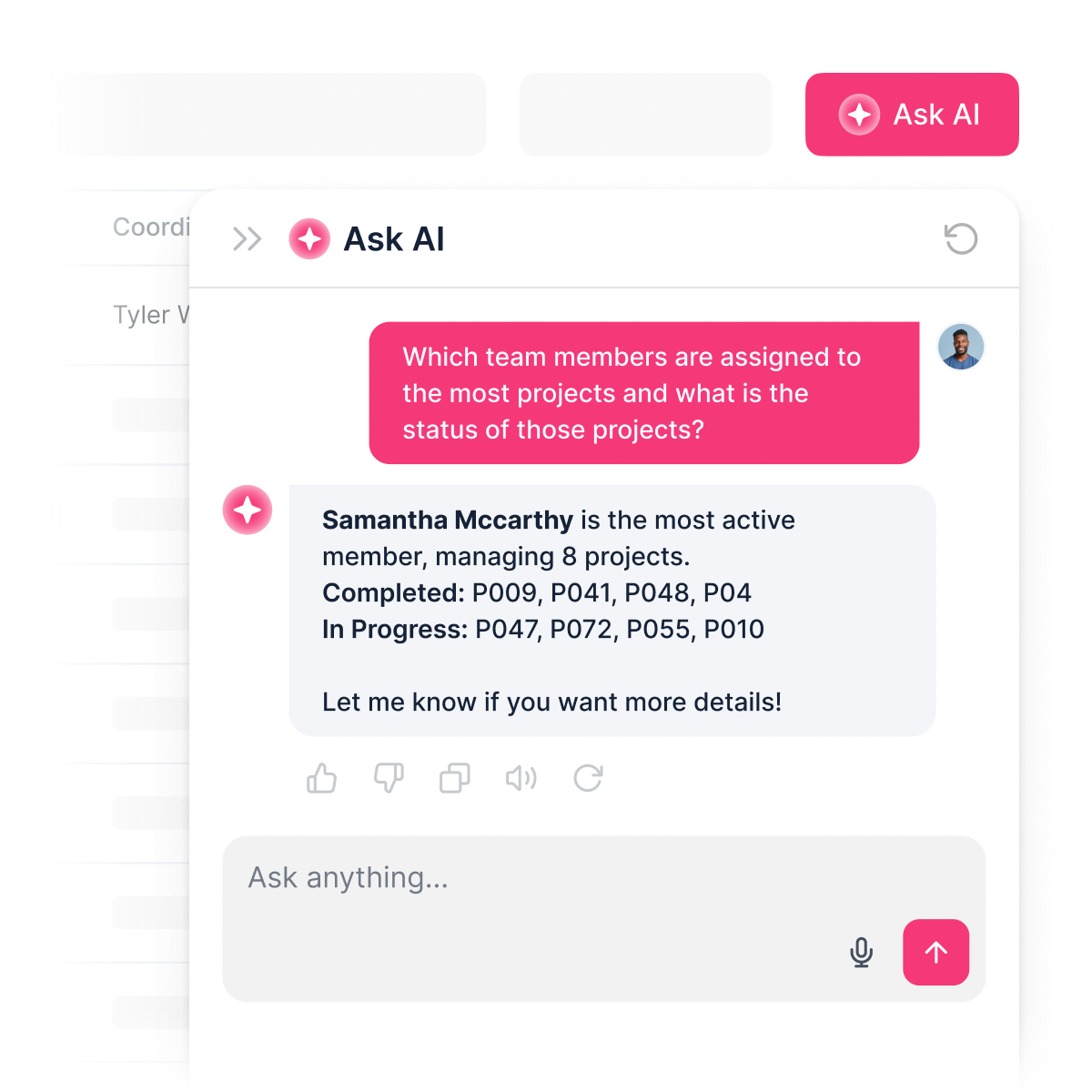
Add a built-in AI project assistant
No more chasing updates. Clients and teammates can ask AI about project progress, deadlines, or workloads—and get instant answers from live data.


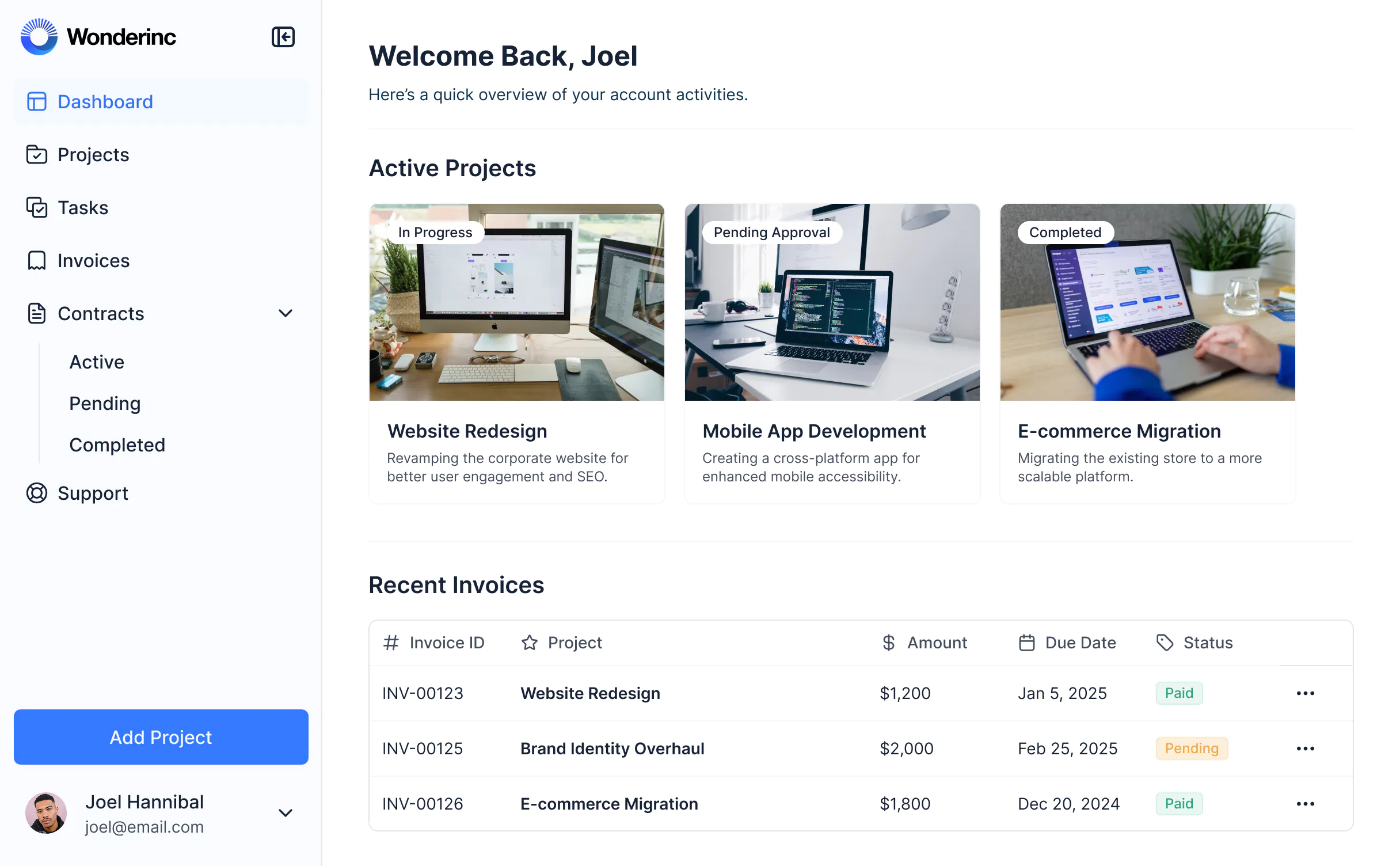
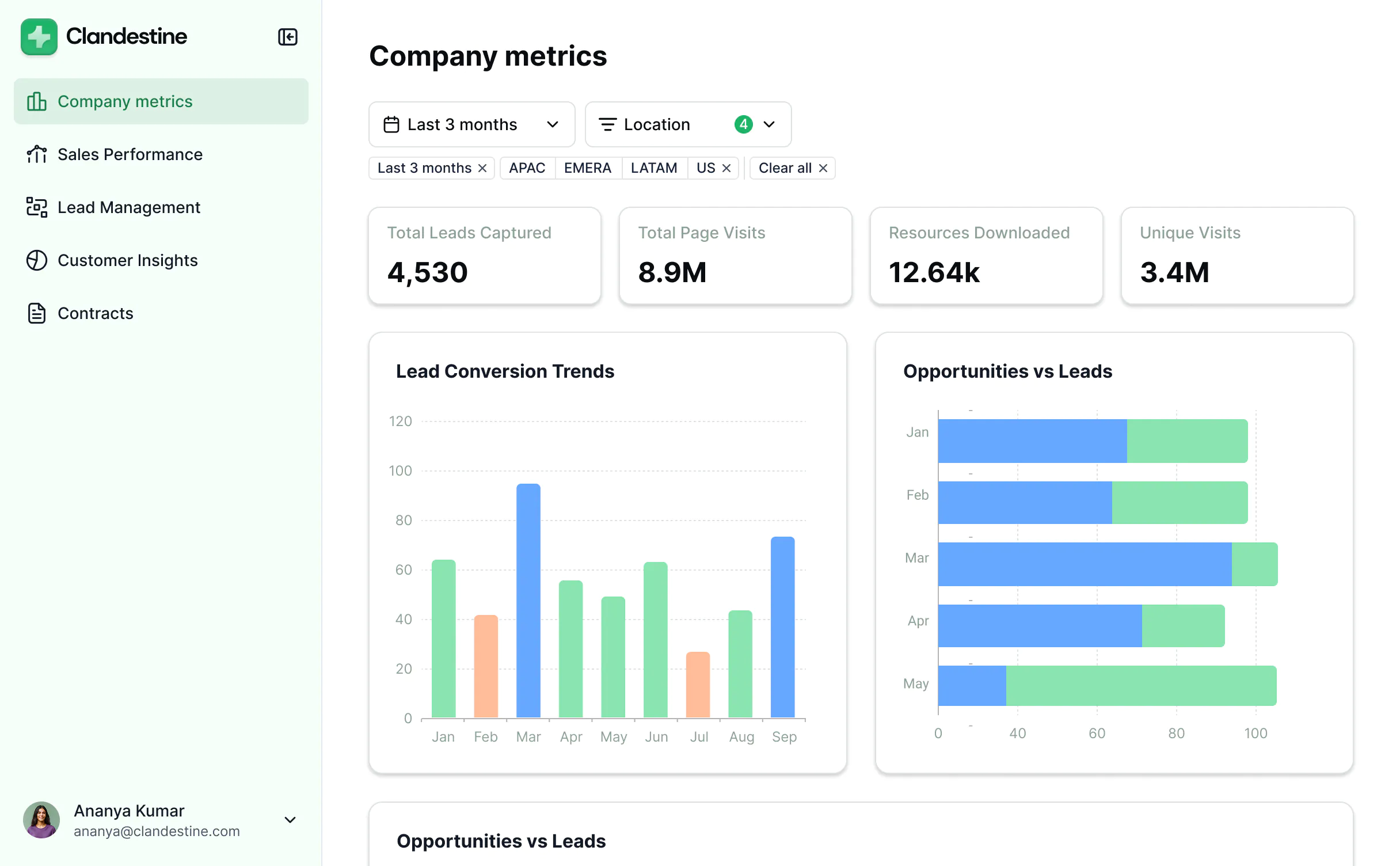
Start with projects. Add new tools as you grow.
Start with project management, then add a CRM, dashboard, and portal—without switching platforms or overspending.



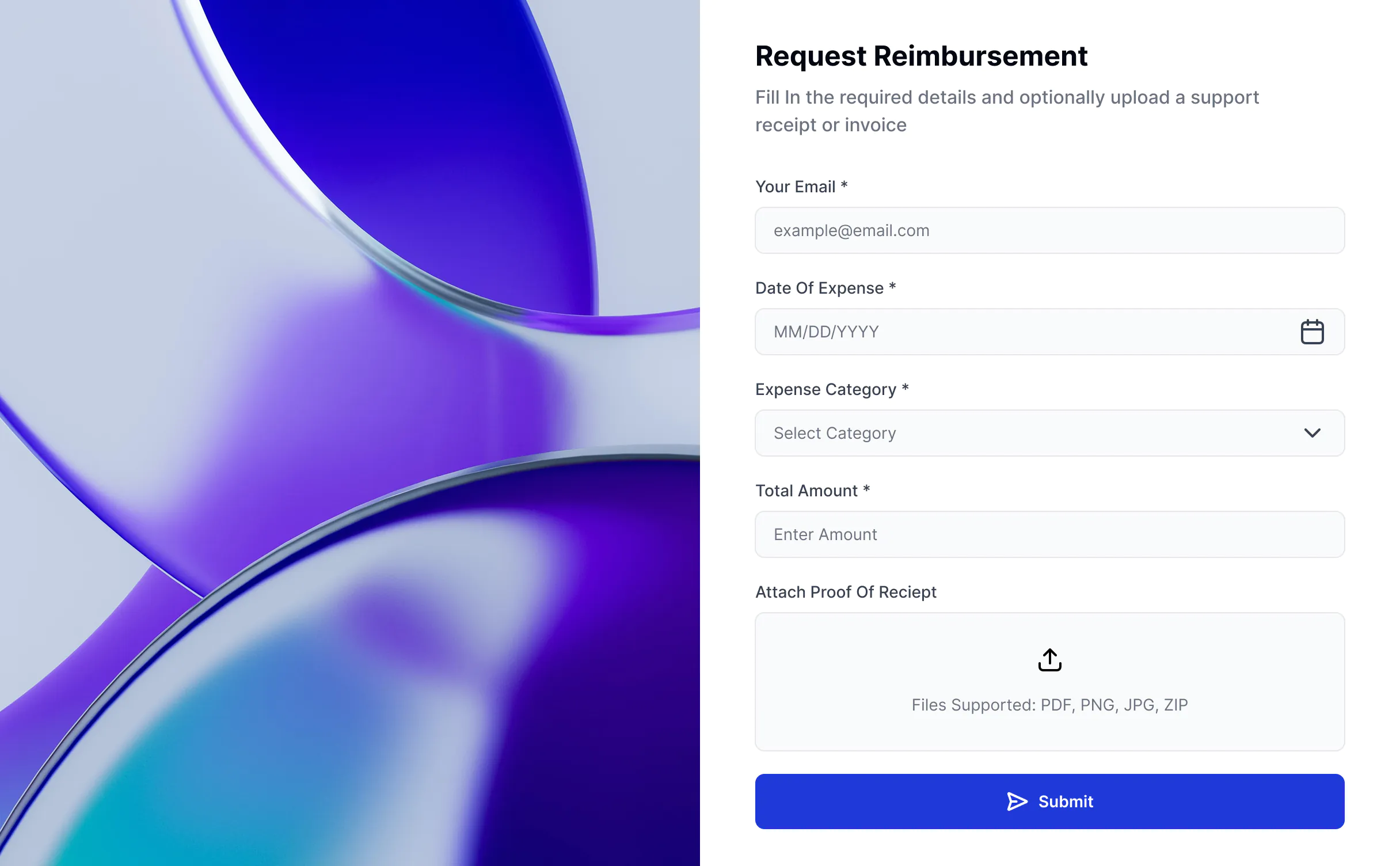


Create your app in 3 easy steps
Co-build with AI
Simply describe what you need. Let Softr handle everything - Interface, database, workflows.
Iterate with AI or visually
Control most critical parts of your app yourself - roles, permissions, security.
Ship the same day
Invite team members or external clients and partners right away. No developer handover.



Frequently asked questions
What is a project management app?
What are the benefits of a project management app?
What features should a project management app have?
Why should I build a project management app with AI and no-code?
Can I give clients or external partners access to my project management app?
How much does it cost to build a project management app with Softr?
How do I build a custom project management tool?
What data sources can I connect to a project management tool?
Can I build a project management tool with AI features for my end users?
What’s the difference between using Softr vs an off-the-shelf project management platform?
Build your own project management app with AI.
Launch a new system, fast — connected, secure, and ready for real users.


