



Softr vs. Airtable
Running into Airtable performance or pricing limits? Try Softr, the fastest way to build scalable databases and business apps.
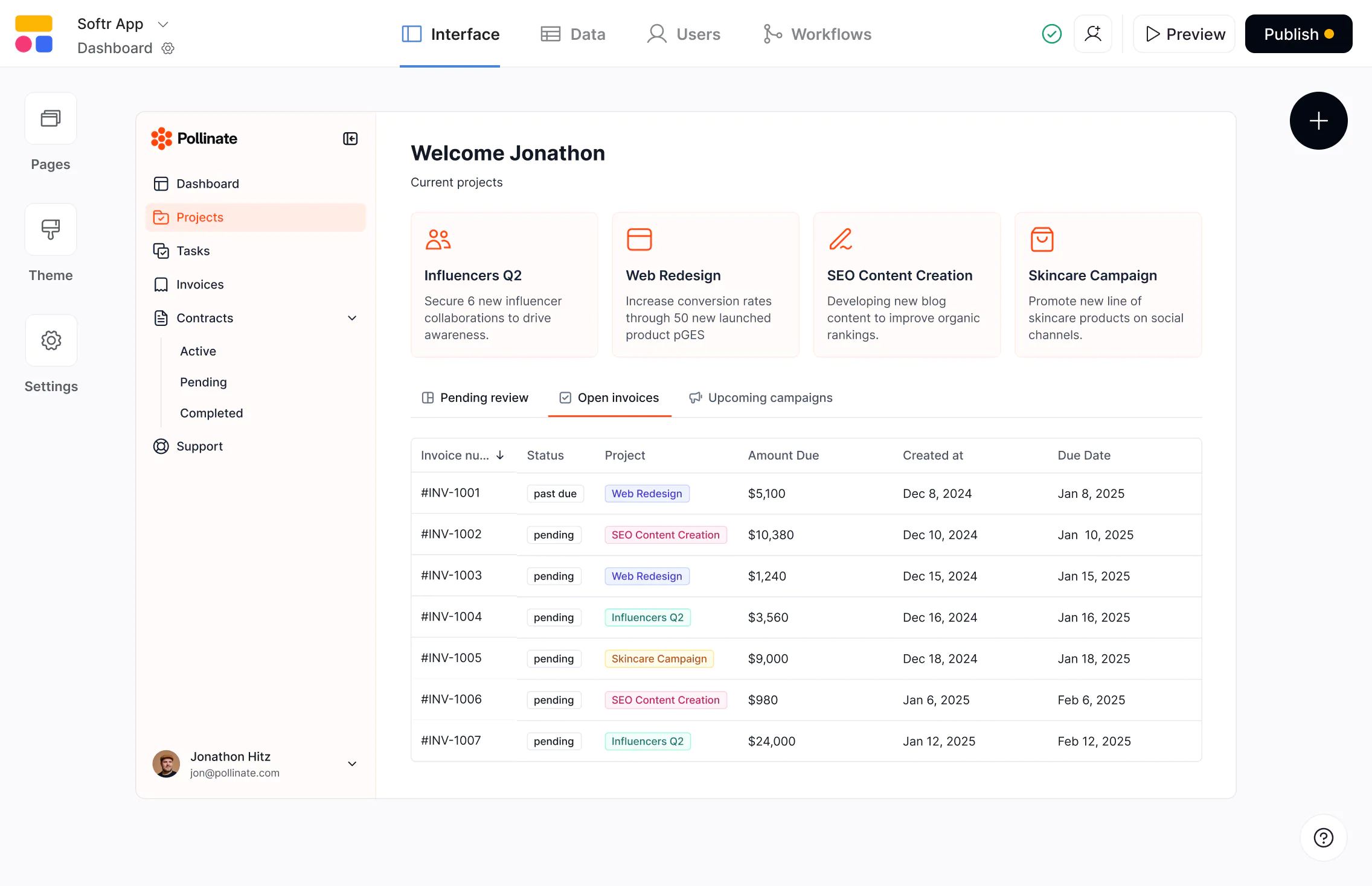










The #1 Airtable alternative
Build powerful databases and full-stack apps, then iterate as your business grows.

Built to run operations at scale.
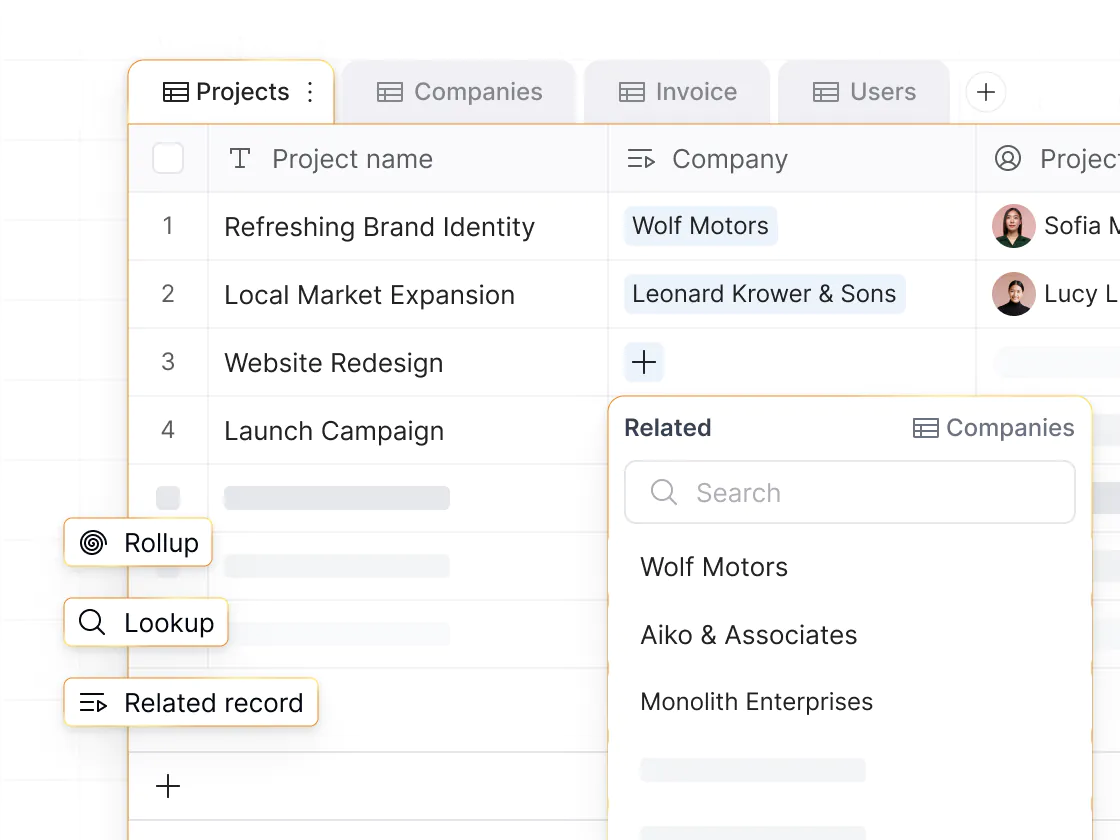
Airtable performance can degrade as record counts, formulas, and linked data grow. Softr Databases are designed to manage data and power apps at scale—so systems stay fast and reliable as operations expand.

Real business apps—not just data views.
Airtable works well for internal data views. But when you need logins, user roles, granular permissions, workflows, and flexible design, Softr gives you everything you need to turn your data into custom business apps.

No per-seat pricing or hidden costs.
Airtable charges per-seat pricing and has strict record limits, even on its high-tier plans. Softr offers generous user and record limits without per-seat costs—making it easy to share apps across teams and clients.

Why businesses are choosing Softr over Airtable
Better performance at scale
Airtable caps bases at 50K–125K records and can slow as complexity grows. Built on an SQL database foundation, Softr Databases scale to 200K records per database and 1M per workspace on self-serve plans, with unlimited records on Enterprise—while maintaining fast load times and avoiding API rate limits.
Full-stack, branded portal and apps
Airtable Interfaces and Portals are designed for basic internal views with limited customization and no mobile app experience. Softr lets you build white-label business apps with logins, permissions, workflows, and PWA support—so teams, clients, and partners can use them on any device.
.webp)
Granular user permissions
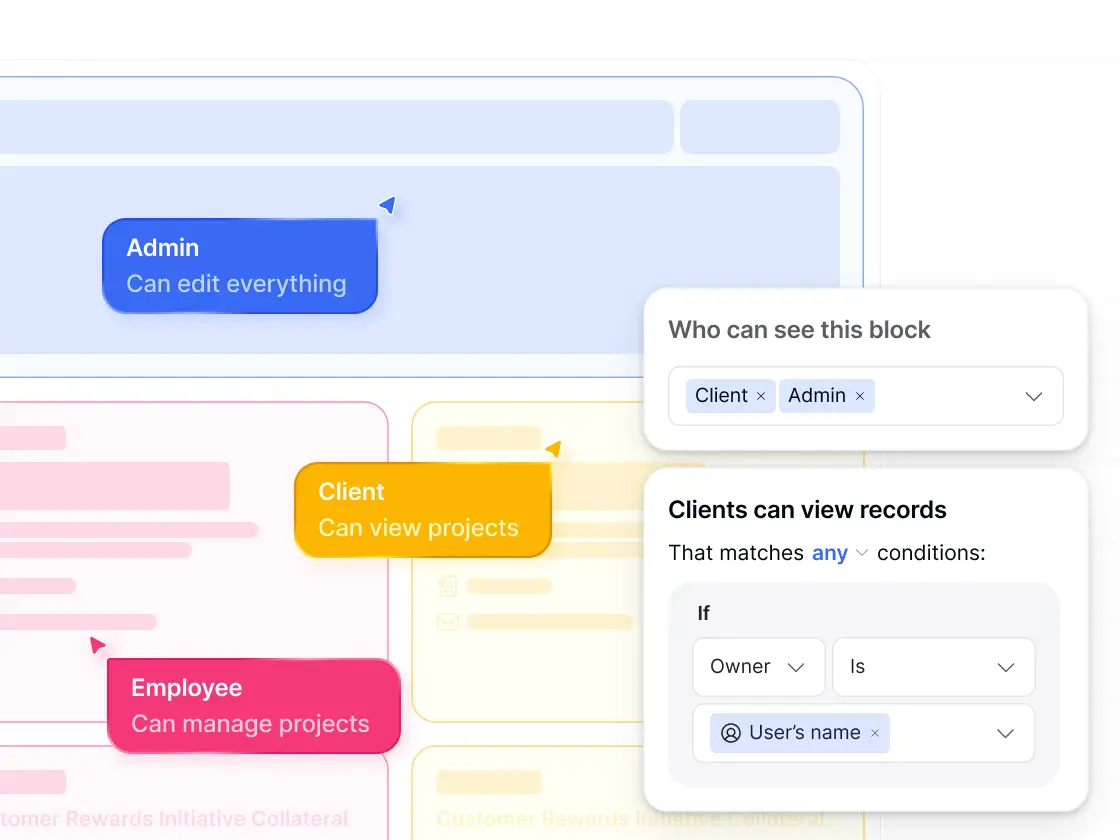
Airtable’s permission model works for internal editors but breaks down for external access. Softr lets you define custom user groups and granular permissions—controlling what each user can see or do down to the page, block, or record level.
Share with internal and external users
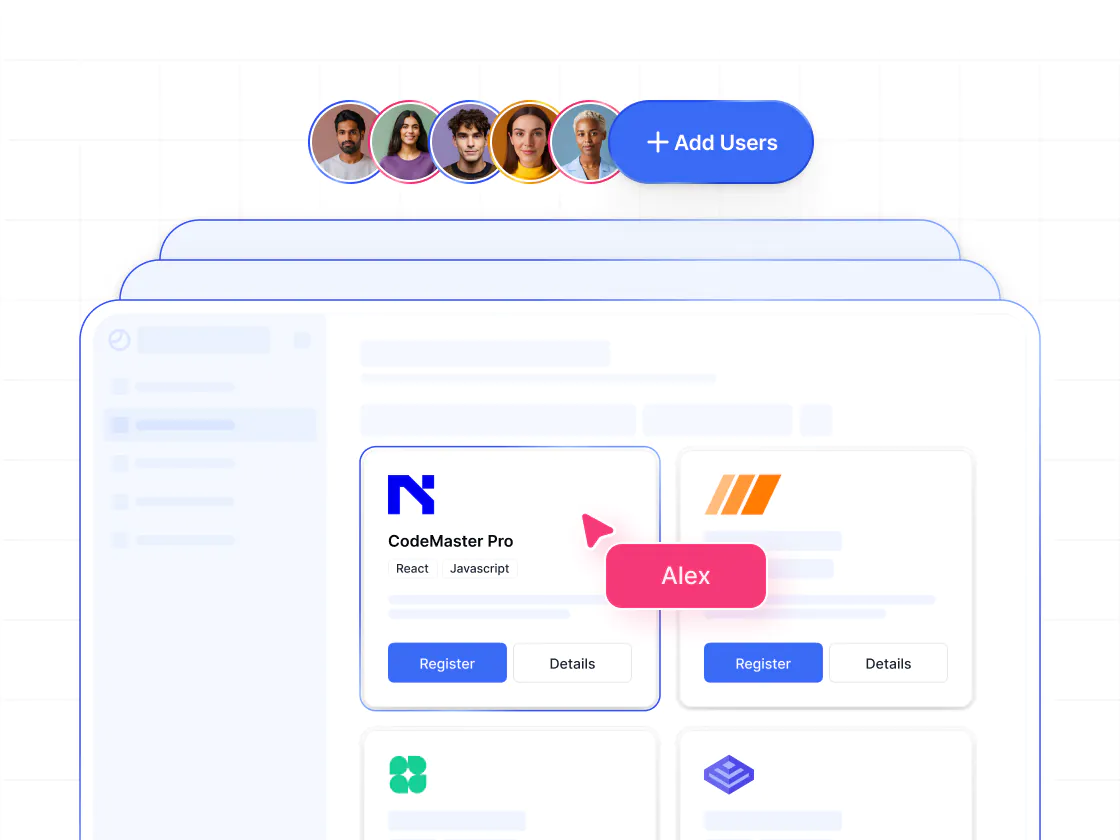
Airtable charges per collaborator and requires paid seats for most forms of access, making sharing expensive and confusing. Softr has generous user limits and easy access control—so you can share portals and tools with both internal and external users.
Combine data sources in one app
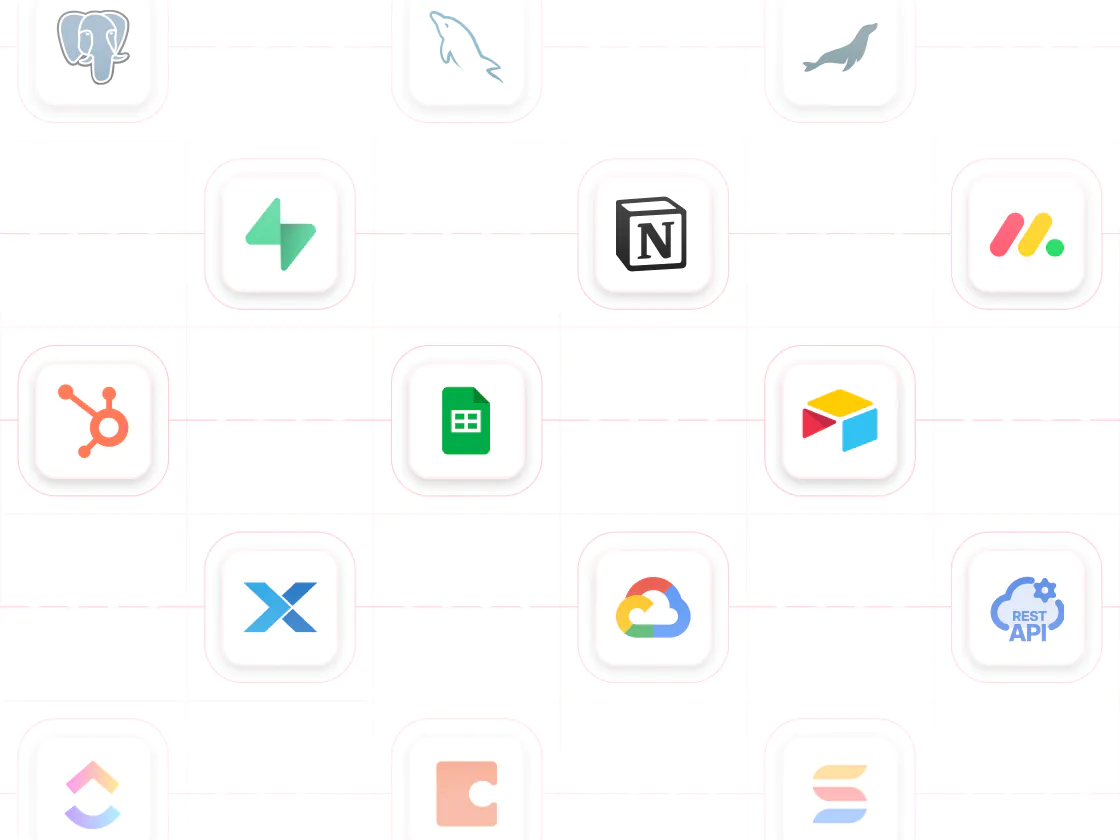
Airtable keeps you in its ecosystem. Softr connects to 100+ data sources—including Airtable, Notion, SQL, HubSpot, and Google Sheets—plus third-party tools like Slack, QuickBooks, and DocuSign, letting you combine multiple data sources in one app.
Advanced conditional forms
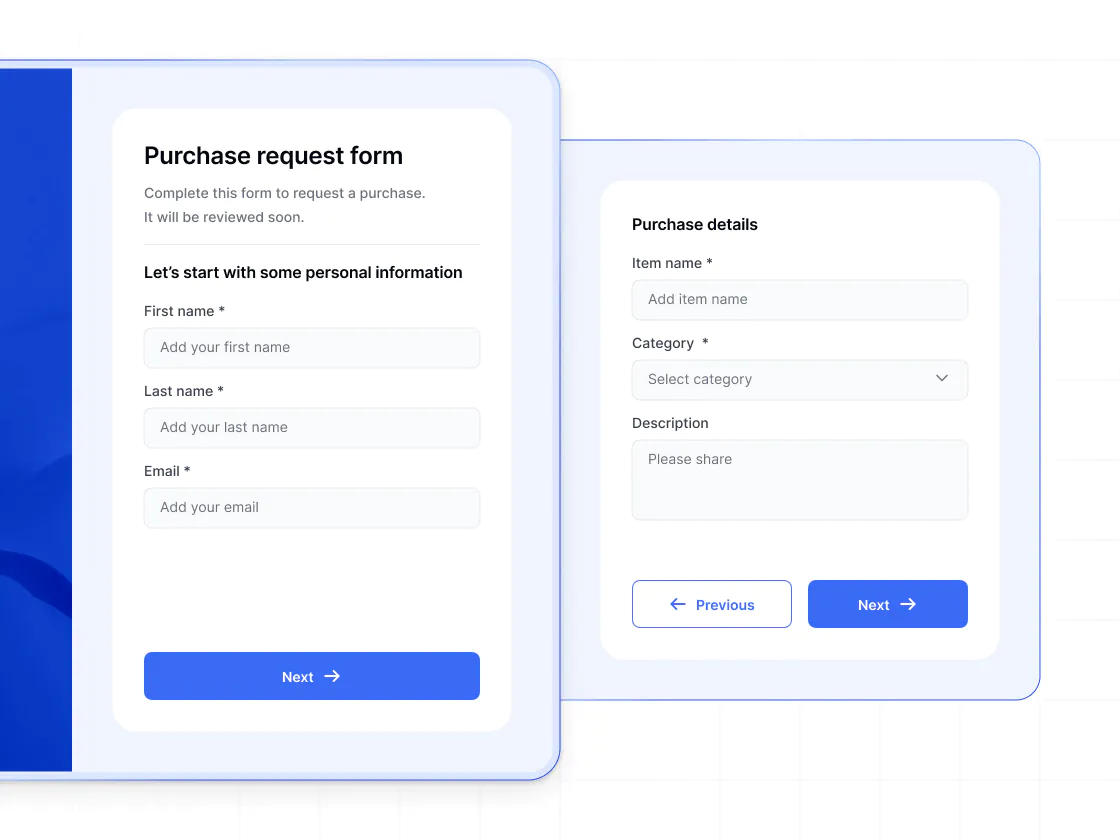
Airtable forms are single-page and limited. Softr lets you build multi-step forms with conditional logic, dynamic visibility, and validation—so users see only what’s relevant and submissions flow directly into your data and workflows.
Workflows triggered by data and user actions
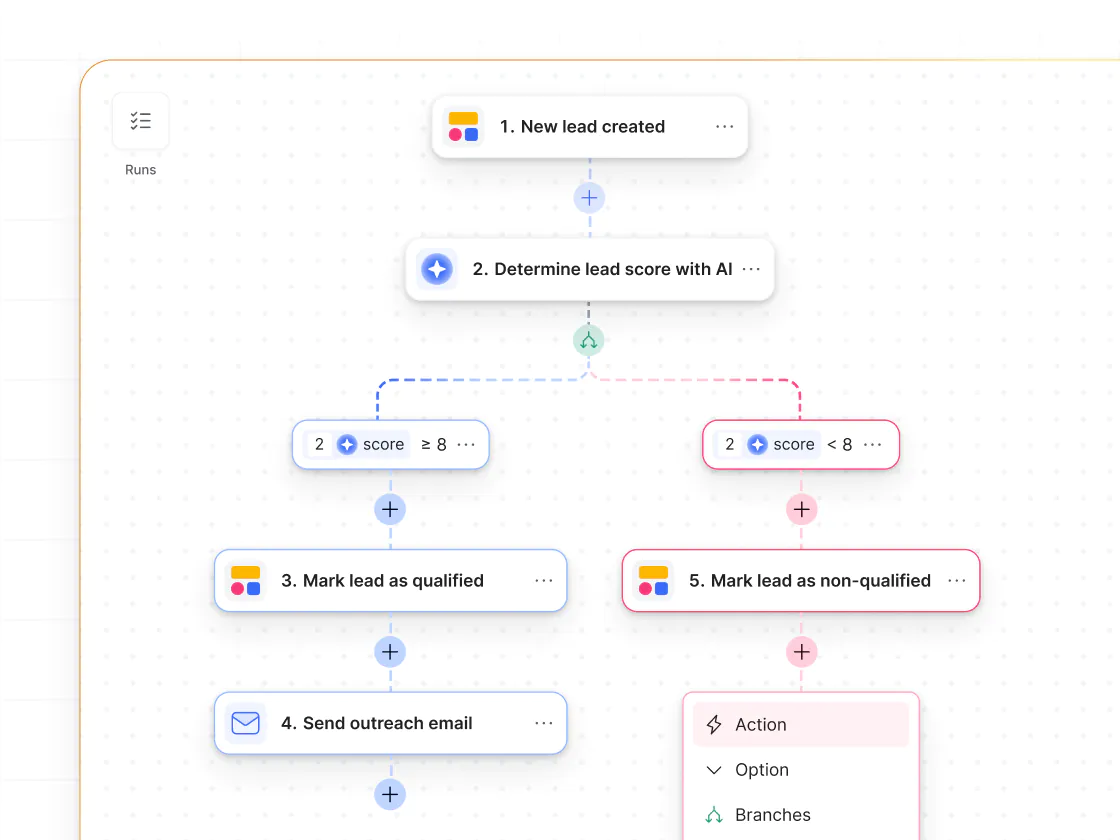
Run end-to-end workflows when records are created or data changes—and when users take action inside your app. Use Softr Workflows to automate processes, personalize user interactions, and keep logic visible and easy to manage.
.svg)
See how Softr compares to Airtable
Deciding between Airtable and Softr? It's no contest. With Softr, you get higher database record limits and real business apps at a much better price.
Functionalities | | Airtable |
|---|---|---|
Core focus | Full-stack AI app builder with native relational databases | Data platform optimized for collaborative data management |
Data model | Relational databases with custom views and field types | Relational bases with custom views and field types |
Database record limits | Up to 200K records per database (plan-based) | 50K–125K per base (plan-based) |
API limits | No dealing with API limits when using Softr Databases | API rate limits can cause sync delays when integrating with other tools |
Design flexibility (apps) | Customizable layouts, navigation, and branding | Interfaces & Portals with limited design flexibility |
Data flexibility (apps) | Native databases plus 15+ external data sources | Airtable bases only |
Permissions & access | Custom user groups, granular permissions, and global data restrictions | Basic collaborator roles and permissions |
External users | Supports secure access for external users | Paid guests via Portals or Interfaces |
Forms | Multi-page forms with conditional logic | Basic single-page forms |
Workflow automation | Built-in workflows (includes app UI triggers) | Built-in, base-level automations |
AI agents | AI Agents for databases and workflows | AI Fields & automations |
Mobile experience | Responsive web apps with PWA support | Limited mobile experience for apps |
Branding (apps) | Fully white-label on Pro plan and higher | Always carries Airtable branding |
Pricing | No per-seat pricing on paid plans with generous user limits | Per-seat pricing and paid guest access |

Go from zero to app, incredibly fast
Co-build with AI
Simply describe what you need. Let Softr handle everything - Interface, database, workflows.
Iterate with AI or visually
Control most critical parts of your app yourself - roles, permissions, security.
Ship the same day
Invite team members or external clients and partners right away. No developer handover.



Frequently asked questions
What’s the difference between Airtable and Softr?
Is Softr more affordable than Airtable?
How do I handle my data in Airtable vs Softr?
Can I easily move my data from Airtable to Softr Databases?
How do Softr Databases perform at scale compared to Airtable?
How does Softr work with external data sources?
How does Softr pricing work?
What types of apps can I build with Softr?
Is Airtable harder to use than Softr?
Why do teams switch from Airtable to Softr?
Join 1M companies building apps with Softr
See how easy it is to automate and run your business.