



Softr vs. Lovable
Is Lovable giving you great mockups but no real control? Try Softr, the fastest way to build production-ready business apps.
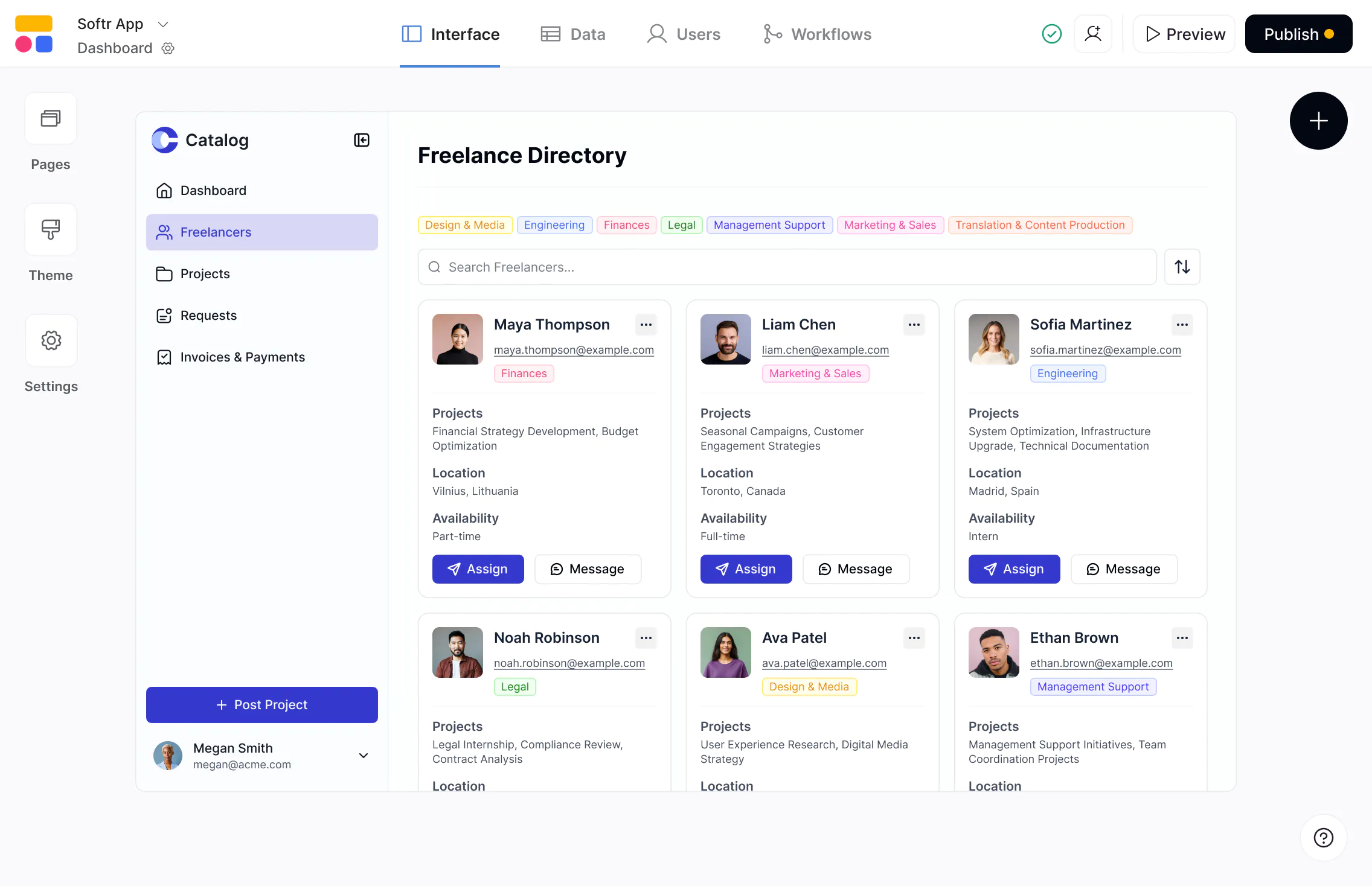










The #1 Lovable alternative for production-ready business apps
Softr generates complete apps with database, interface, and business logic. Own and iterate as your business grows, no developers required.

Production-ready apps, not experiments.
Lovable is built for prototypes and MVPs. Softr pairs AI app building and vibe coding with visual editing and logic control in a trusted platform—so you can ship portals, CRMs, dashboards, and internal tools that run real business operations.

AI speed on top of real, connected data.
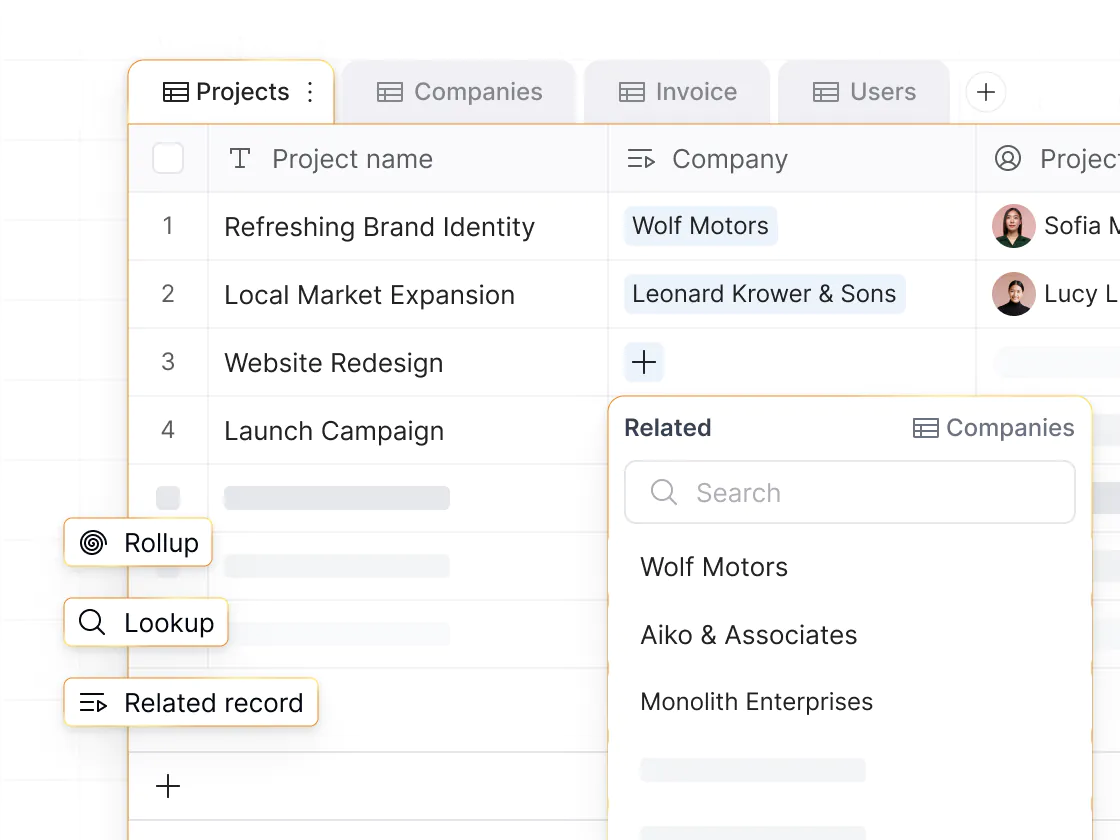
Lovable focuses on generating UIs, not backend setup or data management. Softr includes a native relational database, plus connects to 17+ data sources, so your apps are generated on top of real, connected data from day one.

Predictable pricing without credit burn.
Lovable’s credit model makes costs unpredictable, especially when you hit troubleshooting loops. With Softr, you can edit visually and use credits only when you want AI to do the work, so costs stay predictable as you scale.

Why businesses are choosing Softr over Lovable
Softr's AI Co-Builder generates full apps. Add features, iterate, and scale as your business evolves, without code or developers.
An AI app builder teams can rely on
Lovable's AI generates UI and backend scaffolding — but you own the code, debugging, and security. Softr generates secure, working apps with the database, interface, and business logic, ready for real users from day one.
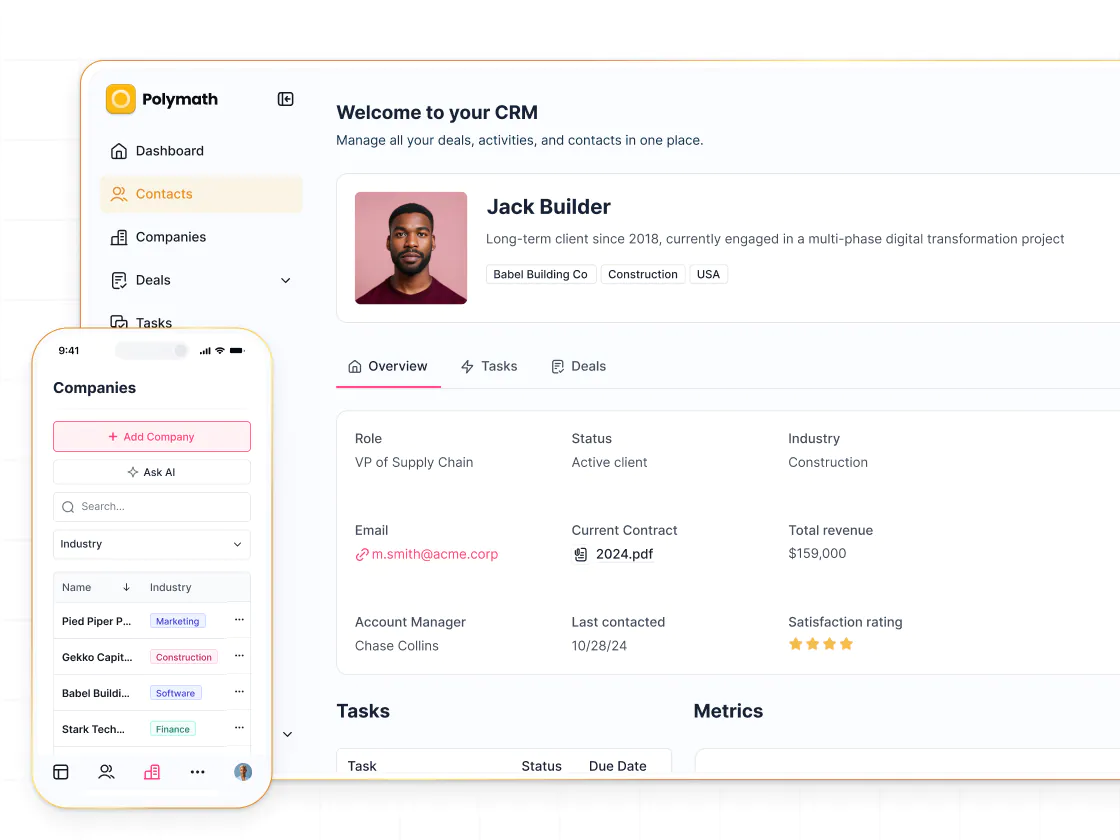
Built-in logins and user management
Lovable prototypes don’t include secure logins. Softr provides built-in authentication and user management, plus onboarding flows and utility pages (login, account settings)—so apps are safe to use with your team or external users.
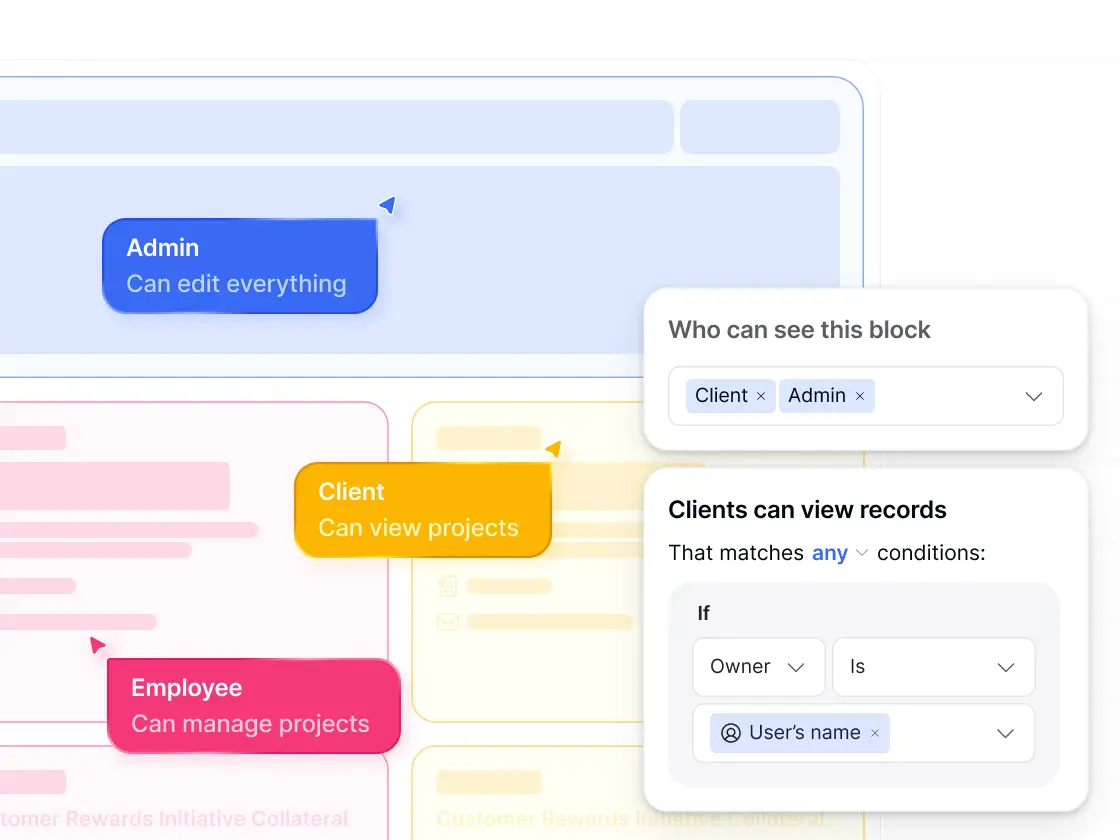
Granular access control
Lovable has no native permission model beyond UI generation. Softr offers custom user groups and granular permissions—ideal for client portals, internal tools, vendor hubs, and other multi-role business apps.
Business-ready vibe coding
Need something custom? Vibe code it directly inside a real app platform. Vibe-coded blocks connect to live data, follow your permissions, and include version history, so you can iterate without touching core app infrastructure.
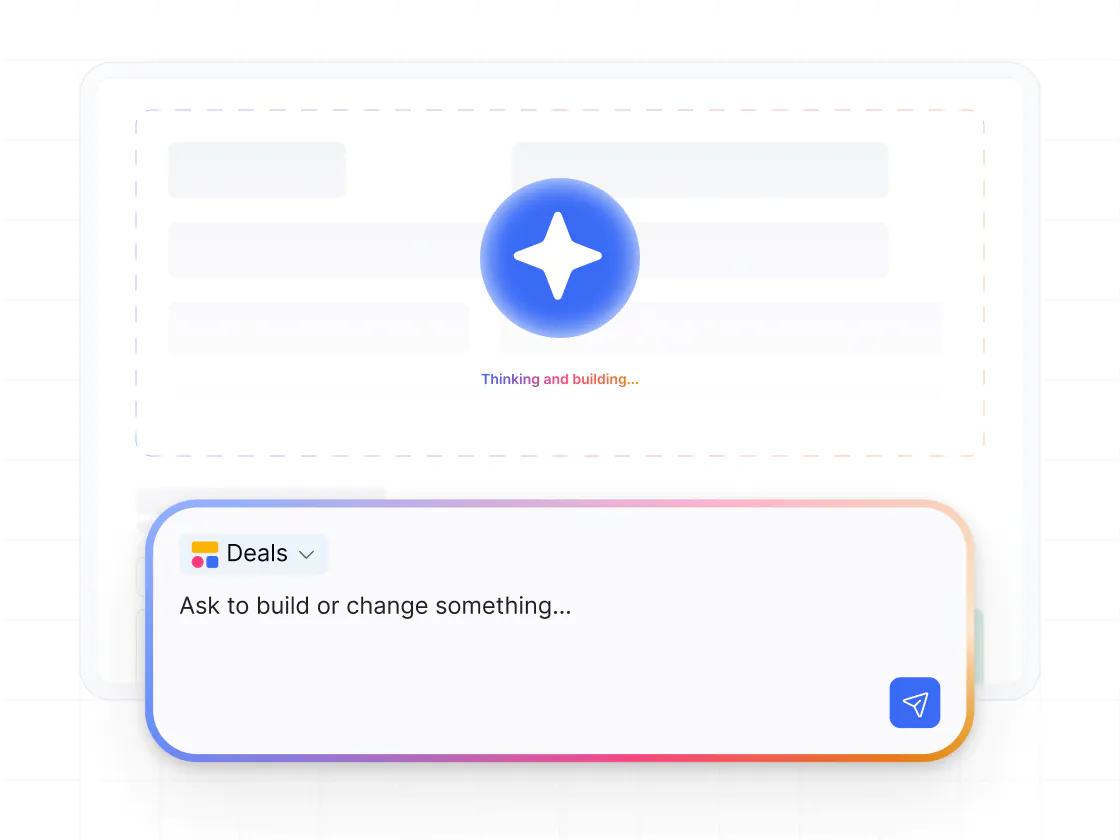
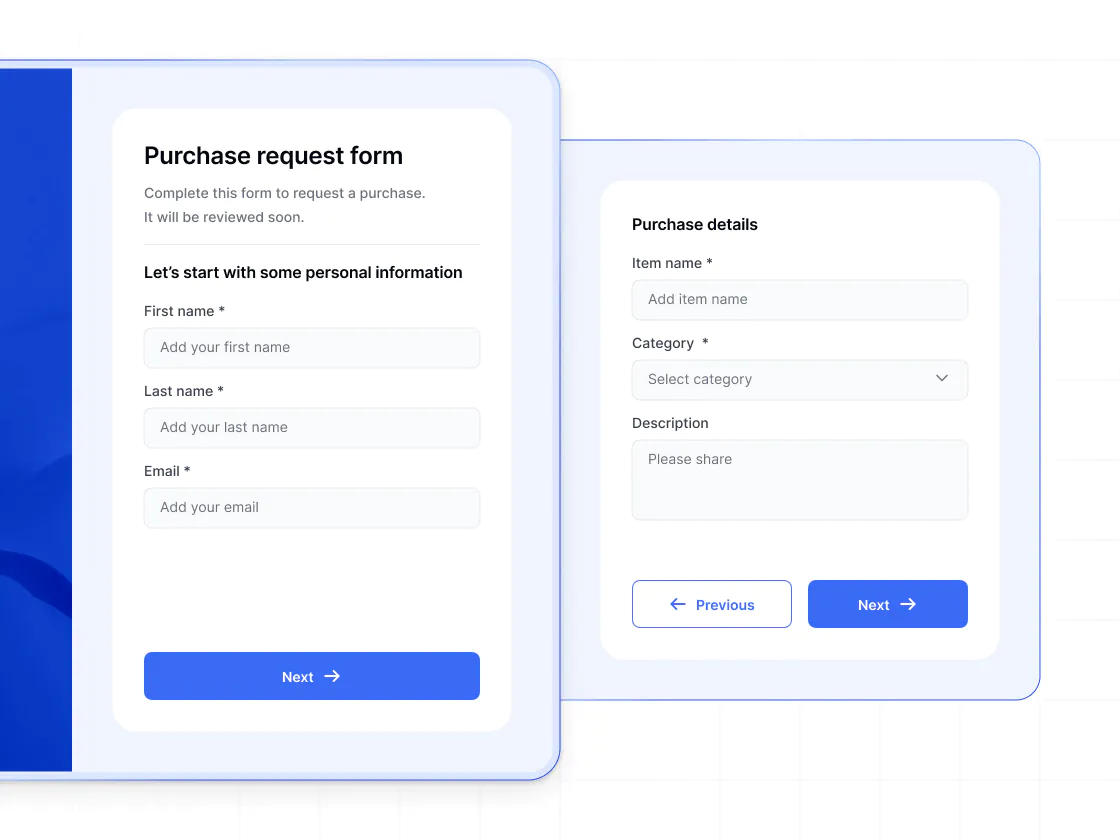
Advanced forms to power your ops
Lovable can only generate basic form layouts. Softr supports conditional, multi-step forms that connect to any data source — and you can trigger workflows from form submissions to automate business processes.
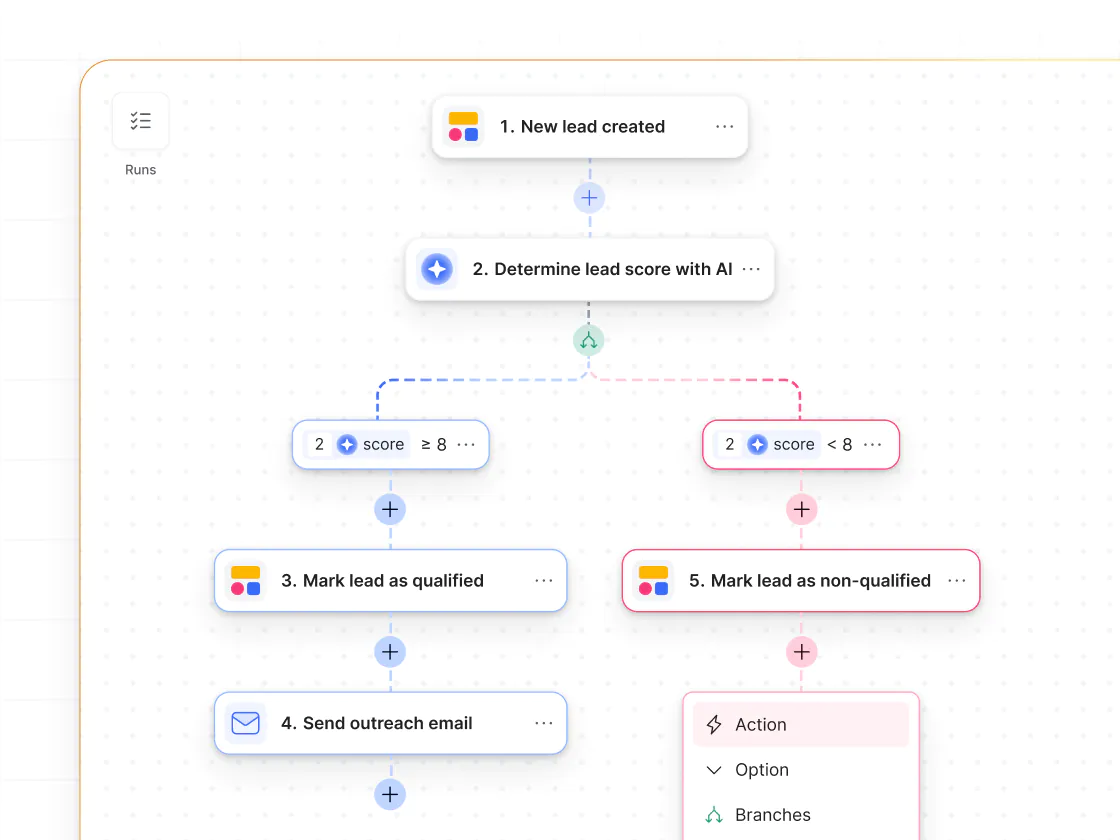
Native workflow automation
Lovable has no native workflow builder. Softr includes a visual workflow automation tool with triggers, actions, and AI-assisted setup — so teams can automate processes across their apps and systems without external tools.
.svg)
See how Softr compares to Lovable
Deciding between Lovable and Softr? With Softr, you get vibe coding with more control—and production-ready apps for your business.
Functionalities | | Lovable |
|---|---|---|
Core focus | Full-stack AI app builder with native databases and workflows | AI app builder (code generation for app prototypes and MVPs) |
AI app generation | Prompt-based app generation (database, interface, business logic) | AI-generated UI and app scaffolding |
Data flexibility | Native databases, plus build on top of 15+ external data sources | Managed Supabase backend accessed primarily through AI-generated code |
Database model | First-class relational databases you build and query directly | Backend database abstracted behind prompts |
Design flexibility | Switch between prompting and visual editing, plus custom UI via vibe coding | Flexible, but depends on generated output and prompts |
Permissions & access | Custom user groups, granular permissions, and global data restrictions | Basic roles primarily for workspace collaboration |
External users | Supports secure access for external users | External user flows require custom implementation |
Forms | Multi-step forms with conditional logic | Generated form UI (no logic) |
Workflow automation | Built-in workflows (includes app UI triggers) | No native workflow builder |
AI Agents | AI Agents for databases and workflows | No native AI agents; relies on external tools |
Mobile experience | Responsive web apps with PWA support | Depends on generated code |
Pricing model | Plan-based pricing with clear usage limits | Credit-based pricing tied to generation and iteration |

Go from zero to app, incredibly fast
Co-build with AI
Simply describe what you need. Let Softr handle everything - Interface, database, workflows.
Iterate with AI or visually
Control most critical parts of your app yourself - roles, permissions, security.
Ship the same day
Invite team members or external clients and partners right away. No developer handover.



Frequently asked questions
What’s the difference between Softr and Lovable?
Is Softr easier to use than Lovable?
Can I build production-ready apps with Softr, or is it mainly for prototypes?
How does Softr handle data compared to Lovable?
Does Softr support user accounts, logins, and permissions?
What types of apps can I build with Softr?
How is vibe coding in Softr different from Lovable’s approach?
Who is Softr best suited for compared to Lovable?
Can I migrate from Lovable to Softr?
Join 1M companies building apps with Softr
See how easy it is to automate and run your business.