Manage bids, track purchase orders, and monitor budgets in an AI-powered ERP built with AI you customize to fit your site workflows.
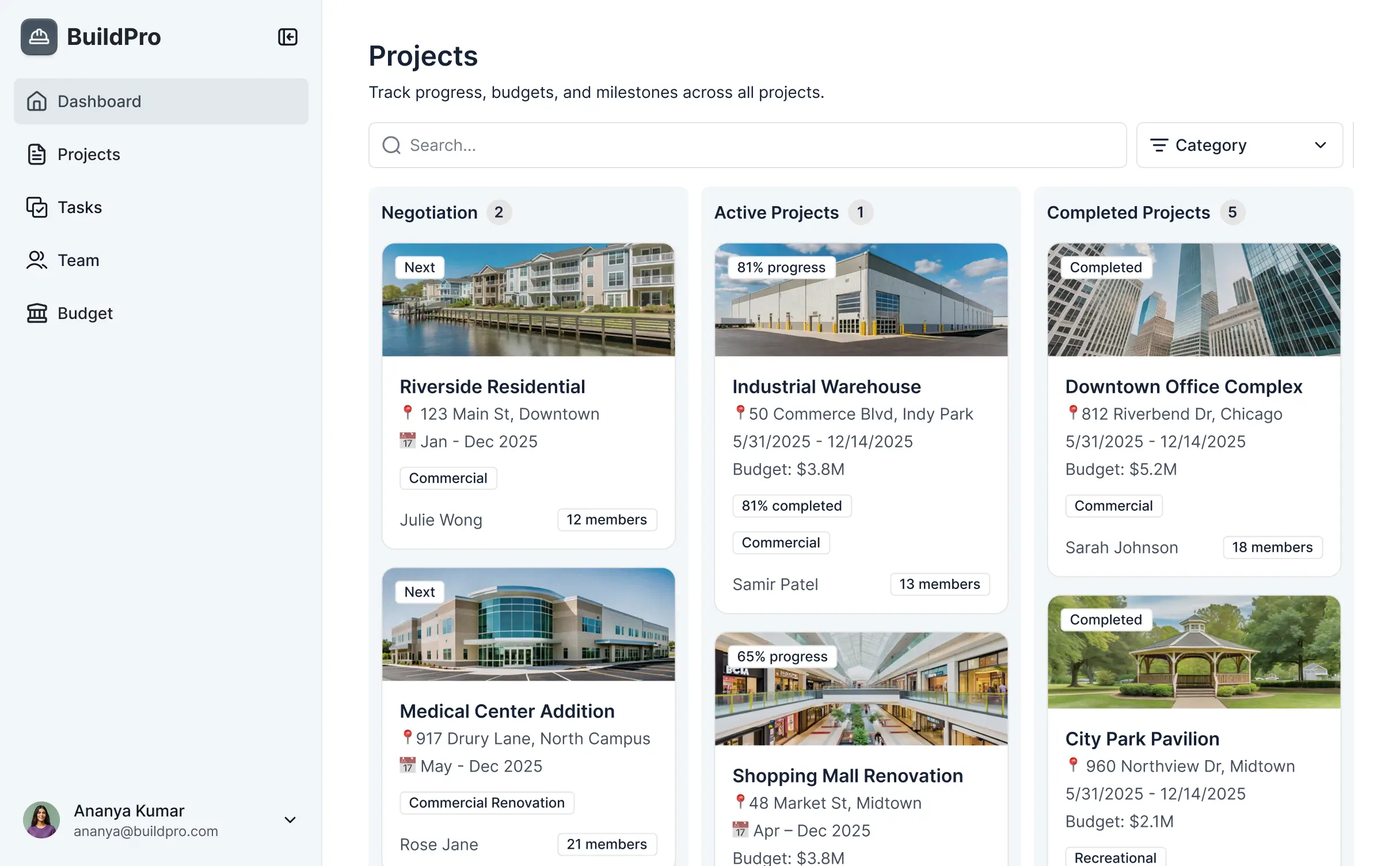
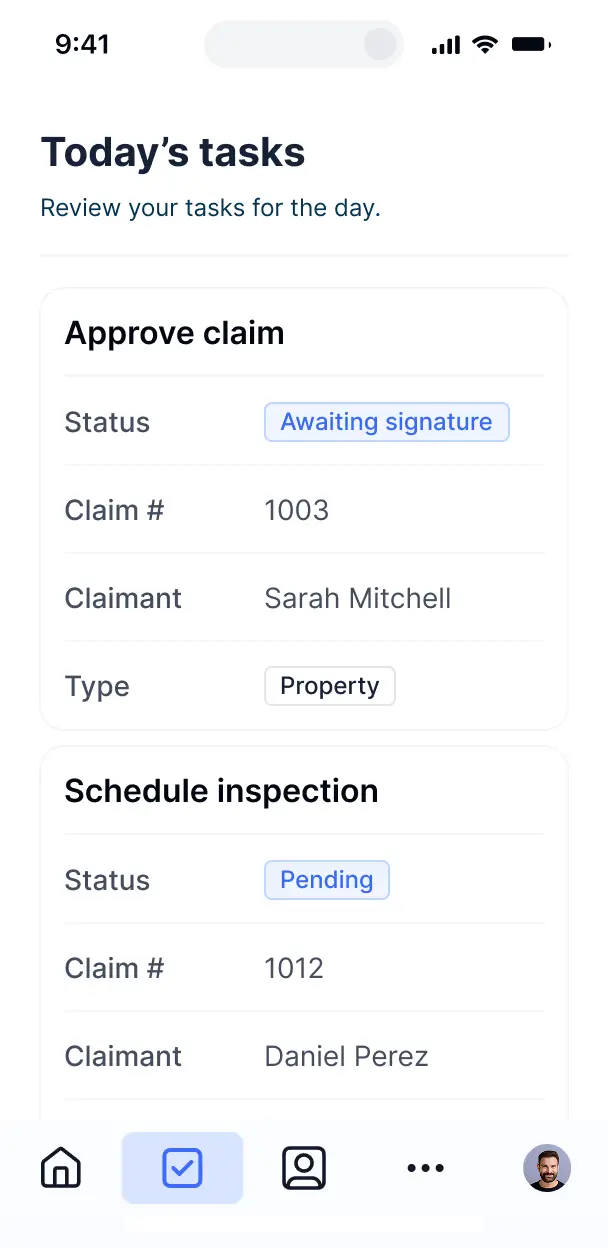



Customize procurement software for construction with precise views for bids and approvals. Add blocks like budget trackers—only when needed.


Connect job site spreadsheets, vendor lists, and budget tools with real-time sync—or manage everything in Softr Databases. Create a single source of truth for your business.
Give each teammate the right tools and access. Set up secure logins, user groups, and granular permissions—no IT support or dev work needed.
Give project managers, estimators, and site supervisors tailored access so each role sees just the procurement data they need.
Streamline your workflows with Softr Workflows. Trigger native notifications for order approvals or status changes to keep site operations running.
Access and update your procurement software on the job site. All apps are mobile-ready out of the box for real-time delivery tracking.
Use Google, email, or SSO logins to give your construction team fast, secure access—no IT tickets or complex setups needed.
Keep project and vendor data safe with SOC2 and GDPR compliance, plus fine-tuned access control at every level of your ERP.
No more one-size-fits-all tools or costly custom builds. Softr is easy to use and fully customizable, so you can launch faster, adapt as you grow, and skip the complexity of traditional software.

Build your procurement software for construction in minutes with AI—no manual site configuration required.

Add features like vendor bidding, receipt enrichment, or automated approvals as your project needs grow.

Start with procurement, then add site logs, inventory, or client portals—all in one place with no extra tools.
Co-build with AI
Simply describe what you need. Let Softr handle everything - Interface, database, workflows.
Iterate with AI or visually
Control most critical parts of your app yourself - roles, permissions, security.
Ship the same day
Invite team members or external clients and partners right away. No developer handover.
Use drag-and-drop blocks to build a portal that looks sleek and modern out of the box. Add only the features you need, and iterate as your workflows evolve.




Procurement software for construction is a specialized ERP solution that centralizes the sourcing, purchasing, and supply chain management for building projects. It provides a secure digital space where field managers and back-office teams can track material requisitions, purchase orders, vendor bids, and delivery timelines. By unifying these workflows, you eliminate manual paperwork and fragmented emails, ensuring that site materials arrive on time and within the original project budget.
Softr is the first AI-native platform for building business software, making it uniquely suited to develop construction-grade procurement tools that fit your specific site workflows. You can describe your material tracking or vendor bidding needs to the AI Co-Builder to instantly generate a custom database, procurement dashboards, and approval logic—all fully secured from the start.
You don't need to be a developer to build this ERP. You can start with an AI-generated foundation, utilize a construction template, or build from scratch. Your data lives in Softr Databases or integrates with external sources like Airtable, Google Sheets, or your existing financial tools. You have complete control over the interface, allowing you to match the app to your company branding while defining exactly which project managers see which sub-contractor bids. It is fast to deploy, easy for field crews to update, and scales as you win more contracts.
You can build a comprehensive suite of features into your procurement ERP to handle everything from initial bid to final delivery. A robust construction procurement app typically combines standard ERP blocks with AI capabilities:
- AI-Powered Intelligence – Use Ask AI to let your team query material costs across previous projects, or set up Database AI Agents to automatically summarize complex vendor bid proposals.
- Vibe Coding Blocks – Create custom UI components, such as an interactive site map or a specialized material quantity calculator, using the AI Code block to build exactly what your engineers need.
- Softr Workflows – Implement native automations, like an automated approval sequence that triggers a notification to the CFO whenever a purchase order exceeds a specific project threshold.
- Vendor Portals & Logins – Securely manage sub-contractor access so vendors can only view and bid on the specific line items assigned to them.
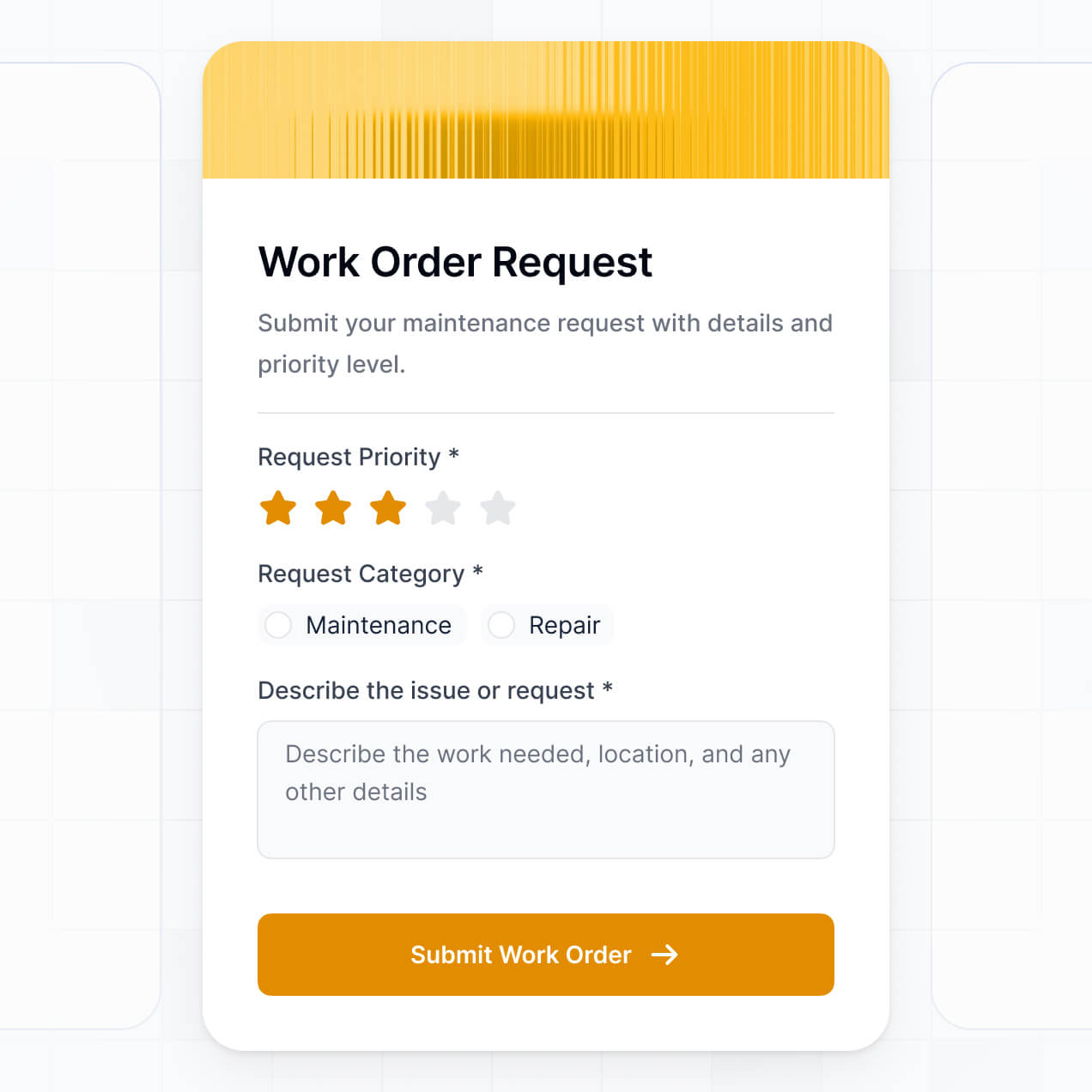
- Forms & Data Collection – Utilize custom forms for site superintendents to submit material requisitions with photo uploads of delivery receipts.
- Dashboards & Charts – Visualize procurement spend vs. project budget with real-time charts and cost-overrun alerts.
- Lists & Advanced Filtering – Manage thousands of SKU items with searchable tables, kanban boards for shipment tracking, and detailed vendor profiles.
Everything is drag-and-drop, allowing for rapid iteration. If your site requirements change mid-project, you can easily update the portal without technical friction.
Vibe coding allows construction firms to bypass long development cycles by using AI to describe specific procurement requirements. You can "vibe code" your software by telling the AI Co-Builder you need a system to manage steel rebar orders, concrete delivery schedules, and sub-contractor invoicing. Softr then generates a structured ERP on a secure foundation.
While other tools generate code that might break, Softr handles the critical infrastructure like role-based access for site foremen and secure database logic natively. This gives you the speed of rapid AI generation without the risk of managing raw code for business-critical operations. You describe the procurement workflow, Softr builds the interface, and your construction team can start requesting materials immediately.
Yes. You can manage multiple projects and dozens of different sub-contractors within a single procurement ERP. Using granular access controls, each site manager only sees the material orders for their specific job site, and each vendor only sees their own active bids and payment statuses. This is essential for large-scale general contractors overseeing various stakeholders across different locations.
Absolutely. You don't need an existing inventory list or spreadsheet to start building with Softr. If you are starting fresh, Softr Databases provides a built-in, relational environment to store your material catalogs, vendor contacts, and purchase orders from day one.
However, if you already have legacy data in Airtable, Google Sheets, or even SQL databases, you can connect those seamlessly. You can also leverage the REST API to pull in data from other project management software. You retain full control over how your construction data is structured and presented to your team.
Softr Databases is the recommended choice for a construction procurement ERP, providing high performance and instant automation for site-based data entry. It is designed specifically for business applications where speed and reliability are paramount for field teams.
If your procurement data resides elsewhere, Softr connects to 17+ external sources including Airtable, Google Sheets, HubSpot, and BigQuery. You can even combine sources—for example, pulling vendor contact info from HubSpot while managing active project orders in Softr Databases. Most connections support two-way sync, ensuring that a price change updated in your ERP is reflected across all your spreadsheets automatically.
Yes, Softr provides deep control over the user experience for everyone involved in the procurement cycle. You can tailor the navigation and layout to simplify the interface for field workers while providing detailed data views for office accountants. Pages can be customized to show only relevant material requests based on the user's login.
You can establish roles such as 'Site Superintendent,' 'Procurement Officer,' and 'Vendor.' For instance, superintendents only submit requisitions, procurement officers approve them, and vendors can only view the orders they are fulfilling. This keeps your project data secure and prevents accidental data entry errors from unauthorized users.
Yes, you can fully white-label your procurement ERP. You can use your construction firm’s logo, corporate colors, and custom fonts, and host the software on your own domain (e.g., procurement.yourcompany.com). By removing all Softr branding, you provide a professional, unified experience for your sub-contractors and stakeholders that reflects your company’s identity.
Yes, Softr offers extensive flexibility to modify the design and layout of your procurement software. You can adjust colors, spacing, and page flow to match your operational needs, deciding exactly which data points are visible on a mobile device for field use versus a desktop for the main office.
You can choose from several block types to display your procurement data:
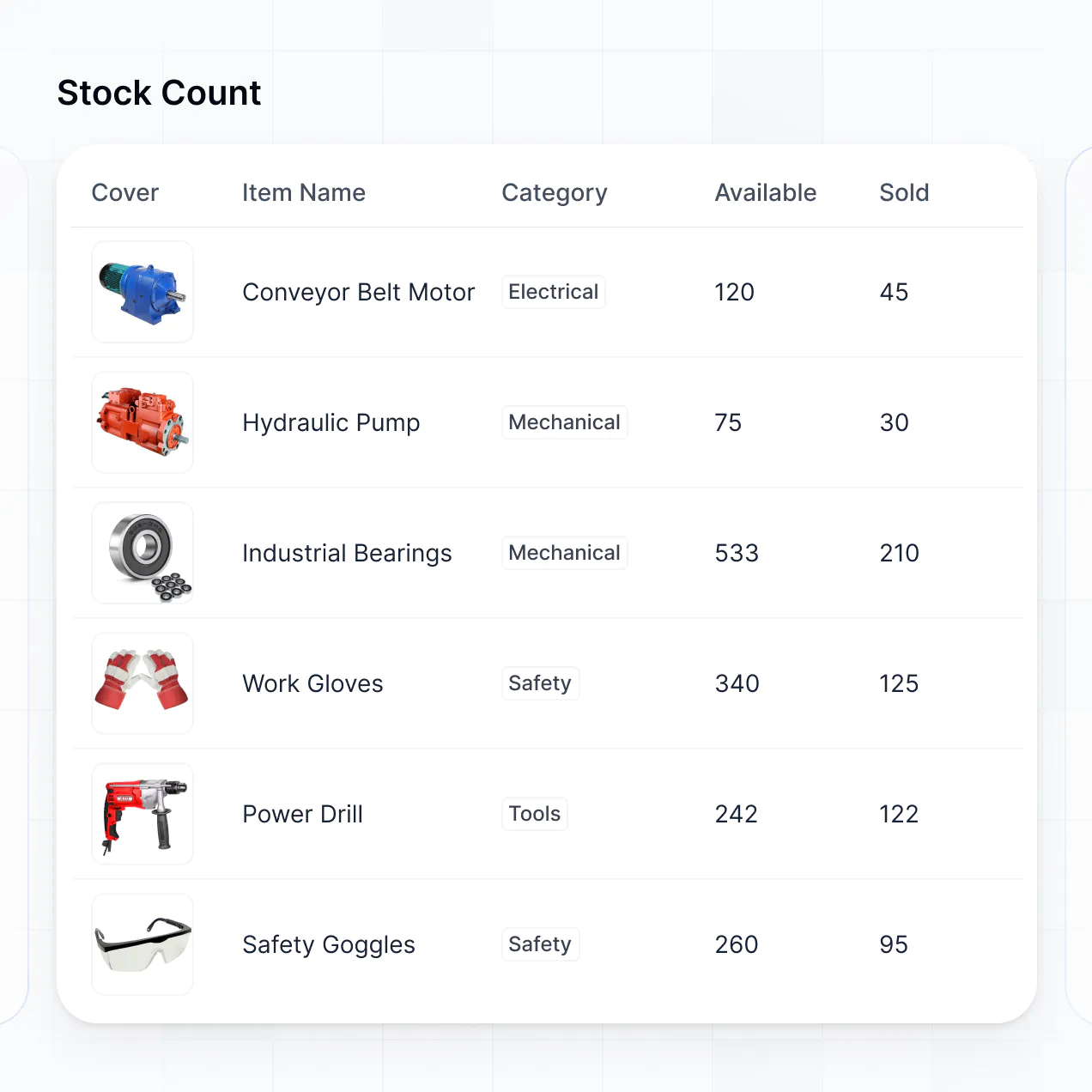
- Table blocks – to track detailed site inventories and unit costs.
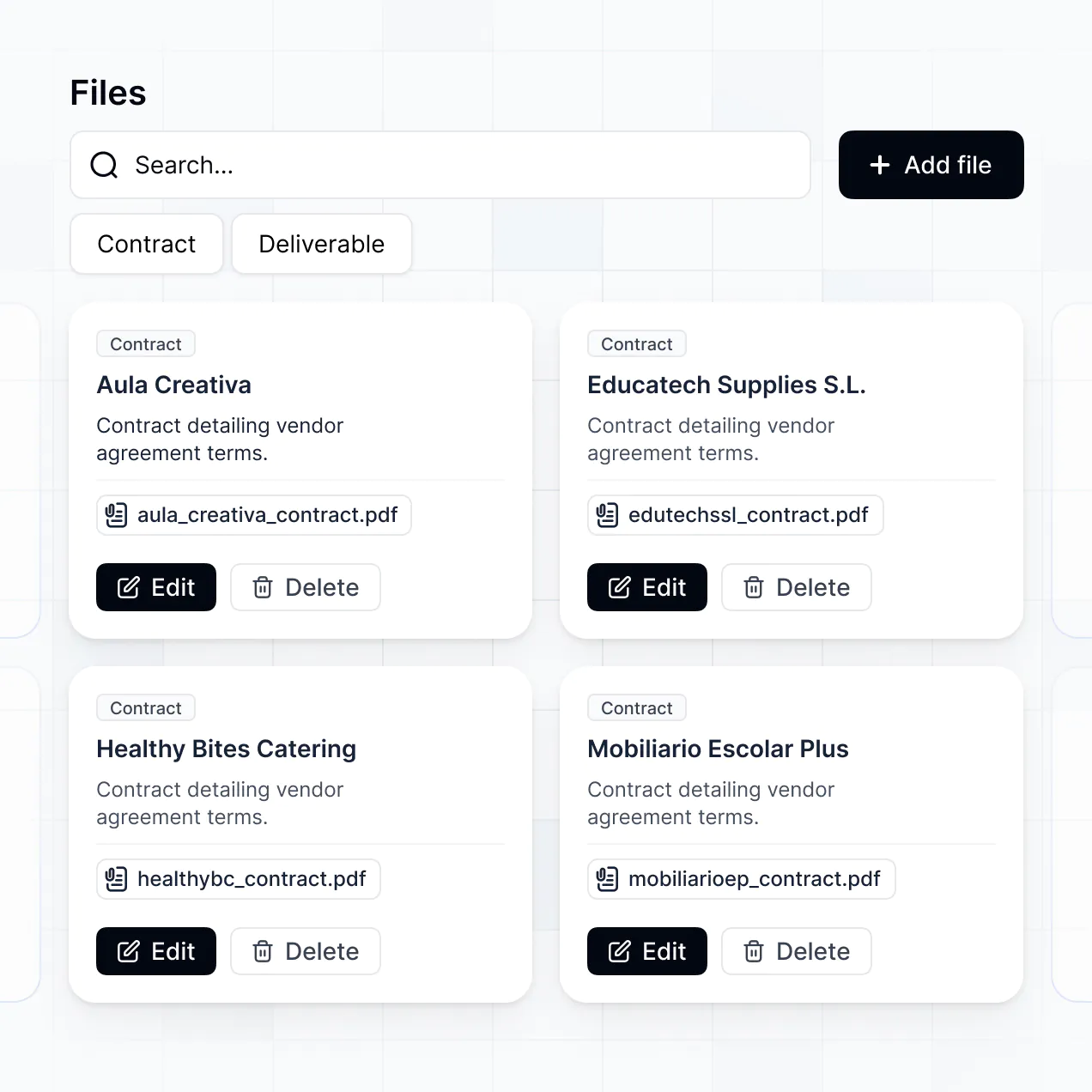
- List or Card blocks – to browse vendor catalogs or historical project archives.
- Detail View – to see a specific purchase order’s status and history.
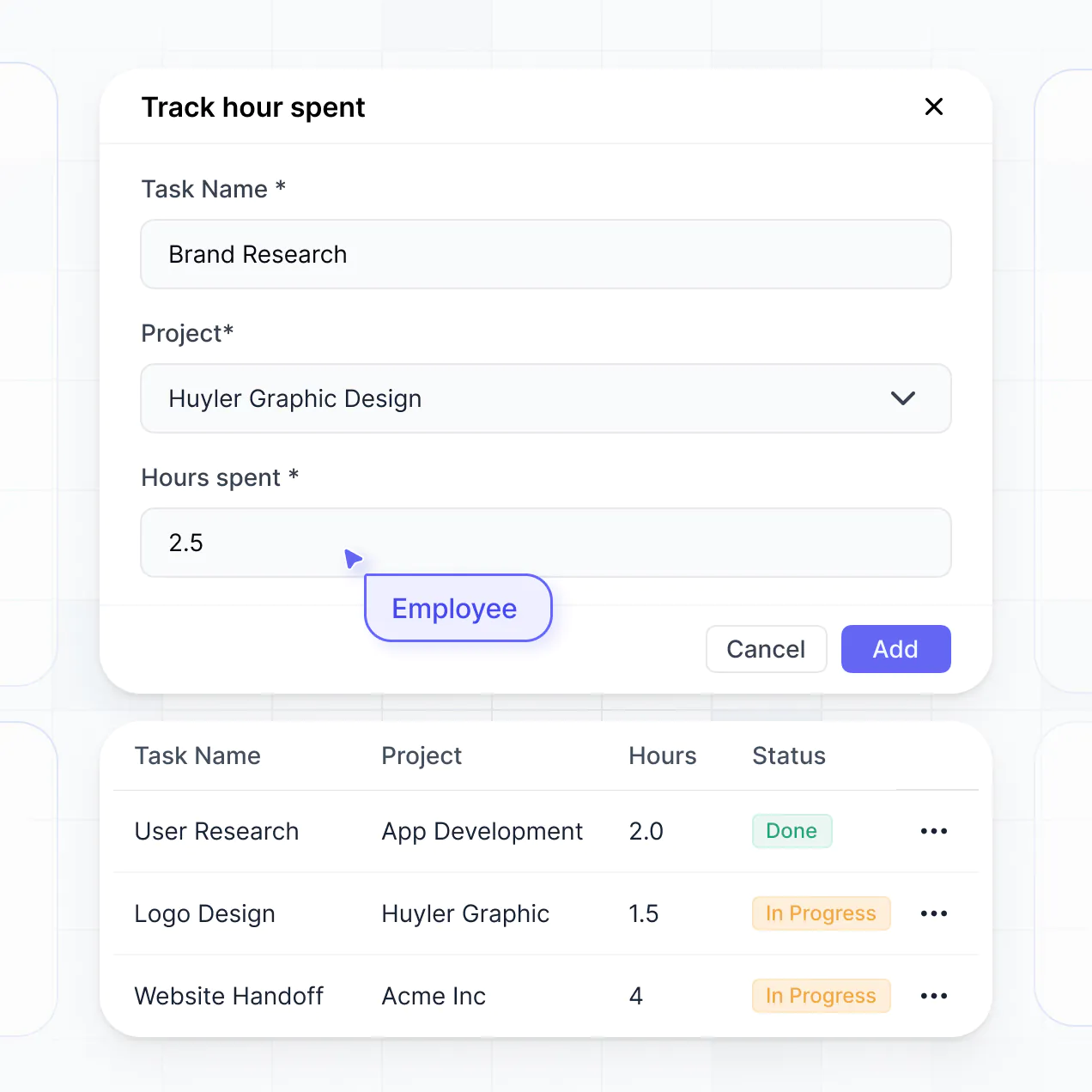
- Forms – for site teams to log deliveries or request emergency supplies.
- Charts – to track spending trends and vendor performance metrics.
- Calendar blocks – to visualize delivery schedules and project milestones.
If your procurement process evolves, you can instantly modify the design in the visual builder to accommodate new workflows.
Softr is built with enterprise-grade security to protect sensitive construction financials and vendor agreements. All data is encrypted with TLS in transit and at rest, utilizing secure and compliant infrastructure (SOC 2 Type II). You have granular control over visibility, allowing you to hide specific budget details from field workers while keeping them accessible to management.
For apps using Softr Databases, data is stored in a secure European-hosted environment (Germany). If you connect to external sources like SQL or Airtable, Softr acts as a secure interface that displays data in real-time without storing a separate copy of your proprietary files. You define the permissions, ensuring only authorized personnel can view or edit sensitive procurement records.
The software generated by Softr is fully production-ready from day one. Unlike basic AI 'vibe coding' tools that create unmanaged blocks of code, Softr builds your ERP on a stable, scalable foundation designed for business use.
We provide native handling of 'core' features like user authentication, hierarchical permissions, and secure hosting. This eliminates the technical debt usually associated with AI-generated software. Your procurement app is secure, scalable, and ready to manage real-world material orders and vendor payments immediately.
Softr stands out as the first AI-native platform specifically optimized for business logic. Traditional no-code tools often require months of manual configuration, while basic AI tools lack the security infrastructure needed for construction procurement. Softr’s AI Co-Builder generates a tailored app and database in minutes, which you then refine visually.
This hybrid approach offers the speed of AI generation with the reliability of established architectural standards (built-in auth, roles, and hosting). It is built for construction firms that need a custom ERP that works perfectly on day one without the overhead of a dedicated IT department.
Yes. Softr supports robust native workflows and integrations to connect your procurement software with the rest of your tech stack. You can use Softr Workflows to automate tasks like sending a Slack alert when a material shipment arrives, or integrate with Stripe to handle sub-contractor payments directly. Softr also supports webhooks and REST API for connecting to specialized construction management software.
Whether you need to sync delivery photos to a shared folder or trigger an invoice in your accounting software, you can build these automated bridges without writing a single line of code.
Describe what you need. Softr's AI builds your construction procurement tool in minutes.