


Connect your apps to more data with REST API
Integrate any data source that has a REST API into your Softr apps—no code required.












Unlock more data flexibility in your apps.
Connect Softr to any data source that has an API, including Asana, Salesforce, Pipedrive, Stripe, Shopify, and more. Choose one of Softr's API templates or connect your own API manually to get started.

Bring siloed data into one application.
Create a central hub for your users to view data from different sources in one application—without using third-party tools or workarounds. Bring in any data source you need as your tools and workflows evolve.

Build fast, scale with confidence.
Build powerful tools on top of REST API endpoints, even if you're not a developer. Expand your existing app's capabilities by connecting to payment systems, CRMs, issue ticketing, project management tools, and more.

Bring more tools and data together in your apps
Create custom apps that surface the right data and actions for each user.

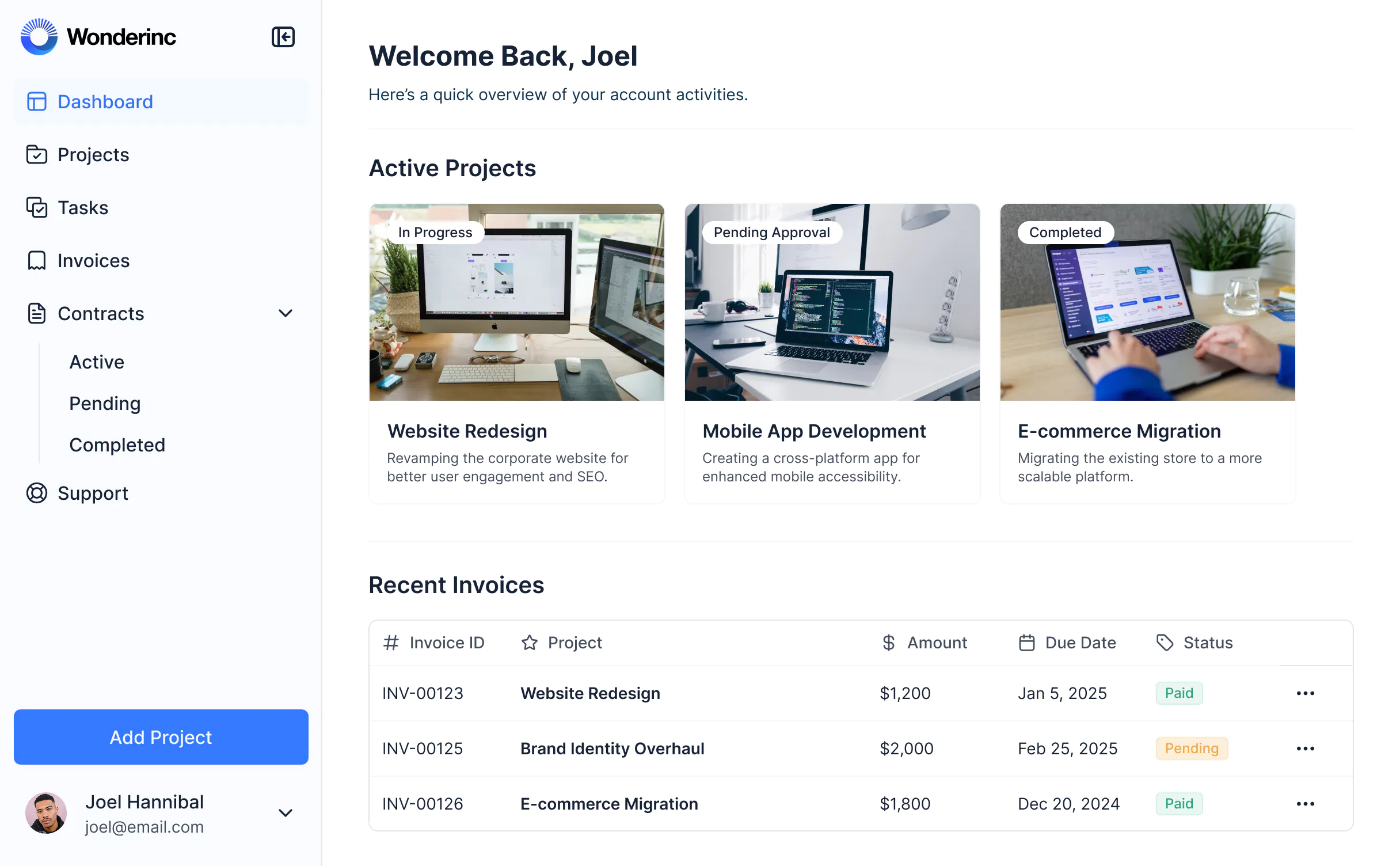


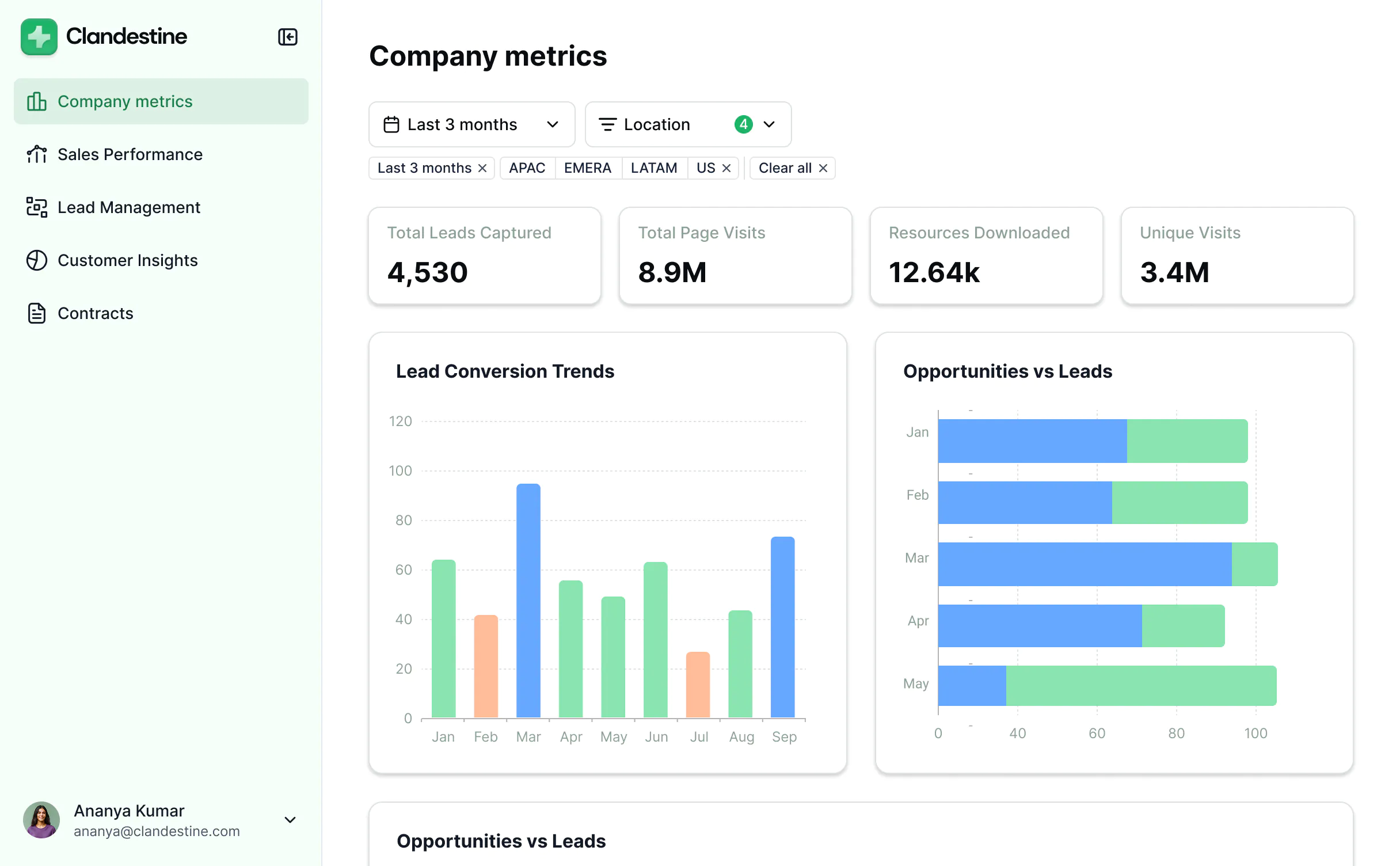
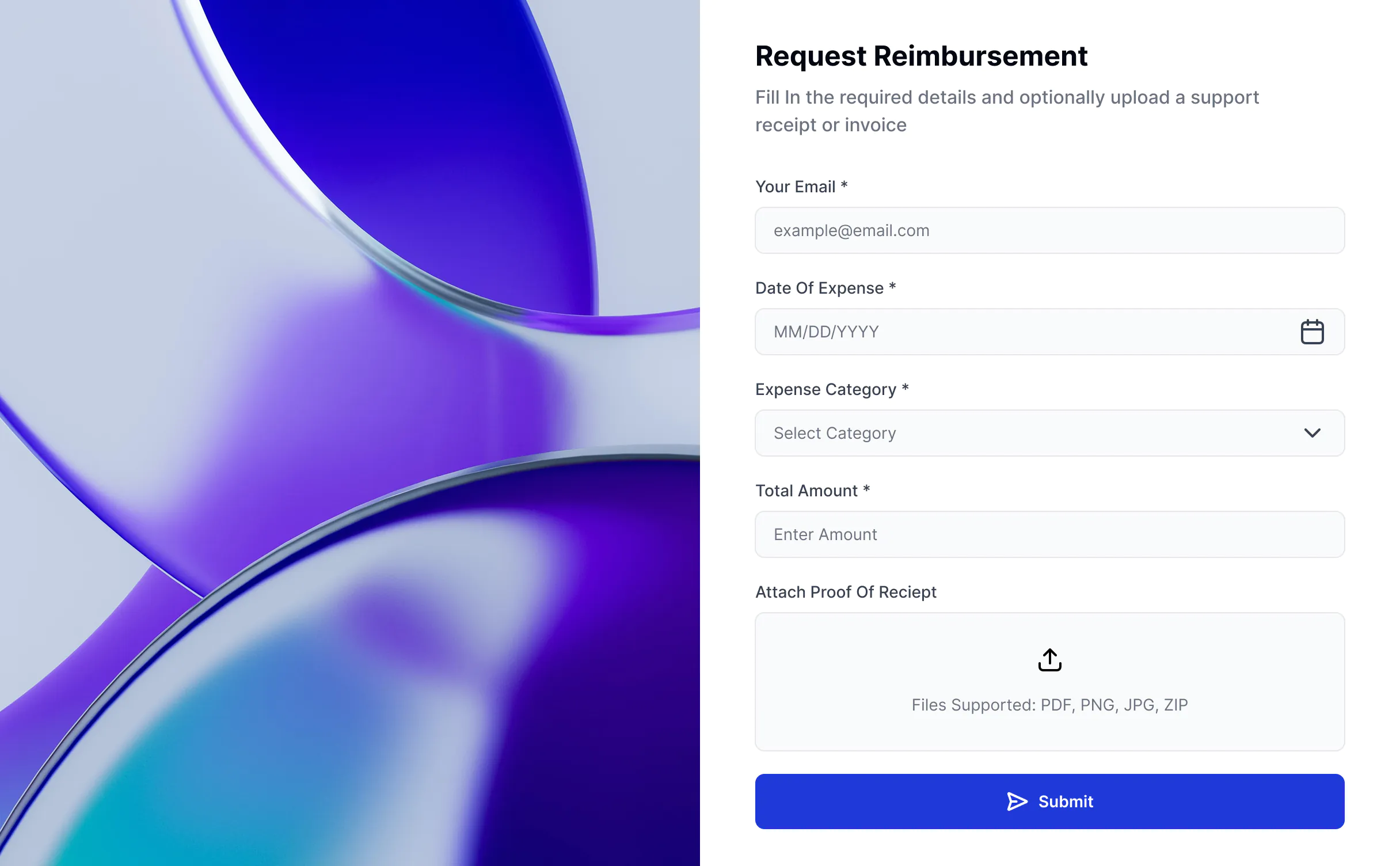


Extend your apps with REST API


Setup and integration
Usually requires coding and manual configuration.
No-code setup using Softr’s REST API connector.
Limited to developers familiar with API requests.
Connect in minutes, no scripts required.

User experience & branding
No built-in UI—must code your own frontend.
Combine multiple data sources in one interface by including data from any tool with a REST API.
Difficult to manage layout, navigation, and interactions for many data sources.
Create white-labeled apps with custom domains, logos, fonts, and styling.

All the features you need
Create a personalized, secure experience for every app user. Tailor the look and feel to align with your brand.

Branding
Deliver professional, white-label apps that impress your team and clients. Customize to reflect the look and feel of your brand.

Works on any device
Softr apps are mobile-ready by default. Turn it into a downloadable app in one click with Softr’s PWA—no extra design needed.

Automations
Connect with your existing tools (Make, Zapier) or use Softr Workflows to build automations directly inside your apps.

User groups
Create custom user groups and separate logins to provide personalized dashboard views and access levels for different users.

Advanced permissions
Customize who sees what, and which actions they can take, even at the most granular level.

Security
Protect information from security threats. Softr is fully compliant with SOC2 and GDPR regulations.

Go from zero to app, incredibly fast
Co-build with AI
Simply describe what you need. Let Softr handle everything - Interface, database, workflows.
Iterate with AI or visually
Control most critical parts of your app yourself - roles, permissions, security.
Ship the same day
Invite team members or external clients and partners right away. No developer handover.


