Changelog
What's new in Softr
Check out new features, improvements, and community events!
Thank you! Your submission has been received!
Oops! Something went wrong while submitting the form.
New Feature
Workflow MCP
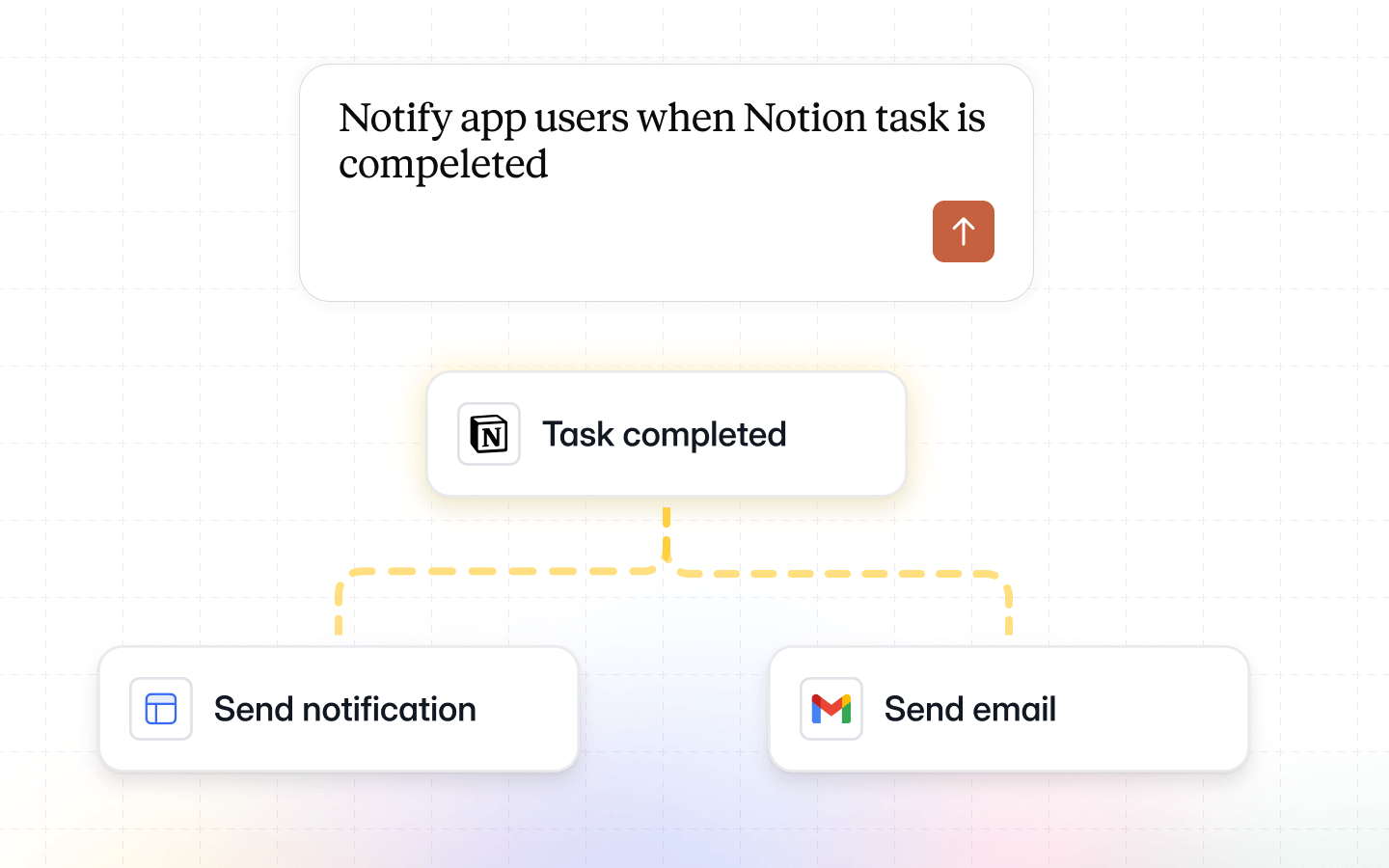
Day 3 of Softr MCP: Automate boring or complex tasks with Workflow MCP!
Bonus tip: If you want to move automations from other tools into Softr, take a screenshot of your flow, add some info, and watch the MCP re-build it!
Bonus tip: If you want to move automations from other tools into Softr, take a screenshot of your flow, add some info, and watch the MCP re-build it!
New Feature
Vibe code block MCP
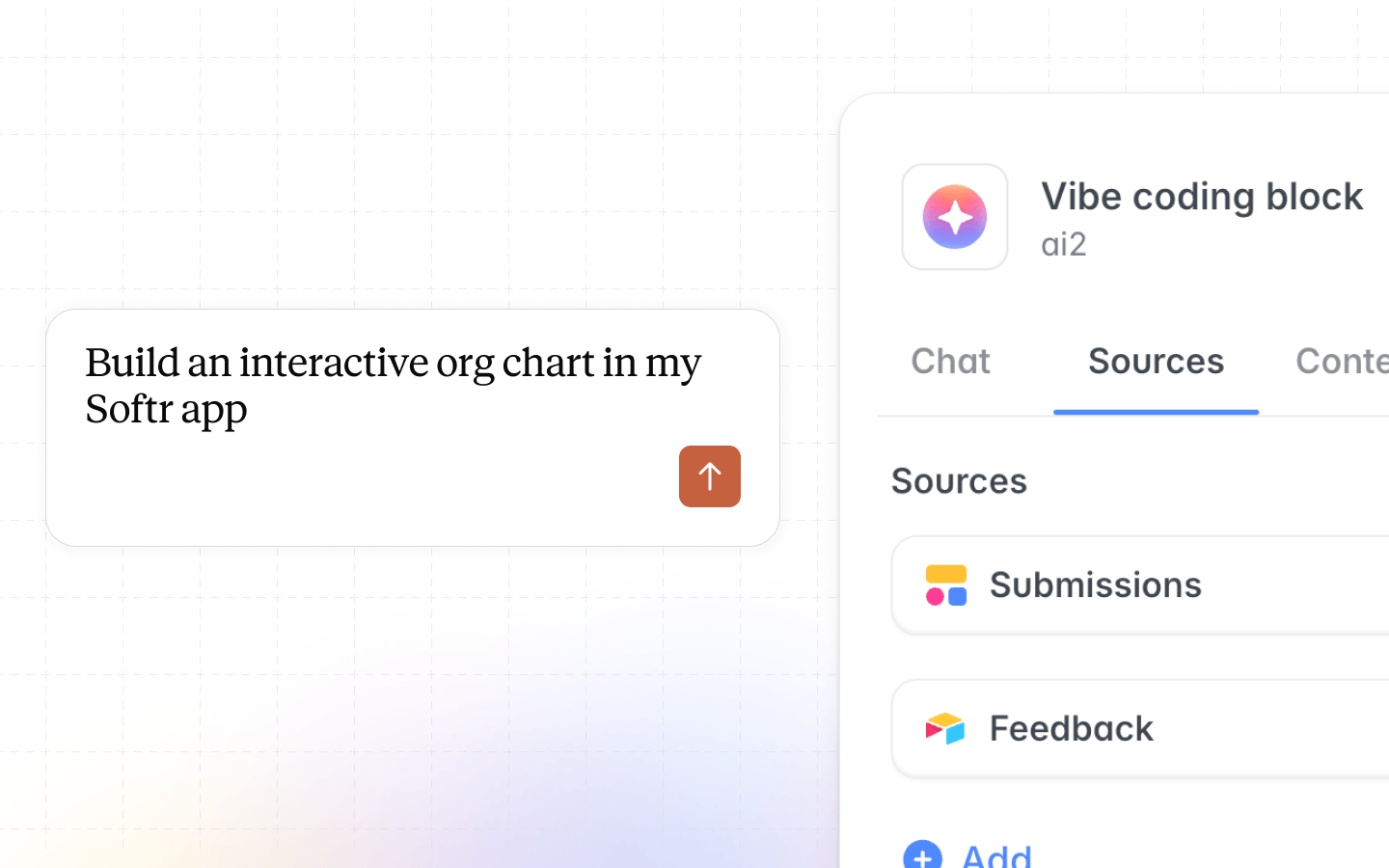
Day 2 of Softr MCP: You can now vibe code custom blocks directly from Claude / ChatGPT and have them map to your data sources.
Give it a shot!
Give it a shot!
New Feature
A brand new way to build with Softr
Starting today, you can build with Softr from Claude, ChatGPT, and other AI tools via MCP!
Build apps, create custom blocks, update databases, design workflows, directly from wherever you're already working. No AI credits needed. Available on every plan.
Connect MCP now: https://docs.softr.io/mcp/connect
We have more MCP drops every day this week. Stay tuned!
Build apps, create custom blocks, update databases, design workflows, directly from wherever you're already working. No AI credits needed. Available on every plan.
Connect MCP now: https://docs.softr.io/mcp/connect
We have more MCP drops every day this week. Stay tuned!
New Feature
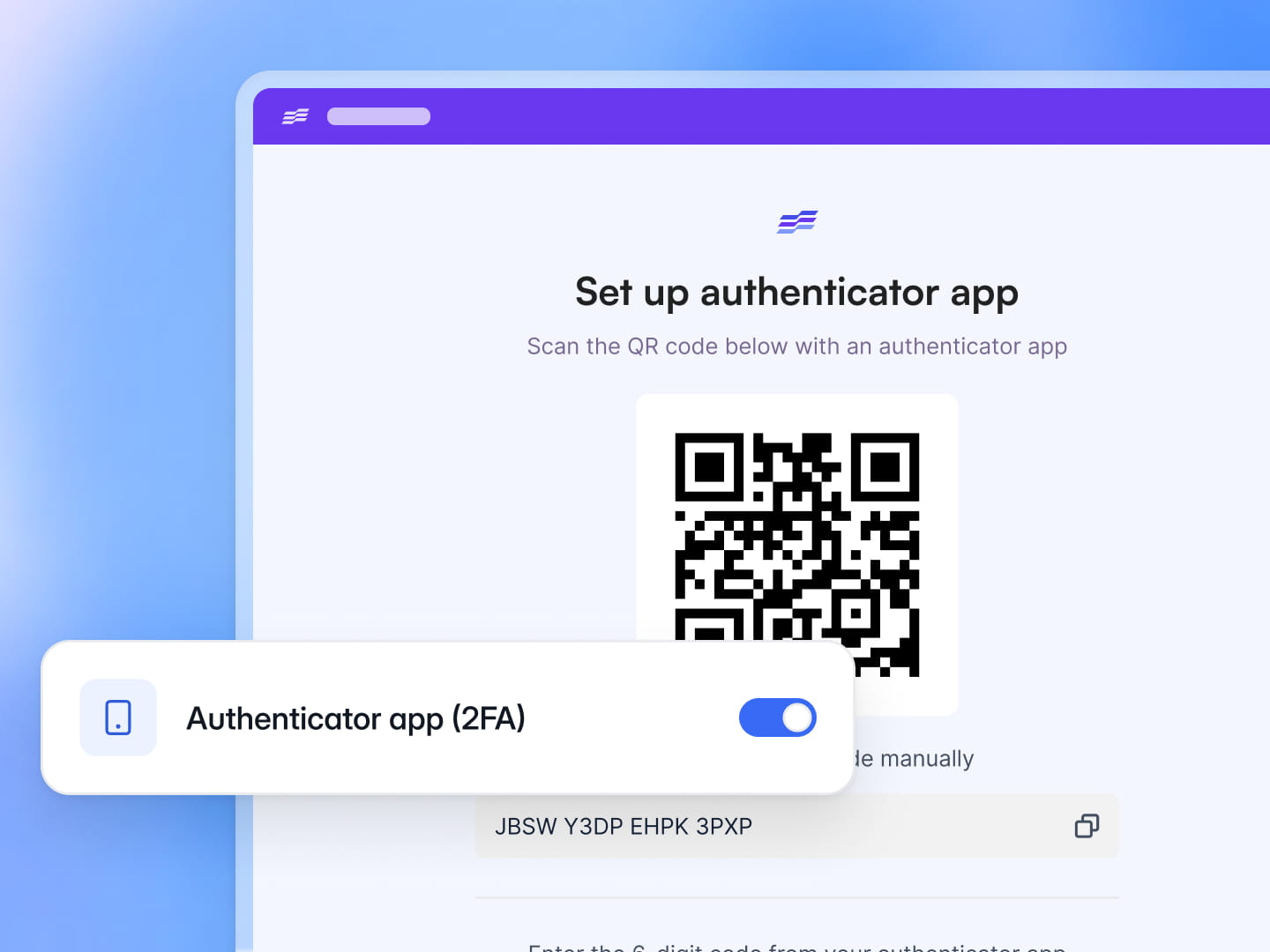
2FA for app users
You can now enable Authenticator App (2FA) for your app users, making your apps more secure. You can either enforce it or make it optional.
New Feature
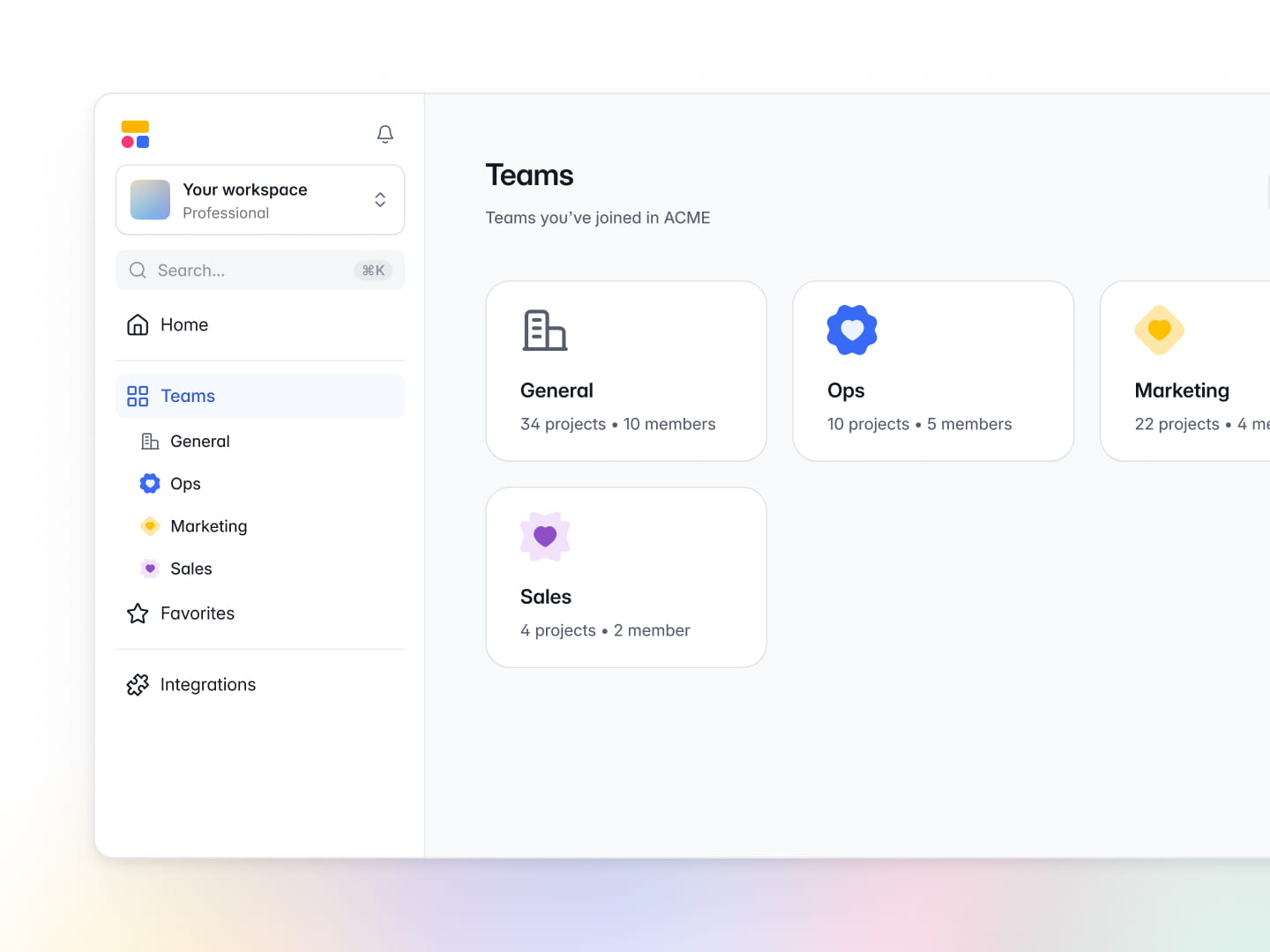
Workspace teams
You can now create teams within your Softr workspace, so some projects stay visible only to the members who need them.
You can also invite guests to a specific team — useful when collaborating with outside experts or freelancers!
Teams are available on Business and Enterprise plans.
You can also invite guests to a specific team — useful when collaborating with outside experts or freelancers!
Teams are available on Business and Enterprise plans.
New Feature
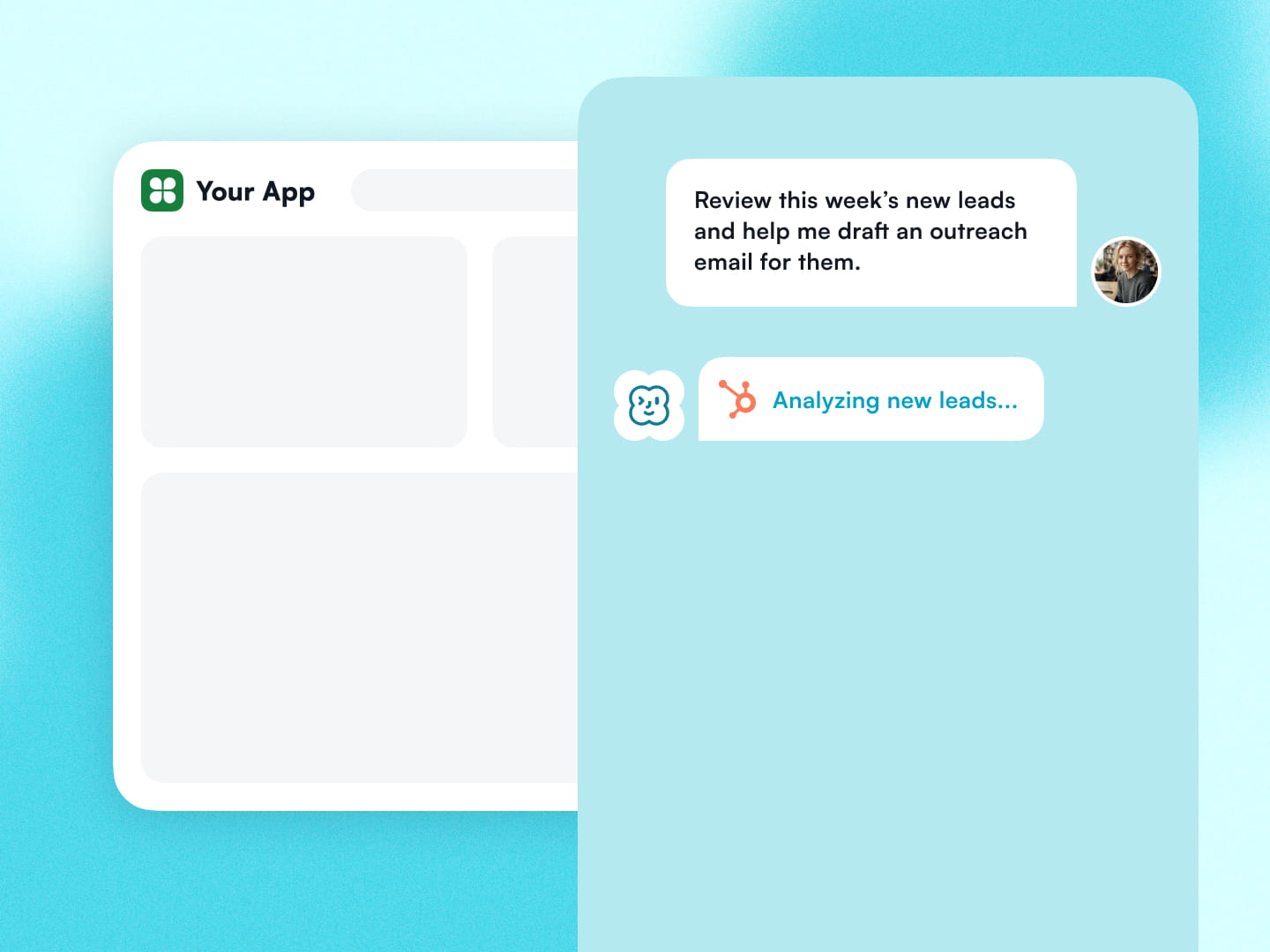
Meet Softr Agents
Imagine a teammate who can take on any tasks, never logs off, and knows everything about your apps, data, and workflows in Softr. That's Softr Agents, and they start today.
There are two types of Softr Agents you can build:
- App Agents: They live inside your Softr apps to answer user questions and perform tasks. They follow the same user permissions you've set in the app, so your business rules stay intact.
- Scheduled Agents: They run in the background on a recurring schedule — like a recurring workflow, but smarter.
Softr Agents are available on every plan. Create yours today!
There are two types of Softr Agents you can build:
- App Agents: They live inside your Softr apps to answer user questions and perform tasks. They follow the same user permissions you've set in the app, so your business rules stay intact.
- Scheduled Agents: They run in the background on a recurring schedule — like a recurring workflow, but smarter.
Softr Agents are available on every plan. Create yours today!
New Feature
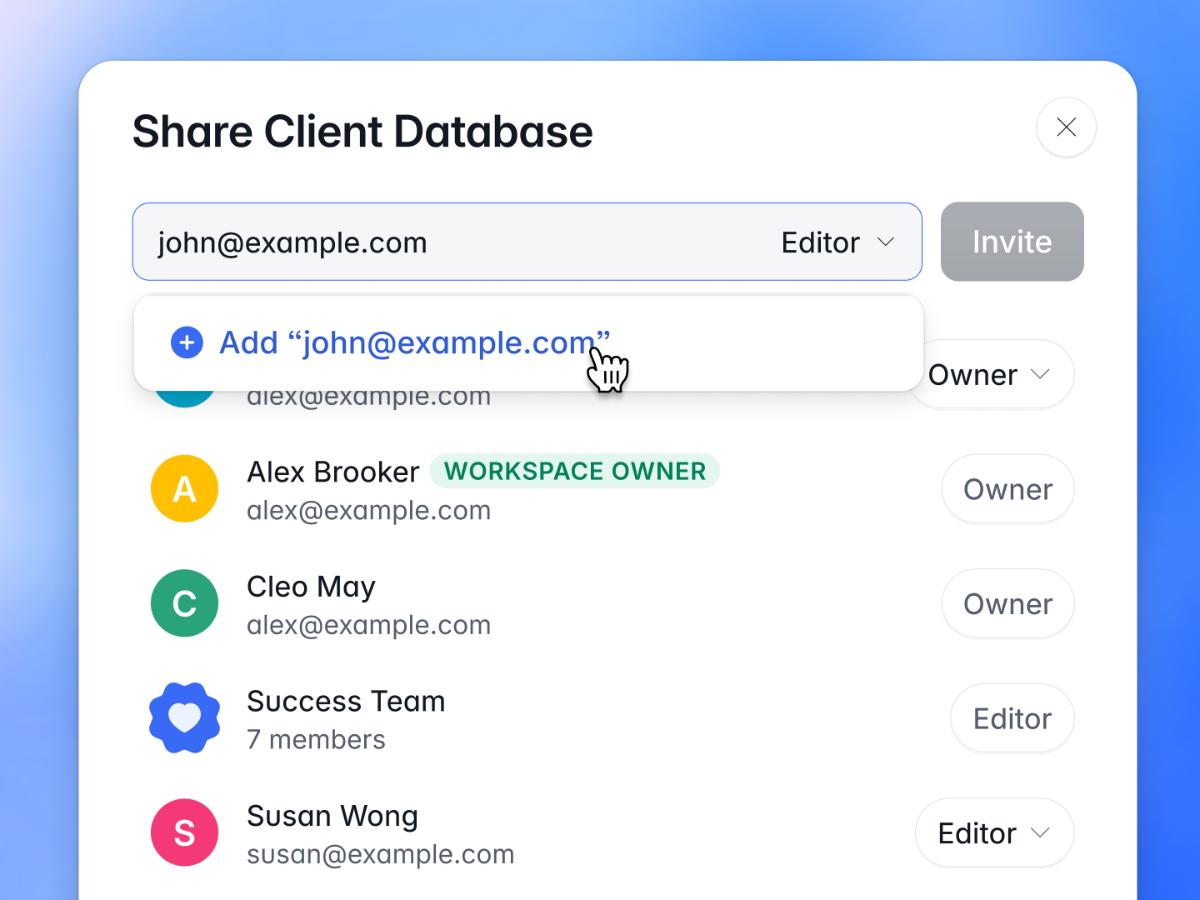
Item-level sharing
Share your Softr apps, databases, and workflows with the right collaborators. We surface connected items too, so sharing an app extends the right permissions to everything linked to it.
New Feature
Zoho CRM data source
Zoho CRM is now available as a native data source. Connect your account to build customer portals, client dashboards, and internal tools directly on top of your CRM data.
New Feature
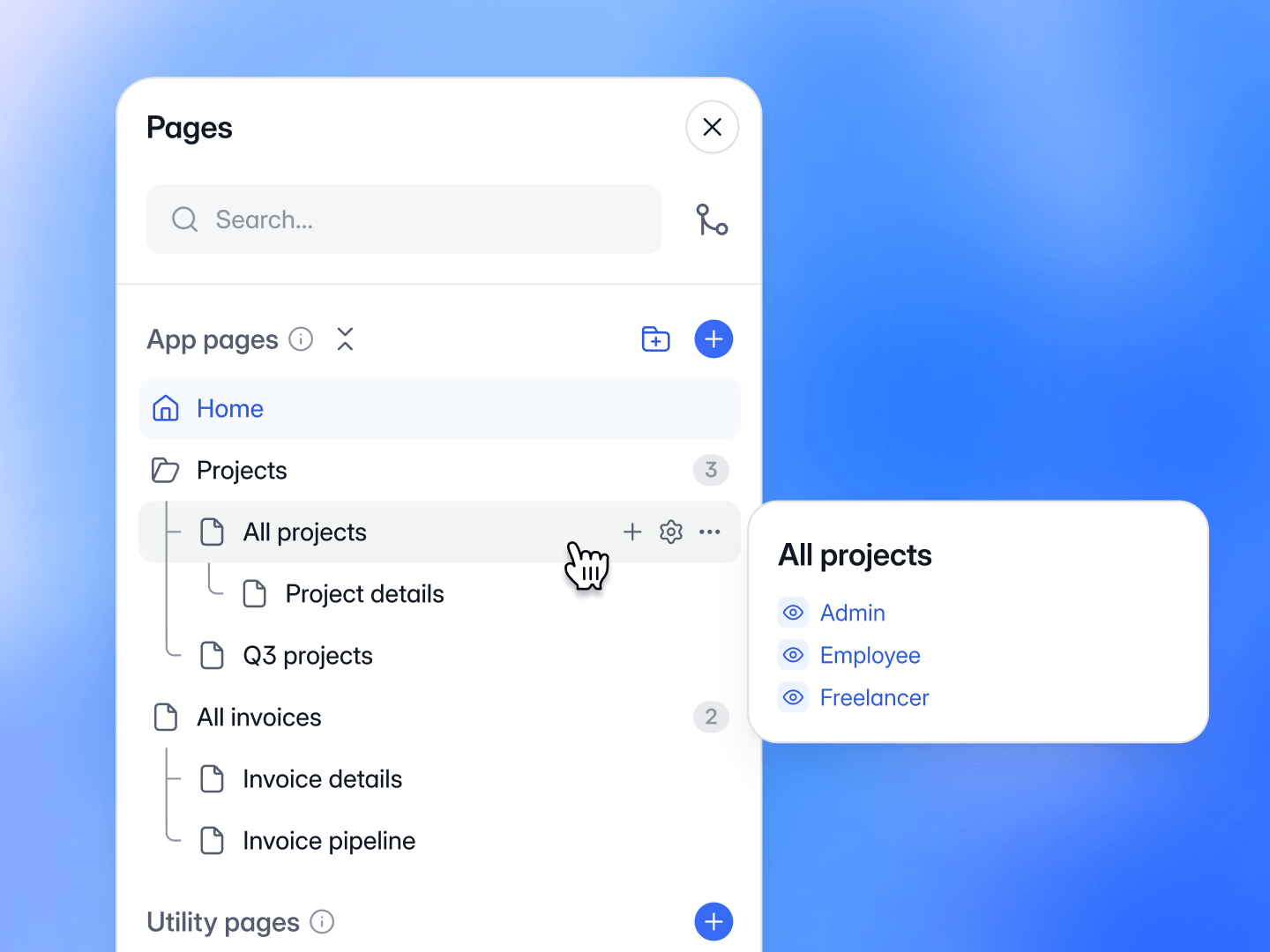
Organize pages with folders and nesting
Group related pages into folders and build flexible hierarchies by nesting pages under folders or other pages. Create pages directly within any level. Hover over any page to quickly check its visibility.
New Feature
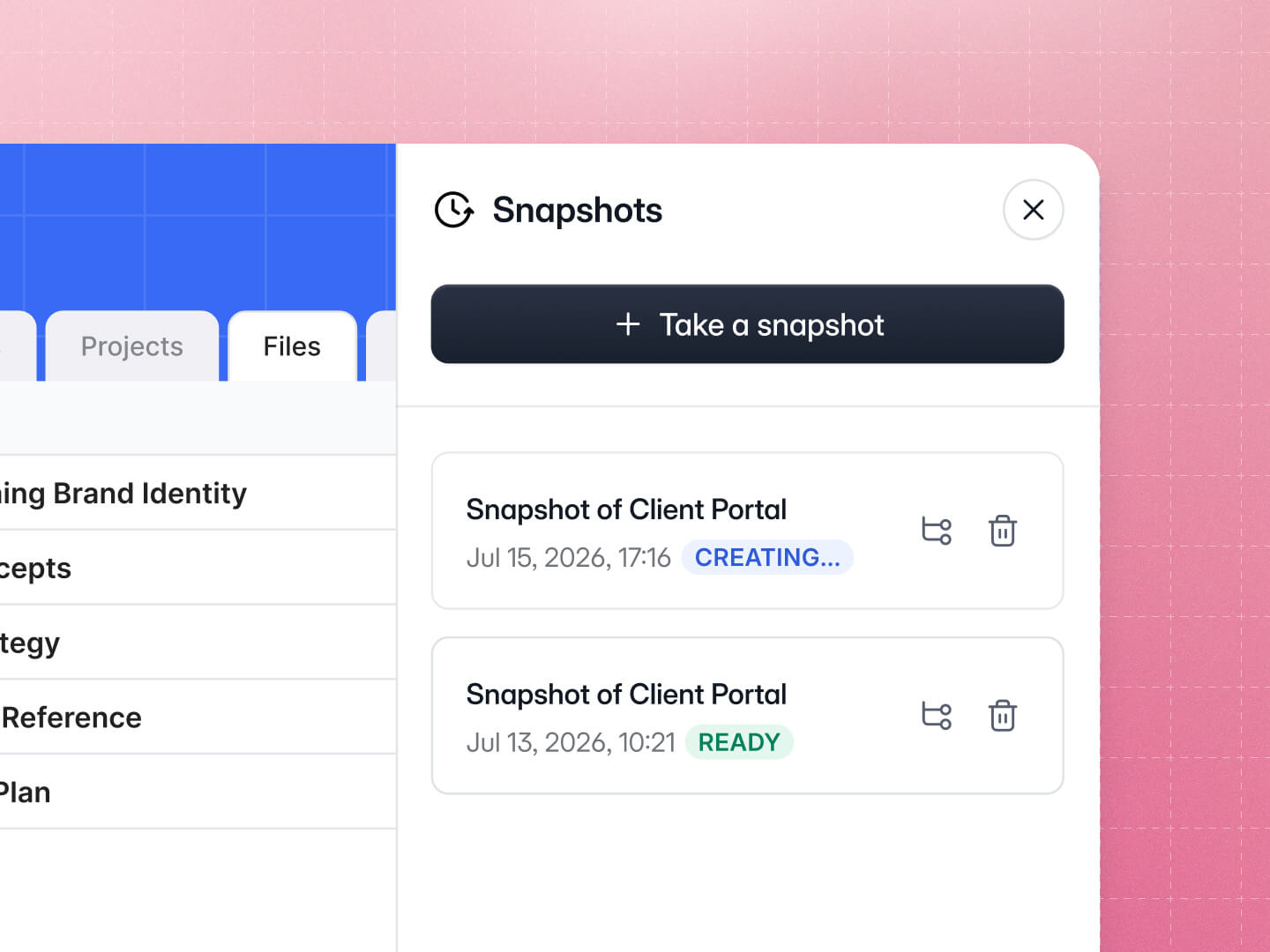
Back up Softr Databases with snapshots
Snapshots provide saved copies of your Softr Database, helping you recover from unwanted changes. Restore any snapshot as a new database whenever you need it.
To get started, simply open any Softr Database, then click the dropdown next to its name > Snapshots.
Note: Snapshots currently have to be taken manually. Automated backups are coming soon.
To get started, simply open any Softr Database, then click the dropdown next to its name > Snapshots.
Note: Snapshots currently have to be taken manually. Automated backups are coming soon.
New Feature
Build apps with Snowflake data
Connect Snowflake as a native data source and build secure dashboards, internal tools, and portals directly on top of your warehouse data.
The Snowflake integration is available on the Enterprise plan. Contact sales if you'd like access.
The Snowflake integration is available on the Enterprise plan. Contact sales if you'd like access.
New Feature
Build apps with Microsoft Excel data
You can now use Microsoft Excel as a data source for your Softr apps, making it easy to build portals, internal tools, and dashboards directly on top of your spreadsheets.