



Build secure apps on top of your Airtable data
Keep your data in Airtable while Softr adds the interface, logins, permissions, forms, and workflows. Changes sync between your app and Airtable in real time.
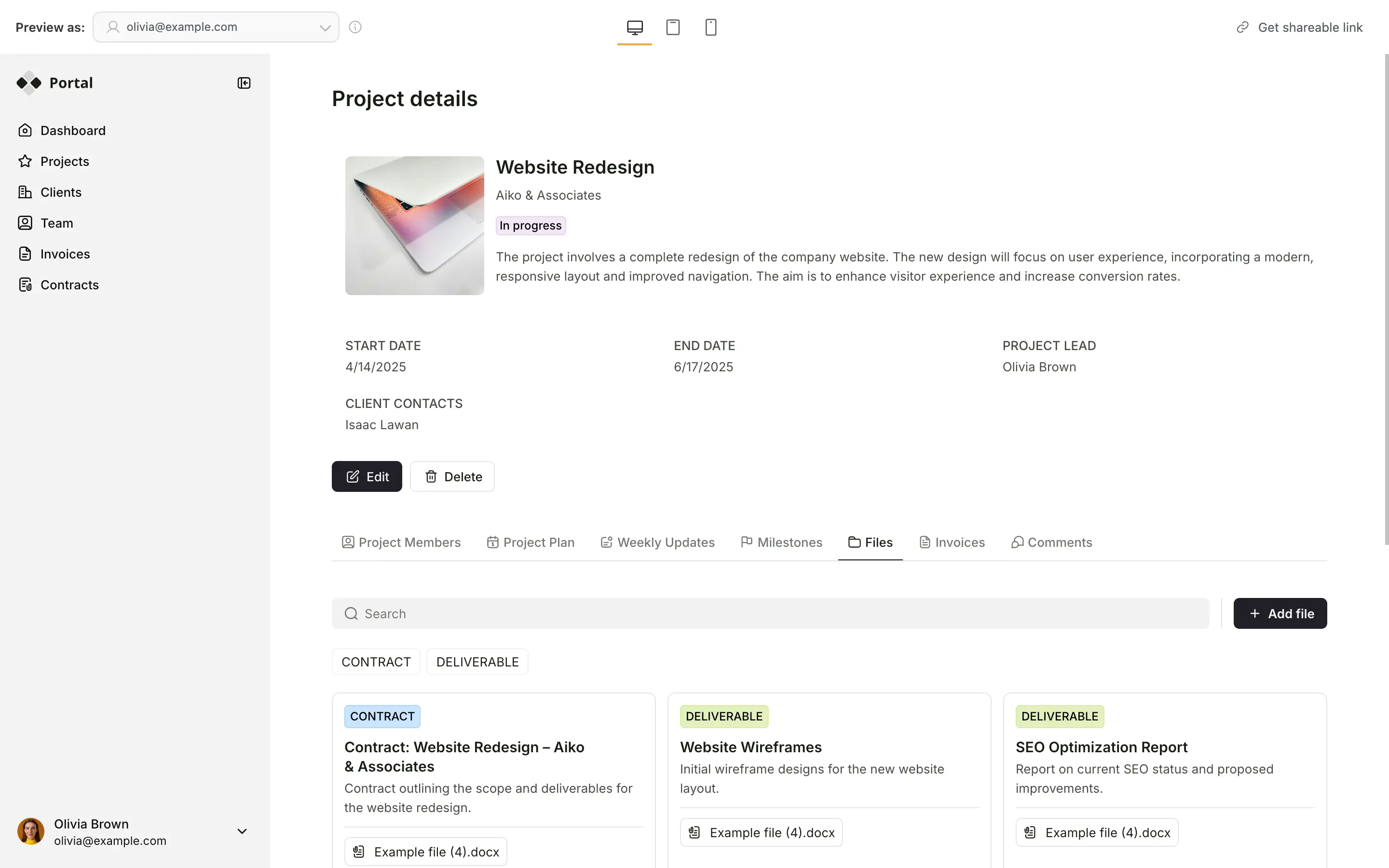


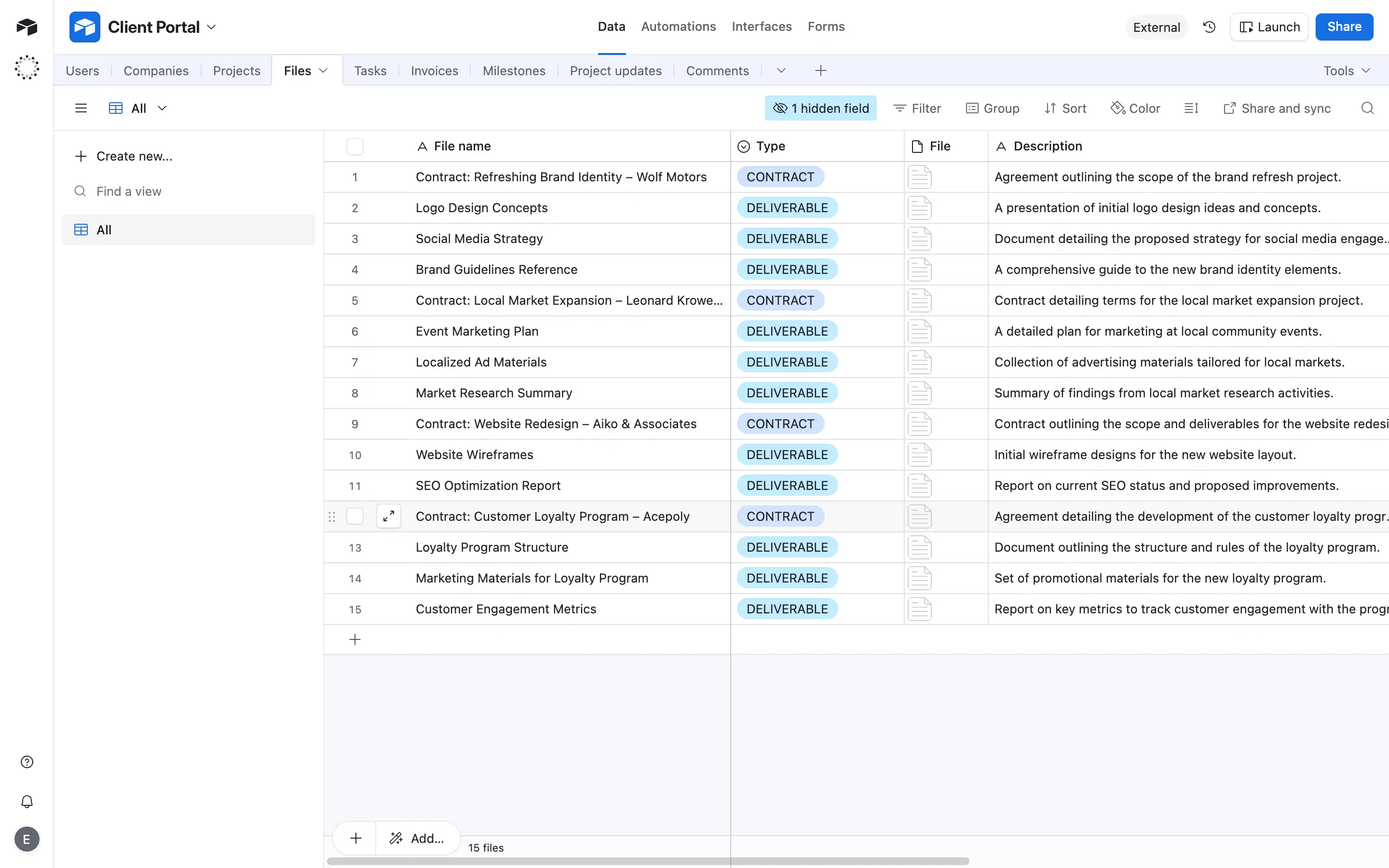










Connect Airtable with real-time, 2-way sync.
Link your Airtable data to Softr in seconds. See instant, 2-way updates between Airtable and your app, and combine multiple bases (or 15+ other data sources) in one frontend interface.

Manage what your clients and team can view or edit.
Give clients, teammates, and partners secure access to only the right data. Set user groups and granular permissions so everyone can see and edit what they need while your base stays private.

Create professional, full-stack apps.
Design branded portals, dashboards, or CRMs with login pages and user authentication. Add forms and conditional logic, and use Softr Workflows to automate tasks directly from your Airtable data.

Consolidate tools and data
Stop overspending on pricey software or extra Airtable seats. Build custom apps that fit your workflows perfectly.

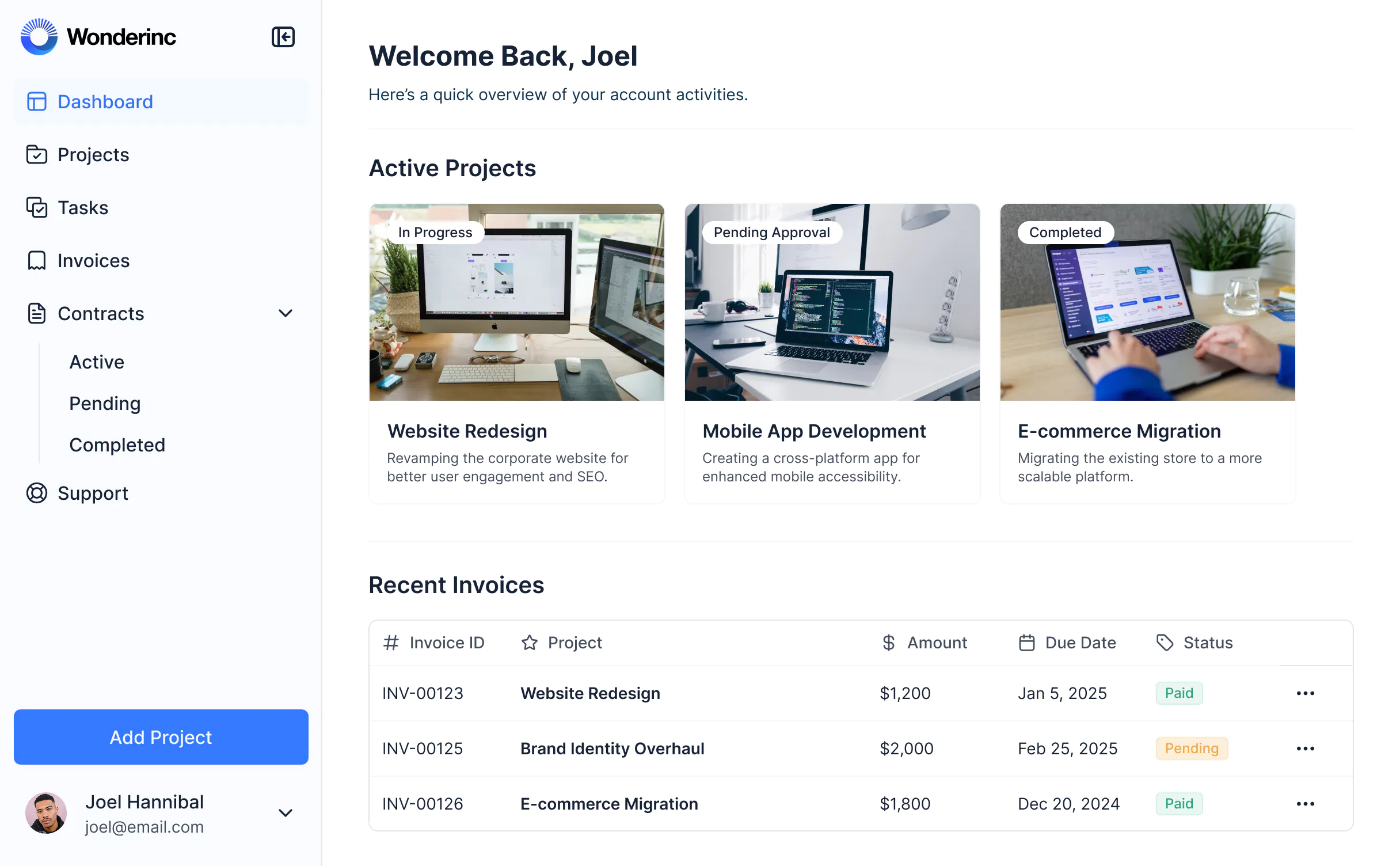


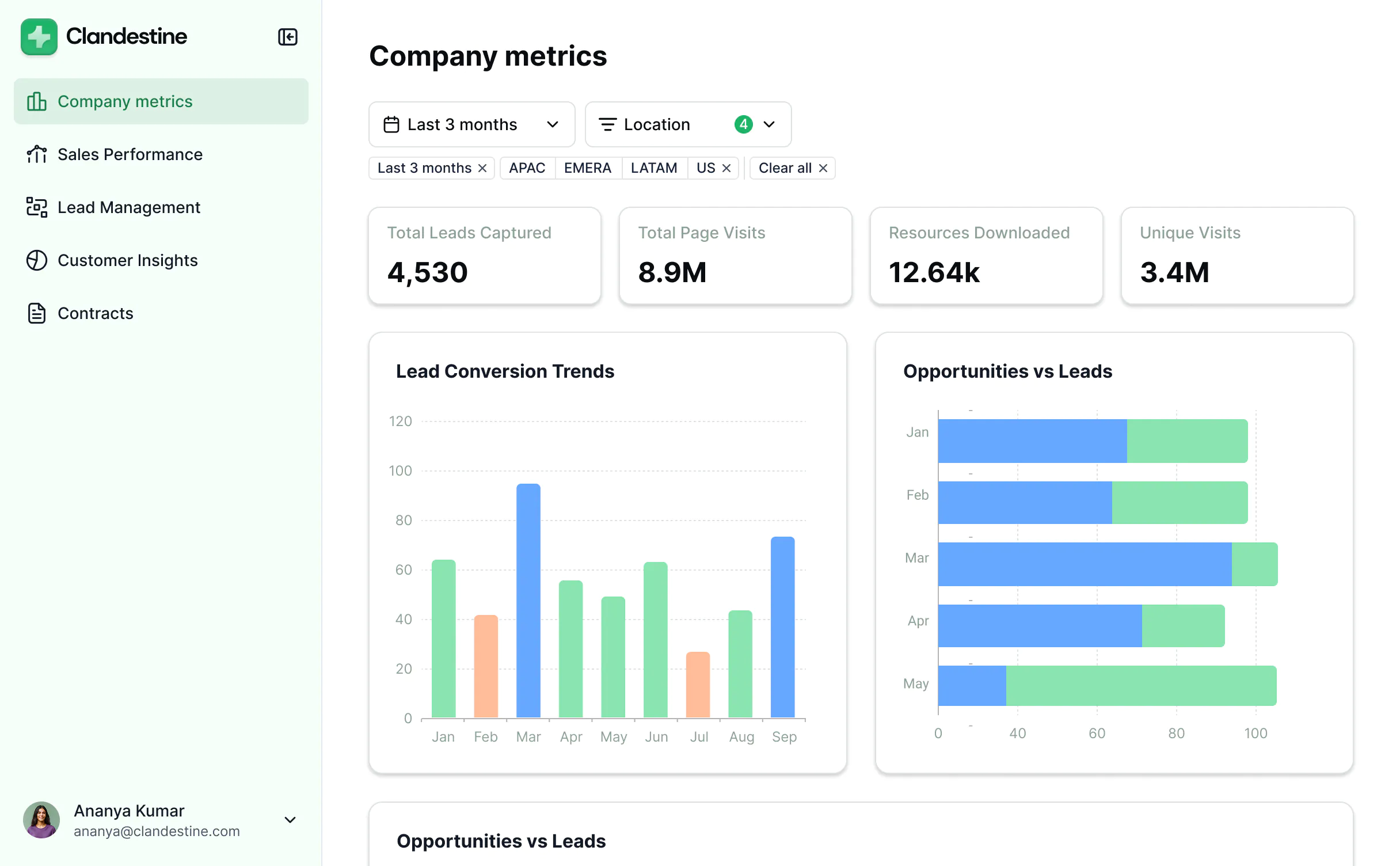


Take Airtable further with Softr


Permissions & client access
Sharing options are limited to public links or paid collaborator invites.
Build secure portals and tools where users log in and see only the data they need—no extra Airtable seats required.
Hard to restrict visibility or manage access across multiple clients or teammates.
Manage data access with granular permissions and role-based access.

User experience & branding
Spreadsheet-style interface designed for internal teams or admins.
Build a user-friendly interface with drag-and-drop blocks and custom create/edit actions for end users.
Airtable branding always visible on external views.
Fully white-labeled apps with custom domains, logos, fonts, and styling.
No way to build a Progressive Web App (PWA) for easy mobile access.
Apps are mobile-ready and installable as PWAs for use on the go or in the field.
Forms
Basic single-page forms with limited customization.
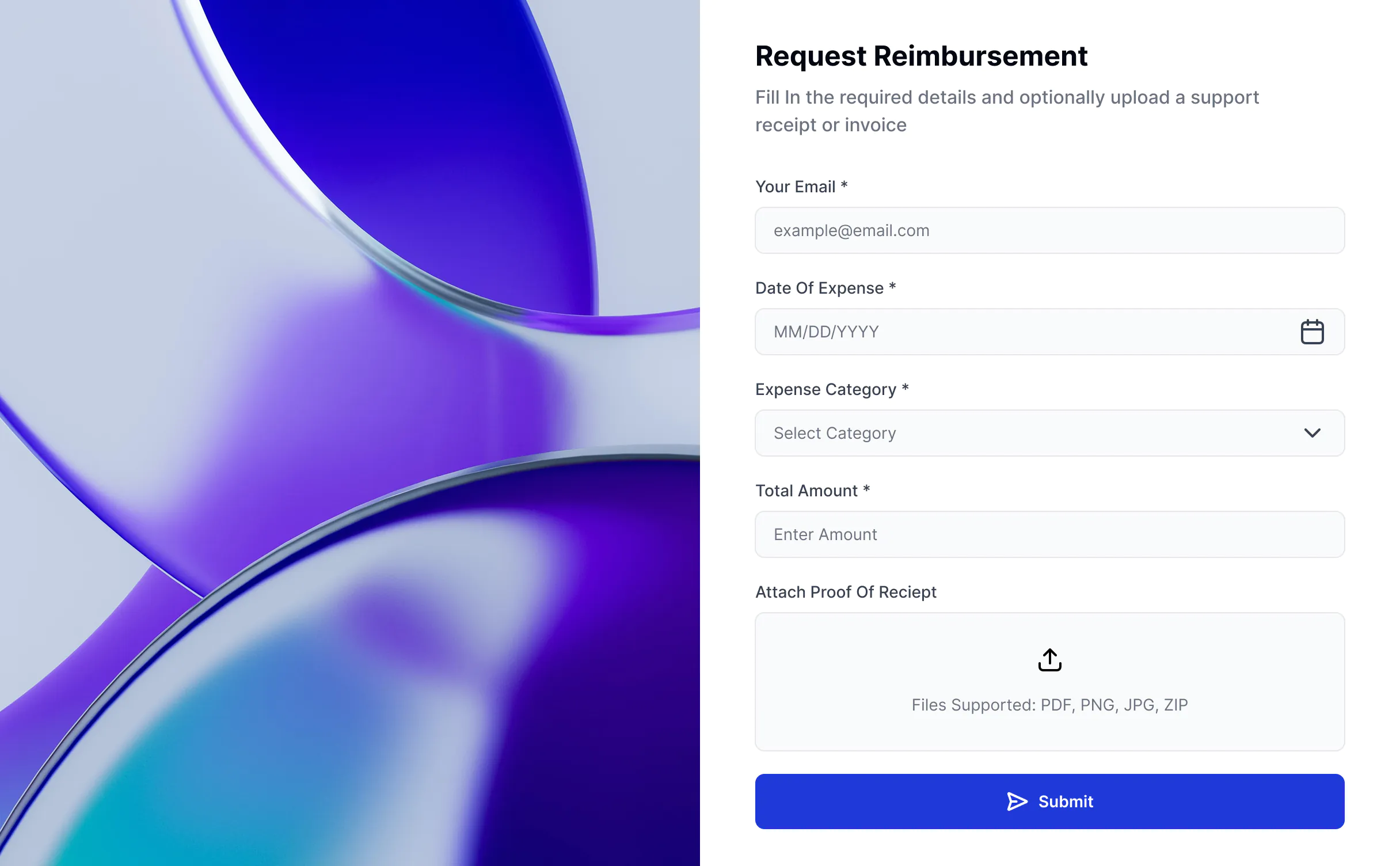
Single or multi-page forms with conditional logic, branding, and response routing available on paid Softr plans.

Pricing
Editing access in Airtable requires a paid collaborator seat.
Use Airtable for backend logic and Softr to handle the front-end experience, including edit access.
Costs rise quickly as more users need access.
Start free and scale your app without worrying about per-seat pricing as your client or team base grows.

Dashboards & reporting
Build dashboards using live Airtable data.
Extend your dashboards with data from Airtable and other tools in your stack (HubSpot, BigQuery, and more).

All the features you need
Create a personalized, secure experience for every app user. Tailor the look and feel to align with your brand.

Branding
Deliver professional, white-label apps that impress your team and clients. Customize to reflect the look and feel of your brand.

Works on any device
Softr apps are mobile-ready by default. Turn it into a downloadable app in one click with Softr’s PWA—no extra design needed

Automations
Connect with your existing tools (Make, Zapier) or use Softr Workflows to build automations directly inside your apps.

User groups
Create custom user groups and separate logins to provide personalized dashboard views and access levels.

Advanced permissions
Customize who sees what, and which actions they can take, even at the most granular level.

Security
Protect sensitive information from security threats. Softr is fully compliant with SOC2 and GDPR regulations.

Go from zero to app, incredibly fast
Co-build with AI
Simply describe what you need. Let Softr handle everything - Interface, database, workflows.
Iterate with AI or visually
Control most critical parts of your app yourself - roles, permissions, security.
Ship the same day
Invite team members or external clients and partners right away. No developer handover.


