



Softr vs. Retool
Is Retool too dev-heavy for your team? Try Softr, the easiest way to build custom business apps without code.
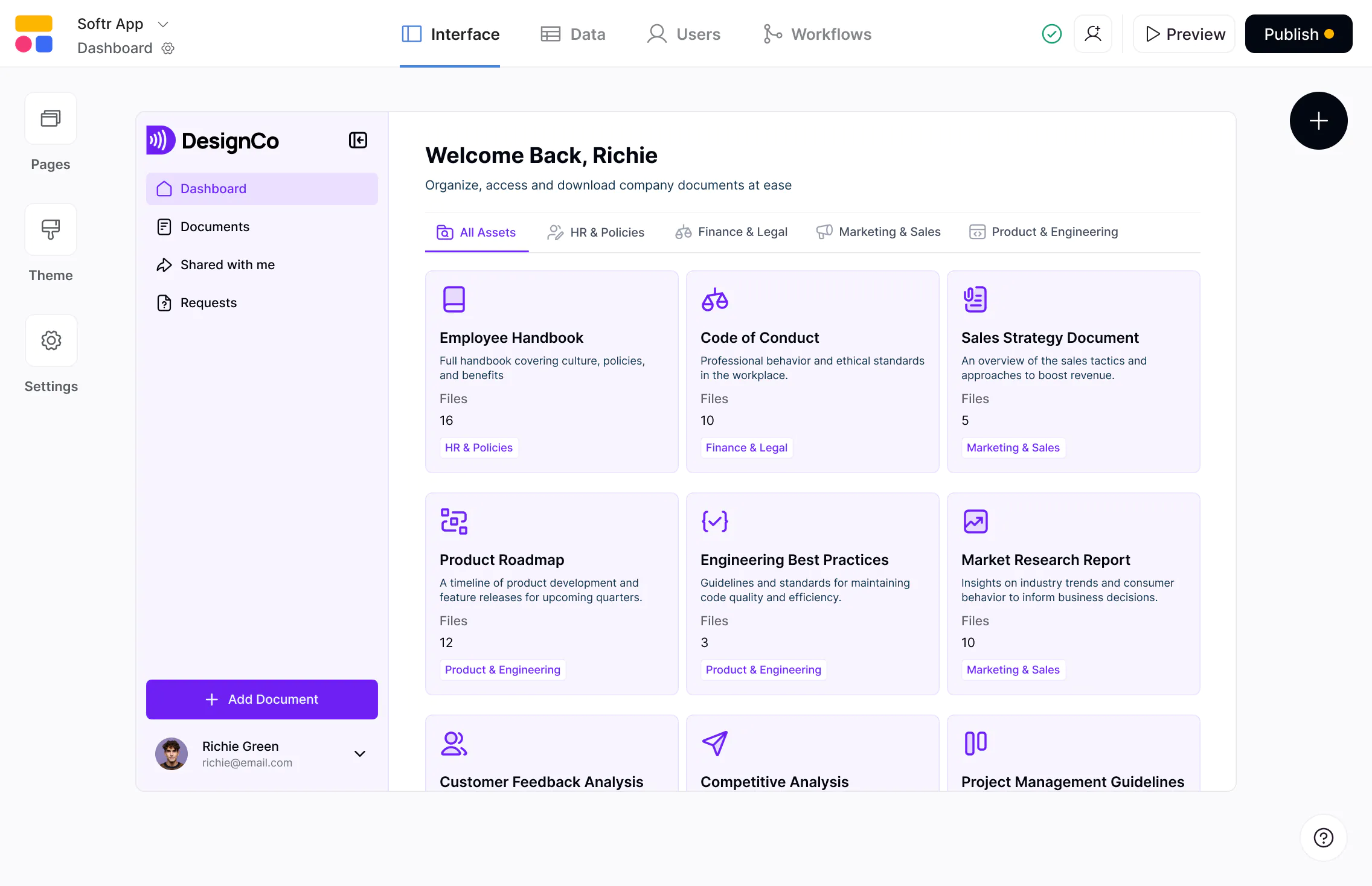










The #1 Retool alternative for business apps
Build scalable, full-stack apps on real business data—with predictable pricing and full control as you grow.

Faster to build, easier to maintain.
Retool often requires SQL, JavaScript, and custom queries for UI logic and permissions. Softr gives non-technical teams data source connections, visual building blocks, and flexible layouts to build apps without devs.

Built for both internal and external users.
Retool focuses on internal tools where external logins, onboarding, and permissions must be engineered manually. Softr is designed for both internal tools and external-facing apps like client and partner portals.

Predictable pricing without per-seat costs.
Retool charges per internal and end user, which becomes costly as teams expand. Softr offers generous user limits and no per-seat pricing, making it more affordable as your apps and workflows scale.

Why businesses are choosing Softr over Retool
Modern layouts out of the box
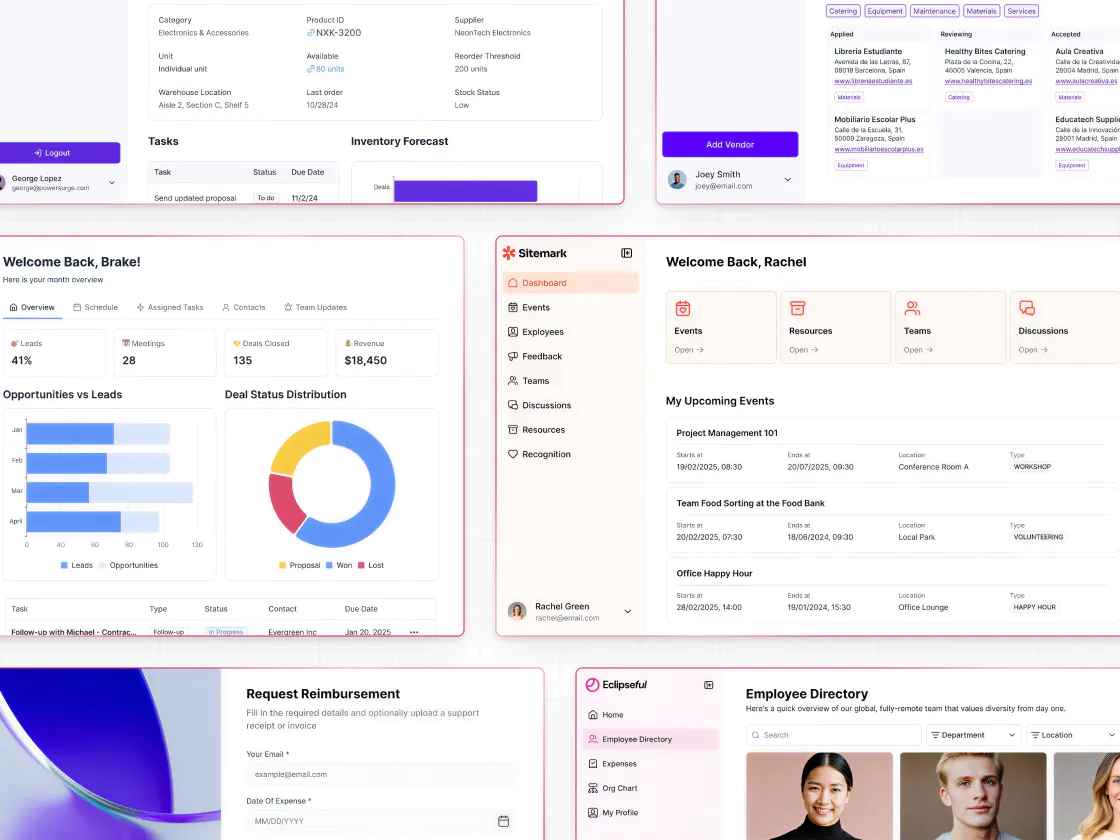
Retool apps look and feel like internal tools unless customized with code. Softr offers modern building blocks and flexible layouts that work for both internal business apps and client-facing portals.
Easier permissions and access control
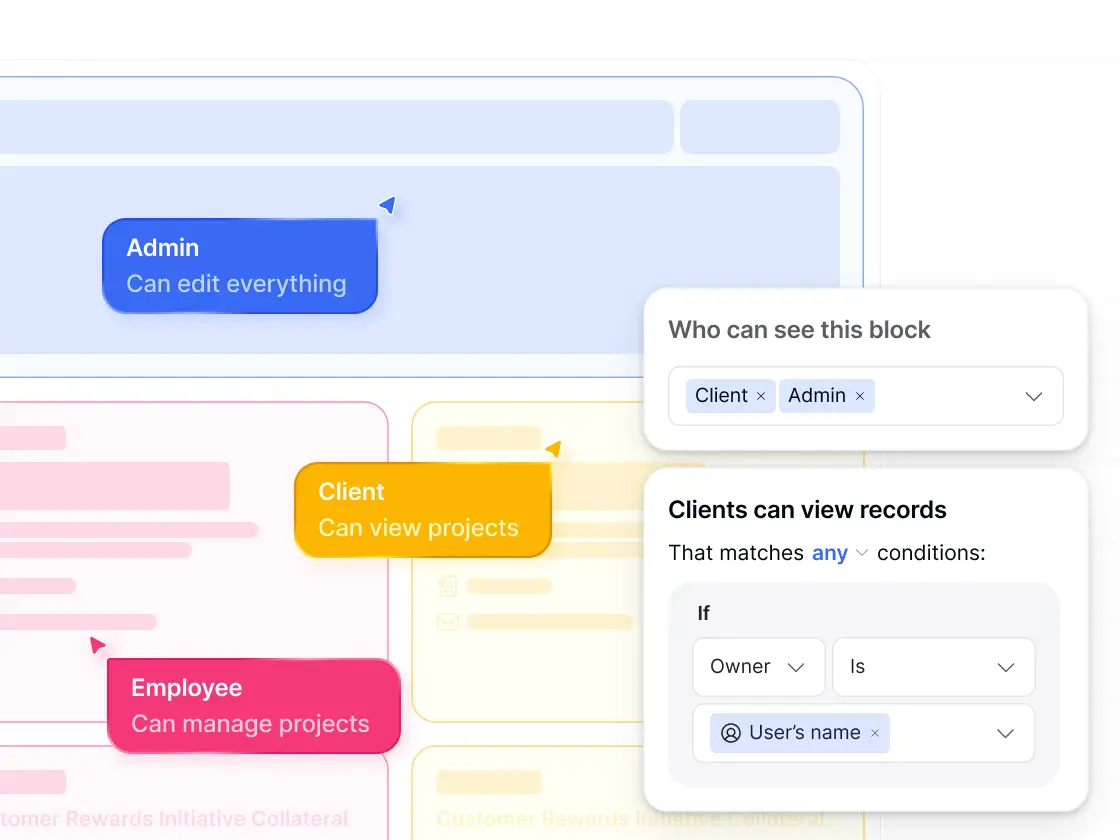
Retool needs custom SQL or JavaScript for row-level filtering or gated content. Softr gives you custom user groups, granular permissions, and conditional filters, making it easy to control exactly who sees what.
Built-in user management
Retool requires you to build login, signup, password, and onboarding flows manually. Softr provides utility pages for authentication, user groups, and custom onboarding right out of the box.
Stronger native data integrations
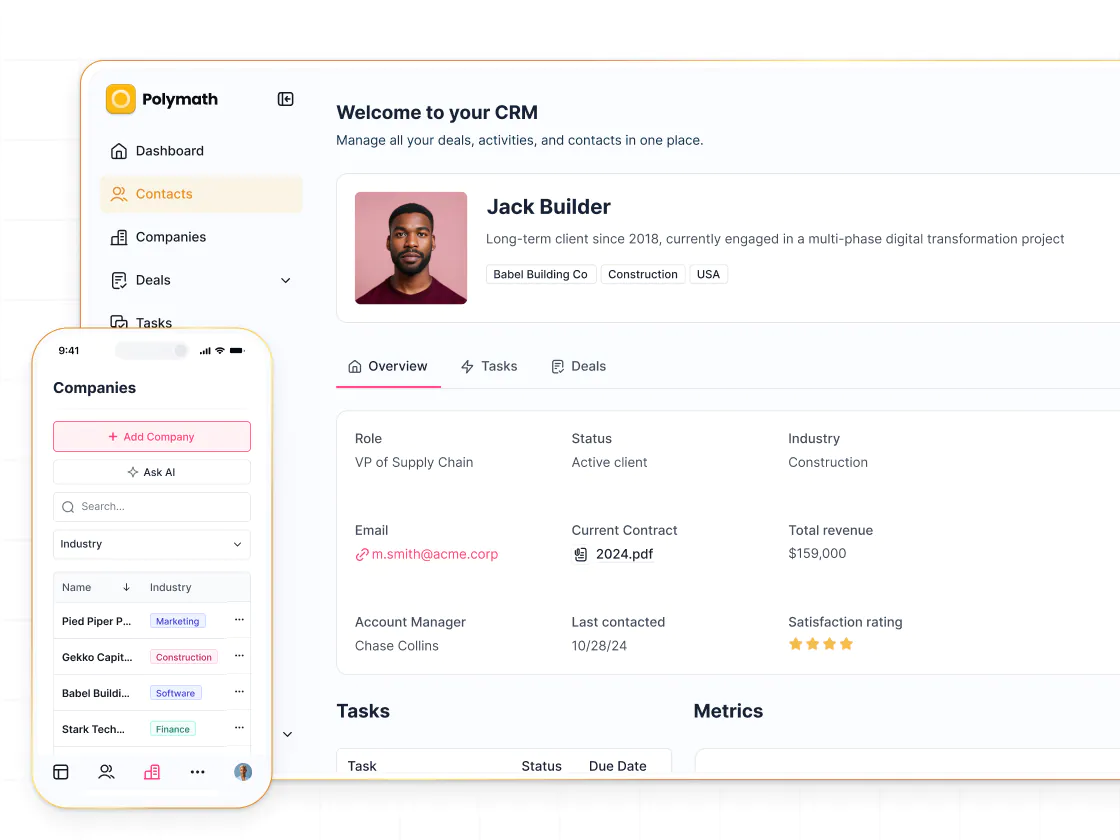
Retool connects to any tool but requires writing queries. Softr offers its own databases, plus 15+ external data sources integrations—so you can build on top of existing data and combine multiple sources.
Advanced conditional forms
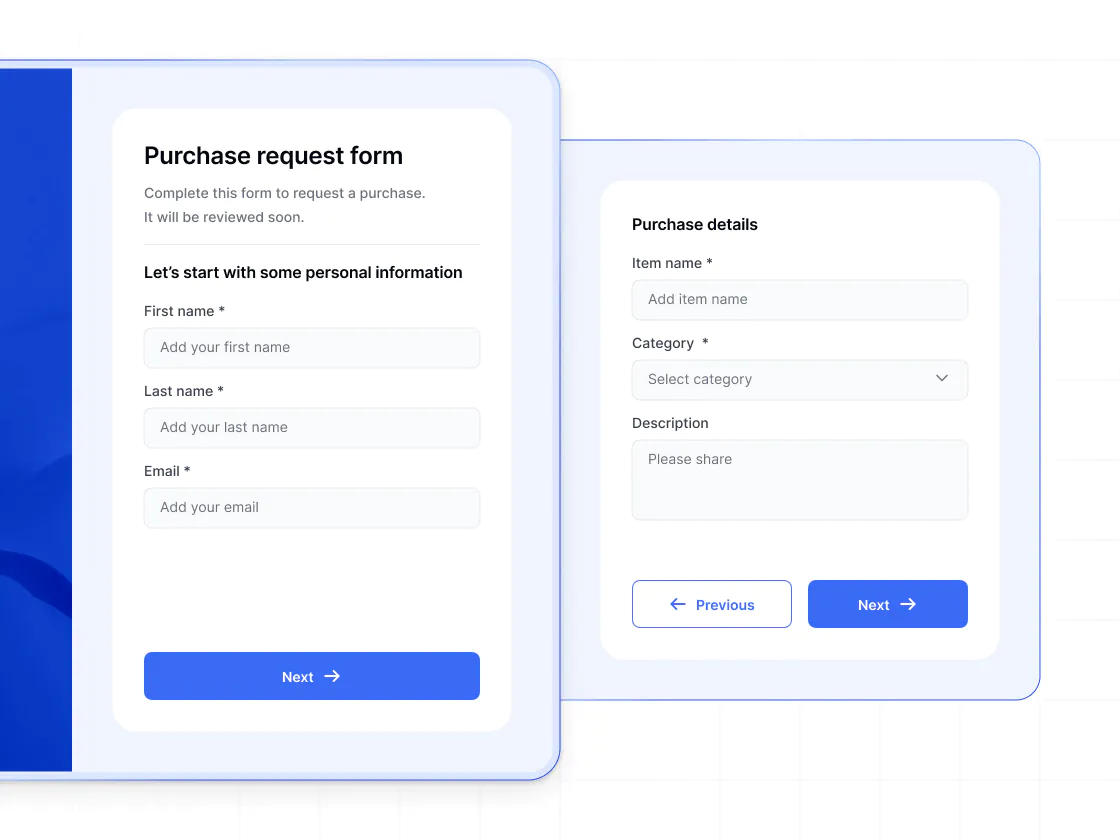
Retool can support forms, but requires custom workflows or plugins. Softr’s multi-step, conditional forms work natively with your data and are ideal for applications, onboarding, requests, and approvals.
Easier, more visual workflows
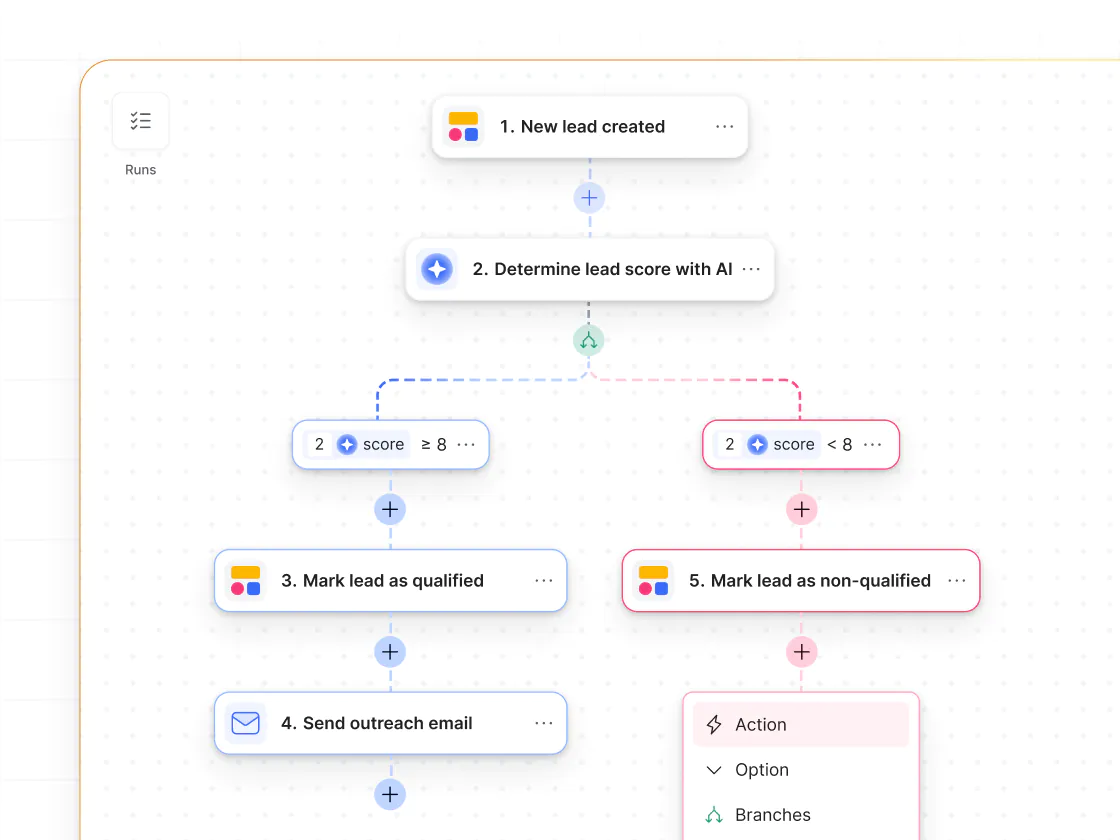
Retool Workflows assume scripting knowledge. Softr Workflows offer a clean visual builder with triggers, actions, and AI Agents—plus, an AI Co-builder that can generate workflow steps for you.
Vibe coding and AI to build faster
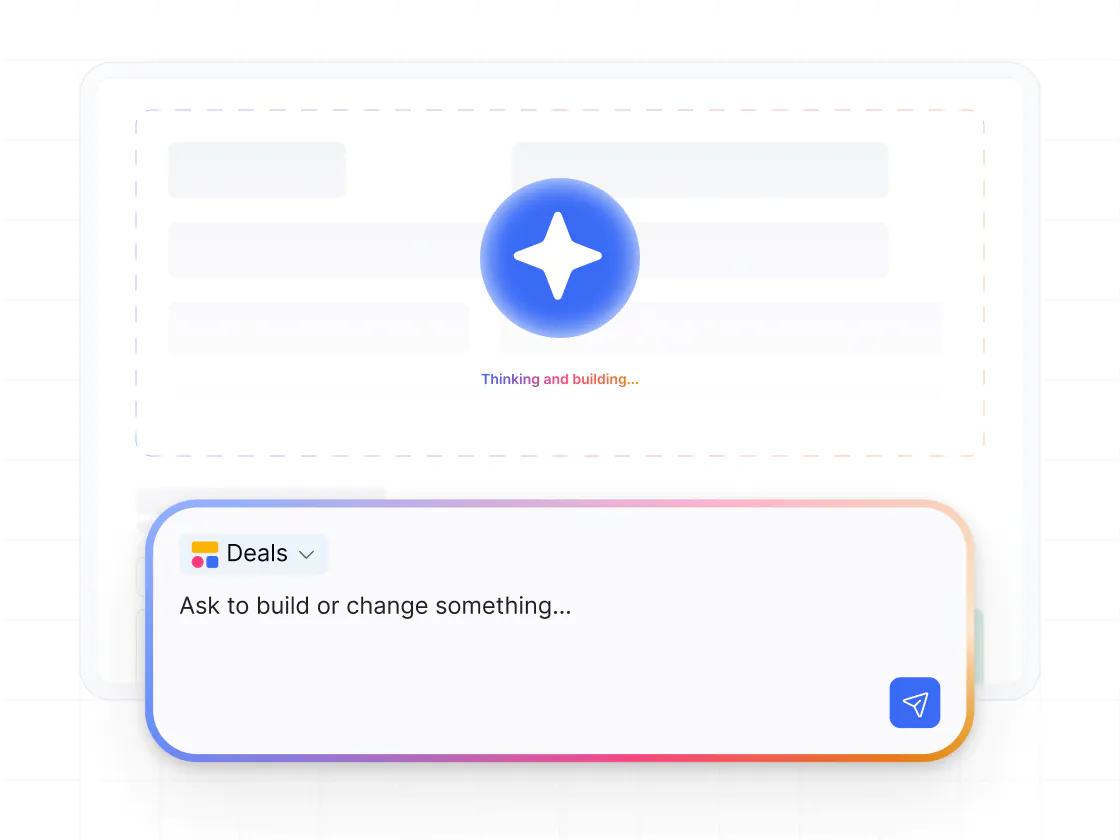
Vibe coding in Softr lets you generate custom tools and UIs from a prompt—inside a real app. Vibe-coded blocks connect to live data, support CRUD actions, follow data permissions, and include version history.
.svg)
See how Softr compares to Retool
Deciding between Retool and Softr? With Softr, you get more ease of use and flexibility with faster performance—and a better price.
Functionalities | | Retool |
|---|---|---|
Ease of use | Visual, no-code builder with vibe coding option | Requires SQL and JavaScript to customize |
Design flexibility | Modern blocks, flexible layouts | Admin-style UI that's hard to customize |
Data sources | Native databases plus 15+ external data sources | Connects to most databases, but requires more setup |
Permissions & access | Custom user groups, granular permissions, and global data restrictions | Manual logic required |
External users | Supports secure access for external users (e.g. clients or partners) | Built for internal users |
Forms | Multi-step forms with conditional logic | No built-in forms; JavaScipt required |
Workflow automation | Built-in workflows (includes app UI triggers) | Yes, but code-heavy |
AI Agents | AI Agents for databases and workflows | AI agents (developer driven) |
Mobile experience | Responsive web apps with PWA support | Requires dev |
Pricing model | No per-seat pricing on paid plans | Per-seat pricing (for both internal and end users) |

Go from zero to app, incredibly fast
Co-build with AI
Simply describe what you need. Let Softr handle everything - Interface, database, workflows.
Iterate with AI or visually
Control most critical parts of your app yourself - roles, permissions, security.
Ship the same day
Invite team members or external clients and partners right away. No developer handover.



Frequently asked questions
What’s the key difference between Softr and Retool?
Is Softr easier to use than Retool?
Is Softr more affordable than Retool?
Can Softr support both internal and external facing apps?
How does Softr compare to Retool for portals, CRMs, and internal tools?
Can I migrate from Retool to Softr?
What kinds of apps can I build with Softr?
Join 1M companies building apps with Softr
See how easy it is to automate and run your business.