


Build portals and internal tools powered by MySQL
Turn your MySQL data into secure portals, dashboards, and other business apps—no coding required.
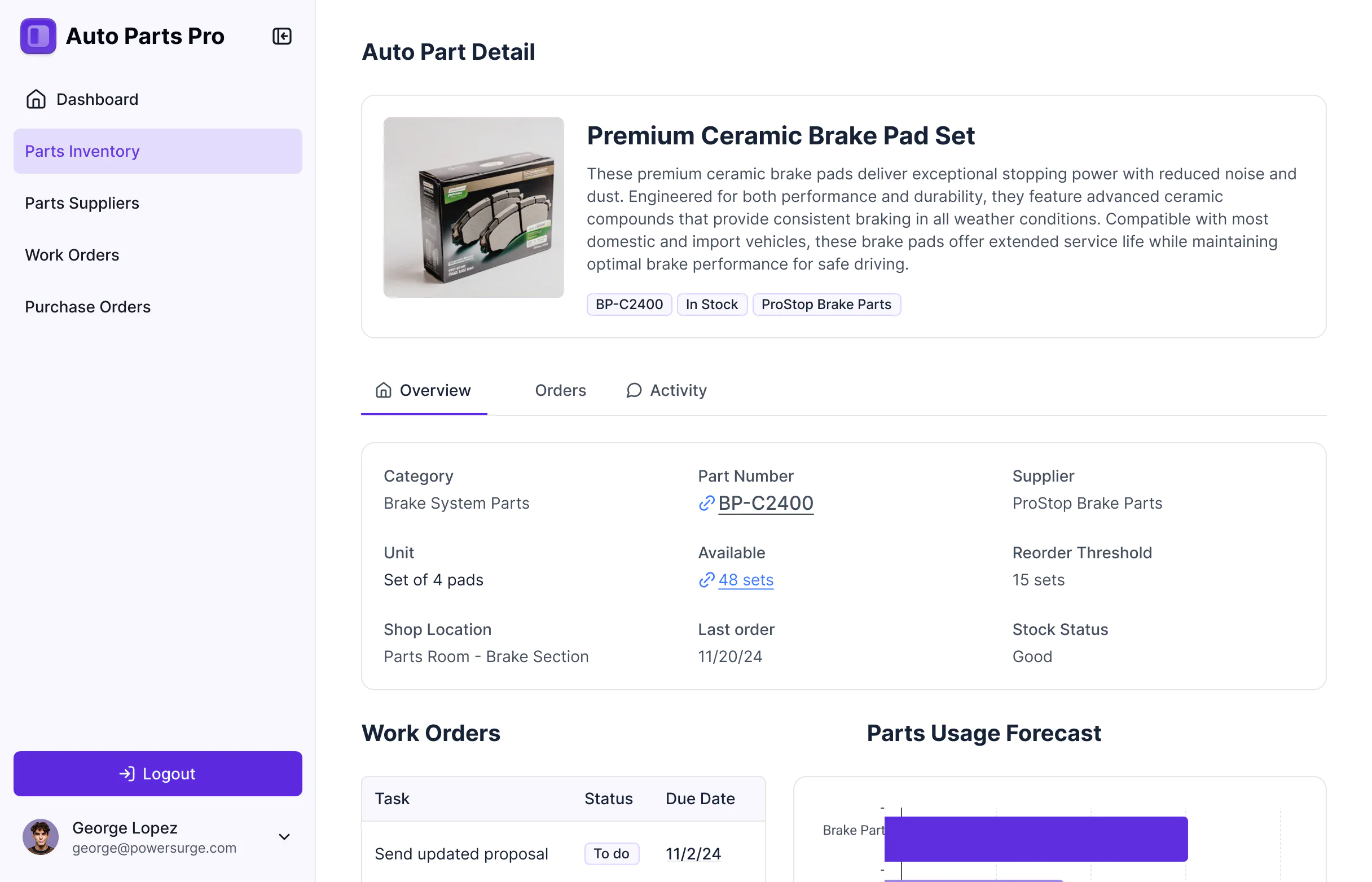


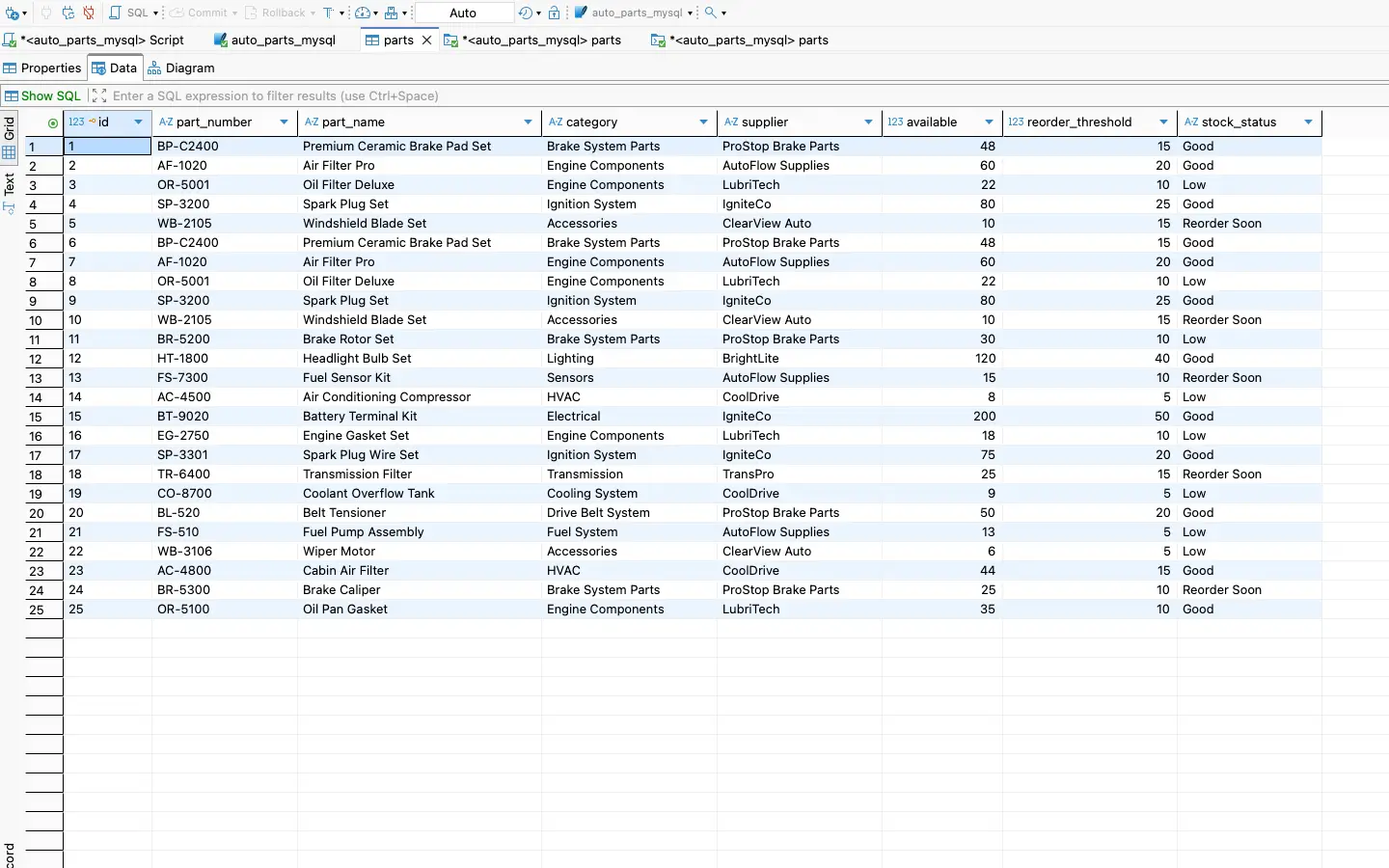










Connect MySQL data in seconds.
Skip manual imports or complex queries. Softr connects directly to your live MySQL database, so your data stays accurate and instantly available across apps.

Control who can see and edit data.
Manage who can view or edit data with granular permissions. Build apps that surface only what each user should access, keeping your database secure.

Build fast, scale with confidence.
Combine a scalable MySQL backend with Softr’s no-code builder to create branded apps, fast. Customize layout, logic, and automations—no coding required.

Bring MySQL data to life
Create apps that connect directly with your live SQL data. Update and visualize data securely in real time.

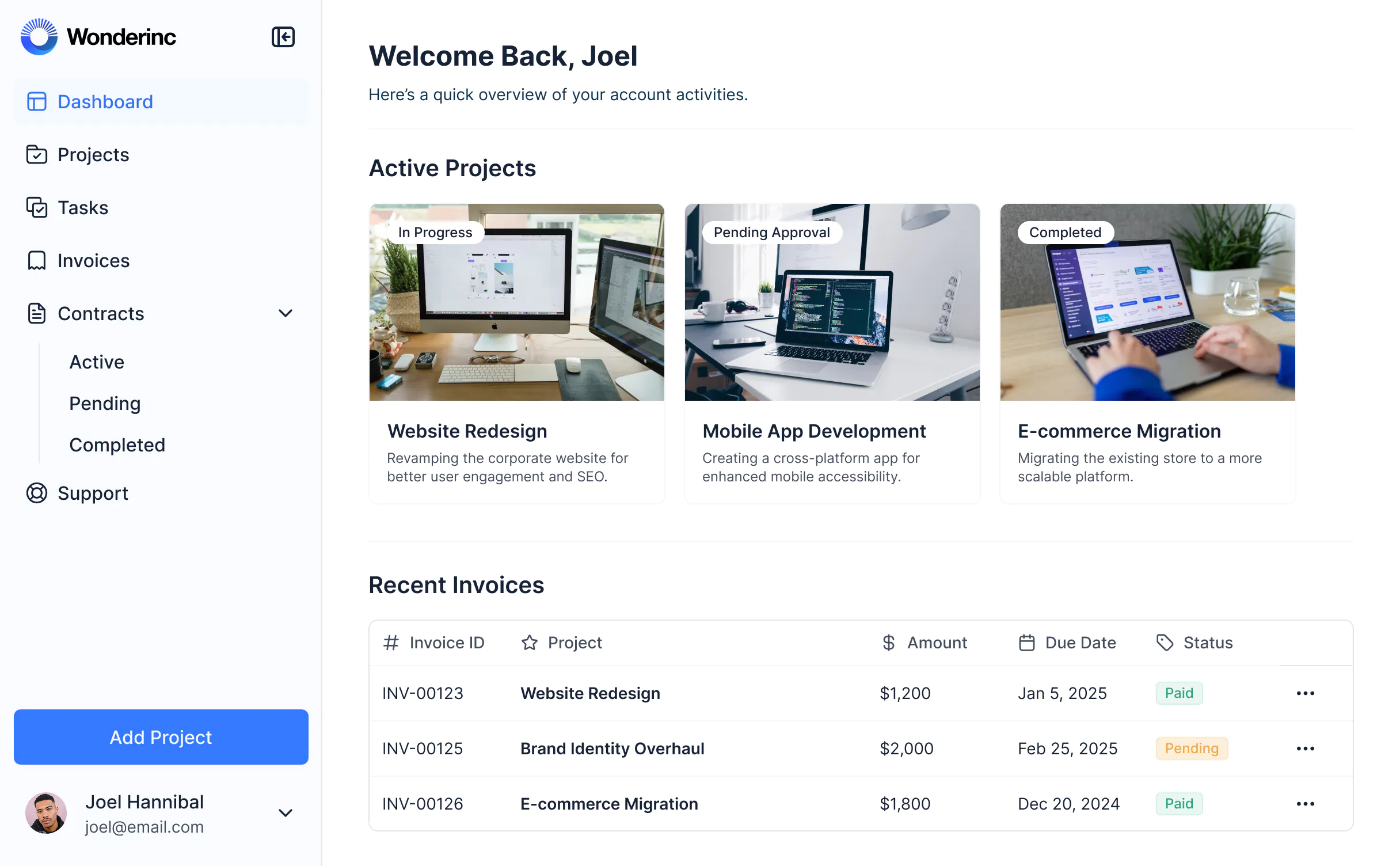


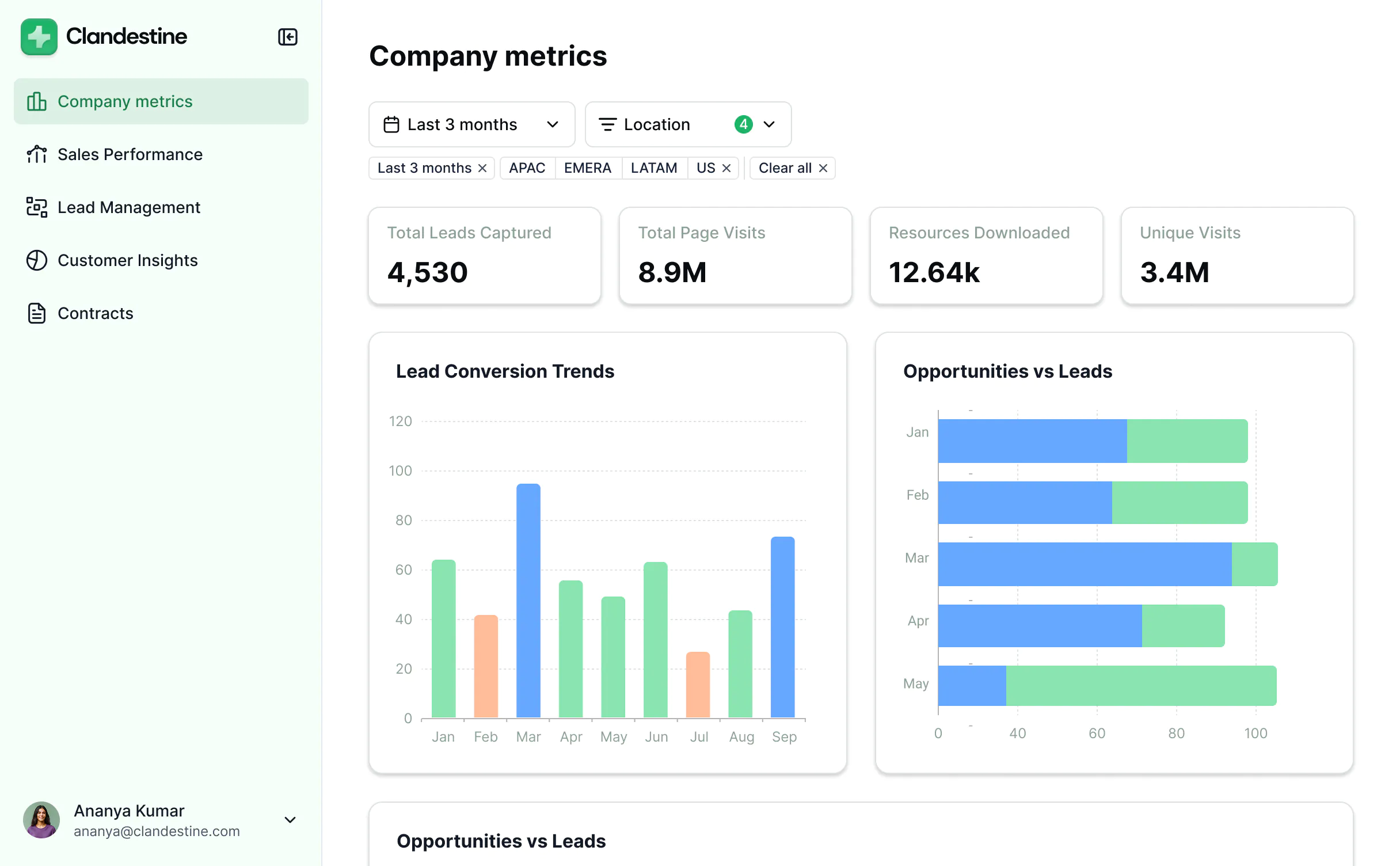


Take MySQL data further with Softr


Permissions & client access
No built-in interface for non-technical users to view or update data.
Build a secure, branded interface on top of your MySQL data—no coding required.
Open-source database that requires SQL knowledge to manage.
Add granular, role-based permissions to control what each user can see or edit from the frontend.

User experience & branding
Raw database interface built for developers and technical users.
Design a frontend on top of your MySQL data for clients and non-technical team members.
No visual layer or branded experience for end users.
Create fully white-labeled apps with custom domains, logos, fonts, and styling.
Forms
Requires custom code or third-party tools to collect and write data back to SQL databases.
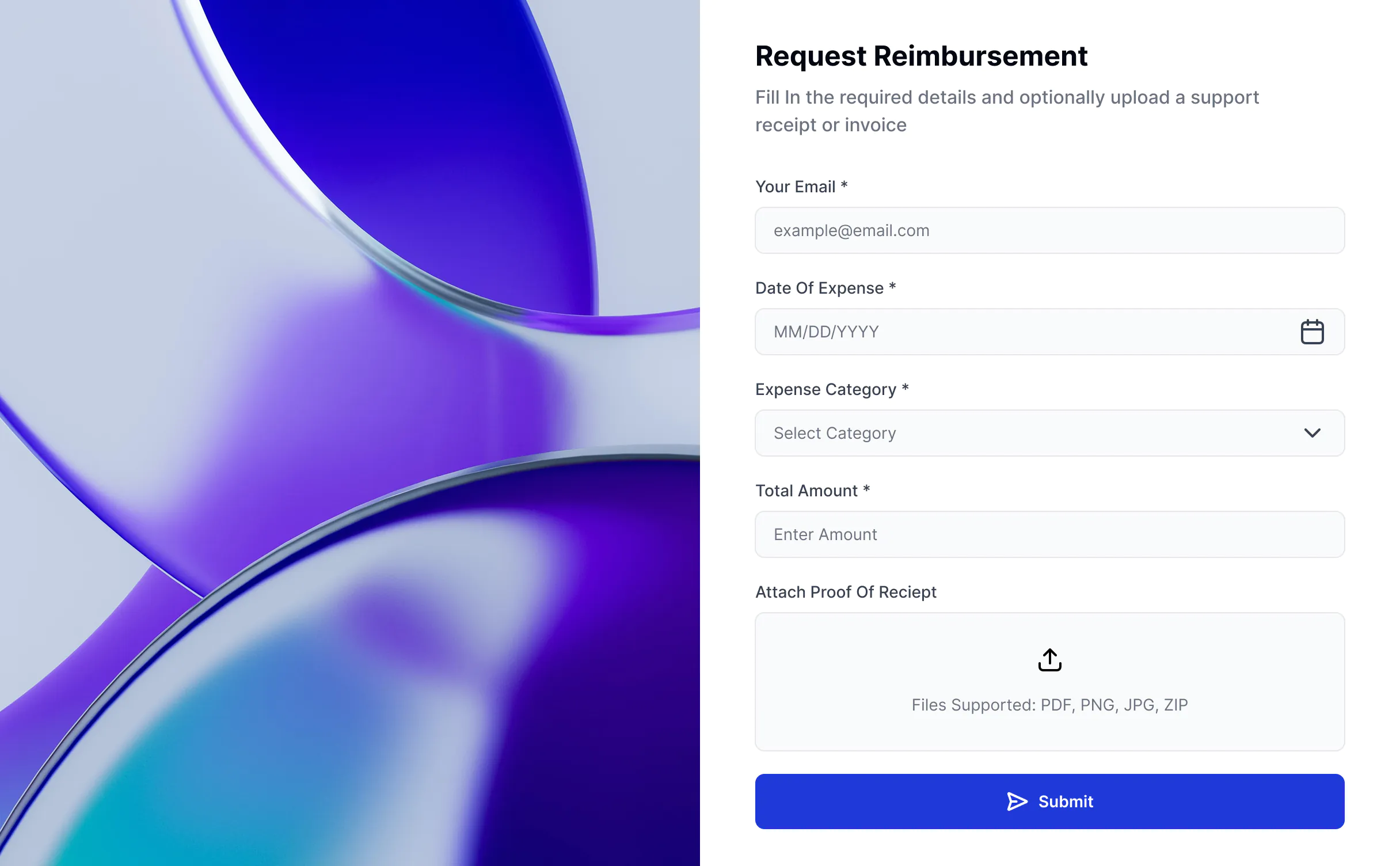
Add conditional forms that write directly to your MySQL tables.

Scalability & pricing
Scalable and efficient for large datasets when properly configured.
Retain MySQL’s speed and scalability while adding a visual app layer.
Usually requires developers or custom code to build a front end, adding time and cost.
Build secure, high-performance apps that scale with your data—without developer overhead.

Dashboards & reporting
Requires SQL queries or external BI tools to visualize data.
Build interactive dashboards on top of your live MySQL data.
Limited options for securely sharing insights with non-technical users.
Combine your MySQL data with other sources (e.g. HubSpot, Airtable, and more) and share insights with clients or teams.

The full-stack features you need
Create a personalized, secure experience for every app user. Tailor the look and feel to align with your brand.

Branding
Deliver professional, white-label apps that impress your team and clients. Customize to reflect the look and feel of your brand.

Works on any device
Softr apps are mobile-ready by default. Turn it into a downloadable app in one click with Softr’s PWA—no extra design needed.

Automations
Connect with your existing tools (Make, Zapier) or use Softr Workflows to build automations directly inside your apps.

User groups
Create custom user groups and separate logins to provide personalized dashboard views and access levels for different users.

Advanced permissions
Customize who sees what, and which actions they can take, even at the most granular level.

Security
Protect sensitive information from security threats. Softr is fully compliant with SOC2 and GDPR regulations.

Go from zero to app, incredibly fast
Co-build with AI
Simply describe what you need. Let Softr handle everything - Interface, database, workflows.
Iterate with AI or visually
Control most critical parts of your app yourself - roles, permissions, security.
Ship the same day
Invite team members or external clients and partners right away. No developer handover.


