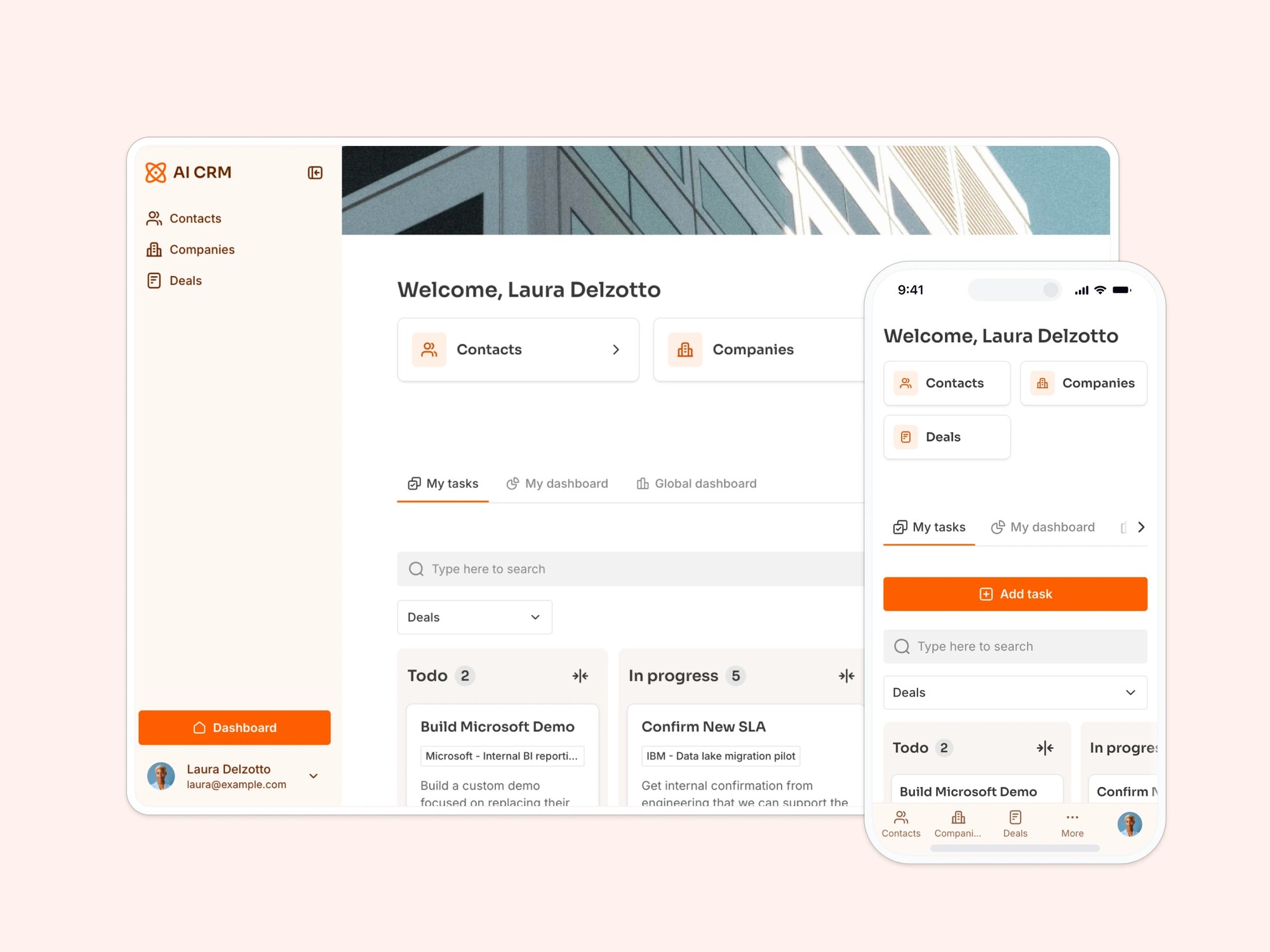
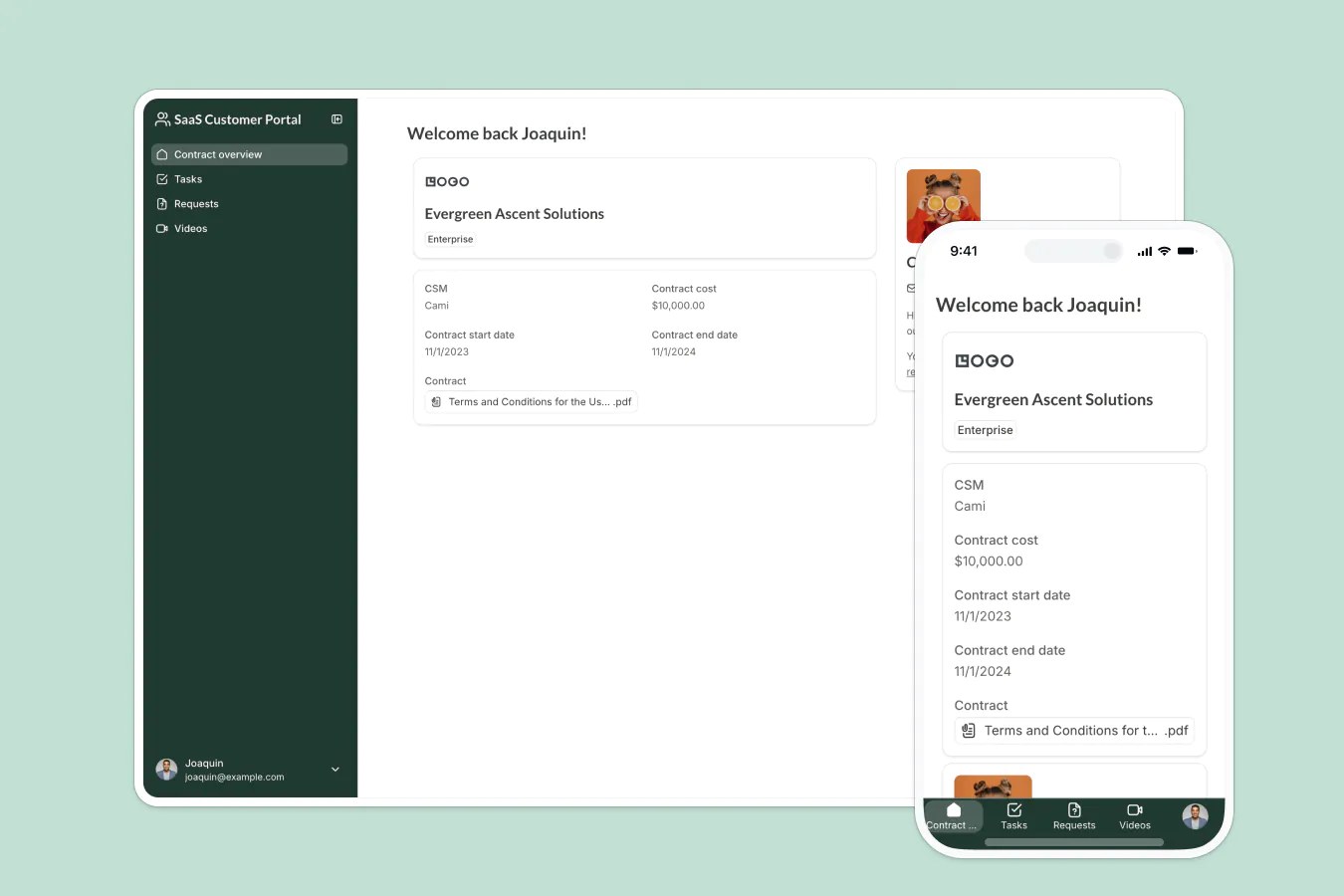
An all-in-one company intranet for internal communications: news, discussions, events, and more.
Data sources supported





.svg)


Resources


Overview
This free template helps you build a custom team intranet on top of your existing data, making it easier for your team to access updates, documents, and internal discussions in one place.
It comes with a sample database to show you how to structure your internal data, but you can connect it to any Softr-supported data source (like Google Sheets, Notion, HubSpot, monday.com, and more).
Why use this company intranet template
- Replace scattered tools with one source of truth: Eliminate the chaos of email threads, lost documents, and siloed information.
- Give every team member a personalized view: Set up user groups and permissions so employees only see what’s relevant to them.
- Launch fast, scale with AI: Start with the basics, then prompt the AI Co-Builder to add new sections, tables, or automations as your company grows, or fine-tune everything yourself in the visual editor.
Template features:
- Role-based access
- Document management
- Events & announcements
- Employee directory
- Team communication
- Works on any device
- Recognition & feedback
Who is this company intranet template for?
This template is ideal for small to mid-sized teams that need an easy, affordable way to keep employees informed and connected. It works great for:
- HR & operations managers: Share onboarding documents, internal policies, and announcements in a structured and accessible way.
- Internal communications leads: Run internal campaigns and keep the team engaged with timely updates and recognition shoutouts.
- Non-profits & education teams: Organize team resources, events, and documents, without paying for complex intranet software.
"Softr has allowed our company to think innovatively about our resources. It has organized everything from our team events, to detailed and categorized project notes so that we can always be on top of correspondence happening throughout the team."


“What we love most about Softr is the instantaneous, customizable power a no-code platform allows.”

- 1
- 2
- 3
- 4
Frequently asked questions
What is a company intranet?
Can I use this if I’ve never built an intranet before?
Can I use this template with other data sources?
Can employees update their own info or documents?
Can I customize the look and feel of the intranet?
Can I automate notifications in this intranet?
Built with
AI App Builder
Create business apps with AI
Databases
Store and manage your data
Workflows
Automate manual processes
Ask AI
Built-in AI agents to run on autopilot