


Softr vs. Bolt
Is Bolt too code-heavy for your team? Try Softr, the fastest way to build secure business apps and internal tools.
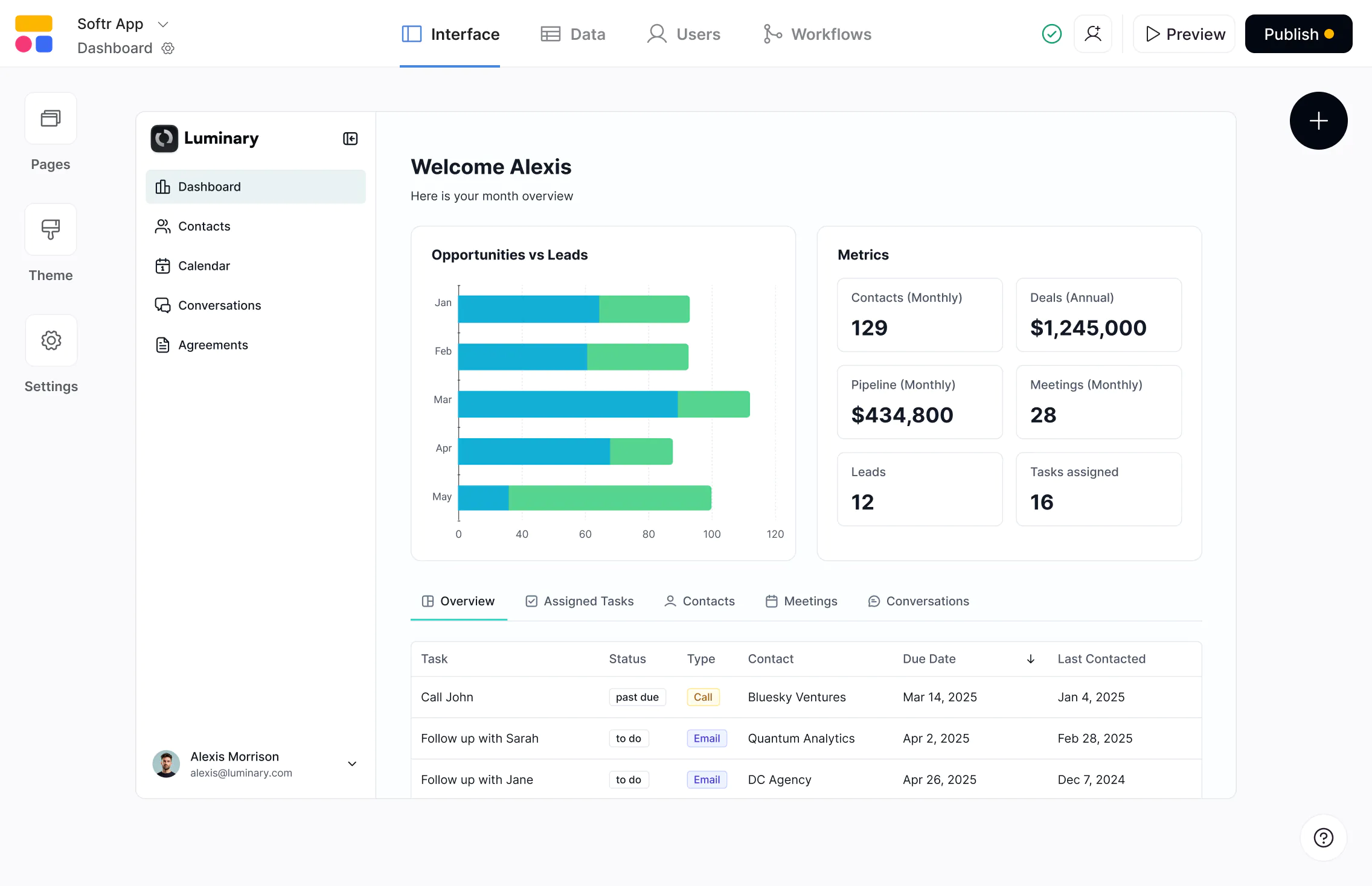










The #1 Bolt alternative for internal business apps
Build secure internal tools with built-in databases, workflows, and AI—easy to manage and evolve as your business grows.

A visual app builder, not AI code generation.
Bolt uses AI to generate application code your team still has to configure, connect, and maintain. Softr pairs AI building with a visual editor where UI, logic, permissions, and workflows are managed without code—so your internal tools are easy to understand and update.

Built for internal ops teams, not engineers.
Bolt accelerates AI-assisted coding, especially for technical teams working with Supabase or custom backends. oftr is designed for operators to launch and run production-ready tools—with database, auth, permissions, and hosting already handled.

Predictable pricing, more control.
Bolt’s pricing scales with AI credits and compute usage, which can fluctuate during development and iteration. With Softr, you can edit your apps and data visually and use credits only when you want AI to do the work, so costs stay more predictable as you scale.

Why businesses are choosing Softr over Bolt
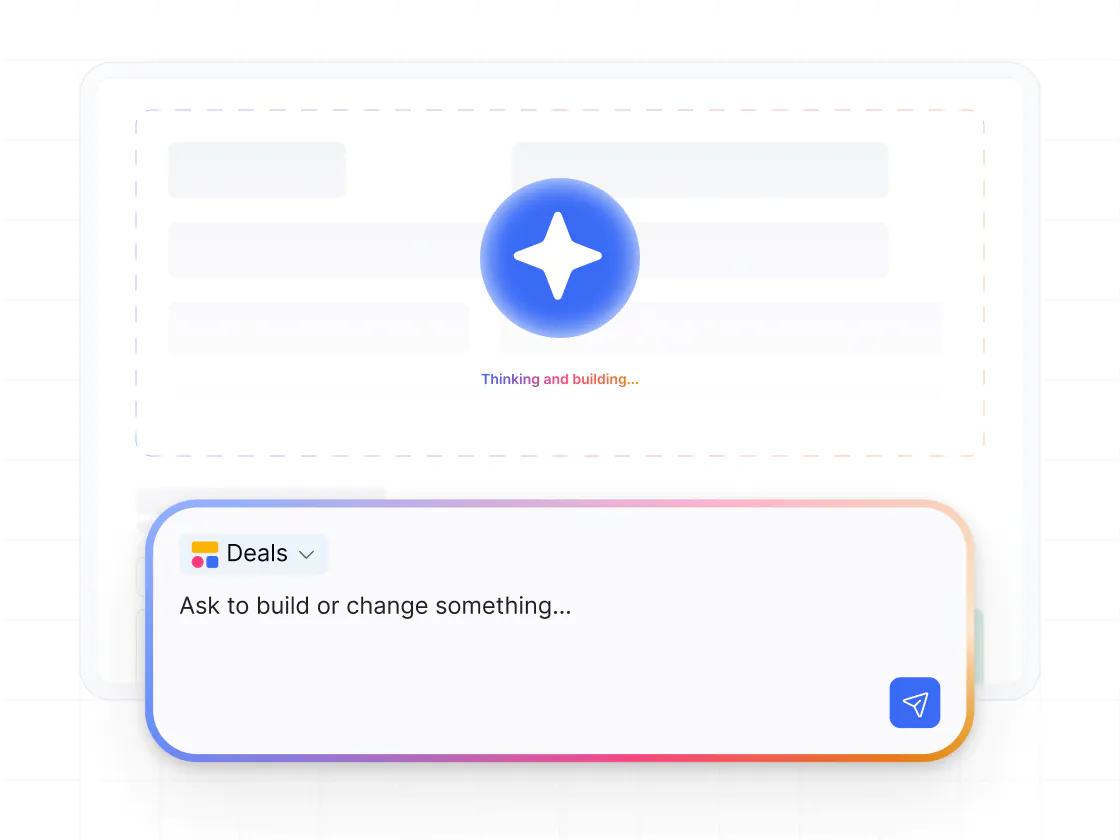
Softr's AI Co-Builder generates full apps with connected data. Add features, iterate, and scale, without code or developers.
An AI builder that ships full apps
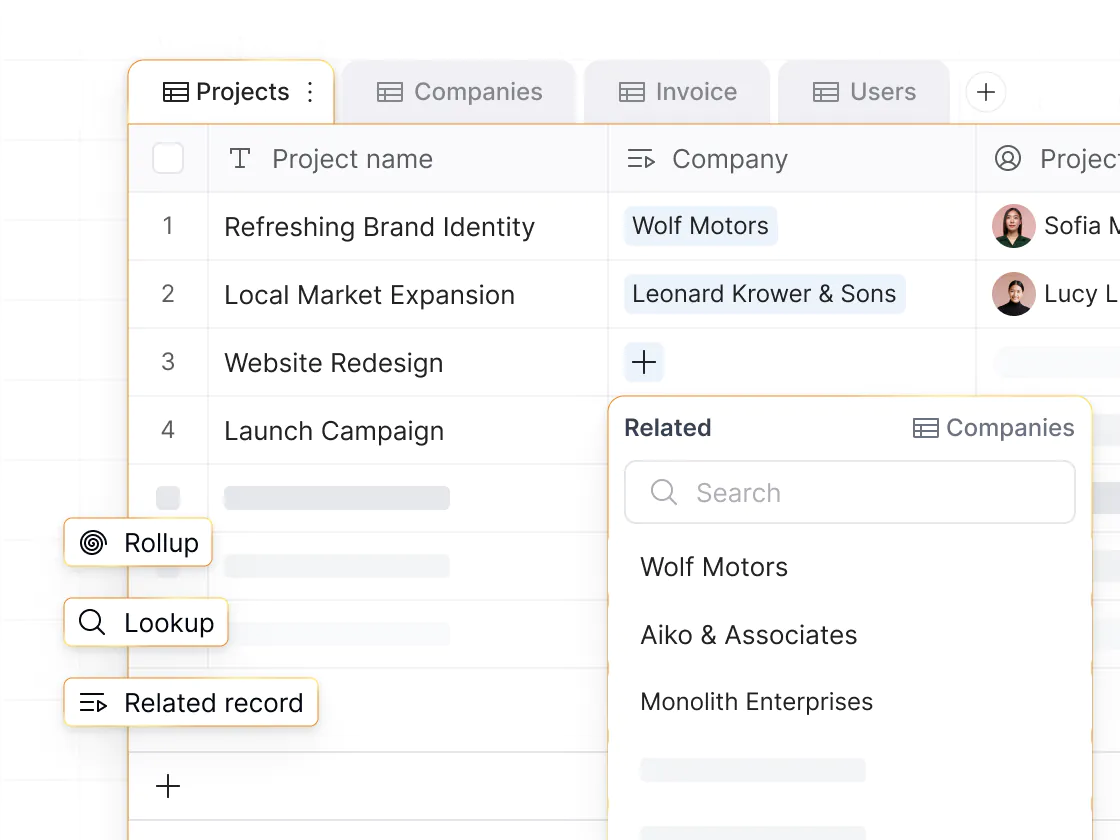
Bolt generates frontend code, but the backend, auth, and deployment are on you. Softr generates complete, working apps with AI, including database, interface, and business logic—connected, secure, and ready for real users.
Built-in logins and user management
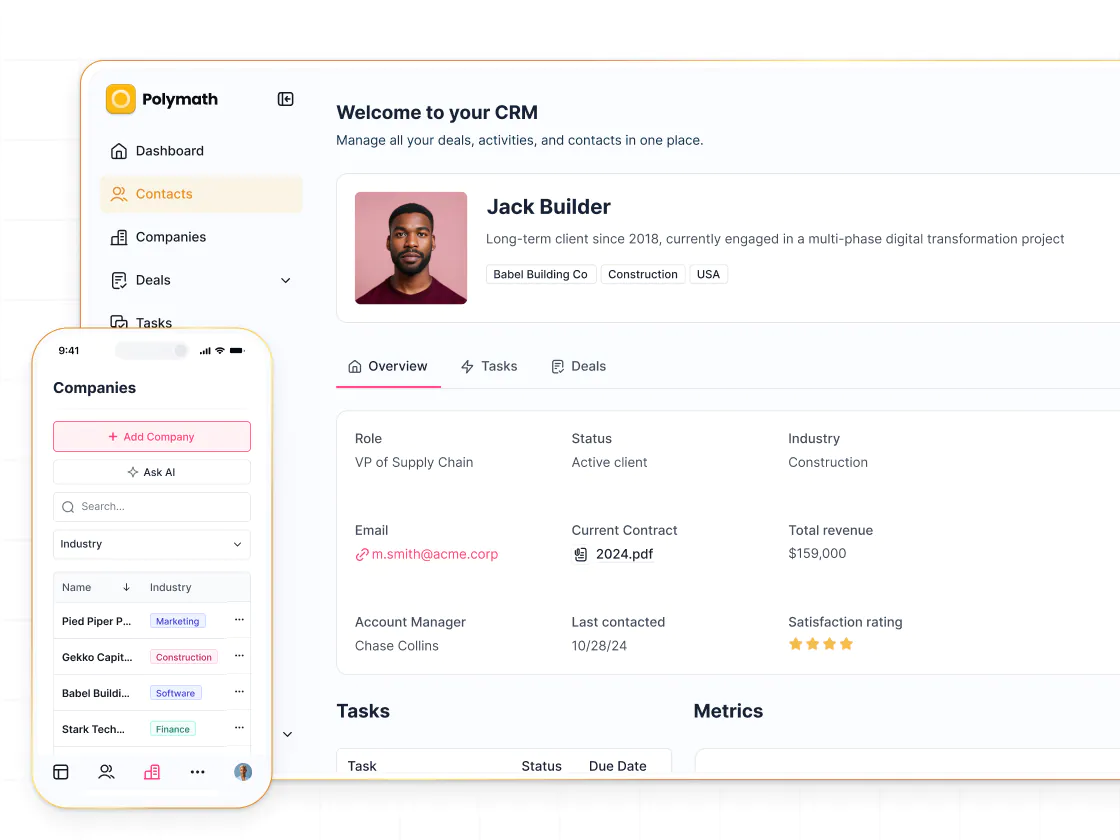
Bolt supports authentication through external services, but secure configuration requires careful setup. Softr includes login pages, SSO, and server-side permission enforcement—so apps are secure and shareable from day one.
Flexible user permissions
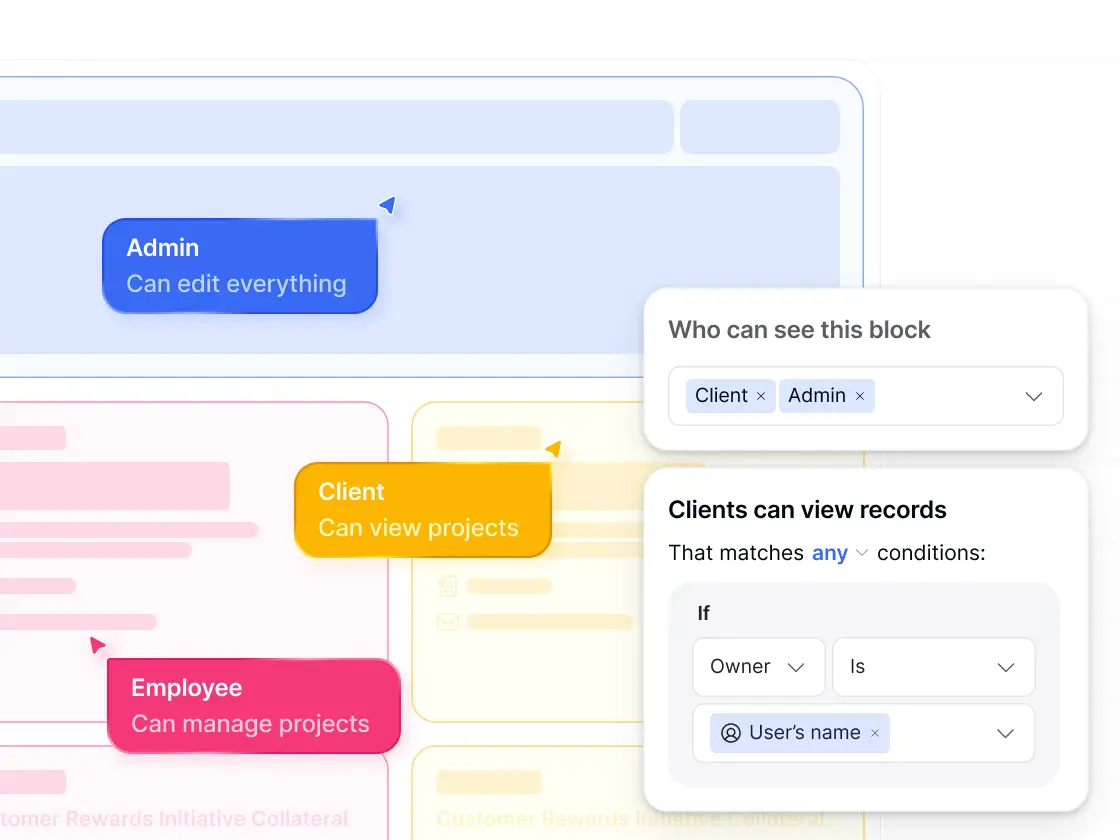
Bolt manages access control through code and database rules. Softr lets you define custom user groups (e.g. Admins, Clients, Managers) and set granular permissions visually—so each user can see and do only what you intend.
No-code workflow automation
Bolt handles automation through AI-generated code you have to maintain. Softr includes a visual workflow builder with conditional logic, UI triggers, and run history—so teams can automate real operations without touching code.
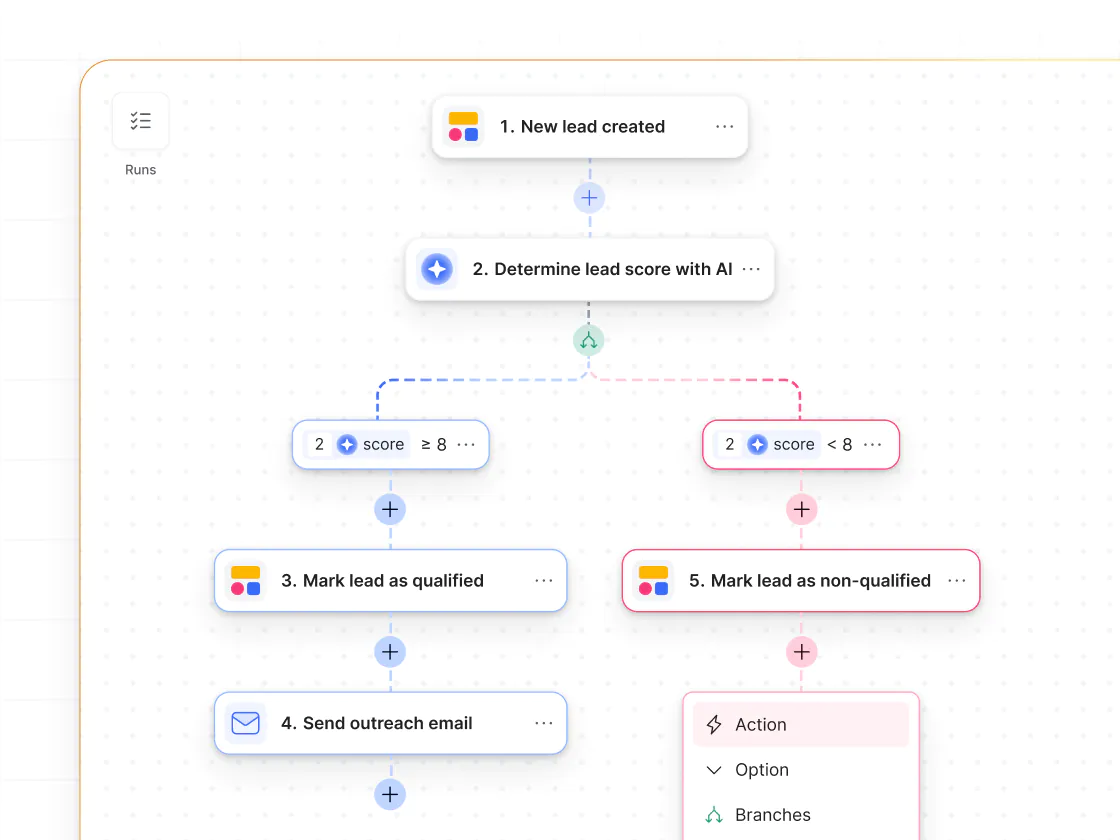
AI speed without long-term code debt
Bolt accelerates development through AI-generated code, but teams must understand and maintain that code over time. Softr lets you use AI building for speed, while managing logic, layouts, permissions, and data in a visual editor.
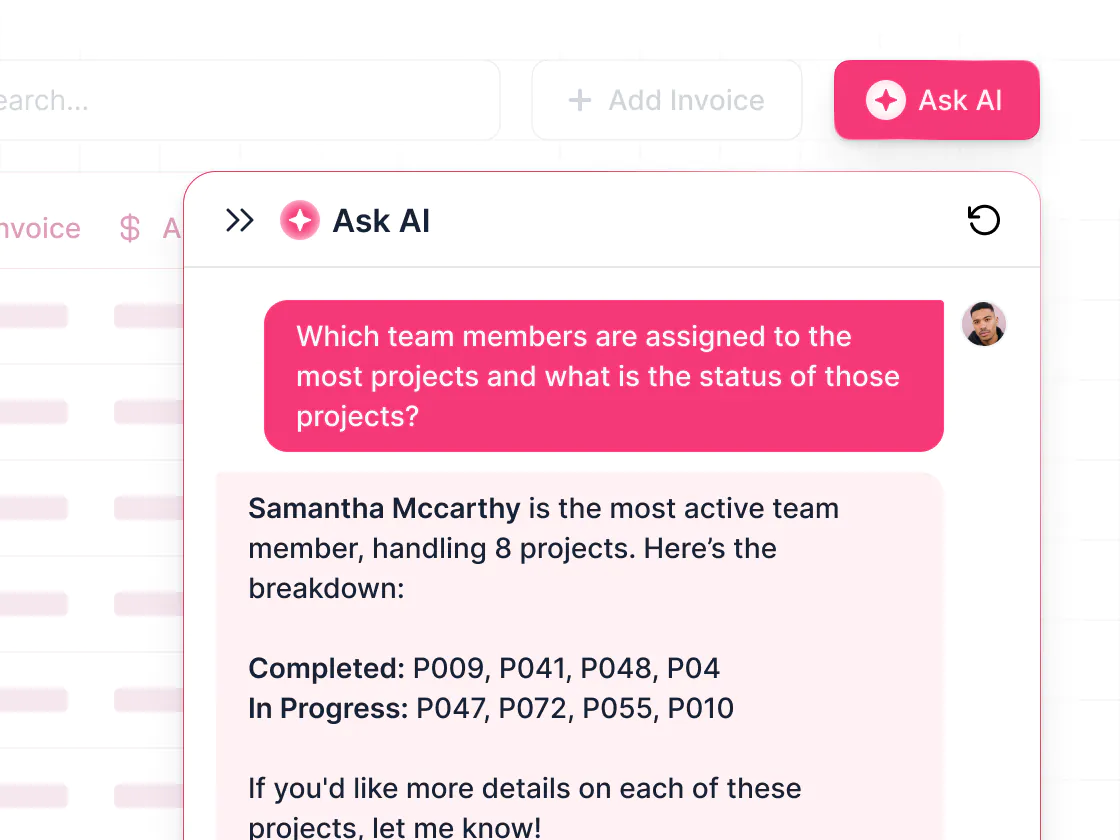
Ask AI for smarter apps
Bolt uses AI to write application code. Softr's Ask AI lives inside your app, answering end-user questions from live data while respecting permissions—so AI improves how teams actually use your app, not just how it gets built.
.svg)
See how Softr compares to Bolt
Deciding between Bolt and Softr? With Softr, you get AI-powered building with more control—and production-ready apps for your business.
Functionalities | | Bolt |
|---|---|---|
Core focus | Full-stack AI app builder with native databases and workflows | AI-driven code generation for custom web apps |
Vibe coding | Prompt-based app and UI generation (connected to data, CRUD actions) | AI-generated code and app scaffolding |
Data flexibility | Native databases, plus build on top of 15+ external data sources | External databases (e.g. Supabase) connected via APIs and generated code |
Database model | First-class relational databases you build and query directly | No native database layer; data accessed via generated code |
Design flexibility | Fully customizable layouts & branding | Flexible via generated code (requires editing prompts or code) |
Permissions & access | Custom user groups, granular permissions, and global data restrictions | Permissions managed through database rules and generated code |
External users | Supports secure access for external users | Possible but requires custom authentication and database configuration |
Forms | Multi-step forms with conditional logic | Basic generated forms |
Workflow automation | Visual workflow builder (includes app UI triggers) | Workflows defined in generated code |
AI Agents | AI Agents for databases and workflows | AI primarily focused on app and code generation |
Mobile experience | Strong responsive layouts and PWA support | Mobile experience depends on generated code and custom setup |
Pricing model | Pricing with clear usage limits | Credit-based pricing plus usage-based compute costs |

Go from zero to app, incredibly fast
Co-build with AI
Simply describe what you need. Let Softr handle everything - Interface, database, workflows.
Iterate with AI or visually
Control most critical parts of your app yourself - roles, permissions, security.
Ship the same day
Invite team members or external clients and partners right away. No developer handover.



Frequently asked questions
What’s the difference between Softr and Bolt?
Is Softr easier to use than Bolt?
Can Softr be used to build production-ready apps, not just prototypes?
How does Softr handle data compared to Bolt?
What types of apps can I build with Softr?
Does Softr include authentication and user management?
How does Softr handle permissions and multi-user access?
How does vibe coding in Softr compare to Bolt’s AI generation?
Who is Softr best suited for compared to Bolt?
Can I migrate from Bolt to Softr?
Join 1M companies building apps with Softr
See how easy it is to automate and run your business.