



Softr vs. Replit
Is Replit too developer-heavy for your team? Try Softr, the easiest way to build real business apps without code.
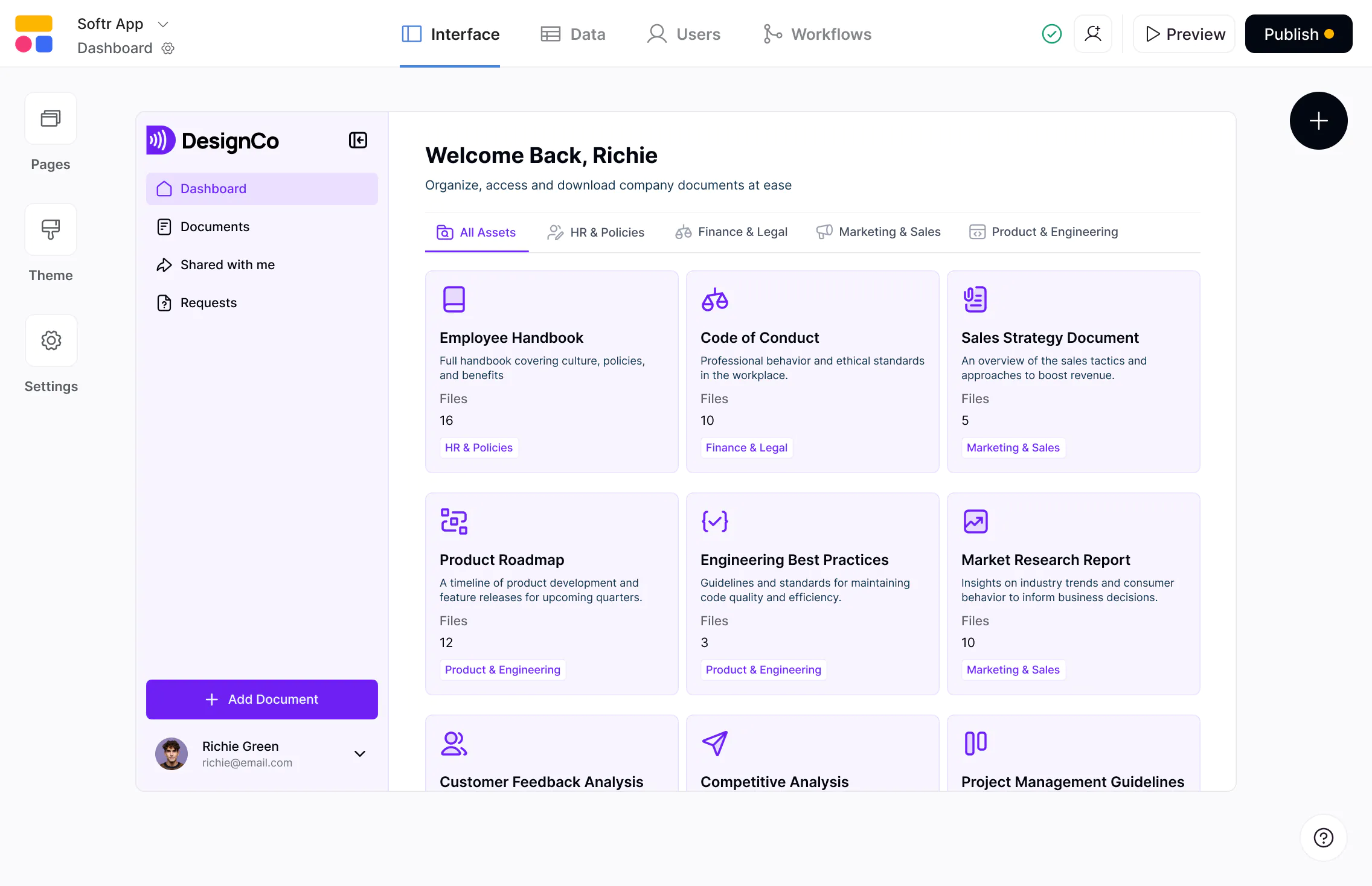










The #1 Replit alternative for business apps
Generate complete apps, secure and ready for real business users. Own and iterate without code, developers, or devops overhead.

A true no-code platform, not a developer IDE.
Replit is built around AI-generated code you still have to understand, maintain, and deploy. Softr lets you generate apps with AI, then manage UI, logic, permissions, and workflows visually—so you never lose control of your core logic.

Built for real business apps, not just experiments.
Replit excels at demos and lightweight utilities. Softr is built for production-ready business apps — portals, internal tools, and systems that run real operations every day, with security and permissions you can rely on.

Predictable pricing for scaling apps.
Replit’s per-user business pricing and AI credit usage can be hard to forecast as apps scale. Softr offers predictable, plan-based pricing with generous user and record limits, so teams can scale without cost surprises.

Why businesses are choosing Softr over Replit
An AI builder that ships full apps
Replit is optimized for people who write and manage code, even when AI helps generate it. Softr is built for business and ops teams, where you can generate full-stack apps and edit them visually—no code or developers required.
Complete data flexibility
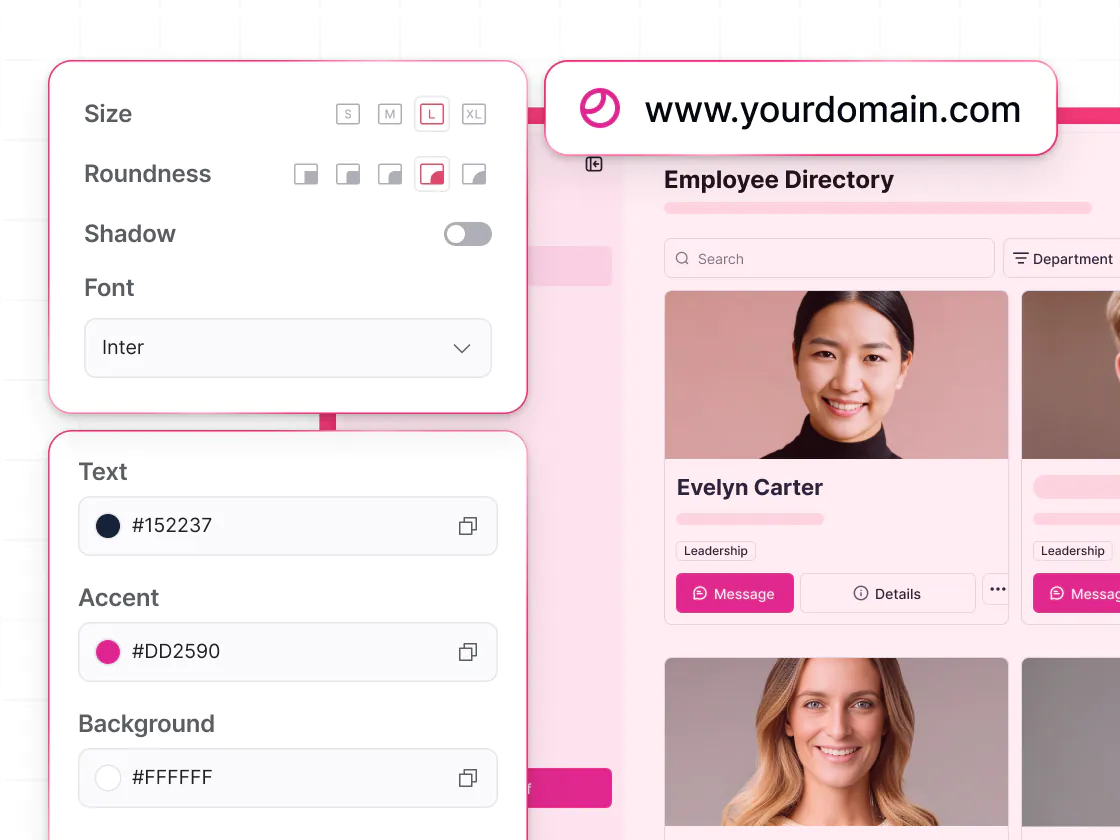
Replit includes an SQL database tied closely to its environment. Softr offers a native relational database (built with your app), plus 17+ integrations, so you can operate on top of your existing systems, no custom dev required.
Business-ready authentication
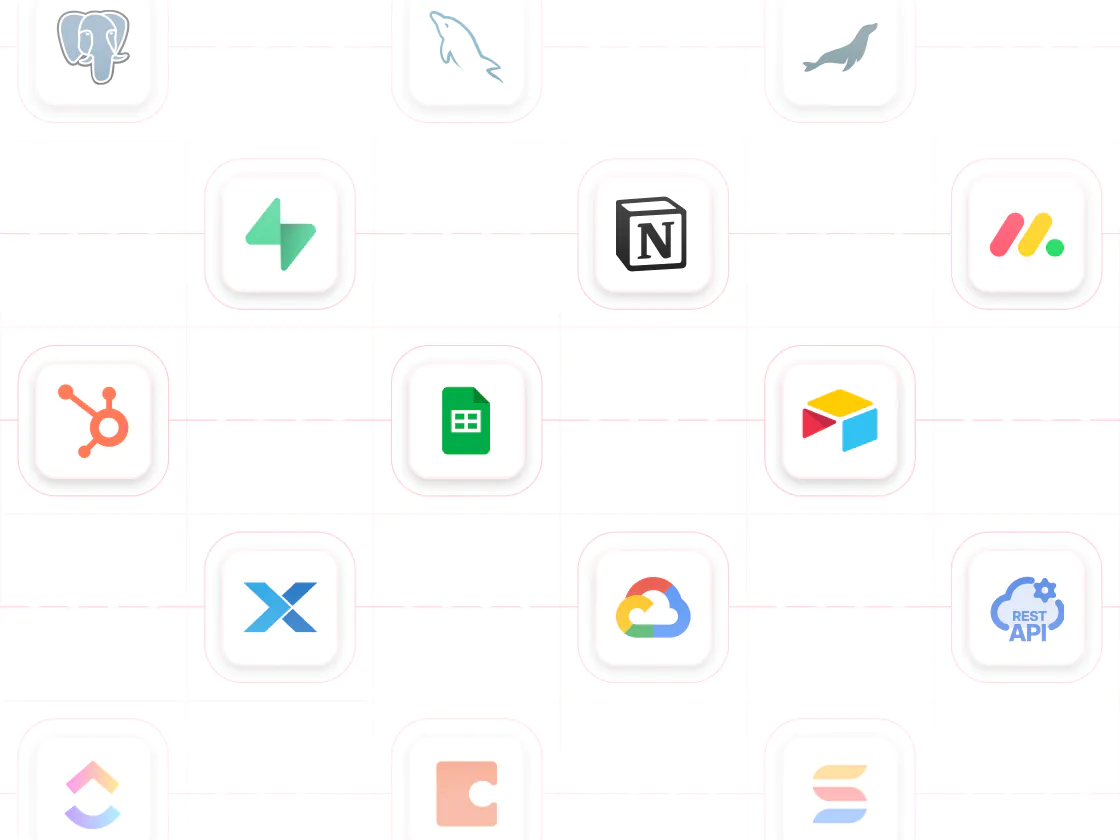
Replit's authentication options require coding to implement. Softr includes built-in authentication and secure logins configured through a simple no-code interface — with onboarding flows and utility pages ready out of the box.
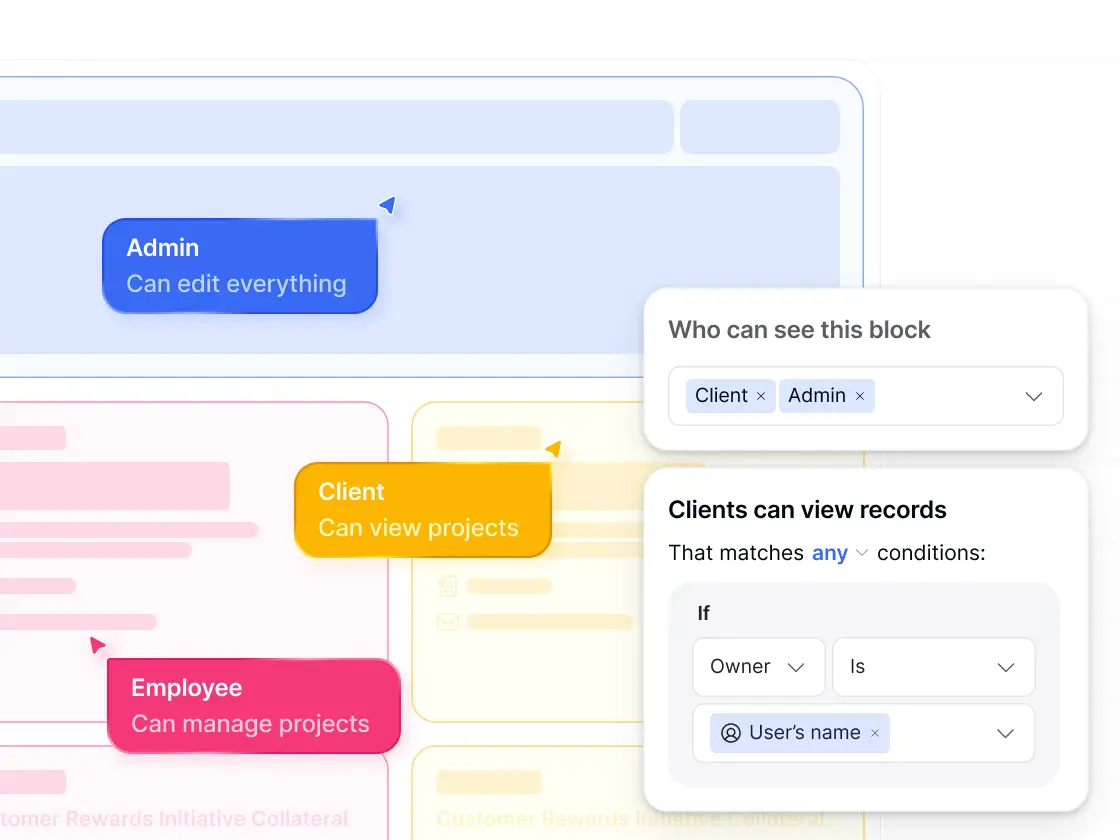
Flexible permissions for end users
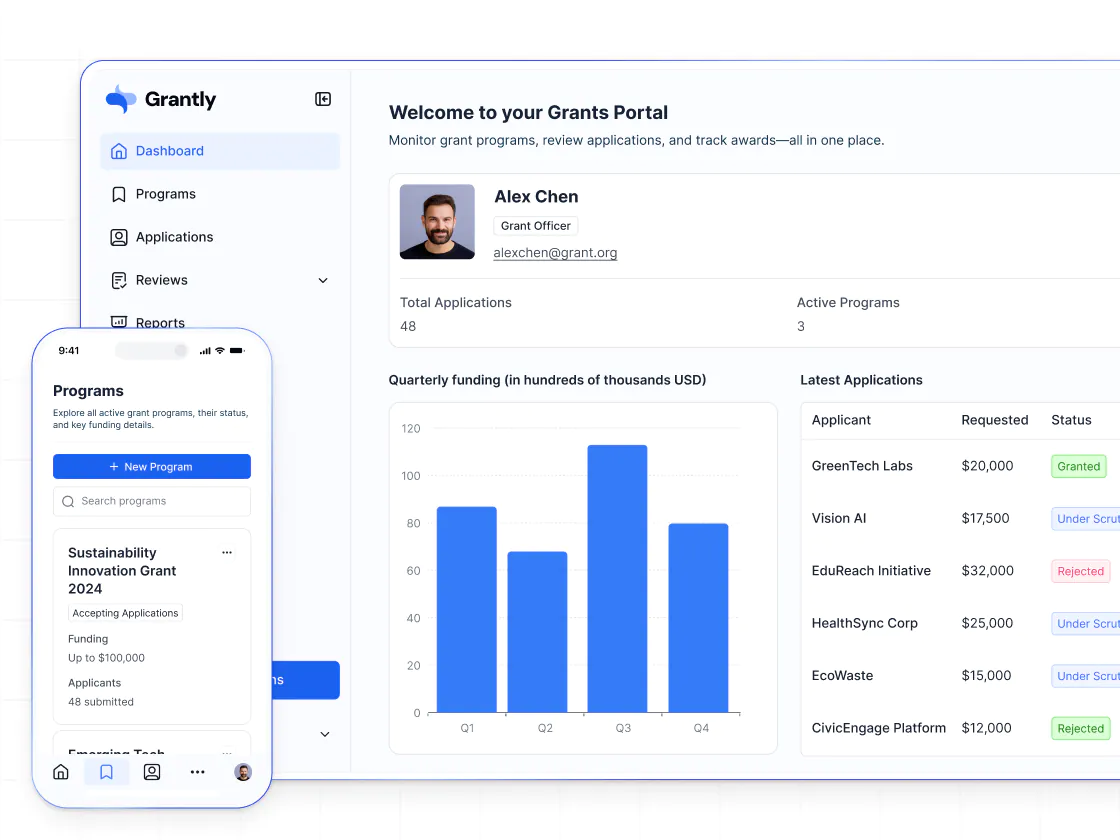
Replit's permissions manage developer access to code — not how your end users interact with your app. Softr's permissions are designed for real users, so you can create custom user groups and control exactly who can see and edit what.
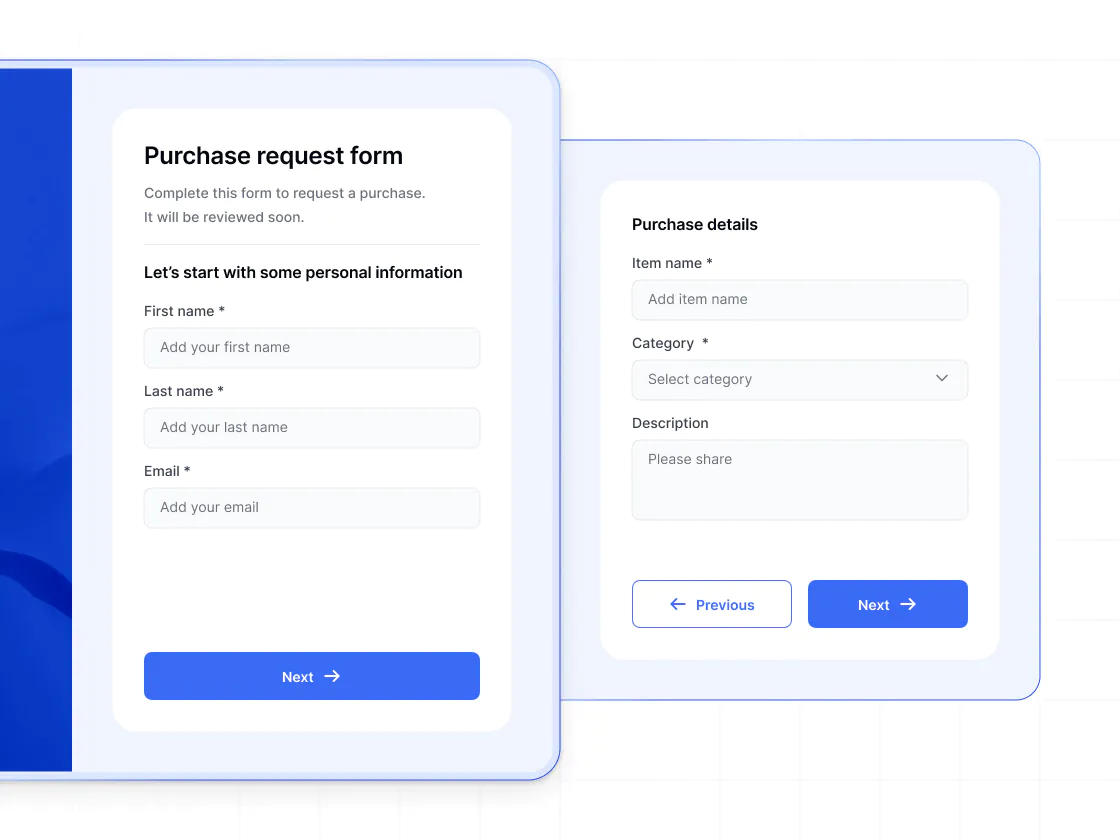
Conditional forms and workflows
In Replit, forms and workflows live in AI-generated code that must be maintained over time. Softr includes built-in conditional forms and workflows that power real operations—multi-step logic, approvals, automations, and database updates—without code.
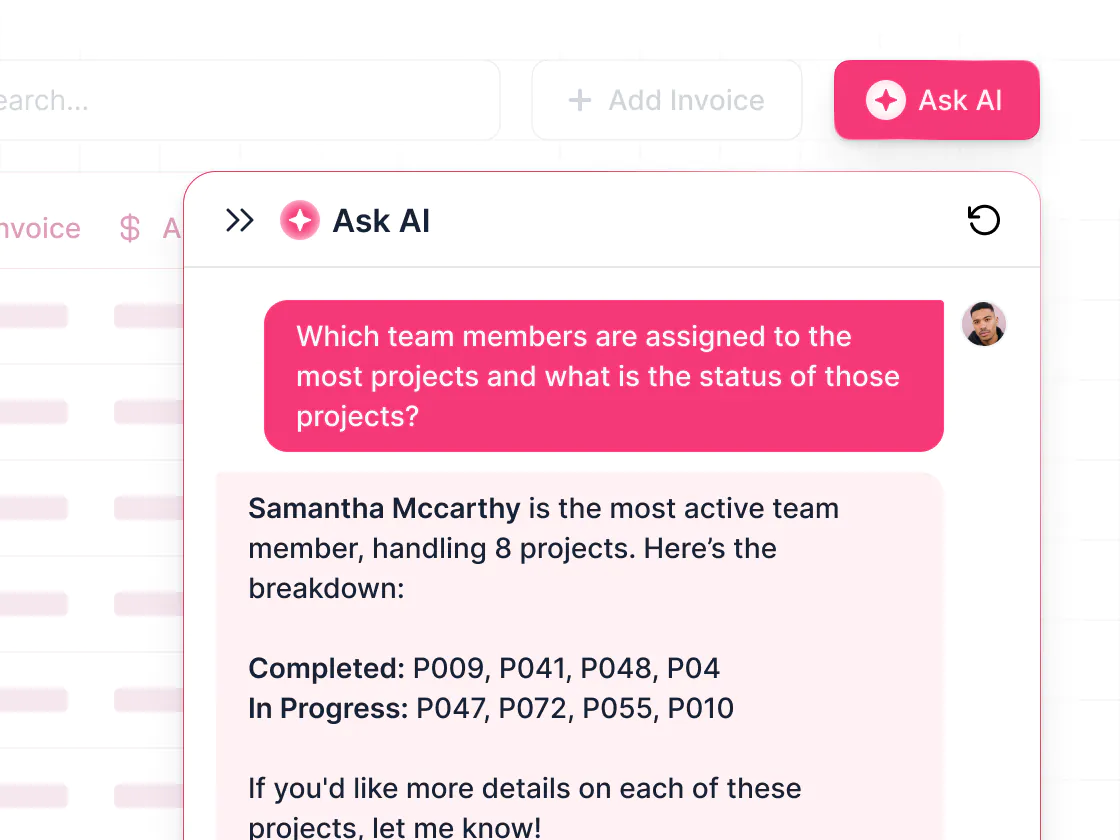
AI that improves the app experience
Replit’s AI helps developers generate and modify code. Softr’s Ask AI empowers end users inside your app—answering questions from live data while respecting permission rules, so AI improves daily work (not just development speed).
.svg)
See how Softr compares to Replit
Deciding between Replit and Softr? With Softr, you get vibe coding without the dev overhead—and production-ready apps your whole team can run.
Functionalities | | Replit |
|---|---|---|
Core focus | Full-stack AI app builder with native databases and workflows | Developer IDE with AI code generation |
AI app generation | Prompt-based app and UI generation (connected to data) | AI-assisted code generation in an editor |
Data flexibility | Native databases, plus build on top of 17+ external data sources | Built-in databases accessed through code |
Database scale | 500K–1M per workspace (plan-based) | Depends on database and implementation |
Design flexibility | Fully customizable layouts & branding without code | Flexible via AI-generated code |
Permissions & access | Custom user groups, granular permissions, and global data restrictions | Permissions managed via database-level rules (technical) |
External users | Supports secure access for external users | Possible, but not designed for multi-role external apps |
Forms | Multi-step forms with conditional logic | Custom-coded forms |
Workflow automation | Built-in workflows (includes app UI triggers) | Implemented via AI-generated code |
AI Agents | AI Agents for databases and workflows | AI focused on code generation and editing |
Mobile experience | Strong responsive layouts and PWA | AI attempts responsive layouts, but not guaranteed |
Pricing model | No per-seat pricing on paid plans | Per-user pricing for team plans |

Go from zero to app, incredibly fast
Co-build with AI
Simply describe what you need. Let Softr handle everything - Interface, database, workflows.
Iterate with AI or visually
Control most critical parts of your app yourself - roles, permissions, security.
Ship the same day
Invite team members or external clients and partners right away. No developer handover.



Frequently asked questions
What’s the difference between Softr and Replit?
Is Softr suitable for production apps, or mainly for prototypes?
How does Softr reduce the maintenance burden compared to Replit?
How does Softr handle data compared to Replit?
Does Softr include authentication and security features out of the box?
How does Softr handle permissions and multi-user access?
What is Softr’s Vibe Coding block, and how does it compare to Replit’s AI features?
Who is Softr best suited for compared to Replit?
Join 1M companies building apps with Softr
See how easy it is to automate and run your business.