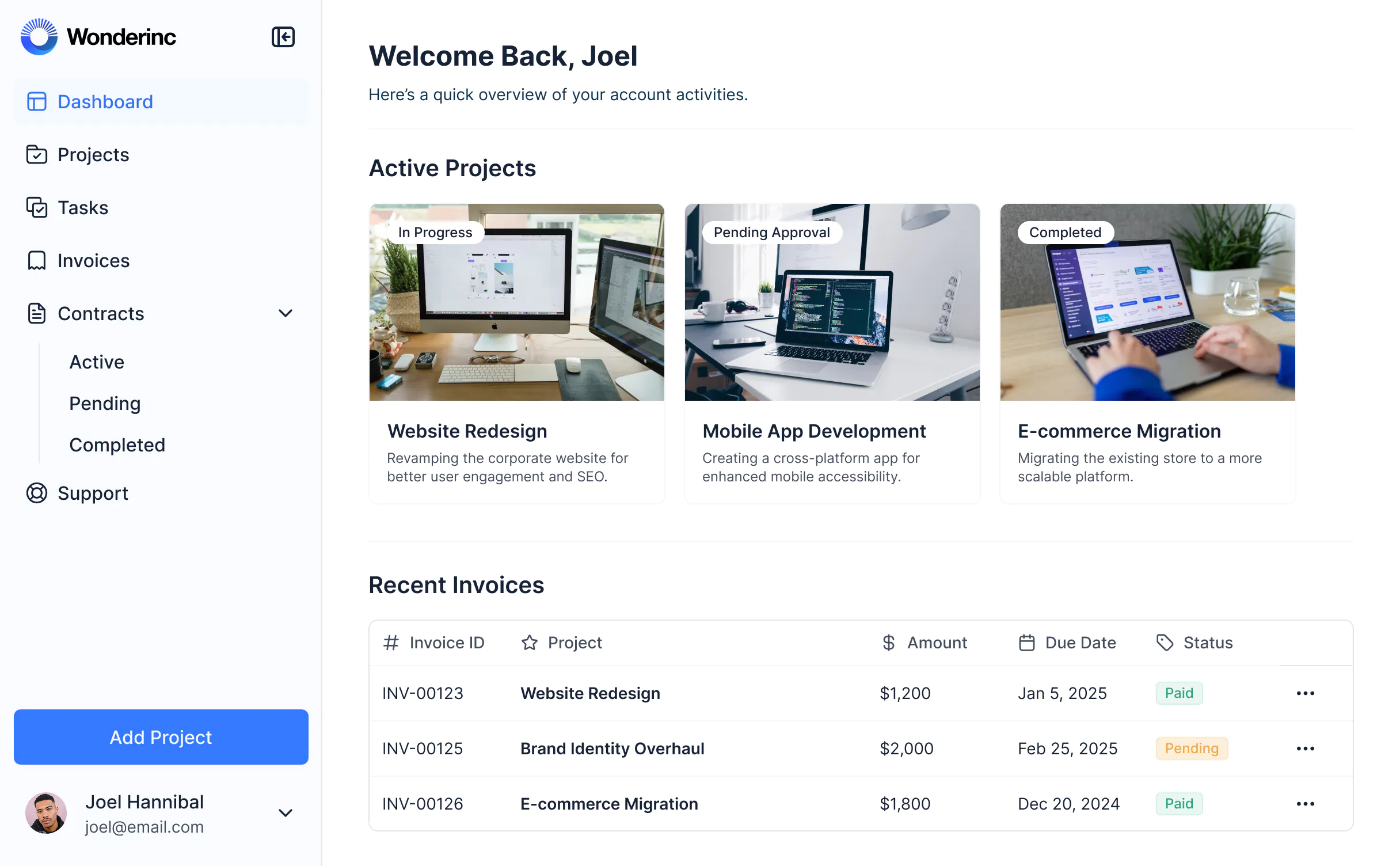
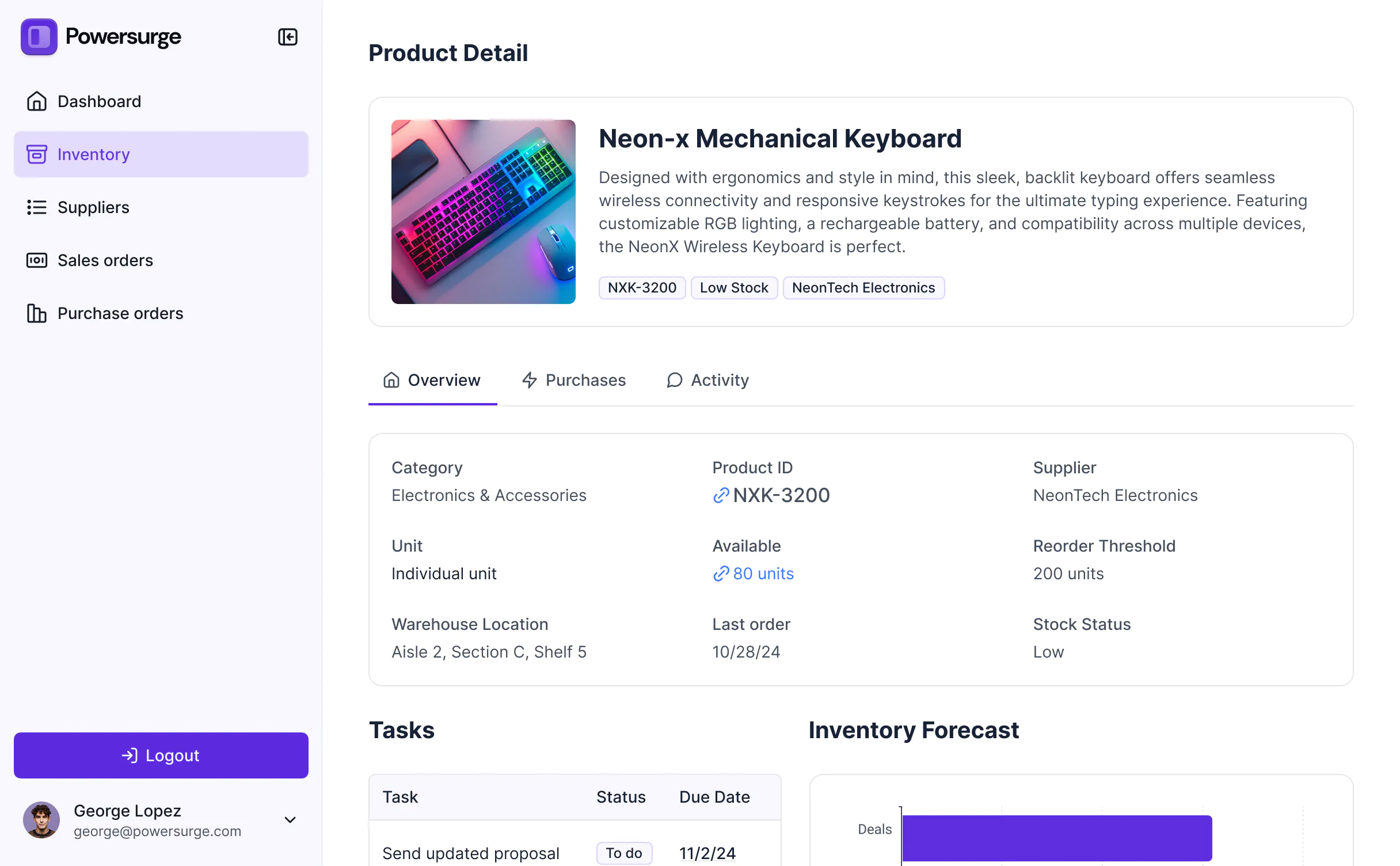
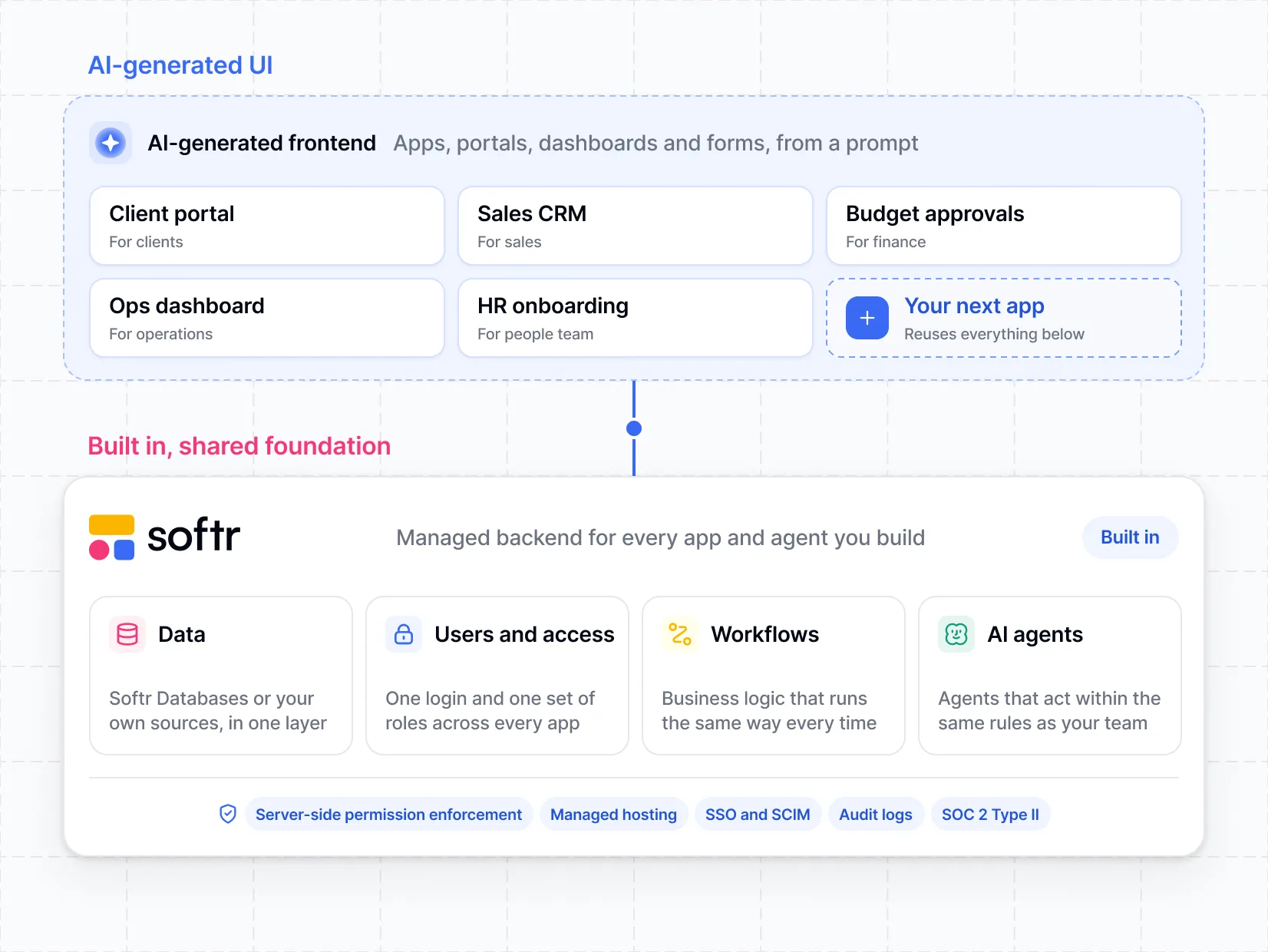
Build custom portals, internal tools, and dashboards that let your clients and teams interact with your data. Customize to fit your business logic and brand.
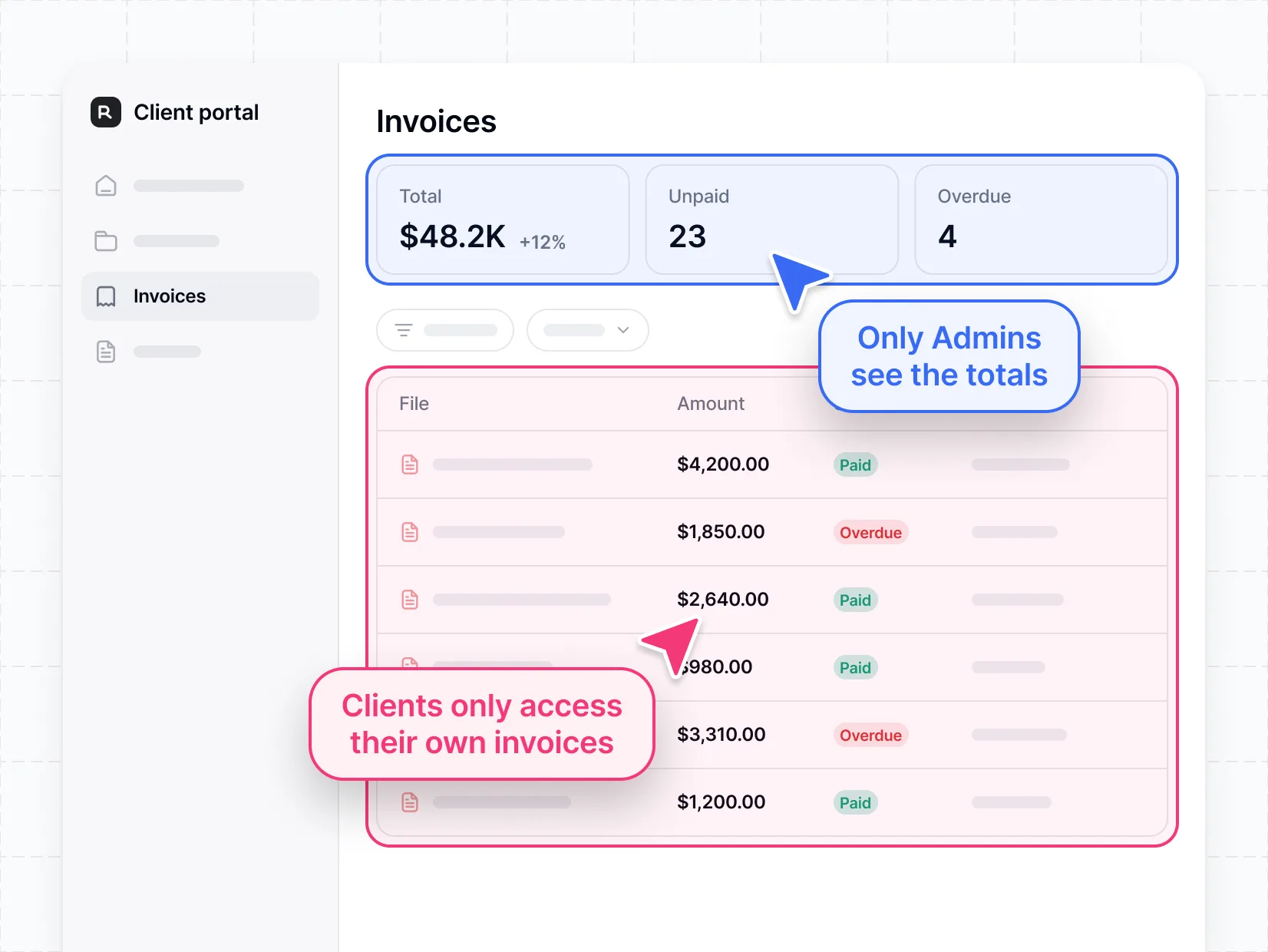
Build secure portals and internal tools, no developer required.
Database, workflow automation, and granular permissions built in. Integrates with the tools you already use.


Co-build with AI
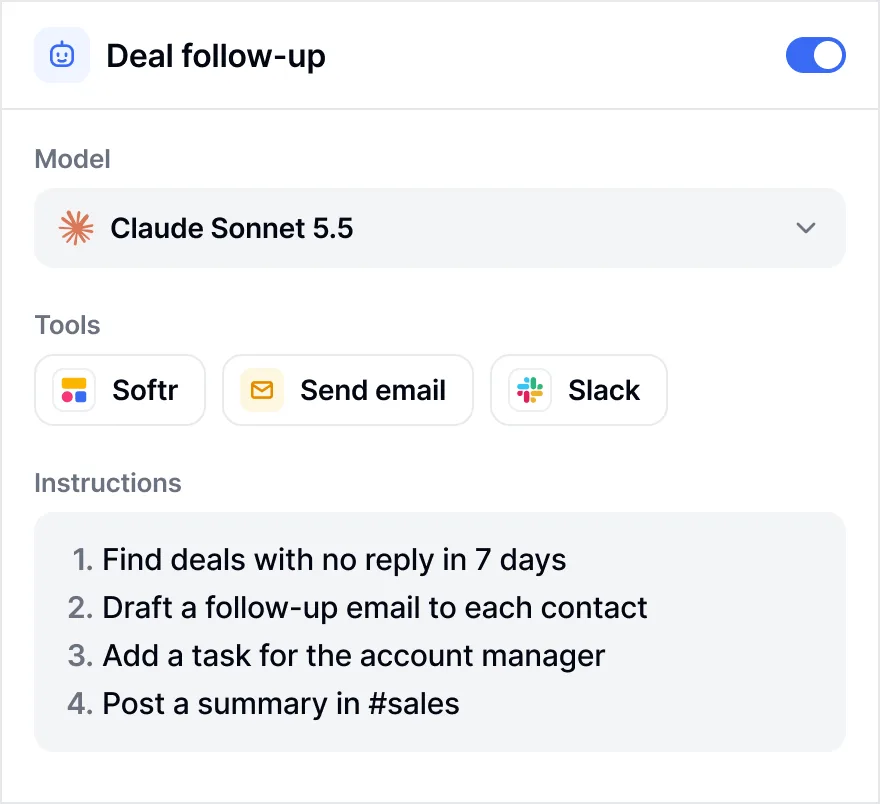
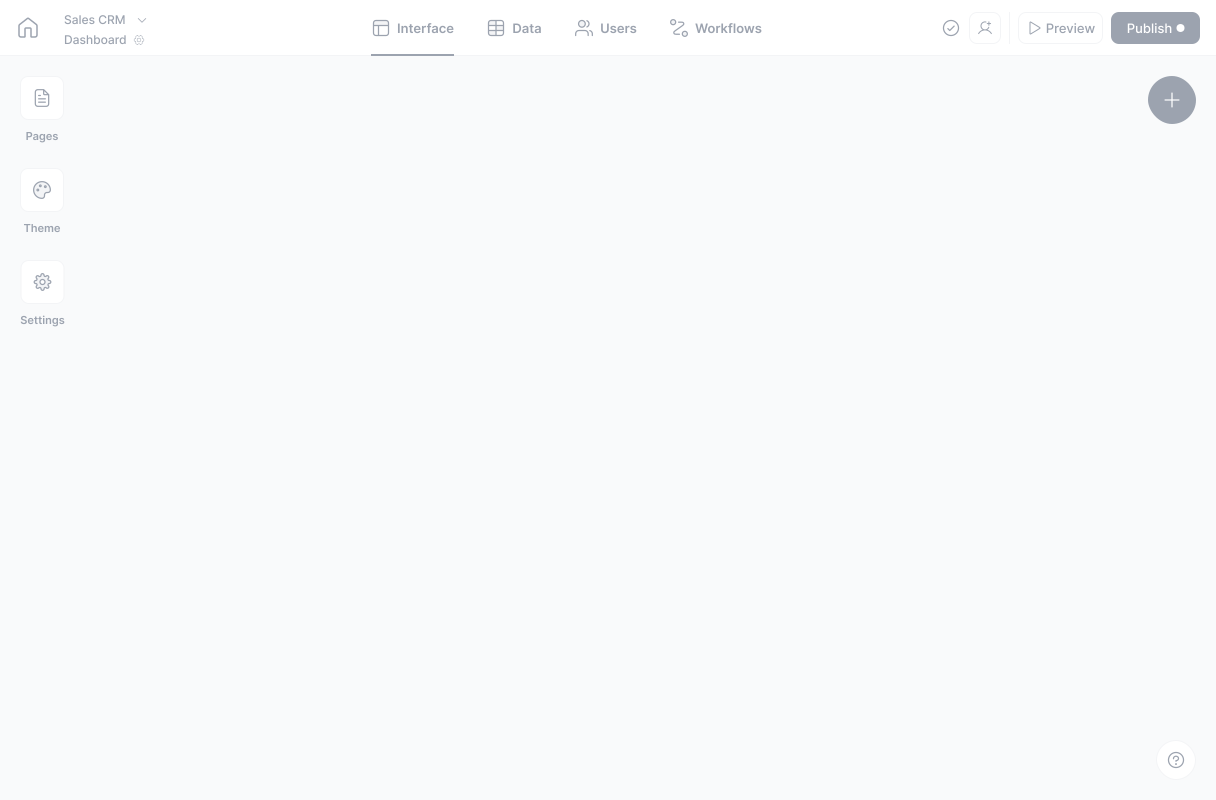
Simply describe what you need. Let Softr handle everything - Interface, database, workflows.
Iterate with AI or visually
Control most critical parts of your app yourself - roles, permissions, security.
Ship the same day
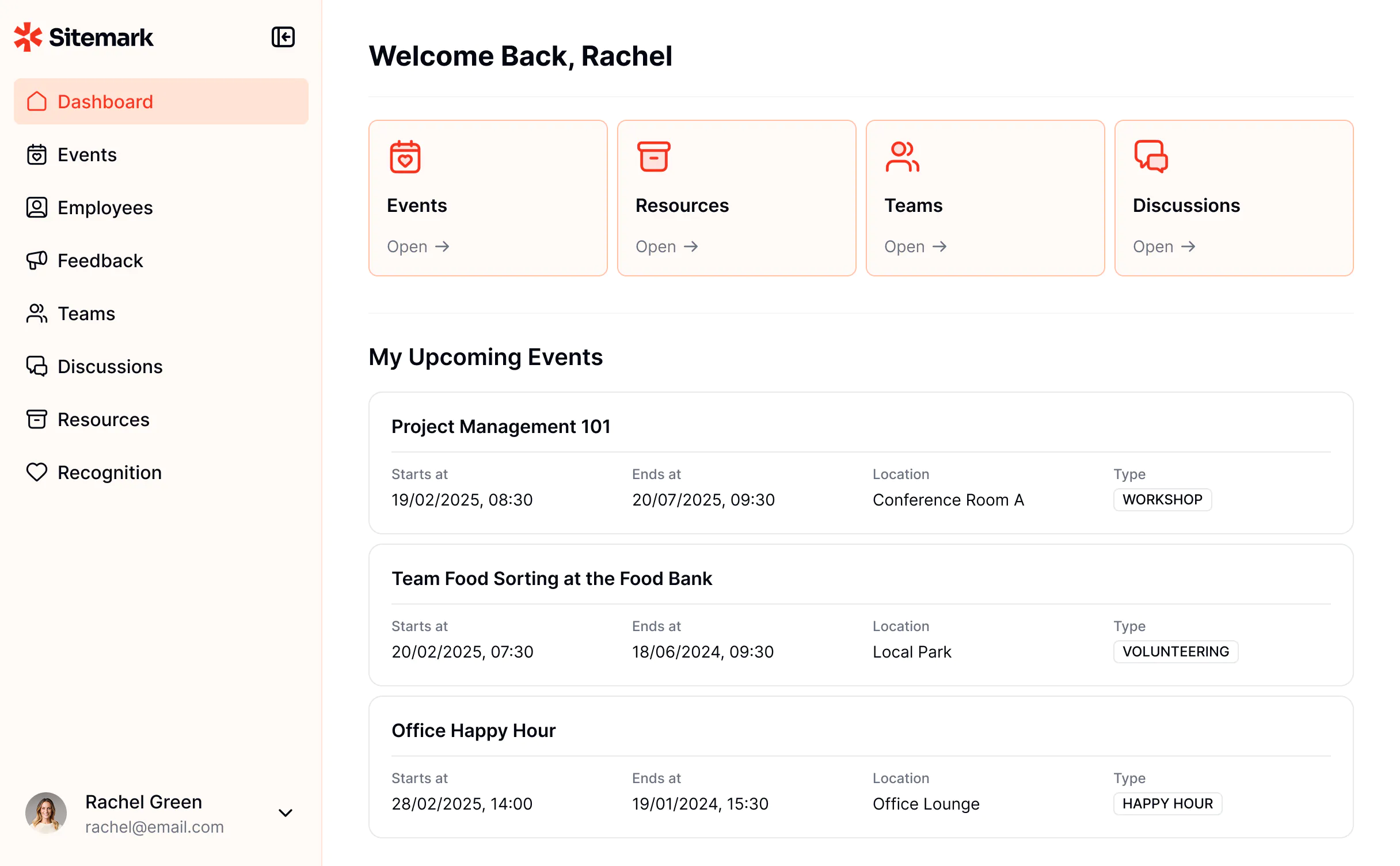
Invite team members or external clients and partners right away. No developer handover.
All you need for functional software — built in
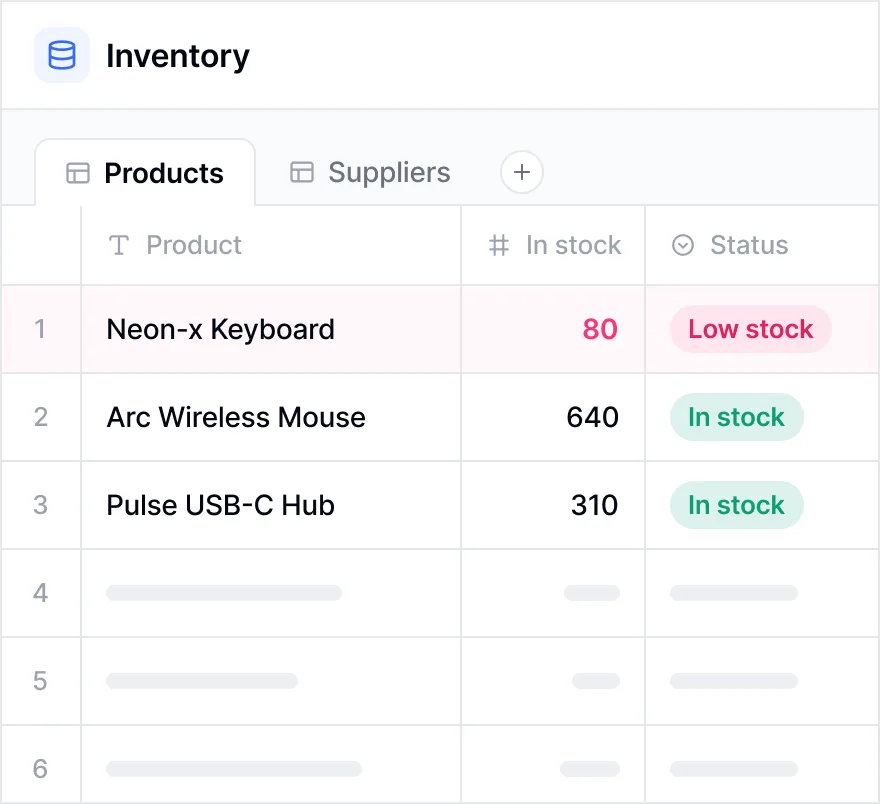
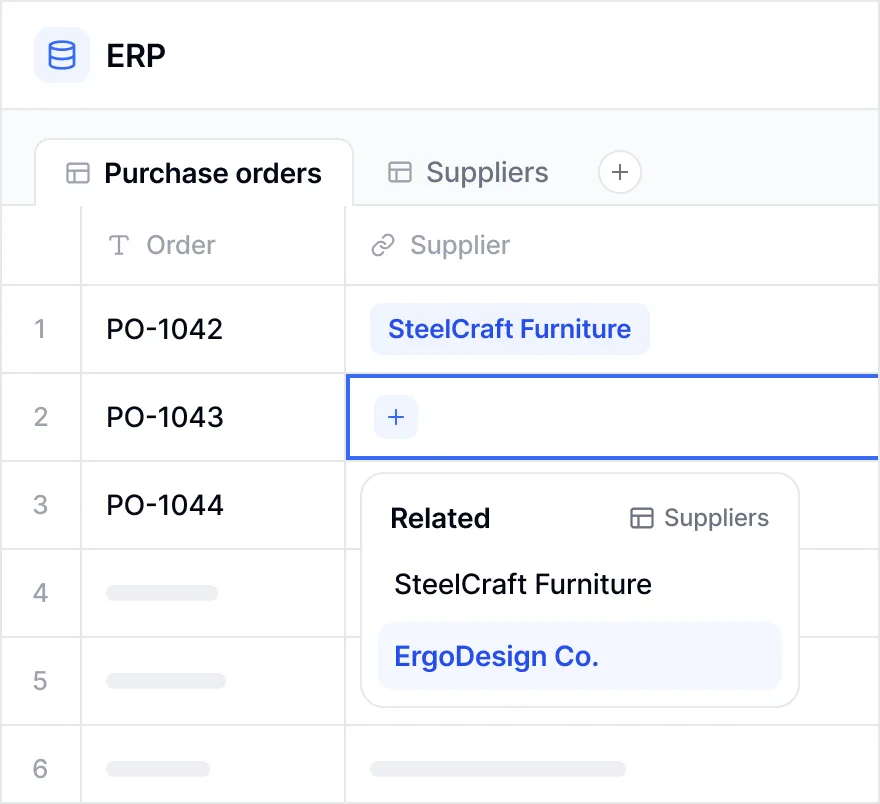
Move beyond spreadsheets. Store and manage your data in a flexible, built-in database that powers your apps and workflows.
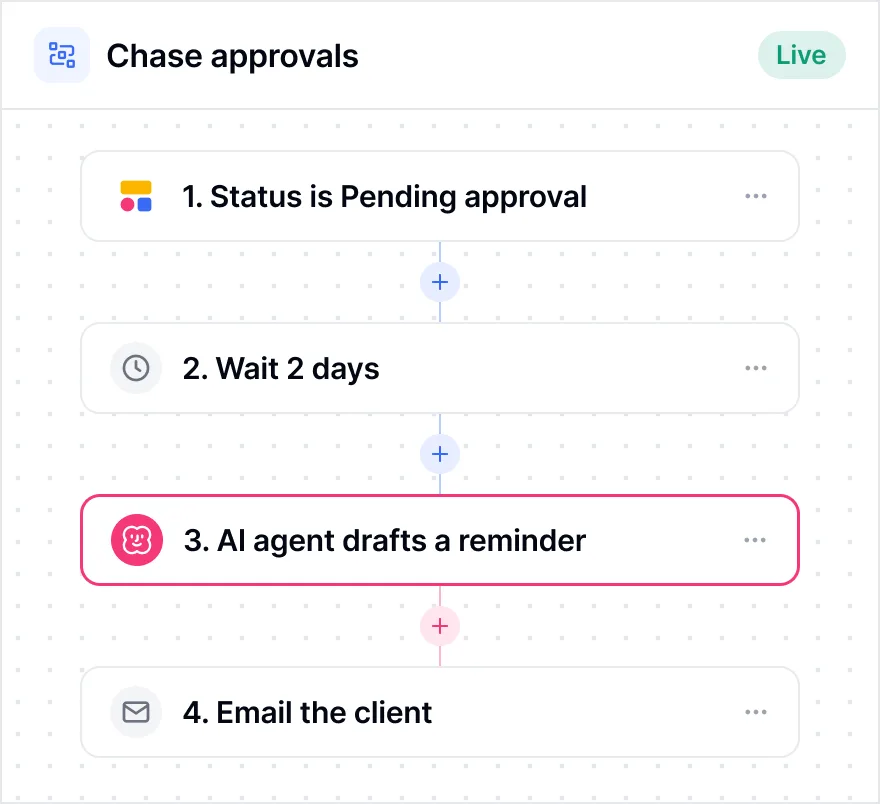
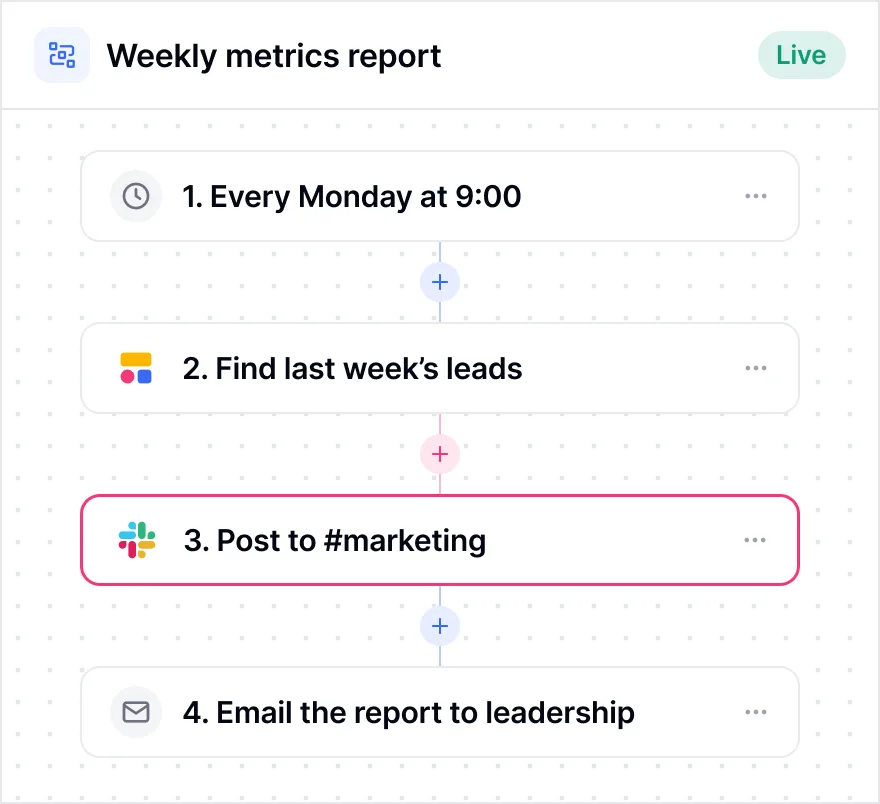
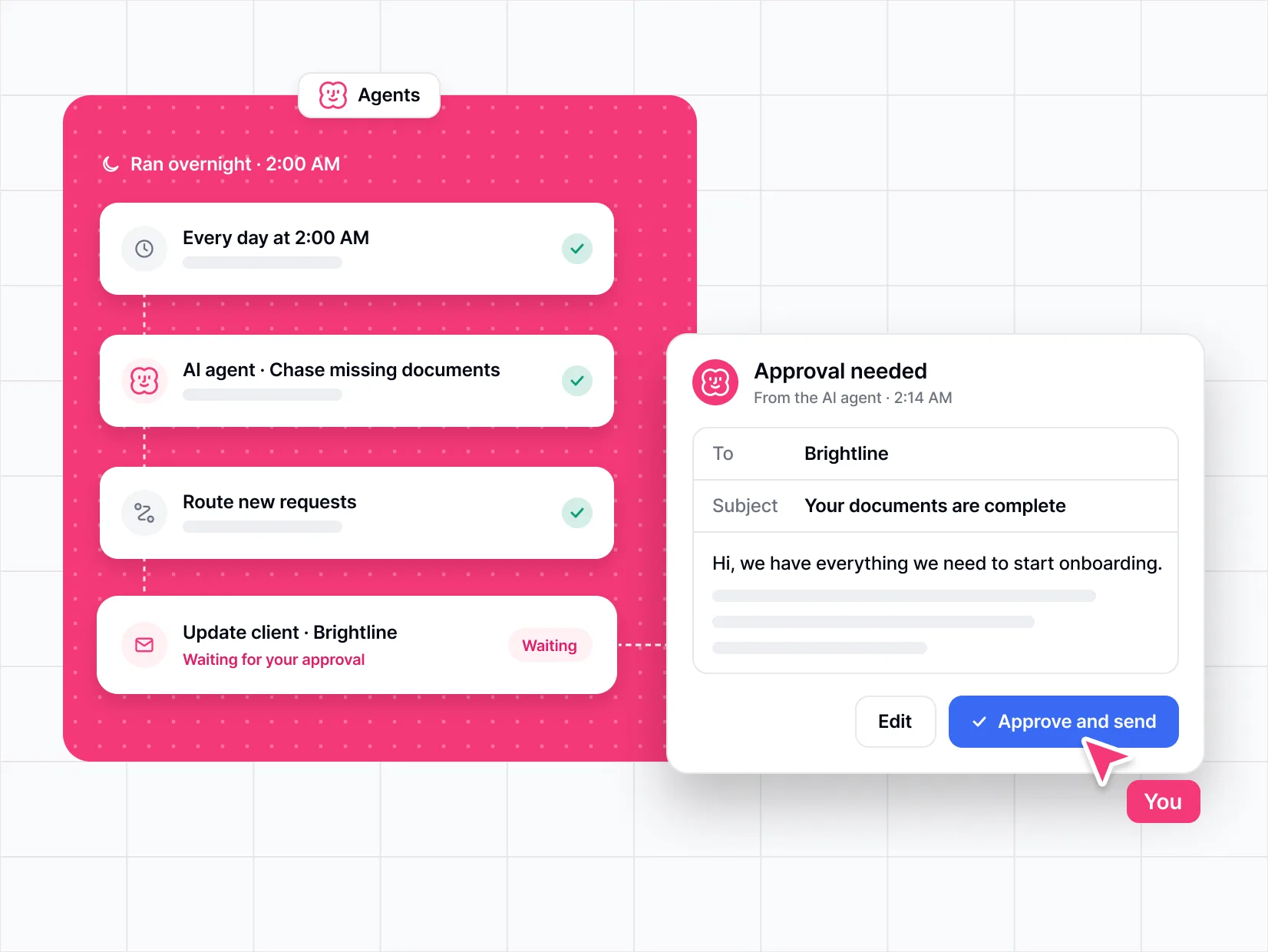
Connect any tools in your tech stack and automate simple tasks or complex, multi-step processes across your business.
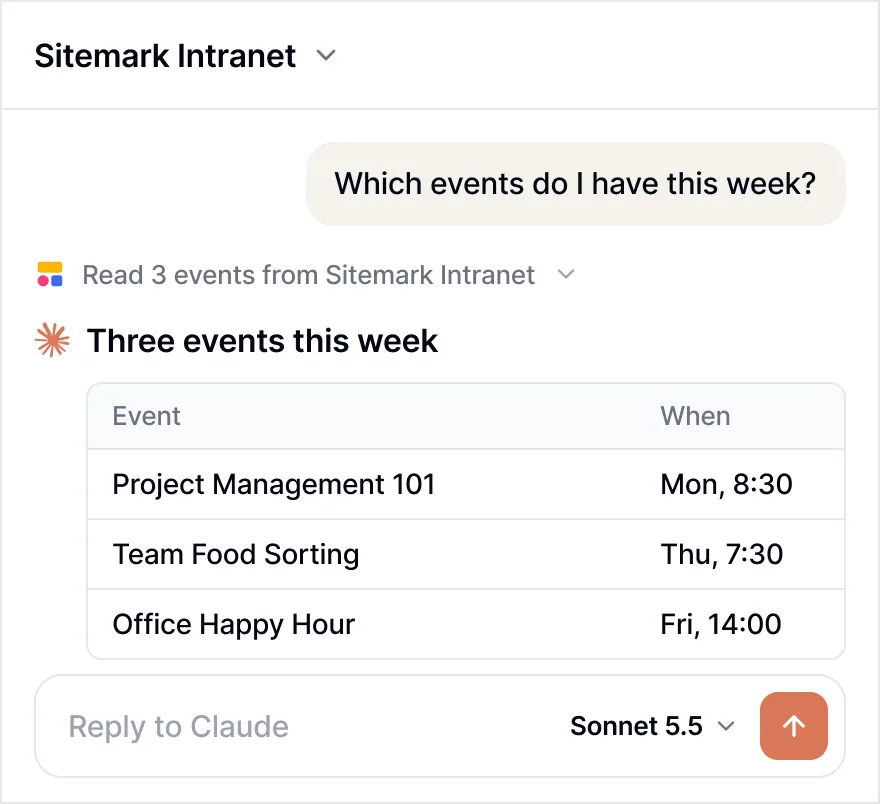
Bring your data and tools
The go-to platform for business operations

Minerva Network increased athlete registrations by 50% with a custom CRM and portal

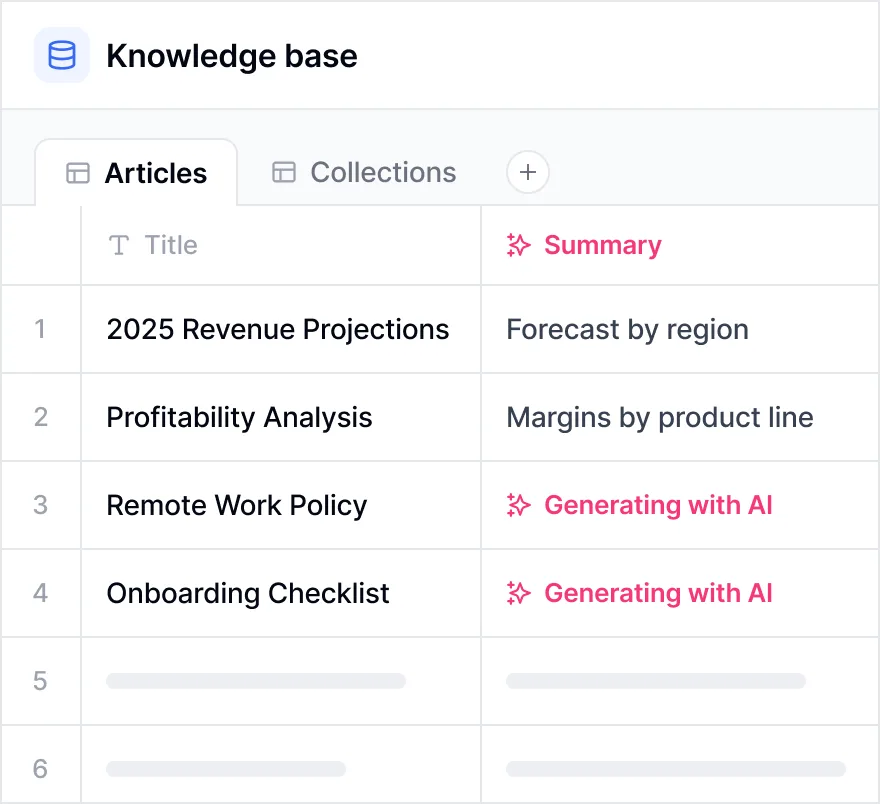
Celonis built a GTM knowledge base for 1,500+ team members


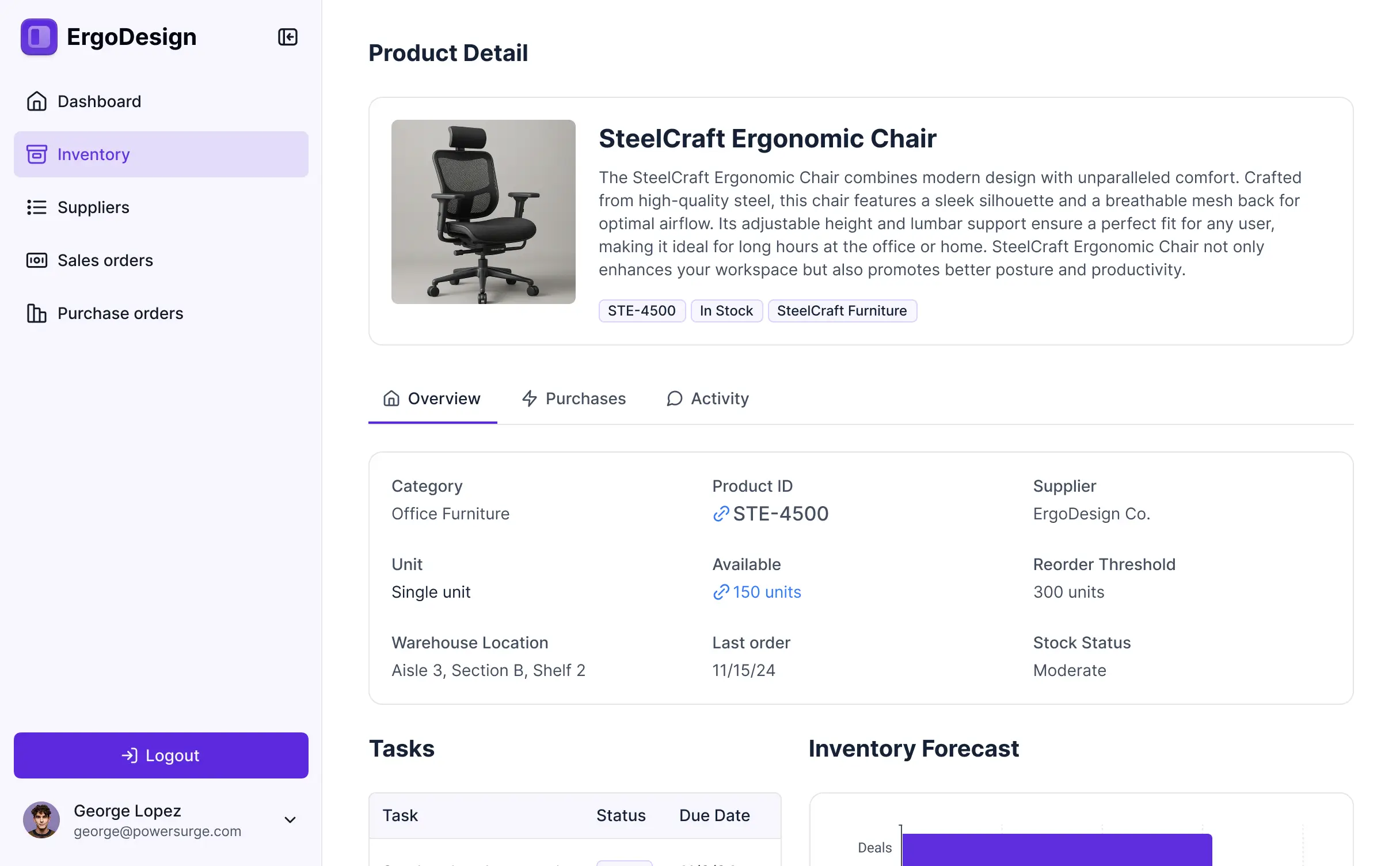
Urban's Group increased productivity by 25% with a custom ERP system
Frequently asked questions
What is Softr?
What is Softr?
What can you build with Softr?
Why use Softr instead of Airtable?
What systems and data sources does Softr connect to?
Softr Databases is the native option, and Softr also connects to 21+ external data sources. Airtable, Notion, Google Sheets, Coda, SmartSuite, Xano, Zoho CRM, and a REST API connector are available on every plan, including Free. Pro adds monday.com, Supabase, and ClickUp. Business adds HubSpot, BigQuery, Microsoft Excel, and SQL databases including MySQL, PostgreSQL, SQL Server, and MariaDB. Enterprise adds Salesforce and Snowflake. For anything without a native connector, Softr Workflows can call any external API over HTTP.