Track medical equipment, schedule maintenance, and manage compliance in an AI-powered system built with AI to fit your hospital's workflow.
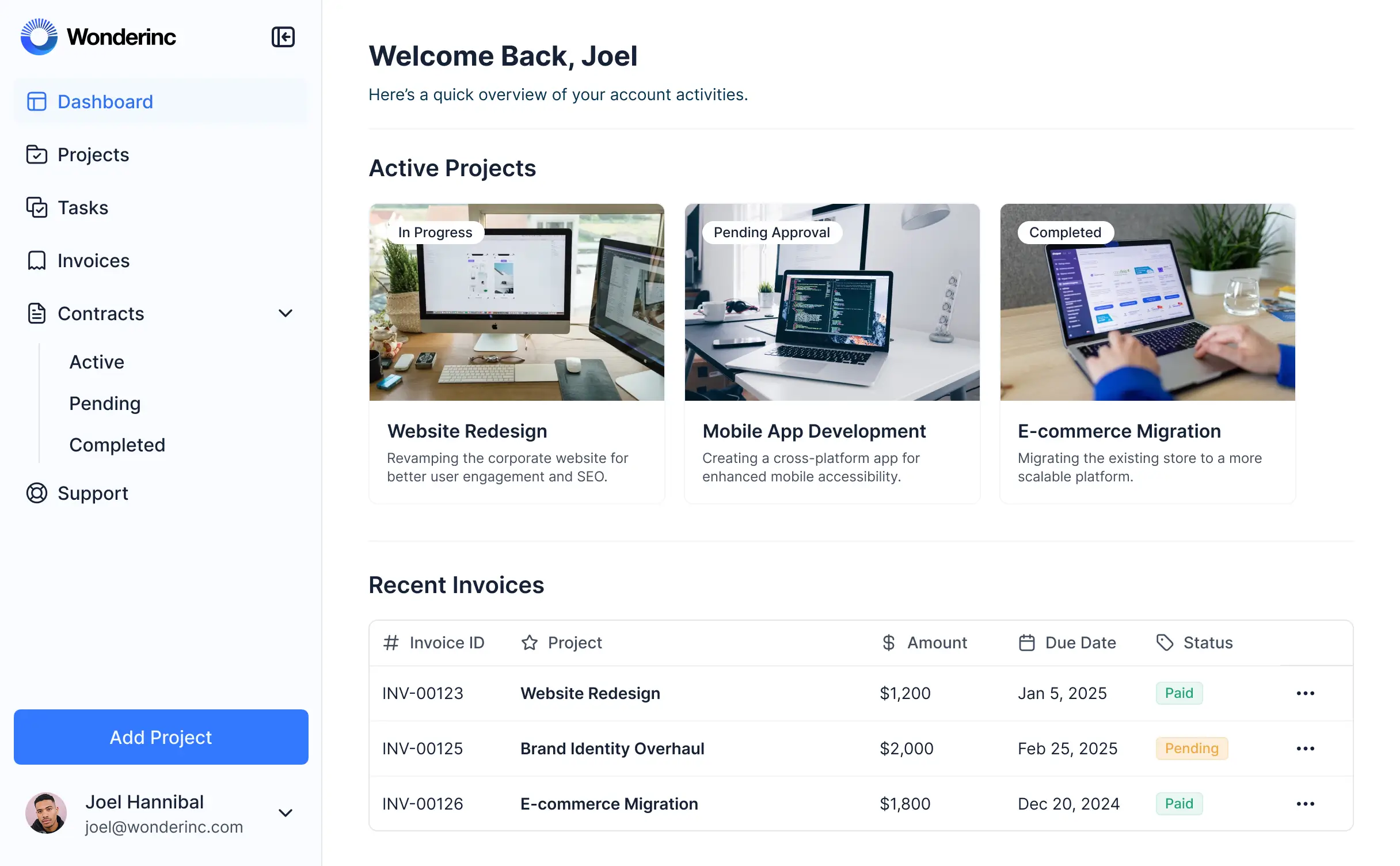
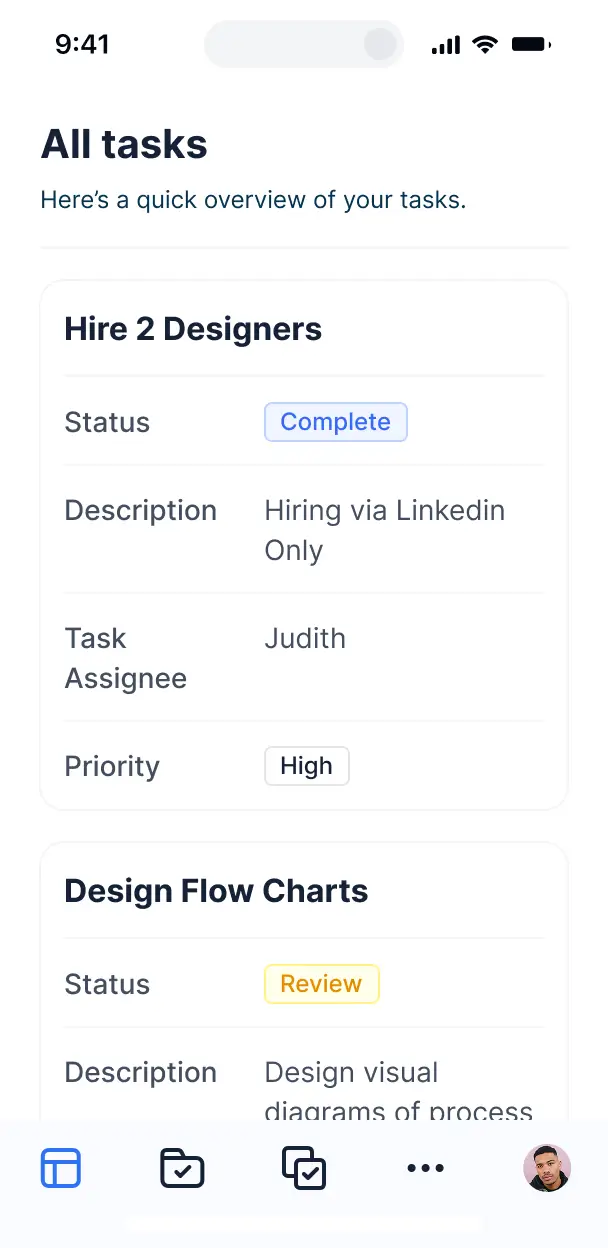



Customize your healthcare maintenance setup with the exact steps and views your team needs. Add features as processes evolve—no code needed.


Connect asset logs, work orders, and compliance documentation with real-time sync—or manage everything in Softr Databases. Create one integrated source for maintenance.
Give each technician and manager the right tools and access. Set up secure logins, user groups, and granular permissions—no IT support needed.
Give biomedical techs, facilities managers, and admin staff tailored dashboards, so each role sees just the work orders they need.
Streamline operations with Softr Workflows. Trigger native notifications for overdue maintenance or status changes to keep the hospital running.
Access and update equipment status on the go. Technicians can log maintenance from their phones directly at the patient bedside.
Use Google, email, or SSO logins to give your medical team fast, secure access—ensuring only authorized personnel handle critical data.
Keep healthcare maintenance data safe with SOC2 and GDPR compliance, plus fine-tuned access control at every level of the application.
No more one-size-fits-all tools or costly custom builds. Softr is easy to use and fully customizable, so you can launch faster, adapt as you grow, and skip the complexity of traditional software.

Build your healthcare maintenance app in minutes with AI. No manual setup or complex configuration required.

Add features like preventive schedules, audit logs, or vendor approvals as your facility grows—no rebuild needed.

Start with work orders, then add asset tracking, dashboards, and inventory—all in one place with no extra tools.
Co-build with AI
Simply describe what you need. Let Softr handle everything - Interface, database, workflows.
Iterate with AI or visually
Control most critical parts of your app yourself - roles, permissions, security.
Ship the same day
Invite team members or external clients and partners right away. No developer handover.
Use drag-and-drop blocks to build a portal that looks sleek and modern out of the box. Add only the features you need, and iterate as your workflows evolve.




Healthcare maintenance management software is a dedicated digital platform designed for clinics, hospitals, and medical centers to streamline the upkeep of critical facilities and medical equipment. It provides a secure space where facility managers and technicians can log in to track repair requests, equipment service histories, and preventative maintenance schedules. By centralizing all work order data in one place, healthcare providers can eliminate chaotic email chains and paper logs, ensuring regulatory compliance and a safer environment for both patients and staff.
Softr is the first AI-native platform for building business software, making it uniquely suited to create a custom maintenance solution that aligns with strict healthcare standards. You can describe your specific requirements—like tracking life-safety systems or diagnostic imaging equipment—to the AI Co-Builder to instantly generate your database, technician portals, and maintenance logic, all under a secure architecture.
You don't need any coding expertise to get started. You can generate your app with AI, use a specialized healthcare template, or build from scratch. Your app runs on Softr Databases, a native relational database, or can connect to existing inventory data in Airtable, Google Sheets, or Excel. This flexibility allows you to visually adjust layouts, manage strict access controls for different hospital departments, and apply your facility’s branding, ensuring the software grows alongside your healthcare network.
You can integrate a comprehensive suite of features to optimize your medical facility workflows by combining functional blocks with AI-powered tools:
- AI-Powered Intelligence – Use Ask AI to allow facility managers to query maintenance history via chat, or deploy Database AI Agents to automatically prioritize work orders based on patient safety risk levels.
- Vibe Coding Blocks – Create custom UI components, such as an interactive hospital floor plan for locating malfunctioning equipment, by using the AI Code block to describe exactly what you need.
- Softr Workflows – Set up automated triggers that send urgent SMS alerts to biomedical engineers whenever a high-priority life-support machine requires immediate repair.
- User Portals & Logins – Securely manage access roles so nurses can submit requests while certified technicians see their assigned tasks and maintenance manuals.
- Forms & Data Collection – Capture precise equipment details through custom forms with mandatory photo uploads for documenting damage or parts replacement.
- Dashboards & Charts – Visualize facility performance with real-time charts showing open work orders, mean time to repair (MTTR), and regulatory compliance percentages.
- Lists & Advanced Filtering – Manage asset registries and service logs with searchable tables, Kanban boards for repair stages, and detailed views for specific medical devices.
Vibe coding allows you to build sophisticated medical maintenance tools at the speed of thought. You can "vibe code" your healthcare software by describing your facility's specific asset tracking and work order flows to the AI Co-Builder. Softr then translates those needs into a production-ready application that handles complex scheduling and reporting.
While other tools might generate disconnected code that is difficult to secure for a healthcare environment, Softr manages the critical backend—including HIPAA-compliant-ready infrastructure, user authentication, and relational logic—natively. This means you get the agility of AI-driven development without the risk of managing raw code. You describe the maintenance process, Softr builds the software, and your hospital staff can start logging repairs immediately.
Yes. You can manage multiple hospital wings, outpatient clinics, or specialized departments within a single unified platform. Each department manager or facility lead only sees the equipment and work orders relevant to their specific location or role. This is ideal for healthcare systems managing a network of clinics where centralized oversight is needed while maintaining localized views for on-site staff.
Absolutely. You don't need a pre-existing asset registry to start building with Softr. If you are starting fresh, you can use Softr Databases to build your equipment log and work order history directly within the platform. It is designed to integrate perfectly with the frontend application you build for your maintenance team.
However, if you already have diagnostic equipment lists in Airtable, facility logs in Google Sheets, or parts inventory in SQL, you can connect those sources effortlessly. You can even use the REST API to pull in data from existing electronic health record (EHR) systems if needed, giving you full control over how your maintenance information is structured.
Softr Databases is the recommended native data source for healthcare maintenance management. It offers the high performance required for real-time asset tracking and instant automation triggers for preventive maintenance alerts, ensuring your software remains fast and reliable.
If your maintenance data is stored elsewhere, Softr connects to over 17 external sources, including Google Sheets, Airtable, SmartSuite, and BigQuery. You can even combine sources—for example, pulling medical device manuals from Softr Databases while syncing work order costs with your financial records in HubSpot. Most integrations support two-way sync, so a status update in the app immediately reflects in your central database.
Yes, Softr provides granular control over how different staff members interact with your maintenance software. You can customize the dashboard navigation to show a technician their daily repair schedule while giving facility directors a high-level view of compliance metrics. Every page or data block can be restricted based on the user's role.
You can establish distinct permissions for "Requestors" (nurses/admins), "Technicians," and "External Contractors." For instance, nurses can only see the status of tickets they submitted, while technicians can edit repair notes and upload service certificates. This ensures your maintenance operations are secure, organized, and tailored to the specific needs of each healthcare professional.
Yes, you can fully white-label your software to ensure it aligns with your healthcare organization’s branding. You can use your hospital’s logo, brand colors, and specific fonts, and host the application on your own custom domain (e.g., maintenance.yourhospital.org). By removing Softr branding, you provide a professional and seamless experience that builds trust with your staff and management.
Yes, Softr offers extensive flexibility to design a layout that matches your facility's operational flow. You can adjust the visual hierarchy, spacing, and page structure to ensure technicians can quickly find the information they need during an emergency repair. To manage your maintenance data, you can choose from various specialized blocks:
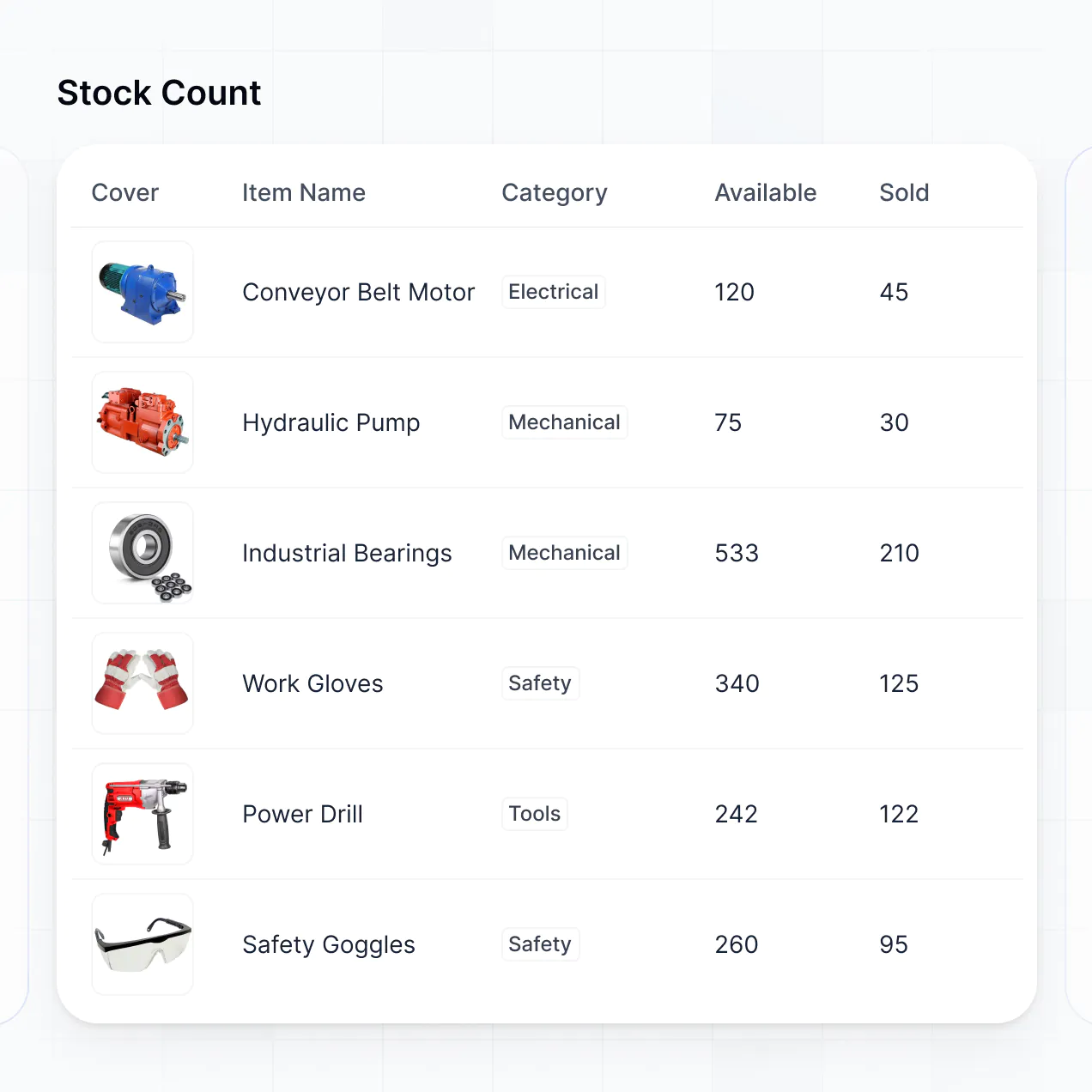
- Table blocks – To display comprehensive lists of service requests or parts inventory.
- List/Card blocks – To visually showcase medical assets with photos and status indicators.
- Detail View – To provide a focused page for a single piece of equipment, including its full repair history and manual links.
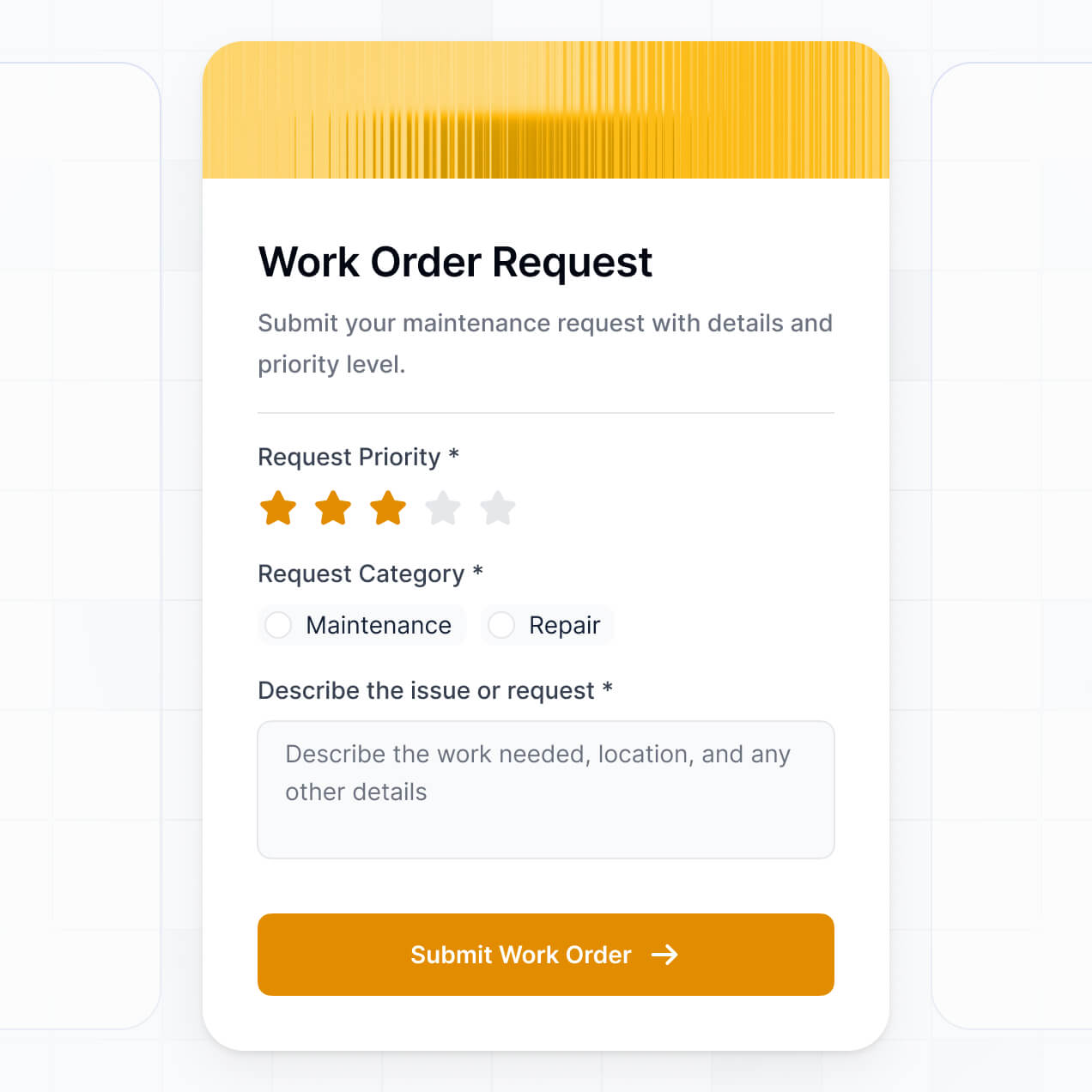
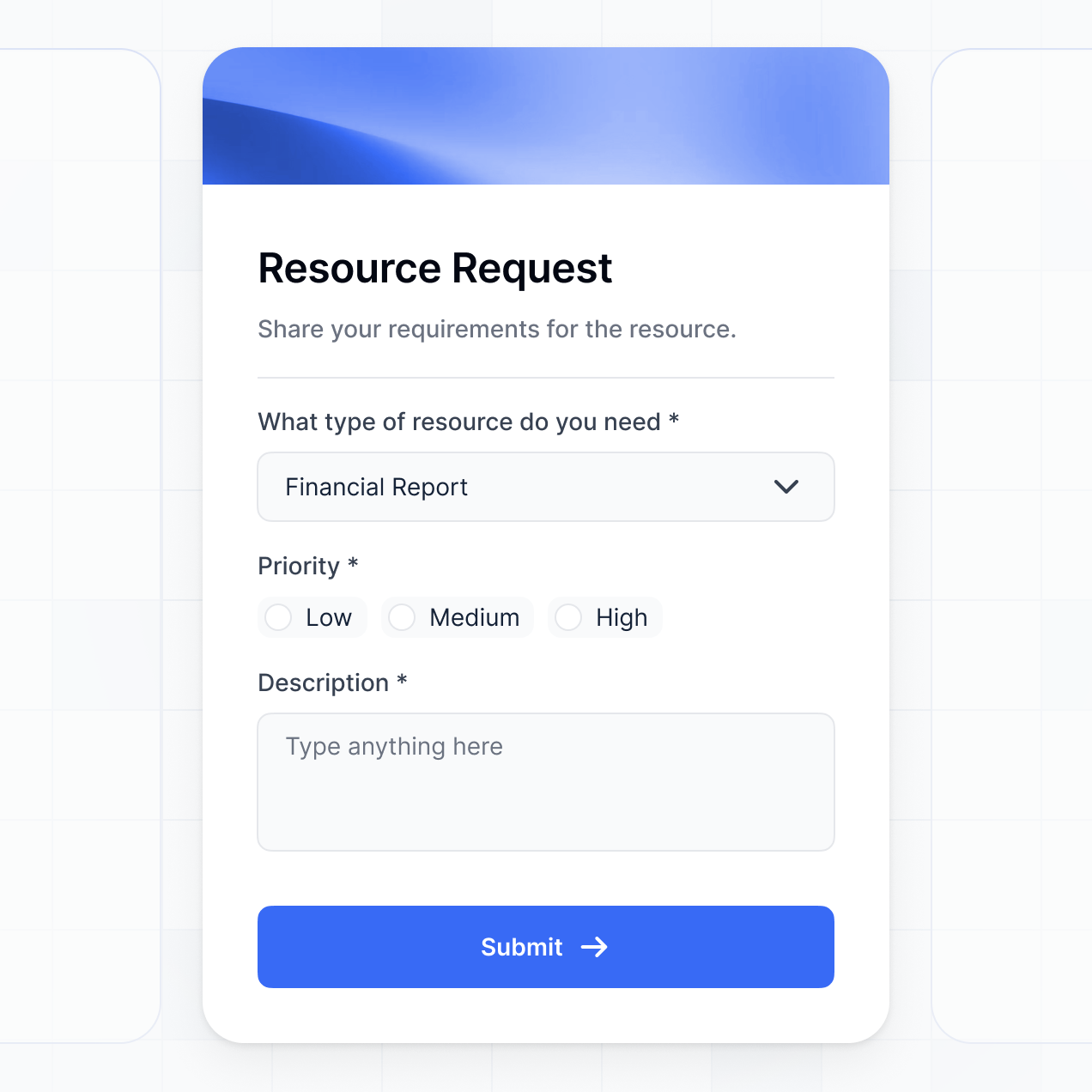
- Forms – To simplify the intake of new work orders from hospital staff.
- Charts – To monitor downtime trends and maintenance spending.
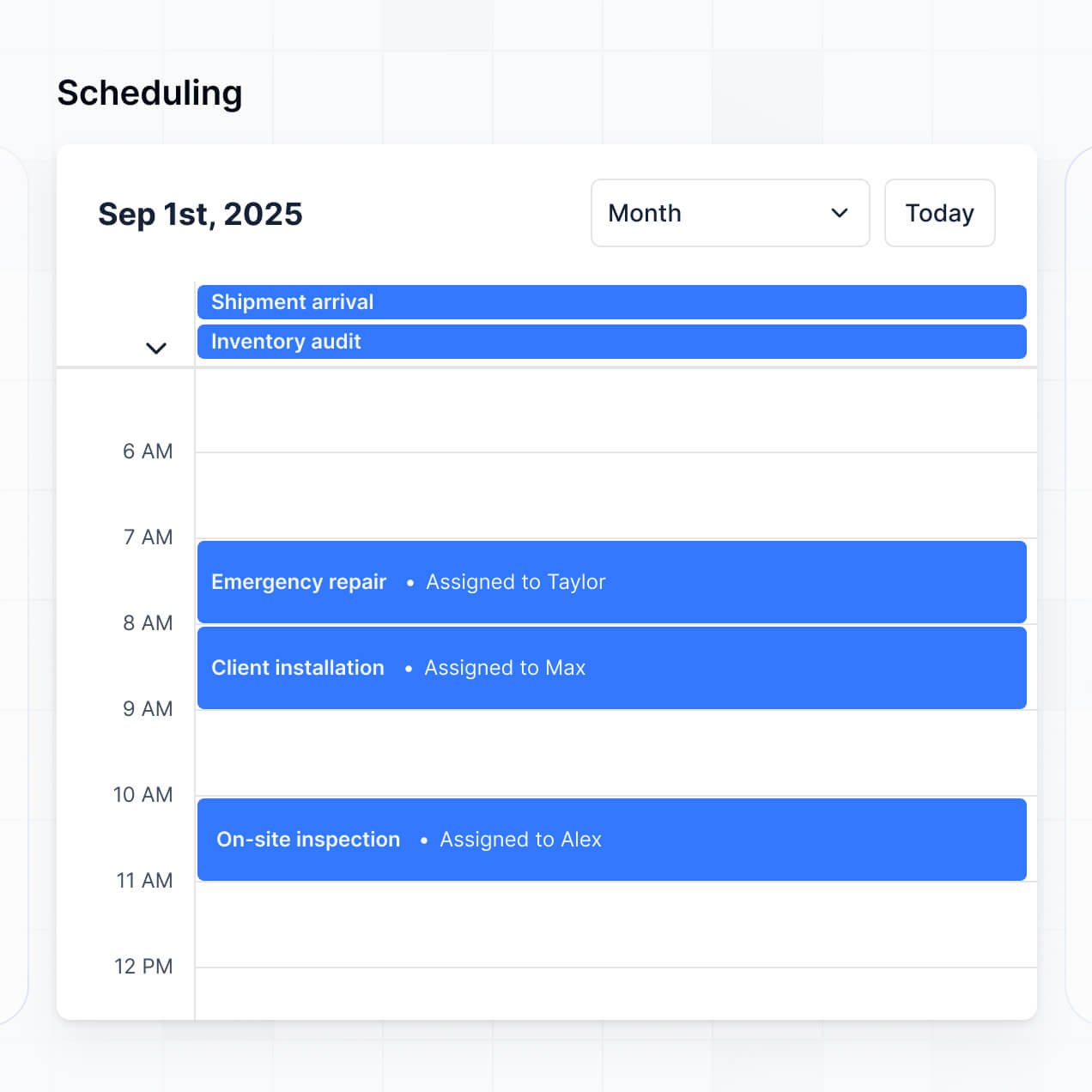
- Calendar blocks – To schedule recurring inspections and preventative maintenance dates.
The visual builder makes it easy to modify these layouts at any time as your maintenance requirements evolve.
Softr is built with a focus on enterprise-grade security. All maintenance data is encrypted in transit using TLS and at rest, and apps are hosted on redundant, secure infrastructure. You maintain full control over data visibility; you can set role-based permissions, define visibility rules for sensitive facility information, and manage user access directly via your data source.
For apps utilizing Softr Databases, data is stored in a secure environment in Europe (Germany) with SOC 2 Type II compliance. For those connected to external platforms like SQL or Airtable, Softr acts as a secure display layer without storing your data locally. We follow industry best practices for platform monitoring and access control to ensure your facility's operational data remains safe and accessible only to authorized personnel.
It is a fully production-ready solution. Unlike experimental AI tools that generate raw and difficult-to-maintain code, Softr builds your maintenance software on top of a stable framework designed for business operations.
We provide the essential infrastructure—secure user authentication, role-based access for different hospital tiers, and reliable hosting—natively. This approach eliminates the 'Day Two' risk of AI development; you get the benefit of rapid generation combined with a scalable, secure application that your maintenance team can rely on for daily hospital operations from day one.
Softr is the first AI-native platform specifically built for business software like maintenance management. Traditional no-code tools often require months of manual configuration, while 'vibe coding' tools can produce unstable code. Softr’s AI Co-Builder creates a custom app on top of a secure, production-grade foundation in minutes.
This hybrid advantage allows you to use AI to architect your equipment database and workflows, then use visual drag-and-drop tools to fine-tune the technician interface. You get the speed of modern AI with the reliability of built-in business features like complex user roles and secure hosting. It is the ideal choice for healthcare operations teams that need to move from a concept to a functional management tool immediately.
Yes. Softr allows you to build powerful native workflows and link your maintenance software to the rest of your healthcare stack. You can automate tasks such as sending recurring maintenance reminders via Softr Workflows or syncing repair costs with accounting tools like QuickBooks or Stripe.
Whether you need to trigger a Slack notification when a critical system fails or pull in real-time telemetry from IoT-enabled medical devices via the REST API, Softr makes it possible to build a connected maintenance ecosystem without writing code. This ensures that every part of your facility management remains in sync and automated.
Describe your medical equipment workflow. Softr's AI builds your custom maintenance system in minutes without code.