



Softr vs. Noloco
Hitting flexibility or scaling limits with Noloco? Try Softr, the fastest way to build custom business apps.
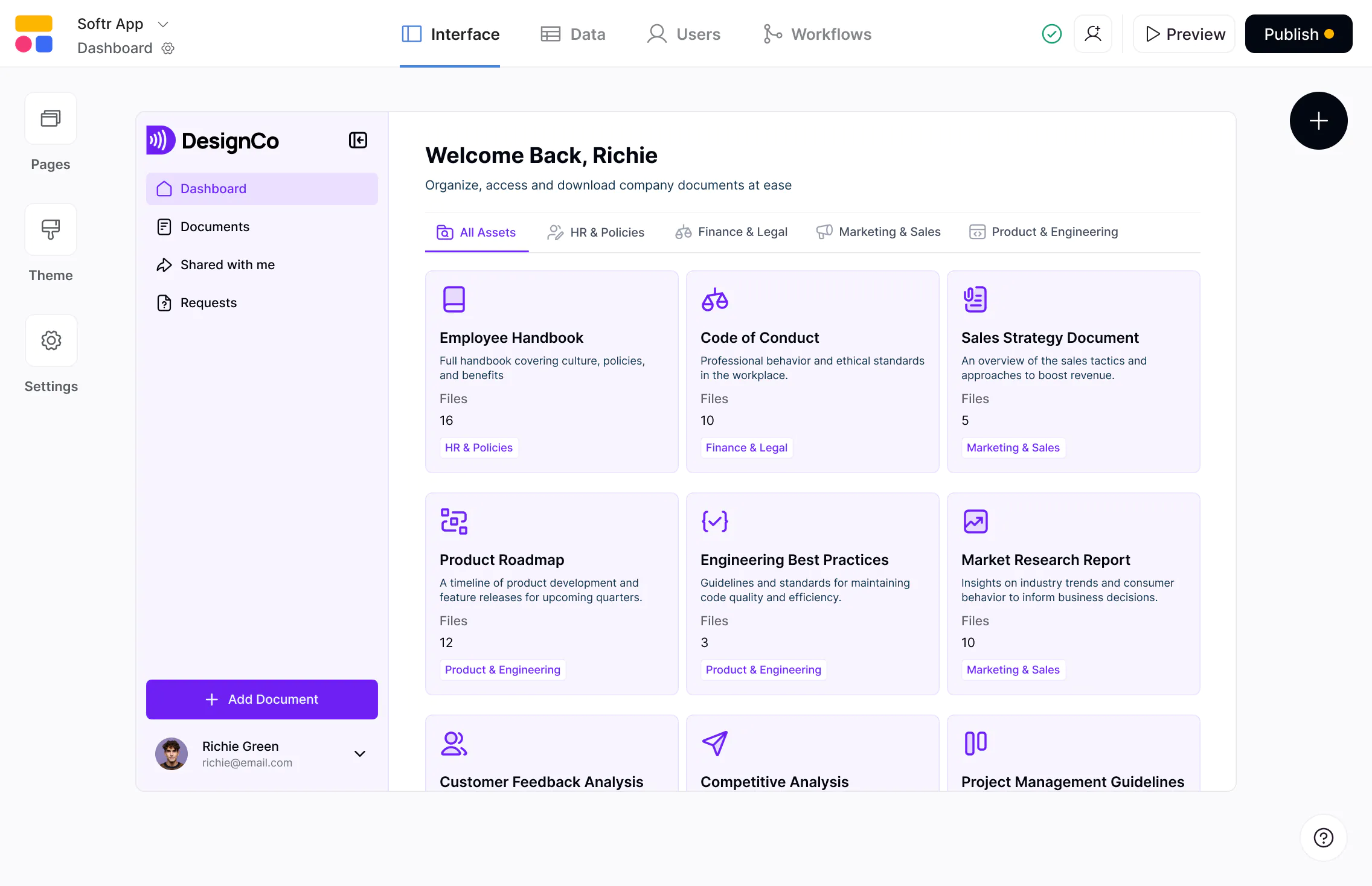










The #1 Noloco alternative for internal tools and portals
Build scalable apps with databases and workflows—with predictable pricing and full control as you grow.

Built for flexible, multi-role business apps.
Noloco works best for structured internal tools. Softr is a full-stack app builder designed for more complex, workflow-driven apps that support internal teams and external users like clients and partners.

Deeper integrations with your existing data.
Noloco primarily focuses on Airtable, Google Sheets, and SQL. Softr connects to 15+ data sources alongside its own native databases, letting you combine systems and build apps on top of your entire data stack.

Predictable pricing with more value built in.
Noloco’s user and row limits can make scaling your apps less predictable and more expensive. Softr includes higher user and record limits across plans, with no extra charges tied to syncing external data.

Why businesses are choosing Softr over Noloco
Easy to use, built to scale
Noloco’s builder works well for simple use cases, but can feel limiting as apps grow more complex. Softr offers more flexible building blocks and advanced logic, making it easier to adapt apps as requirements evolve.
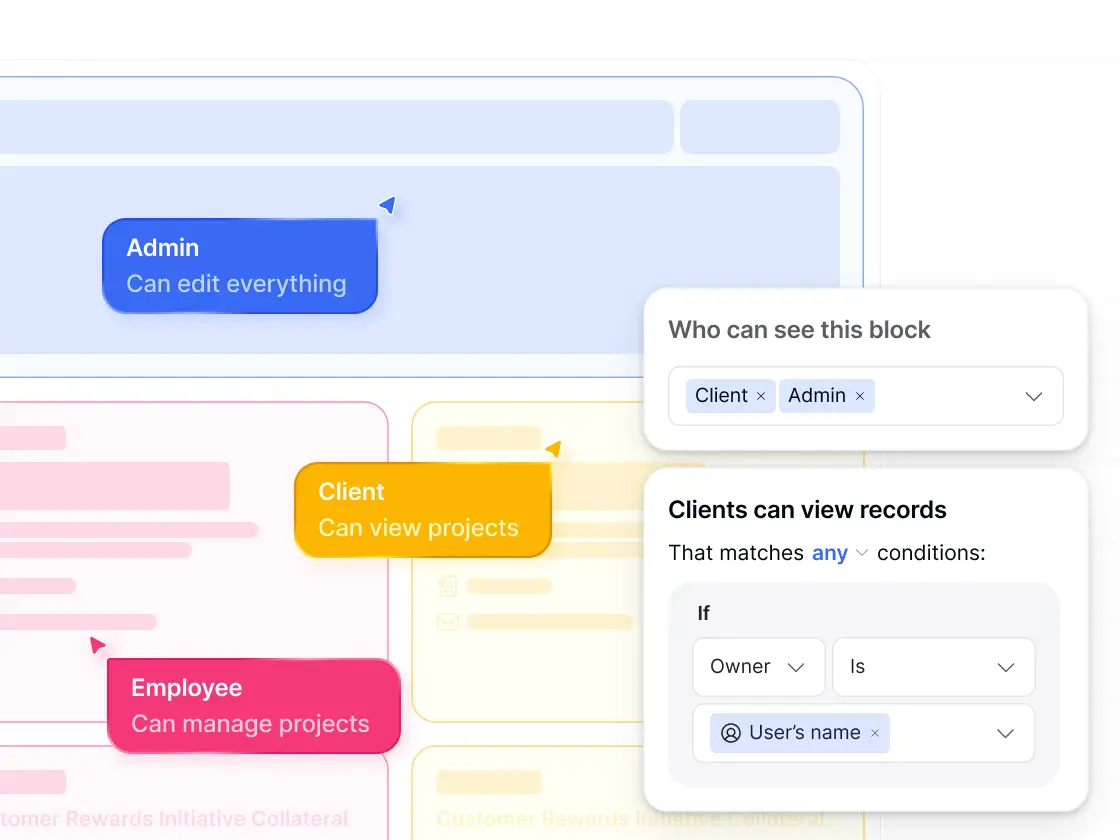
More flexible permissions
Noloco relies on predefined user roles. Softr supports advanced access control with custom user groups, granular permissions, and conditional filters—making it easier to manage exactly who can see and edit what.
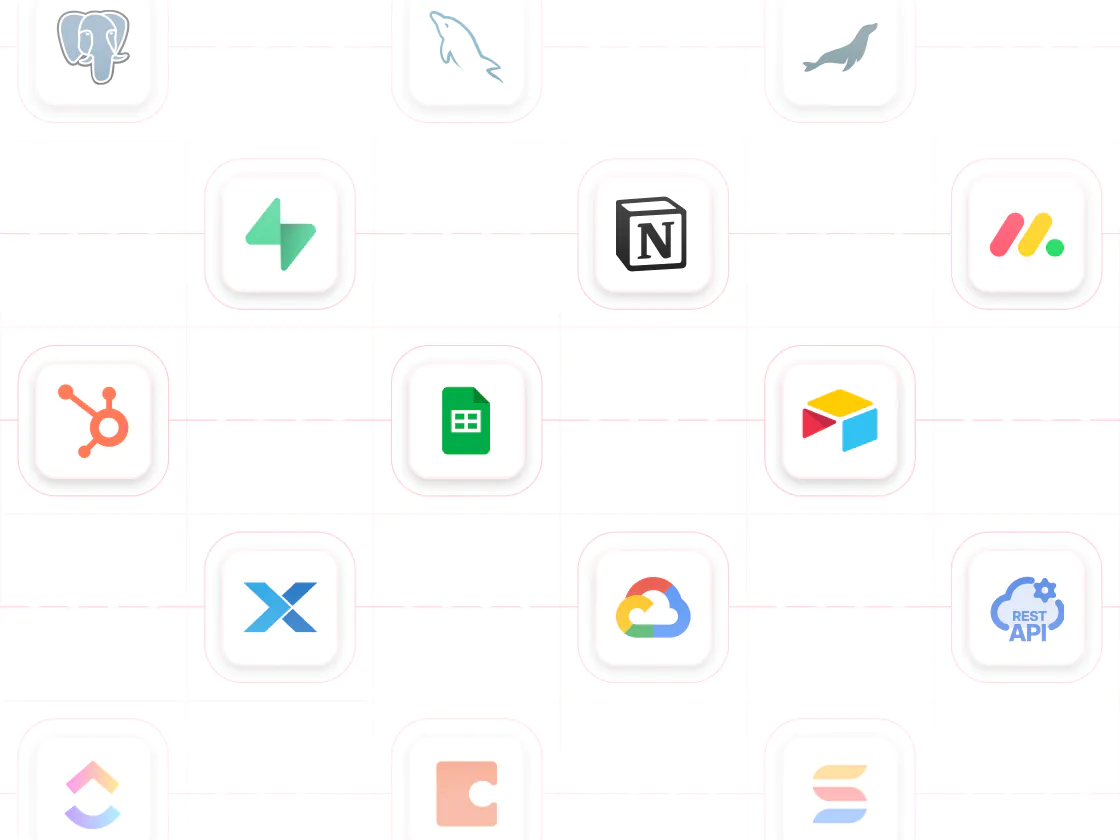
Multiple data sources, one app
Noloco supports a smaller set of data sources in less depth. Softr connects to Airtable, Notion, HubSpot, Google Sheets, SQL, and more—plus Softr Databases—so you can combine data from multiple tools in one app.
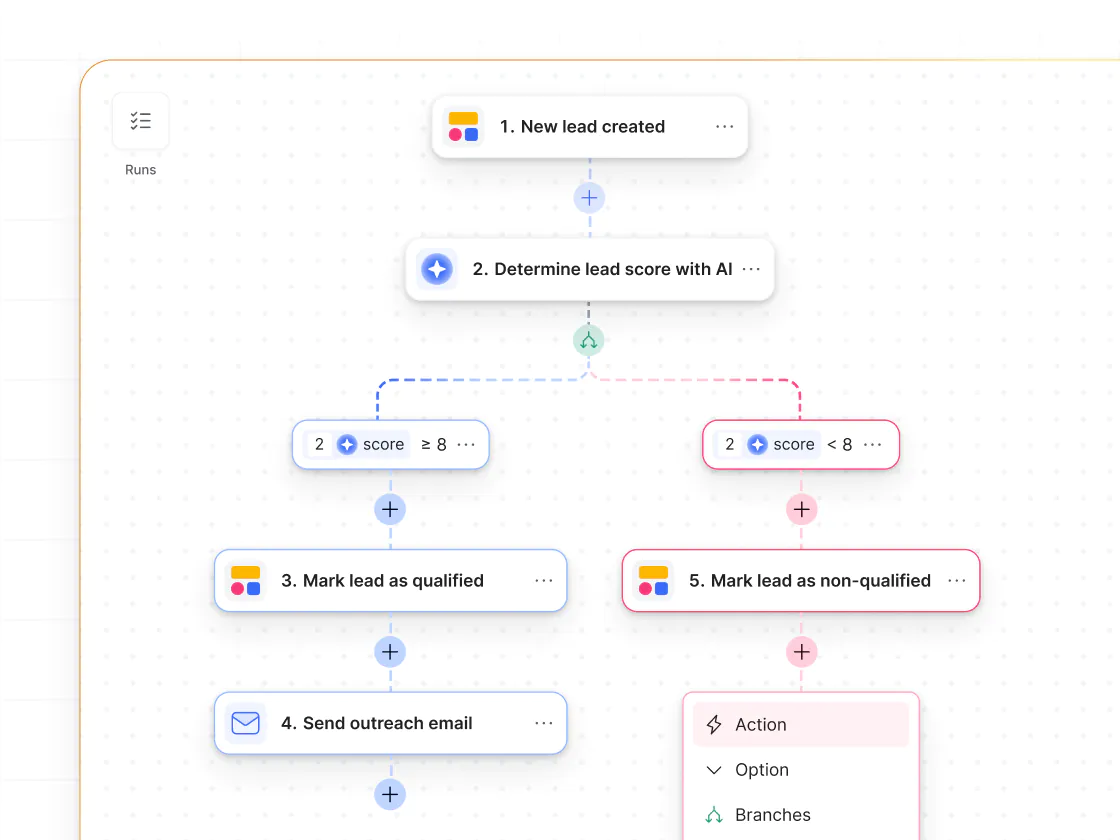
Visual workflows with UI actions
Noloco workflows are rule-based and harder to scale. Softr Workflows use a visual builder with AI assistance. They also support UI-triggered actions, so automations run directly from in-app button clicks and form submissions.
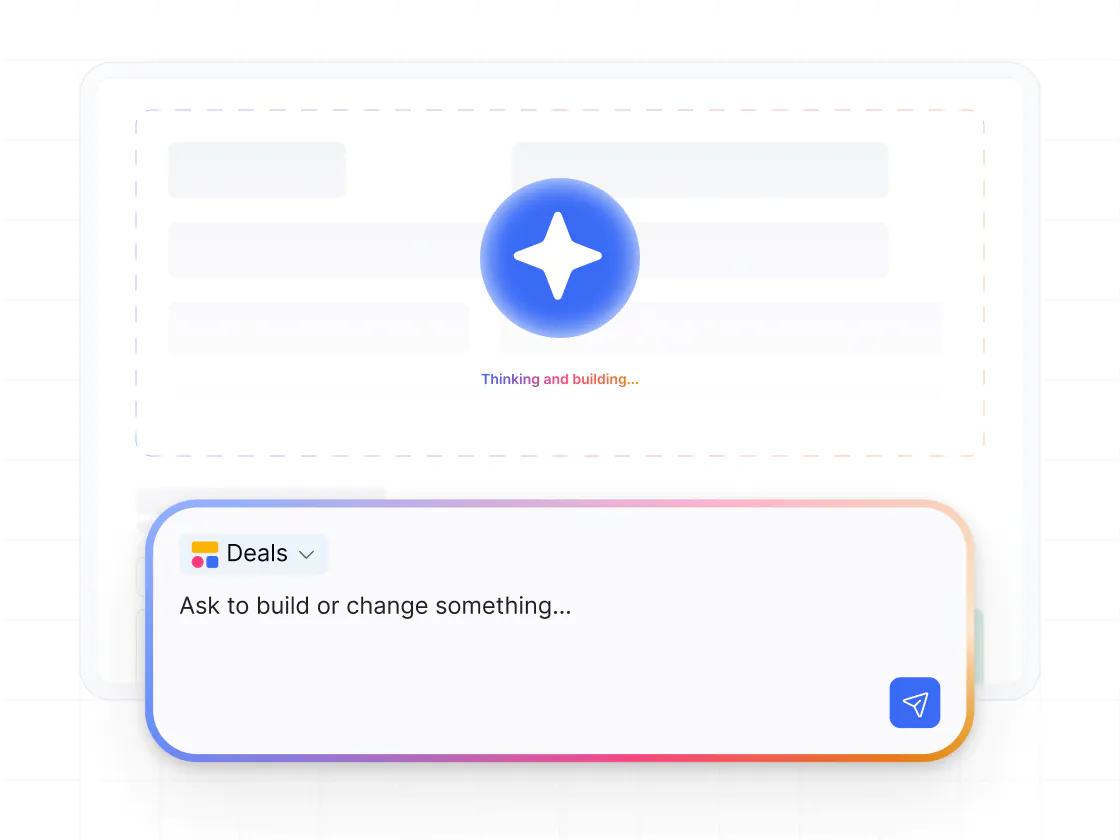
Vibe coding with real data
Noloco’s AI app builder is limited. Vibe coding in Softr lets you build custom UI components from prompts and connect them directly to your data—powering dashboards, pricing tools, calculators, and more.
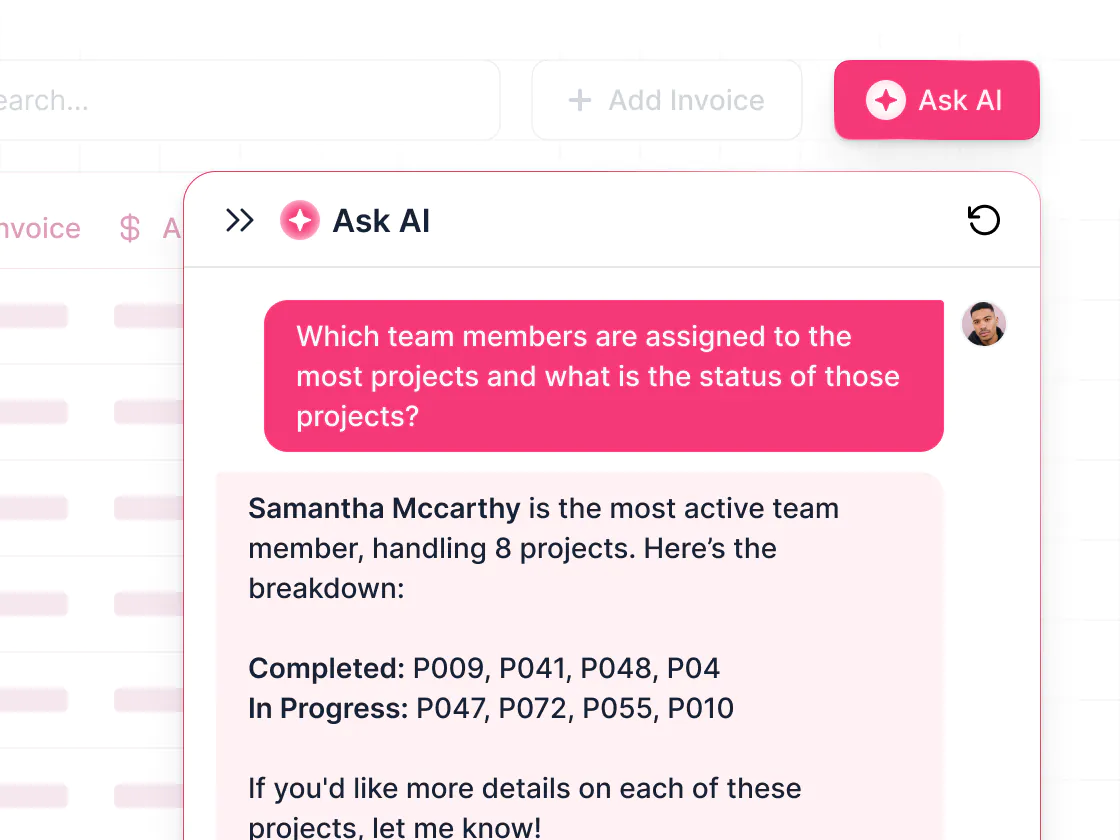
AI embedded in your app workflows
Softr includes Ask AI for querying live app data and Database AI Agents that enrich records or automate tasks. All AI features respect permissions and use context from linked data, making them safe for operational use.
.svg)
See how Softr compares to Noloco
Deciding between Noloco and Softr? With Softr, you get more flexibility, with stronger performance and workflows—and a better price.
Functionalities | | Noloco |
|---|---|---|
Ease of use | Full-stack AI app builder | Easy builder with structured layouts |
Design flexibility | Customizable layouts, navigation, and branding | Modern design, more rigid layouts |
Data sources | Native databases, plus build on top of 15+ external data sources | Native tables plus 9+ external sources (synced row limits apply) |
Database record limits | Up to 200K records per database (plan-based) | Lower record limits, plus update charges for external data sources |
Permissions & access | Custom user groups, granular permissions, and global data restrictions | Advanced permissions with less flexibility |
External users | Supports secure access for external users | Supports external users, but with stricter client seat limits |
Forms | Multi-step forms with conditional logic | Conditional forms with more limited logic |
Workflow automation | Built-in visual workflows (includes app UI triggers) | Less visual, rule-based workflows |
AI Agents | AI Agents for databases and workflows | AI for app and field generation |
Vibe coding | Prompt-based UI generation (connected to data) | Limited AI app generation |
Mobile experience | Responsive web apps with PWA support | Good mobile experience |
Pricing model | Predictable pricing, with generous user and record limits | Pricing with stricter limits tied to updates, rows, and internal/external users |

Go from zero to app, incredibly fast
Co-build with AI
Simply describe what you need. Let Softr handle everything - Interface, database, workflows.
Iterate with AI or visually
Control most critical parts of your app yourself - roles, permissions, security.
Ship the same day
Invite team members or external clients and partners right away. No developer handover.



Frequently asked questions
What’s the difference between Softr and Noloco?
Is Softr easier to use than Noloco?
Is Softr more affordable than Noloco?
Can Softr support both internal and external facing apps?
How does Softr compare for portals, CRMs, and internal tools?
Can I migrate from Noloco to Softr?
Join 1M companies building apps with Softr
See how easy it is to automate and run your business.