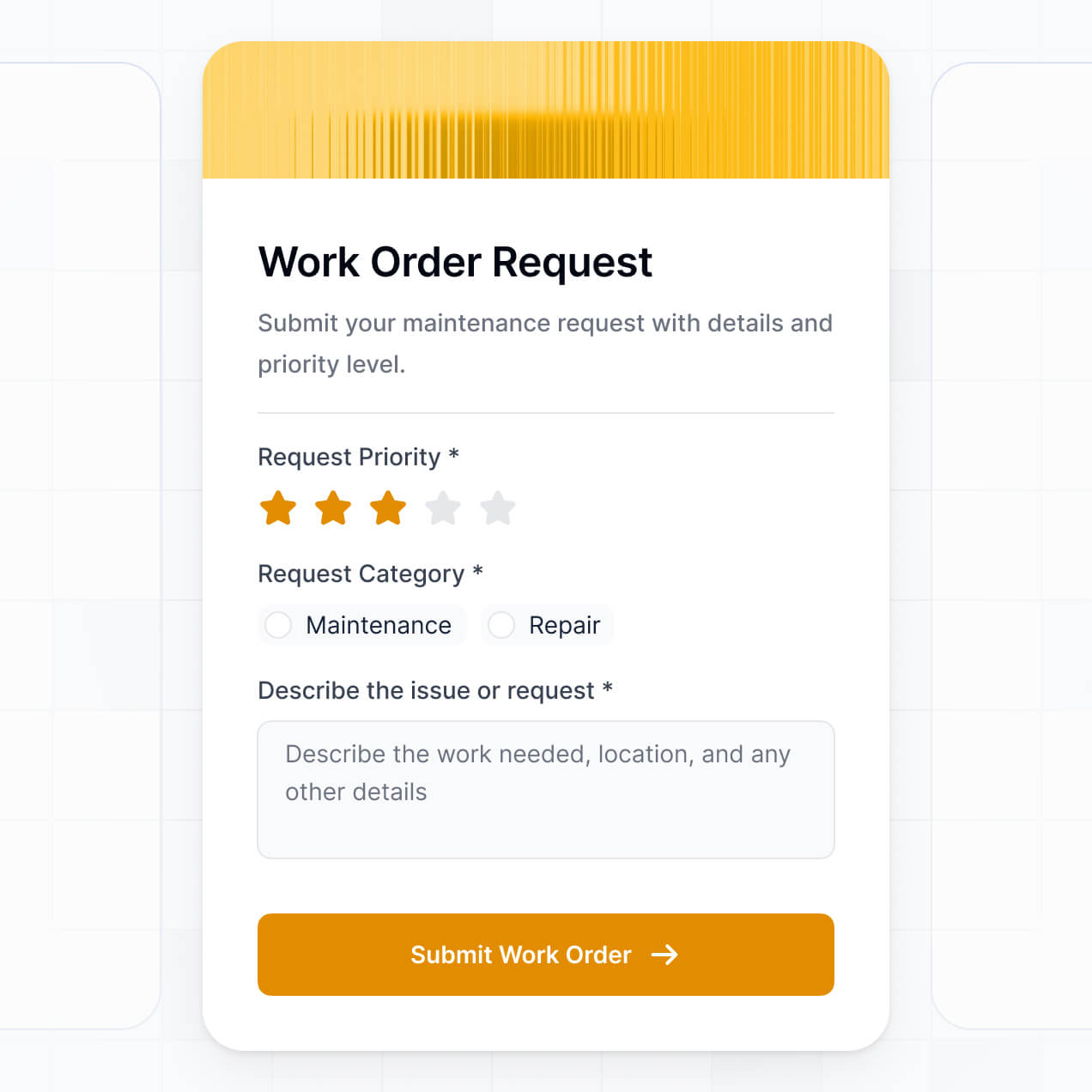
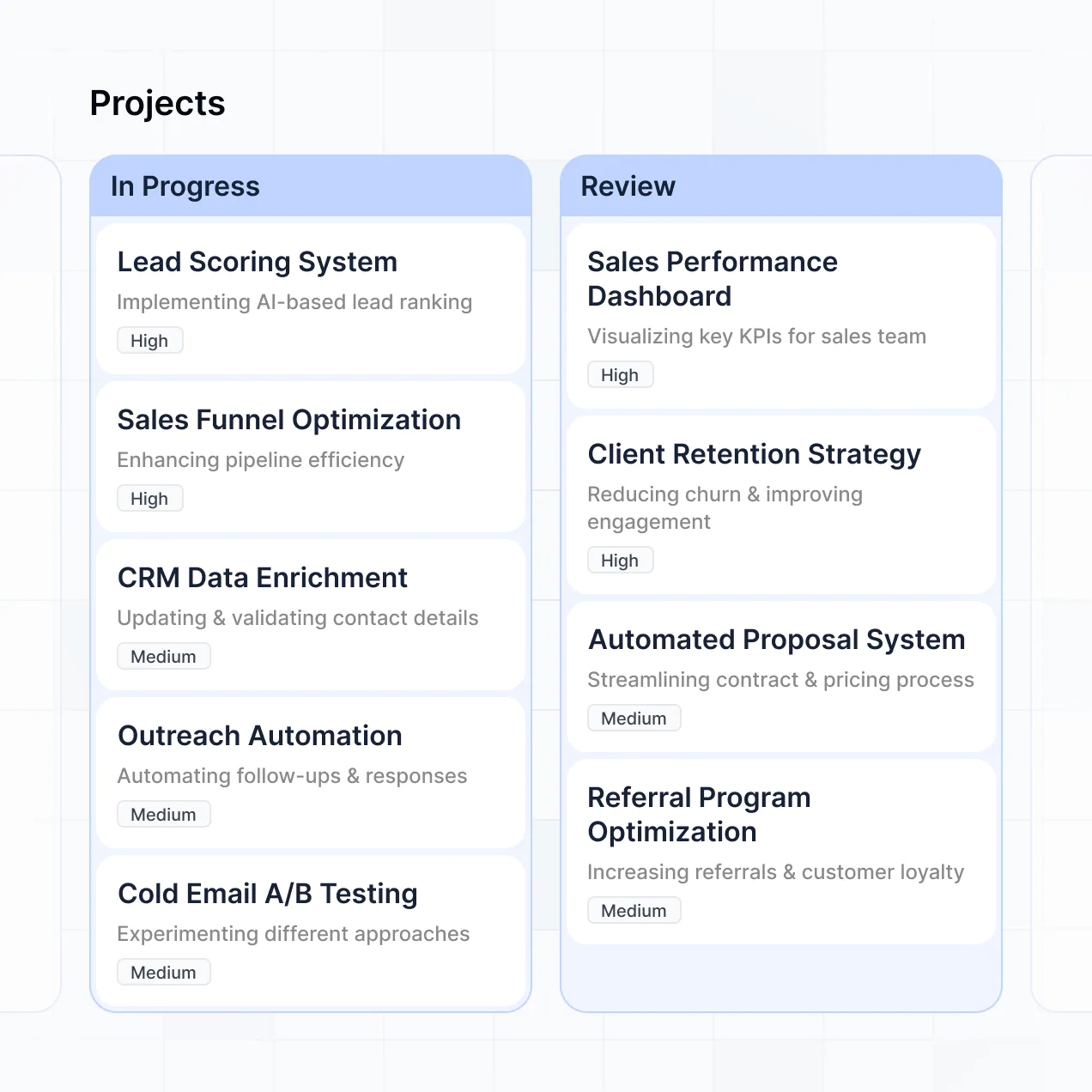
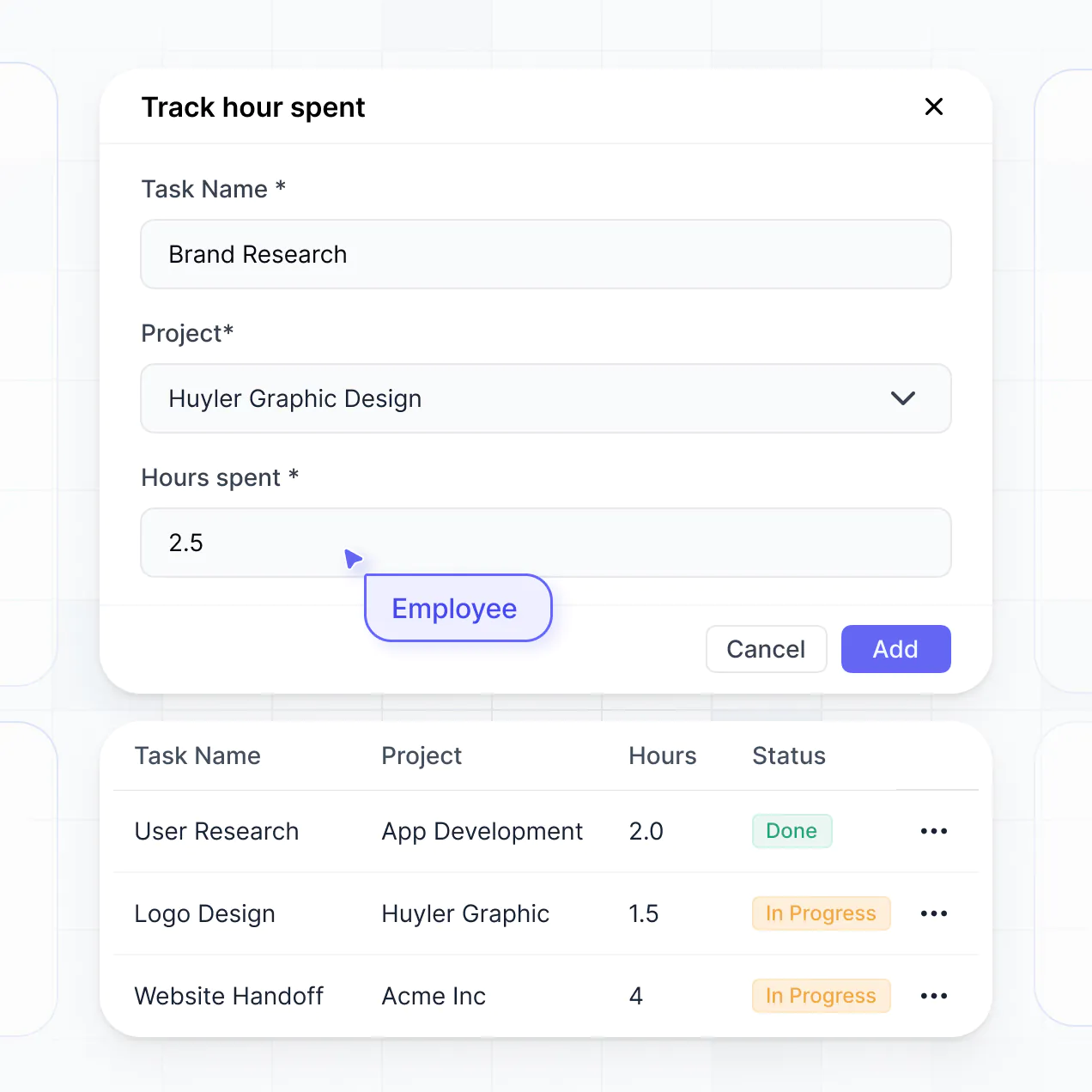
Track campaigns, manage creative assets, and monitor agency budgets in an AI-powered system built with AI to fit your agency workflow.
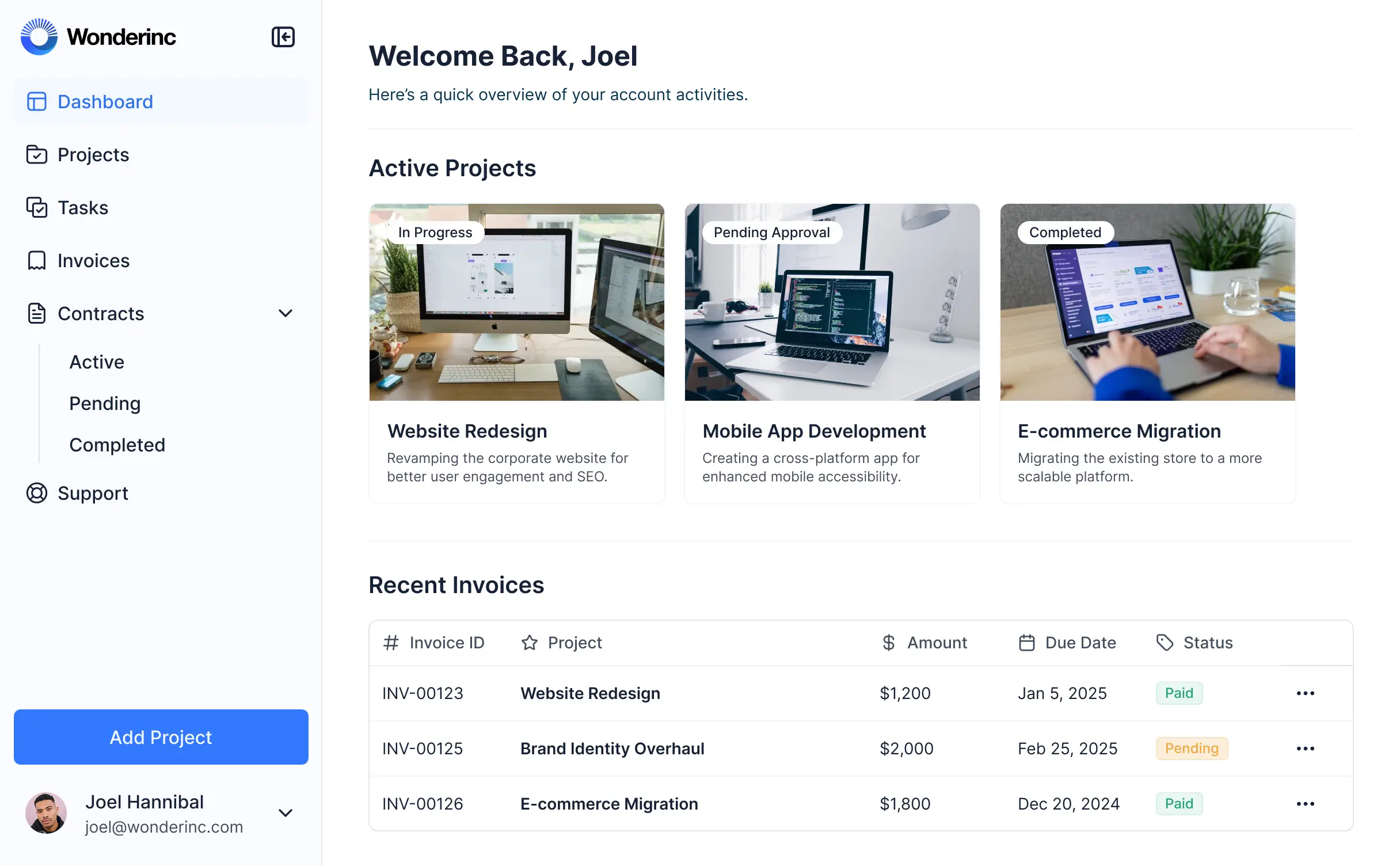
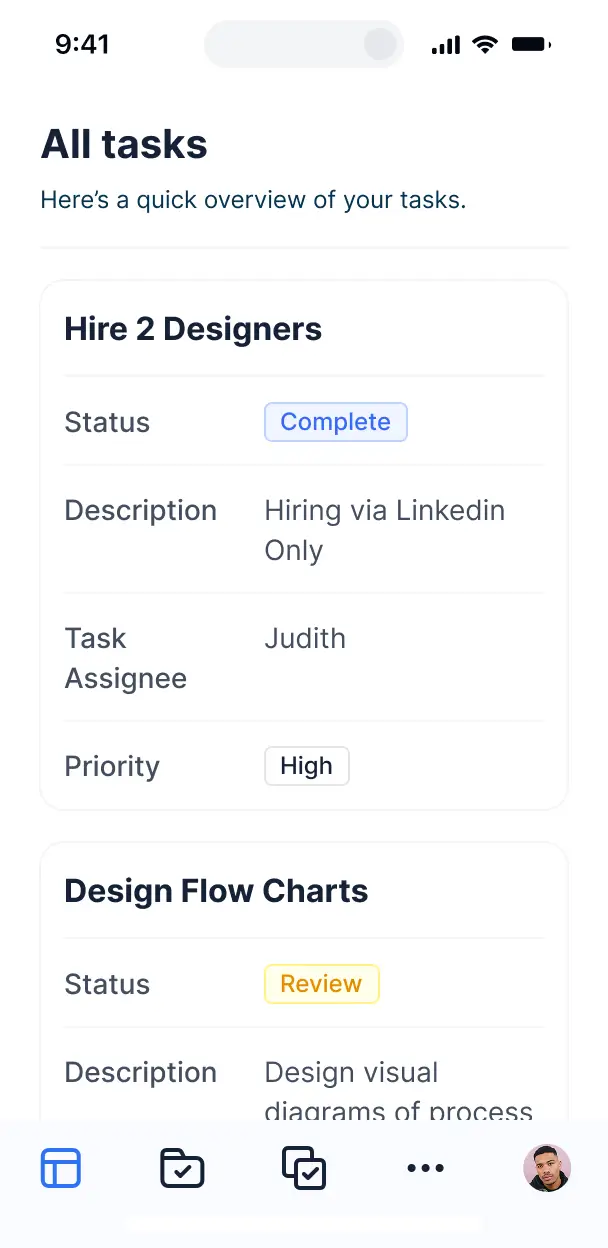



Customize your ad agency project management software with the exact tasks and views your team needs. Add features as workflows evolve—no code.


Connect briefs, asset libraries, and budget sheets with real-time sync—or manage everything in Softr Databases. Create one source of truth for your agency's client projects.
Give account managers, designers, and media buyers the right tools and access. Set up secure logins and permissions—no IT support needed.
Give your account managers and designers tailored dashboards, so each role sees just the projects and deadlines that matter to them.
Streamline your agency processes with Softr Workflows. Trigger native notifications for task completions or status changes to keep campaigns moving.
Access and update your project timelines or approve assets on the go. All agency tools are mobile-ready out of the box.
Use Google or email logins to give your creative team fast, secure access to the PM system—no IT help desk tickets needed.
Keep client and campaign data safe with SOC2 and GDPR compliance, plus fine-tuned access control to protect sensitive financial information.
No more one-size-fits-all tools or costly custom builds. Softr is easy to use and fully customizable, so you can launch faster, adapt as you grow, and skip the complexity of traditional software.

Build your ad agency project management software in minutes with AI—no manual configuration needed.

Add features like client approval workflows, task tracking, or budget tools as your agency grows—no rebuild needed.

Start with project management, then add client portals and asset libraries—all in one place with no extra tools.
Co-build with AI
Simply describe what you need. Let Softr handle everything - Interface, database, workflows.
Iterate with AI or visually
Control most critical parts of your app yourself - roles, permissions, security.
Ship the same day
Invite team members or external clients and partners right away. No developer handover.
Use drag-and-drop blocks to build a portal that looks sleek and modern out of the box. Add only the features you need, and iterate as your workflows evolve.




Ad agency project management software is a secure, centralized workspace where your creative team and clients can collaborate on campaigns, track deliverables, and manage brand assets. It keeps every creative brief, feedback loop, and production timeline in one place, so your agency doesn't have to rely on scattered emails or messy spreadsheets. This makes it easier to keep account managers organized and provide a high-end, transparent experience for your advertising clients.
Softr is the first AI-native platform for building business software, making it ideal for creating agency-specific tools that match your unique creative workflow. You can describe your campaign management needs to the AI Co-Builder to instantly generate your database, project boards, and approval logic—all pre-connected and secure.
You don't need to code anything. You can start by generating with AI, using a project management template, or building a custom ad portal from scratch. Everything runs on Softr Databases, the native, relational database built into the platform, or you can connect the creative data you already have in Airtable, Google Sheets, HubSpot, or SQL. You have full control to visually adjust your campaign dashboards, decide which clients see which creative assets, and brand the interface to match your agency’s identity. It's fast to launch, easy to update between project phases, and flexible enough to grow as your agency scales its client list.
You can include a wide range of features in your ad agency project management software, depending on how your production pipeline looks. A great agency tool usually mixes classic creative management blocks with AI-powered intelligence:
- AI-Powered Intelligence – Use Ask AI to let account managers query campaign performance data conversationally, or set up Database AI Agents to automatically summarize creative briefs or perform initial competitor research.
- Vibe Coding Blocks – Build custom UI elements—like a dynamic marketing budget calculator or a multi-channel campaign previewer—using the AI Code block to 'vibe code' exactly what your creative team needs.
- Softr Workflows – Build native automations (like an automatic Slack notification when a client approves a mockup) that trigger actions whenever a task status is updated or a final asset is uploaded.
- Client Portals & Logins – Securely manage access so each brand client only sees their specific campaign timelines and creative drafts.
- Briefs & Feedback Collection – Capture detailed requirements with custom forms, high-res file uploads for artwork, and conditional logic for feedback loops.
- Campaign Dashboards – Visualize your ad spend, reach, and project milestones with real-time charts and visual summaries.
- Kanban & Advanced Filtering – Display and manage your production tasks with searchable tables, interactive kanban boards for design stages, and detailed asset views.
Everything is built using Softr's drag-and-drop blocks, so you can create these agency features without writing code. Need a specialized creative review tool? Use the Vibe Coding block to generate a tailored component with AI.
Vibe coding is all about moving fast and using AI to build the exact agency tools you need. You can 'vibe code' your ad agency project management software in Softr by simply describing your campaign tracking and client approval requirements to the AI Co-Builder. Softr then generates a production-ready system on top of a stable, secure foundation.
Unlike other tools that just generate raw code for a task list, Softr handles the heavy lifting—like client authentication, file storage logic for large assets, and role-based security—natively. This means you get the speed of vibe coding without the technical debt of managing raw code for your agency. You describe the workflow, Softr builds the software, and it’s ready for your creative directors and clients instantly.
Yes. You can manage multiple brands and diverse creative teams in a single agency portal. Each client only sees the campaign briefs and media assets assigned to them based on their login and role. This is especially useful for busy agencies working with dozens of stakeholders, ensuring that Client A never accidentally sees the strategic plans for Client B.
Yes, you can. You don't need to have an existing database of project tasks to start building with Softr. If you're starting from scratch, you can use Softr Databases, which is built into the platform and handles project records, task assignments, and asset links perfectly.
However, if you already have your campaign data in tools like Airtable, Google Sheets, HubSpot, or monday.com, you can connect those as well. You can also use the REST API connector to bring in campaign metrics from ad platforms. Either way, you have total control over how your agency's data is structured and displayed.
Softr Databases is the recommended native, relational data source for project management. It is built explicitly for high-performance business apps, offering instant automation triggers for task status changes and a lightning-fast experience for uploading creative assets.
If your agency already houses data elsewhere, Softr connects to 17+ external data sources like Airtable, Google Sheets, HubSpot, SmartSuite, and BigQuery. You can even combine sources—for example, pulling project dates from Softr Databases and client contact info from HubSpot into the same dashboard. Most sources support real-time, two-way sync, ensuring your project timelines stay updated whether you're in the app or the database.
Yes, Softr gives you full control over how your team and clients interact with your ad agency software. You can customize the layout and navigation to match your agency’s specific production workflow. Each page or task block can be shown or hidden based on the user's role, so a freelance designer sees their specific assignments while the client only sees ready-to-approve assets.
You can set up granular user roles—such as Account Manager, Creative Lead, Freelancer, or Client—and define exactly what each can view or edit. For example, clients can only view finalized mockups, while internal team members can manage the entire production calendar. This ensures a clean, secure, and professional experience tailored to every person involved in the campaign.
Yes, you can fully white-label your project management app in Softr. You can use your agency's logo, signature brand colors, custom typography, and a custom domain to make the software feel like a premium, proprietary tool you’ve built for your clients. Softr branding can be completely removed, ensuring your agency’s identity is the only one your clients see during the project lifecycle.
Yes, you can. Softr provides the flexibility to control the design and layout of your agency portal to fit your aesthetic. You can adjust colors, fonts, and spacing to match your brand style guide and arrange pages to follow your agency's specific approval process.
To manage your creative work, you can add various functional blocks:
- Table blocks – to track campaign budgets, media buys, or high-volume tasks.
- Kanban or Card blocks – to visualize the movement of creative assets through production stages.
- Detail View – to provide a deep dive into a specific creative brief or performance report.
- Forms – for client project requests or creative feedback.
- Charts – to show campaign ROI and progress against milestones.
- Calendar blocks – to keep track of ad launch dates and content schedules.
If your agency adds new services or changes workflows, it’s effortless to update the design right in the visual builder.
Softr is built with security as a priority, protecting sensitive campaign strategies and brand assets. All data is encrypted in transit and at rest, and hosted on secure infrastructure. You have full control over data visibility; you can set role-based permissions that prevent clients from seeing your agency's internal margins or other clients' projects.
For apps using Softr Databases, data is stored in a secure environment with SOC 2 Type II compliance and hosting in Europe. If you connect to external sources like Airtable or SQL, Softr doesn't store that data permanently—it simply displays it in real-time based on your specific access settings. Following industry best practices for authentication, Softr ensures your agency’s intellectual property remains safe.
It is fully production-ready. While some AI tools produce 'vibe code' that is difficult to maintain or secure for professional use, Softr builds your ad agency project management software on a stable, business-grade architecture from the start.
We handle the critical 'boring' parts—like client logins, secure file hosting for creative assets, and granular permissions—natively. This solves the 'Day Two' problem of AI, giving you the speed of instant tool generation without the technical overhead of managing raw code. Your project management app is secure, scalable, and ready to handle professional client work from day one.
Softr is the first AI-native platform specifically designed for building business software like agency portals. Unlike basic task managers that are one-size-fits-all, or traditional no-code tools that take weeks to configure, Softr's AI Co-Builder creates a custom app tailored to your agency's specific needs in minutes.
The key is our hybrid advantage: use AI to generate your project database and app logic instantly, then use the visual editor for pixel-perfect branding. You get the speed of AI generation paired with the reliability of built-in business infrastructure (secure auth, roles, and hosting). It's built for agency leaders who need professional software today, not months from now.
Yes. Softr supports powerful native workflows and a wide range of integrations to connect your project management software with your agency's tech stack. You can automate project triggers using Softr Workflows, or sync with tools like Slack for team updates, Stripe for client billing, and Intercom for support.
Whether you need to automatically generate an invoice upon project completion, trigger the next stage of creative review, or pull in real-time ad performance data via REST API, you can build it all into your portal without writing a single line of code.
Go from idea to live project management software in under an hour. Get started free—no dev needed.