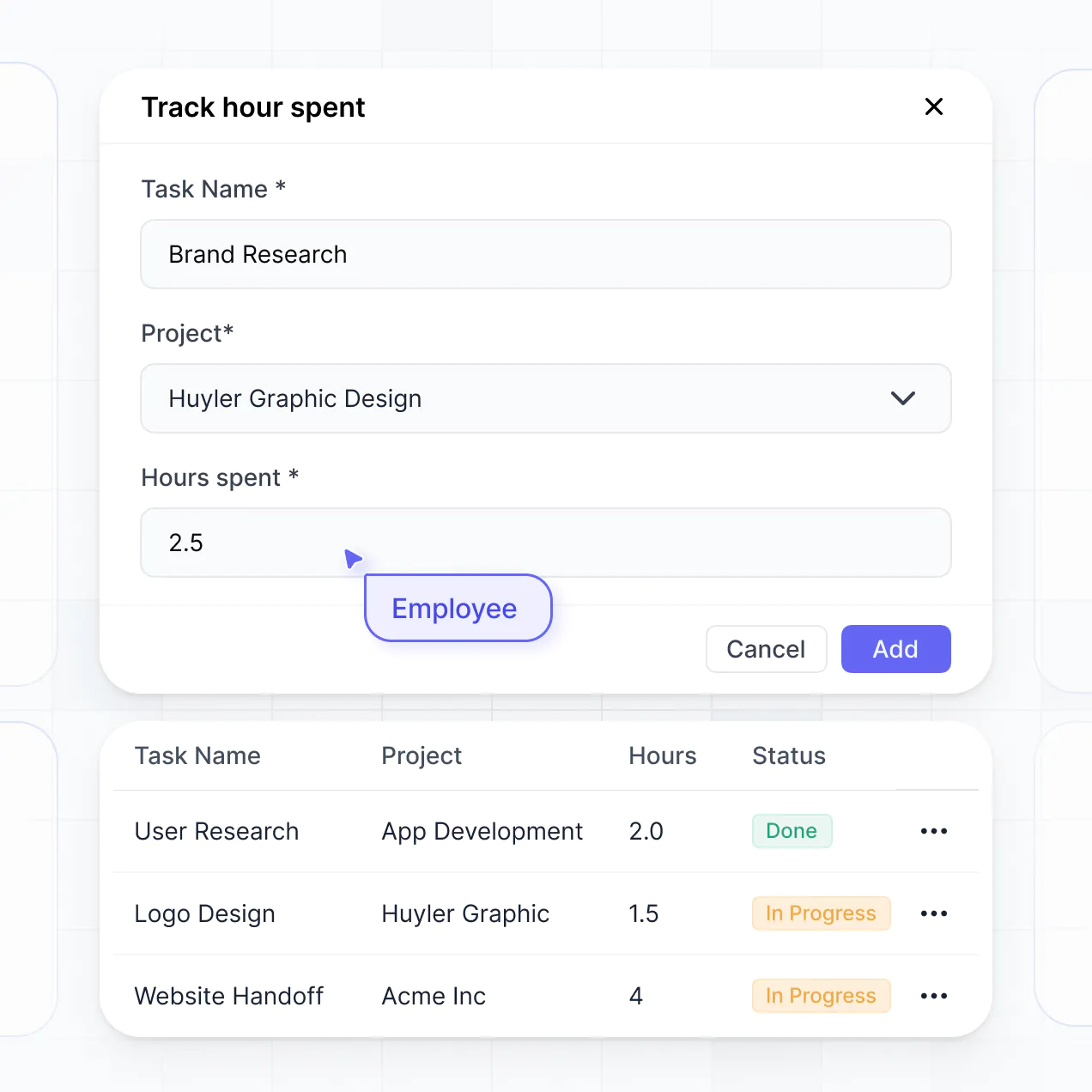
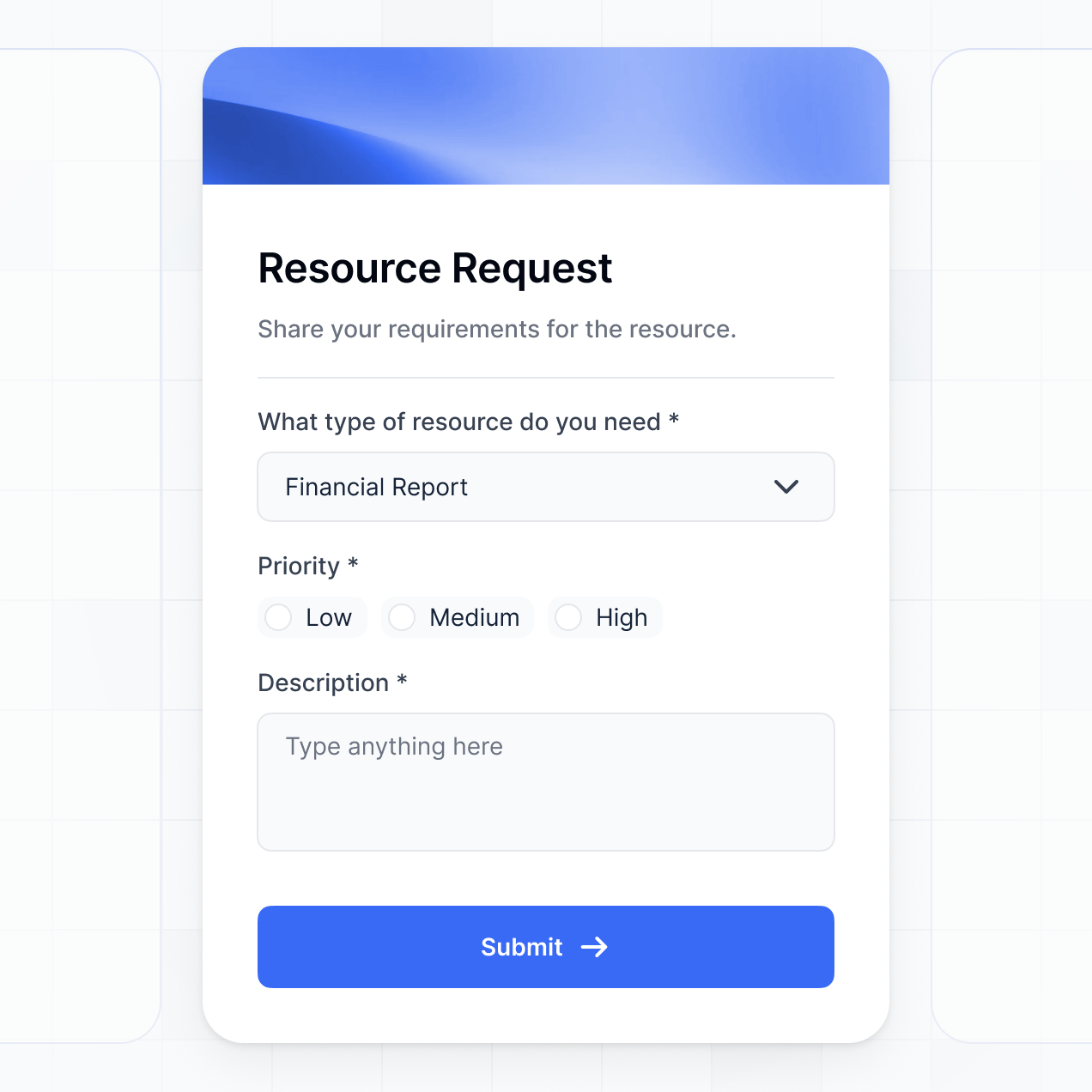
Track commissions, manage receipts, and view spending in an AI-powered system built with AI to fit your real estate team's workflow.
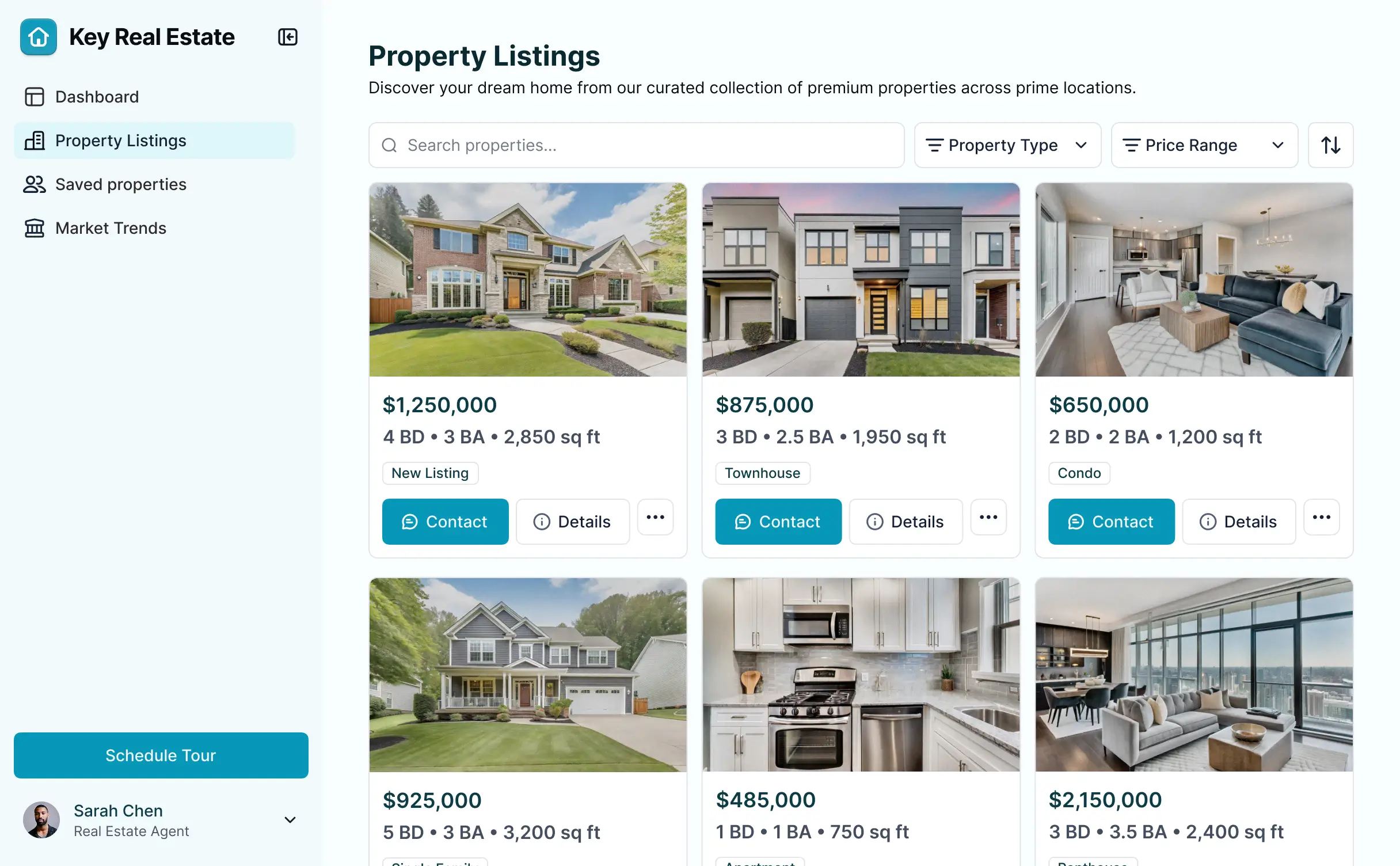
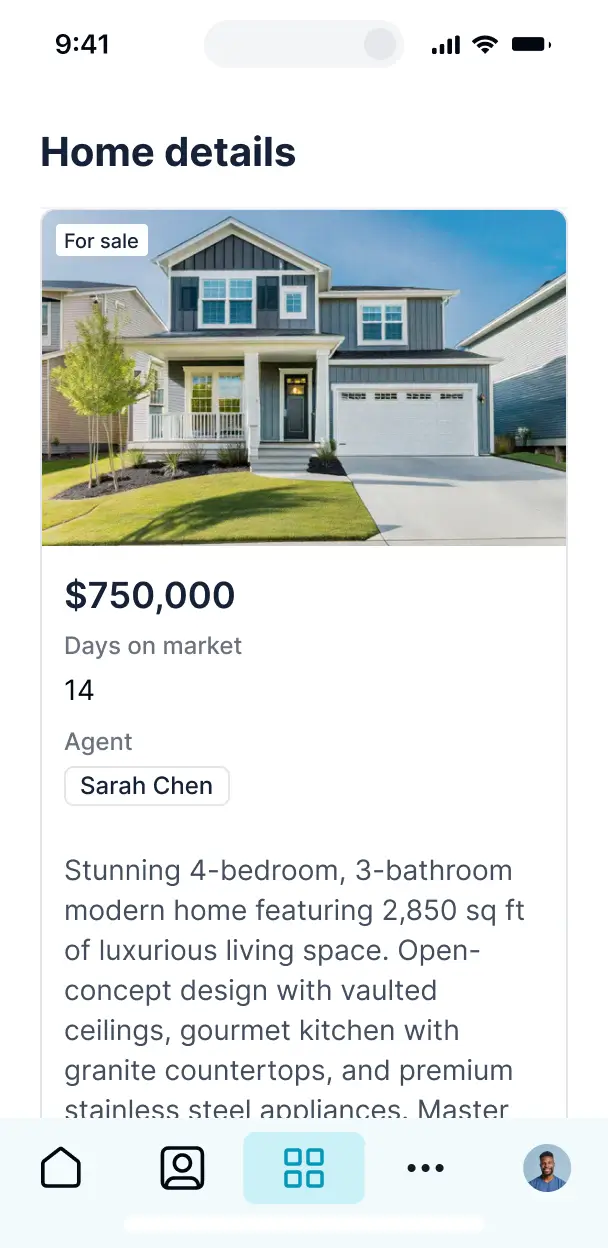



Customize your setup with the exact steps and views your team needs. Add features like travel tracking and AI insights as operations evolve.


Connect bank exports, receipt folders, and commission logs with real-time sync—or manage everything in Softr Databases. Create one source of truth for your brokerage.
Give each teammate the right tools and access. Set up secure logins, user groups, and granular permissions—no IT support or dev work needed.
Give agents and brokers tailored access and dashboards, so each role sees just the spending insights and approval tasks they need.
Streamline your reporting with Softr Workflows. Trigger native notifications for expense approvals or budget alerts to keep operations running smoothly.
Access and update your expense tracker on the go from any property site. All Softr internal tools are mobile-ready out of the box.
Use Google, email, or SSO logins to give your agents fast, secure access to log receipts—no complex IT tickets or manual setups needed.
Keep sensitive financial data safe with SOC2 and GDPR compliance, plus fine-tuned access control at every level of your real estate business.
No more one-size-fits-all tools or costly custom builds. Softr is easy to use and fully customizable, so you can launch faster, adapt as you grow, and skip the complexity of traditional software.

Build your tracker in minutes with AI—no manual configuration or developer support needed.

Add features like mileage tracking, tax categorization, or manager approvals as your business grows.

Start with expense tracking, then add agent dashboards, forms, or training portals—all in one place.
Co-build with AI
Simply describe what you need. Let Softr handle everything - Interface, database, workflows.
Iterate with AI or visually
Control most critical parts of your app yourself - roles, permissions, security.
Ship the same day
Invite team members or external clients and partners right away. No developer handover.
Use drag-and-drop blocks to build a portal that looks sleek and modern out of the box. Add only the features you need, and iterate as your workflows evolve.




A real estate agent expense tracker is a dedicated digital tool where agents and brokerage teams can log and categorize professional expenditures, such as marketing costs, staging fees, lead generation subscriptions, and travel mileage. It centralizes all financial data in one secure location, eliminating the need for scattered paper receipts or manual spreadsheets. This makes it easier for agents to monitor their profit margins and ensures they are fully prepared for tax season with organized, categorized records.
Softr is the first AI-native platform for building business software, making it the ideal choice for creating a real estate agent expense tracker that mirrors your specific workflow. You can simply describe your financial tracking needs to the AI Co-Builder to instantly generate your database, expense tables, and submission forms—all pre-connected and secure.
You don't need any coding skills to get started. You can generate your tracker with AI, use a pre-built finance template, or build from scratch. Your data lives in Softr Databases, our native relational engine, or you can sync with existing tools like Airtable or Google Sheets where you might already be tracking commissions. You have full creative control to adjust the expense categories visually, define who can approve reimbursements, and add your own branding. It is fast to deploy and flexible enough to scale as your real estate business grows.
You can customize your real estate agent expense tracker with various features tailored to the industry. An effective tracker typically combines high-utility blocks with AI-driven insights:
- AI-Powered Intelligence – Use Ask AI to query your spending habits conversationally, or deploy Database AI Agents to automatically categorize receipt uploads or extract tax-deductible amounts from images.
- Vibe Coding Blocks – Create custom UI components, such as a mileage calculator or a commission split previewer, using the AI Code block to build exactly what your team requires.
- Softr Workflows – Set up native automations, like an alert sent to the broker when an agent submits an expense over a certain threshold, or an automatic sync to your accounting software.
- User Permissions – Ensure agents can only view and edit their own submitted expenses while office managers maintain a view of the entire brokerage’s overhead.
- Mobile Forms – Quickly capture photos of receipts and log client lunch costs on-the-go with mobile-optimized forms and file uploads.
- Visual Dashboards – Use real-time charts to visualize spending by category, such as property marketing versus office supplies.
- Advanced Filtering – Organize expenses by specific property listings, date ranges, or approval status using searchable tables and kanban boards.
Everything is built using Softr's intuitive drag-and-drop system, allowing you to iterate on your financial tool without code.
Vibe coding allows you to move at the speed of your business by using AI to build the exact expense tracking tools you need. You can "vibe code" your real estate agent expense tracker by describing your requirements—such as 'I need a mobile-friendly way to upload staging receipts and track mileage per listing'—to the AI Co-Builder. Softr then produces a professional-grade application on a secure foundation.
While other tools generate unmanaged code that is hard to maintain, Softr handles the core architecture—like user authentication for agents and secure database storage—natively. This provides the agility of rapid prototyping with the stability of a long-term business tool. You describe the financial workflow, Softr builds the tracker, and your agents can start logging expenses immediately.
Yes. You can manage an entire brokerage or multiple regional teams within a single real estate agent expense tracker. By using role-based permissions, each agent only sees their own personal expense history and reimbursement status, while administrators or bookkeepers can access an aggregated view of all company-wide spending. This ensures data privacy and organizational clarity across your entire team.
Absolutely. You do not need an existing spreadsheet or database to begin building with Softr. If you are starting fresh, you can use Softr Databases to store all your real estate expenses directly on the platform. This native integration ensures your tracker is fast and easy to manage.
If you happen to already track listing costs or agent fees in Airtable, Google Sheets, or HubSpot, you can connect those sources seamlessly. You can even use the REST API to pull in data from other financial apps. Either way, you have total control over how your expense fields are structured and displayed.
Softr Databases is our recommended data source for your real estate agent expense tracker. As a native relational database, it offers superior performance, instant automation triggers for expense notifications, and a highly responsive user experience.
If your fiscal data is already stored elsewhere, Softr connects to over 17 external sources including Airtable, Google Sheets, HubSpot, and BigQuery. You can even combine sources—for example, pulling agent contact info from HubSpot while storing new expense records in Softr Databases. Most connections support two-way sync, ensuring your tracker and your backend records are always aligned.
Yes, Softr provides granular control over the agent experience. You can tailor the design and navigation to match your brokerage's internal branding. More importantly, you can use visibility rules to show or hide specific expense forms or reporting blocks based on the logged-in agent's role.
You can establish distinct roles, such as 'Junior Agent,' 'Senior Agent,' and 'Branch Manager.' For instance, Junior Agents might only be able to submit new receipts, while Branch Managers can view team-wide trends and approve pending reimbursements. This ensures your financial data stays confidential and your team only sees the tasks relevant to them.
Yes, you can fully white-label your real estate agent expense tracker. You can upload your brokerage’s logo, set your brand’s color palette, and use a custom domain (e.g., expenses.youragency.com) to provide a professional internal experience. All Softr branding can be removed, making the tool feel like a proprietary piece of software developed specifically for your real estate team.
Yes, you have full flexibility over the design and layout. You can adjust the visual components to fit your team's preferences, organizing receipts and totals in a way that makes sense for your accounting cycle. You can choose from various functional blocks to display your financial data:
- Table blocks – for detailed lists of transaction history and vendor names.
- Card blocks – to visually represent different listings and their associated marketing costs.
- Detail View – to drill down into a specific expense report or receipt image.
- Forms – for agents to quickly log gas or parking expenses on site.
- Charts – to track monthly spending trends across the brokerage.
- Calendar blocks – to monitor recurring subscription renewals or tax deadlines.
If you need to pivot your workflow, updating the tracker is as simple as dragging and dropping blocks within the visual editor.
Softr is engineered with high-level security for sensitive financial information. All expense data is encrypted in transit and at rest, hosted on reliable infrastructure. You maintain absolute control over data access through role-based permissions and visibility rules, ensuring only authorized personnel can view sensitive budget info.
For trackers using Softr Databases, data is stored in a secure European-based environment with SOC 2 Type II compliance. For apps linked to external sources like Airtable or SQL, Softr acts as a secure display layer without storing the data itself. We follow strict industry standards for authentication to keep your brokerage's financial records safe.
It is a fully production-ready application. Unlike some AI tools that produce experimental code, Softr builds your real estate agent expense tracker on a standardized, business-grade framework.
We provide native handling for critical enterprise features like secure login, data validation, and agent permissions. This eliminates the 'Day Two' risk of AI-generated tools; you get the speed of instant creation without the burden of maintaining messy code. Your tracker is secure and scalable for hundreds of agents from the moment you hit publish.
Softr is the first AI-native platform specifically designed for business productivity. While other no-code tools require weeks of manual configuration, Softr's AI Co-Builder can generate a functional real estate expense tracker in minutes based on a simple prompt.
What makes Softr unique is the hybrid power: you get the speed of AI generation paired with the reliability of a mature application stack (built-in auth, roles, and hosting). It is purpose-built for real estate teams who need to move from a manual paperwork process to a professional digital system without hiring a developer.
Yes. Softr allows you to build powerful native workflows and connect with the rest of your tech stack. You can automate tasks like sending a Slack notification whenever a high-value expense is logged or syncing paid reimbursements to Stripe. Softr also supports webhooks and a REST API for deeper integrations with listing services or CRM tools.
Whether you need to trigger a signature request via an external tool or pull in lead-spend data from HubSpot, you can automate your entire expense management process without writing any code.
Get started free. No setup time, no dev needed. Build and customize your tracker without code.