Track expenses and forecast cashflow in an AI-powered system built with AI you customize to fit your small business's daily workflow.
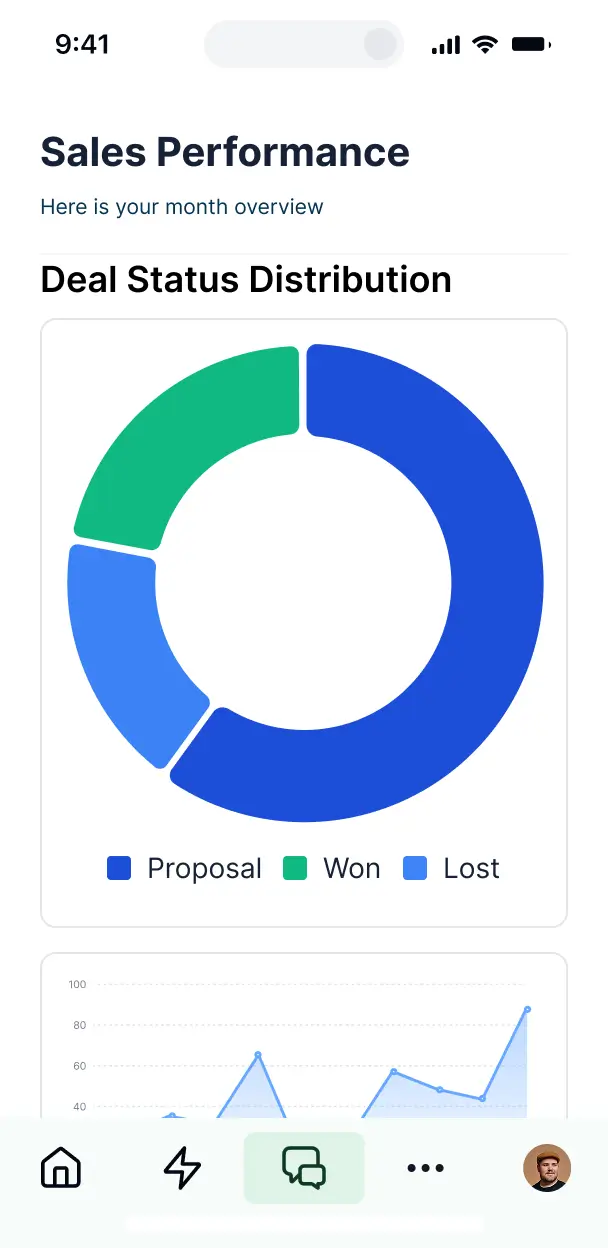

Customize budgeting software for small business with the exact reporting and tracking your team needs. Add features as your processes evolve.


Connect bank exports, spreadsheets, and revenue trackers with real-time sync—or manage everything in Softr Databases. Create one source of truth for your budget.
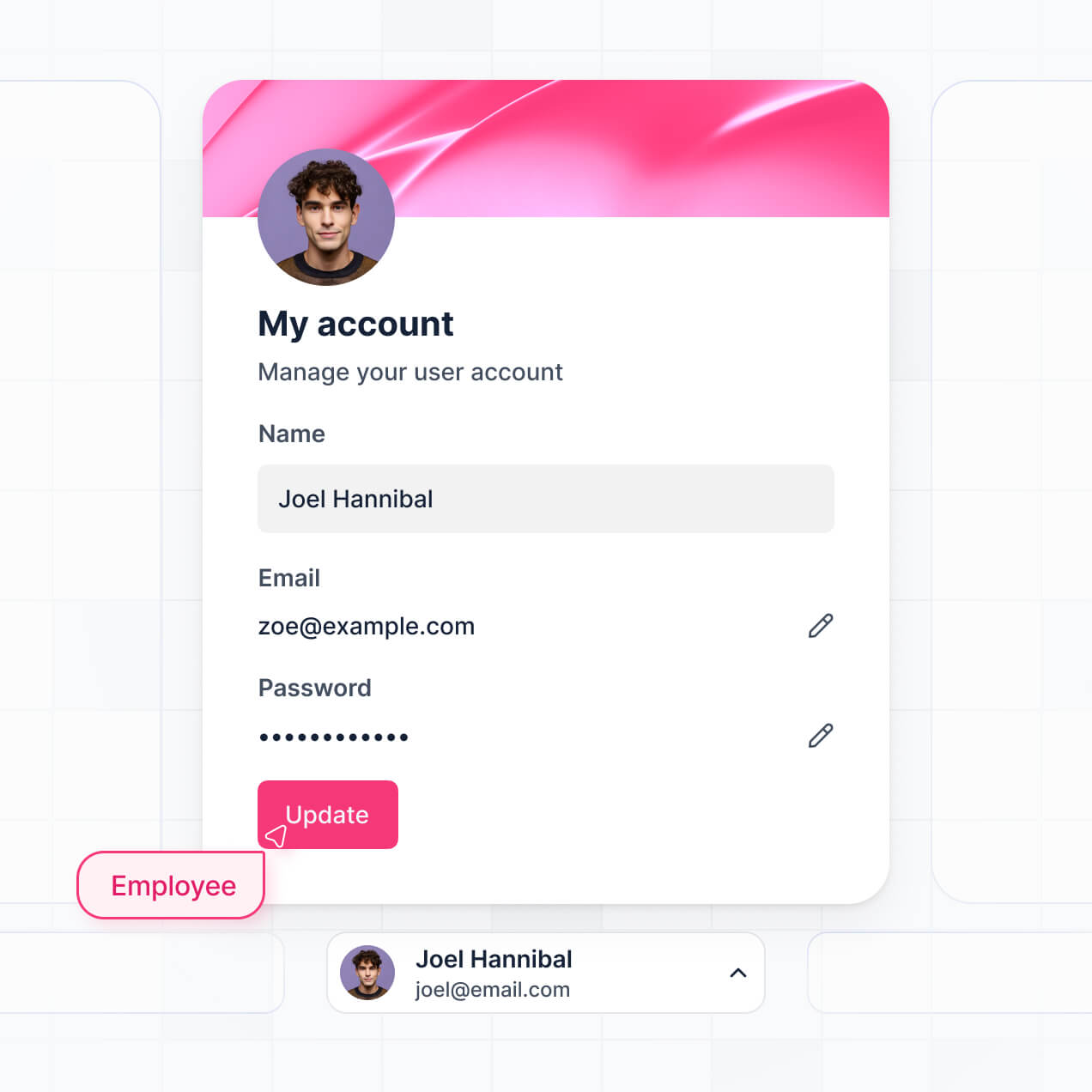
Give each teammate the right tools and access. Set up secure logins, user groups, and granular permissions—no IT support or dev work needed.
Give department heads tailored access to their specific budget dashboards, while your finance lead maintains view-only access across the entire small business.
Streamline your financial processes with Softr Workflows. Trigger native notifications for budget overages or automate approval cycles based on record changes.
Access and update your business budget on the go. Log expenses or check real-time cashflow dashboards from any mobile device, ready right out of the box.
Use Google, email, or SSO logins to give your finance team fast, secure access to your budgeting tools—all without needing to submit IT tickets.
Keep small business financial data safe with SOC2 and GDPR compliance, along with fine-tuned access control that protects your sensitive spreadsheets and records.
No more one-size-fits-all tools or costly custom builds. Softr is easy to use and fully customizable, so you can launch faster, adapt as you grow, and skip the complexity of traditional software.

Build your budgeting software in minutes with AI—no manual configuration or complex setup needed.

Add forecasting, expense approvals, or payroll tracking as your business grows—no rebuild from scratch needed.

Start with a budget dashboard, then add invoice portals or internal forms—all with no extra tools to buy.
Co-build with AI
Simply describe what you need. Let Softr handle everything - Interface, database, workflows.
Iterate with AI or visually
Control most critical parts of your app yourself - roles, permissions, security.
Ship the same day
Invite team members or external clients and partners right away. No developer handover.
Use drag-and-drop blocks to build a portal that looks sleek and modern out of the box. Add only the features you need, and iterate as your workflows evolve.




A budgeting software for small business is a centralized dashboard and reporting tool where owners and finance managers can track income, expenses, and financial health in real-time. It moves your financial planning out of fragmented spreadsheets and into a secure space for monitoring cash flow, setting department budgets, and generating reports. This organization makes it easier for small teams to stay profitable and make data-driven decisions without manual data entry errors.
Softr is the first AI-native platform for building business software, making it the ideal choice for creating budgeting software tailored to your small business's unique fiscal structure. You can describe your specific expense categories and revenue streams to the AI Co-Builder to instantly generate your financial database, reporting pages, and calculation logic—all fully secured from the start.
You don't need to be a developer to build it. You can start with AI, a financial template, or a blank canvas. Your app can run on Softr Databases for native speed, or connect to your existing financial data in Airtable, Google Sheets, or HubSpot. You retain full control over the visual dashboard layout, user permissions for sensitive salary or expense data, and total branding. It is fast to deploy and flexible enough to scale as your revenue grows.
You can include a wide range of financial management features depending on your accounting workflow. A powerful budgeting dashboard usually combines functional data blocks with AI-driven insights:
- AI-Powered Intelligence – Use Ask AI to let managers query spending trends conversationally, or set up Database AI Agents to categorize transactions automatically or detect budget overages.
- Vibe Coding Blocks – Create custom financial UI elements—like a dynamic burn rate calculator—using the AI Code block to build exactly the visualization you need.
- Softr Workflows – Build native automations, such as automated email alerts when a department reaches 90% of its monthly budget allocation.
- User Portals & Logins – Securely manage access so department heads only see their own budgets while the CEO maintains a company-wide financial view.
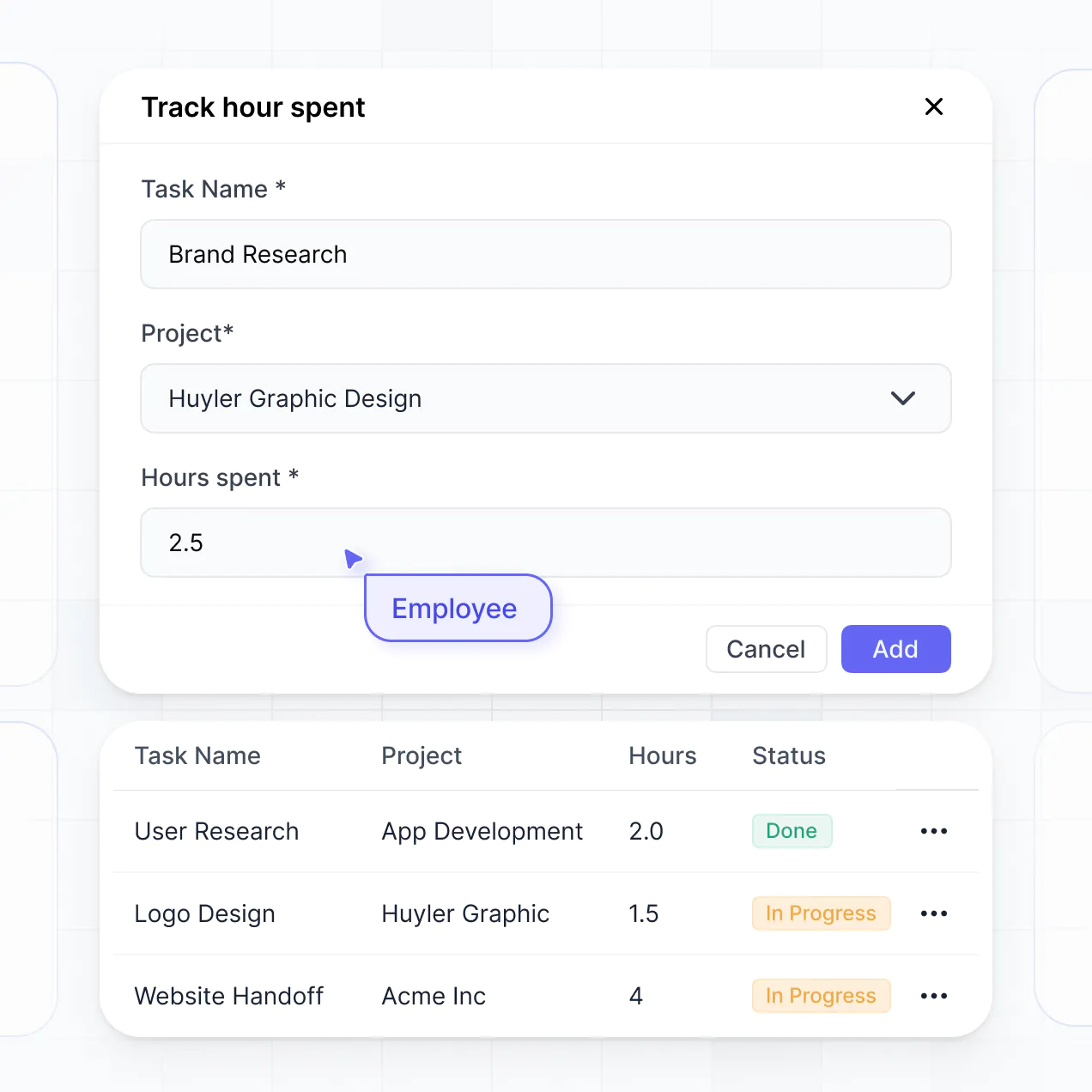
- Forms & Data Collection – Capture expense reports and receipts with custom upload forms and multi-level approval logic.
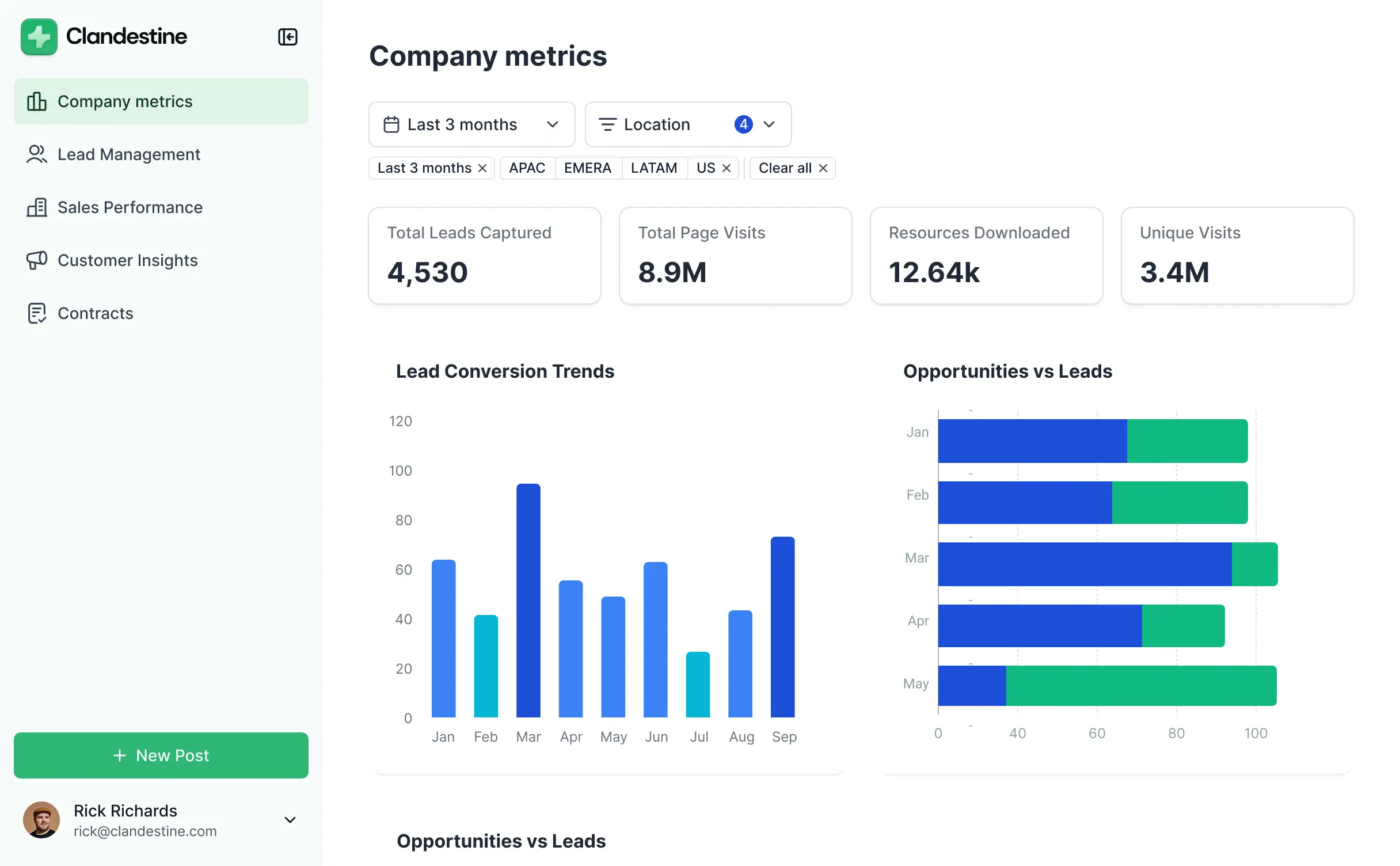
- Dashboards & Charts – Visualize your profit and loss, cash flow, and actual vs. forecasted spend with real-time charts.
- Lists & Advanced Filtering – Manage transactions with searchable tables and filter by category, date range, or vendor.
Everything is built with drag-and-drop ease, meaning you can iterate on your reporting without any code. If your reporting needs change, the Vibe Coding block can generate custom components tailored to your new KPIs.
Vibe coding allows you to build sophisticated financial tools at the speed of thought. You can "vibe code" your budgeting software by describing your specific reporting requirements—like P&L statements or specialized tax tracking—to the AI Co-Builder. Softr then generates a production-ready dashboard on a secure, stable foundation.
Unlike generic AI tools that give you messy, unmaintainable code, Softr handles the critical "boring 80%"—like secure financial authentication, relational database logic, and role-based access—natively. This provides the speed of AI generation without the risk of managing raw code for sensitive financial data. Just describe your budget structure, and Softr builds it for your team instantly.
Yes. You can manage multiple departments, teams, or even different branch locations within a single budgeting app. Using Softr's robust permission system, each department head only sees the budget lines and expense limits assigned to them based on their login. This is perfect for small businesses that need to decentralize bookkeeping while maintaining a master view for the owner.
Absolutely. You don't need an existing ledger or accounting system to start. If you are starting fresh, you can use Softr Databases, which is built directly into the platform and optimized for the budgeting apps you build.
However, if you already have transaction history or payroll data in tools like Airtable, Google Sheets, HubSpot, or SQL, you can easily connect those as your backend. You can even use the REST API to pull in live bank feeds via third-party services. You maintain total control over how your financial structure is visualized and managed.
Softr Databases is the recommended native, relational data source for handling complex financial records. It is built for business apps, offering high performance and instant triggers for budget notifications because the data lives where the logic does.
For businesses using external tools, Softr connects to 17+ sources including Airtable, Google Sheets, HubSpot, SmartSuite, and BigQuery. You can even combine sources in one app—for example, pulling payroll from a SQL database and marketing spend from Google Sheets into one unified budgeting dashboard. Most sources support real-time, two-way sync, ensuring your budget totals stay updated automatically.
Yes, Softr provides granular control over the budgeting experience. You can customize the layout and navigation to match your internal fiscal cycles. Every page or block can be visibility-controlled based on the user's role, ensuring that a junior employee might see an expense submission form, while a CFO sees the full cash-on-hand dashboard.
You can define specific roles—like Auditor, Manager, or Employee—and set exact permissions for who can view, edit, or delete financial records. This ensures high security for sensitive data like salaries. This customization is vital when managing different teams or projects in one app, keeping the financial interface clean and secure for every stakeholder.
Yes, you can fully white-label your budgeting tool. By using your own logo, brand colors, custom fonts, and a custom domain (e.g., finance.yourcompany.com), the software feels like a professional, proprietary internal tool. You can remove all Softr branding so that your employees and partners see only your company's identity when managing their budgets.
Yes, Softr offers extensive flexibility for designing your financial dashboards. You can adjust the visual theme and structure to align with your business branding, and choose which financial blocks appear for different user groups upon login.
To effectively display your budget data, you can utilize various blocks:
- Table blocks – to show line-item expenses, vendor lists, or transaction histories.
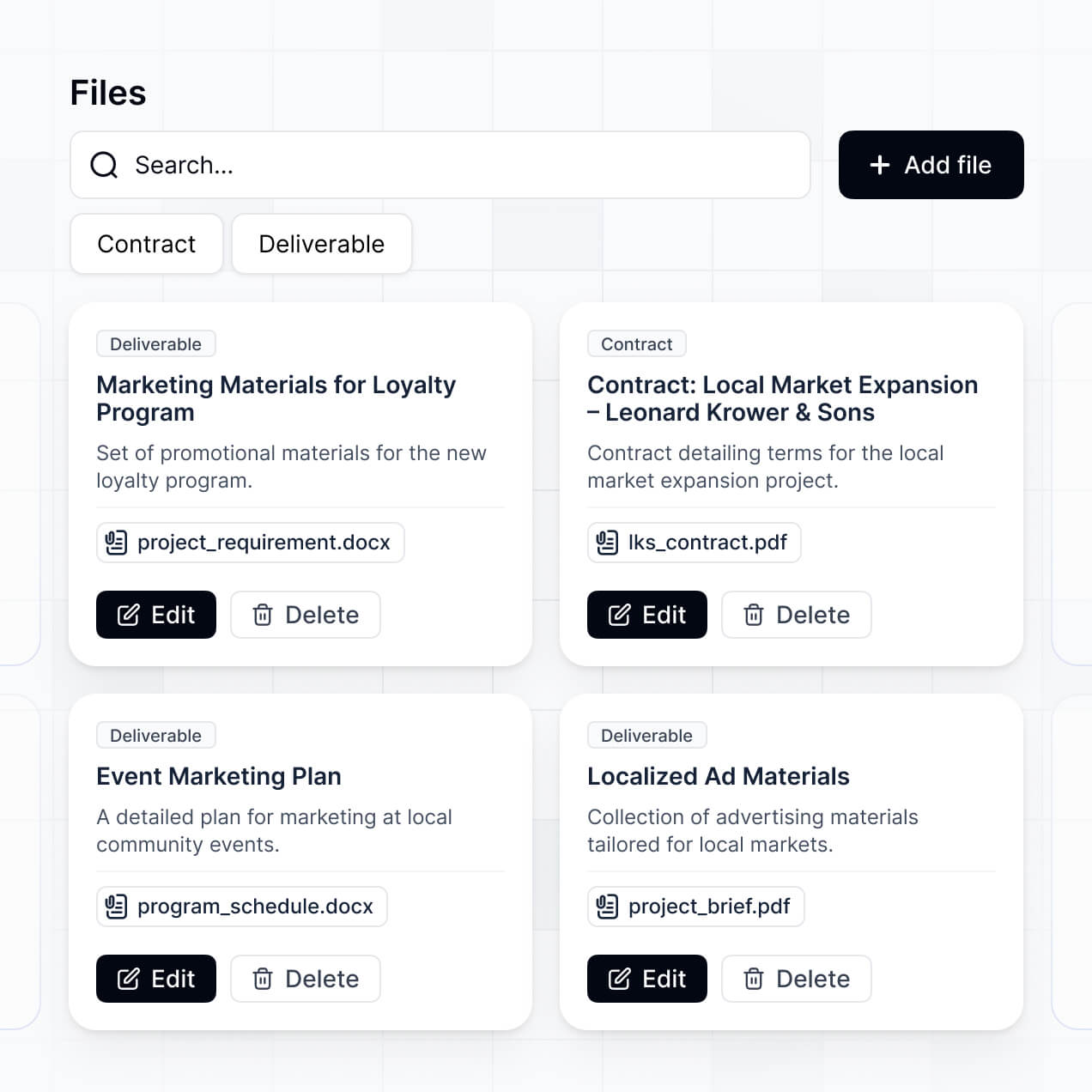
- List or Card blocks – to highlight department budgets, project categories, or savings goals.
- Detail View – to drill down into a specific expense report or monthly summary.
- Forms – for submitting new budget requests or mileage claims.
- Charts – to visualize spending trends, ROI, and budget vs. actuals.
- Calendar blocks – to track recurring invoice deadlines or tax filing dates.
If your fiscal reporting needs change, you can instantly update the design or add new tracking blocks within the visual editor.
Security is a core priority for Softr. All financial data is encrypted in transit and at rest, with hosting on enterprise-grade infrastructure. You have complete control over data access via role-based permissions, allowing you to hide specific columns (like net profit) from certain users.
For apps using Softr Databases, data is stored in a secure SOC 2 Type II compliant environment in Germany. If you connect to external sources like Airtable or SQL, Softr acts as the interface and does not store the data itself, displaying it in real-time based on your specific access settings. Multi-factor authentication and platform monitoring help ensure your small business's sensitive financial information remains protected.
It is fully production-ready. While many AI 'vibe coding' tools create fragile, one-off scripts, Softr builds your budgeting software on a robust, business-grade foundation.
We natively manage the complex aspects like secure logins, financial data permissions, and scalable hosting. This overcomes the 'Day Two' reliability issues often found with AI-generated code. Your budgeting dashboard is secure, scalable, and ready to handle your company's live financial data from the moment it is generated.
Softr is the first AI-native platform designed specifically for business software. Unlike traditional no-code tools that require hours of manual setup or 'vibe coding' tools that create unmaintainable code, Softr's AI Co-Builder generates a fully functional app on a secure foundation in minutes.
It offers a unique hybrid advantage: use AI to rapidly generate your budget records and dashboard logic, then use the visual builder for pixel-perfect adjustments. You get the speed of AI combined with the security of a platform that handles complex authentication and roles out of the box. It’s built for small business owners who need to move from a spreadsheet mess to a production-ready dashboard immediately.
Yes. Softr supports powerful native workflows and integrations to connect your budgeting software with the rest of your business stack. You can automate tasks like triggering Slack notifications for budget approvals via Softr Workflows, or integrate with Stripe for revenue tracking. Softr also supports webhooks and a REST API for advanced integrations.
Whether you need to sync data with an external accounting tool, automate expense reminders, or pull data from your CRM to forecast sales, you can build these connections directly into your dashboard without writing a single line of code.
Describe what you need. Softr's AI builds your custom financial dashboard in minutes.