


Build customer support tools with AI
Create the tools you need to help your customers succeed—no developer help required.












Why support teams love Softr
Softr gives you full control over how you engage with customers, so you can deliver faster support and more personalized experiences.

Build and launch fast, without waiting on devs
Create portals, dashboards, and feedback forms in hours, not weeks. Describe what you need, and get a fully functional app with database, UI, and business logic included.

Built-in databases or the tools you already use
Store and manage your customer data in Softr Databases, or build apps on top of 17+ other sources like Airtable, HubSpot, SQL, and more—no migration or complex setup required.

Cut costs by consolidating tools
Replace multiple customer management tools with apps and forms tailored to your workflows. Deliver customer onboarding, help ticketing, resource hubs, feedback surveys, and more.

Bring your data and tools together in real time
Softr's AI Co-Builder generates a database when it builds your app, or you can connect to 17+ data sources. Whether you have existing data or are building from scratch, you're covered.


How support and success teams use Softr
Deliver smooth onboarding experiences
Give new customers what they need to get started with your product or service by delivering personalized onboarding experiences at scale.
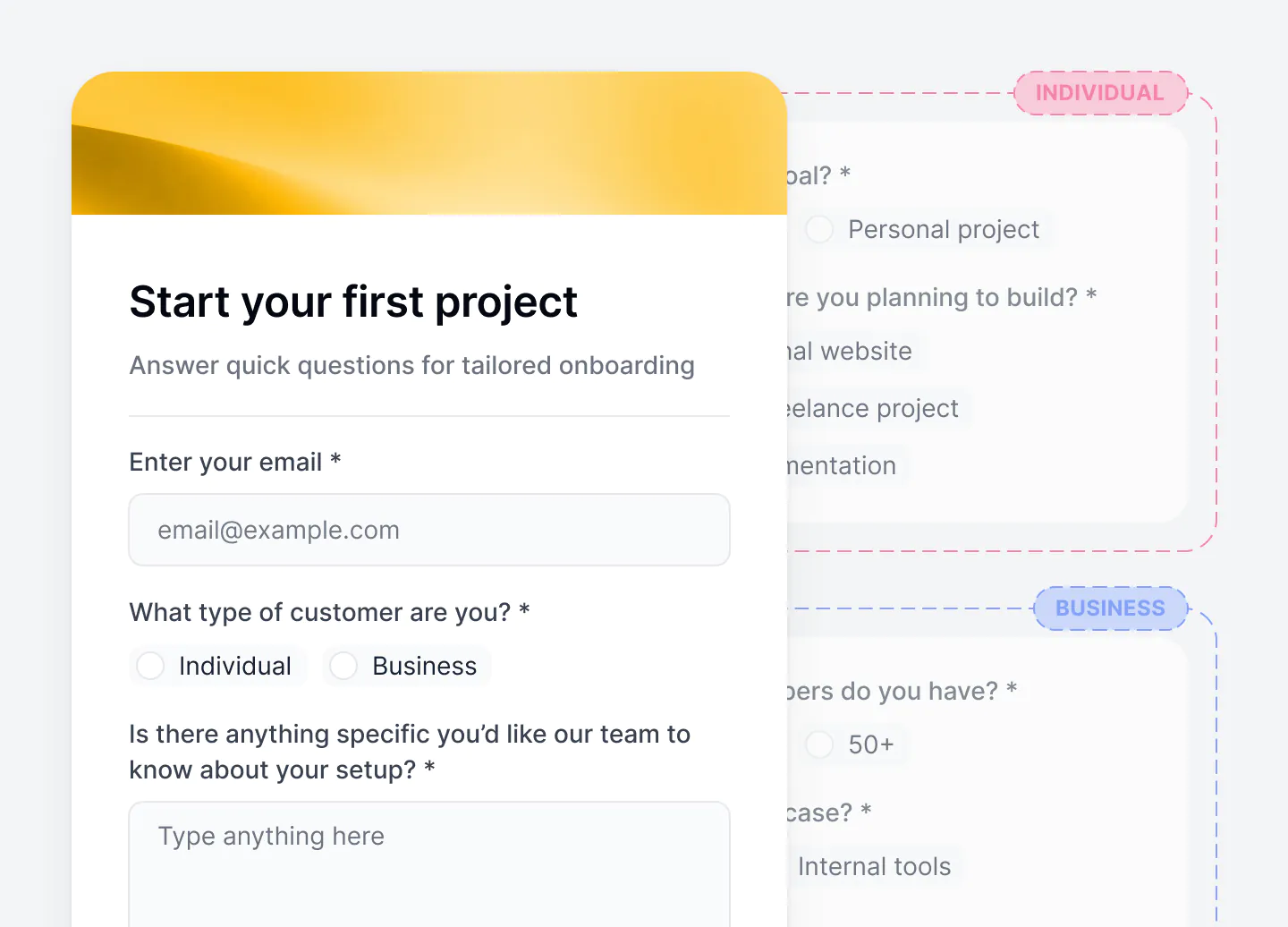

Onboarding portals
Guide customers through account setup steps and training, and keep them accountable with launch checklists.
Form-based workflows
Collect customer information and feedback during onboarding with Softr’s easy-to-use conditional form builder.
Client success trackers
Give success managers a real-time view of customer onboarding milestones, blockers, feedback, and progress.
Make it easy for customers to self-serve
Reduce support volume and improve satisfaction by giving customers self-serve access to the answers and tools they need.
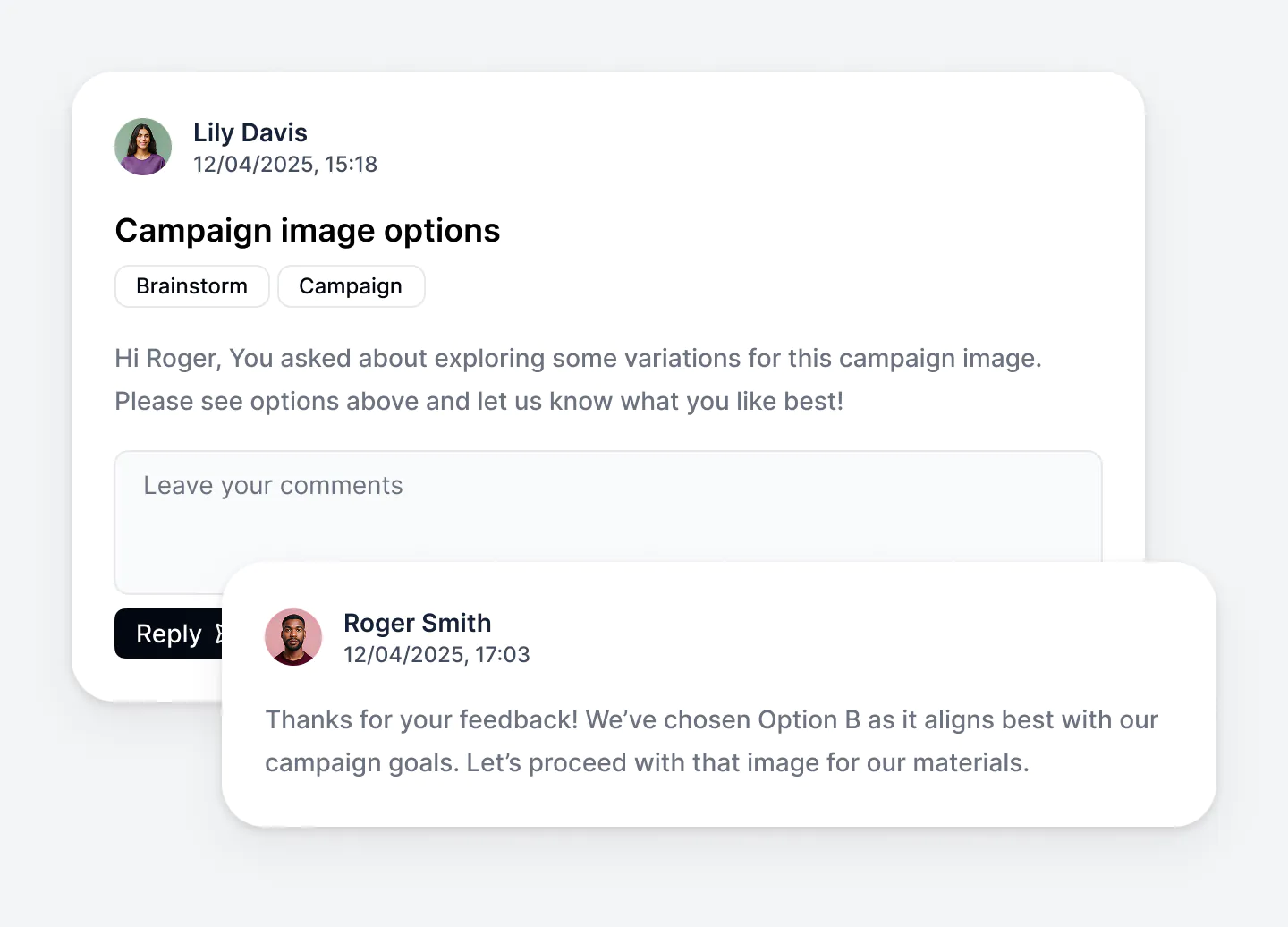
Knowledge bases
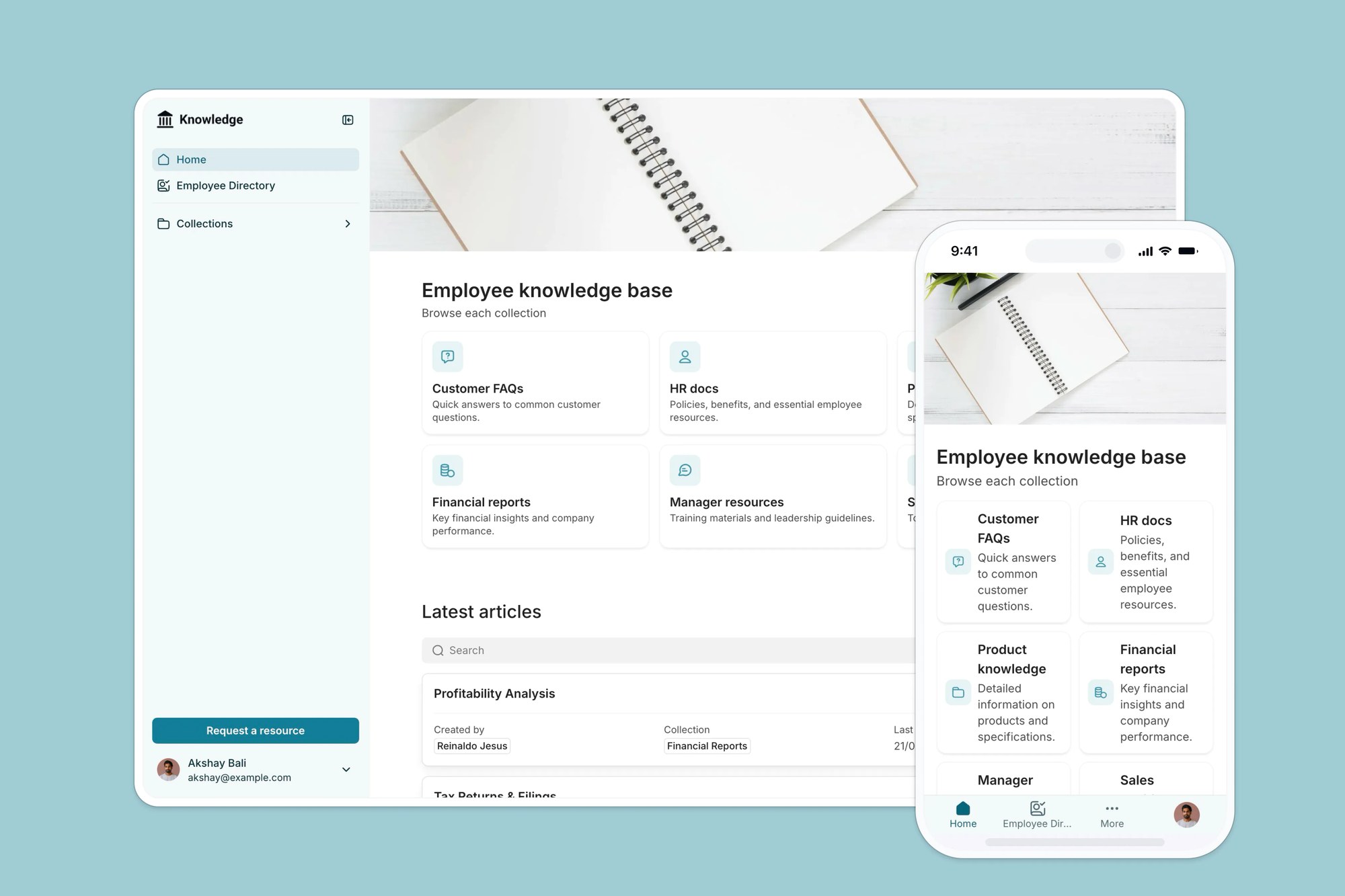
Create searchable knowledge bases that cover all your customer’s frequently asked questions.
Community forums
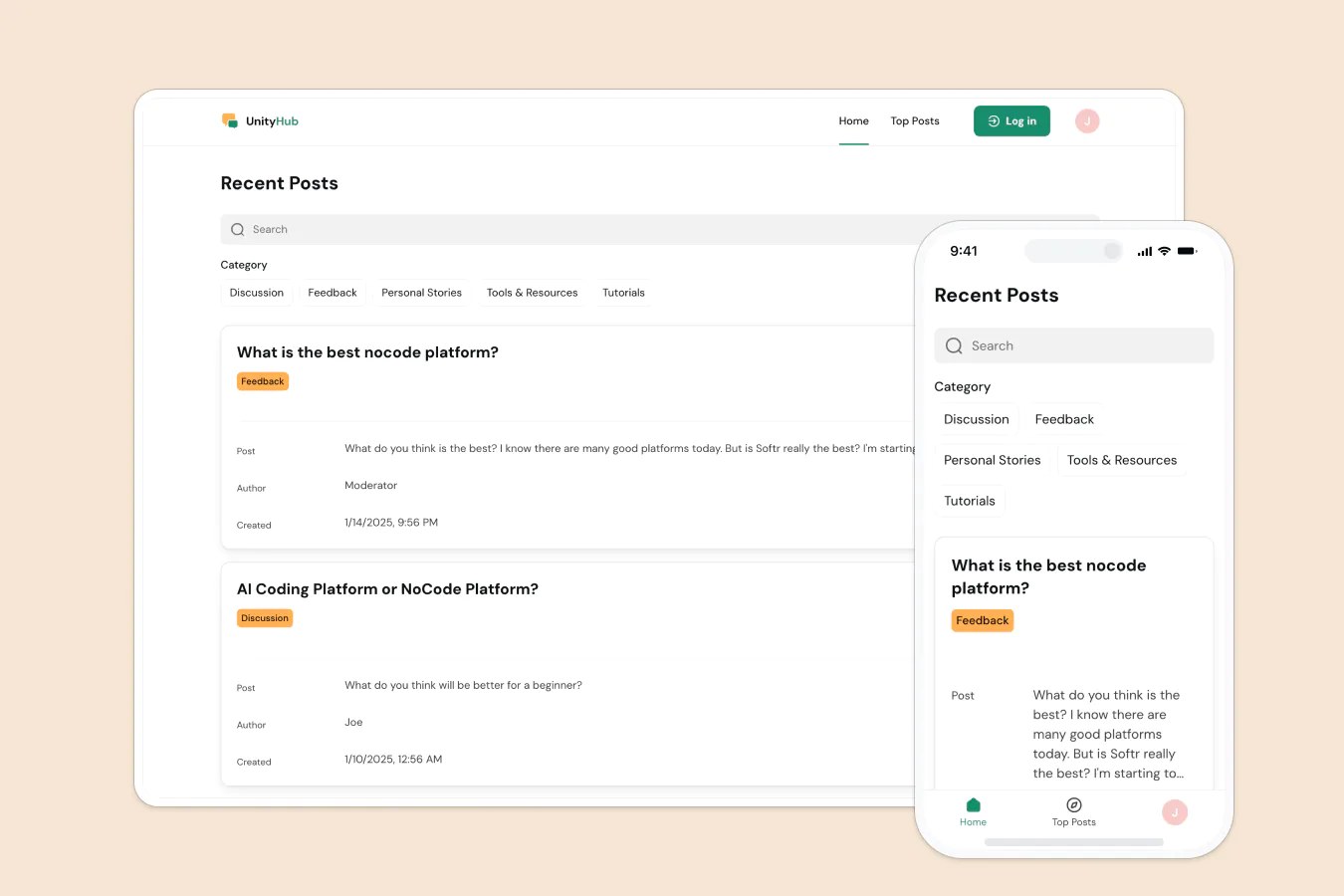
Give customers a space to collaborate, share feedback, and engage with your team and other users.
Training hubs
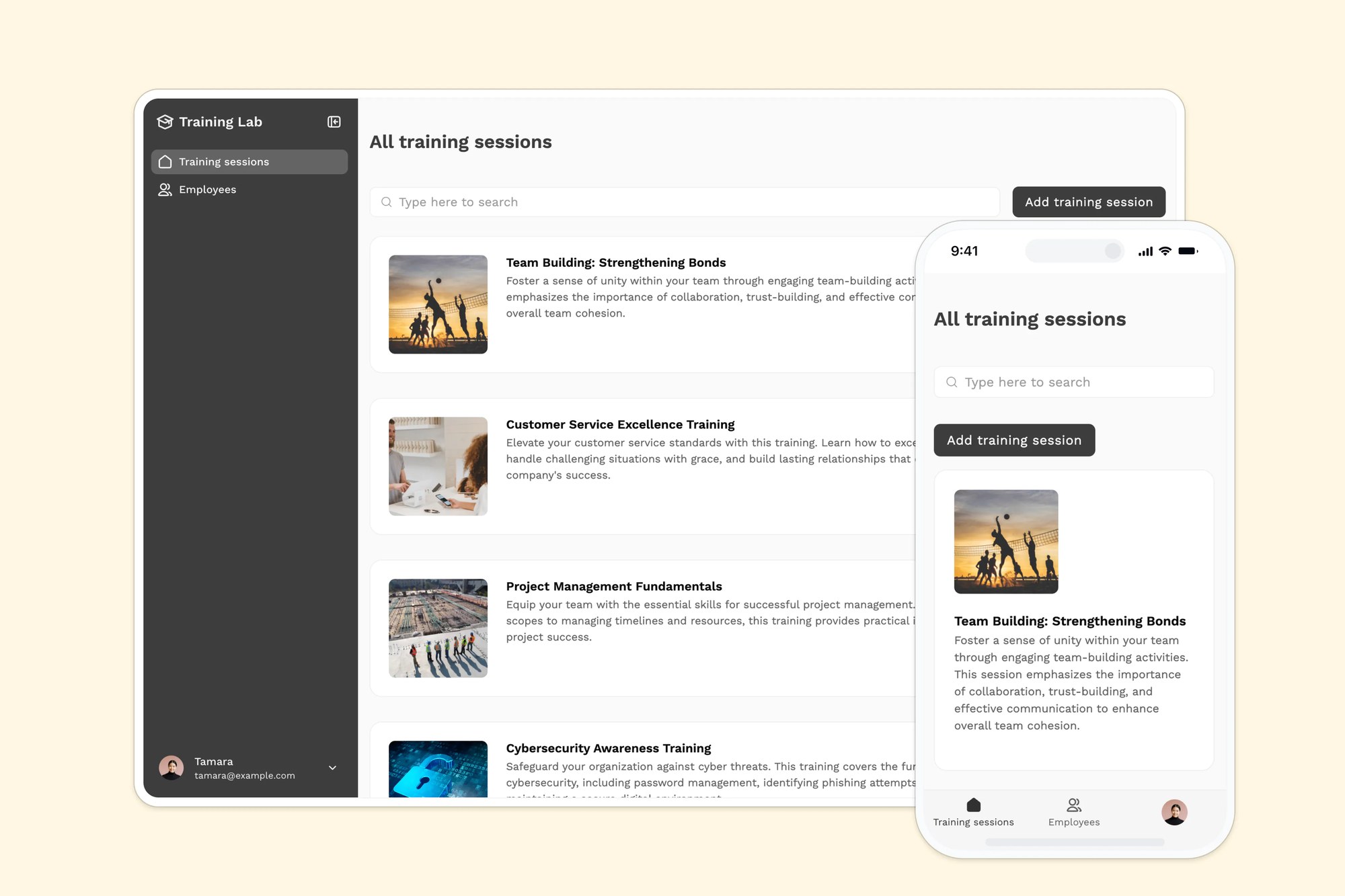
Help your customers upskill by giving them access to a lightweight LMS with how-to videos or modules.
Track and respond to customers in real time
Monitor tickets, feedback, and performance using live ticketing systems and dashboards built around your workflows and team roles.
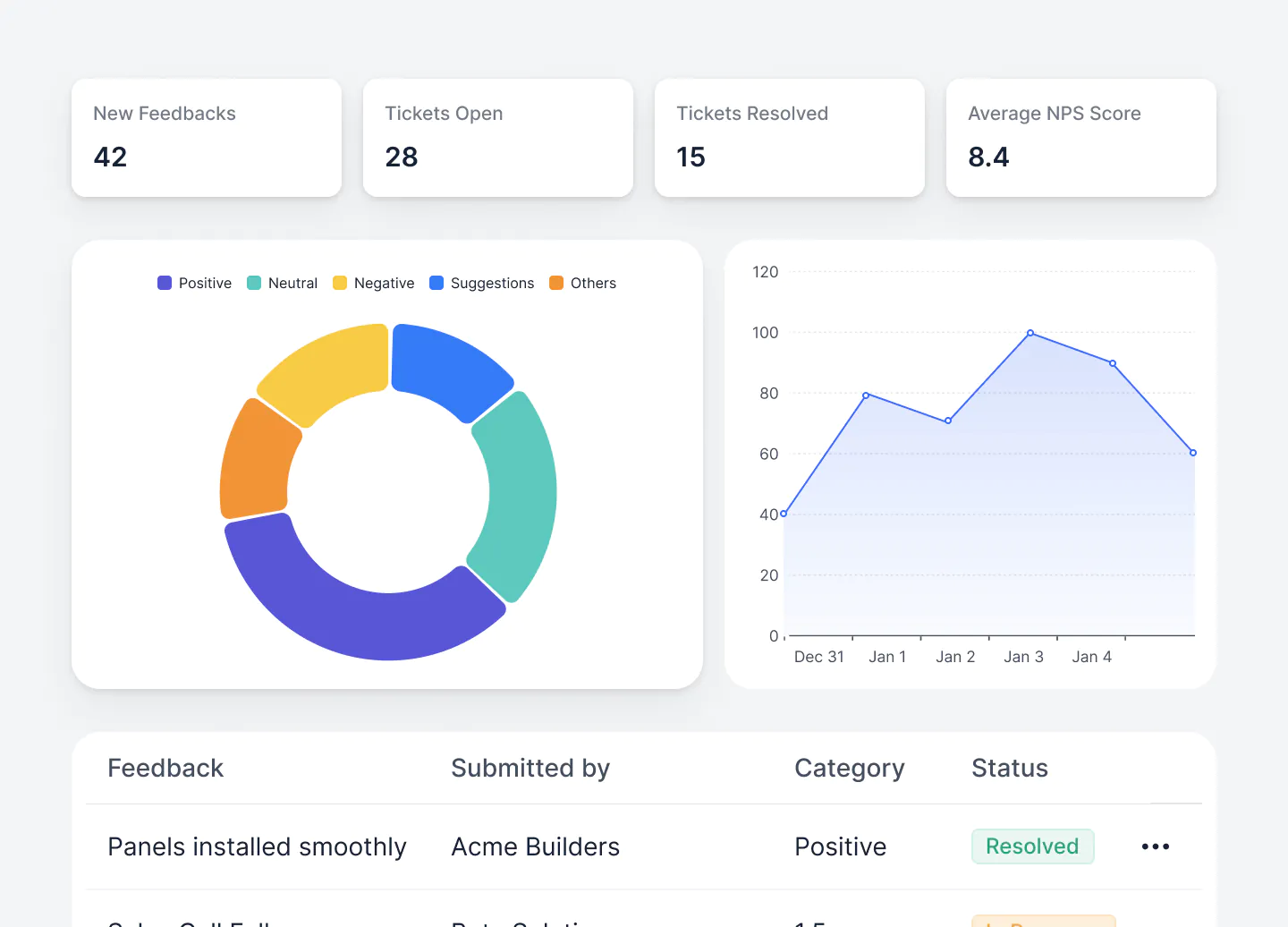
Help desks
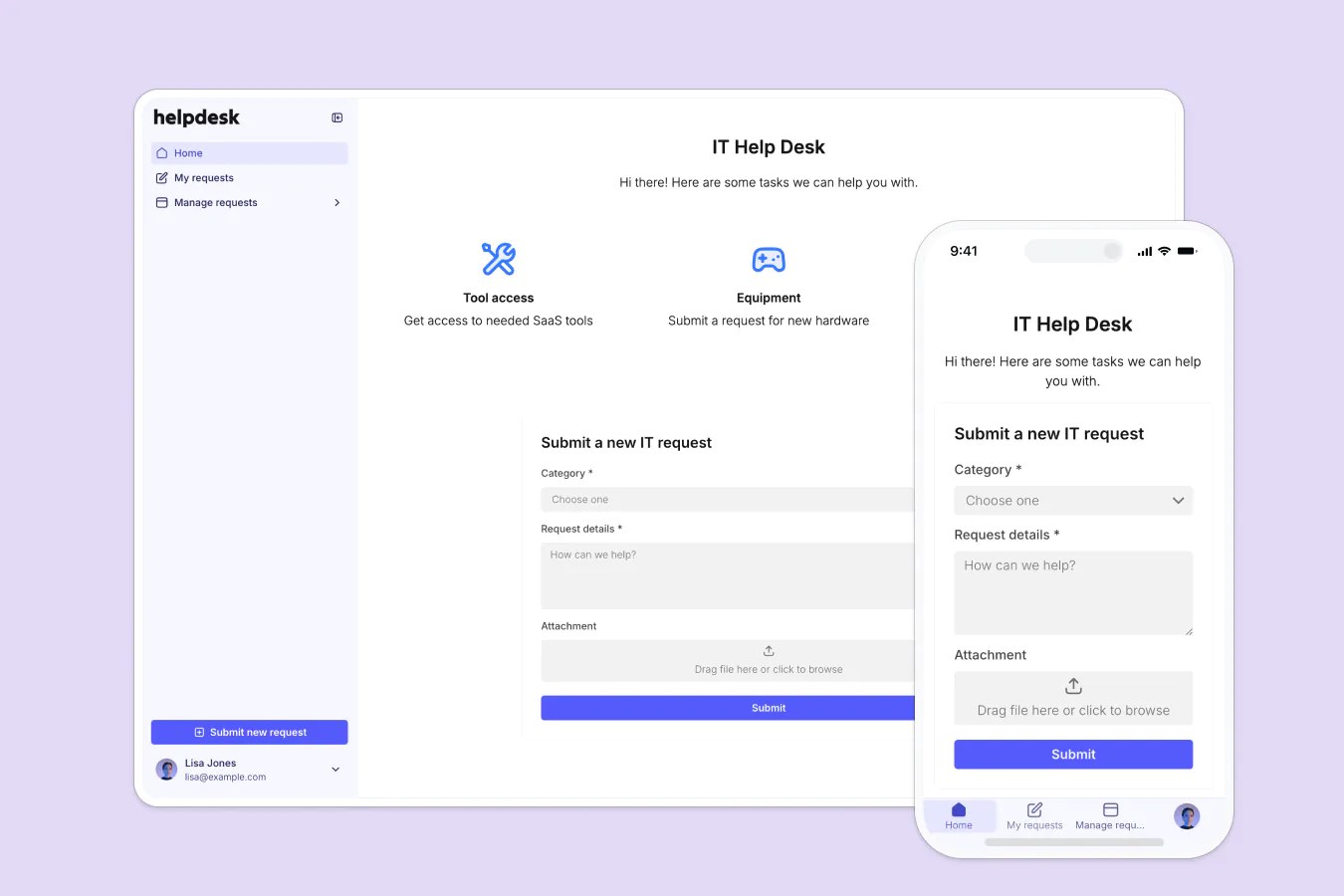
Give clients an easy way to submit support tickets via forms and have them routed to different team members.
Feedback dashboards
Collect and analyze customer feedback with Softr's conditional forms, then tag and display the results for your team.
NPS and survey tools
Embed pulse checks, NPS surveys, and other sentiment tools into different stages of your customer journey.

Customize an app template
Don’t want to start from scratch? Use a ready-made app template (complete with sample data) and customize it to fit your team’s workflows.
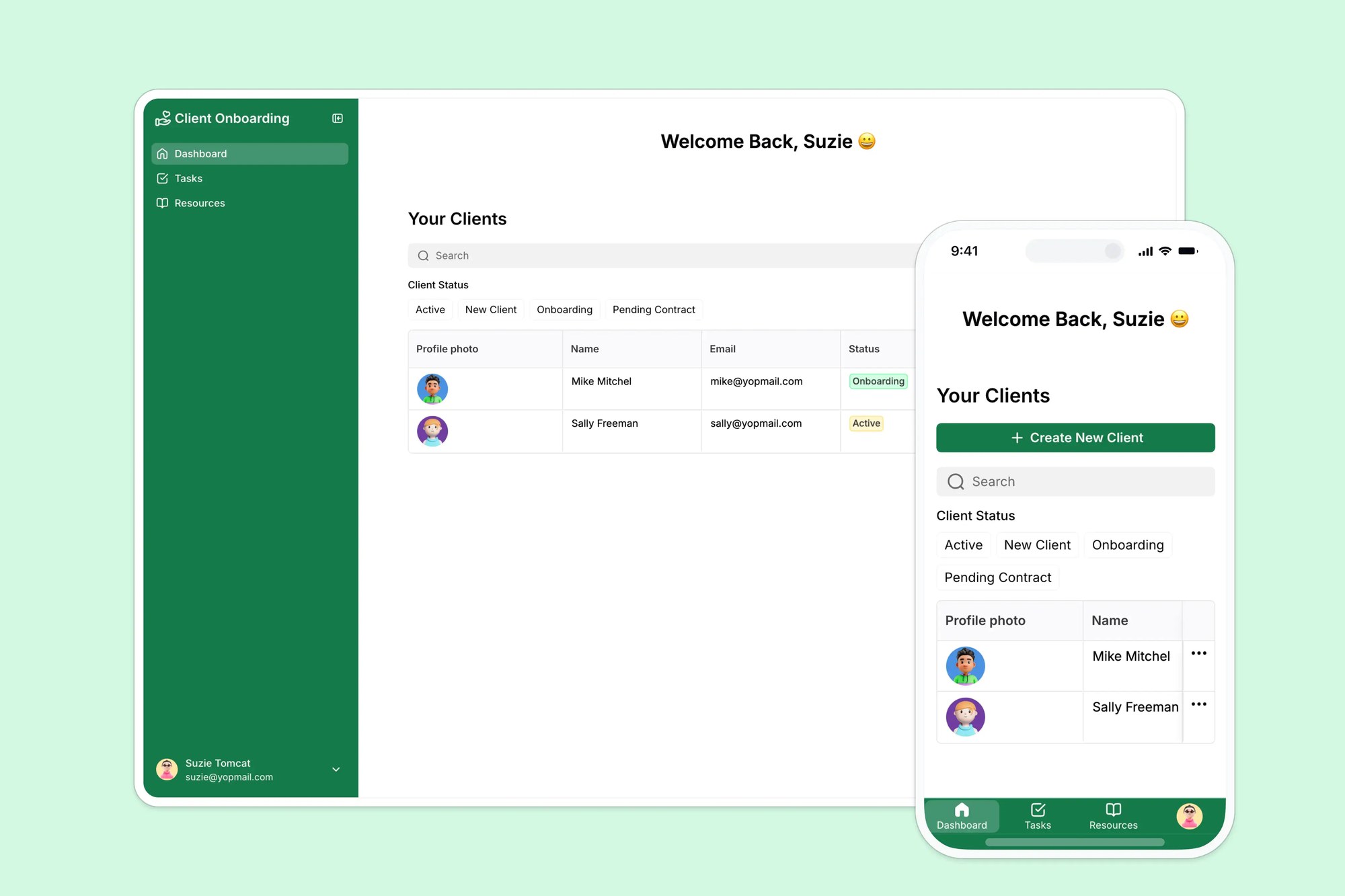




Deliver professional software that scales with your team

Easy, secure logins
Get login, signup, and password reset pages out of the box, so you don’t have to build them yourself.

Works on any device
Turn your support tools into downloadable mobile apps with Softr’s PWA—no extra design work needed.

Automations
Use Softr Workflows to automate processes across your app—or connect to Make, Zapier, n8n and more.

Advanced permissions
Customize who sees what, and which actions they can take, even at the most granular level.
.svg)
Embeds & reporting
Embed external data from other tools in your apps, so teams can collaborate without switching between tools.

Security
Keep data safe. Softr is compliant with SOC2 and GDPR regulations, ensuring secure access to confidential documents.
Go from zero to app, incredibly fast
Co-build with AI
Simply describe what you need. Let Softr handle everything - Interface, database, workflows.
Iterate with AI or visually
Control most critical parts of your app yourself, including: roles, permissions, and security.
Ship the same day
Invite team members or external clients and partners right away. Build AI apps with no developer handover.


Frequently asked questions
What is Softr?
How do I build customer support apps in Softr?
What data sources can I use with Softr?
What makes Softr different than other customer support software?
Can I build customer support apps with AI features in Softr?
Do you have resources to help me build customer support apps?
Can I try it for free?
Build tools to improve the customer experience
Launch your first app in under 30 minutes.