


Give residents and tenants a portal that scales with your portfolio
Give residents, tenants, owners, vendors, and property teams a secure place to get what they need. Start with one property, then roll out across your portfolio.


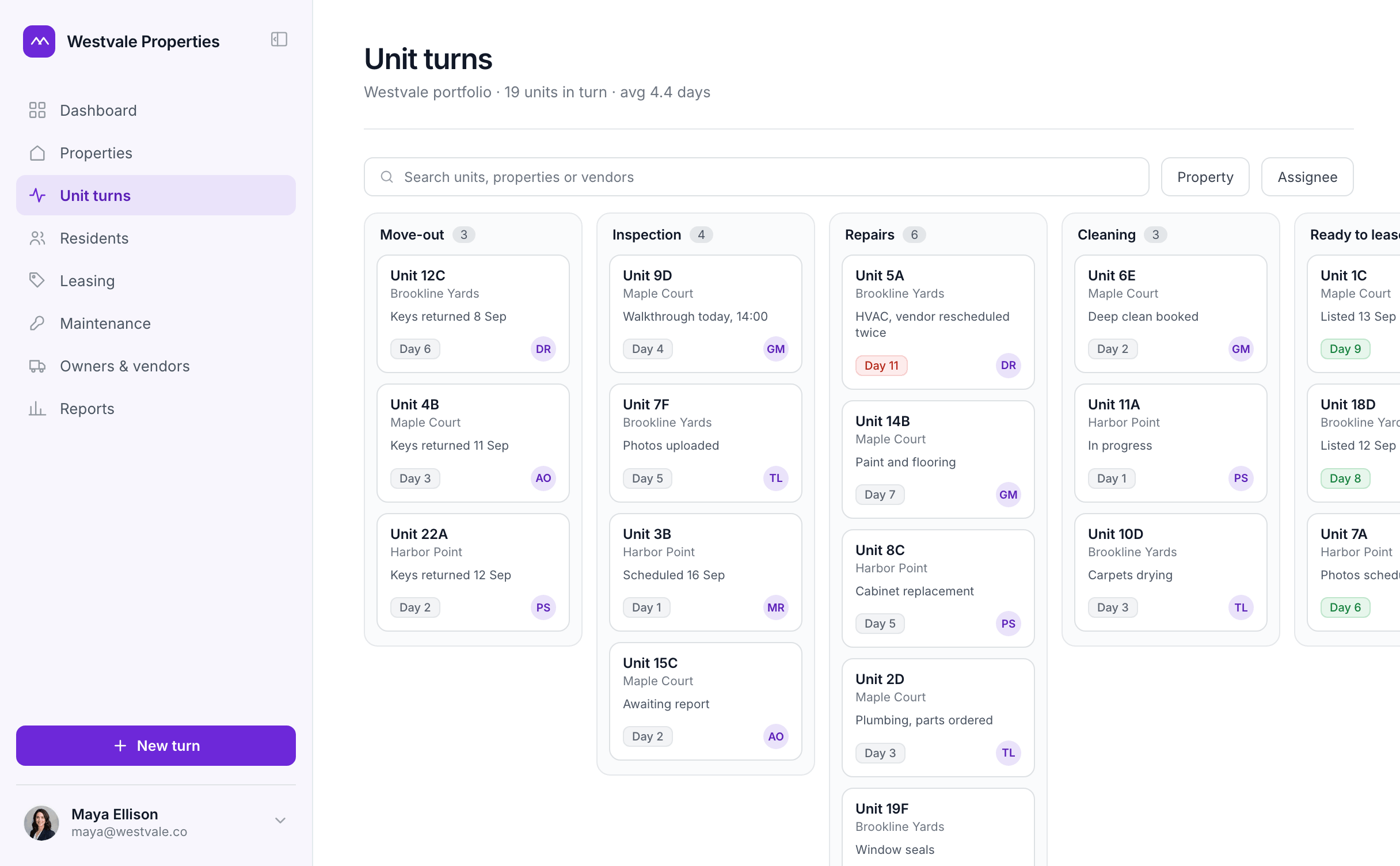











Why real estate teams choose Softr for custom tools
Build what your property management software can’t, then reuse and adapt each tool across every property in your portfolio.

Fill the gaps between your existing systems
Build the resident experience or internal workflow your property management software doesn’t provide, without replacing your core systems.

Build and maintain without calling a developer
Add fields, permissions, pages, and workflows as needs change, without opening an IT ticket or briefing an outside agency.

Expand without rebuilding
Start with one property, then reuse and adapt the same app across new communities, regions, or business units.

Connect to the systems already running your properties
Start with Softr Databases for properties, units, residents, and requests, or connect to the tools and databases behind your operations. Build without moving your data.


Build tools for every part of your operation
Give property teams one place to keep work moving
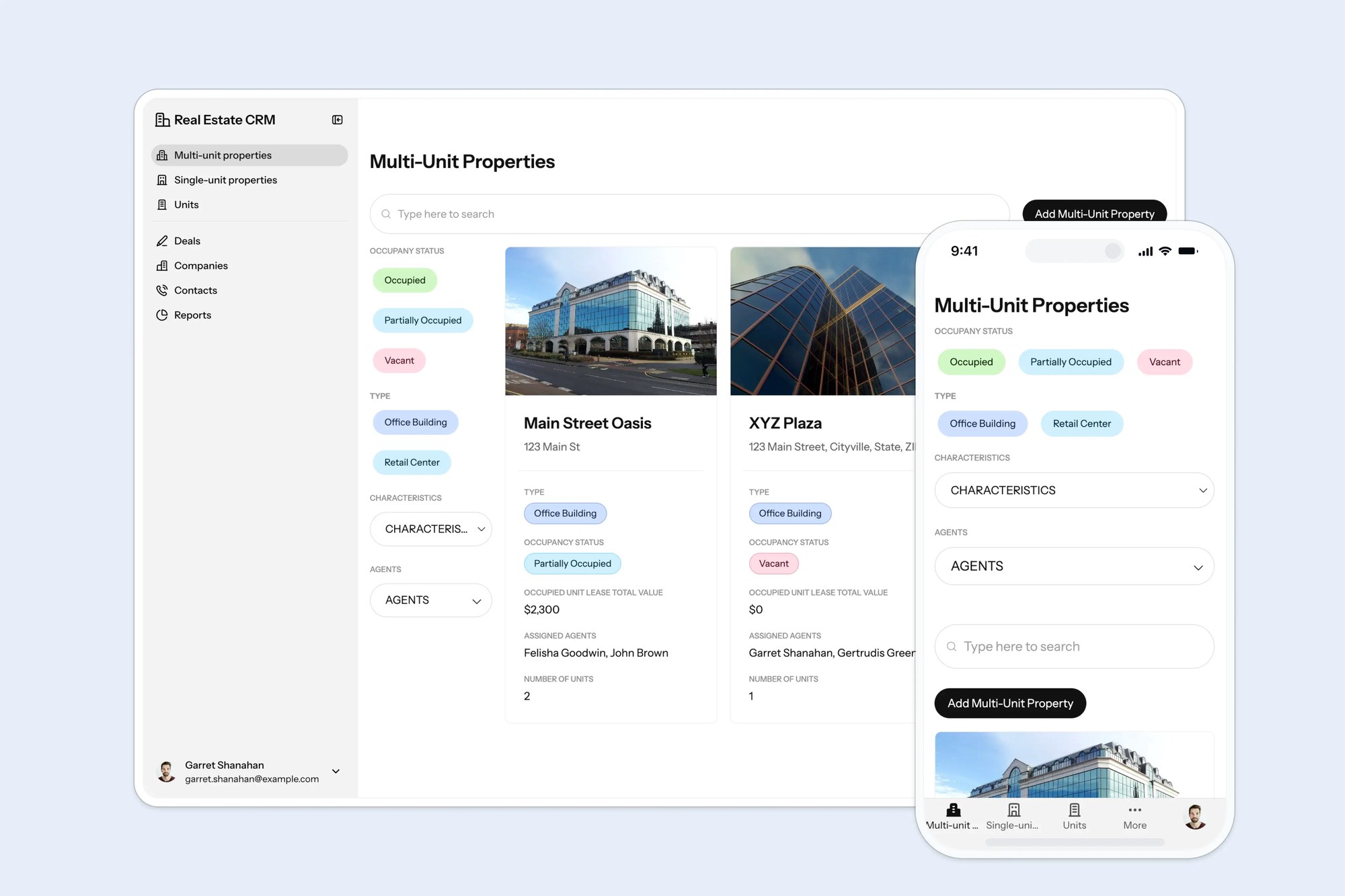
Bring maintenance, capital projects, and property documents into tools every on-site team can access and update.
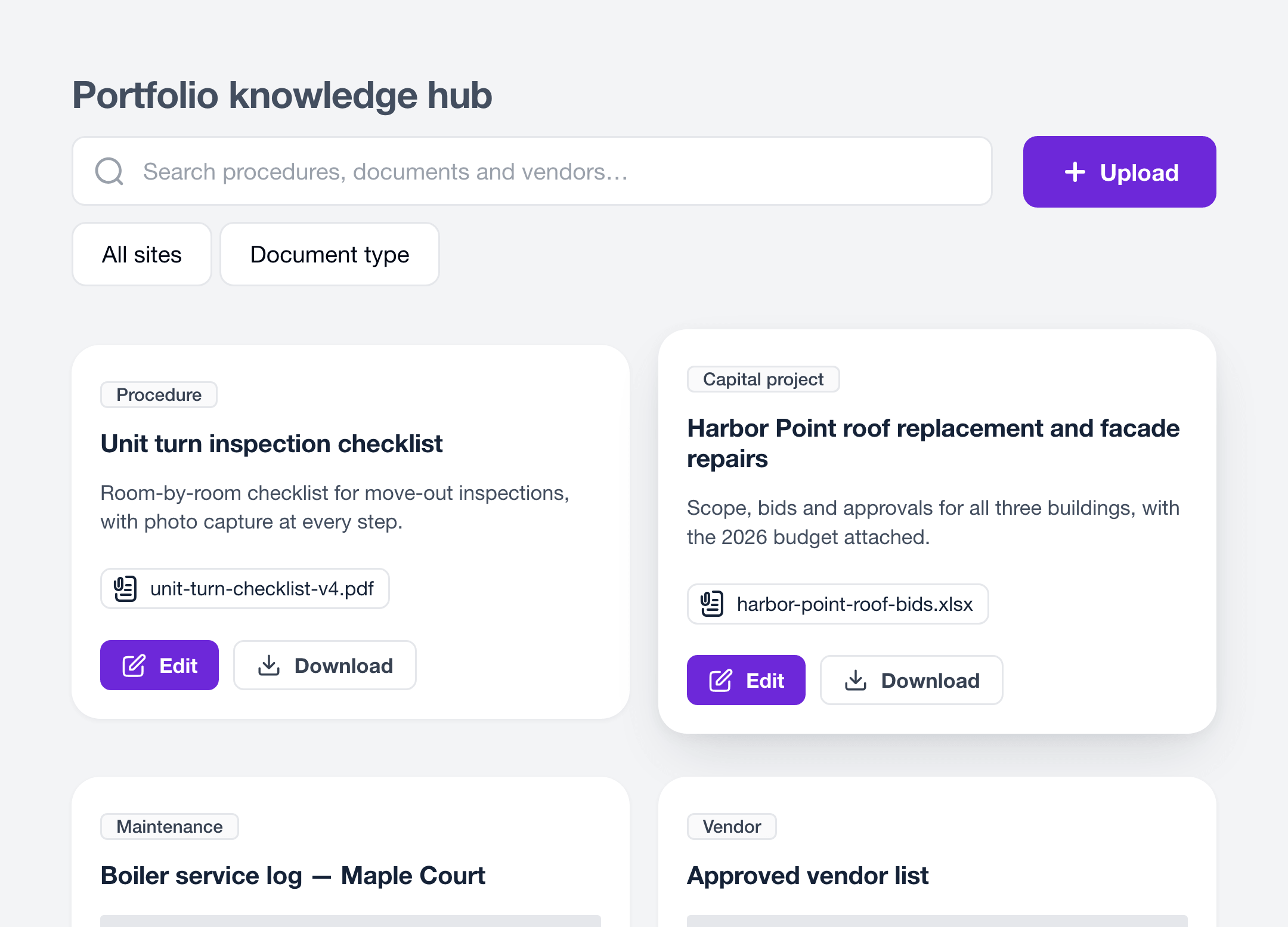

Maintenance and unit-turn trackers
Schedule inspections, upload photos, assign repairs, and track every unit from move-out to ready.
Capital project trackers
Manage budgets, timelines, approvals, and documents for renovations and property improvements.
Portfolio knowledge hubs
Keep procedures, property documents, vendor information, and team resources searchable and current across every location.
Portals for residents, tenants, and prospects
Give every audience a simple place to find information, submit requests, and stay connected to each property.
Resident portals
Let residents submit requests, reserve amenities, access perks, and see community updates in one place.
Leasing and tour portals
Let prospects explore availability, book tours, and access floor plans and leasing documents online.
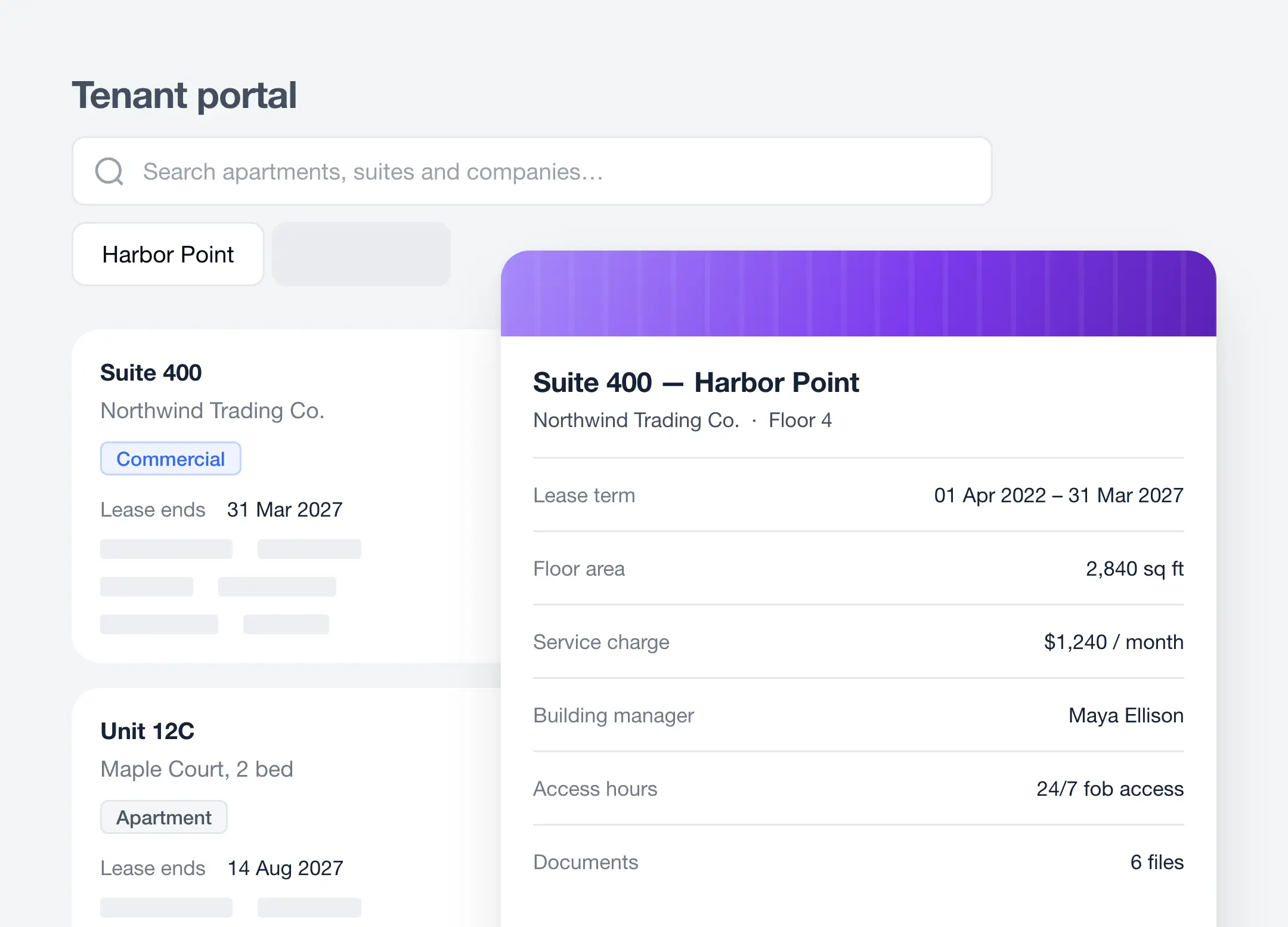
Commercial tenant portals
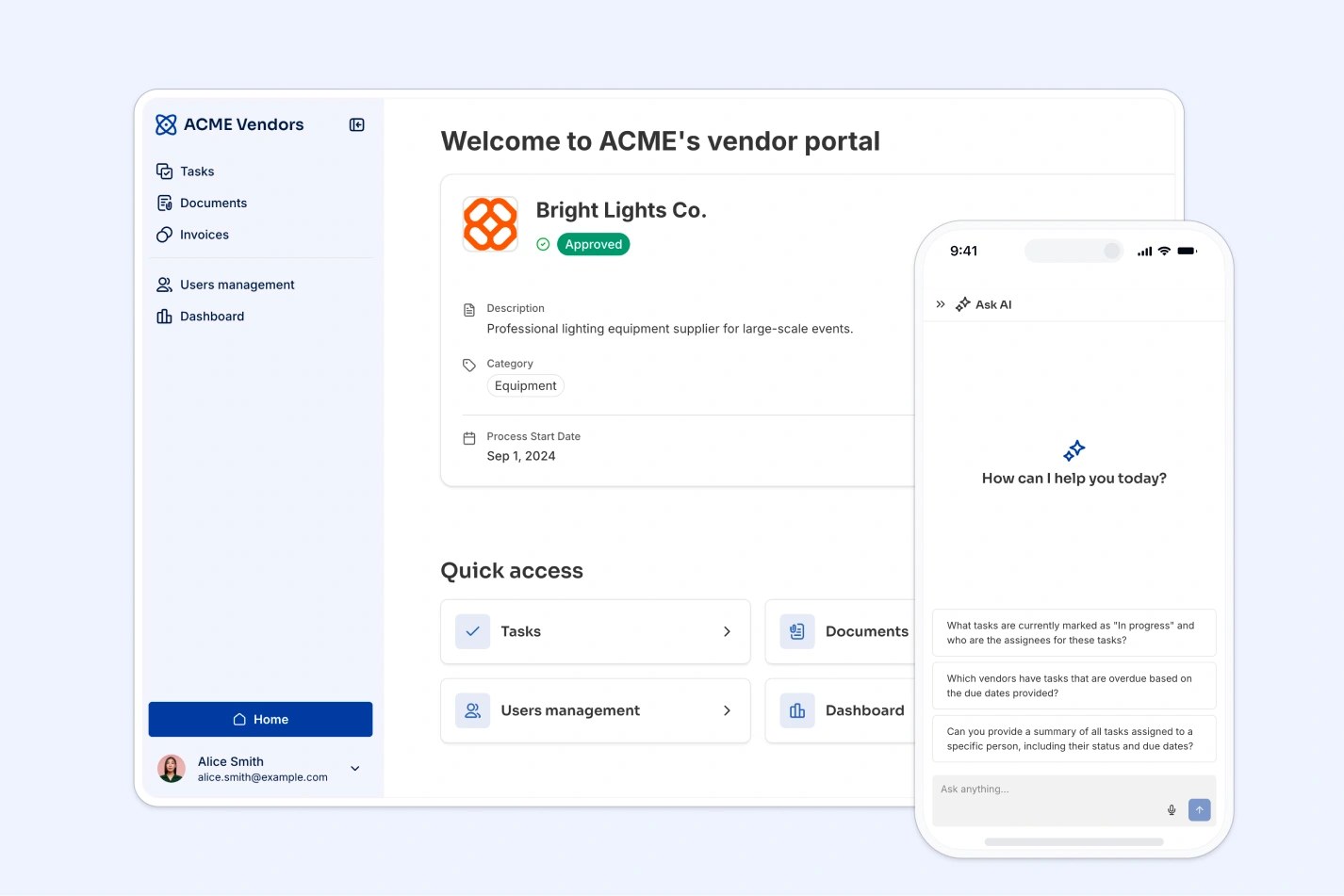
Give tenants a secure place for documents, service requests, building updates, and key contacts.

Customize an app template
Don’t want to start from scratch? Use a ready-made app template (with sample database) and customize it to fit your team’s workflows.


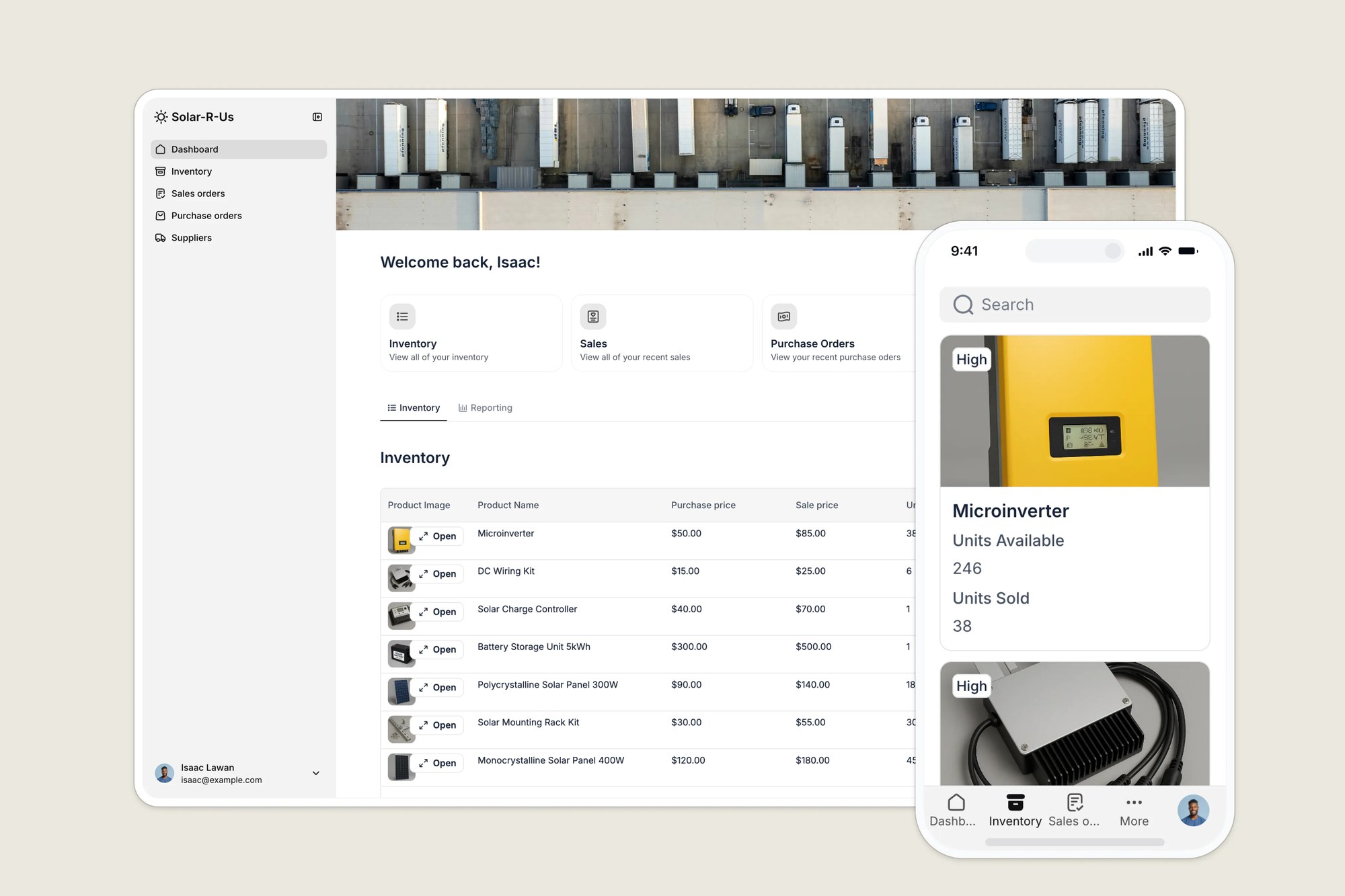



Deliver professional software that scales with your team

Easy, secure logins
Get login, signup, and password reset pages out of the box, so you don’t have to build them yourself.

Works on any device
Turn your tools into downloadable mobile apps with Softr’s PWA feature—no extra design work needed.

Automations
Use Softr Workflows to automate processes across your app—or connect to Make, Zapier, n8n and more.

Advanced permissions
Customize who sees what and which actions they can take, even at the most granular level.
.svg)
Embeds & reporting
Embed external data like Tableau or Looker inside your app, so teams can collaborate without switching tools.

Security
Keep data safe. Softr is compliant with SOC2 and GDPR regulations, ensuring secure access to confidential documents.
Go from zero to app, incredibly fast
Co-build with AI
Simply describe what you need. Let Softr handle everything - Interface, database, workflows.
Iterate with AI or visually
Control most critical parts of your app yourself, including: roles, permissions, and security.
Ship the same day
Invite team members or external clients and partners right away. Build AI apps with no developer handover.


Built with
AI App Builder
Create business apps with AI
Databases
Store and manage your data
Workflows
Automate manual processes
Frequently asked questions
What is a resident (or tenant) portal, and can I build it with Softr?
What is a resident (or tenant) portal, and can I build it with Softr?
A resident portal is a secure, branded web app where tenants log in to handle everything tied to their unit: submitting maintenance requests, viewing lease documents, paying rent or fees, reading announcements, and accessing community perks. With Softr you build one without code, on top of data you already keep in Airtable, Google Sheets, or Softr's own database.
Can I build a property management portal without knowing how to code?
Can I build a property management portal without knowing how to code?
Yes. Softr is a no-code platform, so property managers and operations staff build and maintain the portal themselves using pre-built blocks and templates, no developer required. Non-technical teams routinely launch resident and listing portals in days, and can update content, forms, and permissions on their own afterward.
Can each resident or client see only their own unit, lease, and requests?
Can each resident or client see only their own unit, lease, and requests?
Yes. Softr applies user-level permissions so every person who logs in sees only the records tied to them (their unit, their lease, their maintenance tickets) and nothing belonging to other residents. You can also create user groups (residents, owners, staff) with different access, which is one of the most common requests from real-estate teams.
Can I use my existing Airtable or Google Sheets as the data source?
Can I use my existing Airtable or Google Sheets as the data source?
Yes. Softr connects natively to Airtable, Google Sheets, SmartSuite, and its own built-in database, plus SQL and REST APIs. Your spreadsheet or Airtable base stays the single source of truth, and Softr becomes the polished, login-protected front end on top of it with no migration or rebuild needed.
Can tenants submit and track maintenance requests?
Can tenants submit and track maintenance requests?
Yes. You can add forms where residents submit maintenance or service requests, attach photos, and track status updates in real time. Requests flow straight into your connected database, and you can trigger email or Slack notifications to the right staff member automatically.
Can residents pay rent or fees through the portal?
Can residents pay rent or fees through the portal?
Yes. Softr integrates with Stripe, so you can collect rent, deposits, application fees, or amenity charges directly inside the portal and gate content behind payment. Payment records sync back to your database for tracking.
How does pricing work, do I pay per tenant or resident?
How does pricing work, do I pay per tenant or resident?
Softr does not bill you per individual resident the way per-seat tools do. Plans include large volumes of app users, so you can roll a portal out across an entire building or portfolio without your cost scaling with every tenant you add.
Can I manage multiple properties or a whole portfolio in one portal?
Can I manage multiple properties or a whole portfolio in one portal?
Yes. You can run one portal across multiple buildings or communities, using permissions and filtered views so each property's residents, managers, and data stay separate. This lets you standardize resident experience portfolio-wide instead of managing a separate tool per property.
Is my residents' data secure?
Is my residents' data secure?
Yes. Softr is SOC 2 Type II compliant and GDPR-ready, with EU data-hosting options, encrypted access, and granular permission controls so sensitive tenant and financial data is only visible to authorized users. This is what lets larger property firms clear internal security review.
Can I white-label the portal with my own branding and domain?
Can I white-label the portal with my own branding and domain?
Yes. You can fully brand the portal with your logo, colors, and a custom domain, so residents experience it as your company's app rather than a third-party tool. No Softr branding appears on paid plans.
How long does it take to launch a resident portal?
How long does it take to launch a resident portal?
Most teams launch a working portal in days, not months. You can start from a property-management or portal template, connect your existing data, set permissions, and publish. Once live, you can keep refining it as needed.
Build tools to power your business ops, fast
Launch your first app in under 30 minutes.