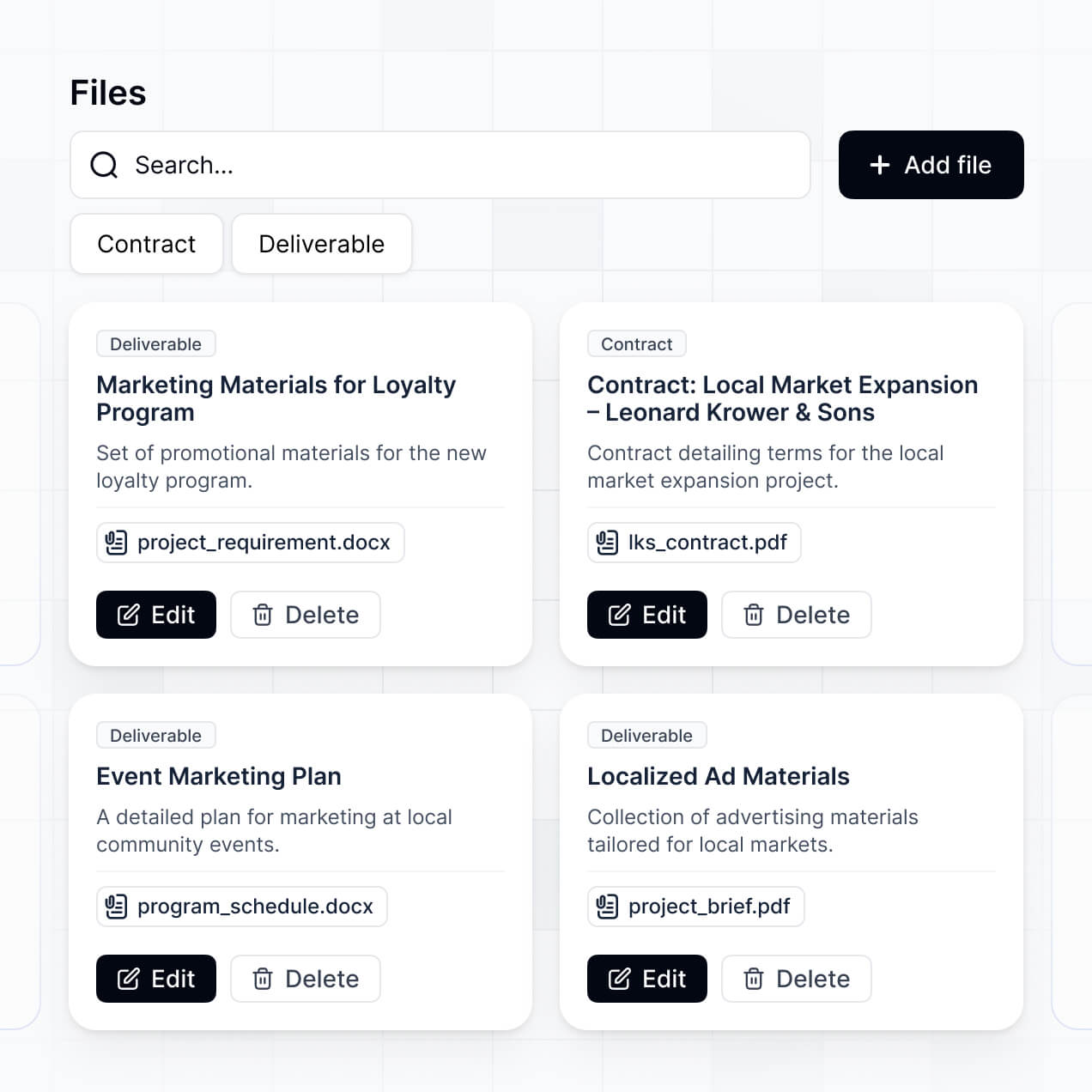
Securely store files, manage approvals, and track retention in an AI-powered system built with AI to fit your team's record workflows.
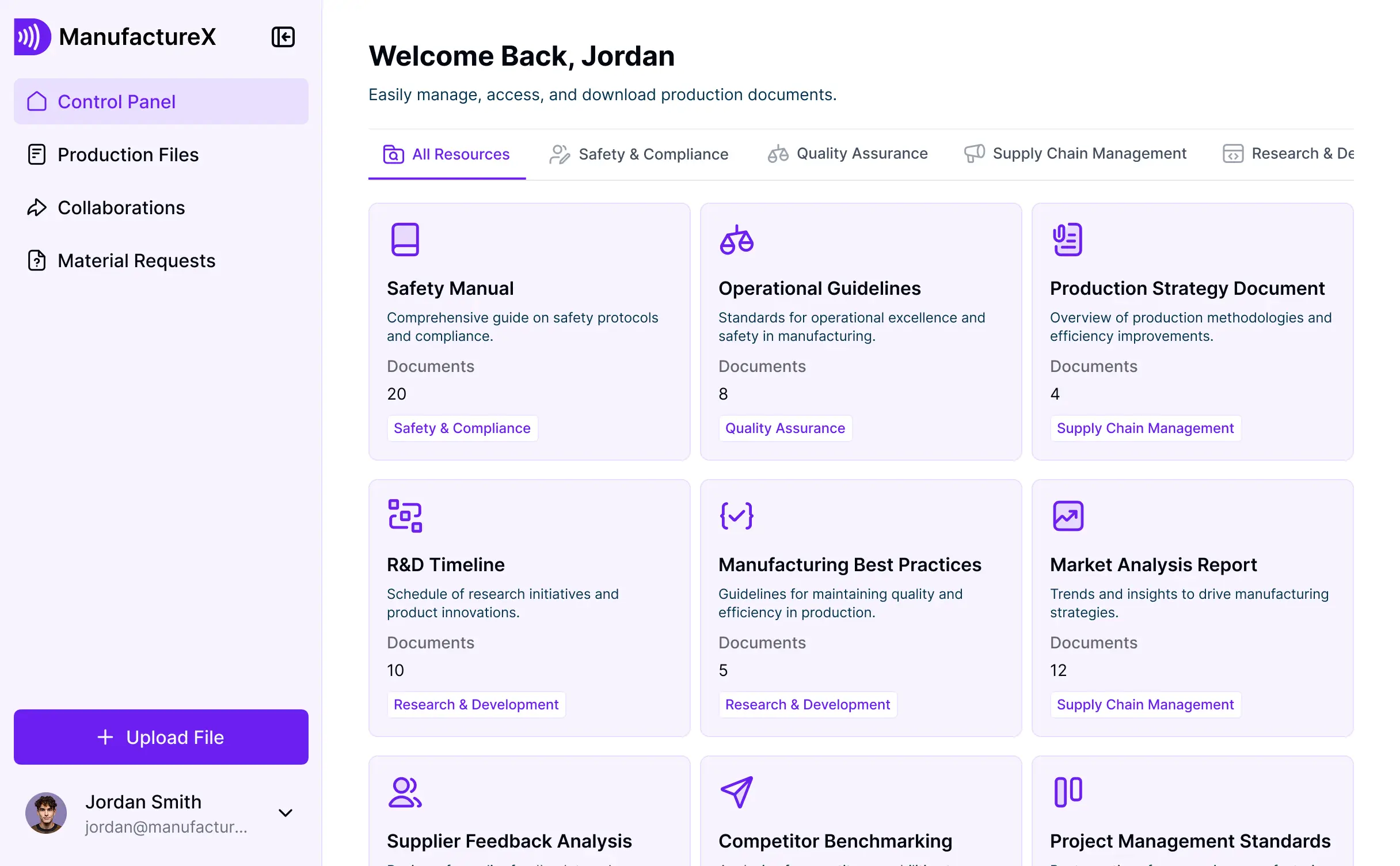

Customize your record management software with the exact steps and views your team needs. Add features as processes evolve—no code needed.


Connect cloud storage, spreadsheets, and databases with real-time sync—or manage everything in Softr Databases. Create a single source of truth for your business records.
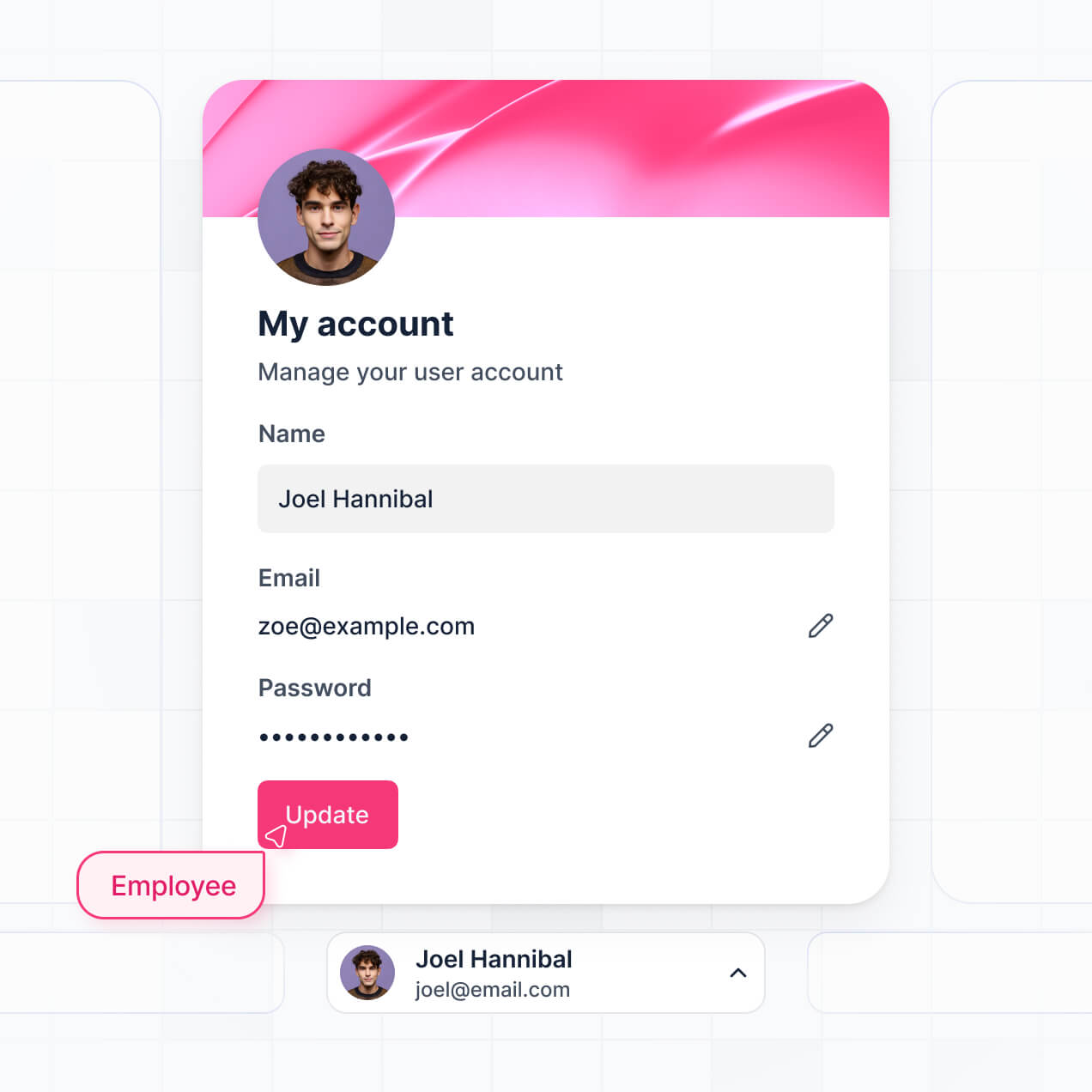
Give each teammate the right tools and access. Set up secure logins, user groups, and granular permissions—no IT support or dev work needed.
Give different team members tailored access and record dashboards, so admins and contributors see exactly what they need to manage.
Streamline your internal processes with Softr Workflows. Trigger native automations for document approvals or status changes to keep records updated.
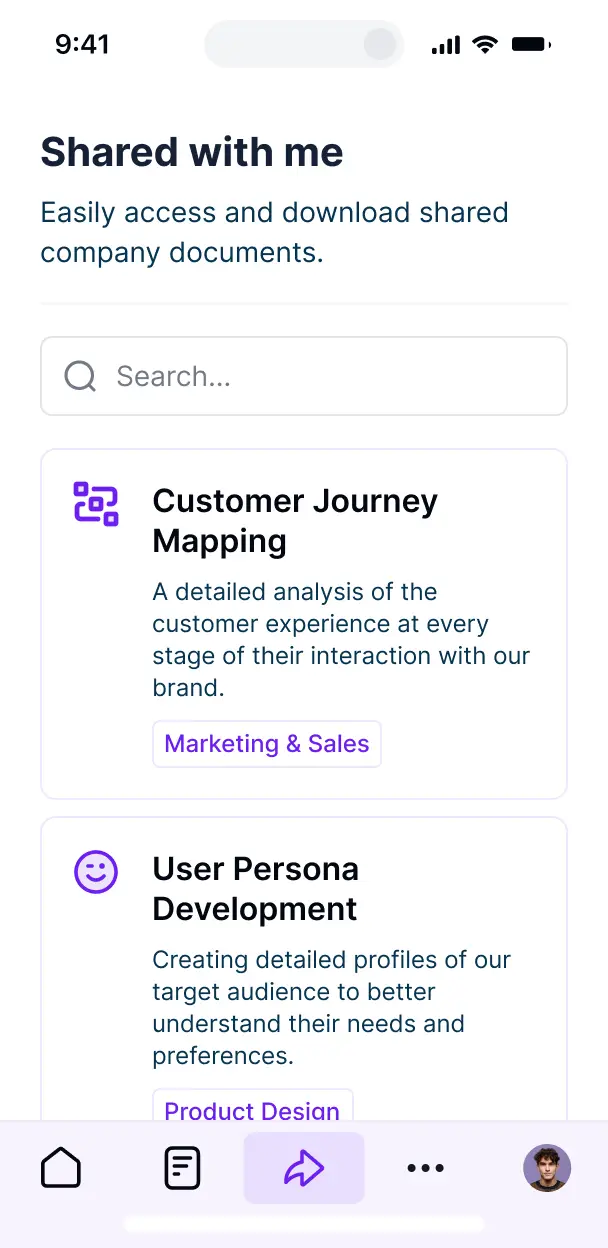
Access and update your record management tools on the go. All apps are mobile-ready out of the box for quick document lookups in the field.
Use Google, email, or SSO logins to give your team fast, secure access to your document repository—no IT tickets needed.
Keep internal record data safe with SOC2 and GDPR compliance, plus fine-tuned access control to prevent unauthorized file downloads.
No more one-size-fits-all tools or costly custom builds. Softr is easy to use and fully customizable, so you can launch faster, adapt as you grow, and skip the complexity of traditional software.

Build your record management software in minutes with AI—no manual configuration or complex setup required.

Add features like automated approvals, audit logs, or retention tracking as your compliance needs evolve.

Start with record management, then add internal wikis, dashboards, or secure portals—all in one place.
Co-build with AI
Simply describe what you need. Let Softr handle everything - Interface, database, workflows.
Iterate with AI or visually
Control most critical parts of your app yourself - roles, permissions, security.
Ship the same day
Invite team members or external clients and partners right away. No developer handover.
Use drag-and-drop blocks to build a portal that looks sleek and modern out of the box. Add only the features you need, and iterate as your workflows evolve.




A record management software is a secure digital environment where your organization can store, track, and manage sensitive documents like contracts, compliance logs, and historical archives. It centralizes all your critical files in one place, eliminating the risks associated with scattered paper files or messy shared drives. This makes it easier for compliance officers and department heads to maintain data integrity and streamline audit trails across the entire company.
Softr is the first AI-native platform for building business software, making it easy to create record management software that fits your specific regulatory and organizational requirements. You can describe your document workflows to the AI Co-Builder to instantly generate your database, secure file access pages, and categorization logic—all fully connected.
You don't need to code anything. You can start by generating with AI, using a pre-built document management template, or building from scratch. Everything runs on Softr Databases, the native relational database built into the platform, or you can integrate your existing files from Airtable, Google Sheets, or HubSpot. You have full control to adjust the layout visually, set granular document permissions, and brand the interface to match your corporate identity. It's built for rapid deployment and is flexible enough to handle increasing volumes of records as your business grows.
You can include a wide range of features in your record management software tailored to your specific file-handling processes. A great document system usually mixes functional blocks with AI automation:
- AI-Powered Intelligence – Use Ask AI to let employees search within document contents conversationally, or set up Database AI Agents to automatically extract metadata and summarize lengthy PDF reports.
- Vibe Coding Blocks – Build custom UI elements—like a specialized document version history viewer—using the AI Code block to create exactly the interface your team needs.
- Softr Workflows – Build native automations, such as an automatic approval trigger that notifies a manager whenever a new legal record is uploaded or updated.
- User Portals & Logins – Securely manage access so each department only sees their specific archives and sensitive folders.
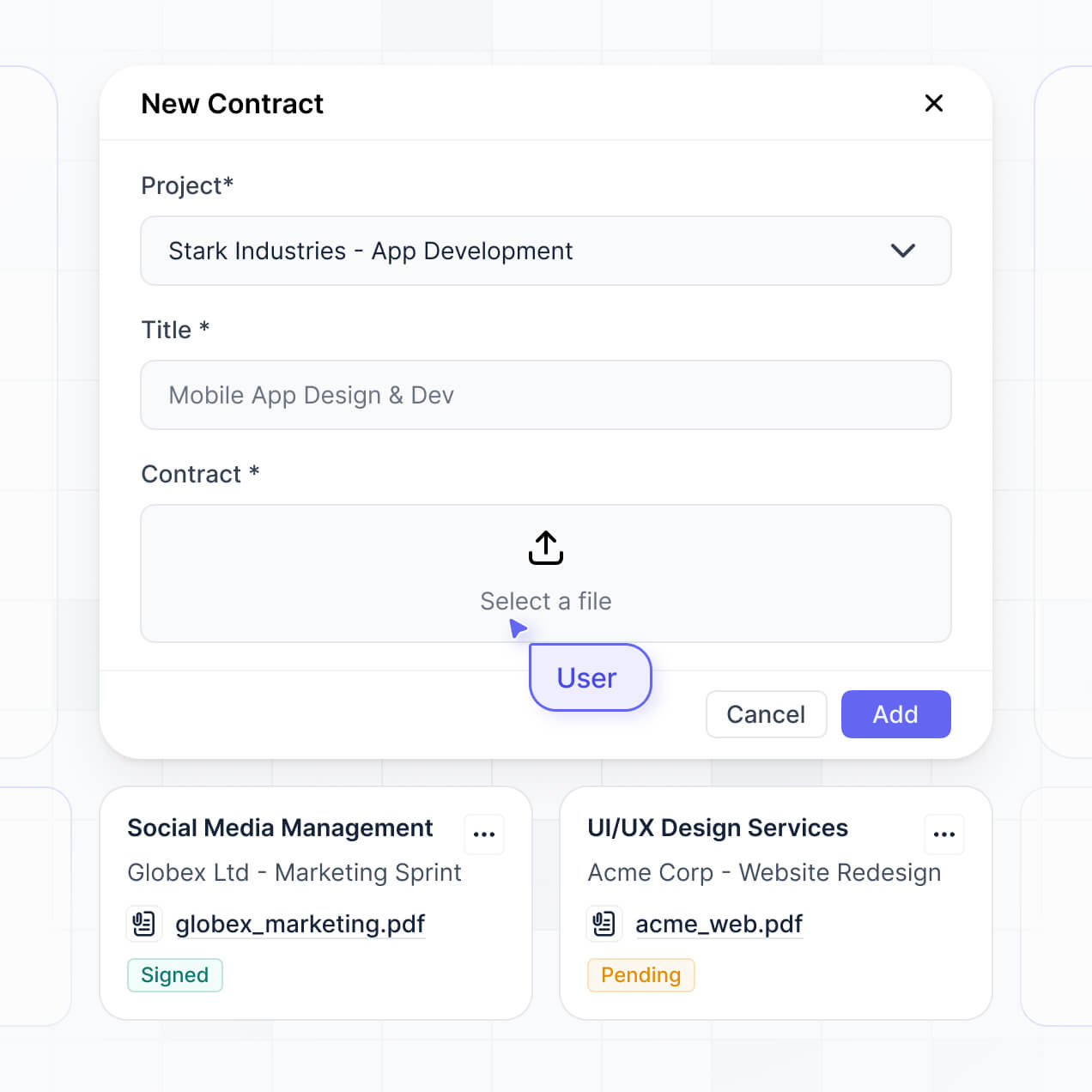
- Forms & Data Collection – Capture new records with custom upload forms that include expiration dates and tag selection.
- Dashboards & Charts – Visualize your storage metrics, such as records pending review or document types by category, with real-time charts.
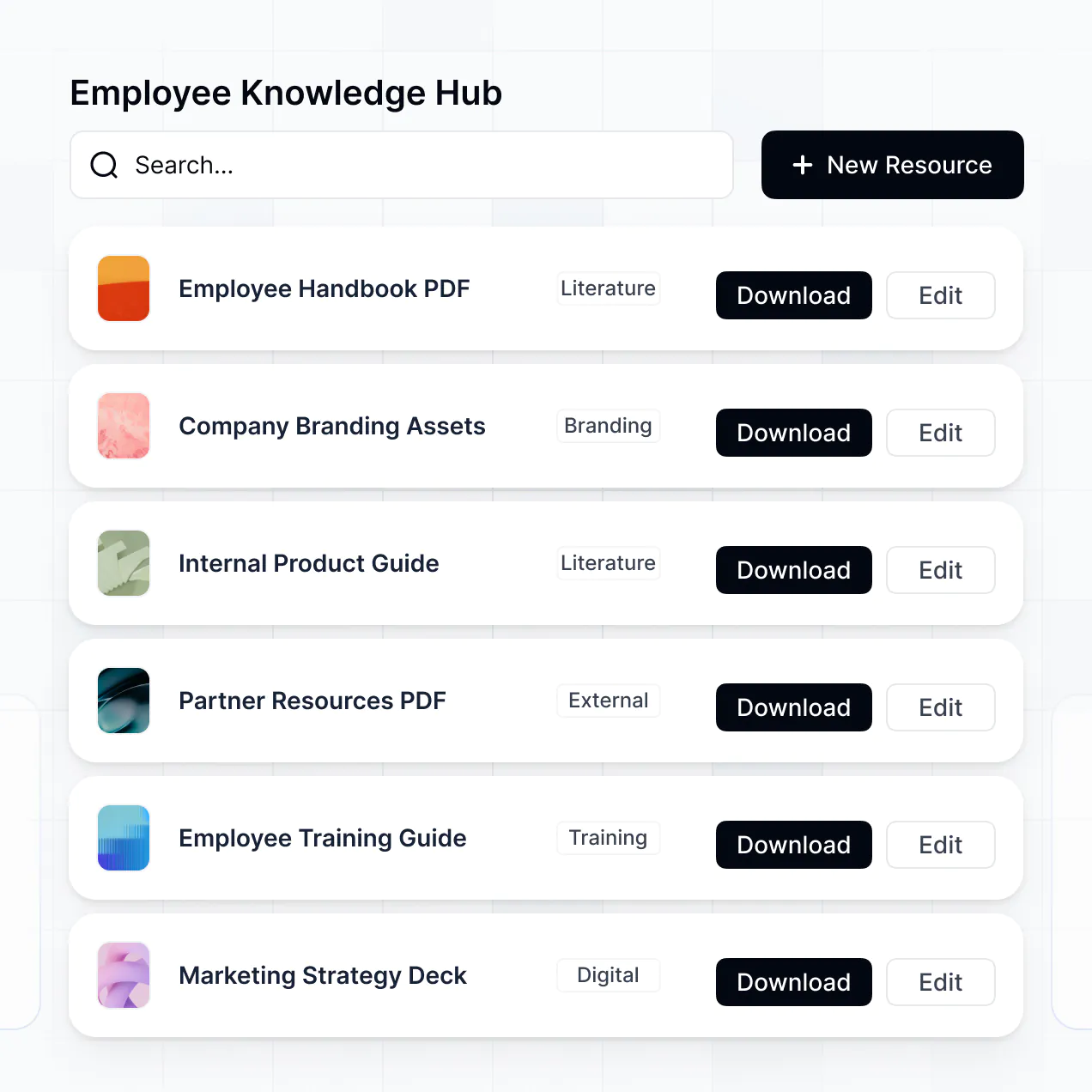
- Lists & Advanced Filtering – Manage your archive with searchable tables, document galleries, and advanced filters for dates or file tags.
Everything is built using Softr's drag-and-drop blocks without writing code. If you need a more specific file viewer, use the Vibe Coding block to generate it with AI.
Vibe coding is about utilizing AI to quickly build a document system that fits your exact specifications. You can "vibe code" record management software in Softr by describing how you want to organize your files and who should access them to the AI Co-Builder. Softr then generates a structured, production-ready app for document storage and retrieval.
Unlike other tools that generate raw, unmanageable code, Softr handles the high-stakes logic natively—including file encryption, user authentication, and permission levels. This means you get the speed of AI generation without the risk of managing custom scripts for sensitive records. You describe the workflow, Softr builds the portal, and it's ready for your compliance team to use immediately.
Yes. You can manage multiple departments, teams, or even external legal entities within a single record management portal. Softr's logic ensures each user only sees the specific records and folders assigned to their role or department. This is ideal for large organizations or law firms that need to keep different sets of records strictly separated while using one central platform.
Yes, you can. You don't need an existing file system to start building with Softr. If you're starting from scratch, you can use Softr Databases, which includes file storage capabilities and integrates perfectly with your record management application.
However, if you already have record metadata in tools like Airtable, Google Sheets, or HubSpot, you can connect those directly. You can also use the REST API to pull in records from other document storage services. In every case, you maintain full control over how your files are organized, tagged, and displayed.
Softr Databases is the recommended native, relational data source for record management software. It provides high performance for large datasets and instant automation triggers for file uploads, keeping the experience fast because the metadata is native to the platform.
Softr also connects to 17+ external data sources if your records are currently stored elsewhere. You can link to Airtable, Google Sheets, HubSpot, or SQL databases. You can even combine sources—for example, storing file attachments in Softr Databases while pulling client contact info from HubSpot. Most sources support real-time, two-way sync, so a tag changed in the app updates your source automatically.
Yes, Softr gives you absolute control over how users interact with your record management software. You can customize the dashboard, navigation, and search filters to match your internal terminology. Each page or document block can be restricted based on login status or user role, ensuring confidential HR records are hidden from general staff.
You can set up granular roles—such as Record Manager, Viewer, or Auditor—to define who can upload, edit, or delete records. For instance, auditors might have 'view only' access to all records, while team leads can only edit documents belonging to their specific project. This keeps your sensitive information secure and your interface clean for every user.
Yes, you can fully white-label your record management software. You can use your own organization's logo, brand colors, fonts, and a custom domain (e.g., records.yourcompany.com) to make the software look like a proprietary internal tool. You can also remove Softr's branding entirely, providing a professional and seamless experience for your employees or clients.
Yes, you can. Softr provides high flexibility to control the design of your record management portal. You can adjust the visual theme to match your corporate branding and structure pages to prioritize the most accessed documents. You decide exactly which blocks appear for which user groups.
To organize your records, you can use various block types:
- Table blocks – for high-density views of document lists, dates, and owners.
- Kanban blocks – for tracking the lifecycle of records from 'Draft' to 'Archived'.
- Detail View – for deep dives into specific document metadata and file previews.
- Forms – for standardized document submission and intake.
- Charts – for monitoring record growth or compliance status.
- Calendar blocks – for tracking document renewal dates or retention milestones.
If your compliance requirements change, you can instantly update the layout or fields within the visual editor.
Security is a top priority for record management software built on Softr. All data is encrypted in transit using TLS and at rest, and apps are hosted on secure infrastructure. You have granular control over data access; you can manage user roles, set visibility rules for specific files, and apply global restrictions to protect sensitive archives.
For apps using Softr Databases, records are stored in a secure environment with SOC 2 Type II compliance and data hosting in Germany. If you connect to external sources like SQL or Airtable, Softr acts as a secure interface, displaying data in real-time without storing it. This ensures you maintain full sovereignty over your most sensitive corporate records.
It is fully production-ready. While many AI tools merely "vibe code" a front-end prototype that lacks security, Softr builds your record management software on a robust, business-grade foundation.
We natively handle the complex backend requirements—like secure user authentication, file access permissions, and hosting reliability. This eliminates the technical debt often associated with AI-generated software. Your portal is ready to handle real corporate records and scale with your organization from the moment it is generated.
Softr is the first AI-native platform for business software. Unlike traditional no-code tools that require hours of manual setup for databases and permissions, or coding-heavy tools that are difficult for HR or legal teams to maintain, Softr’s AI Co-Builder generates the entire record system in minutes.
It offers a hybrid advantage: use AI to rapidly generate your record structure and interfaces, then use the visual builder for precise refinements. You get the speed of modern AI with the reliability of established business infrastructure—like enterprise-grade auth and roles—already built-in. It’s designed for teams that need to go from a document mess to a professional management system instantly.
Yes. Softr supports powerful native workflows and a vast range of integrations to connect your record management software with other business tools. You can automate document-related tasks using Softr Workflows—such as sending a Slack alert when a contract expires—or integrate with Stripe for document-related billing.
Softr also supports REST API and webhooks, allowing you to sync your archive with external digital signature tools or cloud storage providers. Whether you need to trigger an audit review or pull data from an external ERP, you can build these complex record workflows without writing any code.
Describe what you need. Softr's AI builds your record management software in minutes.