Automate requisitions, approvals, and vendor spend in an AI-powered system built with AI to fit your procurement team's specific workflow.



Customize your setup with the exact approval steps and vendor views your team needs. Add features as workflows evolve—no code or IT required.


Connect purchase orders, vendor lists, and budget tracking with real-time sync—or manage everything in Softr Databases. Create a single source of truth for your business.
Give each teammate the right tools and access. Set up secure logins, user groups, and granular permissions—no IT support or dev work needed.
Give different team members tailored access and dashboards, so procurement officers and department heads see just what they need.
Streamline your internal processes with Softr Workflows. Trigger native notifications or status updates based on approval changes to keep operations moving.
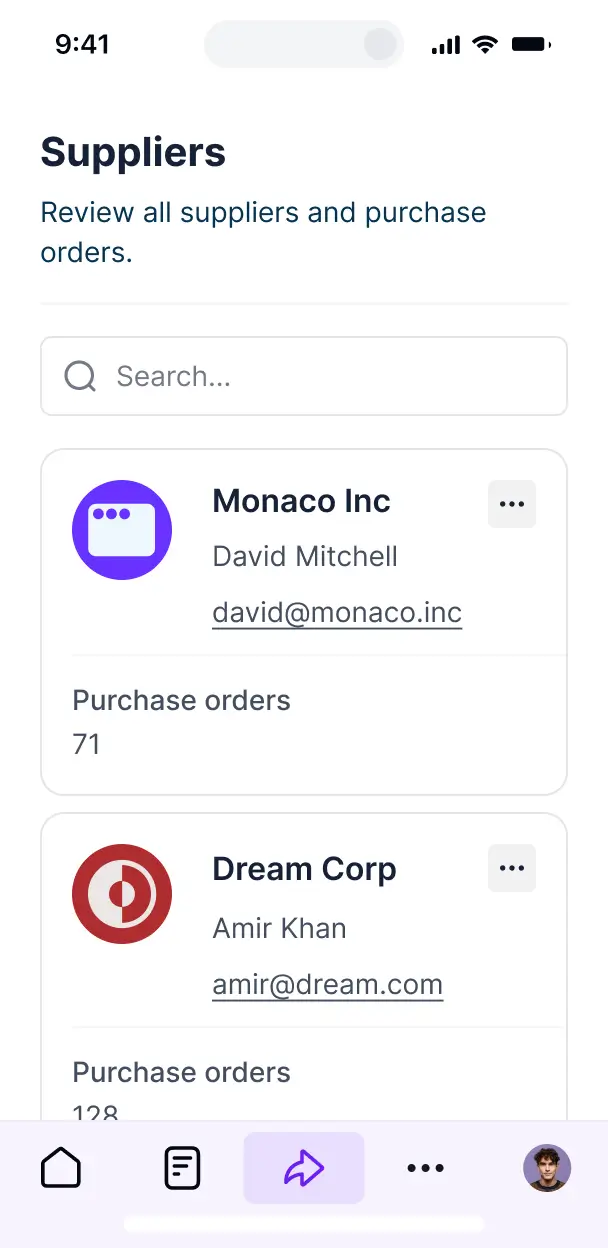
Approve requisitions and track orders on the go. All your purchase order tools are mobile-ready out of the box.
Use Google, email, or SSO logins to give your team fast, secure access to the procurement system—no IT tickets needed.
Keep financial and vendor data safe with SOC2 and GDPR compliance, plus fine-tuned access control at every level of your ERP.
No more one-size-fits-all tools or costly custom builds. Softr is easy to use and fully customizable, so you can launch faster, adapt as you grow, and skip the complexity of traditional software.

Build your procurement automation in minutes with AI—no manual setup or complex configuration needed.

Add features like budget analytics, multi-level approvals, or vendor portals as your needs grow—no rebuild needed.

Start with purchase orders, then add inventory trackers, dashboards, or forms—all in one place, with no extra tools.
Co-build with AI
Simply describe what you need. Let Softr handle everything - Interface, database, workflows.
Iterate with AI or visually
Control most critical parts of your app yourself - roles, permissions, security.
Ship the same day
Invite team members or external clients and partners right away. No developer handover.
Use drag-and-drop blocks to build a portal that looks sleek and modern out of the box. Add only the features you need, and iterate as your workflows evolve.




Purchase order automation software is a digital environment where your procurement team, department heads, and vendors can manage the entire purchasing lifecycle—including requisitions, approvals, and PO generation. It centralizes all procurement data in one place, eliminating the need for manual data entry, paper trails, or endless email chains. This makes it easier to track company spending, maintain audit trails, and ensure a seamless experience for both internal requestors and external suppliers.
Softr is the first AI-native platform for building business software, making it uniquely suited to build purchase order automation software that mirrors your specific procurement policies. You can describe your approval workflows and vendor management needs to the AI Co-Builder to instantly generate your PO database, requisition forms, and approval logic—all securely connected from the start.
You don't need to code to build a professional ERP module. You can start by generating the app with AI, utilizing a pre-built template, or crafting it from scratch. Everything runs on Softr Databases, the native relational database, but you can also connect to external financial data sources like Airtable, Google Sheets, or HubSpot. You have total control to visually customize the approval dashboard, define who can authorize high-value purchases, and brand the interface to match your corporate identity. It’s fast to deploy, easy to scale as your headcount grows, and flexible enough to adapt to changing budget requirements.
You can include a wide range of features in your purchase order automation software to streamline your procurement cycle. A high-performing ERP module usually combines classic functional blocks with AI-powered automation:
- AI-Powered Intelligence – Use Ask AI to allow finance leads to query spend patterns conversationally, or set up Database AI Agents to perform automated vendor risk assessments or verify invoice accuracy.
- Vibe Coding Blocks – Create custom UI components—like a dynamic budget utilization meter—using the AI Code block to "vibe code" the exact visualization your finance team requires.
- Softr Workflows – Build native automations, such as an instant Slack notification to a manager when a high-priority requisition is submitted or auto-syncing approved POs to your accounting system.
- User Portals & Logins – Securely manage access so employees only see their own requests, while department heads see team-wide requisitions and CFOs see the full company spend.
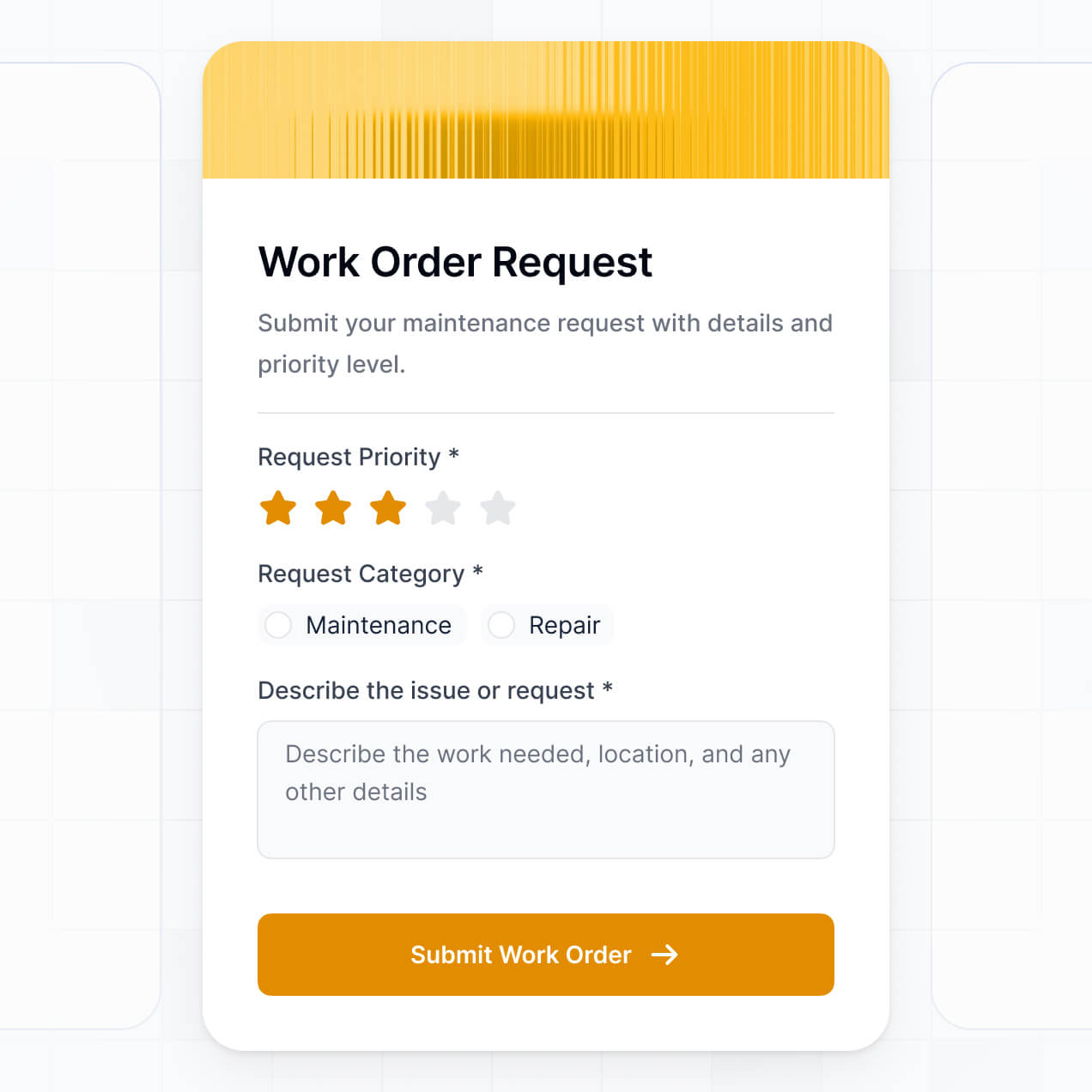
- Forms & Data Collection – Capture detailed purchase requests with custom forms, vendor quote uploads, and multi-step logic.
- Dashboards & Charts – Visualize procurement KPIs like total monthly spend, vendor performance, and average approval times with real-time analytics.
- Lists & Advanced Filtering – Manage orders through searchable tables, Kanban boards for approval stages, and deep-dive record views into specific vendor contracts.
Everything is built using Softr’s drag-and-drop interface, so you can build these features without writing code. If you need something highly specific, use the Vibe Coding block. As your procurement rules evolve, your software can be updated in minutes.
Vibe coding is about moving from idea to a working procurement system instantly by using AI to build exactly what you need. You can "vibe code" purchase order automation software in Softr by simply describing your requisition steps and approval hierarchies to the AI Co-Builder. Softr then generates a production-ready ERP application on a stable, secure foundation.
Unlike generic tools that generate raw, unmanageable code, Softr handles the complex "boring 80%"—such as secure authentication, relational database logic for PO-to-Vendor links, and role-based access—natively. This means you gain the speed of AI generation without the long-term risk of managing fragile code. You describe the workflow, Softr builds the automation, and your procurement team can start approving orders immediately.
Yes. You can manage multiple departments or separate business entities in a single purchase order system. Each user only sees the requisitions and budget data assigned to their specific department or entity based on their login and role. This is ideal for multi-entity corporations or decentralized organizations that need a unified procurement tool while maintaining clear data separation.
Yes, you can. You don't need a pre-existing inventory or vendor database to start building with Softr. If you are starting fresh, you can use Softr Databases, which is built into the platform and handles the complex relational links between purchase orders, line items, and vendors perfectly.
However, if you already have supplier lists or budget data in Airtable, Google Sheets, SQL, or HubSpot, you can connect those as well. You can even use the REST API to pull in live pricing from external catalogs. In any case, you maintain full control over how your procurement data is structured and displayed.
Softr Databases is the recommended native data source for building ERP-level software like purchase order automation. It is designed for complex business apps, offering high performance for large record volumes and instant automation triggers for time-sensitive approvals.
If your procurement data is already stored elsewhere, Softr connects to over 17 external sources including Airtable, Google Sheets, HubSpot, SmartSuite, and BigQuery. You can even blend sources—storing your vendor list in Softr Databases while pulling live project codes from a SQL database. Most sources support real-time, two-way sync, ensuring your PO status is always consistent across your entire organization.
Yes, Softr gives you granular control over the procurement experience. You can customize the dashboard layout and navigation so that it feels like your internal company portal. Every block can be shown or hidden based on the user's role—for instance, an 'Approve' button only appears for managers, while employees only see their personal requisition history.
You can set up sophisticated roles, such as Requestor, Department Head, and Finance Admin, defining exactly what each persona can view or edit (e.g., Finance can edit budget codes, while Requestors can only edit their draft POs). You can also create personalized views where managers automatically see only the orders pending their specific signature. This keeps the procurement process secure, clean, and highly efficient.
Yes, you can fully white-label your purchase order automation software. You can incorporate your corporate logo, brand colors, fonts, and a custom domain (like procurement.yourcompany.com) to ensure the tool looks like an official internal application. All Softr branding can be removed, providing a professional and consistent experience for your employees and vendors.
Yes, you can. Softr provides deep flexibility to control the design and layout of your ERP interface. You can adjust colors, spacing, and structures to ensure it fits your internal UX standards. You can choose which blocks define your workflow and control what different tiers of users see.
To organize your procurement data, you can utilize various blocks:
- Table blocks – for listing pending or historical purchase orders and line items.
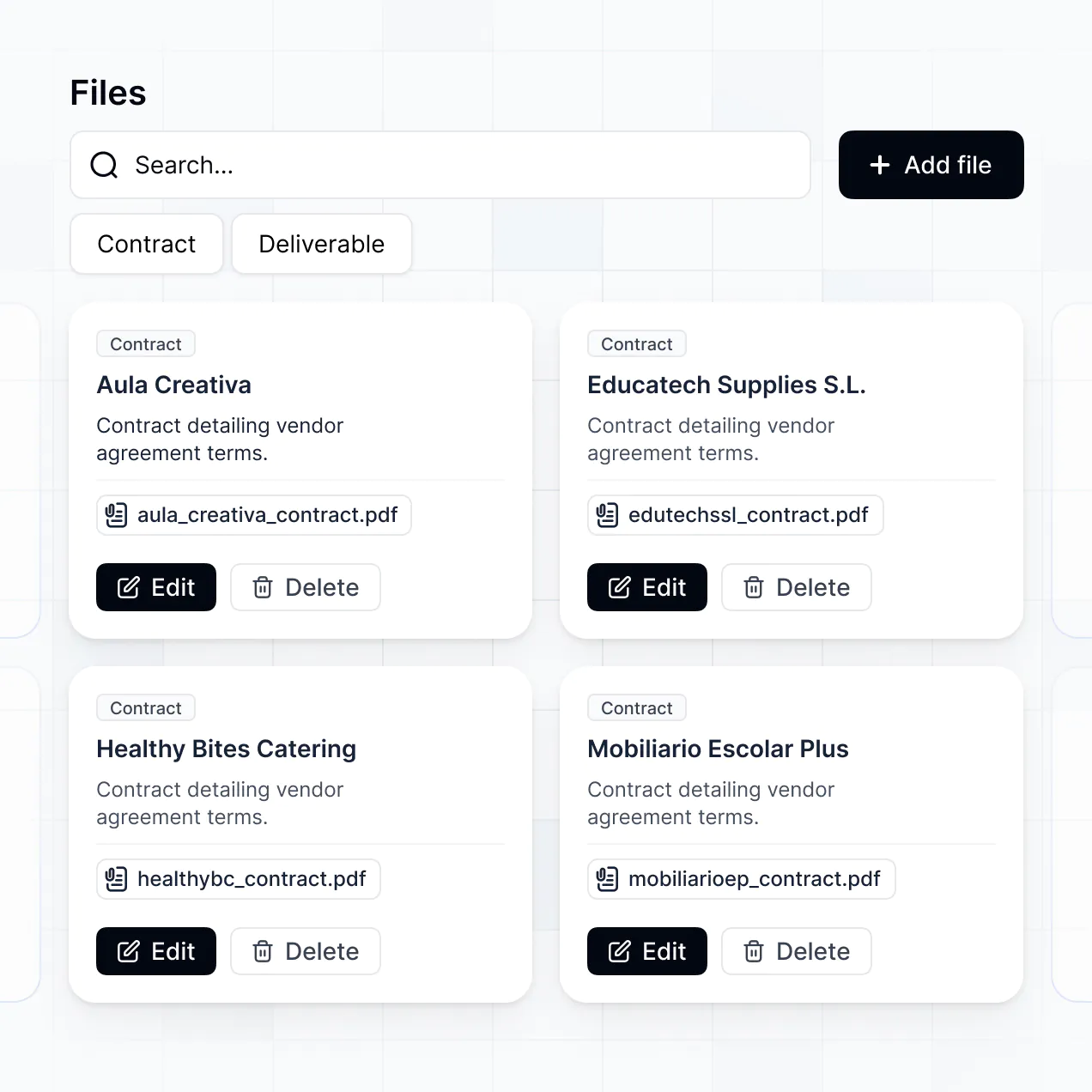
- List or Card blocks – to browse vendor profiles or product catalogs.
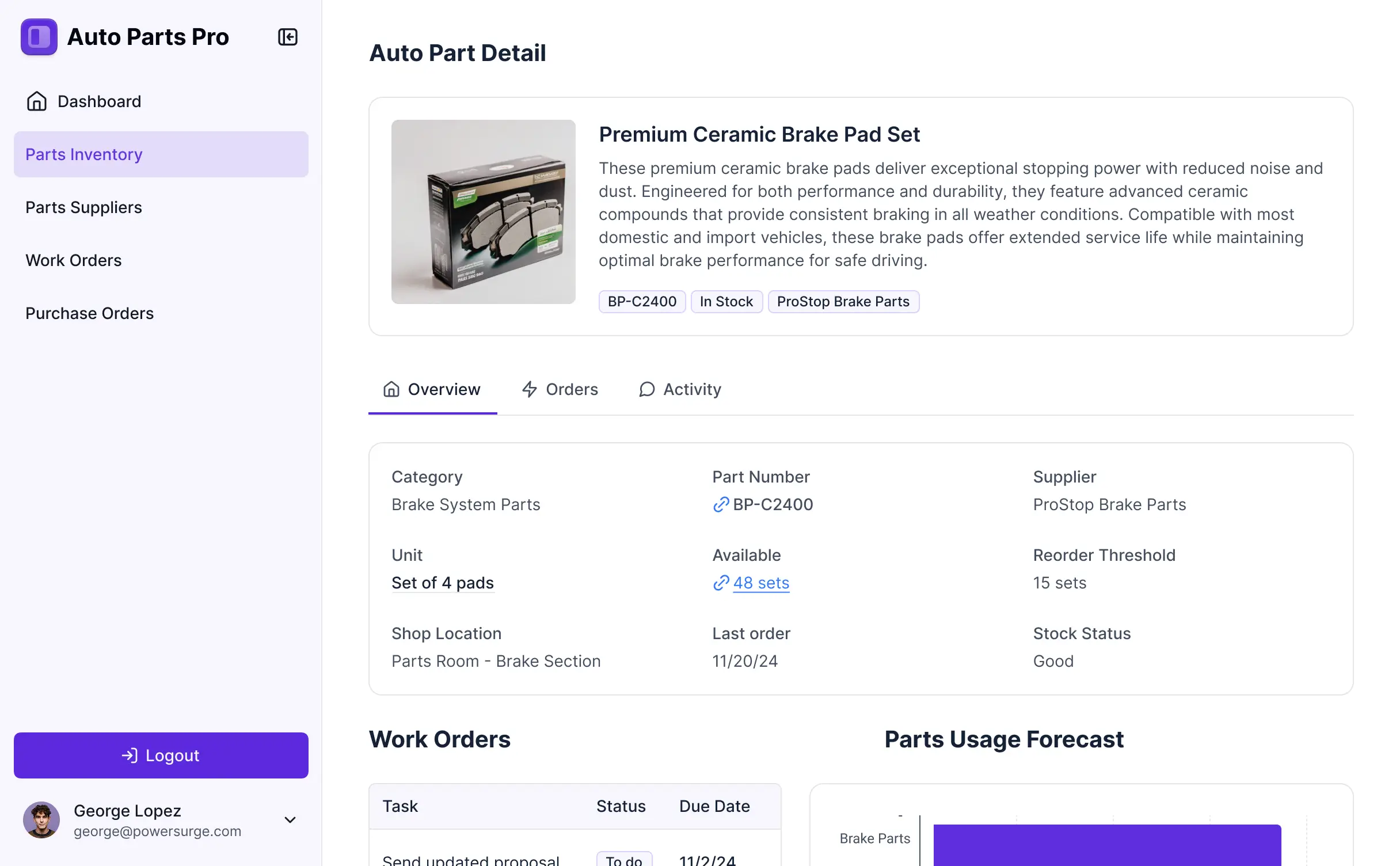
- Detail View – to provide a comprehensive view of a single PO, including its approval status and attachments.
- Forms – for submitting new purchase requisitions with required field validation.
- Charts – to track department spending against quarterly budgets.
- Calendar blocks – to monitor expected delivery dates or payment deadlines.
If you need to change your approval flow or add new fields later, the visual builder makes it easy to update the software without downtime.
Softr is built with enterprise-grade security. All procurement data is encrypted in transit and at rest, and your software is hosted on reliable, audited infrastructure. You have complete control over data visibility; for example, you can ensure that salary-related or sensitive financial data is only accessible to executive roles.
For apps using Softr Databases, your data is stored in a secure, SOC 2 Type II compliant environment in Germany. If you prefer to keep your data in an external source like an SQL database or Airtable, Softr never stores that data—it simply displays it in real-time based on your permission settings. You also benefit from rigorous platform monitoring and industry-standard authentication to keep your organization's spend data safe.
It is fully production-ready. While other AI tools produce "vibe code"—fragile, stand-alone scripts—Softr builds your purchase order automation software on a hardened, business-grade foundation that is designed for daily operations.
We provide native handling of the "boring 80%"—including user authentication, secure file storage for vendor quotes, and complex permissions—so you don't have to worry about maintenance. This eliminates the standard AI deployment hurdles. Your system is secure, scalable for thousands of orders, and ready for your procurement team to use on day one.
Softr is the first AI-native platform for custom business software. Unlike traditional ERPs that are rigid and expensive to customize, or basic no-code tools that require manual configuration of every single field, Softr's AI Co-Builder generates a functional procurement app and database in minutes tailored to your specific logic.
It offers a unique hybrid advantage: you get the speed of AI generation to build the initial requisition and approval flow, combined with visual controls for precise branding and permissioning. You get the agility of a custom build with the security of an established, SOC 2 compliant platform. It’s built for operational teams who need to move from manual processes to automated procurement immediately.
Yes. Softr supports powerful native workflows and deep integrations to connect your purchase order system to your entire financial stack. You can automate tasks using Softr Workflows—like triggering an email to the vendor once a PO is approved—or sync with third-party tools like Stripe for payments or Quickbooks for accounting.
Whether you need to send PO data to an ERP like SAP, trigger an automated approval sequence, or pull in inventory levels from another tool, you can build it all into your software without writing code using our native integration suite or REST API.
Describe what you need. Softr's AI builds your custom procurement tool in minutes.