CRM
AI donor management for nonprofits
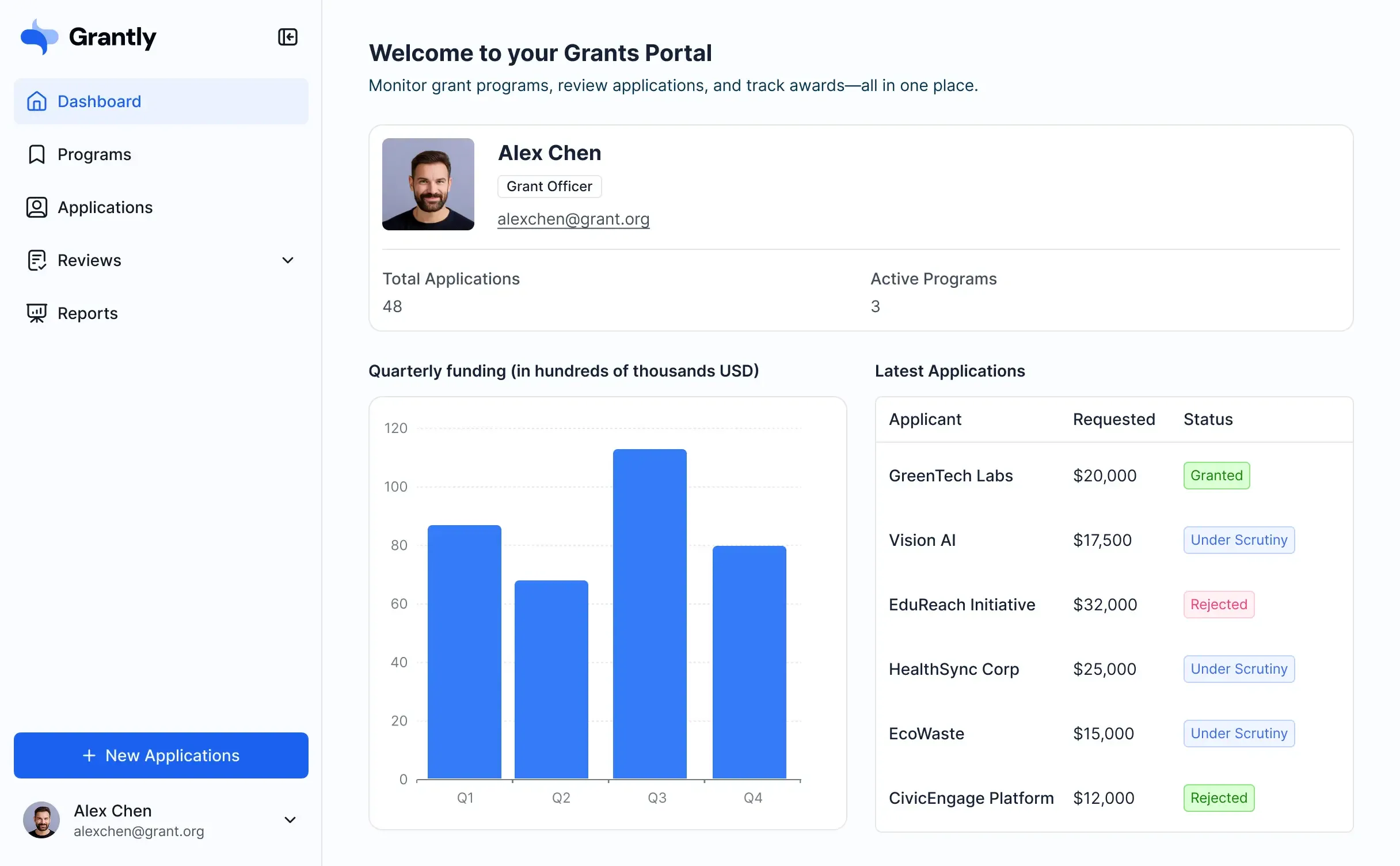
Track gifts, pledges, campaigns, and donor follow-ups in one CRM that fits nonprofit fundraising data and daily NGO operations.









Flexibility
Shape donor records to your process
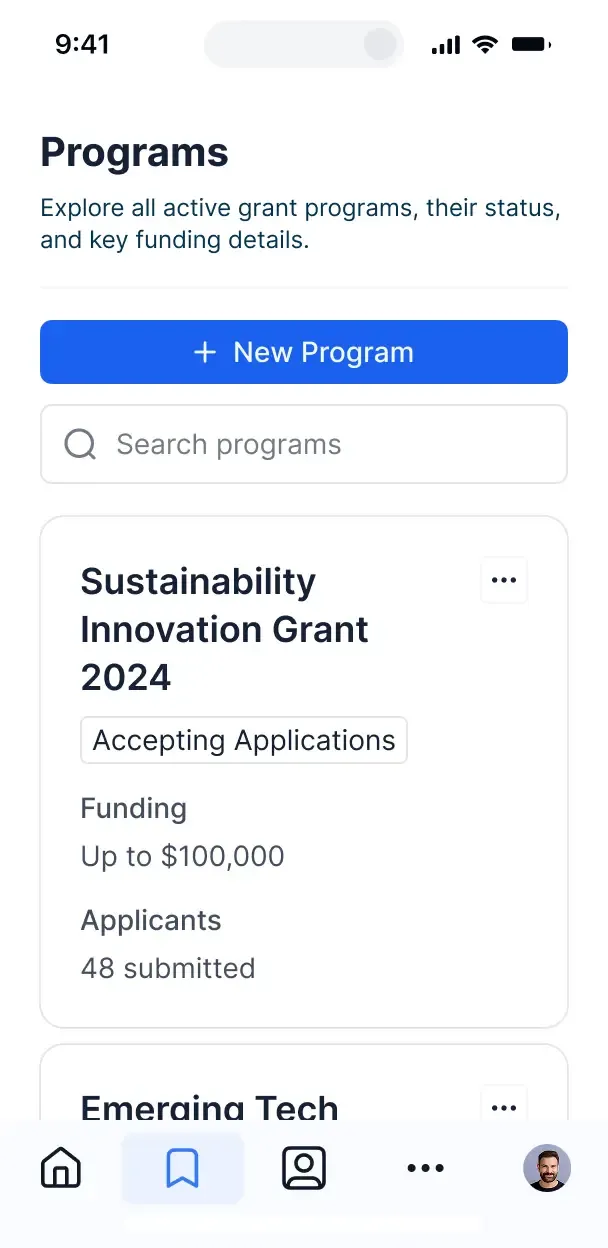
Choose only the donor views and workflows you need today, then adapt them as campaigns change, giving patterns shift, and your fundraising grows.
Donor profile records
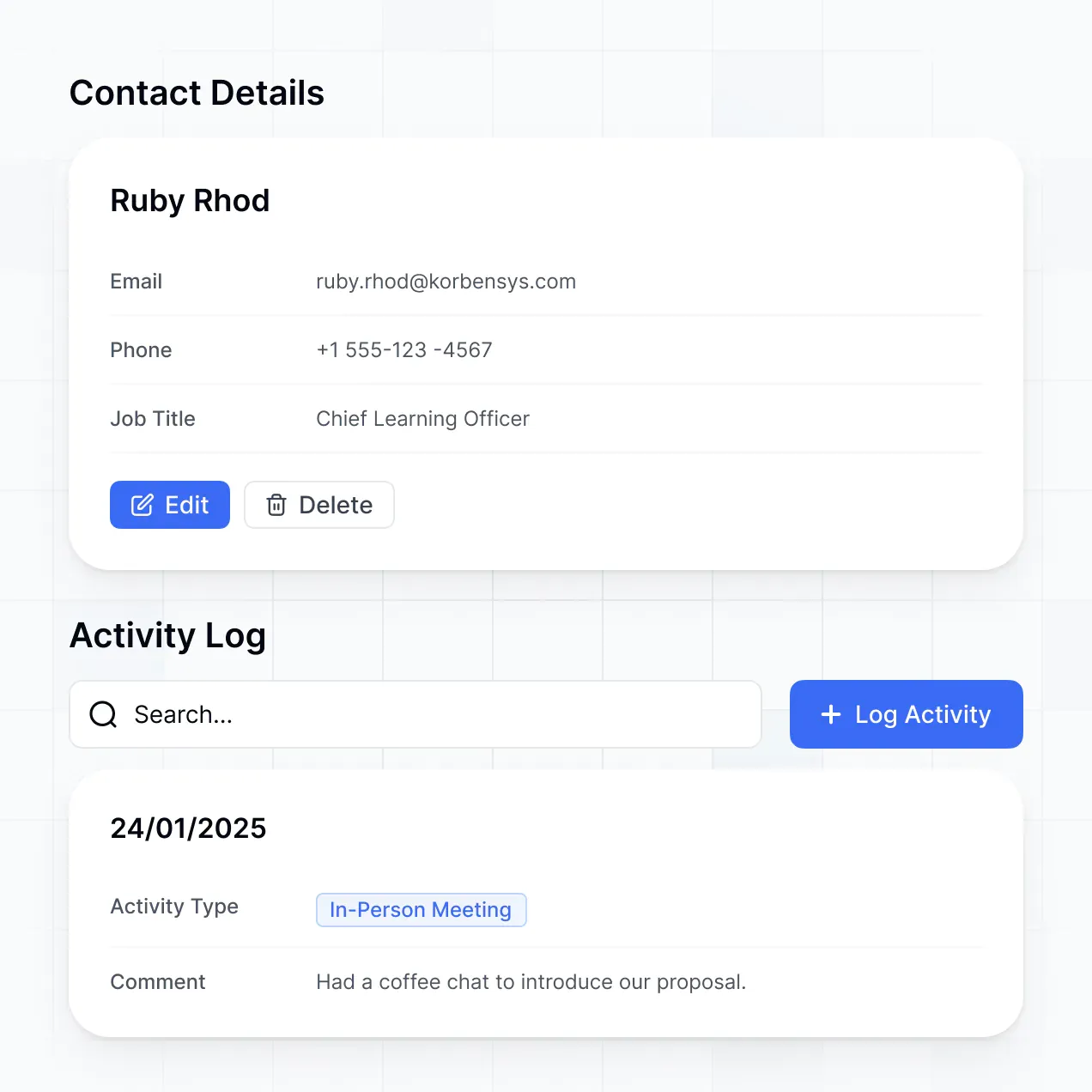
Create donor profiles with forms and keep contact details, communication history, and giving records together in Softr Databases. Use permissions to control which staff members can view or edit donor information.
Gift and pledge tracking
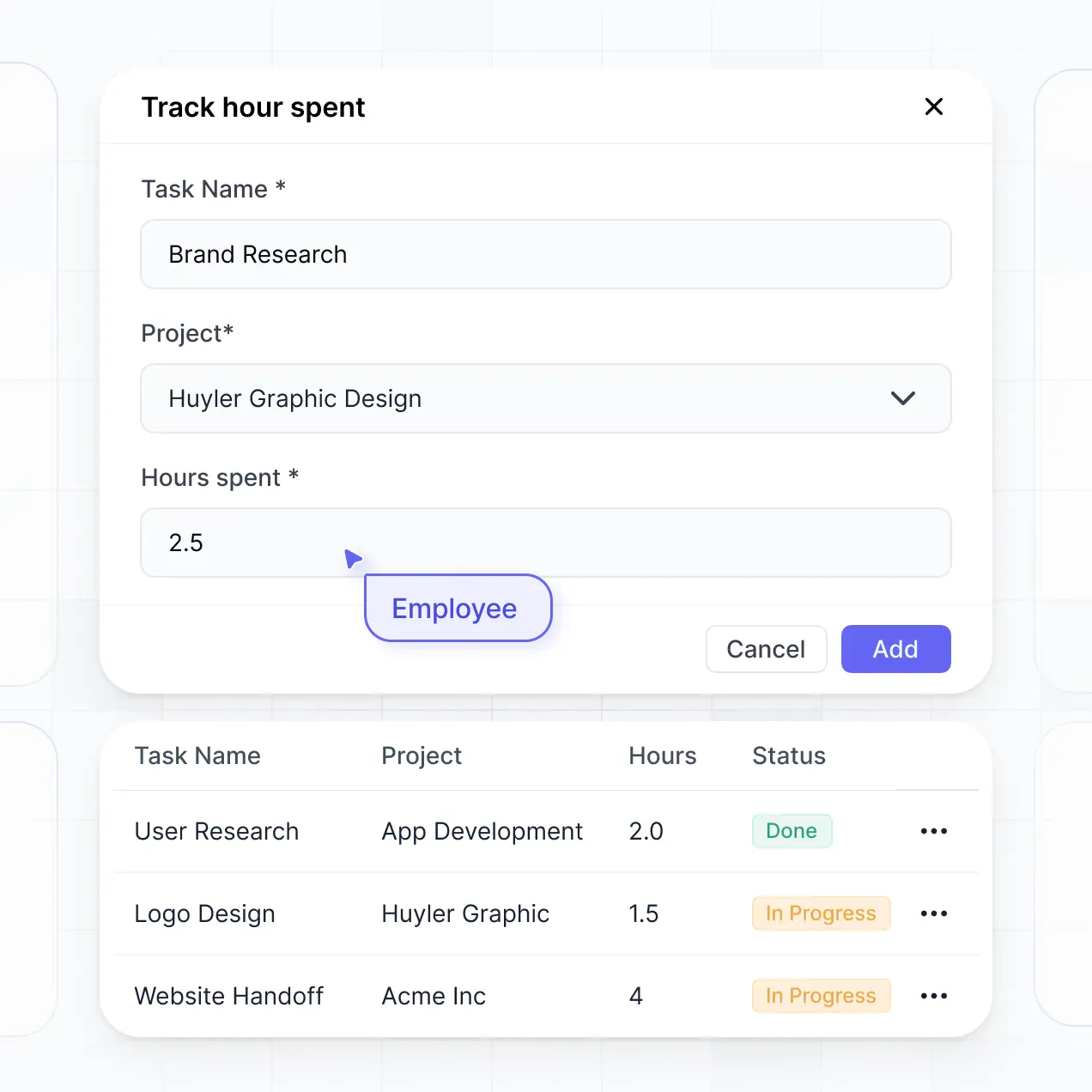
Record donations and pledges with amounts, dates, campaigns, and payment status. Use tables and filtered views to follow outstanding commitments and review giving history.
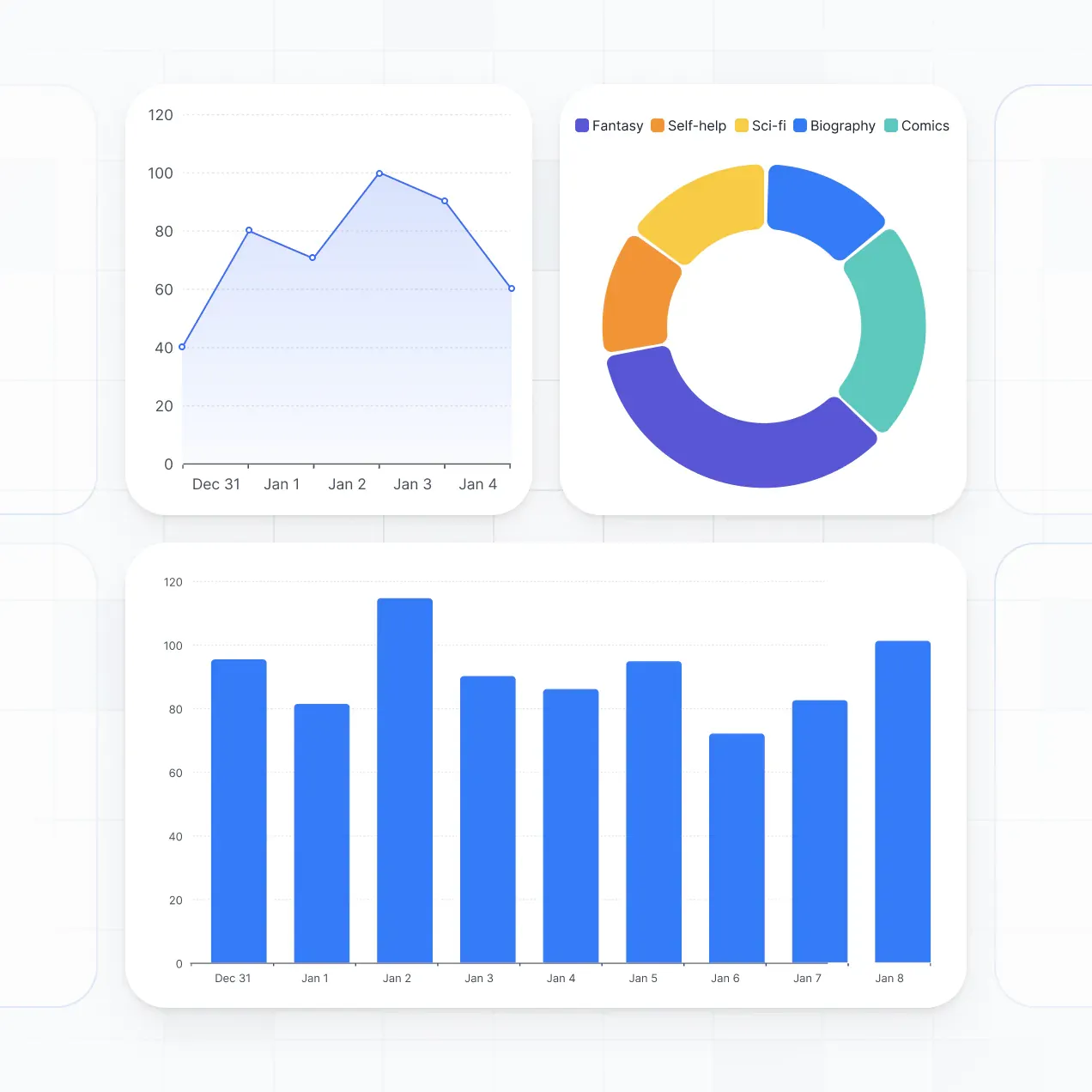
Campaign progress dashboard
Track fundraising campaigns with charts showing donation totals, pledge progress, and campaign performance. Give nonprofit staff a shared view of current results and targets.
AI donor segmentation
Use Database AI Agents to classify donors by giving frequency, donation amount, campaign interest, or engagement level. Store the resulting segments on donor records for targeted follow-up.
Ask AI fundraising queries
Let staff ask AI questions about donor records, such as which campaigns received the most gifts or which pledges remain open. Ask AI returns answers from the nonprofit’s connected data.
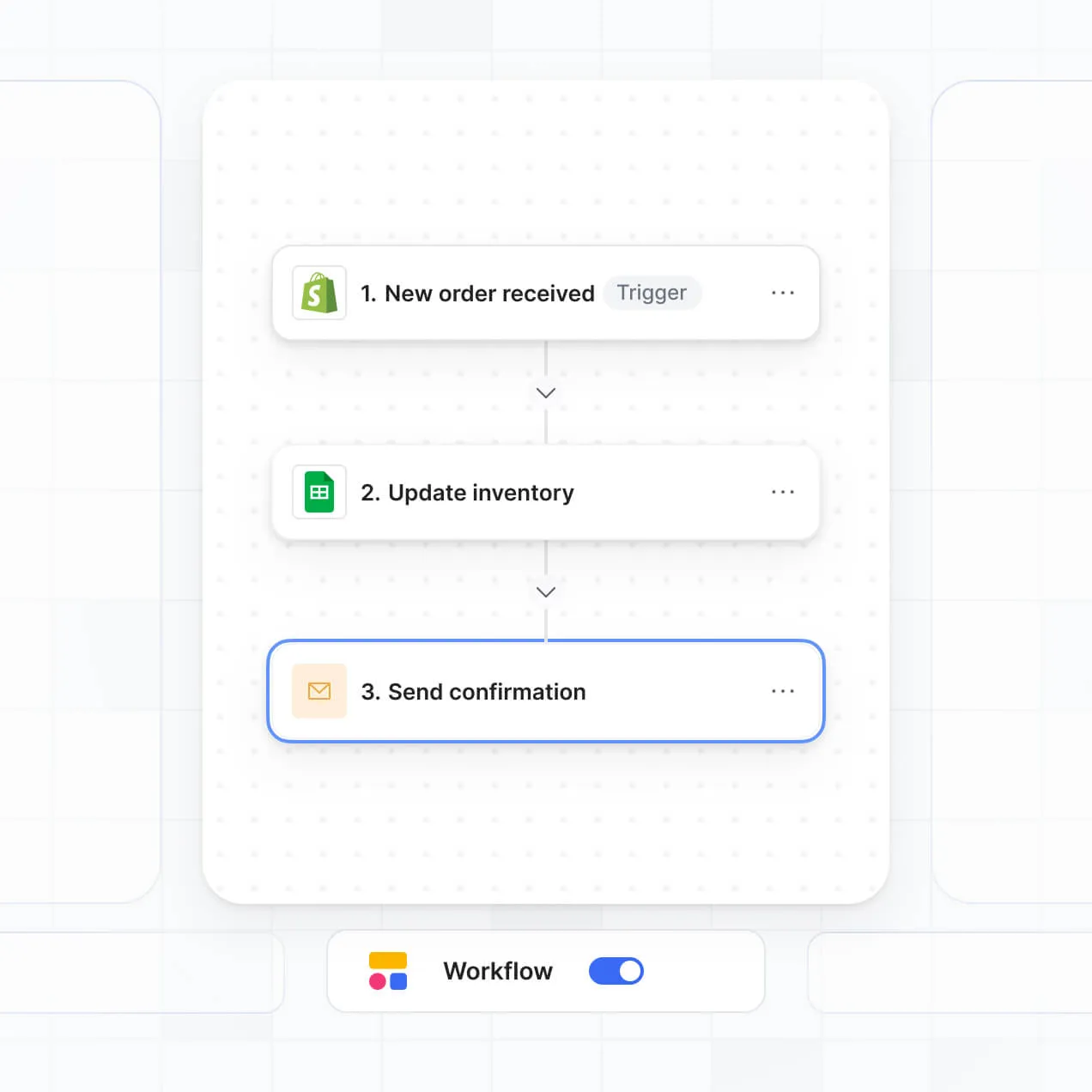
Donor follow-up workflows
Trigger Softr Workflows when a gift, pledge, or donor record changes, then create follow-up actions for the right staff member. Use forms and task views to record outreach and next steps.
Data Management
Bring donor data together in real time
Manage donor records in Softr Databases, or connect Airtable, Google Sheets, and Notion with real-time sync. Keep gifts, pledges, and campaigns in one source of truth.



Power
Custom access for every team, with built-in security.
Give fundraisers, finance staff, and nonprofit leaders the right views and access in a secure CRM. Set up logins, user groups, and permissions in minutes.
Why Softr
Why Softr vs other software
No more one-size-fits-all tools or costly custom builds. Softr is easy to use and fully customizable, so you can launch faster, adapt as you grow, and skip the complexity of traditional software.
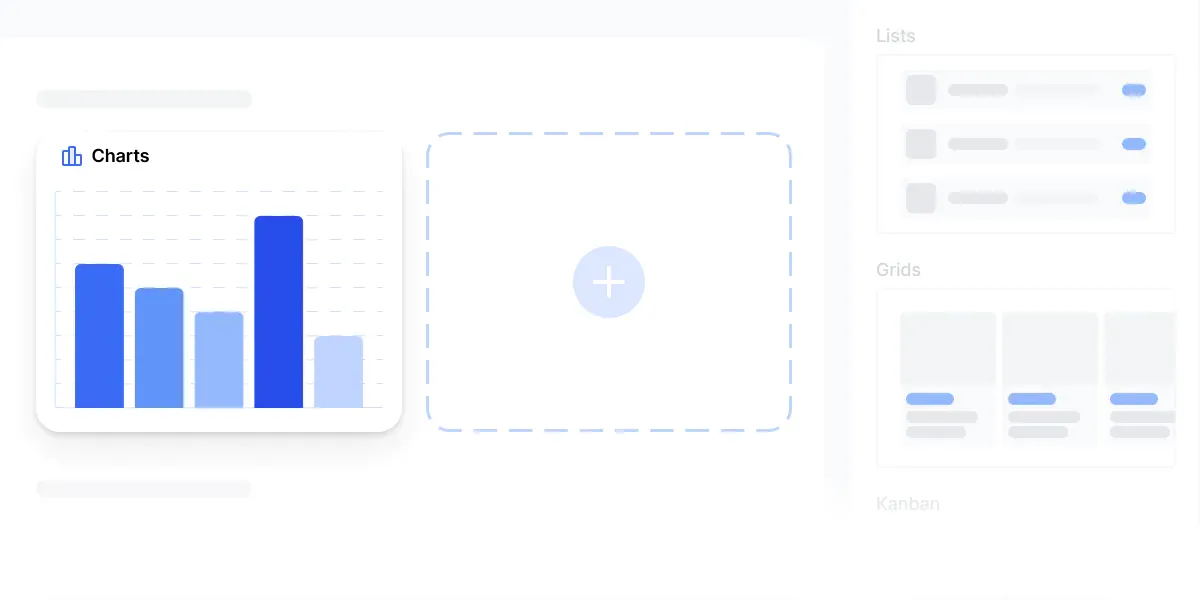
Easy, fast setup
Generate donor profiles, gift tracking, and campaign views in minutes, with no complex setup.
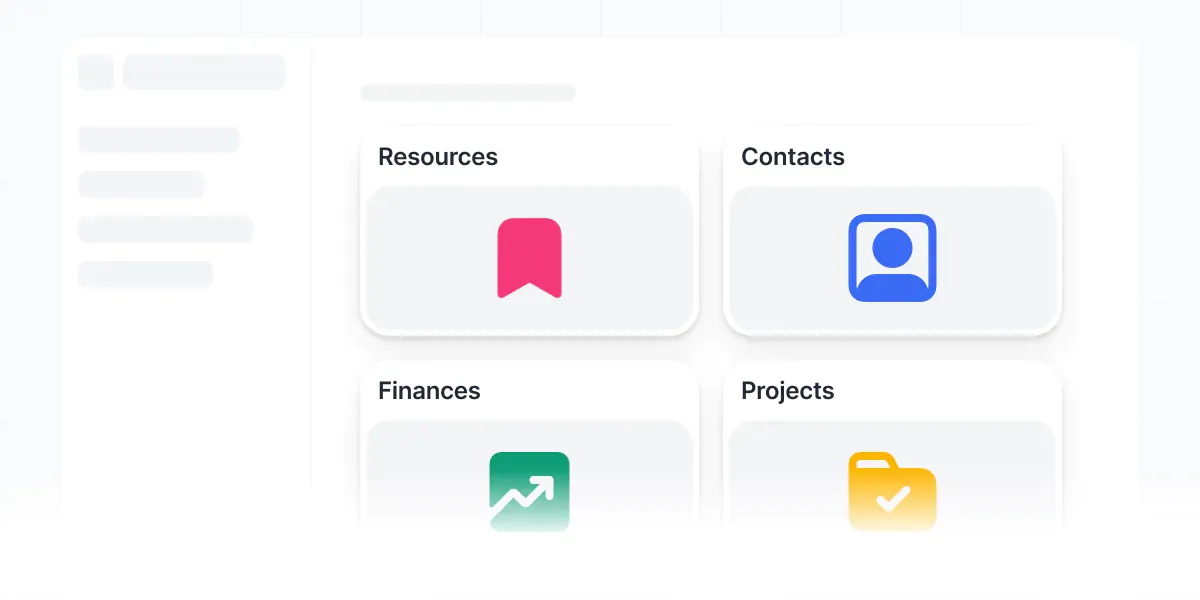
Consolidate your stack
Adjust donor segments, pledge workflows, and follow-ups as fundraising campaigns evolve.
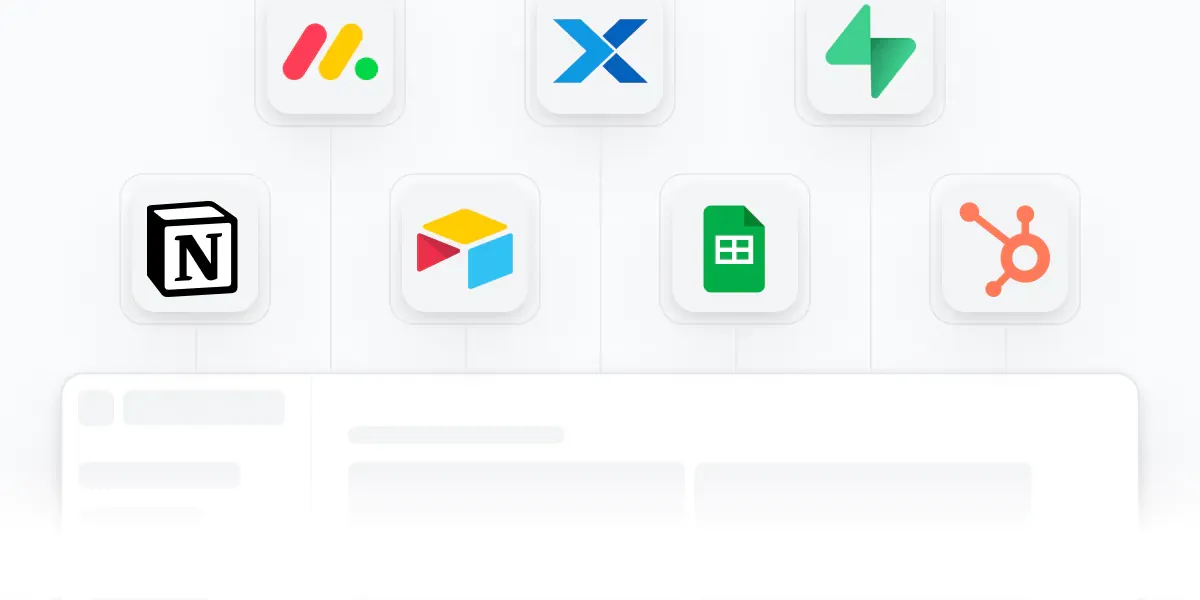
Flexible as you grow
Bring donor records, campaign dashboards, and fundraising workflows into one CRM.
How it works
Generate custom donor management in minutes
Simply describe what you need. Let Softr handle everything - Interface, database, workflows.
Control most critical parts of your app yourself, including: roles, permissions, and security.
Invite team members or external clients and partners right away. Build AI apps with no developer handover.
Customer Love
The go-to platform for business operations
Use drag-and-drop blocks to build a portal that looks sleek and modern out of the box. Add only the features you need, and iterate as your workflows evolve.
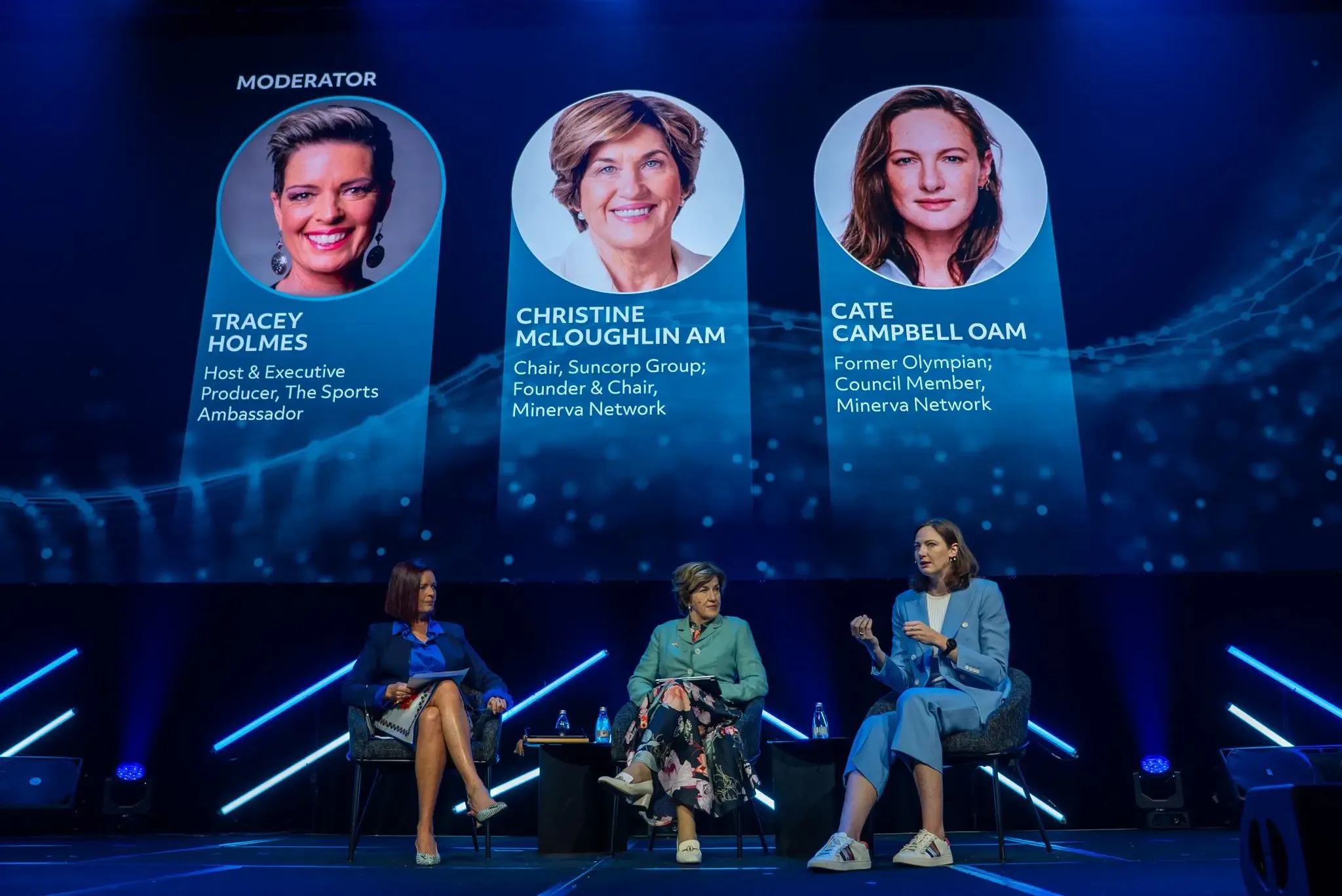

Minerva Network increased athlete registrations by 50% with a custom CRM and portal

Celonis built a GTM knowledge base for 1,500+ team members

Urban's Group increased productivity by 25% with a custom ERP system
Frequently asked questions
What is donor management?
Donor management is a secure space where fundraisers, development officers, and nonprofit leaders log in to manage supporter relationships. It can bring together donor profiles, donation history, campaign assignments, pledge updates, grant records, follow-up tasks, and communication timelines. Instead of searching through email threads and spreadsheets for a donor's latest gift or pledge status, your team works from one organized CRM with the records and updates each person needs.
What are the benefits of building donor management with Softr?
Fundraising teams get a shared view of donor relationships without waiting for a long CRM implementation. Softr is an AI app builder for business software. Describe your donor fields, campaign pages, pledge workflows, and reporting needs in plain language, and AI generates the database, pages, and logic, already connected and secure, with no code at any point. You can also start from a template or build from scratch, then move between AI generation and visual editing whenever you want.
Your records can run on Softr Databases or connect to external tools such as Airtable and Google Sheets, with HubSpot available as an additional source on eligible plans. You retain visual control over donor views, staff access, page layout, and your nonprofit branding.
What types of features can I build into my donor management?
A donor management CRM can support the work your development team handles every day, including:
- AI inside the app: Ask AI can answer questions such as which donors have not received a thank-you after a recent gift. Database AI Agents can classify donor interest, enrich organization records, or flag overdue pledge follow-ups.
- Custom components: A Vibe Coding block can create a campaign progress panel showing raised funds, pledge totals, and the remaining goal.
- Automations: Softr Workflows can create a stewardship task when a donation record changes, or notify a relationship manager when a major gift is logged.
- Access control: Fundraisers can see assigned donor records while finance staff access gift and reconciliation fields.
- Forms: Add donation follow-up forms, meeting notes, file uploads, and conditional questions for grant or pledge records.
- Reporting and navigation: Build dashboards and charts for campaign performance, filtered lists, tables, kanban boards, and detail views for donor profiles.
Everything uses drag-and-drop blocks and remains editable later.
How can I "vibe code" a donor management with Softr?
Vibe coding means describing what you want and letting AI build it. For donor management, you might request a CRM with donor profiles, gift history, pledge tracking, campaign ownership, and a thank-you workflow. Softr creates the app on a stable, secure foundation, handling authentication, database logic, and security natively. That contrasts with tools that output raw code your team must maintain when a donation field changes or a staff role is added.
The result is speed without the Day Two problem of a fragile fundraising system. When a Vibe Coding block powers a campaign summary or donor health panel, every prompt and edit is versioned, so you can roll back a change that disrupts gift reporting instead of trying to re-prompt your way out of it.
Can I manage multiple clients or teams in the same donor management?
Yes. One app can separate development officers, grant managers, finance staff, and executive leaders by login and role. Each fundraiser can see assigned donors and campaign tasks, while finance sees gift and pledge records and executives see portfolio summaries. The same CRM keeps those teams aligned without exposing every donor profile or financial field to everyone.
Can I use Softr if I don't already have my data in another tool?
You do not need an existing database to begin. If your donor information is currently spread across a spreadsheet, email inbox, and campaign notes, you can structure donor profiles, gift history, pledges, and follow-up tasks in Softr Databases, which is built into the platform. It is the recommended starting point for a native relational CRM.
If records already live elsewhere, Softr can connect to Airtable, Google Sheets, HubSpot, Notion, Coda, monday.com, Supabase, and SQL sources, with availability depending on the plan. The REST API connector covers other systems. Either way, you decide how donor data is organized, filtered, and displayed to fundraisers, finance staff, and leadership.
Which data sources does Softr support?
Softr Databases comes first because it is the native relational source built for business apps. Donor profiles, gift records, pledges, campaigns, and stewardship tasks run natively with high performance and instant automation triggers, without an external API in the way.
Softr also connects to 21+ external data sources, including Airtable, Google Sheets, SmartSuite, HubSpot, and BigQuery. A fundraising CRM can draw on several sources at once, such as donor profiles in Airtable and campaign figures in Google Sheets. Most supported sources offer real-time two-way sync, so updates to donor assignments or gift records can flow between the connected system and the Softr app.
Can I customize the user experience and permissions?
Fundraising teams can control layout, navigation, content, and access at a detailed level. For example, development officers can view and edit their assigned donor profiles, communication notes, and follow-up tasks, while finance staff can access gift amounts, payment status, and pledge records but not private relationship notes. Pages and blocks can be shown or hidden based on the logged-in user, and views can filter automatically to each fundraiser's donor portfolio.
Softr also supports precise view and edit rights. Before publishing, use the built-in preview to open the CRM as a development officer or finance user and confirm who sees each donor field, campaign, and action. No test accounts are required.
Can I white-label my donor management in Softr, including using my own branding?
Yes. Apply your nonprofit's logo, colors, fonts, and custom domain, then remove Softr branding. That gives donors, development officers, board members, and partner organizations a consistent experience when they view campaign records, stewardship updates, or gift reports in the CRM.
Can I customize the design and layout of my donor management?
Fundraising staff can adjust colors, fonts, spacing, page structure, navigation, and the information shown at login. Choose blocks that match each part of the donor workflow:
- Table: Review gift history, pledge installments, campaign assignments, or thank-you status.
- List or Card: Give fundraisers a quick view of donor portfolios and upcoming follow-ups.
- Detail View: Show a complete donor profile with contact details, relationship notes, and giving timeline.
- Forms: Capture meeting notes, new prospects, pledge updates, and stewardship requests, with file uploads or conditional questions.
- Charts: Track campaign totals, recurring gifts, donor retention, or open tasks.
- Calendar: Coordinate cultivation meetings, grant deadlines, and donor stewardship events.
You choose which blocks appear on each page and can edit the layout later in the visual builder.
How secure is my data in Softr apps?
Donor management often contains sensitive records, including gift amounts, pledge commitments, contact details, and relationship notes. Softr encrypts data in transit with TLS and at rest on secure infrastructure. Role-based permissions, users managed in your data source, visibility rules, and global restrictions help ensure that a fundraiser sees the right donor portfolio without automatically seeing finance fields or another officer's private notes.
With Softr Databases, donor records sit in Softr's secure environment, hosted in Europe, Germany, and the database is SOC 2 Type II compliant. If you use an external source, Softr stores nothing there and displays the live donor data according to your access settings. Authentication, access control, and monitoring follow industry best practices.
Is the AI-generated donor management production-ready or just a prototype?
It is production-ready for real fundraising operations, where development officers manage active donor portfolios, finance staff reconcile gift records, and missed pledge updates can affect revenue. Many AI tools vibe code fragile custom software that becomes difficult to maintain or secure. Softr instead builds donor management on a stable business-grade foundation with authentication, secure hosting, and granular permissions handled natively.
That foundation addresses the Day Two problem. Your team can give real users access to donor profiles, campaign records, stewardship tasks, and gift history from the start, then refine the CRM visually as requirements change. Softr is used by over 1 million builders, providing evidence that the same foundation supports work beyond a one-off prototype.
How is Softr different from other no-code tools?
Traditional no-code tools can require manual configuration for donor tables, staff roles, permissions, and workflows. Pure vibe coding tools take the opposite approach, generating fragile code that can be difficult to secure when gift fields, campaign rules, or fundraiser assignments change. Softr combines both paths: describe a donor CRM in plain language, generate the database, app, and logic in minutes, then refine donor profiles, campaign dashboards, and access rules visually.
The business-grade foundation already includes authentication, roles, permissions, and hosting, so non-technical teams can move from an initial fundraising workflow to production without rebuilding the basics. Softr apps are also agent-ready through MCP. A logged-in user can operate donor records through an AI assistant only within the actions and records their existing user group permits. There is no second permission model to build or audit.
Can I automate workflows and integrate with other tools?
A useful first automation is creating a stewardship task when a new gift or pledge record is added, so the assigned fundraiser can follow up without checking a spreadsheet. Softr Workflows runs native automations when a donor record changes or a user clicks a button. You can also sync with tools such as Stripe and Intercom, send campaign or gift data to another system, and use REST API connections or webhooks for advanced cases.
That covers actions such as triggering a thank-you process, updating a pledge status, notifying a relationship manager, or displaying donor details from another tool. These workflows and integrations can be set up without code.
Your AI donor management CRM, ready today
Manage donor records and fundraising follow-ups in one CRM, live in minutes with no dev work.