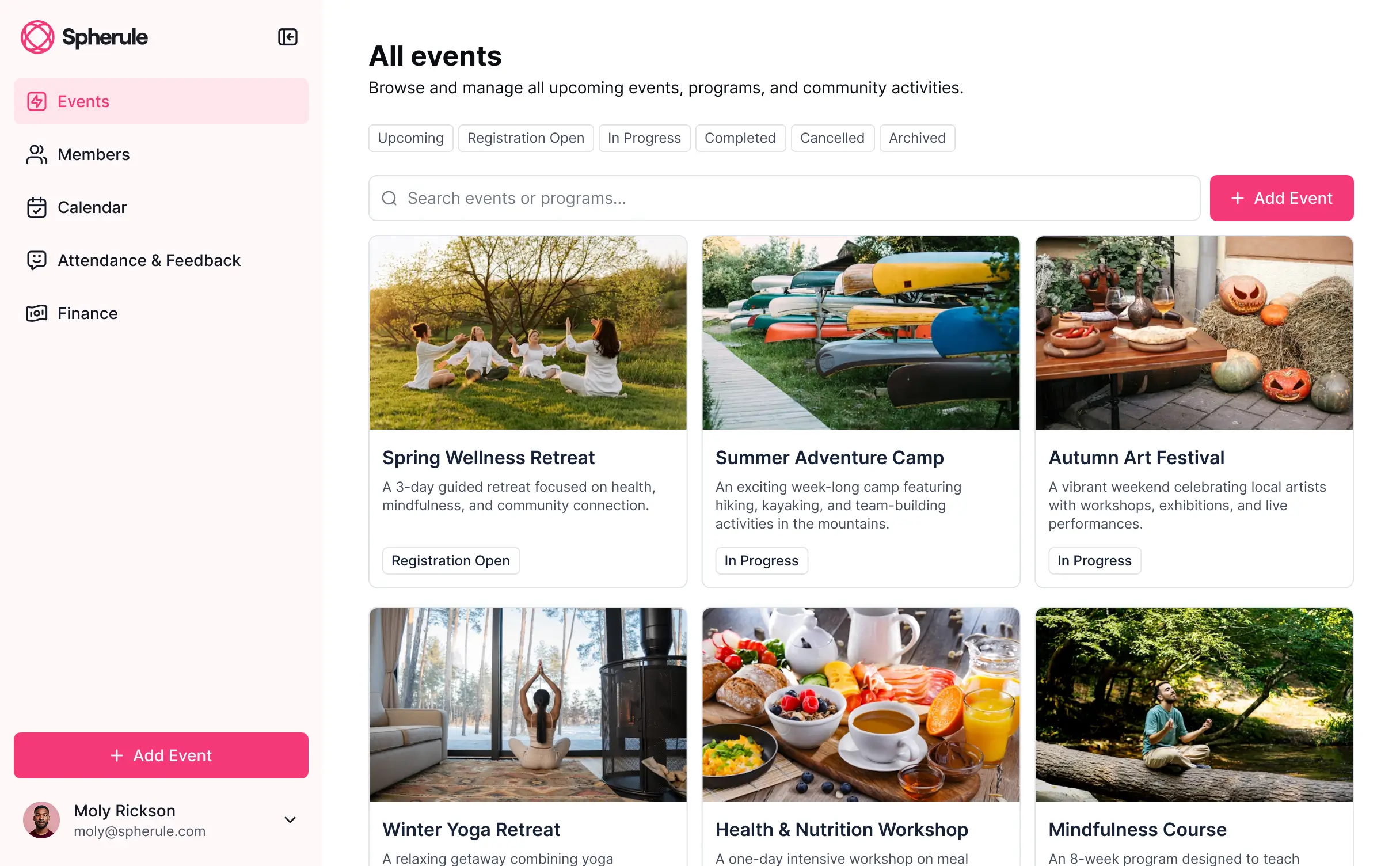
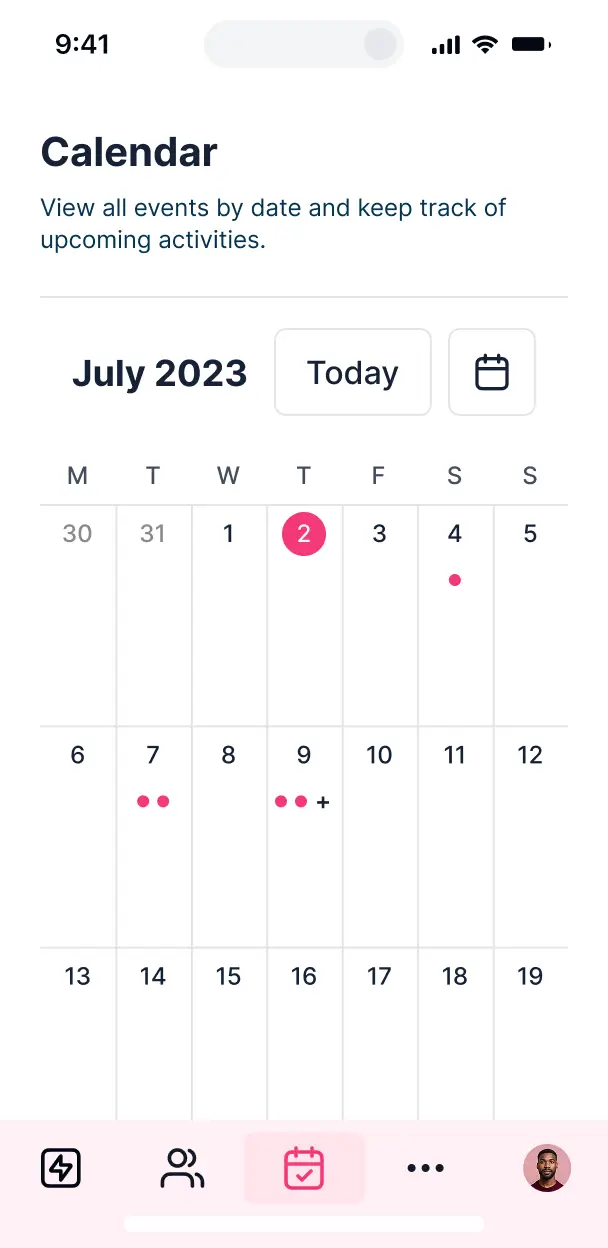
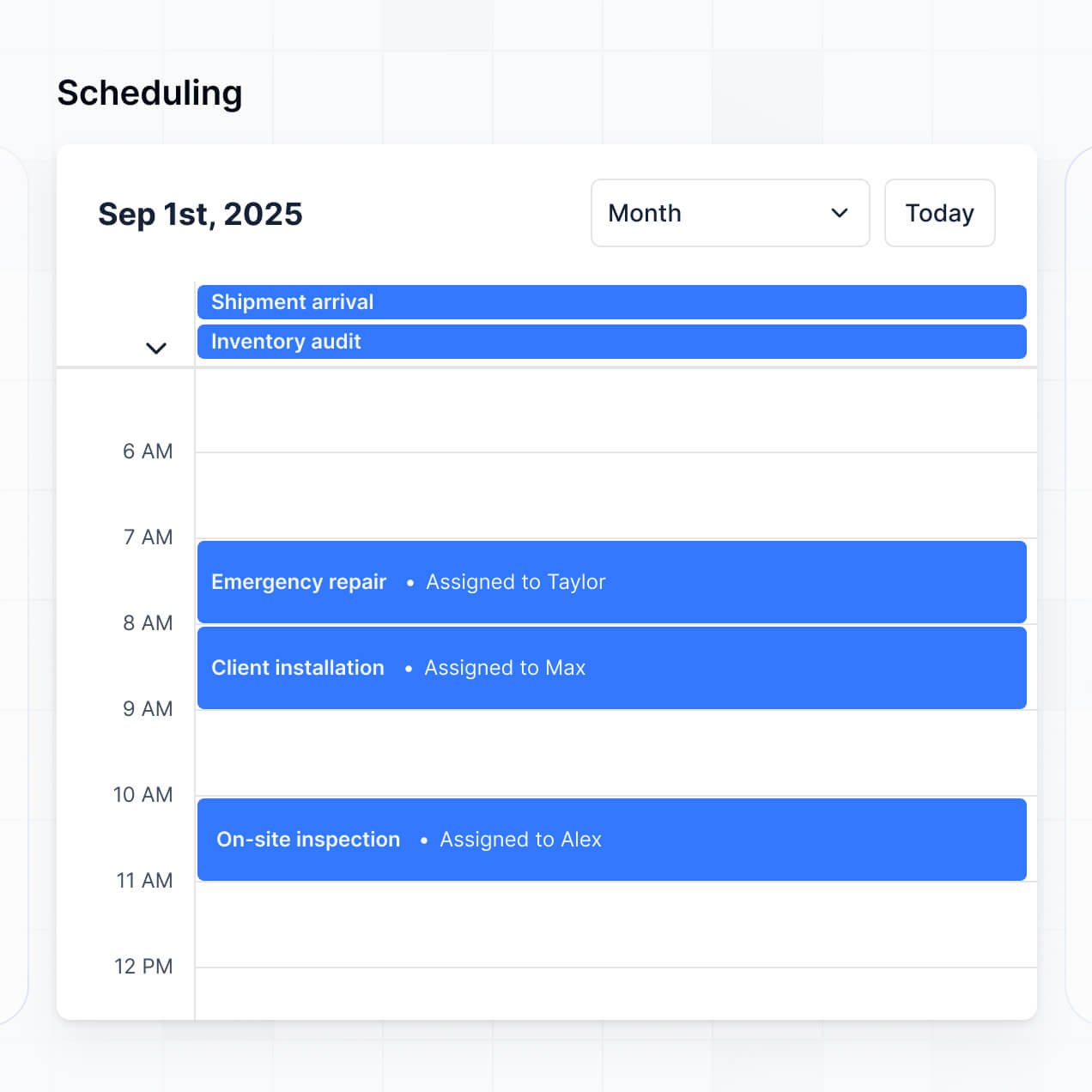
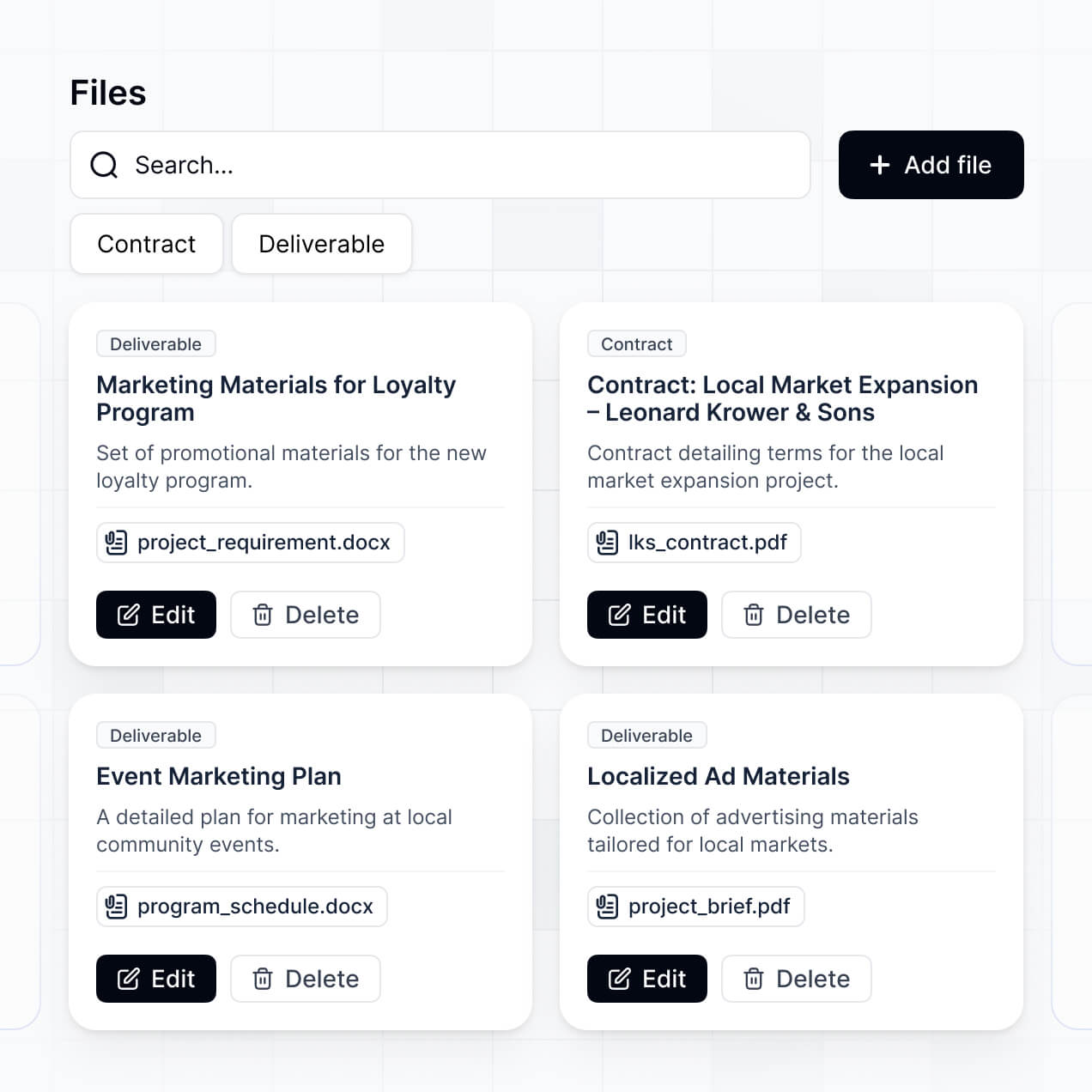
Plan schedules, manage speakers, and track sessions in an AI-powered system built with AI you customize to fit your event's workflow.


Customize your event itinerary builder setup with the exact steps and views your team needs. Add features as processes evolve—no code needed.


Connect session lists, speaker databases, and venue slots with real-time sync—or manage everything in Softr Databases. Create a single source of truth for your business.
Give each user the right views and access in a fully branded portal. Set up secure logins, user groups, and permissions in minutes for your event attendees and speakers.
Softr apps are mobile-ready by default. Turn your itinerary into a downloadable app in one click with Softr's PWA so attendees can access schedules on the go from any device.
Build native automations with Softr Workflows to handle schedule changes, speaker notifications, and booking updates automatically whenever session records are modified.
Provide separate logins for VIPs, speakers, and general attendees, and create personalized itineraries for each user group based on their ticket type or role.
Apply rules for different user groups. Customize who can edit session details or view specific meetings, ensuring speakers manage only their own profile and agenda.
Protect attendee and speaker information from security threats. Softr is fully compliant with SOC2 and GDPR regulations to ensure your event data stays private.
No more one-size-fits-all tools or costly custom builds. Softr is easy to use and fully customizable, so you can launch faster, adapt as you grow, and skip the complexity of traditional software.

Build your event itinerary builder in minutes with AI—no manual setup or complex configuration needed.

Add features like speaker portals, booking flows, or live notifications as your events grow—no rebuild needed.

Start with a schedule, then add registration forms, dashboards, or portals—all in one place, with no extra tools.
Co-build with AI
Simply describe what you need. Let Softr handle everything - Interface, database, workflows.
Iterate with AI or visually
Control most critical parts of your app yourself - roles, permissions, security.
Ship the same day
Invite team members or external clients and partners right away. No developer handover.
Use drag-and-drop blocks to build a portal that looks sleek and modern out of the box. Add only the features you need, and iterate as your workflows evolve.




An event itinerary builder is a digital workspace where event planners, travel agents, or coordinators can organize and share detailed schedules, session times, and logistics. It provides a central hub for attendees or staff to access real-time agendas, speaker bios, and venue maps, eliminating the need for static PDFs or confusing email threads. This ensures everyone stays on schedule and significantly improves the attendee experience.
Softr is the first AI-native platform for building scheduling software, making it easy to create an event itinerary builder that matches your specific production needs. You can describe your event structure to the AI Co-Builder to instantly generate your session database, daily schedule pages, and attendee login logic—all fully connected and secure.
You don't need any coding skills. You can generate your app with AI, select a template, or build from scratch visually. Your data can live in Softr Databases—our high-performance native database—or you can sync with tools like Airtable, Google Sheets, or HubSpot. You maintain total control over the itinerary layout, branding, and visibility, allowing you to scale from a small workshop to a multi-track international conference seamlessly.
You can include a variety of features in your builder to handle complex scheduling and attendee engagement. A high-quality event itinerary builder combines scheduling tools with AI intelligence:
- AI-Powered Intelligence – Use Ask AI to let attendees query the schedule via chat, or use Database AI Agents to automatically categorize sessions by topic or generate speaker introductions.
- Vibe Coding Blocks – Create custom interactive elements, like a specialized session feedback widget, using the AI Code block to build exactly what your event requires.
- Softr Workflows – Set up automated reminders that trigger push notifications or emails 15 minutes before a session starts or when a room assignment changes.
- Attendee Portals & Logins – Ensure VIP attendees see exclusive tracks while general admission users see the main schedule.
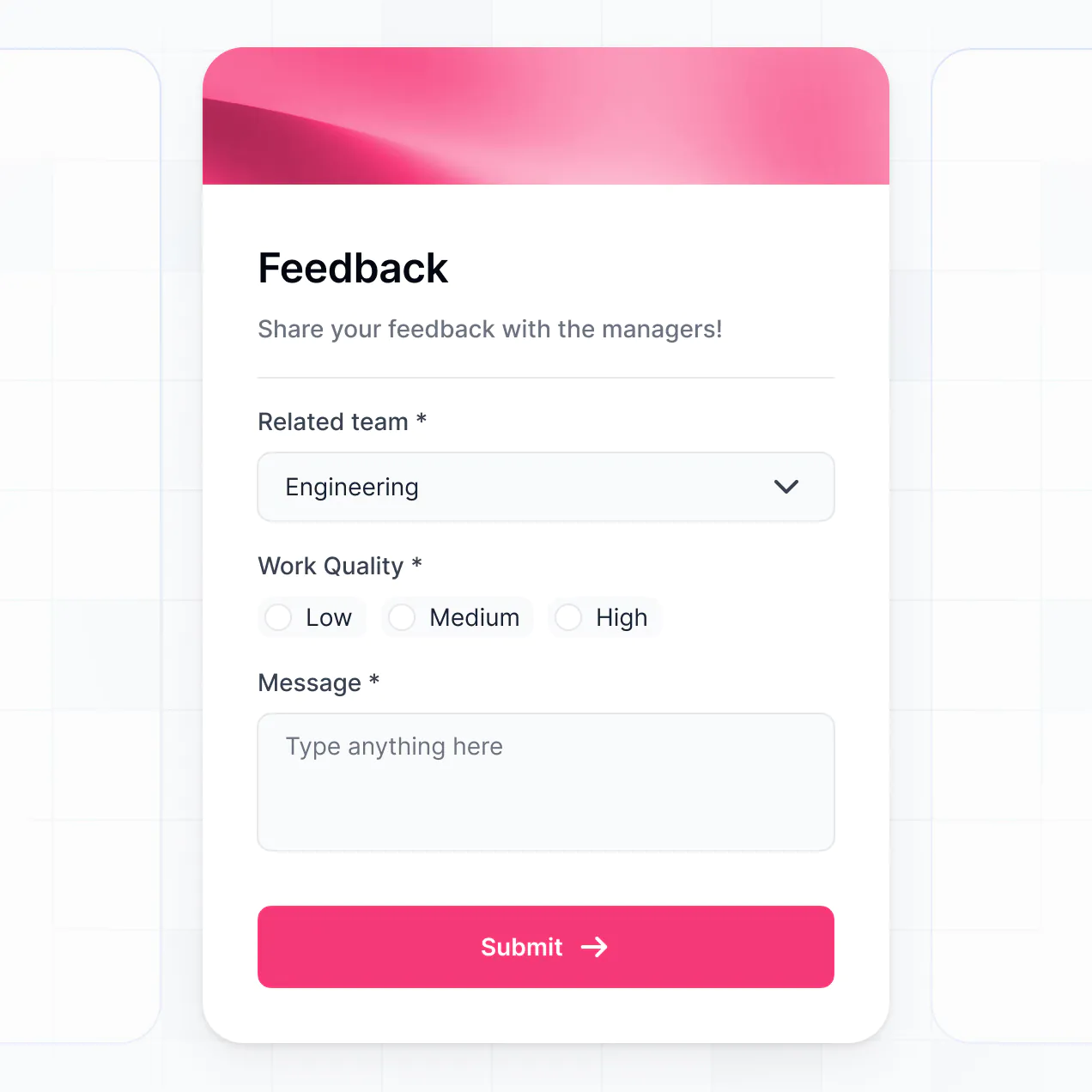
- Forms & Feedback – Collect session ratings, meal preferences, or check-in data with custom forms and document uploads.
- Schedule Dashboards – Track session popularity and registration numbers with real-time charts.
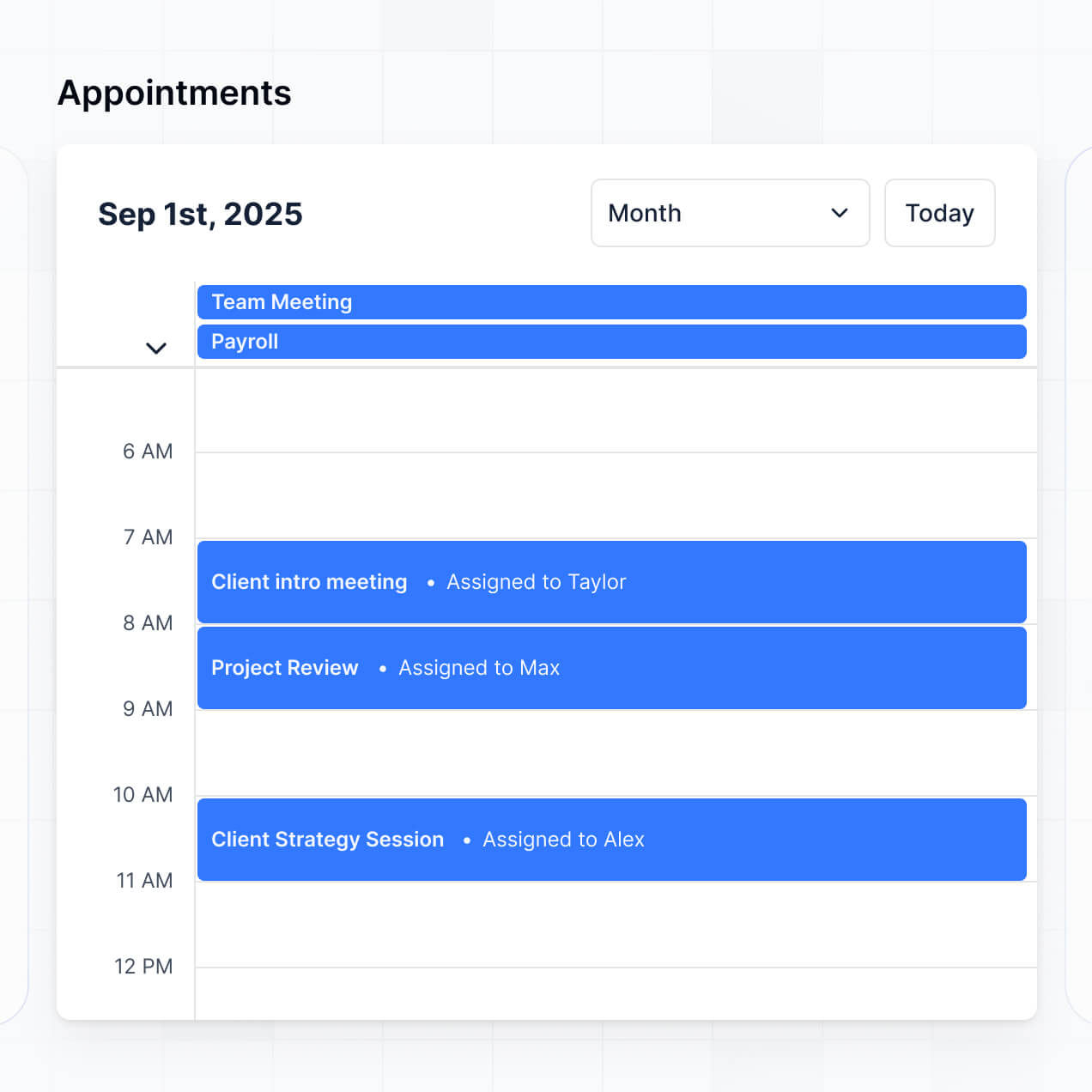
- List & Calendar Views – Toggle between a searchable list of workshops and a visual calendar or Kanban board of the event timeline.
Everything is drag-and-drop, and if you need a unique design, you can use the Vibe Coding block to generate it with AI.
Vibe coding allows you to build sophisticated event tools at the speed of thought. You can "vibe code" an event itinerary builder by describing the user flow—such as "a schedule where attendees can book sessions and see speaker details"—to the AI Co-Builder. Softr then generates a structured application with a live database and functional pages.
While other tools provide unstable, raw code, Softr manages the underlying infrastructure like attendee authentication, schedule logic, and data security. You get the agility of AI generation without the risk of managing a fragile codebase. You describe the vision, Softr creates the app, and your event staff can start adding sessions immediately.
Yes. You can manage multiple conferences, festivals, or teams within one app. By utilizing login-based access and roles, you can ensure that Team A only sees the logistics for the 'Tech Summit' while Team B manages the 'Marketing Awards.' This is perfect for event agencies or corporate coordinators handling a busy annual calendar with various stakeholders.
Absolutely. You don't need a pre-existing spreadsheet to start your event itinerary. If you are starting fresh, you can use Softr Databases to build your session lists and speaker rosters directly within the platform.
If you do have data in Airtable, Google Sheets, or SmartSuite, you can easily connect those. You even have the option to use the REST API to pull in speaker data from external websites. You have total flexibility over how your event information is structured, stored, and displayed.
Softr Databases is the recommended choice for an event itinerary builder. It offers the speed and performance needed for live events where schedule changes must be reflected instantly for thousands of attendees.
We also support over 17 external sources if your event details are already in Google Sheets, Airtable, HubSpot, or BigQuery. You can even mix and match sources—storing your core schedule in Softr Databases while pulling lead data from HubSpot. All changes sync in real-time, ensuring your attendees are never looking at an outdated agenda.
Yes, Softr provides granular control over how attendees interact with your itinerary. You can customize the look and feel to match your event's theme. Pages and schedule blocks can be hidden or revealed based on a user's registration type—for instance, only showing 'Backstage' schedules to staff and 'Workshops' to ticket holders.
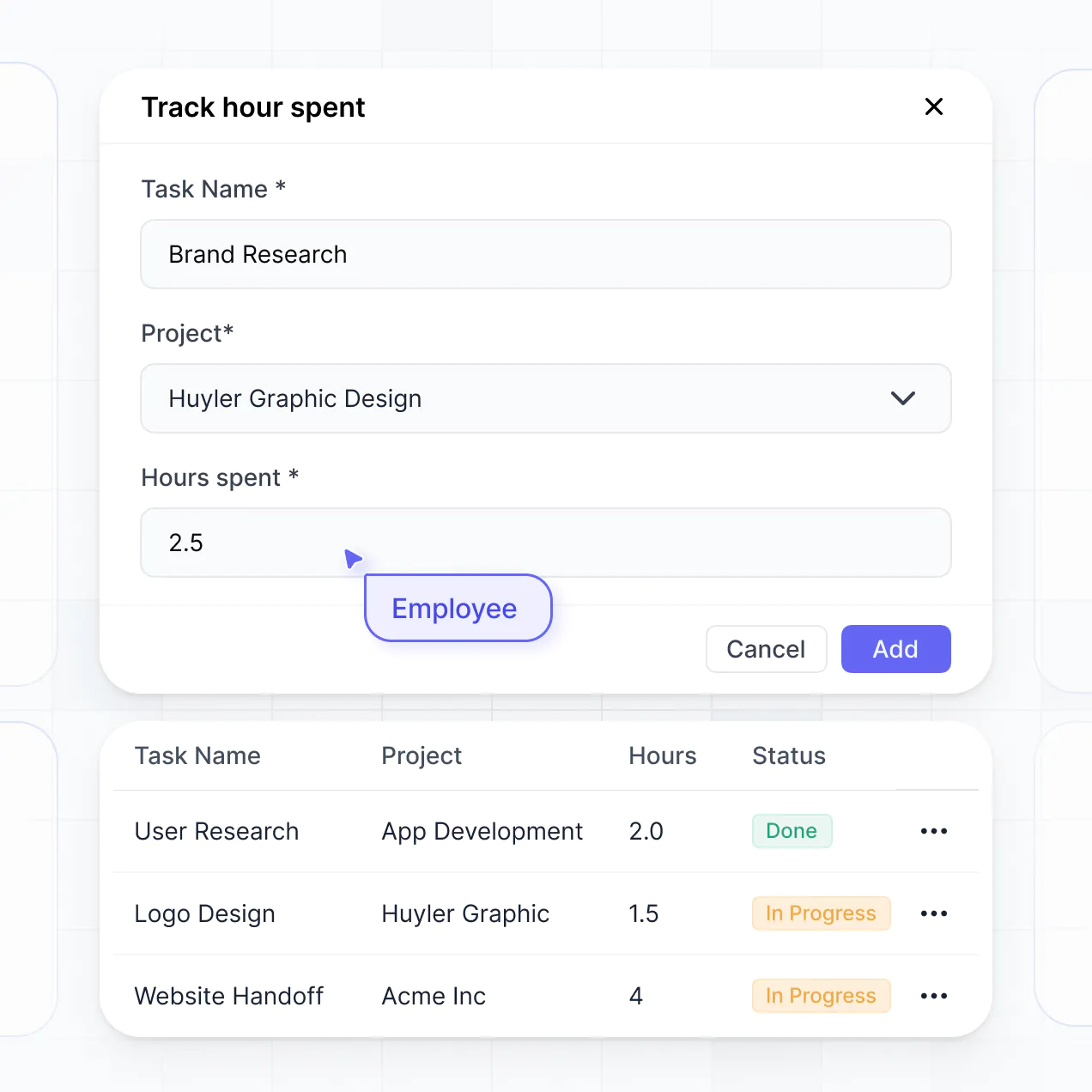
You can define roles like Speaker, Staff, and Attendee. Speakers could have permission to edit their own session descriptions, while attendees have a view-only experience. This ensures your data remains secure while providing a personalized, clean interface for every participant.
Yes, you can fully white-label your event itinerary builder. You can incorporate your event’s logo, specific brand colors, and custom fonts. By using a custom domain (e.g., app.yourconference.com) and removing all Softr branding, you create a professional, integrated mobile experience that stays consistent with your event's marketing materials.
Yes, Softr offers extensive flexibility for designing your event platform. You can modify every aspect of the layout, from navigation menus to the density of the schedule view. You choose which functional blocks appear on the user's dashboard based on their needs.
To organize your event information, you can use:
- Table or List blocks – Perfect for displaying a searchable agenda or session list.
- Calendar blocks – To give attendees a visual overview of the week's events.
- Detail Views – To showcase deep dives into speaker profiles or session takeaways.
- Custom Forms – For gathering event check-ins or live polling.
- Charts – For organizers to monitor ticket sales or attendance trends.
If the schedule changes mid-event, you can update it instantly using the visual builder without needing a developer.
Security is a priority for any event with attendee data. Softr encrypts data in-transit and at-rest, and apps are hosted on reliable infrastructure. You control exactly who sees what; you can restrict sensitive documents or VIP schedules using robust role-based permissions.
If you use Softr Databases, your attendee information is stored in a secure SOC 2 Type II compliant environment in Germany. If you prefer to keep your data in a tool like Airtable or SQL, Softr simply acts as a display layer and does not store the data itself. You manage the visibility and edit rights, ensuring your event’s internal logistics remain private.
It is fully production-ready. While other AI tools produce disconnected code snippets, Softr builds your event itinerary on a high-performance, professional engine.
We provide native handling of authentication, attendee roles, and secure hosting out of the box. This overcomes the usual 'Day Two' hurdles of AI apps; you get an instant itinerary that is scalable enough to handle massive traffic on event day without requiring you to manage complex underlying code.
Softr is the first AI-native business software platform. Unlike traditional scheduling tools that are rigid or custom coding that is slow, Softr’s AI Co-Builder creates a custom app structure in minutes that is actually ready for use.
It offers a unique hybrid advantage: use AI to generate the core database and pages, then use the visual builder for pixel-perfect brand adjustments. You gain the speed of AI generation with the security and reliability of a platform that already handles authentication and complex permissions natively. It's built for event teams who need to go live today.
Yes. Softr allows you to connect your event itinerary builder to your entire tech stack. You can use Softr Workflows to automate session reminders or integrate with Stripe to handle on-site ticket upgrades. Integration with Intercom allows for live attendee support within the app.
You can also use webhooks or the REST API to sync with badge-printing software or email marketing tools. Whether you need to trigger a 'Thank You' email after a session or sync new registrants from your website, you can build those automated bridges without writing code.
Go from idea to live scheduling software in under an hour. Build and customize with AI, no code needed.