


The AI ticketing system for your team
Resolve requests faster with ticket triage, queue assignment, and status updates that fit the support teams handling every issue.
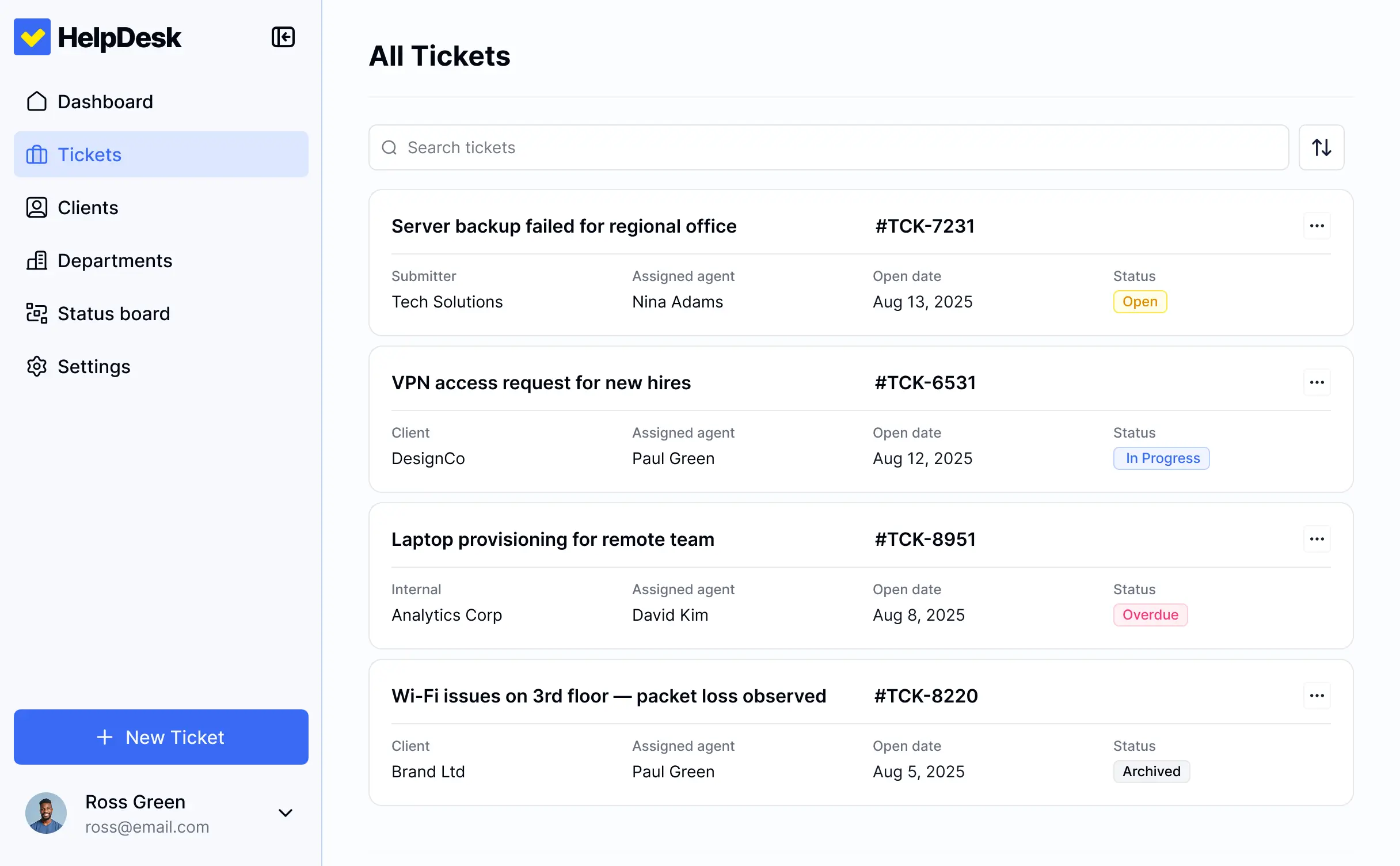
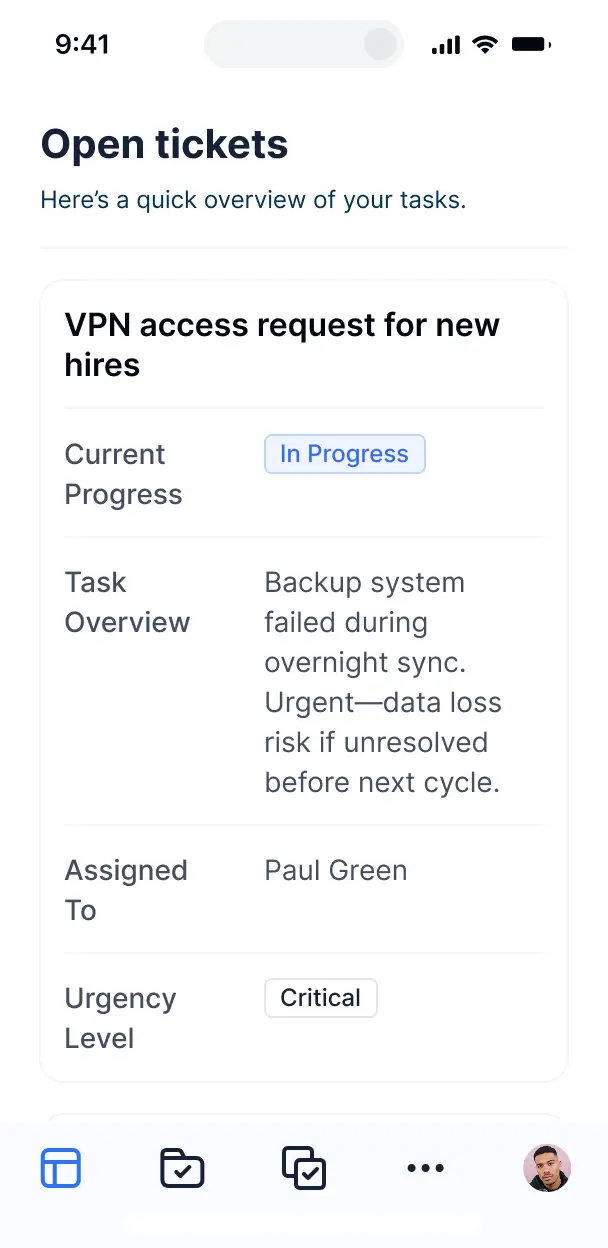










Ticket queues that fit your process
Choose the views and workflows your ticket queues require. Customize them now, then adapt routing and status steps later as processes change.

New ticket submission

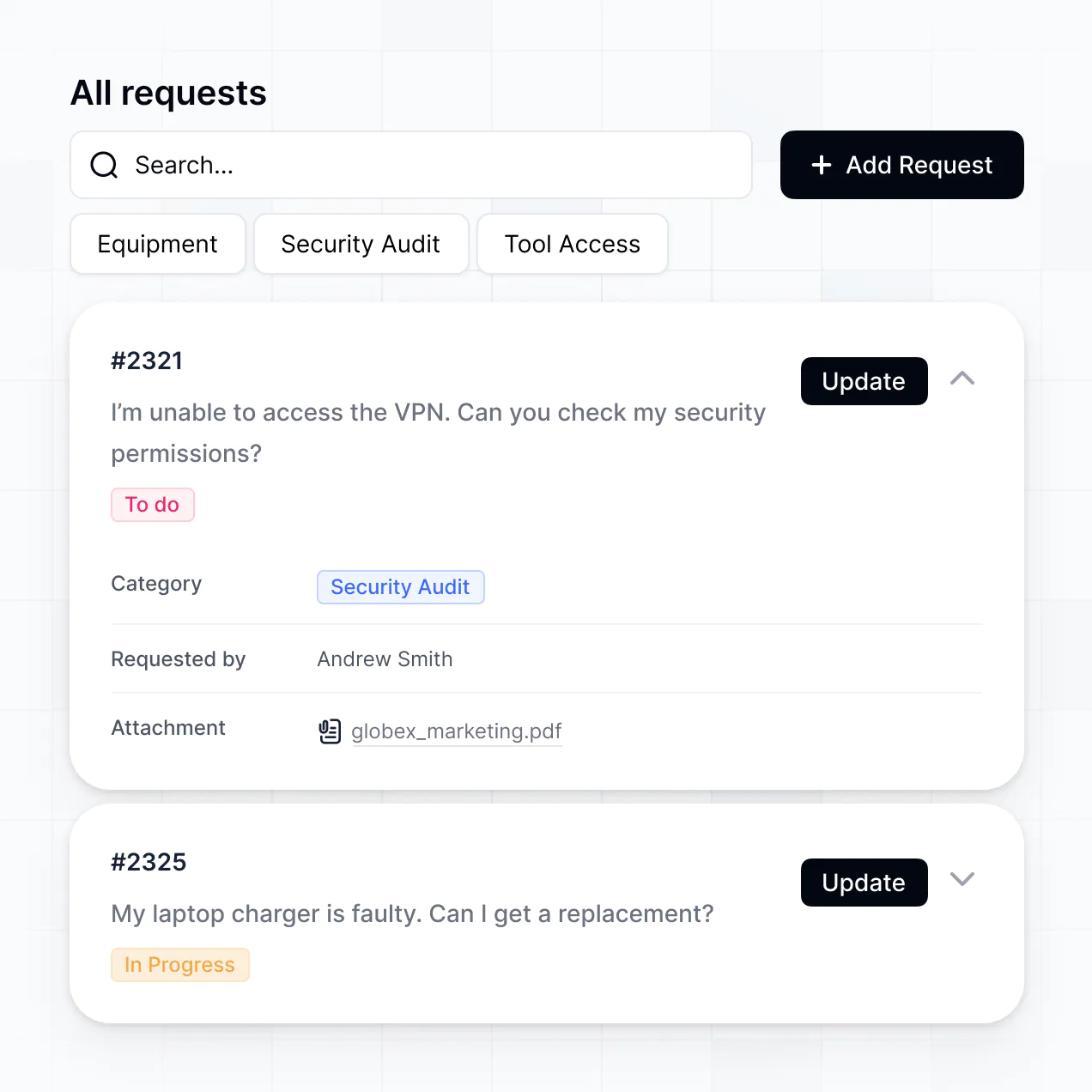

AI ticket triage


Support queue assignment
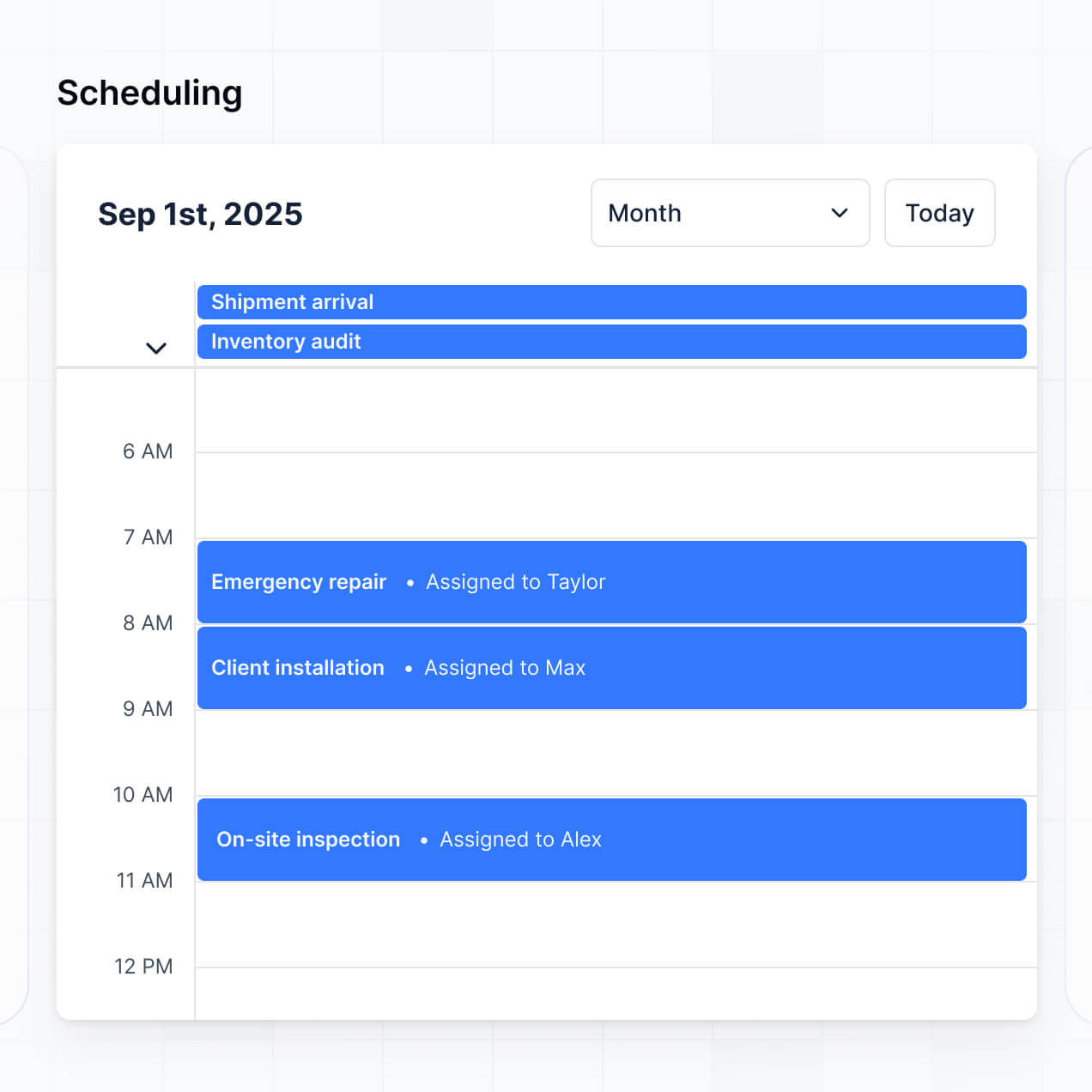

Ticket status updates


Requester ticket portal

Support trend analysis


Bring all your ticket data together
Connect Airtable, Notion, Google Sheets, or other systems with real-time sync, or manage everything in Softr Databases. Keep ticket records in one source of truth.


Custom access for every team, with built-in security.
Give each teammate the right tools and access. Set up secure logins, user groups, and granular permissions for support operations.

Advanced permissions
Give agents, managers, and requesters tailored dashboards and ticket access based on their role.

User groups
Give agents, managers, and requesters tailored dashboards and ticket access based on their role.

Automations
Trigger status updates, queue assignments, notifications, and other actions when tickets change or teammates click a button.

Works on any device
Let support agents review queues and update tickets from any device. Apps are mobile-ready by default.

Easy, secure logins
Use Google, email, or SSO logins to give support teams and requesters secure access to ticket records.

Security
Protect ticket records with TLS in transit, encryption at rest, granular access controls, and Softr Databases' SOC 2 Type II compliance.

Why Softr vs other software
No more one-size-fits-all tools or costly custom builds. Softr is easy to use and fully customizable, so you can launch faster, adapt as you grow, and skip the complexity of traditional software.

Easy, fast setup
Describe your ticket queues and triage rules, then get a working help desk in minutes.

Consolidate your stack
Add routing steps, status views, and request forms as your support process changes.

Flexible as you grow
Manage ticket queues, dashboards, forms, and requester access in one help desk.
Generate a fully custom ticketing system in minutes.
Co-build with AI
Simply describe what you need. Let Softr handle everything - Interface, database, workflows.
Iterate with AI or visually
Control most critical parts of your app yourself - roles, permissions, security.
Ship the same day
Invite team members or external clients and partners right away. No developer handover.

The go-to platform for business operations
Use drag-and-drop blocks to build a portal that looks sleek and modern out of the box. Add only the features you need, and iterate as your workflows evolve.


Minerva Network increased athlete registrations by 50% with a custom CRM and portal

Celonis built a GTM knowledge base for 1,500+ team members


Urban's Group increased productivity by 25% with a custom ERP system
Frequently asked questions
Your AI ticketing system, ready today
Route requests, manage queues, and track resolutions in one help desk, with no dev work needed.