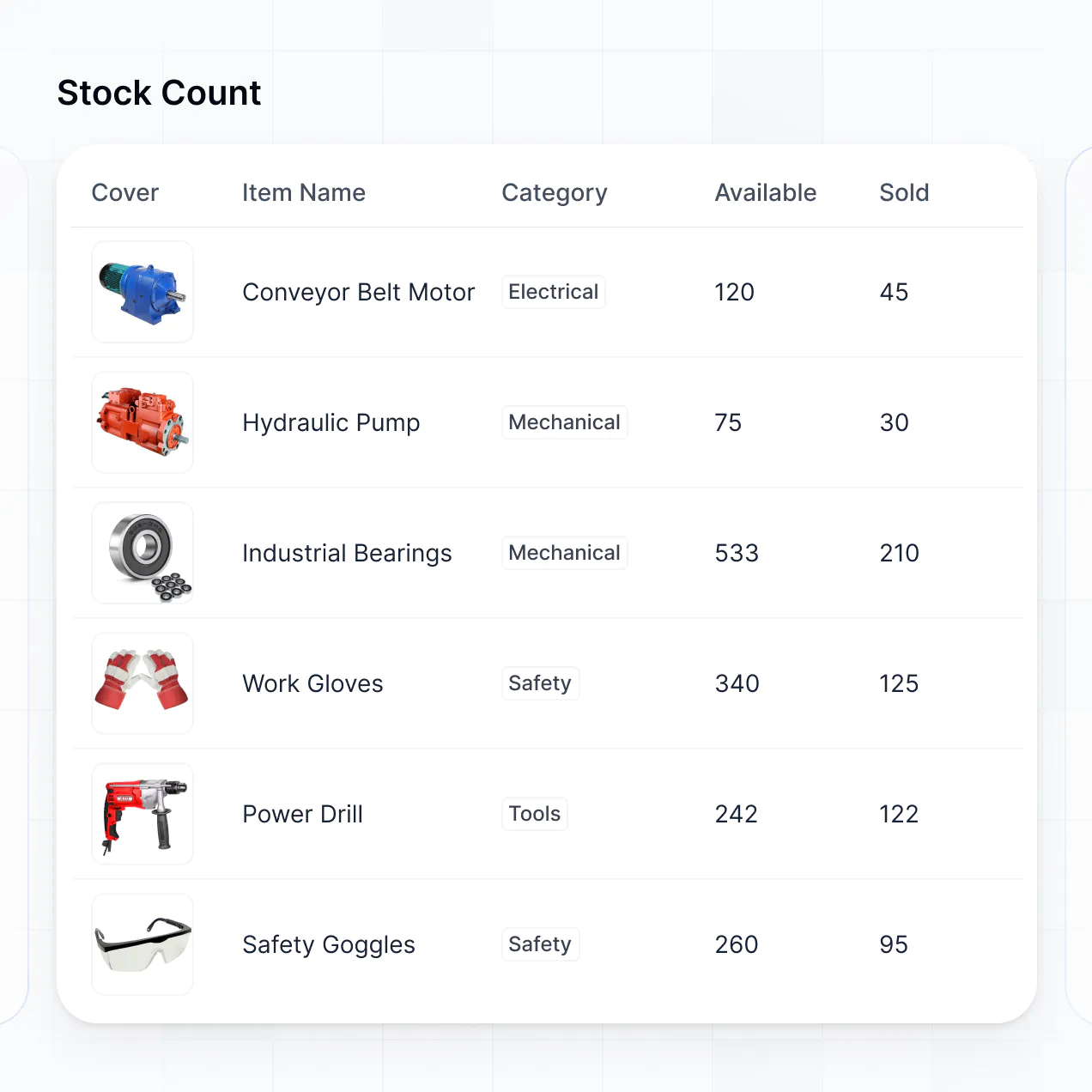
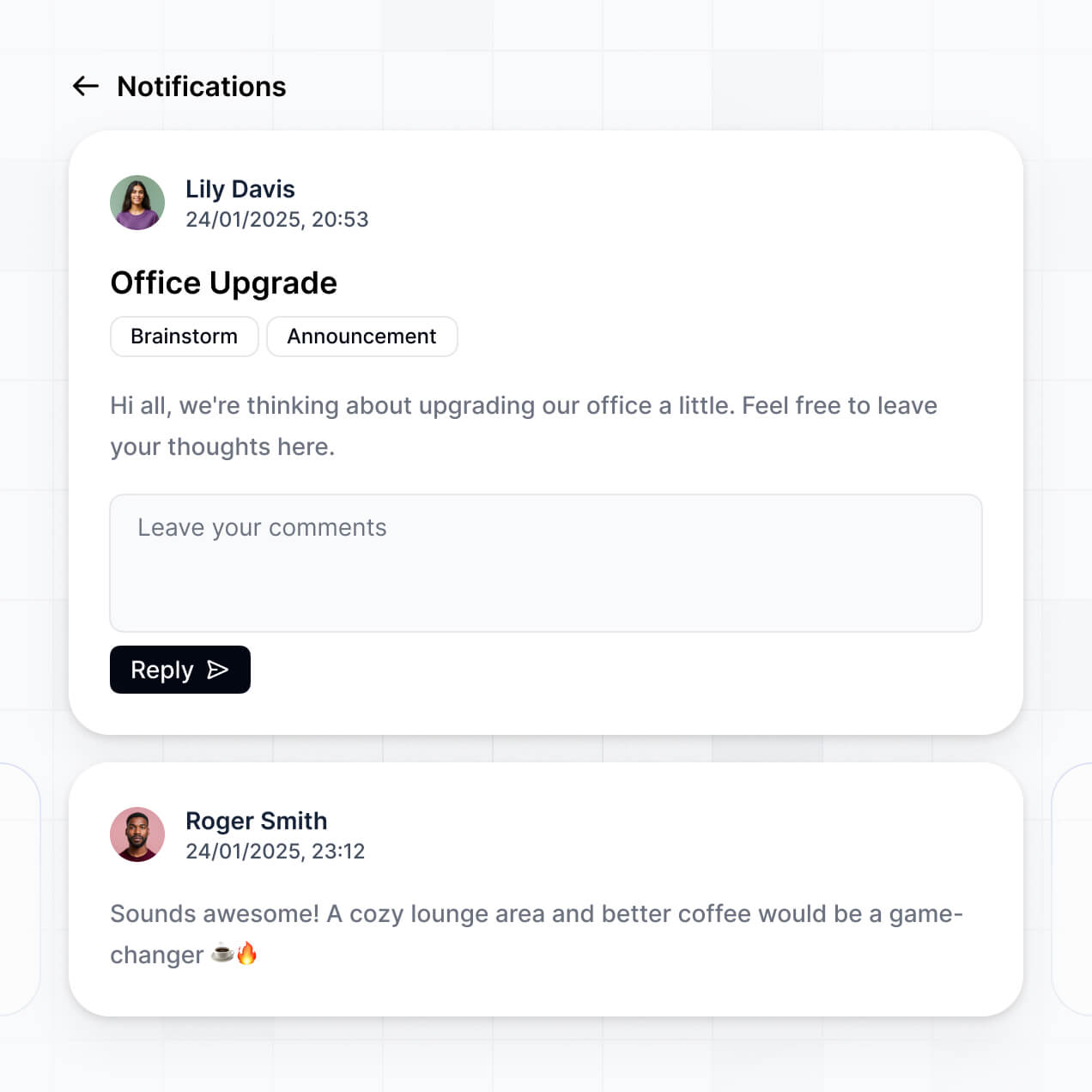
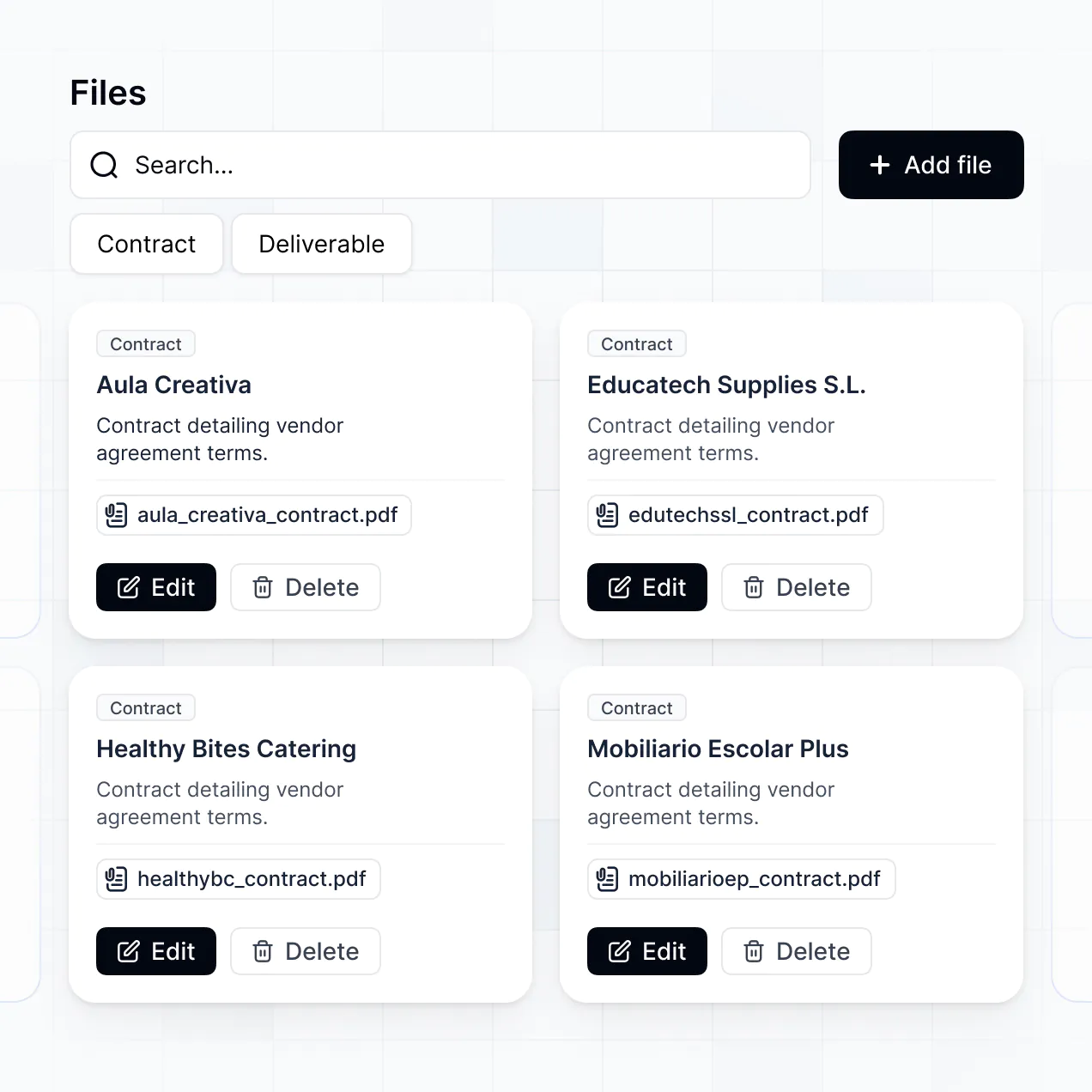
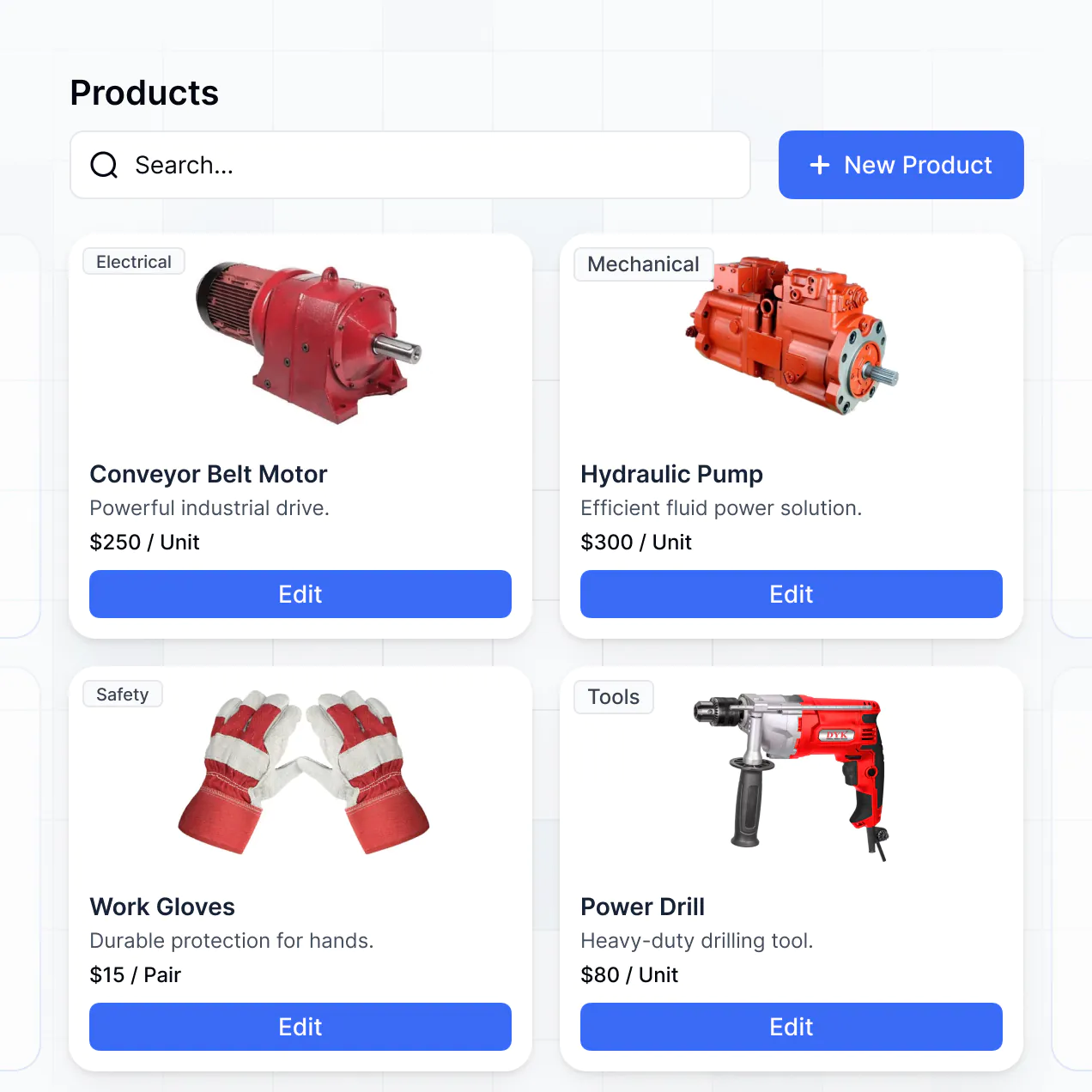
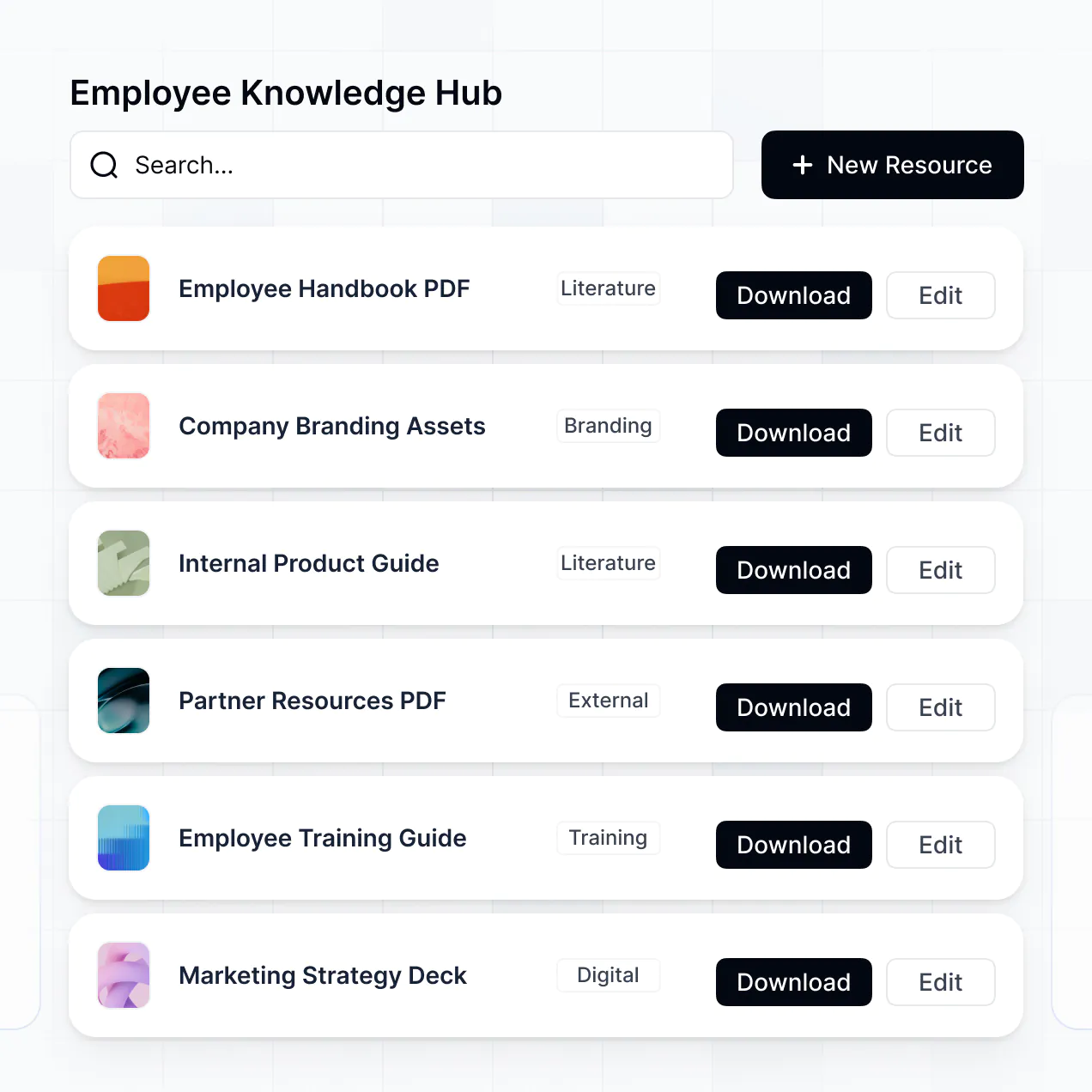
Describe your stock workflows and get an inventory management system with data, permissions, and hosting covered for operations teams.
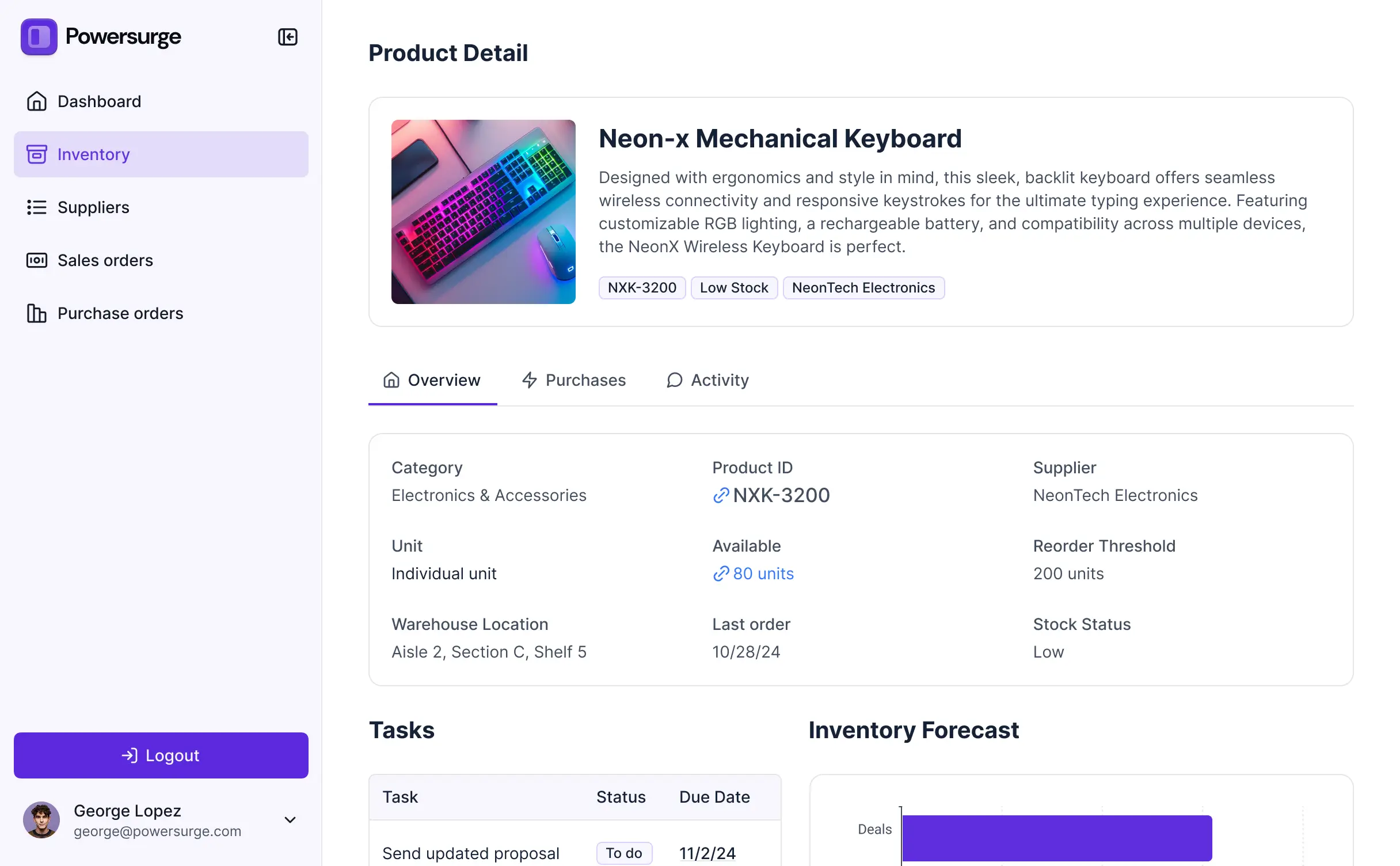
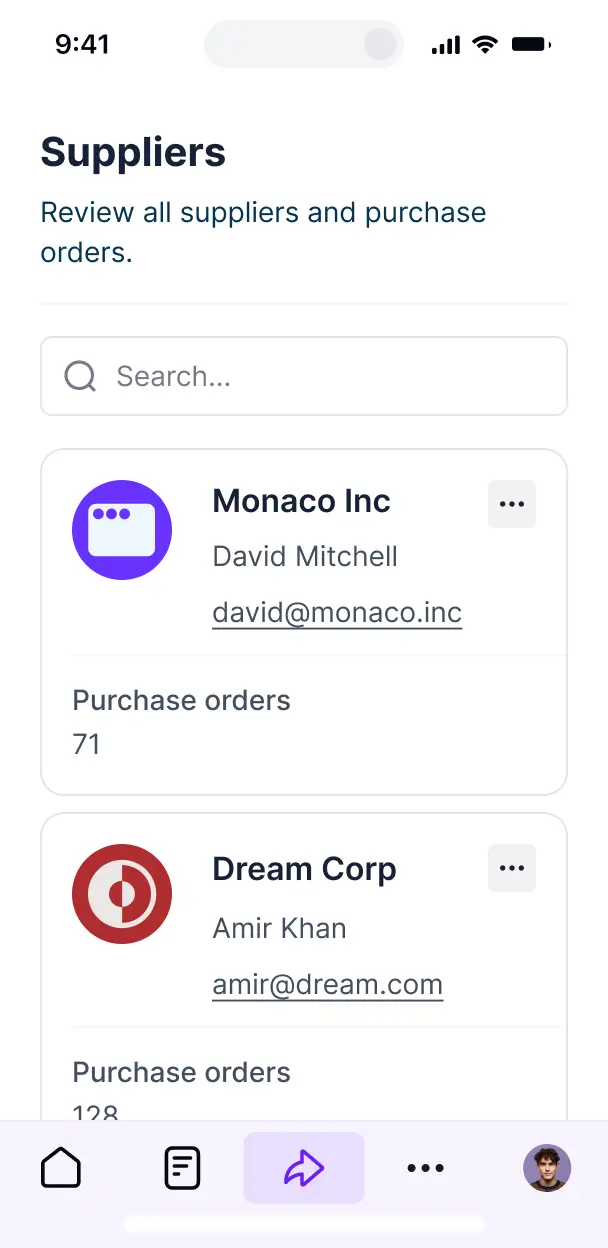



Choose the stock views and workflows you need today, then adapt your inventory management system as quantities, suppliers, and processes change.


Manage stock records in Softr Databases, or connect Airtable, Google Sheets, and other systems with real-time sync. Keep inventory data in one place.
Give each teammate the right tools and access. Set up secure logins, user groups, and granular permissions for stock data, no dev work needed.
Give inventory managers and other teammates tailored access, so each role sees the stock data and actions they need.
Trigger native Softr Workflows when stock changes or reorder rules are met, keeping supplier restock requests moving.
Access stock levels, reorder alerts, and supplier requests on mobile devices as well as desktop.
Use Google, email, or SSO logins to give inventory teams secure access to stock records.
Keep inventory data protected with encryption, SOC 2 Type II compliance for Softr Databases, and granular access controls.
No more one-size-fits-all tools or costly custom builds. Softr is easy to use and fully customizable, so you can launch faster, adapt as you grow, and skip the complexity of traditional software.

Generate stock records, reorder rules, and dashboards in minutes by describing how inventory moves.

Add supplier workflows, item categories, and stock views as your inventory process changes.

Bring stock records, supplier requests, and dashboards together instead of paying for separate tools.
Co-build with AI
Simply describe what you need. Let Softr handle everything - Interface, database, workflows.
Iterate with AI or visually
Control most critical parts of your app yourself - roles, permissions, security.
Ship the same day
Invite team members or external clients and partners right away. No developer handover.
Use drag-and-drop blocks to build a portal that looks sleek and modern out of the box. Add only the features you need, and iterate as your workflows evolve.




An inventory management system is a secure workspace where warehouse staff, buyers, and operations managers log in to manage stock. It brings product records, supplier details, purchase orders, warehouse locations, stock movements, and replenishment updates into one place. Instead of searching through email threads and spreadsheets, teams can check availability, record receipts, and follow inventory timelines from a shared system.
For inventory teams, the main benefit is a working stock system without a long development project. Softr is an AI app builder for business software: describe your products, warehouses, suppliers, and reorder process in plain language, and it generates the database, pages, and logic, already connected and secure. No code is needed at any point. You can start by generating an app with AI, choosing a template, or building from scratch. Store inventory data in Softr Databases, or connect tools such as Airtable, Google Sheets, or HubSpot. You still control the layout, which warehouse records each role can see, and how your company branding appears.
You can assemble the inventory workflow with drag-and-drop blocks and refine it later. For example:
- **AI inside the app:** Ask AI can answer questions about low-stock items, while Database AI Agents can classify products by replenishment urgency.
- **Vibe Coding blocks:** Generate a custom reorder queue showing stock level, supplier lead time, and suggested purchase quantity.
- **Softr Workflows:** Trigger a draft purchase order when an item's available quantity falls below its reorder point.
- **Access control:** Let warehouse staff update counts while buyers manage suppliers and purchase orders.
- **Forms:** Capture stock receipts, damaged goods, and cycle counts, with file uploads and conditional logic.
- **Dashboards and charts:** Track inventory value, stockouts, and turnover from live data.
- **Lists and filtering:** Use tables, kanban boards, lists, and detail views for products, locations, and transfers.
Users can keep editing every part visually after the first version is generated.
Describe the inventory operation in plain language, including products, storage locations, stock counts, purchase orders, and the people who update them. Softr turns that description into a production-ready app on a stable, secure foundation. Unlike tools that leave you with raw, fragile code, Softr handles the boring 80% natively, including authentication, database logic, and security. That means a warehouse worker is less likely to face broken stock updates or an exposed supplier record on Day Two. When you use a Vibe Coding block, every prompt and edit is versioned, so you can roll back a change that disrupts a replenishment queue instead of trying to re-prompt your way out of it.
One app can serve warehouse teams, procurement, and finance while keeping their work separate. Each person sees only the products, stock movements, purchase orders, or supplier records assigned to their role and login. Warehouse staff can update receipts and counts, buyers can manage replenishment, and finance can review inventory costs without exposing every operational view to everyone.
You do not need an existing inventory spreadsheet to begin. Softr Databases is built into the platform, so you can create product records, warehouse locations, supplier details, stock counts, and purchase orders directly in Softr. If your current process lives in a spreadsheet, you can also connect Google Sheets, or use Airtable, HubSpot, Notion, Coda, monday.com, Supabase, SQL, and other sources. The REST API connector covers additional systems. In either setup, you decide how product data is structured and how warehouse teams see it.
Softr Databases is the recommended starting point for an inventory management system. It is a native relational database built for business apps, so product records and stock movements get high performance, instant automation triggers, and faster access without a third-party API in the way. Softr also connects to 21+ external sources, including Airtable, Google Sheets, HubSpot, SmartSuite, and BigQuery. You can combine several sources in one app, such as product data from Airtable and supplier records from Google Sheets. Most supported sources provide real-time two-way sync, so inventory updates can stay aligned across your workflow.
Warehouse managers and buyers can use the same inventory management system with different access. A warehouse manager might view and edit stock counts, receiving records, and bin locations, while a buyer can manage suppliers and purchase orders but have no access to warehouse adjustments. Softr lets you control navigation, page and block visibility, and precise view or edit rights by role. You can also filter records by the logged-in user, such as showing a site supervisor only the stock at their location. Built-in preview lets you open the app as each user group and confirm access before anything ships, without creating test accounts.
Your warehouse staff, buyers, and suppliers can see an inventory management system branded with your logo, colors, fonts, and custom domain. Softr supports full white-labeling, including removal of Softr branding, so the product catalog and purchase order workflow feel like part of your own operations platform.
Product catalogs, stock counts, and purchase orders do not need to share the same layout. Adjust colors, fonts, spacing, page structure, and the content each user sees after login. Then choose blocks that fit each inventory task:
- **Table:** Compare SKU, quantity on hand, reorder point, and warehouse location.
- **List or Card:** Give buyers a quick view of suppliers or low-stock products.
- **Detail View:** Show a product's movements, purchase history, and storage locations.
- **Forms:** Record receiving, cycle counts, damaged items, and stock transfers.
- **Charts:** Track stockouts, inventory value, or quantities by warehouse.
- **Calendar:** Follow expected deliveries and purchase order dates.
The visual builder keeps every page editable, so you can change a receiving screen or replenishment dashboard as the process develops.
Inventory records can contain sensitive supplier pricing, purchase orders, and stock values, so access controls matter as much as the interface. Softr encrypts data in transit with TLS and at rest on secure infrastructure. Authentication, role-based permissions, visibility rules, global restrictions, and users managed in your data source help limit who can view or edit product records and warehouse adjustments. With Softr Databases, data stays in Softr's secure environment, hosted in Europe, Germany, and the database is SOC 2 Type II compliant. When you connect an external source, Softr stores nothing and displays live data according to your access settings. These controls support established practices for authentication, access control, and monitoring.
Production means warehouse workers can update stock counts, buyers can create purchase orders, and managers can trust the records when replenishment decisions have real consequences. Softr is built for that use, not just a clickable demo. Many AI tools generate fragile custom code that becomes difficult to maintain or secure. Softr instead provides a stable business foundation with authentication, secure hosting, and granular permissions handled natively. That reduces the Day Two problem when real users, product records, and stock adjustments arrive. The same foundation is used by more than 7,000 organizations, giving teams a path from an initial inventory workflow to a production app.
Pure vibe coding tools generate raw code that can be fragile to secure and maintain. Traditional no-code tools often require teams to configure the database, pages, and logic manually. Softr takes the middle path: describe products, warehouses, suppliers, and replenishment rules, then refine the generated app with visual controls. Authentication, roles, permissions, and hosting are already part of the business-grade foundation, which helps non-technical teams move from an inventory prototype to production without rebuilding the basics. Softr apps are also agent-ready. A logged-in user can operate the inventory app through an AI assistant over MCP, but only within the product records and actions their existing user group permits. There is no second permission model to build or audit.
Set up a replenishment workflow as soon as an item's available stock reaches its reorder point. Softr Workflows can respond to a record change or button click, for example creating a purchase order task, notifying a buyer, or updating a receiving status. The app can also sync with tools such as Stripe and Intercom, while REST API connections and webhooks cover advanced cases. This lets inventory teams send product or supplier data out, trigger actions when a warehouse worker submits a stock count, and display records from another system. The workflow is configured without code.
Describe your stock records and reorder rules. Get a working inventory management system without raw code.