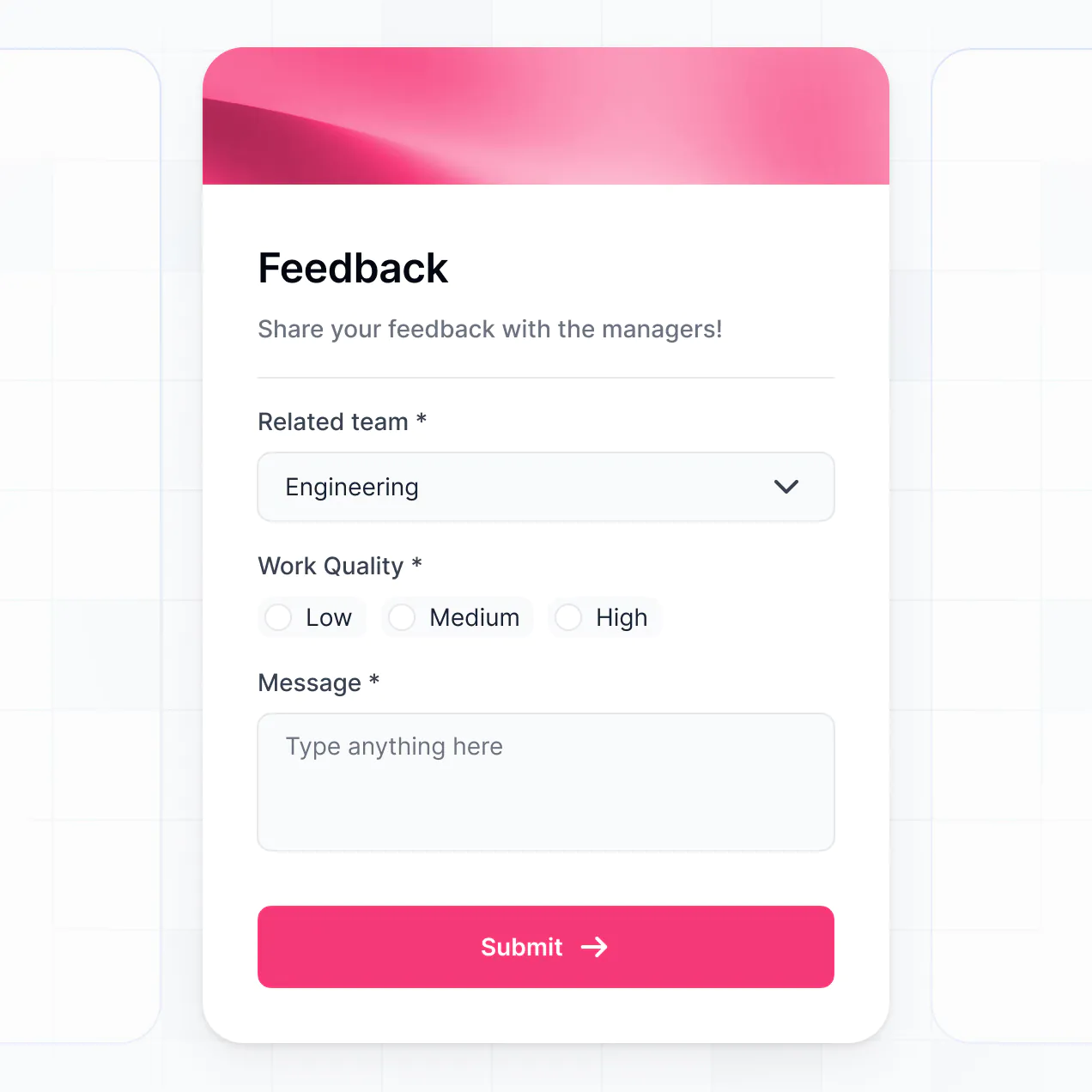
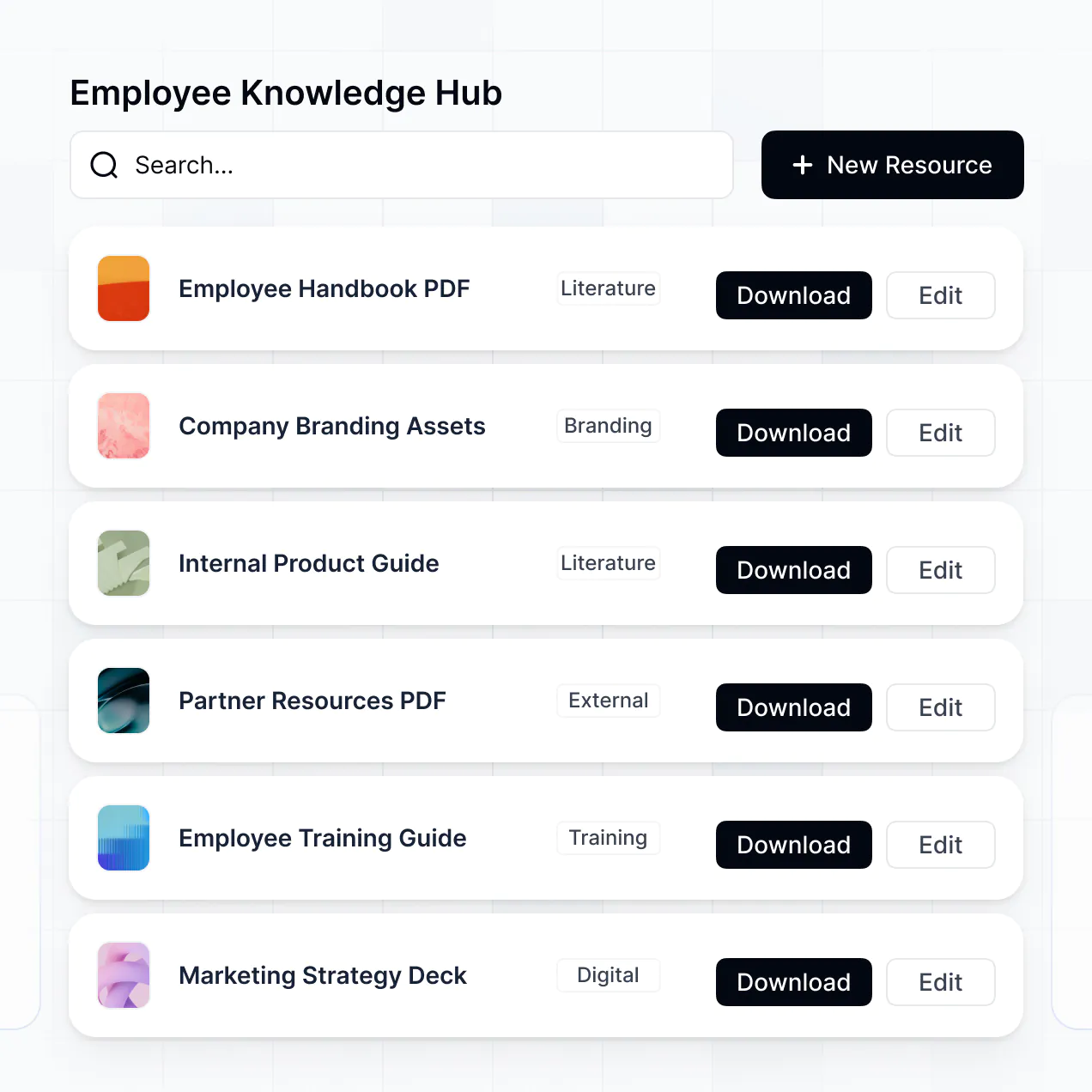
Describe incident intake, evidence capture, and status review, then get an app with permissions and hosting handled for every report.
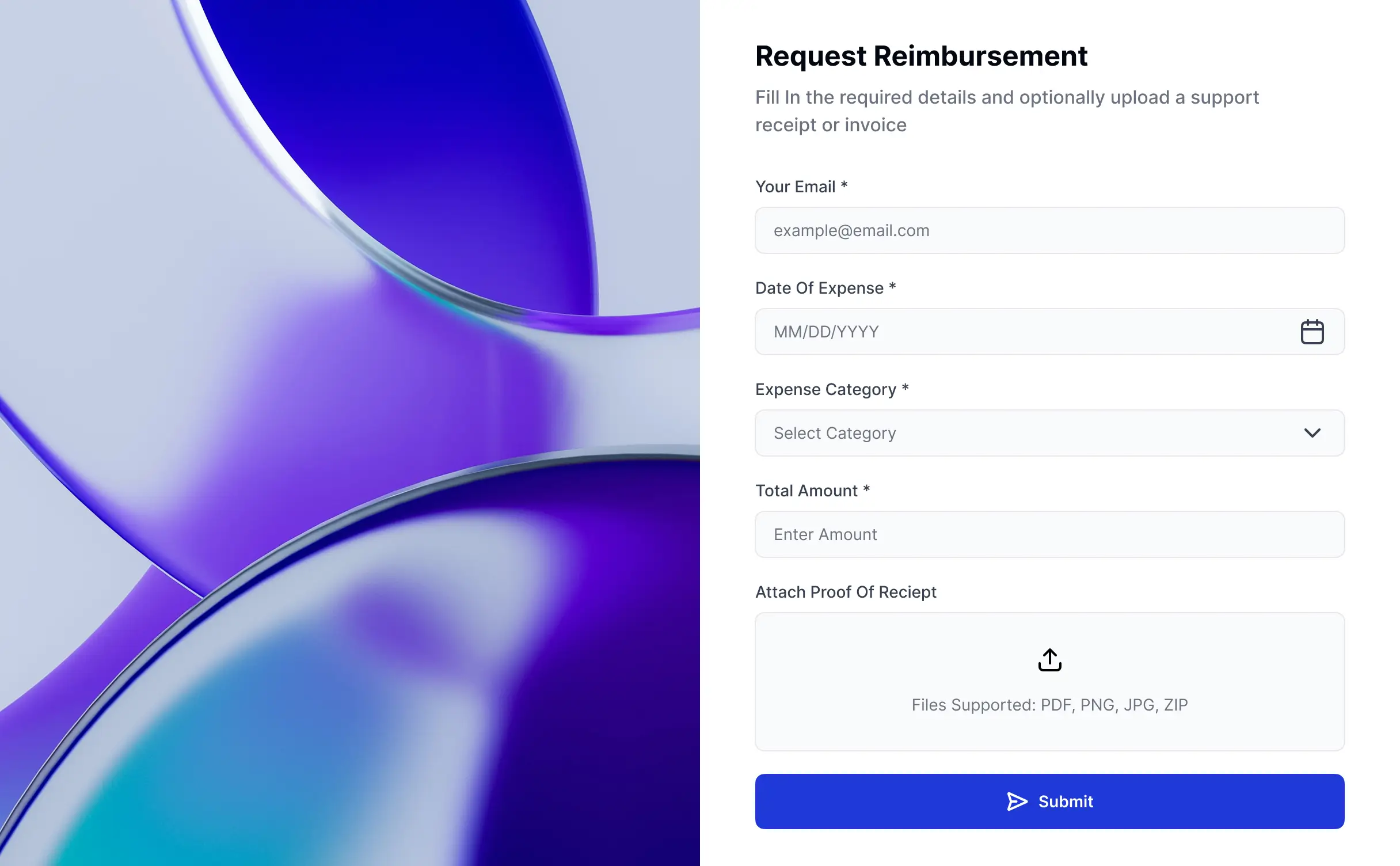
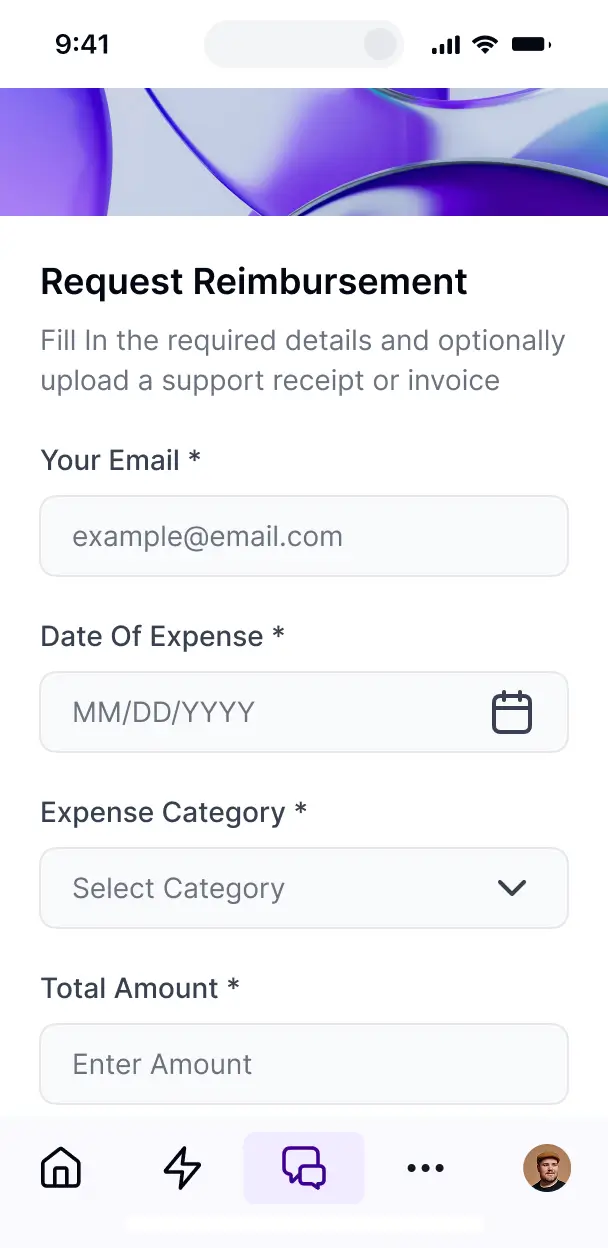



Add only the views and workflows your incident process needs today, then adapt reports, reviews, and approvals later as requirements change.


Manage incident records in Softr Databases, or connect Airtable, Notion, Google Sheets, or REST API with real-time sync. Keep reports, evidence, and status data in one place.
Give reporters, reviewers, and managers the right tools and access. Set up secure logins, user groups, and granular permissions for incident records.
Give reporters, reviewers, and managers tailored dashboards and access, so each role sees only the incident records they need.
Trigger native workflows when reports arrive or statuses change, helping classify incidents and notify the right reviewers.
Capture incident reports and supporting evidence from any device. Softr apps are mobile-ready by default.
Use email, Google, or SSO logins to give reporters and reviewers secure access to incident records.
Keep incident records and evidence protected with encrypted data, granular access controls, and SOC 2 Type II compliance.
No more one-size-fits-all tools or costly custom builds. Softr is easy to use and fully customizable, so you can launch faster, adapt as you grow, and skip the complexity of traditional software.

Describe your incident intake and get a working reporting tool in minutes, with no dev time or complex setup.

Add report views and workflows as incident reviews change, without rebuilding your tool from scratch.

Bring reporting, evidence, classification, and trend dashboards into one place instead of stitching tools together.
Co-build with AI
Simply describe what you need. Let Softr handle everything - Interface, database, workflows.
Iterate with AI or visually
Control most critical parts of your app yourself - roles, permissions, security.
Ship the same day
Invite team members or external clients and partners right away. No developer handover.
Use drag-and-drop blocks to build a portal that looks sleek and modern out of the box. Add only the features you need, and iterate as your workflows evolve.




An incident reporting tool is a secure space where employees, contractors, or safety officers log in to submit and track workplace incidents. It can hold incident reports, photos, witness statements, corrective actions, status updates, and investigation timelines. Instead of leaving details across email threads and spreadsheets, teams keep each report, follow-up task, and resolution in one place.
Faster, more consistent reporting is the main benefit for safety and operations teams. Softr is an AI app builder for business software. Describe your reporting process in plain language, and it generates the database, pages, and logic, already connected and secure, without code at any point. You can start by generating an app with AI, choosing a template, or building from scratch. Store incident reports, investigation notes, and corrective actions in Softr Databases, or connect tools such as Airtable, Google Sheets, or HubSpot. You still control the layout, each role's access, and the branding used by employees and reviewers.
A workplace incident reporting tool can include features such as:
- **AI inside the app:** Ask AI can answer questions about open incidents, while Database AI Agents can classify report severity or summarize investigation notes.
- **Custom interface:** Vibe Coding blocks can create a tailored incident timeline showing reported events, witnesses, actions, and resolution status.
- **Automations:** Softr Workflows can notify a safety manager when a high-severity report is submitted or when a corrective action remains incomplete.
- **Access controls:** Employees can submit reports and view their own records, while investigators see assigned cases and administrators see the full register.
- **Forms:** Collect incident details, witness statements, and photo evidence with file uploads and conditional logic.
- **Reporting views:** Use dashboards and charts for incident rates, locations, and categories, plus lists, filters, tables, kanban boards, and detail views for case management.
Everything uses drag-and-drop blocks and remains editable after the initial build.
Describe the reporting process in plain language, such as an employee submitting an injury report, attaching a photo, and routing the case to a site investigator. Softr turns those requirements into a production-ready app on a stable, secure foundation. Unlike tools that generate raw, fragile code, Softr handles authentication, database logic, and security natively, so a broken incident form or missing permission does not become a Day Two maintenance problem. When you use a Vibe Coding block for a custom case timeline or review panel, every prompt and edit is versioned. If a change disrupts an investigation workflow, you can roll it back instead of rebuilding the app.
Yes. A single app can separate employees, site supervisors, safety investigators, and compliance administrators. Login and role-based permissions ensure each person sees only the incident records, corrective actions, or investigation files assigned to them. Regional teams can share one reporting system without exposing unrelated workplace cases.
You do not need an existing database to start. If your incident register currently lives in a spreadsheet, create the tables and fields directly in Softr Databases, then build forms for new reports and views for investigations. If records already live elsewhere, Softr connects with Airtable, Google Sheets, HubSpot, Notion, Coda, monday.com, Supabase, and SQL databases. The REST API connector covers other sources. Either way, you decide how fields such as incident type, location, severity, witness, and corrective action are structured and displayed.
Softr Databases is the recommended starting point for an incident reporting tool. It is a native relational database built for business apps, with high performance, instant automation triggers, and fast access because the data runs directly in Softr. Softr also connects to 21+ external sources, including Airtable, Google Sheets, HubSpot, SmartSuite, and BigQuery. You can use several sources in one app, such as incident reports in Softr Databases and employee details in Google Sheets. Most supported sources provide real-time two-way sync, so investigators can work with current case data.
Safety teams can control the full layout, navigation, and content shown to each role. For example, an employee may submit a report and view its status, but not open another employee's witness statement. A safety investigator can access assigned incident records, edit findings, and update corrective actions, while an administrator can review the complete case register. Pages and blocks can be shown or hidden by logged-in user, and views can filter records by employee, site, or investigator. Softr's preview lets you open the app as any user group before launch, so you can verify access without creating test accounts.
Yes. Apply your organization's logo, brand colors, fonts, and custom domain, then remove Softr branding. Employees, site managers, and external safety reviewers see a reporting tool that matches your organization, which helps make incident submissions feel like part of the established safety process.
You can adjust colors, fonts, spacing, page structure, and the information shown when each role logs in. Choose blocks that match each stage of incident management:
- **Table:** review incident number, site, severity, owner, and status across many cases.
- **List or Card:** give employees a focused view of their submitted reports and follow-up requests.
- **Detail View:** show the full narrative, witness statement, attached photo, and investigation findings.
- **Forms:** collect injury details, location, contributing factors, and corrective actions with conditional questions.
- **Charts:** compare incident categories, sites, and resolution times.
- **Calendar:** track investigation meetings, review dates, and corrective action deadlines.
The visual builder keeps every block editable later, so a safety coordinator can refine the workflow without rebuilding the app.
Incident reports may contain injury details, witness statements, photographs, and investigation findings, so access control matters. Softr encrypts data in transit with TLS and at rest on secure infrastructure. Role-based permissions, users managed in your data source, visibility rules, and global restrictions help limit each record to the people who should handle it. With Softr Databases, records sit in Softr's secure environment, hosted in Europe in Germany, and the database is SOC 2 Type II compliant. When you connect an external source, Softr stores nothing and displays live data according to your access settings. Authentication, access control, and monitoring follow industry best practices.
It is production-ready for real employees submitting real incident reports, investigators reviewing evidence, and managers tracking corrective actions. Many AI tools generate fragile custom code that becomes difficult to secure or maintain. Softr builds on a stable business-grade foundation instead, with authentication, secure hosting, and granular permissions handled natively. That foundation addresses the Day Two problem, so a change to a report form or investigator view does not leave your team maintaining generated code. You can start with AI and refine the app visually as the safety process changes.
Pure vibe coding tools generate fragile code that can be difficult to maintain, while traditional no-code platforms often require extensive manual configuration. Softr takes a hybrid approach: describe an incident register, reporting form, or investigation workflow, and it generates the database, app, and logic in minutes. Then refine the report fields, investigator views, roles, and permissions visually. Authentication, hosting, and business-grade access controls are already in place, helping non-technical safety teams move from an initial workflow to production. Softr apps are also agent-ready. A logged-in user can operate an incident app through an AI assistant over MCP, but only within the actions and records allowed by the app's existing permissions. There is no second permission model to build or audit.
Set up the first automation around report intake: when an employee submits a high-severity incident, Softr Workflows can route it to the right safety investigator and start the next step inside the app. Workflows can run when a record changes or a button is clicked, helping teams update case status and corrective actions without manual handoffs. Softr also syncs with tools such as Stripe and Intercom, while REST API connections and webhooks cover advanced cases. You can send incident data out, trigger automations from investigator actions, or display employee and site data from another system, without code.
Describe the incident workflow you need and get a working app in minutes, ready to refine without code.