Capture submissions, collect documents, and trigger workflows in an AI-powered tool built with AI and adapted to your team's processes.
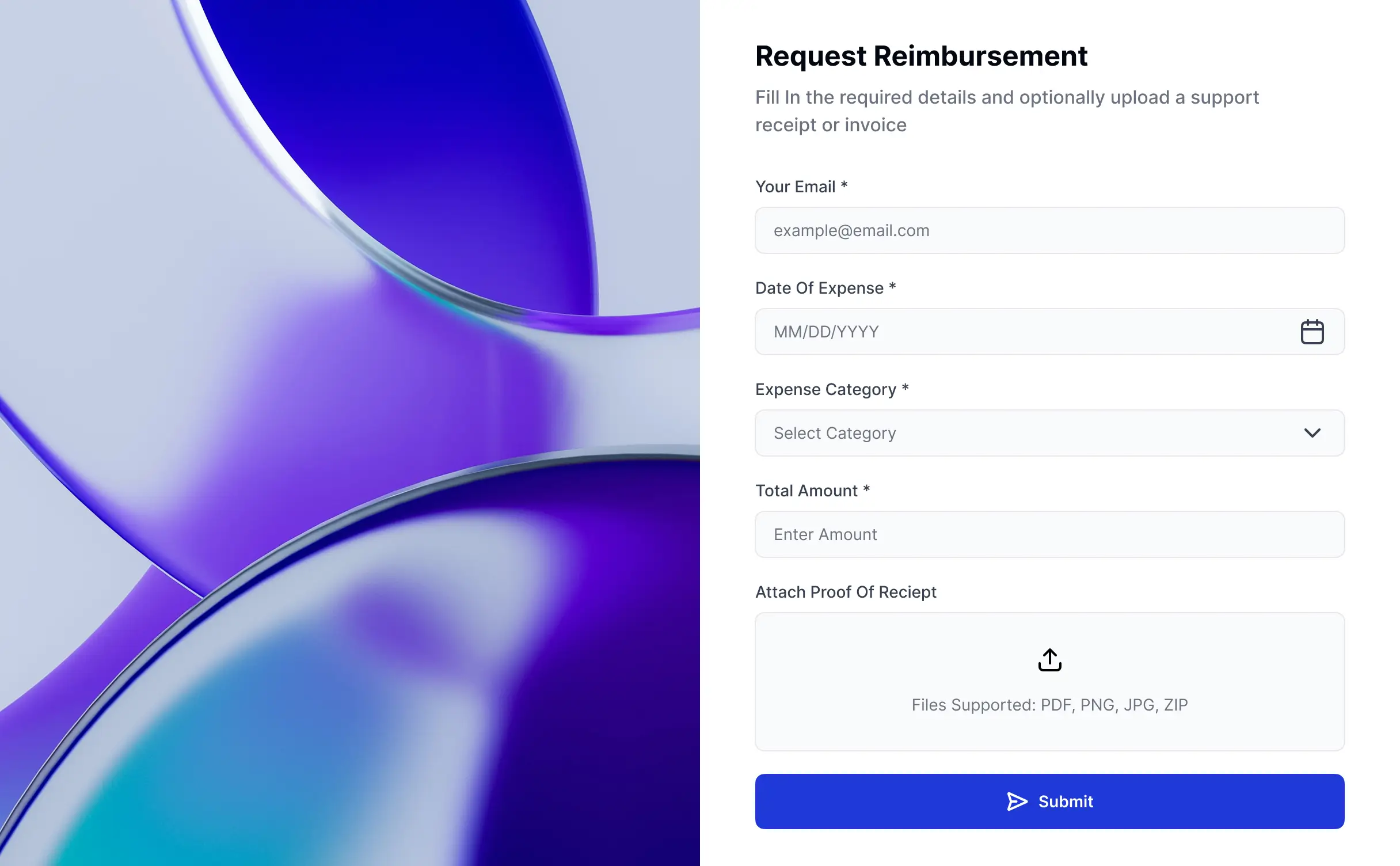
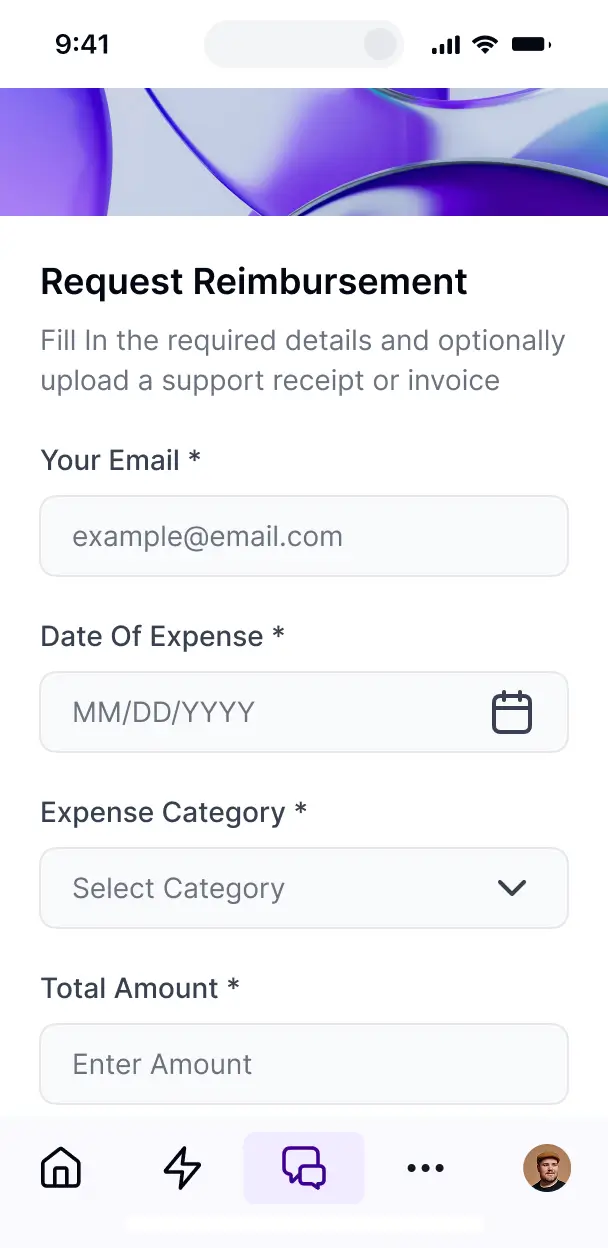



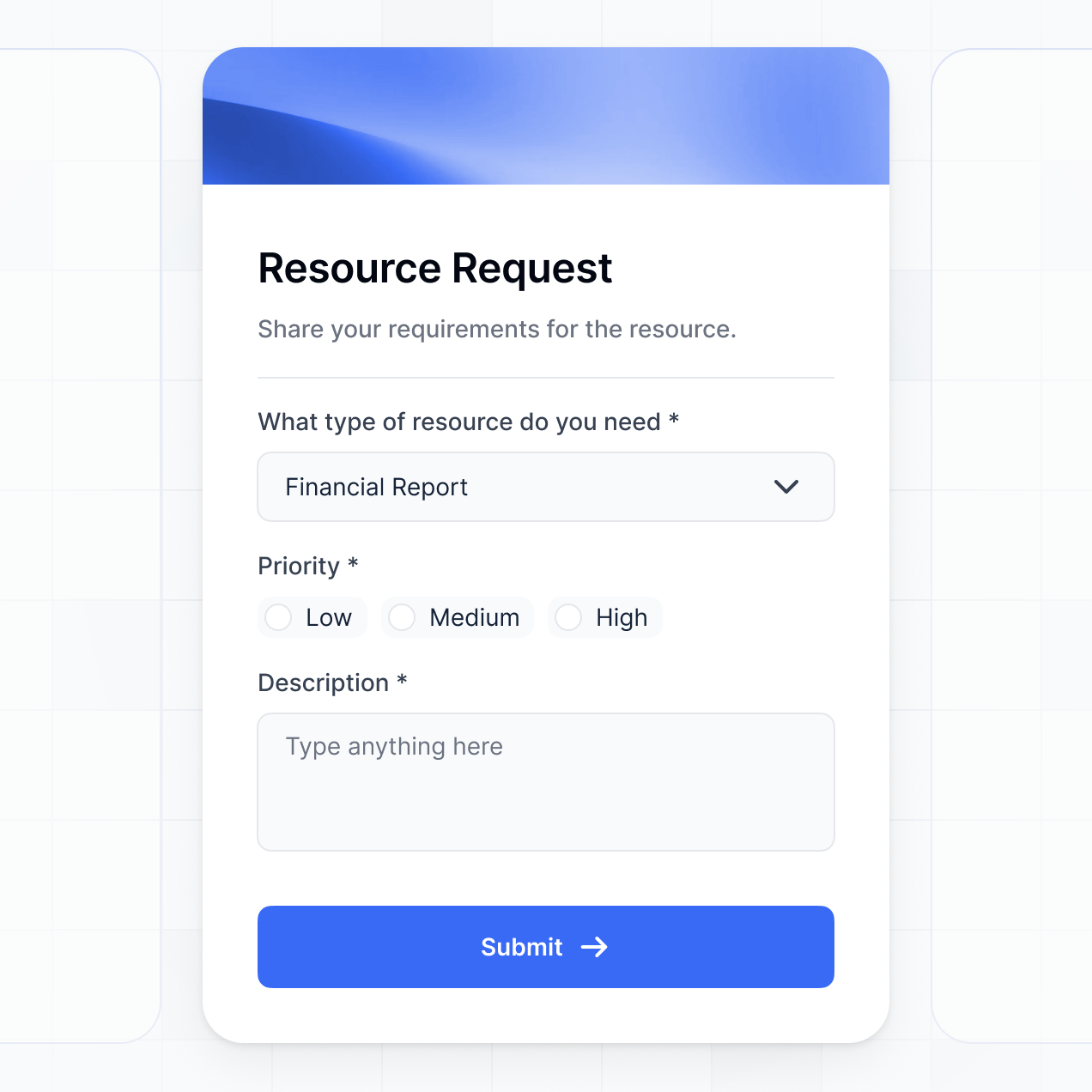
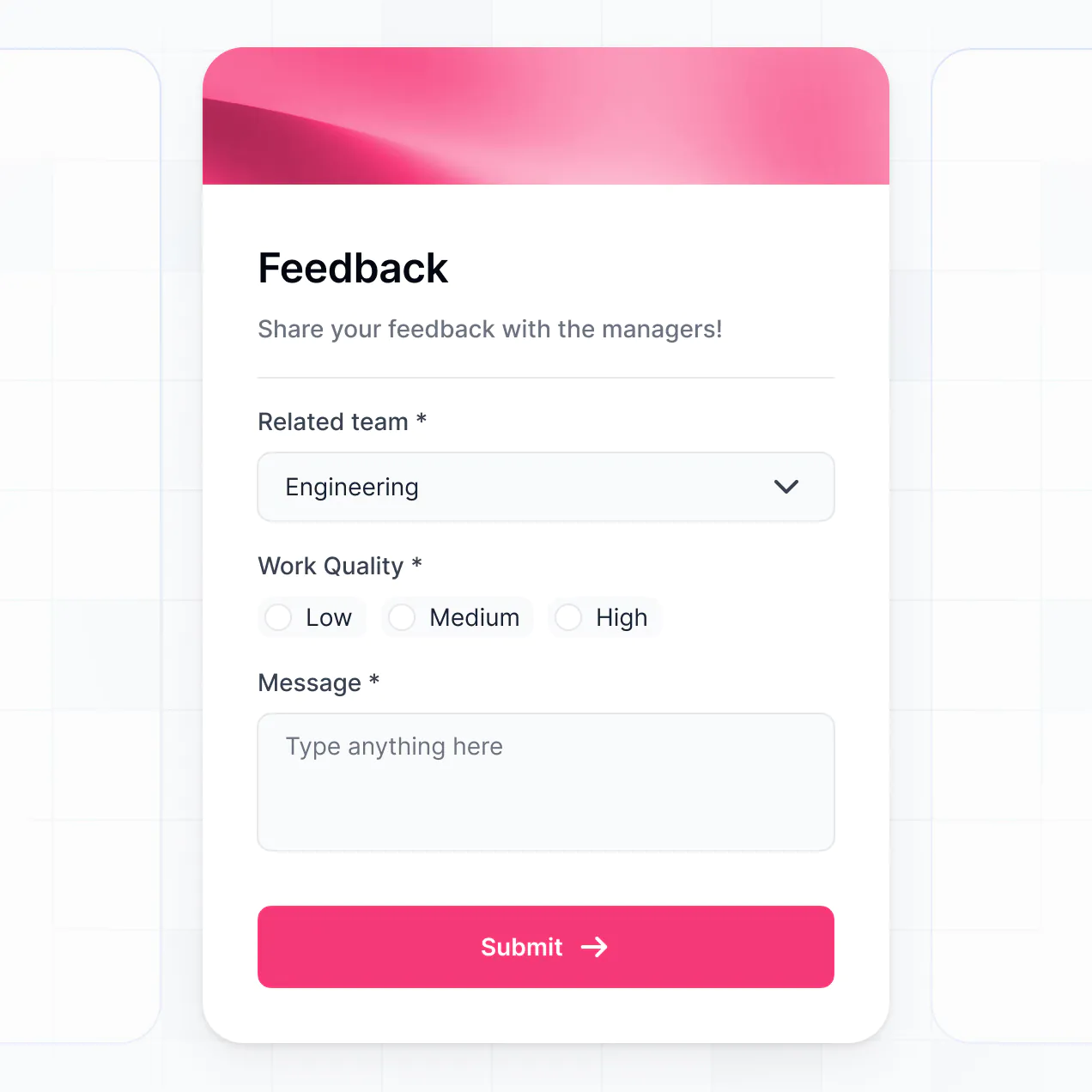
Customize a no code form builder that looks sleek out of the box. Add only the files, logic, and views you need, then iterate as processes grow.


Connect spreadsheets, CRMs, and databases with real-time sync—or manage everything in Softr Databases. Create a single source of truth for all your submissions.
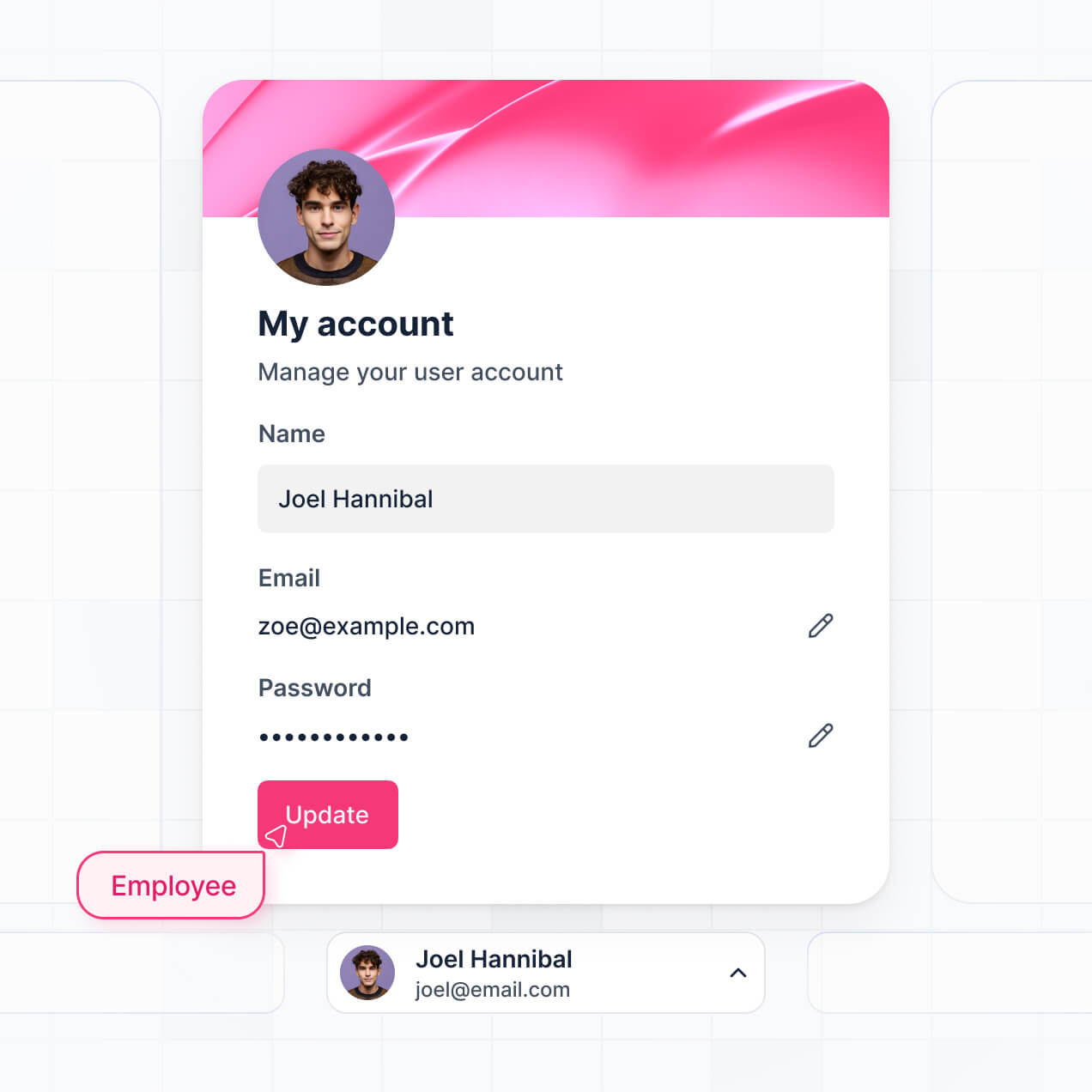
Give each user the right views and access in a fully branded portal. Set up secure logins, user groups, and permissions in minutes.
Your forms and surveys look perfect on mobile out of the box. Turn them into downloadable PWAs with a single click.
Trigger automated email notifications, route records, and update linked databases instantly whenever a form is submitted.
Provide tailored screens for different user groups, ensuring external clients and internal admins see only what is relevant.
Set granular rules to customize who can edit responses or view submission analytics down to the individual field level.
Protect sensitive client documents and survey responses with enterprise-grade SOC2 and GDPR compliance.
No more one-size-fits-all tools or costly custom builds. Softr is easy to use and fully customizable, so you can launch faster, adapt as you grow, and skip the complexity of traditional software.

Build your forms in minutes with AI. No complex coding needed—simply describe your custom workflow.

Add advanced logic, multi-step layouts, or custom portals as your submission workflows evolve over time.

Start with a form builder, then add client portals or team dashboards—all on one platform.
Co-build with AI
Simply describe what you need. Let Softr handle everything - Interface, database, workflows.
Iterate with AI or visually
Control most critical parts of your app yourself - roles, permissions, security.
Ship the same day
Invite team members or external clients and partners right away. No developer handover.
Use drag-and-drop blocks to build a portal that looks sleek and modern out of the box. Add only the features you need, and iterate as your workflows evolve.




A no-code form builder is a secure space and tool where your team, clients, or users can log in to complete custom surveys, upload files, and submit structured information. It consolidates all data collection in one central hub, eliminating the need to rely on disconnected email threads, physical paperwork, or manual spreadsheet entry. This makes it incredibly easy to gather structured records, organize submissions, and provide a polished user experience.
Softr is the first AI-native platform for building business software. It makes it easy to build a custom no-code form builder that fits the exact way your business collects and manages information. You can describe your data collection needs to the AI Co-Builder to instantly generate your backend database, submission pages, and validation logic—already connected, styled, and secure.
You do not need to code anything. You can start by generating your app with AI, using a pre-built template, or crafting it from scratch. Everything runs on Softr Databases, the native, relational database built into the platform, or you can connect external tools like Airtable, Google Sheets, HubSpot, and more. You have full control to adjust form layouts visually, set dynamic visibility rules, and brand the app to match your company. It is quick to get up and running, simple to update, and flexible enough to scale as your data requirements grow.
You can include a wide range of features in your no-code form builder, depending on what your submission workflow looks like. A great form-building app usually mixes classic data collection components with AI-powered intelligence:
- AI-Powered Intelligence – Use Ask AI to let admins query submitted form data conversationally, or set up Database AI Agents to automatically summarize long responses or perform background research on form submitters.
- Vibe Coding Blocks – Build complex, custom UI elements—like a multi-step interactive wizard—using the AI Code block to "vibe code" exactly what you need.
- Softr Workflows – Build native automations (like an instant email notification or a Slack alert) that trigger whenever a form is submitted or a record is updated.
- User Portals & Logins – Securely manage access so each user only sees, edits, or tracks their own specific form submissions.
- Forms & Data Collection – Capture details with rich custom fields, signature blocks, file uploads, and conditional logic that shows or hides fields depending on previous answers.
- Dashboards & Charts – Visualize your form submission rates, key metrics, and survey responses with real-time charts and summaries.
- Lists & Advanced Filtering – Display and manage submitted records with searchable tables, kanban boards, and detailed submission views for reviewers.
Everything is built using Softr's drag-and-drop blocks, so you can create these features without writing code. Need something more custom? Use the Vibe Coding block to generate a tailored component with AI. And if your compliance or collection needs change, it is easy to update the platform later.
Vibe coding is all about moving fast and using AI to build exactly what you need. You can "vibe code" a no-code form builder in Softr by simply describing your requirements, required fields, and target workflows to the AI Co-Builder. Softr then generates a production-ready application on top of a stable, secure foundation.
Unlike other tools that just generate raw, fragile code, Softr handles the "boring 80%"—like authentication, database schemas, secure file uploads, and routing logic—natively. This means you get the rapid speed of vibe coding without the "Day Two" headaches of manual hosting, API maintenance, or security patching. You describe the form fields, Softr builds the application, and your respondents can start submitting data instantly.
Yes. You can manage multiple client accounts or internal departments in a single form-building portal. Each user or respondent only sees the specific questionnaires and submitted data explicitly assigned to them, based on their secure login and assigned user role. This is useful for agencies collecting client briefs, human resources managing multi-department feedback, or operations teams handling disjointed vendor on-boardings.
Yes, you can. You do not need to bring an existing database from somewhere else to start building. If you are starting from scratch, you can use Softr Databases, which is built into the platform and integrates perfectly with the inputs, dropdowns, and file upload buttons you design. Your collected submissions will flow directly and securely into your native database.
But if you already have form records and respondent data stored in tools like Airtable, Google Sheets, HubSpot, Notion, Coda, monday.com, Supabase, or SQL databases, you can easily connect those instead. You can also use the REST API connector to route data to and from other platforms. Either way, you enjoy complete control over how your collected data is structured, secure, and displayed.
Softr Databases is the recommended native, relational data source for Softr. It is built explicitly for business applications, offering the highest performance, instant form automation triggers, and a lightning-fast data-logging experience because your submission data is native to the platform.
If you already collect or store your inputs elsewhere, Softr also connects to 17+ external data sources. You can connect securely to Airtable, Google Sheets, HubSpot, SmartSuite, BigQuery, and more. You can even route submissions to multiple data sources from the same app—so your portal could log customer feedback to Softr Databases while concurrently updating sales pipelines in HubSpot. Most sources support real-time, two-way sync, so any submission updates or administrative changes stay perfectly in sync automatically.
Yes, Softr gives you full control over how respondents and administrators experience your form-building application. You can customize the page layout, navigation flows, and instructions to match your brand and submission guidelines. Each intake screen, question block, or success page can be shown or hidden based on who is logged in, meaning users only see fields that are relevant to them.
You can also set up distinct user roles—such as standard respondent, reviewer, or system administrator—and define exactly what each role can view, edit, or delete. For example, standard submitters can only see and edit their draft responses, while internal reviewers can view and score all incoming submissions. You can also create personalized dashboards by filtering previous entries based on the logged-in user's profile.
This level of customization is exceptionally useful when you are managing surveys, feedback forms, or onboarding checklists across multiple teams or outside organizations in the exact same platform. It keeps your interface clean, secure, and highly tailored to every visitor.
Yes, you can fully white-label your form application or portal in Softr. You can use your own custom logo, corporate colors, fonts, and a custom domain to make your forms feel like a natural, trustworthy extension of your main website. You can also completely remove all Softr branding, ensuring your users and clients only see your company's identity throughout the entire data collection process.
Yes, you can. Softr gives you immense flexibility to control both the visual design and layout of your forms and portals. You can easily adjust color palettes, typography, spacing, and multi-step page structures to align perfectly with your brand identity. You can also customize page layouts visually, placing fields and blocks exactly where they belong and setting custom routing conditions upon submission.
To showcase or manage your submissions, you can drag and drop different block types depending on your process:
- Table blocks – to display submitted feedback, status updates, or log details internally
- List or Card blocks – to browse through file uploads, applicant portfolios, or resources
- Detail View – to review single submissions in depth with an administrative sidebar
- Forms – with custom elements for real-time rich data collection
- Charts – to instantly calculate and display survey summaries or KPI progress
- Calendar blocks – to display scheduled follow-ups, interviews, or entry deadlines
If your compliance guidelines, fields, or branding guidelines change later on, you can make updates in seconds using our intuitive visual builder.
Softr is built with enterprise safety as a core priority. All submitted data is fully encrypted in transit (TLS) and at rest, and your functional applications are hosted on enterprise-grade, highly secure infrastructure. Softr platforms also grant you total control over search settings, data visibility, and edit capabilities. You can configure role-based permissions, govern users directly within your data source, and enforce global security policies to insulate sensitive submissions from unauthorized access.
For systems utilizing Softr Databases, your files and inputs are saved securely in Softr's ecosystem, with physical servers hosted in Europe (Germany) maintaining SOC 2 Type II compliance. For form engines reading or writing directly to external databases like Airtable, Notion, or SQL, Softr serves only as a secure interface—it does not persistently store your data, pulling it in real time only when authorized by your access rules. You are always the absolute owner of your data and who can view or manipulate it.
Softr also implements modern standards for user authentication, access control lists, and ongoing security audits to ensure your submission data stays safe.
It is completely production-ready. Unlike many simple AI generators that only "vibe code"—spatting out unstable, unverified code templates that are incredibly hard to update or secure—Softr builds your form application on top of our enterprise-tested software architecture.
We natively handle all the complex infrastructure—like user access controls, authentication flow, layout rendering, and data encryption—so you do not have to. This completely resolves the typical "Day Two" problem of AI development: you benefit from instant, automated app generation without the risk of managing volatile code. Your form portal is clean, responsive, and ready safely to collect entries on day one.
Softr is the first AI-native platform for building business software. Unlike pure "vibe coding" assistants that leave you running fragile frontends, or rigid legacy no-code form utilities that lack advanced web app functionality, Softr's AI Co-Builder spins up complete operational portals on top of a secure, production-grade foundation.
Our unique advantage is hybrid flexibility: you can leverage AI to generate your intake tables, workflows, and pages in minutes, and then use our drag-and-drop designer for precise visual styling. You combine fast AI execution with standard business safeguards (builtin logins, enterprise permissions, and hosting). It is built for team captains who want to step past basic forms and build complete data-driven portals without coding from scratch.
Yes. Softr supports robust native automation triggers and thousands of external integrations, making it simple to connect your forms directly to your business stack. You can start background workflows inside Softr (such as sending confirmation alerts), process registration payments via Stripe, or pass submissions directly to external notification systems. Softr also supports webhooks and REST APIs for complex, customized automation routines.
Whether you need to route respondent answers to internal databases, run automatic scoring sequences after an entry is submitted, or display incoming entries on integrated dashboards, you can configure everything effortlessly without writing code.
Go from idea to a live form portal in under an hour. Get started free—no development team needed.