Track production, manage site crews, and monitor safety in an AI-powered system built with AI to fit your mine's complex workflows.
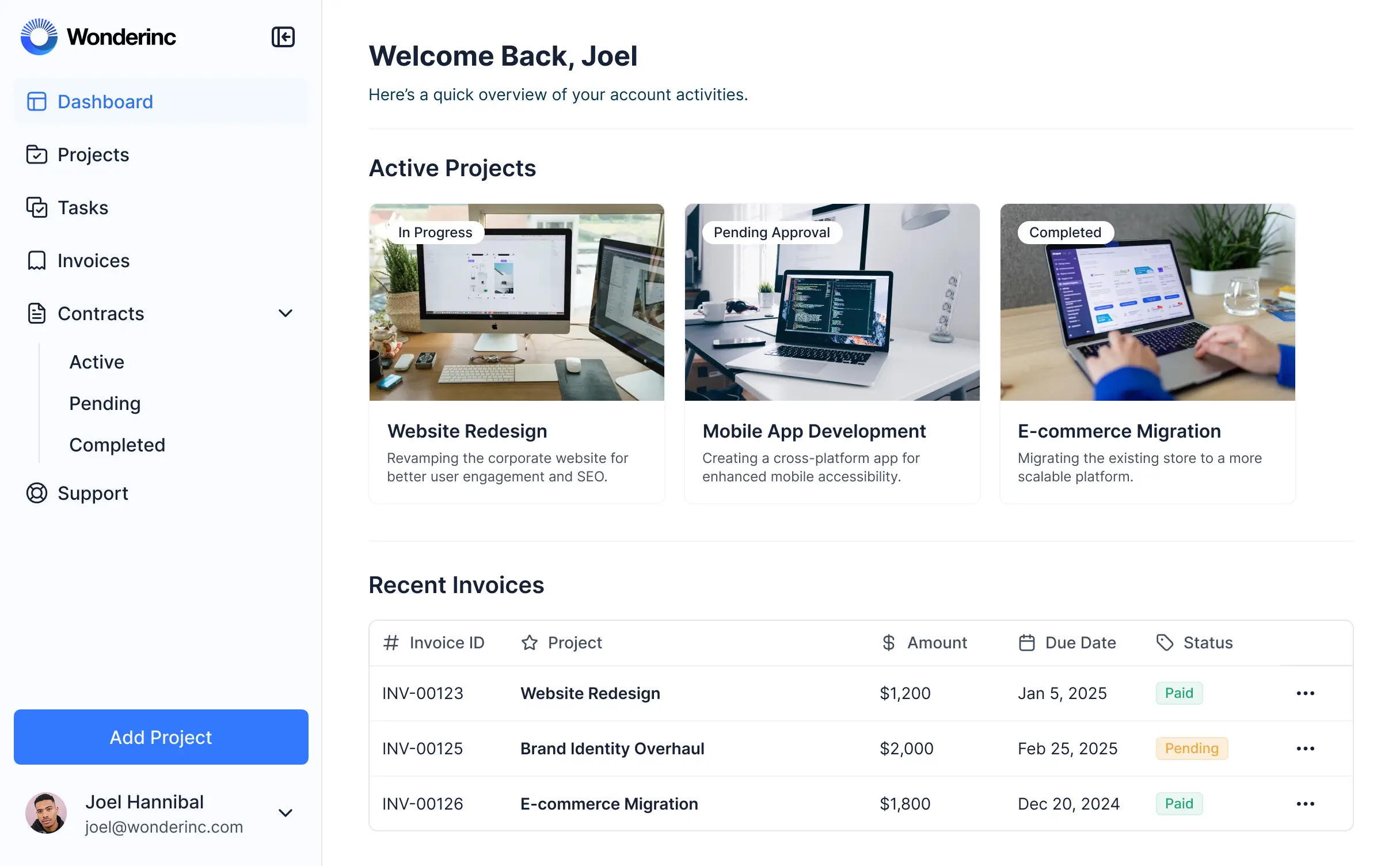
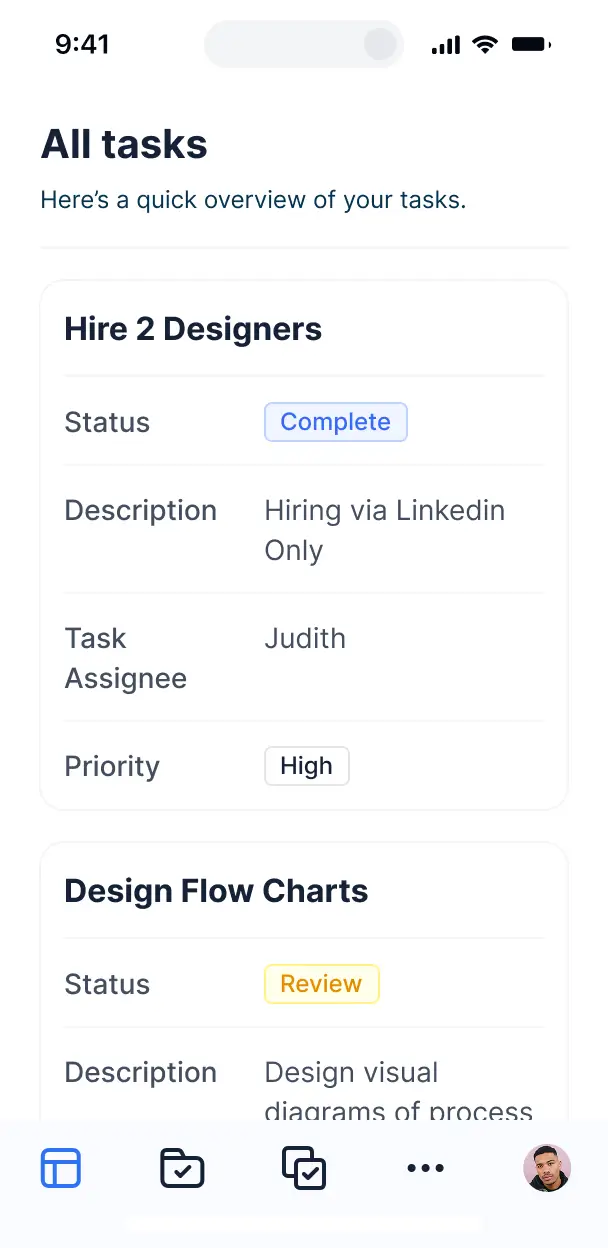



Customize your mining management software with the exact steps and views your crew needs. Add features as mine operations evolve—no code needed.


Connect production logs, equipment lists, and safety records with real-time sync—or manage everything in Softr Databases. Create a single source of truth for your operations.
Let site techs, managers, and safety officers log in to a fully branded system. Set up permissions and personalized access in minutes—no code needed.
Automate mine operations with Softr Workflows for safety alerts, status updates, and production notifications that trigger instantly.
Assign roles for site technicians, managers, or safety inspectors—each gets access to only the specific mining data they need.
Control who can view, complete, or approve work orders and safety reports—down to the specific data field level.
Keep sensitive operational and personnel data safe. Softr is fully compliant with SOC2 and GDPR regulations for enterprise security.
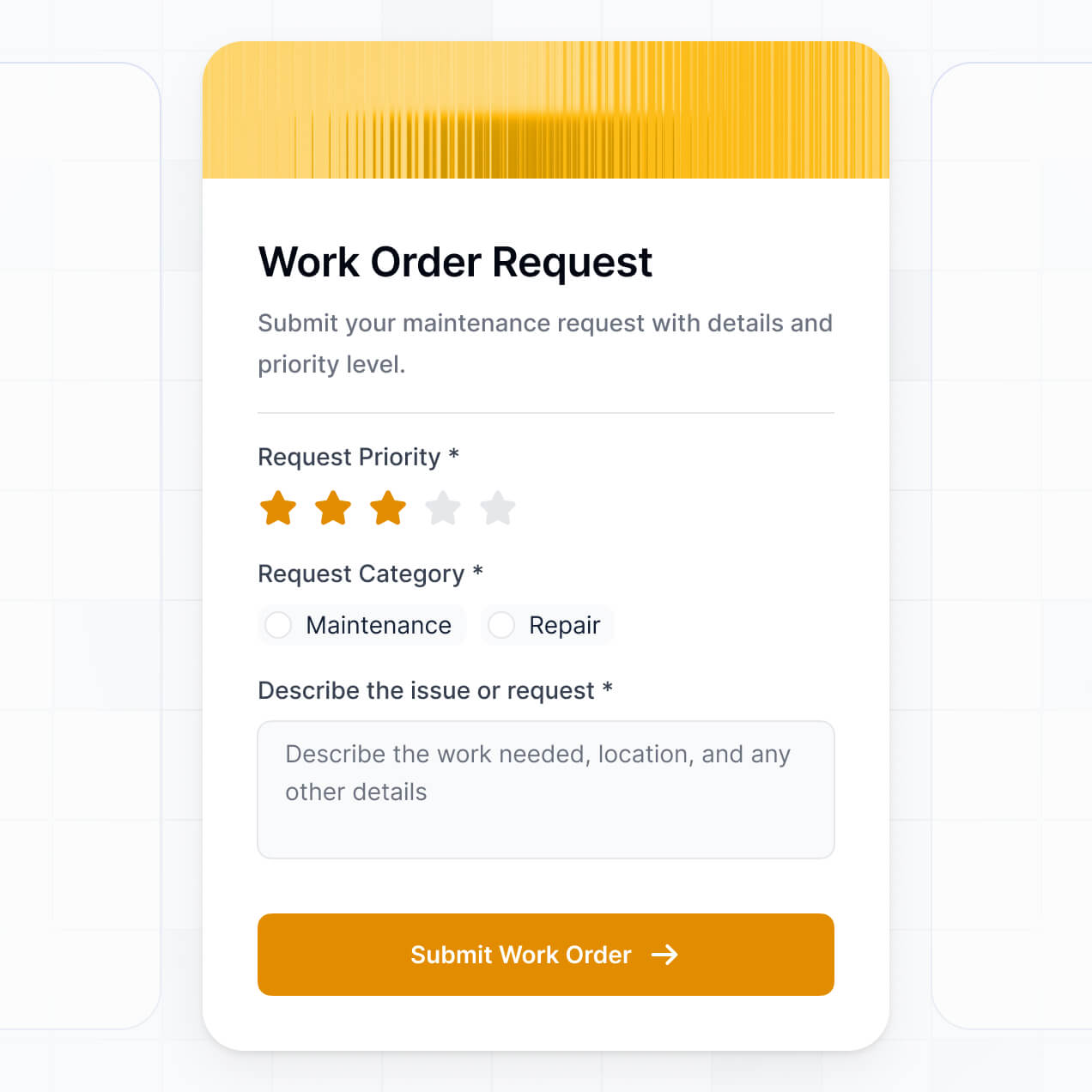
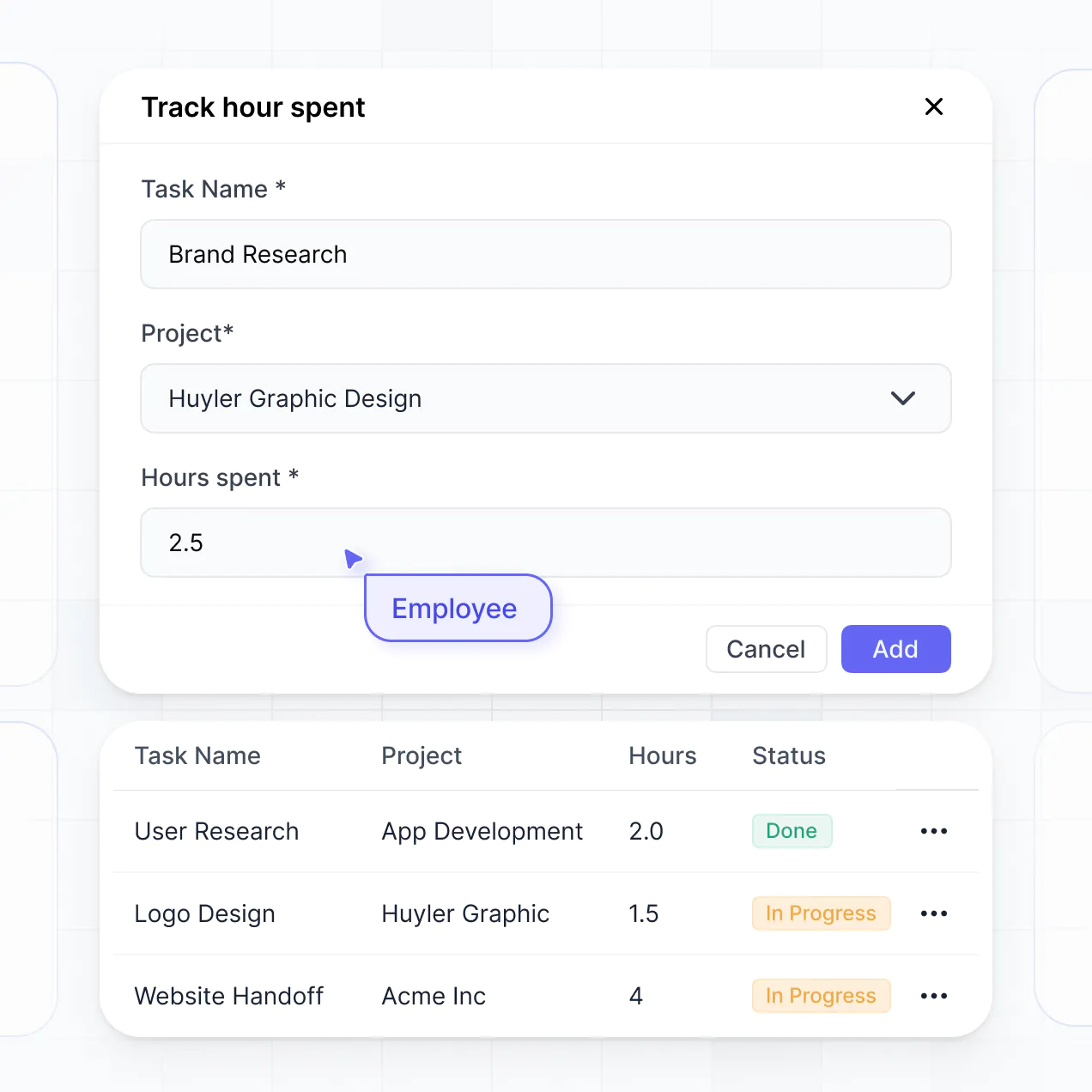
Capture incident details, site inspections, or equipment checks using flexible form blocks tailored to every specific mine task.
No more one-size-fits-all tools or costly custom builds. Softr is easy to use and fully customizable, so you can launch faster, adapt as you grow, and skip the complexity of traditional software.

Build your mining management software in minutes with AI—no manual configuration or manual coding required.

Add features like incident logs, scheduling, or cost tracking as your site operations grow—without a rebuild.

Start with production tracking, then add crew portals and equipment dashboards—all in one place with no extra tools.
Co-build with AI
Simply describe what you need. Let Softr handle everything - Interface, database, workflows.
Iterate with AI or visually
Control most critical parts of your app yourself - roles, permissions, security.
Ship the same day
Invite team members or external clients and partners right away. No developer handover.
Use drag-and-drop blocks to build a portal that looks sleek and modern out of the box. Add only the features you need, and iterate as your workflows evolve.




A mining management software is a secure ERP system where mine operators, site managers, and safety officers can log in to manage complex operations like production tracking, equipment maintenance, and workforce shifts. It centralizes all mining data in one place, reducing the risk found in fragmented spreadsheets or manual logs. This makes it easier to optimize extraction workflows, maintain safety standards, and improve the efficiency of both on-site crews and remote head offices.
Softr is the first AI-native platform for building business software, enabling mining companies to create an ERP that fits their specific geological and operational constraints. You can describe your mining site needs to the AI Co-Builder to instantly generate your equipment database, inspection pages, and site logic—already connected and secure.
You don't need to code anything. You can start by generating with AI, using an industrial template, or building from scratch. Everything runs on Softr Databases, the native, relational database built into the platform, or you can connect external data from sources like Airtable, Google Sheets, or your existing HubSpot records. You have full control to adjust the layout visually, manage regional permissions for site supervisors, and brand it to match your corporate identity. It's quick to deploy at remote sites, simple to update for new compliance rules, and flexible enough to scale across multiple mine locations.
You can include a wide range of features in your mining management software, depending on the complexity of your site operations. A great mining ERP usually mixes classic functional blocks with AI-powered intelligence:
- AI-Powered Intelligence – Use Ask AI to let foremen query production data conversationally, or set up Database AI Agents to summarize daily geological reports or identify equipment anomalies.
- Vibe Coding Blocks – Build custom UI elements—like a dynamic site map or 3D asset viewer—using the AI Code block to "vibe code" exactly what your engineers need.
- Softr Workflows – Build native automations (like a machine maintenance alert) that trigger safety notifications or sync data whenever a sensor threshold is met or a safety audit is submitted.
- User Portals & Logins – Securely manage access so extraction teams, safety inspectors, and executives only see the specific operational data relevant to their roles.
- Forms & Data Collection – Capture shift handovers, incident reports, and ore quality metrics with custom forms and file uploads.
- Dashboards & Charts – Visualize your extraction rates, fuel consumption, and safety KPIs with real-time charts and summaries.
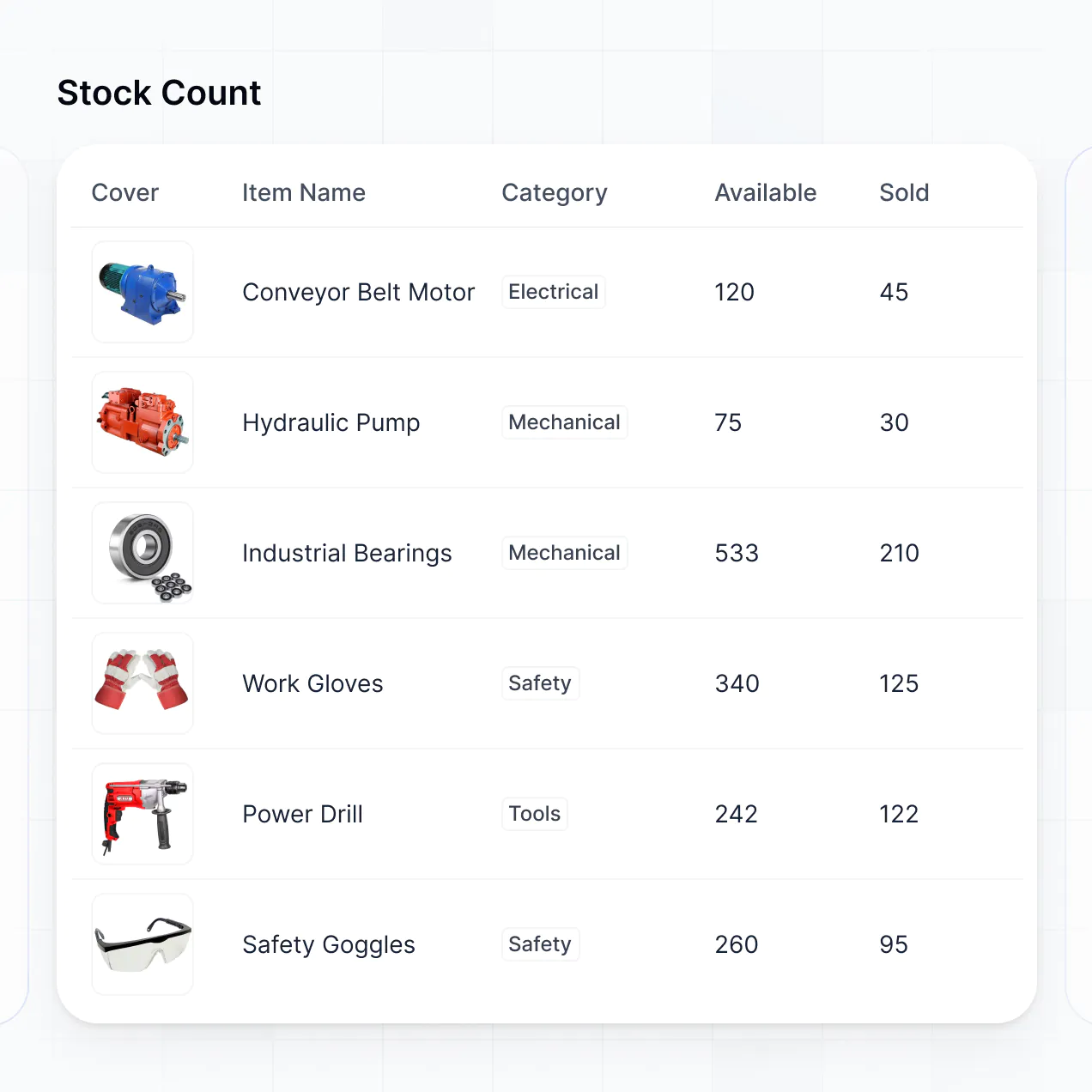
- Lists & Advanced Filtering – Display and manage your heavy machinery inventory with searchable tables and maintenance kanban boards.
Everything is built using Softr's drag-and-drop blocks, so you can create these mining-specific features without writing code. Need a tailored drill-hole visualizer? Use the Vibe Coding block to generate it with AI.
Vibe coding is about moving fast and using AI to build the specific operational tools your mine requires. You can "vibe code" mining management software in Softr by simply describing your site's complex workflows—like blasting schedules or equipment tracking—to the AI Co-Builder. Softr then generates a production-ready ERP on top of a stable, industrial-grade foundation.
Unlike other tools that just generate raw, fragile code for a prototype, Softr handles the critical "boring 80%"—like workforce authentication, relational database logic, and field-level security—natively. This means you get the speed of vibe coding without the risks of managing unvetted code in a high-stakes mining environment. You describe your operational needs, Softr builds the ERP, and it’s ready for your site crews instantly.
Yes. You can manage multiple mine sites, exploration projects, or regional teams in a single ERP. Each supervisor or geologist only sees the operational data, safety logs, and production targets assigned to their specific location, based on their login and role. This is useful for large mining enterprises that need centralized reporting while keeping site-specific data distinct.
Yes, you can. You don't need to bring your geological or production data from another system to start building with Softr. If you're starting a new project, you can use Softr Databases, which is built into the platform and handles relational data like linking equipment records to specific maintenance logs perfectly.
However, if you already have operational data in tools like Airtable, SQL databases, or Smartsheet, you can connect those too. You can also use the REST API connector to bring in real-time sensor data from your mining hardware. Either way, you have total control over how your mining records are structured and visualized for your team.
Softr Databases is the recommended native, relational data source for your mining ERP. It is built explicitly for heavy-duty business apps, offering high performance for large equipment inventories and instant automation triggers for time-sensitive safety logs.
If you have legacy data elsewhere, Softr also connects to 17+ external data sources. You can link to SQL databases for production records, BigQuery for geological analytics, or Google Sheets for simple shift scheduling. You can even integrate multiple sources, pulling equipment specs from Softr Databases and financial data from HubSpot into one unified view. Most sources support real-time, two-way sync to keep field workers and headquarters aligned.
Yes, Softr gives you full control over how different mining personnel experience the ERP. You can customize the layout and navigation to match your operational workflow. Each block, such as an explosives inventory or shift log, can be shown or hidden based on job role, so a driller only sees their task list while a safety manager sees the site-wide incident dashboard.
You can set up distinct roles—such as Site Foreman, Safety Officer, or Executive—and define exactly what each can view or edit. For instance, field workers can only submit inspection forms, while admins can manage global production targets. This ensures a clean, secure, and hazardous-area-safe experience where users aren't overwhelmed by irrelevant data.
Yes, you can fully white-label your mining management software in Softr. You can use your corporate logo, safety-compliant colors, and a custom domain to make the ERP feel like a proprietary internal tool. You can also remove all Softr branding, ensuring that your employees and contractors only see your firm's identity throughout their shift and reporting activities.
Yes, you can. Softr provides the flexibility to control the design and layout of your mining ERP to ensure it works in the field. You can adjust spacing for high-visibility on mobile devices or tablets used on-site. You decide which data blocks go where and set localized logic for different regional teams.
To display your mining data, you can choose from specific functional blocks:
- Table blocks – to show detailed production records or ore grades
- List or Card blocks – to manage heavy equipment inventory or vendor profiles
- Detail View – to show individual site performance or asset specs
- Forms – for safety inspections and logistics requests
- Charts – to visualize monthly extraction volumes and cost-per-ton
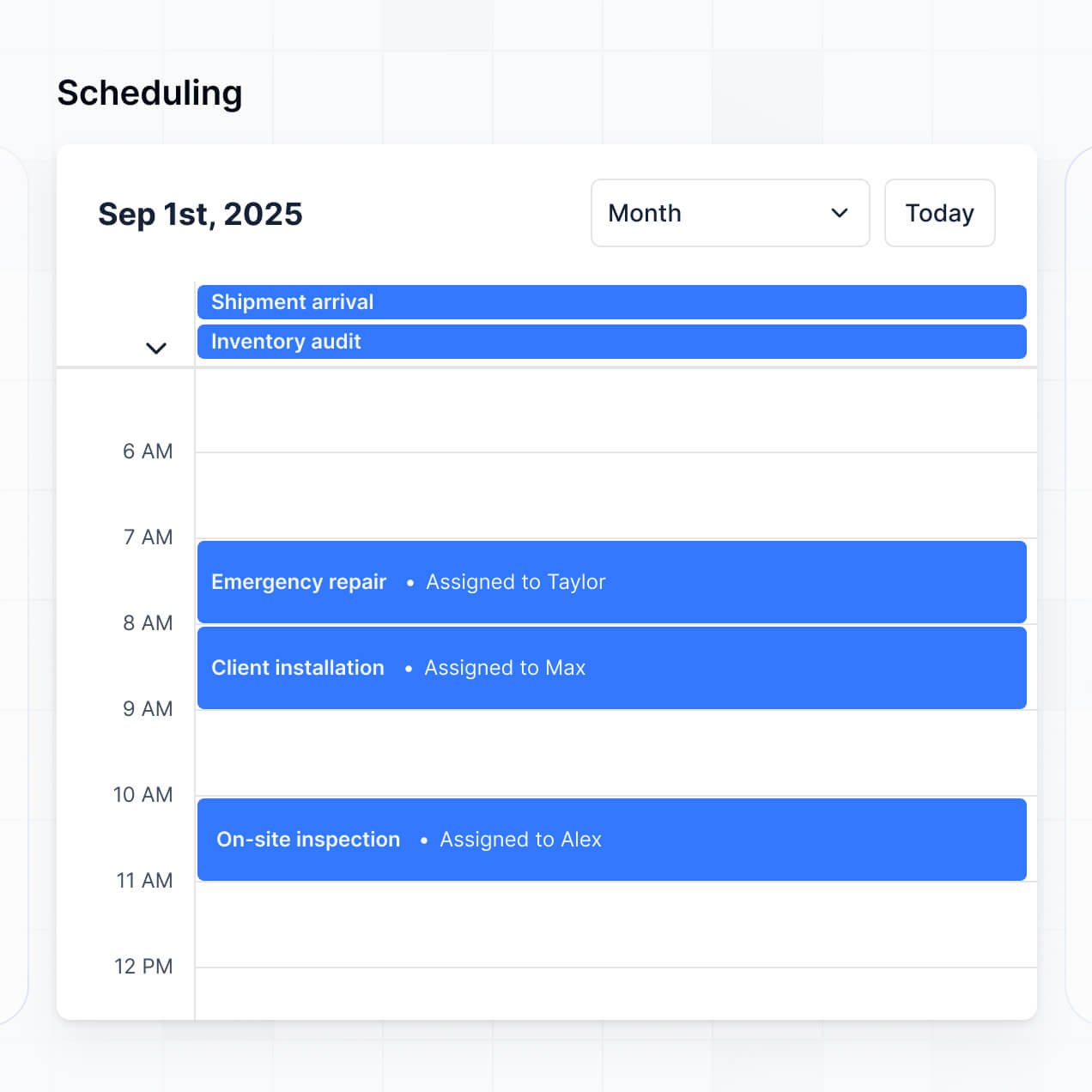
- Calendar blocks – to manage blasting schedules and maintenance windows
If your compliance needs change, it's easy to update the design and fields in the visual builder instantly.
Softr is built with enterprise-grade security for critical industries like mining. All data is encrypted in transit and at rest, and hosted on secure infrastructure. You have granular control over operational data through role-based permissions, ensuring that sensitive geological or financial data is never exposed to unauthorized personnel.
For ERPs using Softr Databases, data is stored in a secure environment with SOC 2 Type II compliance and European hosting (Germany). If you connect to external sources like your own SQL server, Softr doesn't store that data—it displays it in real-time according to your settings. This helps you maintain strict compliance with industrial security standards while keeping your mining information protected.
It is fully production-ready. Unlike AI tools that simply output raw, unmanaged code which could fail in critical mining environments, Softr builds your ERP on a stable, industrial foundation.
We handle the "boring but essential" architectural work—like secure logins, relational data integrity, and complex permissions—natively. This solves the reliability issues common with generated code; you get an instant, functional tool that is secure, scalable across thousands of workers, and ready for deployment at the mine site from day one.
Softr is the first AI-native platform designed for complex business software. Unlike basic tools that require manual configuration of every button or "vibe coding" tools that produce brittle code, Softr's AI Co-Builder creates production-ready mining apps on a secure, managed foundation.
The key advantage is the hybrid approach: use AI to generate your ore-tracking database and UI in minutes, then use the visual editor for precise site-specific adjustments. You get the speed of AI with the reliability of business-grade auth and permissions already baked in. It is purpose-built for mining operations teams who need to move from an idea to a live ERP without a massive IT project.
Yes. Softr supports powerful native workflows and deep integrations to connect your ERP with the rest of your mining technology stack. You can automate tasks using Softr Workflows, such as triggering a reorder service when parts inventory is low, or connecting to Stripe if you handle contractor billing.
Softr also supports REST API and webhooks, allowing you to pull in data from IoT sensors or send shift reports to your corporate HQ systems. Whether you need to automate safety alerts or sync with specialized planning software, you can build these connections into your portal without writing code.
Go from idea to a live mining ERP in under an hour. Get started for free, no developer needed.