CRM
Build a CRM with website builder
Capture leads, manage pipelines, and update your site in an AI-powered CRM with website builder you adapt to fit your business.
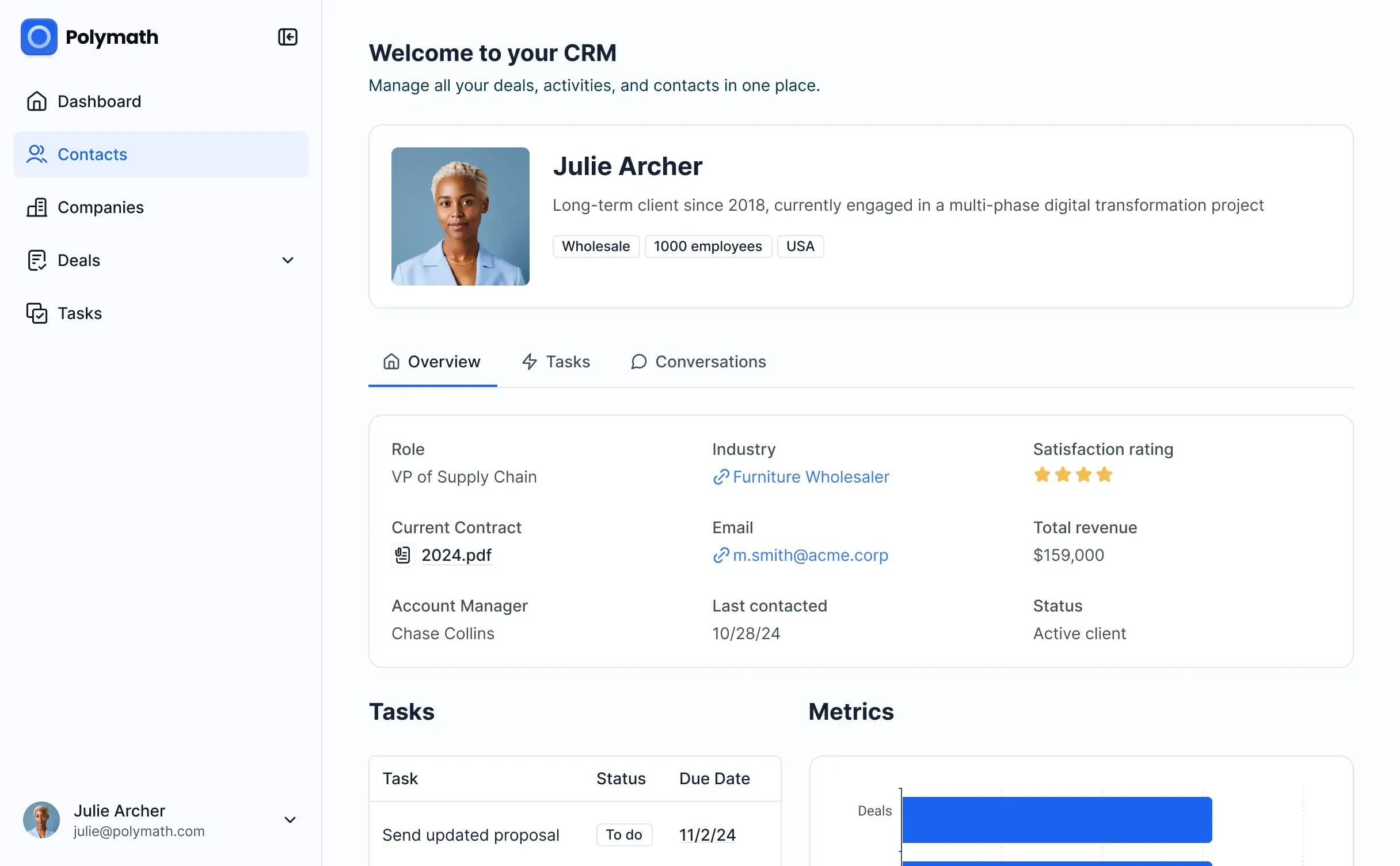
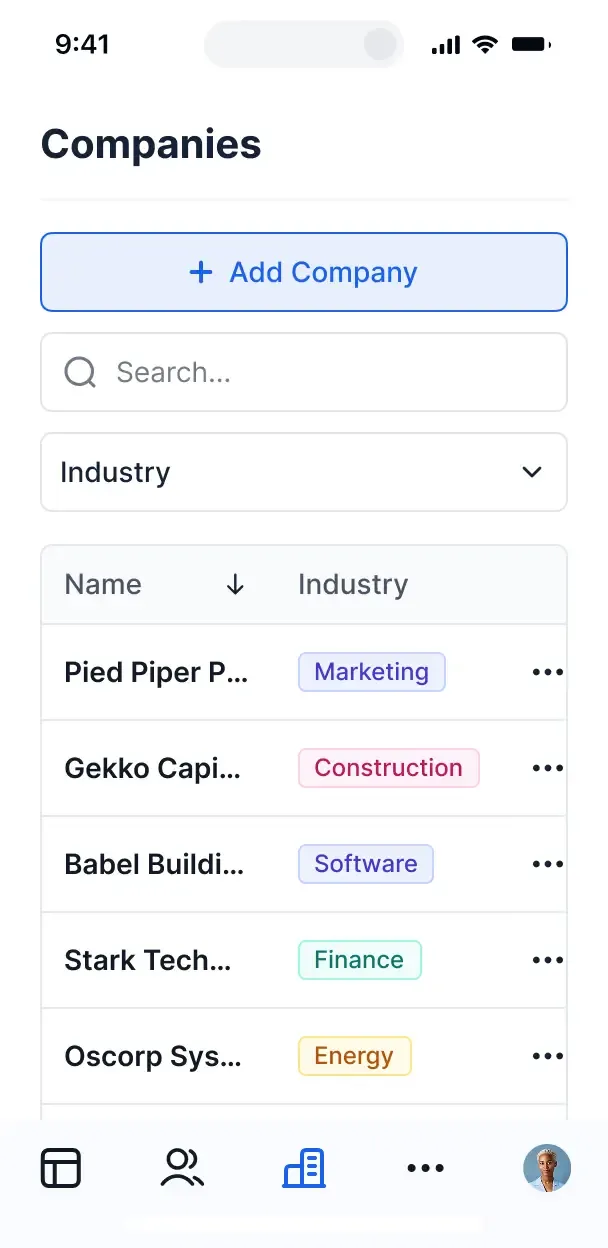









Flexibility
Tailor your CRM with website builder
Customize your CRM with website builder with the exact pipelines, forms, and pages your team needs. Add features as workflows evolve.
Lead capture and sync
Convert visitors into qualified contacts instantly through custom web forms linked directly to your central customer database.
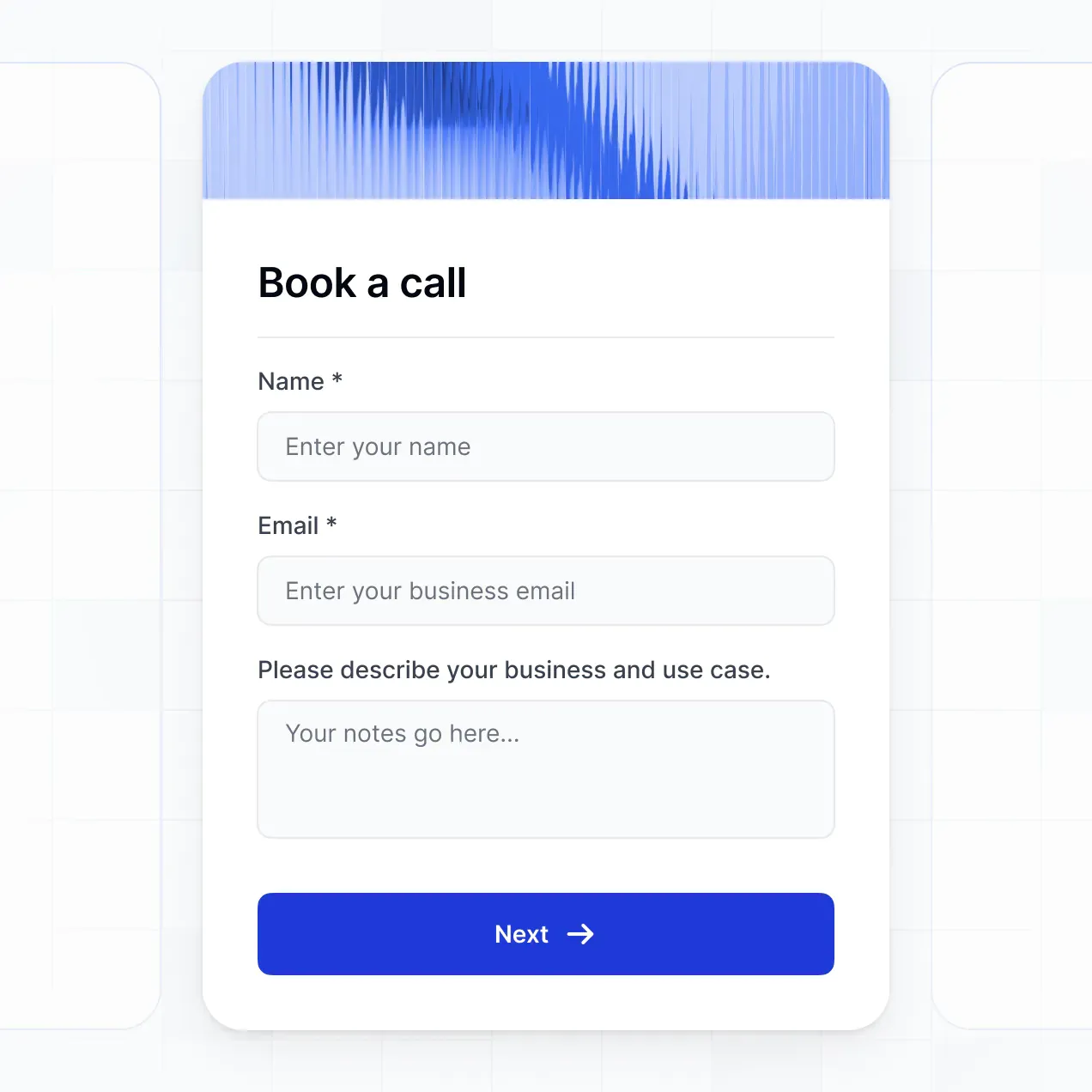
Interactive pipeline tracking
Organize active deals, move contacts through visual stages, and update account statuses on your customized admin dashboard.
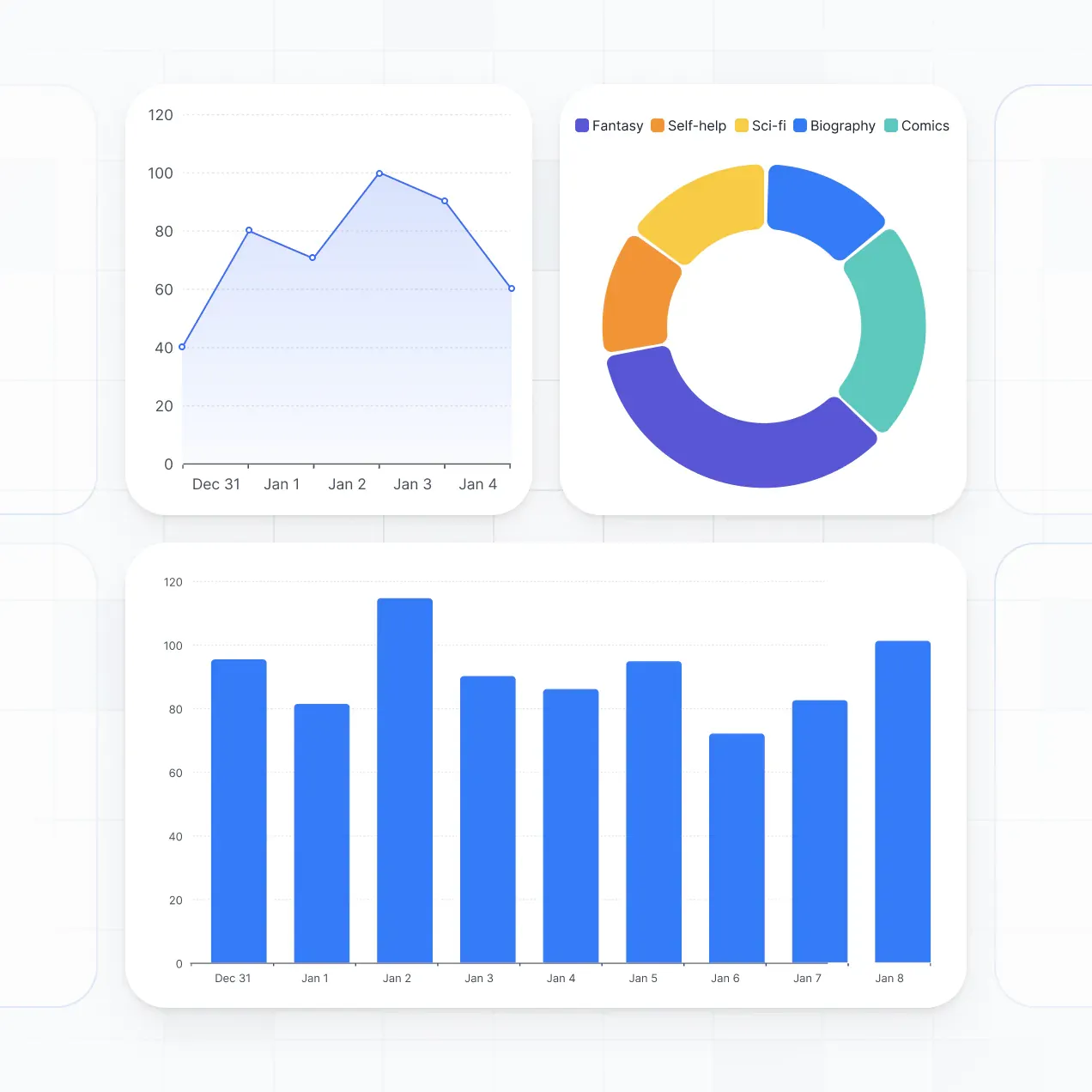
Visual website editing
Publish customer-facing pages, catalog listings, or directories compiled directly from your centralized database records.
Secure customer portal logic
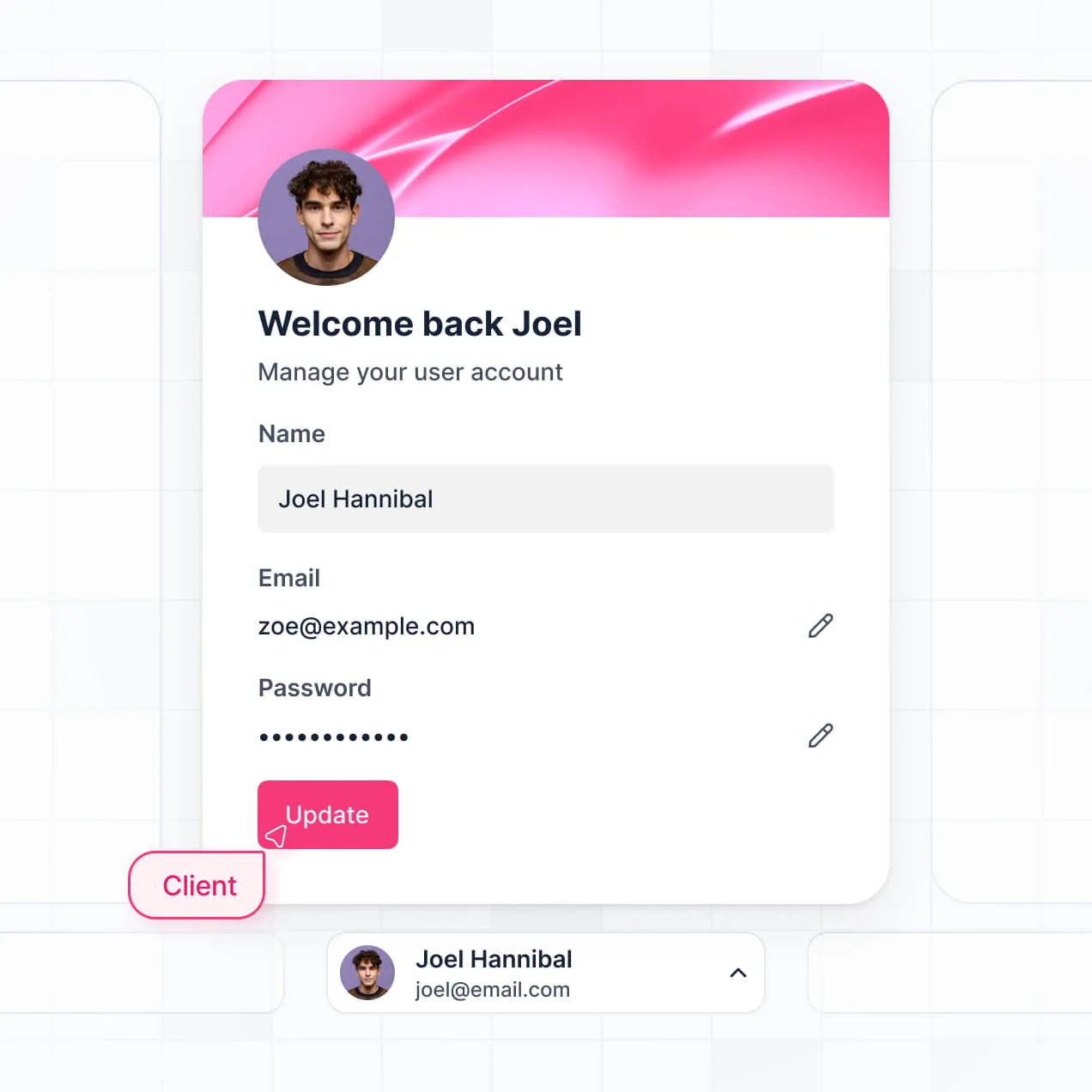
Allow registered accounts to securely log in, view status updates, edit profiles, and interact with private resources.
Automated workflow notifications
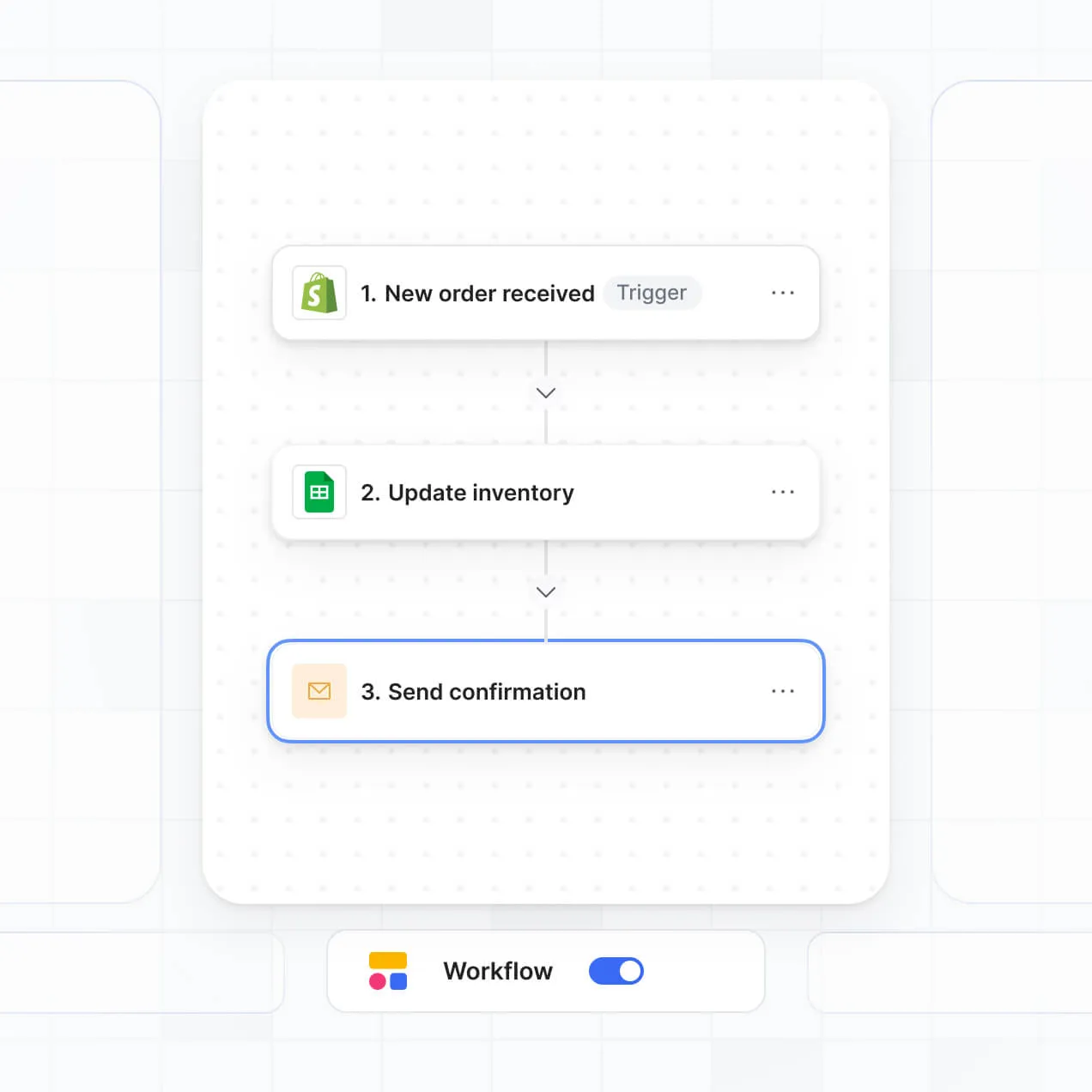
Set up alerts and immediate actions when website visitors submit responses or progress into new deal categories.
Conversational database analytics
Utilize Ask AI to query your CRM contacts, analyze sign-up patterns, and extract immediate pipeline metrics.
Data Management
Bring all your customer data together
Connect leads, customer pipelines, and live site data from multiple systems—or manage everything in Softr Databases. Create a single source of truth for your business.




Power
Give every user a custom, secure experience.
Give each user the right views and access in a fully branded portal. Set up secure logins, user groups, and permissions in minutes.
Why Softr
Why Softr vs other software
No more one-size-fits-all tools or costly custom builds. Softr is easy to use and fully customizable, so you can launch faster, adapt as you grow, and skip the complexity of traditional software.
Easy, fast setup
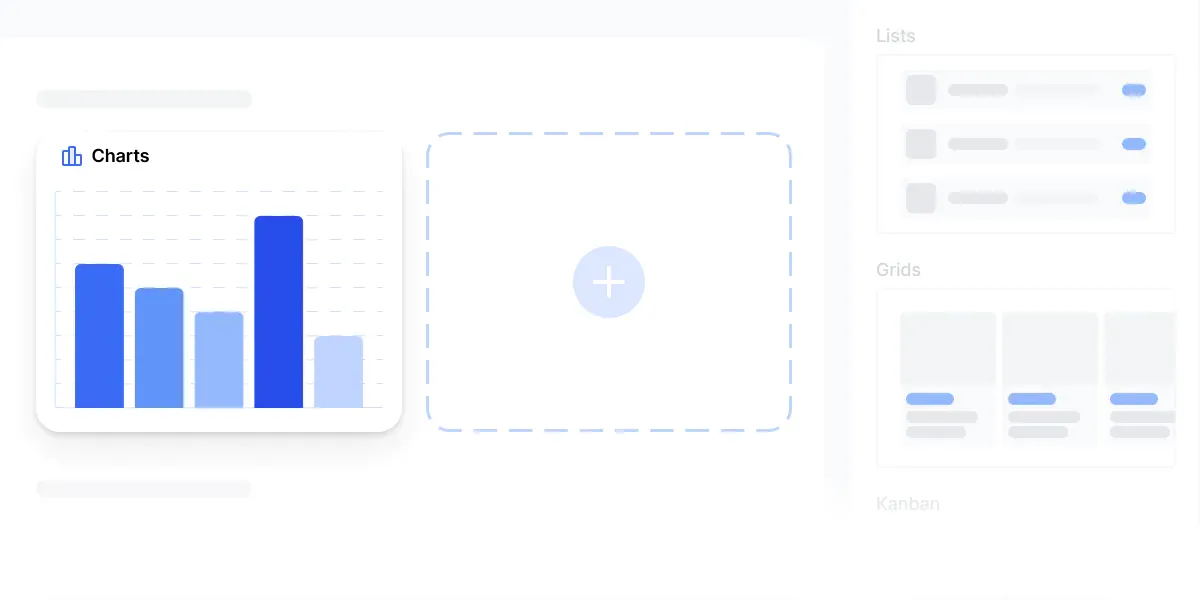
Build your CRM with website builder in minutes with AI. No complex setup or developer time needed.
Consolidate your stack
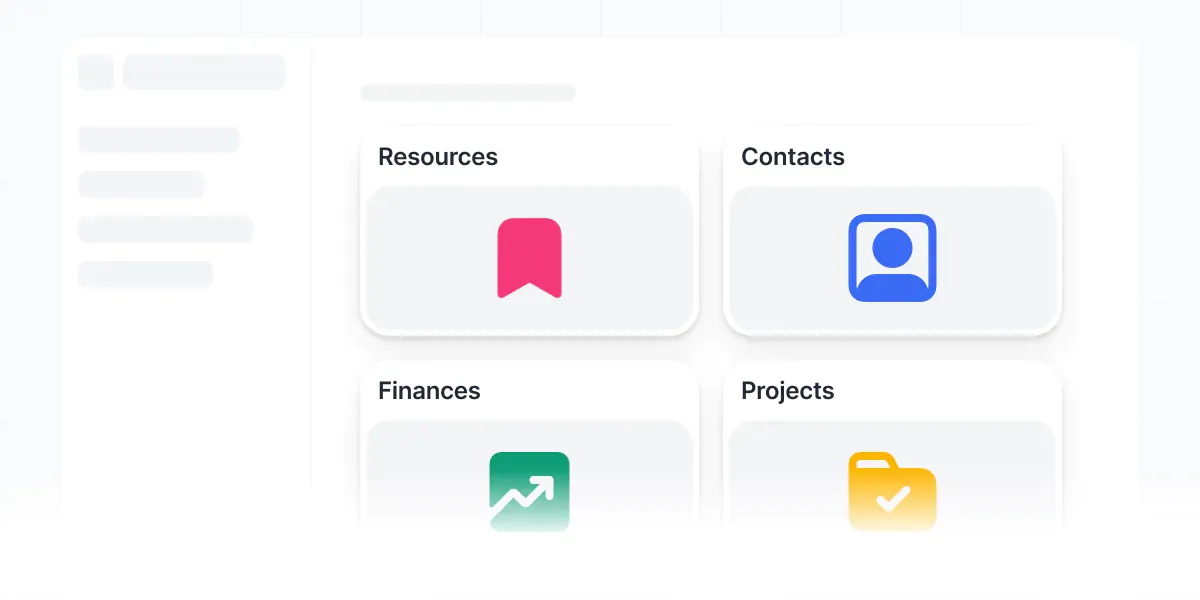
Add pipeline views, lead forms, or agency portals as your operations expand—no rebuild needed.
Flexible as you grow
Start with a CRM, then connect your public website, member areas, and partner tools in one place.
How it works
Generate a custom CRM with website builder with AI
Simply describe what you need. Let Softr handle everything - Interface, database, workflows.
Control most critical parts of your app yourself, including: roles, permissions, and security.
Invite team members or external clients and partners right away. Build AI apps with no developer handover.
Customer Love
The go-to platform for business operations
Use drag-and-drop blocks to build a portal that looks sleek and modern out of the box. Add only the features you need, and iterate as your workflows evolve.


Minerva Network increased athlete registrations by 50% with a custom CRM and portal


Celonis built a GTM knowledge base for 1,500+ team members
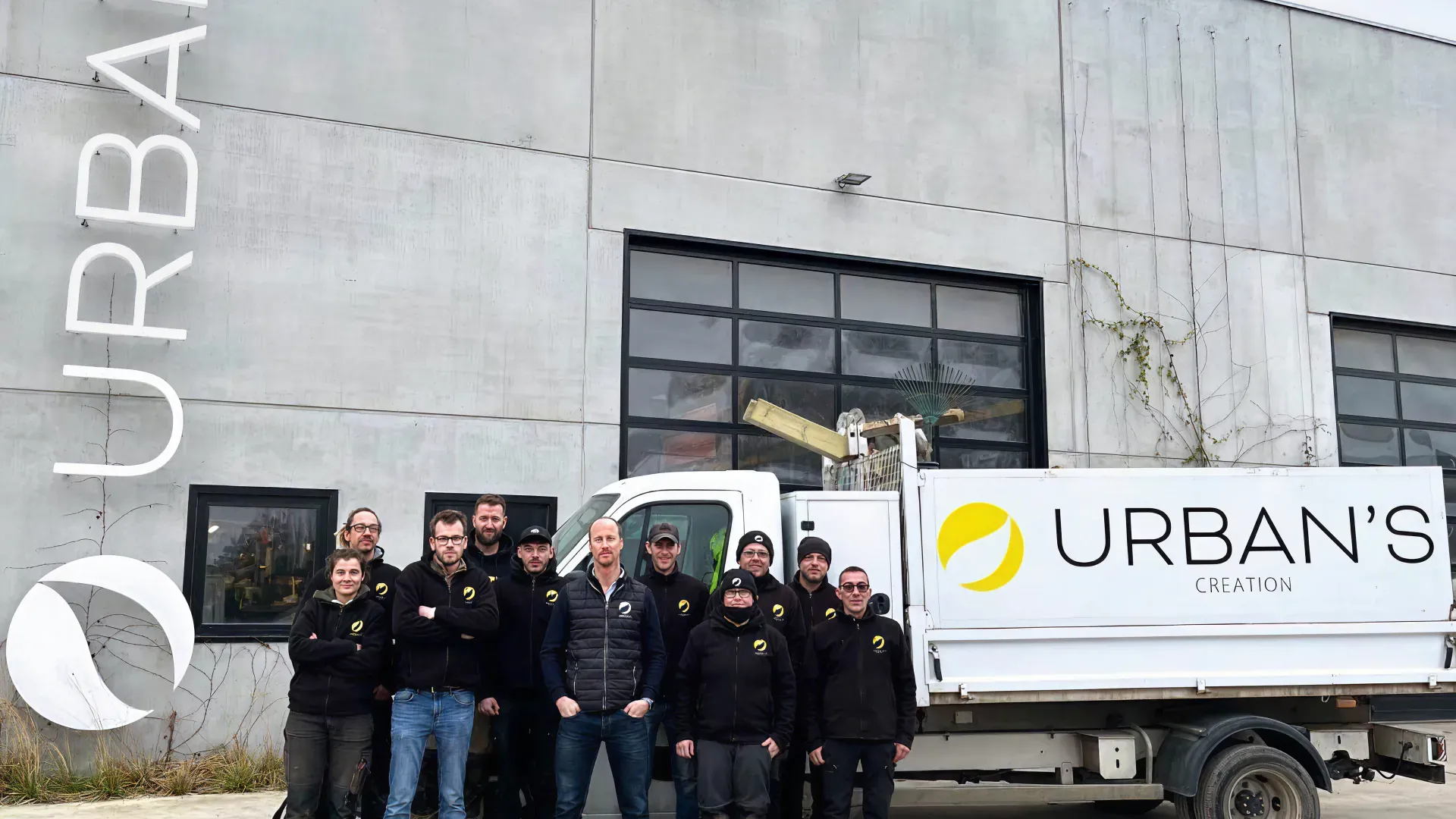

Urban's Group increased productivity by 25% with a custom ERP system
Frequently asked questions
What is a CRM with website builder?
A CRM with website builder is a unified software solution where you can host a public-facing website and capture leads directly into a built-in customer relationship management (CRM) system. It keeps all of your prospect data, customer interactions, and pipeline tracking in one place, so you don't have to rely on complex integrations, back-and-forth exports, or disconnected spreadsheets. This makes it easier to stay organized, manage new inquiries, and provide a seamless experience from first click to closed deal.
What are the benefits of building a CRM with website builder with Softr?
Softr is the first AI-native platform for building business software. It makes it easy to build a CRM with website builder that fits the way your sales team and business work. You can describe your marketing and pipeline needs to the AI Co-Builder to instantly generate your database, public landing pages, and lead tracking logic—already connected, secure, and ready to go.
You don't need to code anything. You can start by generating with AI, using a template, or building from scratch. Everything runs on Softr Databases, the native, relational database built into the platform, or you can connect external tools like Airtable, Google Sheets, HubSpot, and more. You have full control to adjust the web layout visually, decide who sees which pipeline stages, and brand it to match your company. It's quick to get up and running, simple to update, and flexible enough to grow as your lead-generation needs change.
What types of features can I build into my CRM with website builder?
You can include a wide range of features in your CRM with website builder, depending on what your marketing and sales workflow looks like. A great CRM with website builder app usually mixes responsive public pages with secure, AI-powered internal deal tracking:
- AI-Powered Intelligence – Use Ask AI to let your sales team query deal data conversationally, or set up Database AI Agents to research newly captured website leads automatically.
- Vibe Coding Blocks – Build complex, custom UI elements—like a custom lead qualification calculator—using the AI Code block to "vibe code" exactly what you need.
- Softr Workflows – Build native automations (like email notifications sent to sales reps when a new website form is submitted) that trigger whenever a record is updated.
- User Portals & Logins – Securely manage access so reps can only view their assigned deals while managers maintain a full view of the sales pipeline.
- Forms & Data Collection – Capture leads directly from your public website with custom forms, file uploads, and conditional routing logic.
- Dashboards & Charts – Visualize your conversion metrics, sales performance, and pipeline value with real-time charts and summaries.
- Lists & Advanced Filtering – Display and manage leads with searchable pipeline tables, kanban boards, and detailed account record views.
Everything is built using Softr's drag-and-drop blocks, so you can create these features without writing code. Need something more custom? Use the Vibe Coding block to generate a tailored component with AI. And if your website design or sales pipeline changes, it's easy to update things instantly.
How can I "vibe code" a CRM with website builder with Softr?
Vibe coding is all about moving fast and using AI to build exactly what you need. You can "vibe code" a CRM with website builder in Softr by simply describing your ideal website layout and customer-tracking requirements to the AI Co-Builder. Softr then generates a production-ready customer database connected to your live portal and web pages.
Unlike other tools that just generate raw, fragile code, Softr handles the "boring 80%"—like user authentication, secure database logic, and role-based permissions—natively. This means you get the speed of vibe coding without the "Day Two" headaches of manual script management. You describe your pipeline and marketing goals, Softr builds it, and it’s ready for your sales reps and website visitors instantly.
Can I manage multiple clients or teams in the same CRM with website builder?
Yes. You can manage multiple sales teams, external partners, or client accounts in a single CRM with website builder. Using granular visibility rules, each sales rep or account manager only sees the specific leads and customer records assigned to them, while dashboard administrators can oversee the entire company pipeline on a unified plane.
Can I use Softr if I don't already have my data in another tool?
Yes, you can. You don't need to bring your lead or customer data from somewhere else to start building your CRM with website builder with Softr. If you're starting from scratch, you can use Softr Databases, which is built into the platform and integrates perfectly with the landing pages and tracking boards you build.
But if you already have contact or sales data in tools like Airtable, Google Sheets, HubSpot, Notion, Coda, monday.com, Supabase, or SQL, you can connect those too. You can also use the REST API connector to bring in records from other marketing stacks. Either way, you have full control over how your customer data is structured, updated, and displayed.
Which data sources does Softr support?
Softr Databases is the recommended native, relational data source for Softr. It is built explicitly for business apps and CRMs, offering the highest performance, instant lead automation triggers, and a lightning-fast experience because your data lives natively alongside your website pages.
If you already have your client data elsewhere, Softr also connects to 21+ external data sources. You can connect to Airtable, Google Sheets, HubSpot, SmartSuite, BigQuery, and more. You can even integrate multiple data sources into the same CRM with website builder—so your web forms could populate Softr Databases while your deals sync directly with HubSpot at the same time. Most sources support real-time, two-way sync, so any changes in your app or data source stay in sync automatically.
Can I customize the user experience and permissions?
Yes, Softr gives you full control over how users experience your CRM with website builder. You can customize the public-facing pages to capture incoming leads, while keeping the internal management dashboard strictly secure. Every page, form, or deal pipeline view can be shown or hidden based on who's logged in, so sales reps only see their assigned contacts.
You can also set up different user roles, such as sales rep, account manager, or admin—and define exactly what each role can view or edit. For example, reps can only modify their deal stages, while executives can access global reporting dashboards. You can also create highly personalized homepages by automatically filtering pipelines based on the logged-in user.
This level of customization is especially useful when you're managing multiple regional teams or different pipeline flows in the same software. It keeps your lead data clean, secure, and tailored to each team member.
Can I white-label my CRM with website builder in Softr, including using my own branding?
Yes, you can fully white-label your CRM with website builder in Softr. You can use your own custom domain, logo, brand colors, and typography to make the landing pages and back-end portal feel like a completely custom internal tool. You can also remove all Softr branding, so your visitors and team only see your business's visual identity throughout the entire experience.
Can I customize the design and layout of my CRM with website builder?
Yes, you can. Softr gives you a lot of flexibility to control both the design and layout of your CRM with website builder. You can adjust colors, fonts, margins, and page layouts to perfectly match your brand's style guide. You can also choose how each website section is laid out, decide which analytics blocks go where, and define what sales reps see when they log in to manage accounts.
To showcase and manage your data, you can add different types of blocks depending on your process:
- Table blocks – to show structured lead tables or recent prospect calls
- List or Card blocks – to highlight customer directories, client portfolios, or case studies
- Detail View – to show a comprehensive view of single deals, including history and contact details
- Forms – to collect contact info on your public website pages
- Charts – to show monthly sales growth, deal velocity, and conversion rates
- Calendar blocks – to display scheduled product demos or follow-up deadlines
If your marketing layouts or sales pipelines change later, it's incredibly easy to go back and adapt them visually right inside the builder.
How secure is my data in Softr apps?
Softr is built with security in mind. All data is encrypted in transit (TLS) and at rest, and your websites and CRM systems are hosted on secure, reliable infrastructure. Softr apps also give you complete control over who can see and modify client records. You can set up role-based privileges, manage system users directly within your data source, set conditional visibility rules, and apply global restrictions to protect sensitive prospect information.
For apps using Softr Databases, your lead and deal records are stored in Softr's secure environment, with all data hosted in Europe (Germany) and backed by SOC 2 Type II compliance. For apps connected to external data sources like Airtable, Notion, or SQL, Softr doesn't store your database records—it just displays them securely in real time based on your settings. You're always in control of your CRM security.
Is the AI-generated CRM with website builder production-ready or just a prototype?
It is fully production-ready. Unlike many AI tools that just "vibe code"—generating fragile, custom front-end code that is difficult to secure or host—Softr builds your CRM with website builder on top of a highly stable, business-grade infrastructure.
We handle the "boring 80%" (like user authentication, secure hosting, and granular database permissions) natively so you don't have to. This solves the classic "Day Two" problem of AI development: you get the speed of instant generation with none of the headaches of maintaining raw, unreliable code. Your CRM is secure, fast, and ready to capture actual website leads from day one.
How is Softr different from other no-code tools?
Softr is the first AI-native platform for building business software. Unlike raw "vibe coding" tools that produce fragile code architectures, or traditional complex no-code databases that require manual front-end configuration, Softr's AI Co-Builder designs apps on top of a secure, production-ready foundation.
What sets it apart is the hybrid advantage: you can use AI to generate your CRM database, public website, and page logic in minutes, and then use visual controls for precise editing. You get the speed of AI generation alongside the reliability of enterprise-level infrastructure (auth, custom domains, and roles) already built-in. It's built for commercial teams who want to move from concept to launching a functional CRM with website builder on day one.
Can I automate workflows and integrate with other tools?
Yes. Softr supports powerful native workflows and a wide range of marketing integrations so you can easily connect yourCRM with website builder to the rest of your tech stack. You can automate email marketing using Softr Workflows, collect customer payments via Stripe, or talk to visitors with Intercom. Softr also supports REST API and webhooks for advanced database automations.
Whether you need to register a lead, send notifications to team members, or transfer transaction data into other accounting systems, you can build it directly into your CRM platform without writing code.
Create your CRM with website builder now
Go from idea to live CRM with website builder in under an hour. Get started free with no code required.