Log hours, manage programs, and track student participation in an AI-powered system built with AI to fit your school's unique workflow.
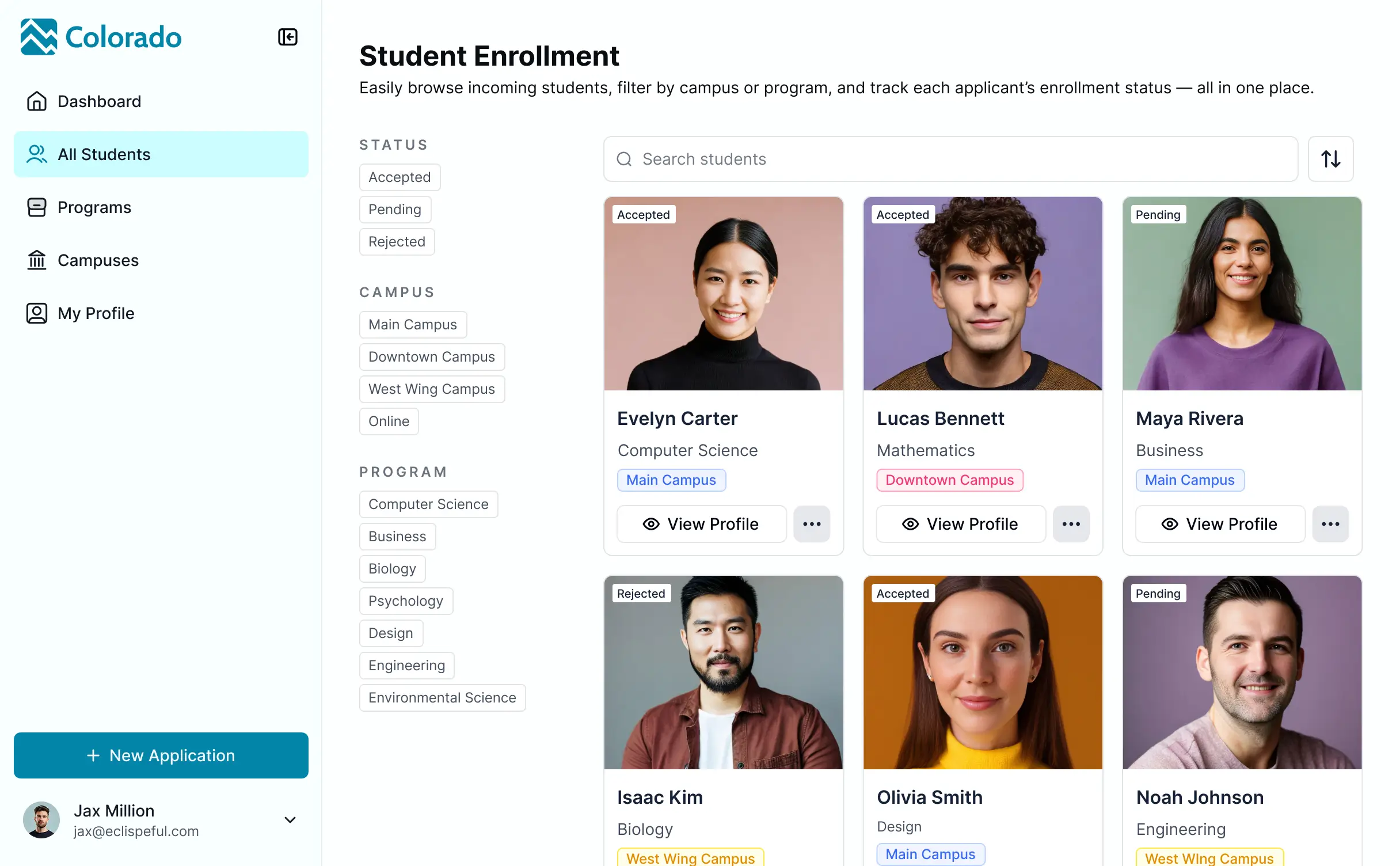
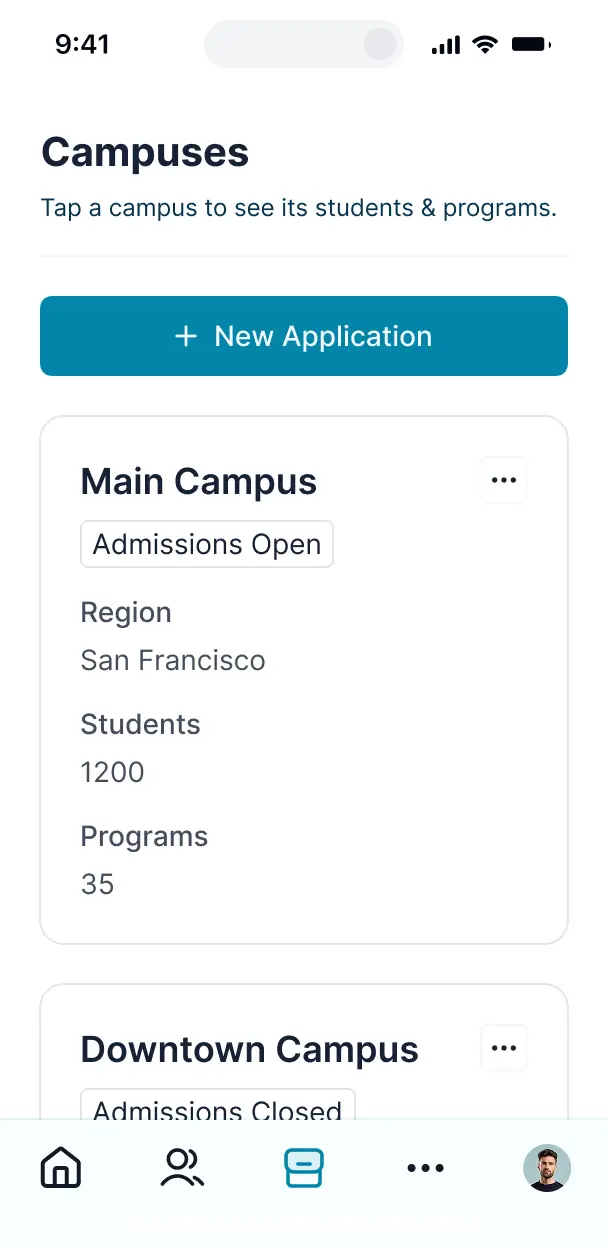

Customize an extracurricular activity tracker with the exact forms and views your staff requires. Add participation logs and iterate as you grow.


Connect student rosters, activity logs, and program schedules with real-time sync—or manage everything in Softr Databases. Create a single source of truth for your school.
Give students, coaches, and staff the right views. Set up secure logins, user groups, and granular permissions for activity tracking in minutes.
Softr apps are mobile-ready. Coaches can log participation hours on the field via a downloadable PWA app—no extra design needed.
Build native automations to handle badge approvals, notification pings for new schedules, and data sync whenever a student enrolls in a program.
Provide separate logins for students, coaches, and administrators to ensure each person sees personalized dashboards relevant to their activities.
Apply rules so instructors can only manage their own programs while administrators see the full school-wide participation data.
Protect student and educational records from security threats. Softr is fully compliant with SOC2 and GDPR regulations.
No more one-size-fits-all tools or costly custom builds. Softr is easy to use and fully customizable, so you can launch faster, adapt as you grow, and skip the complexity of traditional software.

Build your extracurricular activity tracker in minutes with AI—no manual setup or complex coding needed.

Add features like hour logging, badge approvals, or equipment tracking as your programs evolve—no rebuild needed.

Start with a tracker, then add student portals, dashboards, or resource forms—all in one place with no extra tools.
Co-build with AI
Simply describe what you need. Let Softr handle everything - Interface, database, workflows.
Iterate with AI or visually
Control most critical parts of your app yourself - roles, permissions, security.
Ship the same day
Invite team members or external clients and partners right away. No developer handover.
Use drag-and-drop blocks to build a portal that looks sleek and modern out of the box. Add only the features you need, and iterate as your workflows evolve.




An extracurricular activity tracker is a secure digital space where students, parents, and coaches can log in to manage participation, monitor progress, and store essential documents like permission slips and schedules. It keeps all details—from practice times to merit badges—in one centralized place, so you don't have to rely on scattered emails or paper forms. This makes it easier for program coordinators to stay organized and provides a more transparent experience for students and families.
Softr is the first AI-native platform for building business software, making it the fastest way to build an extracurricular activity tracker that matches your program's unique requirements. You can describe your specific tracking needs to the AI Co-Builder to instantly generate your database, user pages, and logic—already connected and secure.
You don't need to code anything. You can start by generating with AI, using a specialized template, or building from scratch. Everything runs on Softr Databases, the native, relational database built into the platform, or you can connect external tools like Airtable or Google Sheets. You have full control to adjust the layout visually, define permissions for students versus staff, and brand the app to match your school or organization. It's quick to launch, simple to update, and flexible enough to grow alongside your activity list.
You can include a wide range of features in your tracker, depending on whether you are managing sports teams, music programs, or volunteer clubs. A great extracurricular activity tracker usually mixes functional blocks with AI-powered intelligence:
- AI-Powered Intelligence – Use Ask AI to let students query their attendance records conversationally, or set up Database AI Agents to automatically summarize student reflections on their activities.
- Vibe Coding Blocks – Build custom UI elements—like a dynamic achievement badge gallery—using the AI Code block to "vibe code" exactly what you need.
- Softr Workflows – Build native automations that trigger notification emails to parents whenever a social service hour log is approved or a student joins a new club.
- User Portals & Logins – Securely manage access so each student only sees their own activity history and personal progress.
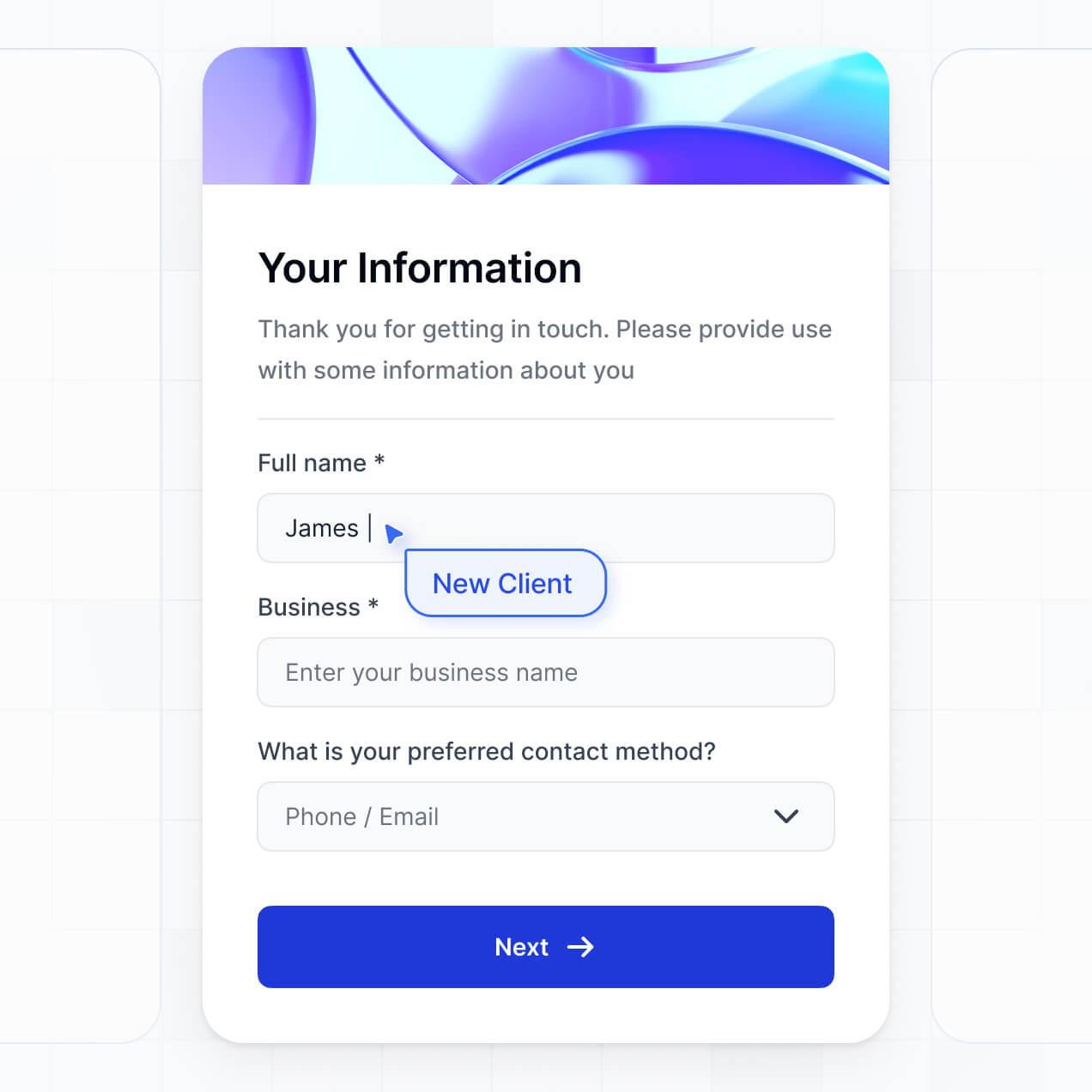
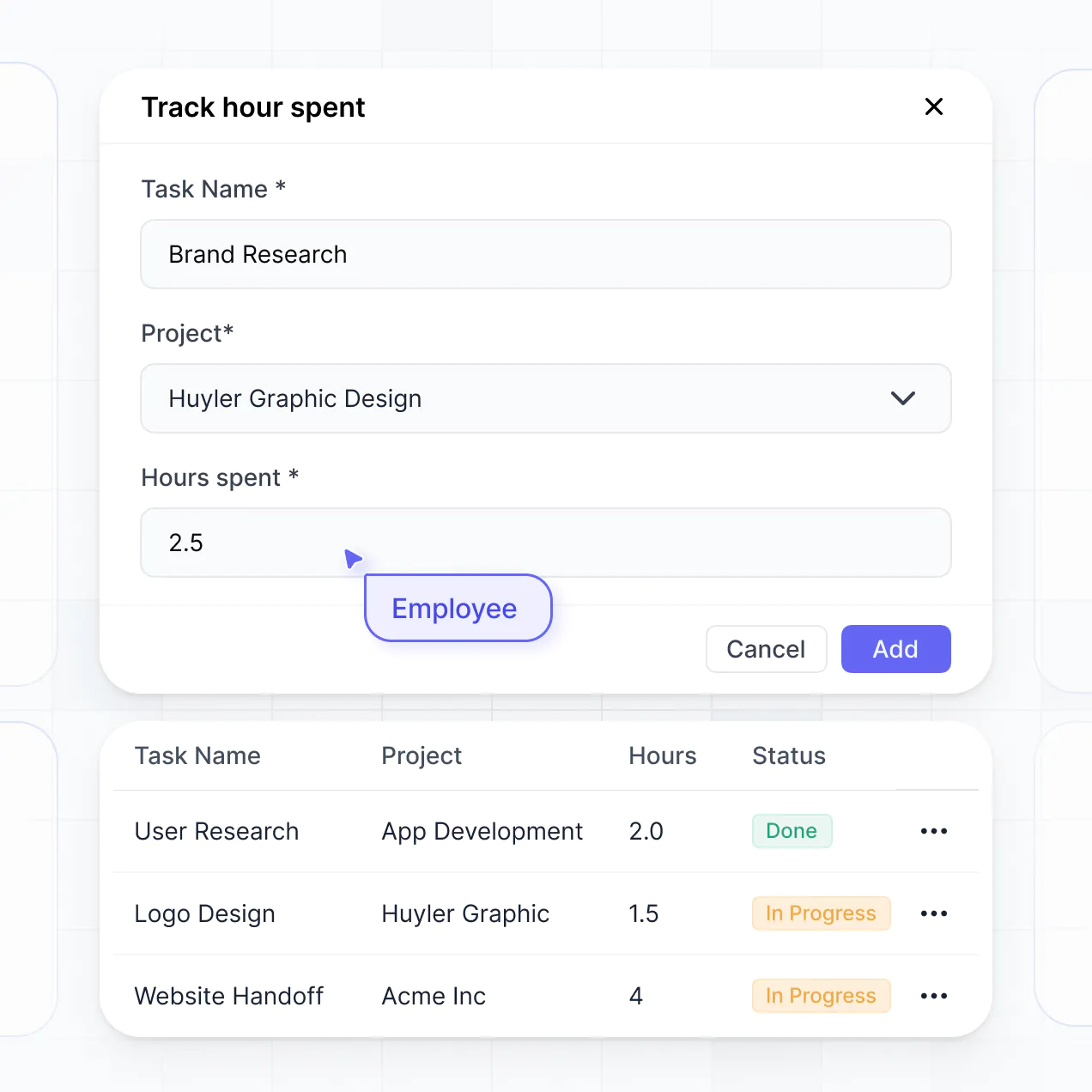
- Forms & Data Collection – Capture information through activity sign-up forms, equipment check-out logs, and daily health checks.
- Dashboards & Charts – Visualize program participation rates and total volunteer hours with real-time charts and summaries.
- Lists & Advanced Filtering – Display and manage sessions with searchable tables, club rosters, and calendar views.
Everything is built using Softr's drag-and-drop blocks without writing code. If your program evolves, you can easily add new fields for skills tracking or portfolio uploads later.
Vibe coding is all about moving fast and using AI to build exactly what you need. You can "vibe code" an extracurricular activity tracker in Softr by simply describing your tracking requirements—like specific attendance rules or points systems—to the AI Co-Builder. Softr then generates a production-ready app on top of a stable, secure foundation.
Unlike other tools that just generate raw, fragile code, Softr handles the "boring 80%"—like student authentication, database logic, and privacy security—natively. This means you get the speed of vibe coding without the technical debt of managing raw code. You describe your activity workflows, Softr builds them, and it’s ready for your students and staff immediately.
Yes. You can manage multiple clubs, sports teams, or academic teams in a single tracker. Each user only sees the specific rosters, schedules, and data assigned to them based on their login and role. This is useful for school administrators who need a high-level view of all programs while individual club presidents only manage their specific member lists.
Yes, you can. You don't need to bring existing participant data to start building with Softr. If you're starting from scratch, you can use Softr Databases, which is built into the platform and integrates perfectly with your tracker. This allows you to define student profiles and activity lists directly in Softr.
However, if you already have rosters in tools like Airtable, Google Sheets, or Excel, you can connect those too. You also have the option to use the REST API to pull in data from school management systems. You maintain full control over how your activity records and student progress are structured and displayed.
Softr Databases is the recommended native data source for building an extracurricular activity tracker. It offers the high performance and instant automation triggers needed for real-time attendance logging and status updates, ensuring a lightning-fast experience because the data is native to the platform.
If you store student or activity data elsewhere, Softr also connects to 17+ external sources. You can connect to Airtable, Google Sheets, SmartSuite, BigQuery, and more. You can even combine sources—for example, pulling school-wide student lists from HubSpot and activity-specific logs from Softr Databases into one dashboard. Most sources support real-time, two-way sync, ensuring your tracker stays updated automatically.
Yes, Softr gives you full control over how students, coaches, and parents experience the tracker. You can customize the dashboard layout to match your school's branding. Each table or sign-up form can be shown or hidden based on user roles, ensuring students only see their own progress while coaches can view the entire program's roster.
You can set up granular user roles—such as Student, Faculty Advisor, or Parent—and define exactly what each can view or edit. For instance, coaches can update attendance and scores, while students can only view their own stats. Filtering data based on the logged-in user helps keep the interface clean and secure for young users.
Yes, you can fully white-label your activity tracker in Softr. You can use your organization's logo, colors, fonts, and a custom domain to make the tracker feel like an official part of your school's online presence. You can also remove Softr branding so that students, parents, and donors only see your organization's identity throughout the app.
Yes, you can. Softr provides the flexibility to control the design and layout of your extracurricular activity tracker to suit your community's needs. You can adjust the visual theme to match school colors and organize pages for easy navigation. To display your activity data, you can use specialized blocks:
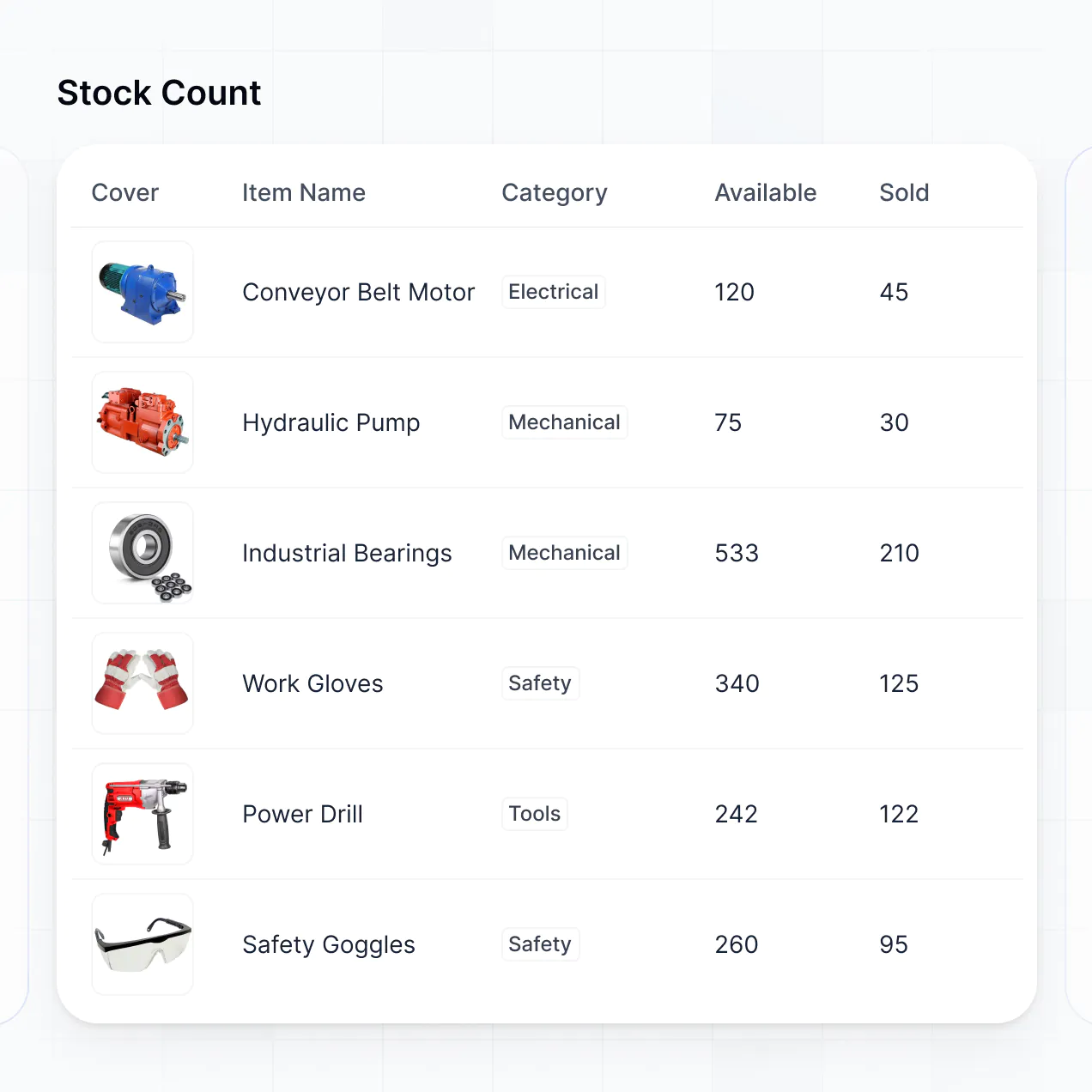
- Table blocks – to show rosters, point tallies, or event histories.
- List or Card blocks – to browse available clubs, sports highlights, or student profiles.
- Detail View – to show individual student progress or specific club descriptions.
- Forms – for membership applications and event registrations.
- Charts – to show hours completed or competition results.
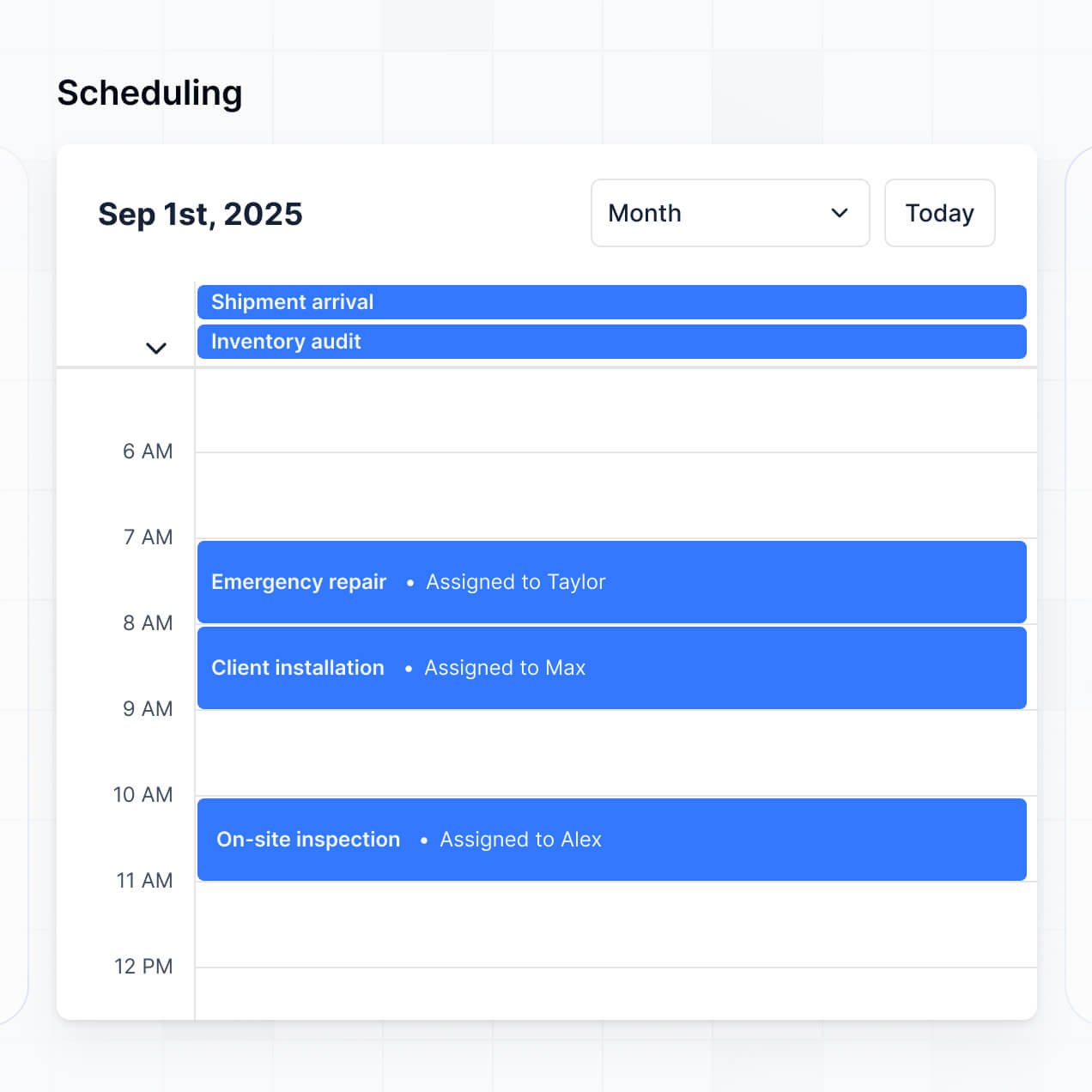
- Calendar blocks – to display practice schedules and game dates.
Changing the design as your program grows is simple; just make updates directly in the visual builder.
Softr is built with security as a priority. All data is encrypted in transit and at rest, and your tracker is hosted on secure infrastructure. Softr gives you tools to protect sensitive information, such as student contact details. You can implement role-based permissions and visibility rules to ensure only authorized users can access specific records.
For trackers using Softr Databases, data is stored in a secure EU-based environment (Germany) with SOC 2 Type II compliance. If you connect external sources like Airtable, Softr displays the data in real-time through secure access settings without storing it. This ensures you maintain full control over who can view or edit student records and medical notes.
The generated extracurricular activity tracker is fully production-ready. While many AI tools create fragile code that is difficult to secure, Softr builds your tracker on top of a stable, business-grade infrastructure.
We handle essential features like secure logins, hosting, and complex permissions natively. This solves the long-term maintenance problem; you get the benefit of instant AI generation without the risk of managing raw, unreliable code. Your tracking app is secure, scalable, and ready for your students and staff to use immediately.
Softr is the first AI-native platform for building business software. Unlike basic form-builders or rigid no-code tools that require hours of manual setup, Softr's AI Co-Builder creates an entire tracker—including the database and logic—in minutes on a secure foundation.
SThe platform offers a hybrid advantage: use AI to generate the initial app structure, then use visual controls for fine-tuned customization. You receive the speed of AI generation with the reliability of enterprise-grade features like user roles and secure hosting. It is built for non-technical educators and organizers who need to go from an idea to a live tracker on day one.
Yes. Softr supports powerful native workflows and integrations to connect your activity tracker to your existing stack. You can automate tasks like sending a confirmation email once a student joins a club or syncing hours with your main school database. Softr also supports webhooks and REST API for more complex workflows like syncing with a school's SIS.
Whether you need to trigger a notification when a new event is added or display equipment inventory from another tool, you can build these automations directly into your tracker without writing code.
Describe what you need. Softr's AI builds your education tool in minutes. No dev needed.