


Build a custom resource listing website with AI
Softr makes it easy to build a searchable resource listing that works as a standalone site, or a section of your portal or app. No code required.












Works with your data, wherever it lives
Use Softr's built-in databases to power your directory, or build on top of 17+ data sources. With Softr, you can sync all your tools and information in real-time.


Content management
Display resources in lists, tables, and more, with custom detail pages for each listing.

Comment threads
Allow users to add comments to resource listings to add more context or ask questions.

Search and filter
Add tag-like filters that user can click or tap to easily find what they need.

Gated or public access
Choose whether your resource listing is open to everyone or available only to logged-in users.

Email capture
Add an email collection block to addresses, grow your community, and share updates on new resources.

Submission and request forms
Let your team or users suggest or add new resources with built-in forms that you can customize to your needs.

A custom resource listing site that runs without hassle
Turn your list of resources into a polished, mobile-ready app with full control over branding, layout, and access.

Branding
Deliver a professional website experience that reflects the look and feel of your brand.

Works on any device
Turn your listing site into a downloadable mobile app in one click with Softr’s PWA feature — no extra design work needed.

Automations
Connect with your existing tools, including Make and Zapier, to seamlessly automate workflows and notifications.

User groups
Create custom user groups to provide different views and access levels for users and admins.

Advanced permissions
Control who can view, edit, or manage content—down to the individual block or section.

Security
Protect sensitive information from security threats. Softr is fully compliant with SOC2 and GDPR regulations.


Extend beyond a resource listing site
Turn your resource listing site into a full knowledge platform or LMS. Add training content, videos, or interactive guides—all in one place.





Go from zero to app, incredibly fast
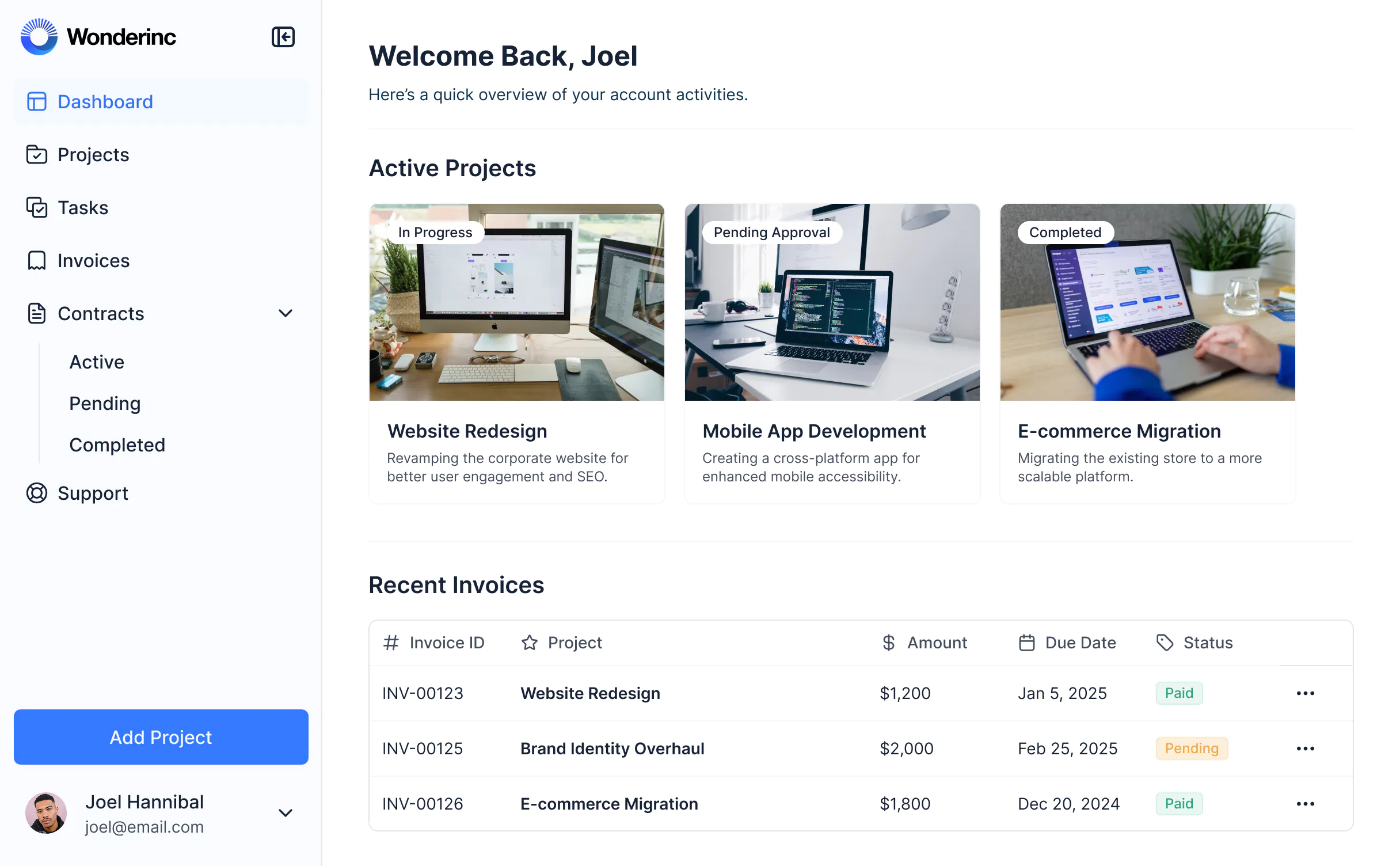
Co-build with AI
Simply describe what you need. Let Softr handle everything - Interface, database, workflows.
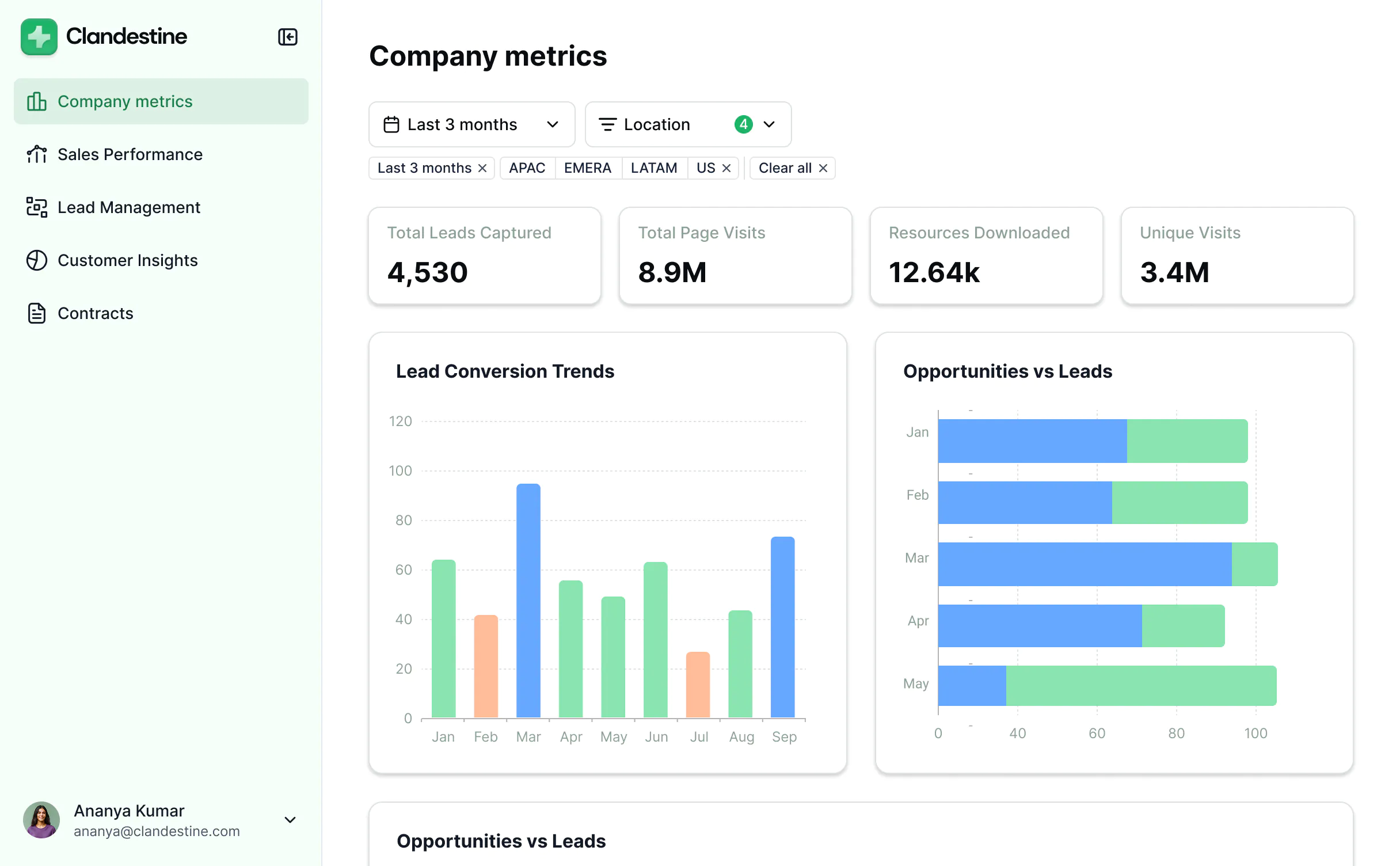
Iterate with AI or visually
Control most critical parts of your app yourself, including: roles, permissions, and security.
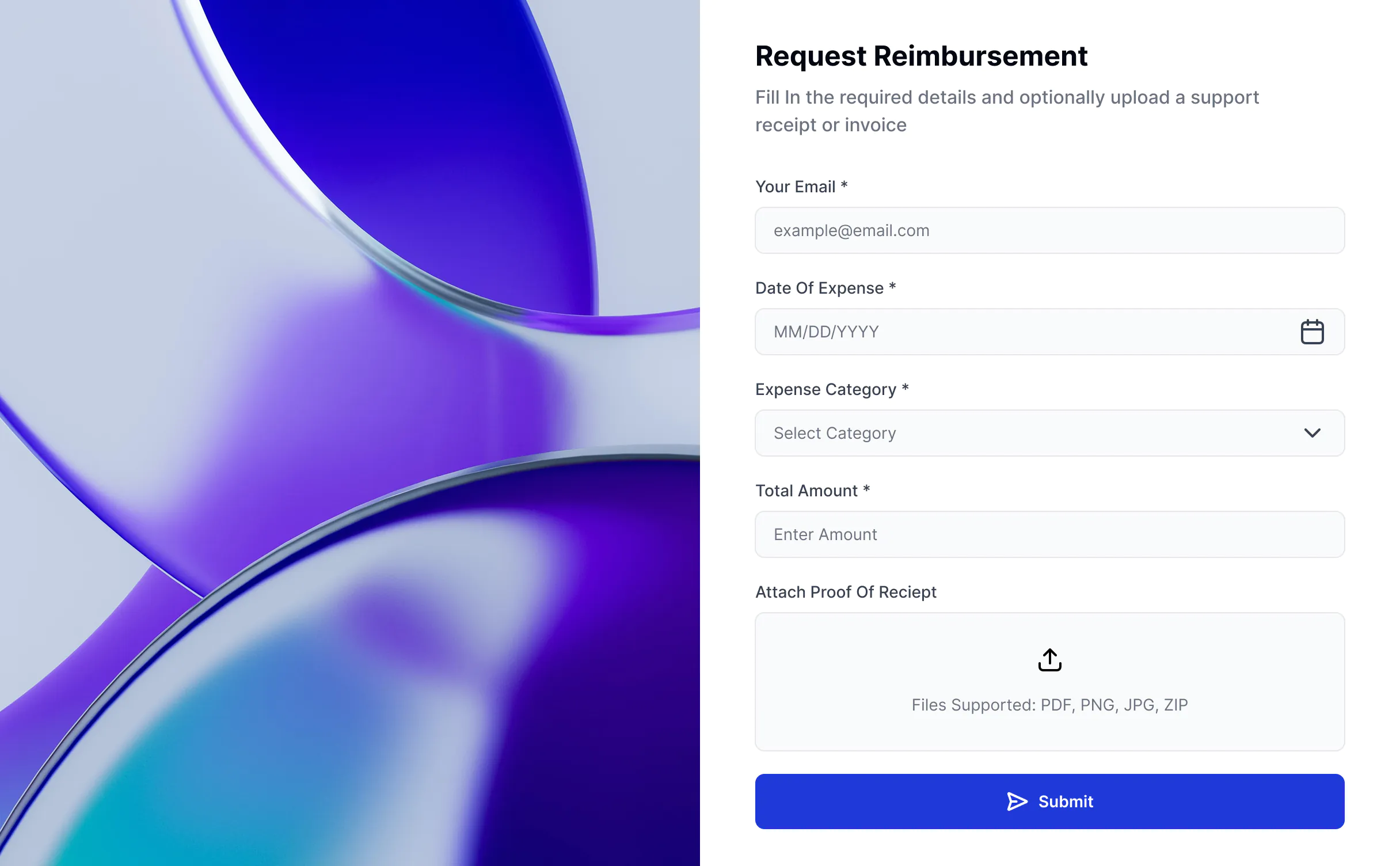
Ship the same day
Invite team members or external clients and partners right away. Build AI apps with no developer handover.


Frequently asked questions
What is a resource listing website?
What is a resource listing website?
A resource listing website is a searchable, filterable directory of resources — templates, tools, suppliers, grants, courses, research, or anything else your audience needs to find quickly. Each item gets its own detail page, and visitors narrow the list by category, tag, or keyword instead of scrolling a long document.
It can be a public site that brings in traffic and email sign-ups, a gated library only members can open, or a section inside a portal your team and clients already use.
With Softr's AI Co-Builder, you can build a custom resource listing site in minutes — describe what you need, and it creates the database, the app, and the business logic, already connected and ready for real users.
What is a resource listing website used for?
What is a resource listing website used for?
Teams use a resource listing site to make a growing pile of material findable. Instead of a spreadsheet that only one person understands or a folder nobody opens, everything sits in one place with search, filters, and a consistent layout.
Common uses include curated tool and vendor directories, grant and funding databases, internal knowledge libraries, member-only template galleries, partner and supplier lists, and course or training catalogs.
The same setup works whether the audience is the public, your customers, or your own staff — you decide what's open and what sits behind a login.
What are the benefits of a custom resource listing site?
What are the benefits of a custom resource listing site?
Off-the-shelf directory tools lock you into their fields, their layout, and their pricing per listing. A custom site fits the resources you actually have.
The main benefits are:
- Findability: Search and filters get people to the right resource in seconds.
- Control over your data: Your listings live in your database, not inside someone else's platform.
- Flexible access: Publish openly, gate behind an email capture, or restrict to paying members.
- Room to grow: Add fields, categories, comments, or submission forms as the collection expands.
- Your brand: Logo, colors, and custom domain, so it reads as part of your site rather than a third-party tool.
With Softr, you also get to build and change it yourself, without waiting on developers.
What features should a resource listing website have?
What features should a resource listing website have?
A good resource listing site is judged on one thing: how fast someone finds what they came for. The most important features include:
- Search and filters so visitors can narrow by category, type, tag, or any field you track.
- List, table, and card views to display resources in the format that suits the content.
- Detail pages that give each resource its own URL with the full description, links, and files.
- Gating and permissions so you can keep some resources public and others members-only.
- Email capture to turn anonymous visitors into a list you can market to.
- Submission forms so contributors or your own team can add resources without touching the backend.
- Comments and ratings to let users flag what's actually useful.
- Integrations and data flexibility to connect the tools where your resources are already tracked, or manage them directly in Softr Databases.
- AI assistance so users can ask for what they need in plain language instead of guessing at filters.
Together these turn a static list into something people come back to.
How do I build a resource listing website with Softr?
How do I build a resource listing website with Softr?
Building a custom resource listing site used to mean coding it from scratch or paying for directory software that never quite fit. With Softr's AI Co-Builder, you can create a fully functional one without writing code.
Here's how it works:
- Generate your app from a prompt: Describe the resources you're listing and the AI Co-Builder generates a working app: database, business logic, and utility pages like login, password reset, and account settings already included.
- Refine to your needs: Switch between prompting and visual editing to adjust filters, layouts, detail pages, and who can see or edit what.
- Customize branding: Add your logo, colors, and domain so the site matches the rest of your brand.
- Add workflow automation: Use Softr Workflows to route new submissions for review, notify subscribers when resources are added, or tag listings automatically. Softr Forms can collect submissions and trigger those workflows.
- Launch and iterate: Publish in minutes, then keep adding resources, fields, and sections as the library grows.
What data sources can I connect to a resource listing site?
What data sources can I connect to a resource listing site?
Softr's AI Co-Builder generates a Softr database schema when it builds your app, so if you're starting from scratch, your data structure is ready to go. You can add or import listings directly, no migration needed.
If your resources already live somewhere else, Softr connects to 20+ external sources including Airtable, Google Sheets, HubSpot, Notion, MySQL, PostgreSQL, and more — or connect any system through the REST API connector.
Either way, your listing stays in sync in real time, so updating a row updates the live site.
Can I add AI features to a resource listing website?
Can I add AI features to a resource listing website?
Yes. Softr includes a built-in AI assistant you can add to your resource listing site without any coding or API setup.
Visitors can ask for what they need in plain language — “show me free templates for nonprofits” or “which grants close this month” — instead of working through filters one at a time. They can also get summaries of a resource before opening it.
The assistant only reads data the user already has access to, so gated resources stay gated. On the admin side, your team can use AI to spot gaps in the collection and keep listings current.
What makes Softr different from other resource listing builders?
What makes Softr different from other resource listing builders?
Most directory tools are either too rigid to fit your content, priced per listing, or unable to handle logins and permissions once real users show up. Softr is built for business use from day one.
Describe what you need, and the AI Co-Builder generates a working site — database, logic, and UI already connected. No generated code to debug, no developer needed to make it production-ready.
From there you stay in control: customize through prompting or visual editing, keep resources in Softr Databases or connect the tools you already use, set granular permissions per user group, and add an AI assistant so people find resources by asking. As the collection grows, the site grows with it — without starting over or calling in a developer.
Build a resource listing site with AI, fast
Build and launch in minutes.


