


Create an OEM partner portal with AI
Build a professional, self-serve OEM partner portal that supports every stage of your partner relationship—no code required.

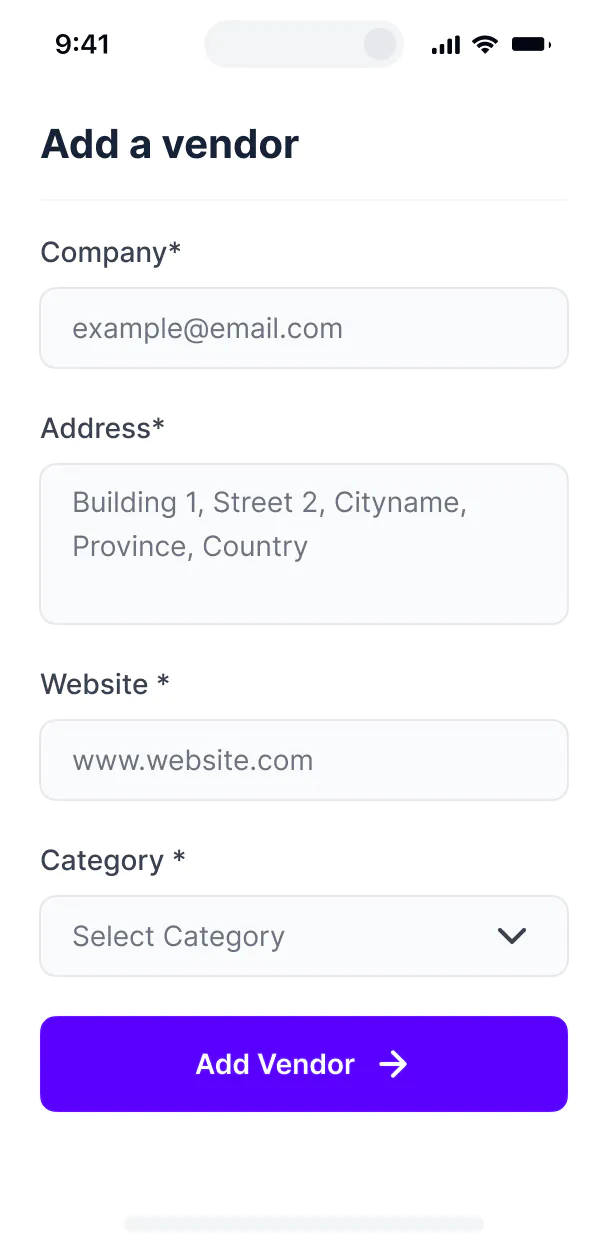










Bring your partner data together in real-time
Use Softr's built-in databases to power your OEM partner portal, or build on top of existing data with 15+ integrations. With Softr, you can sync all your tools and information in real-time.


Customize your portal to your partners
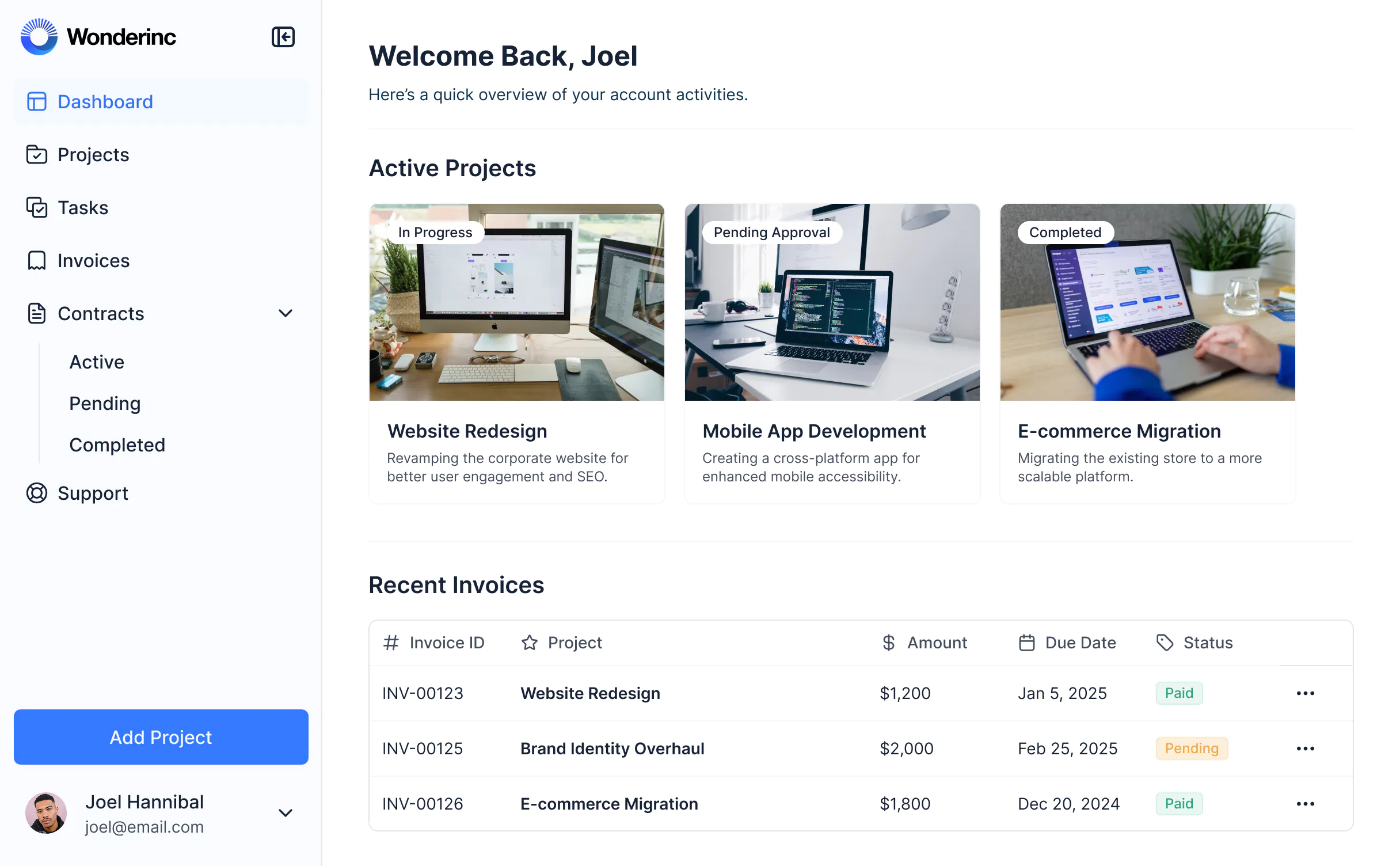
Whether you're sharing assets, assigning leads, or tracking deal registration, Softr lets you control what each partner sees and what actions they can take.
Partner Onboarding & Registration


Account Management

Partner Communication

Document Management

Order Management

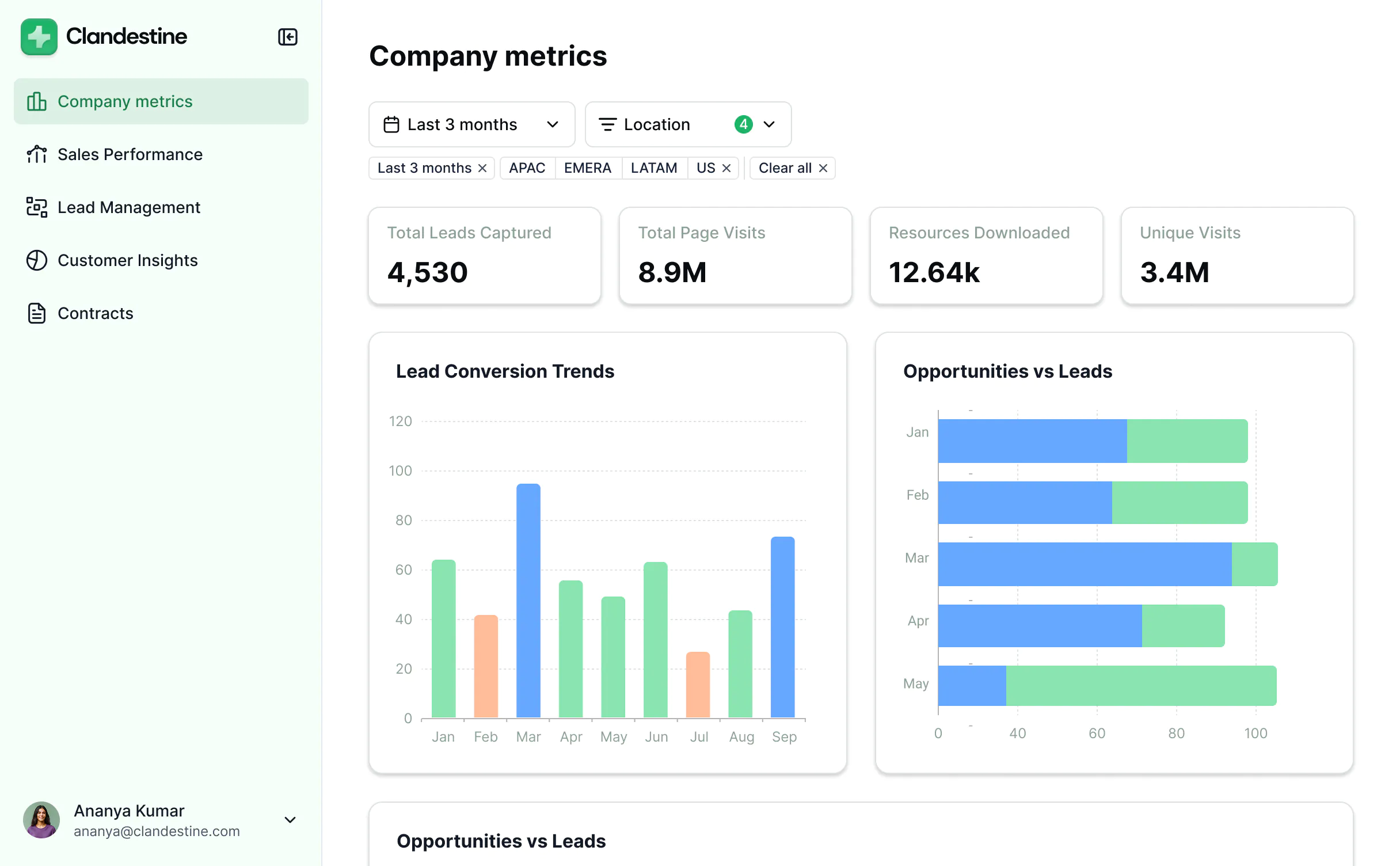
Reporting & Dashboards

Support & Resources


A scalable portal that reflects your brand
Give OEM partners a high-touch experience with less manual effort.

Branding
Deliver a professional portal that reflects the look and feel of your brand (and impresses your partners).

Works on any device
Turn your portal into a downloadable app in one click with Softr’s PWA feature — no extra design work needed.

Automations
Connect with your existing tools, including Make and Zapier, to seamlessly automate workflows.

User groups
Create custom user groups and separate logins to provide different views and access levels for your team and partners.

Advanced permissions
Customize who sees what, and which actions they can take, even at the most granular level.

Security
Protect sensitive information from security threats. Softr is fully compliant with SOC2 and GDPR regulations.


Extend beyond an OEM partner portal
Evolve your partner system as your business grows—adding certification hubs, resource libraries, and more without starting from scratch.





Go from zero to app, incredibly fast
Co-build with AI
Simply describe what you need. Let Softr handle everything - Interface, database, workflows.
Iterate with AI or visually
Control most critical parts of your app yourself, including: roles, permissions, and security.
Ship the same day
Invite team members or external clients and partners right away. Build AI apps with no developer handover.



Frequently asked questions
What is an OEM partner portal?
Why use OEM partner portal software?
What are the benefits of a no-code OEM partner portal?
What features can I include?
How do I create an OEM partner portal with Softr?
What data sources can I use?
Can I control who sees what in the portal?
Can I brand the portal with my colors and logo?
Is Softr secure for managing OEM content and access?
Do I need technical experience to build an OEM portal?
Build an OEM partner portal, fast


