This free template from Softr helps you build a custom resource directory, fast, with no coding required.
Data sources supported





.svg)


Resources


Overview
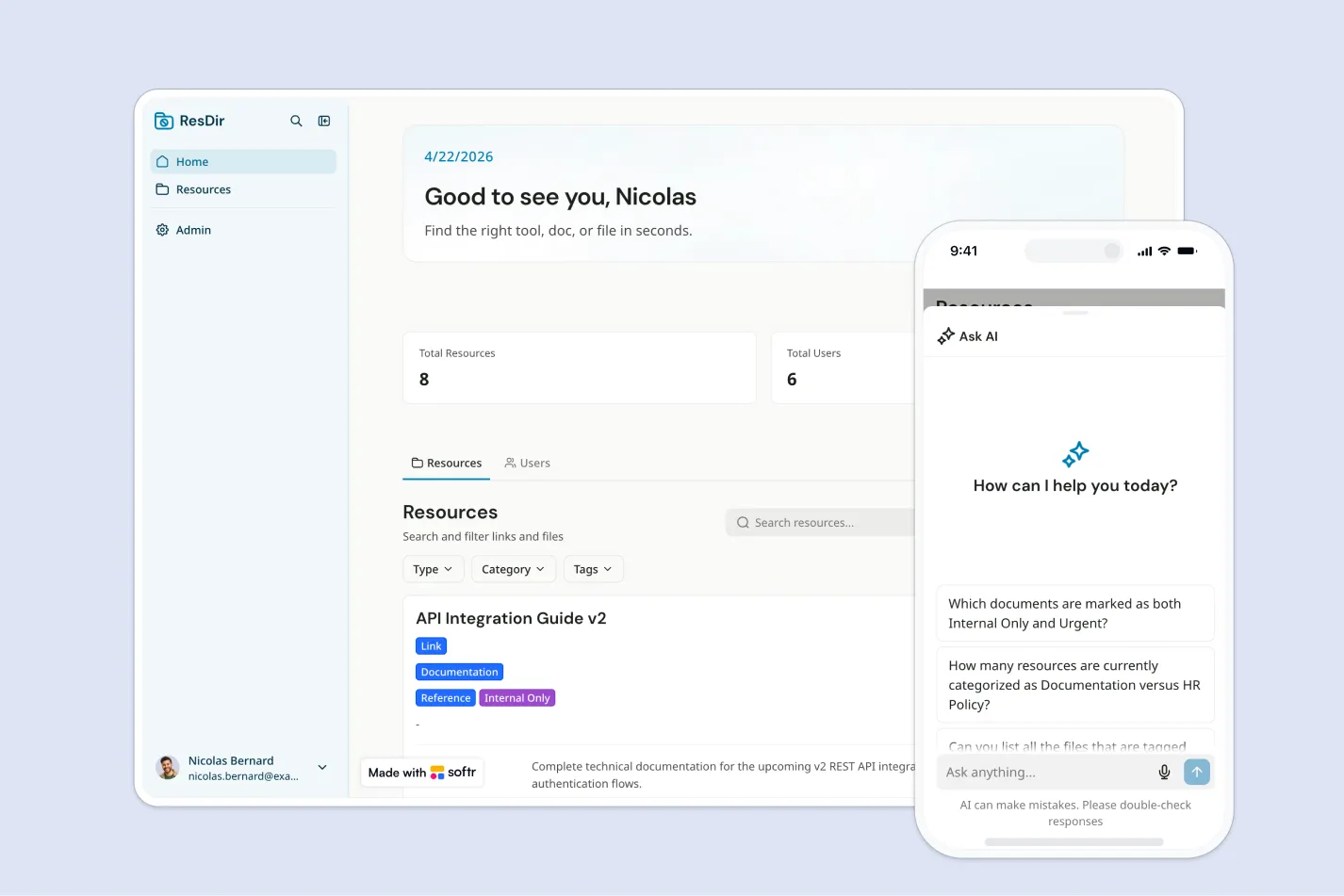
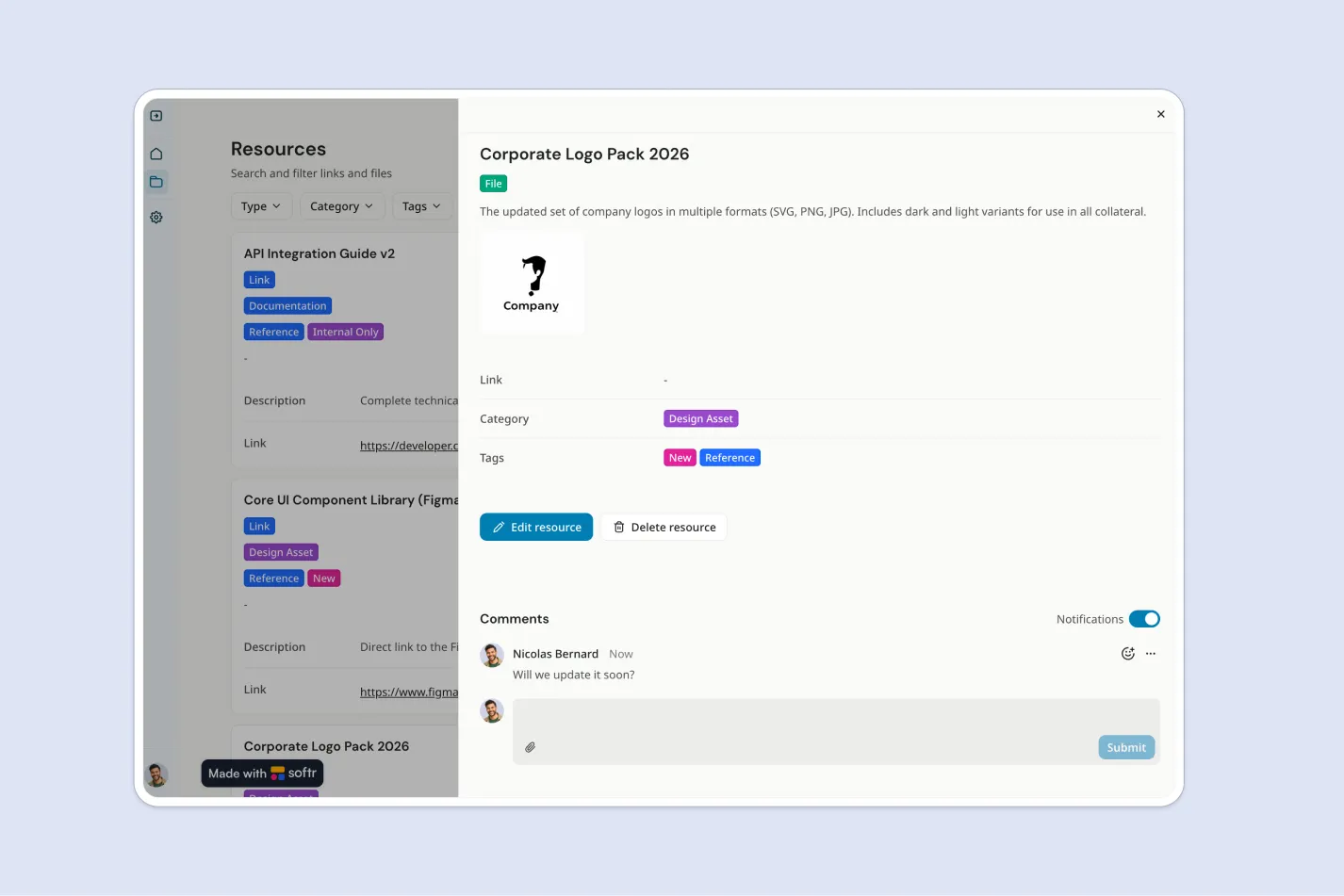
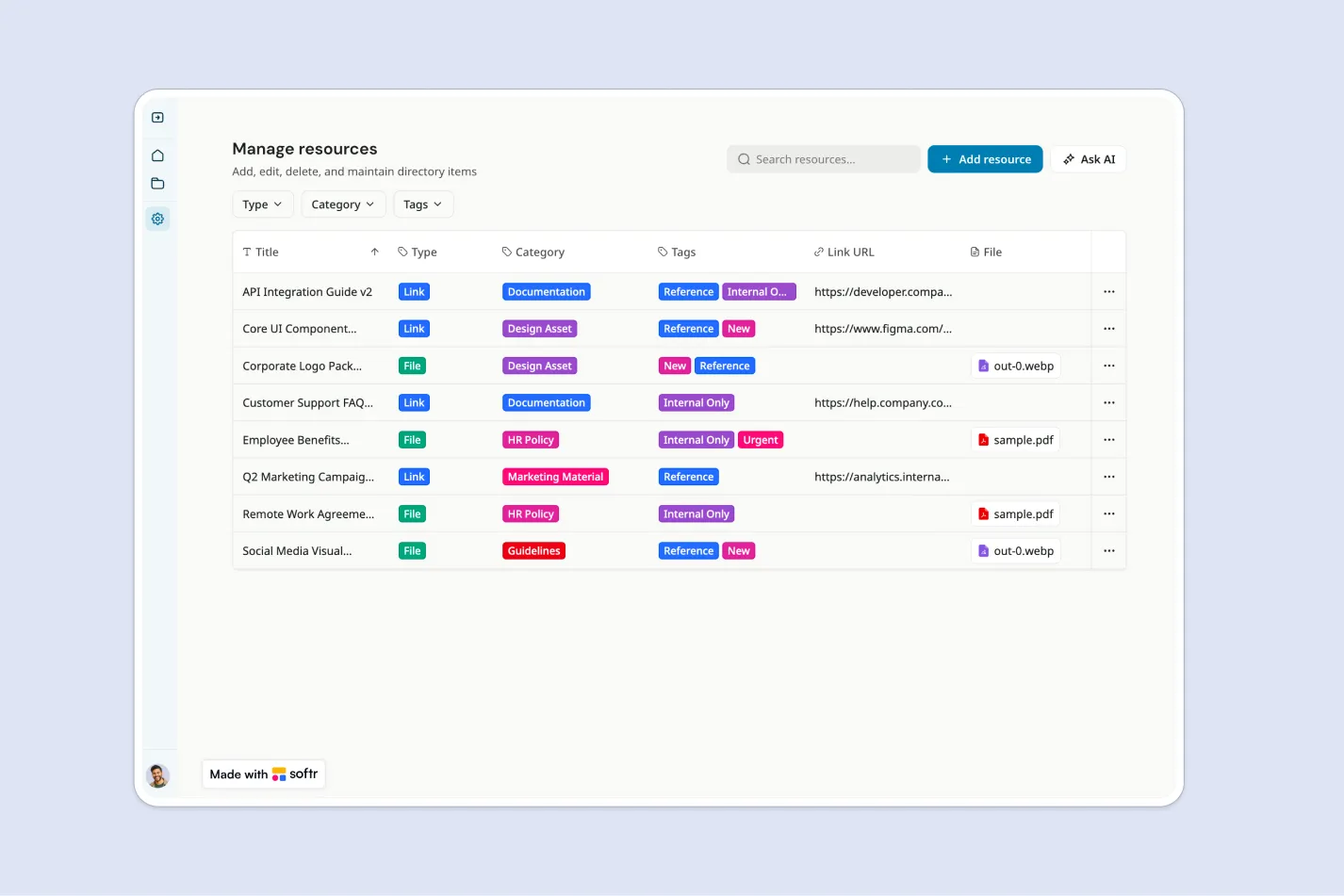
This free template helps you build a centralized resource directory where admins can manage internal links, files, and reference materials, while employees can browse them with read-only access.
It includes a sample database to show how to structure resources by category, title, description, tags, and basic metadata. You can also connect to any Softr-supported source like Airtable, Google Sheets, Notion, monday.com, HubSpot, and more.
Why use this resource directory template
- Centralize internal resources: Keep important links, files, documents, and references in one organized directory employees can access anytime.
- Make resources easier to find: Employees can search, filter, and browse by category or tags instead of digging through chats, folders, or spreadsheets.
- Control who can manage content: Give admins full access to create, edit, and delete resources, while keeping employee access read-only.
Template features:
- Admin resource management
- Read-only employee directory
- Search and filters
- Resource categories
- Links and file resources
- Resource metadata
- Instant publishing
- Role-based access
Who is this resource directory template for?
This template is built for teams that need a simple, searchable place to organize and share internal resources with employees. It's a great fit for:
- HR and people teams: Share onboarding materials, benefits links, policies, and employee resources in one easy-to-use directory.
- Operations teams: Organize internal tools, process documents, vendor links, and company reference materials for quick access.
- IT teams: Provide employees with approved software links, troubleshooting guides, security resources, and help documentation.
- Growing companies: Replace scattered bookmarks, shared drives, and spreadsheets with a secure directory that scales with your team.

“What we love most about Softr is the instantaneous, customizable power a no-code platform allows.”

- 1
- 2
- 3
- 4
Frequently asked questions
What is a resource directory?
What should a company resource directory include?
Can employees edit resources in this directory?
How do I edit or customize this template?
What data sources does this resource directory integrate with?
Why build a resource directory with Softr?