


Build an online community forum with AI
Start conversations in a dedicated space that can stand on its own or integrate into your portal or website. No code required.












One place for all your data — built-in or connected
Softr's AI Co-Builder generates a database when it builds your app, or you can connect to 17+ data sources with 2-way sync. Whether you have existing data or are building from scratch, you're covered.


User accounts
Use conditional forms to register new community members and gather relevant info.

Discussion threads
Create discussions organized by category, project, or user type, and enable commenting and reactions.

User directory
Create rich community member profiles that are easy to view and search.

Event or session signups
Make it easy for community members to book spots for live events, workshops, or coaching calls.

Invoices and payments
Monetizing your community? Share invoices and collect member dues or event fees through Stripe or PayPal.

Feedback forms
Use built-in forms to gather feedback about the community, content, events, and more.

A community hub that's easy to grow
Design pages, courses, and content the way you want and make them easy to access.

Branding
Deliver a professional community experience that reflects the look and feel of your brand.

Works on any device
Turn your community site into a downloadable mobile app in one click with Softr’s PWA feature—no extra design work needed.

Automations
Use Softr Workflows to automate processes across your app—or connect to Make, Zapier, n8n and more.

User groups
Create custom user groups to provide different views and access levels for members and admins.

Advanced permissions
Control who can view, edit, or manage content—down to the individual block or section.

Security
Protect member information from security threats. Softr is fully compliant with SOC2 and GDPR regulations.


Extend beyond an online community
Add event apps, custom portals, and more—all in the same system, without extra tools or subscription costs.

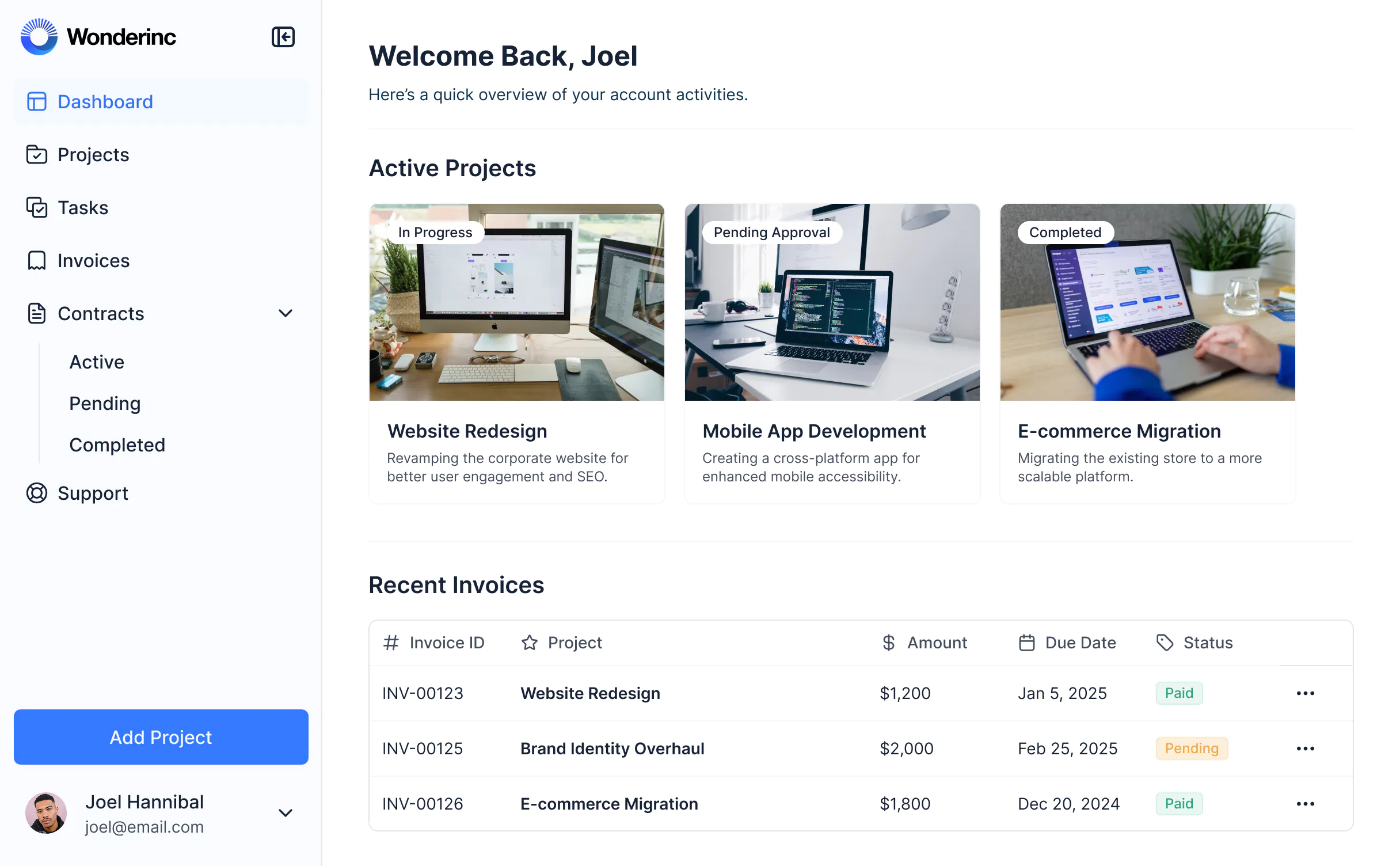


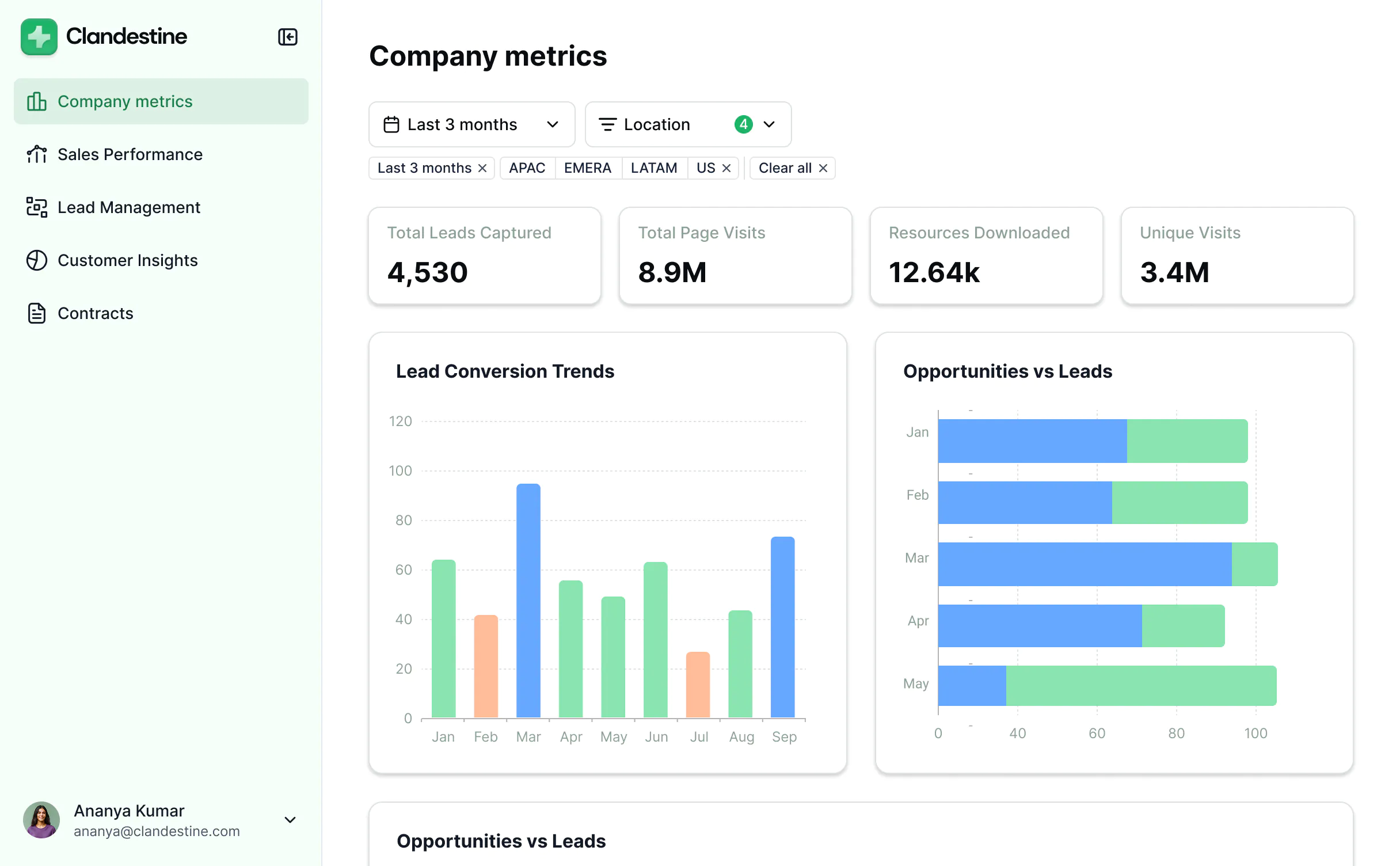
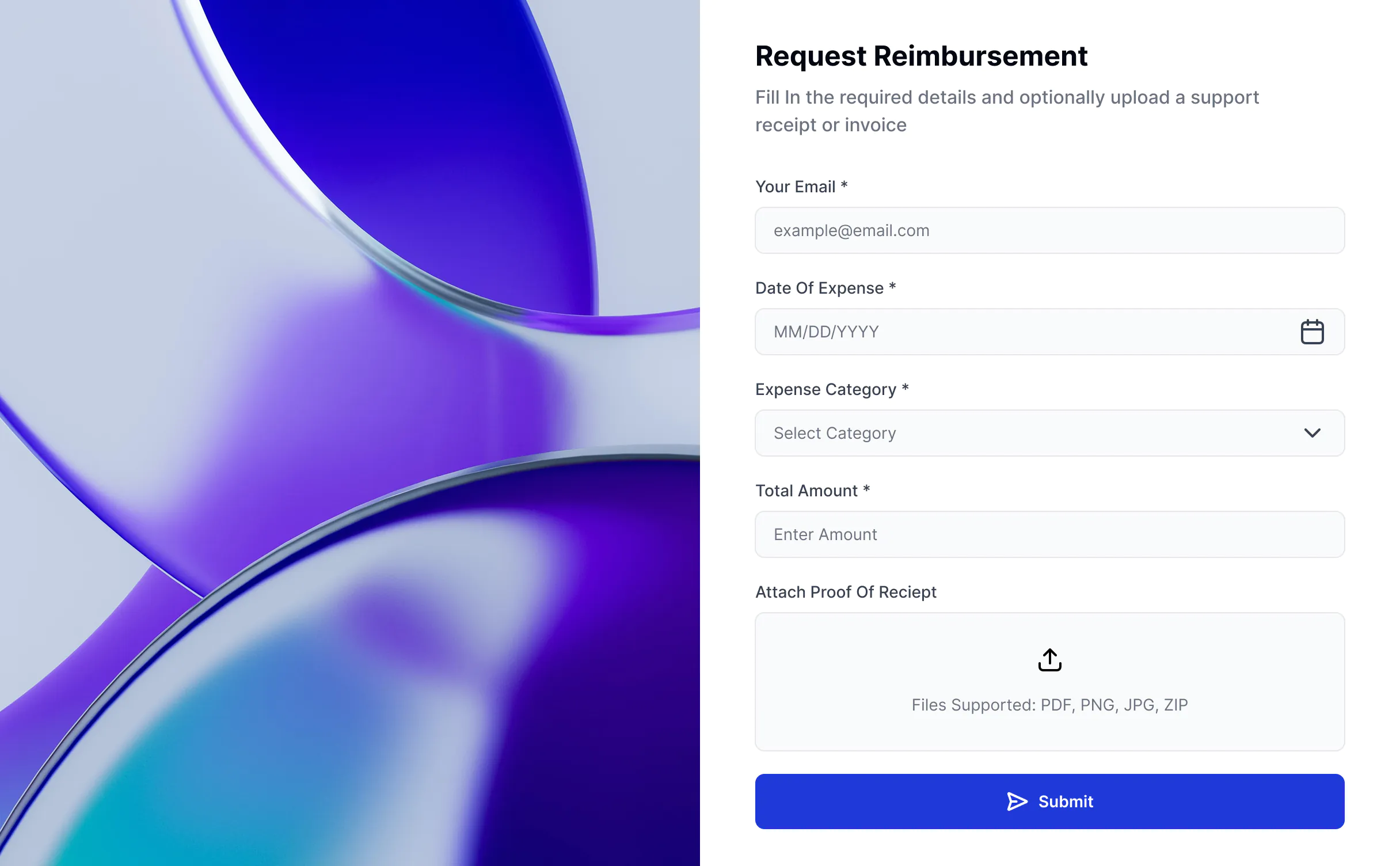


Go from zero to app, incredibly fast
Co-build with AI
Simply describe what you need. Let Softr handle everything - Interface, database, workflows.
Iterate with AI or visually
Control most critical parts of your app yourself, including: roles, permissions, and security.
Ship the same day
Invite team members or external clients and partners right away. Build AI apps with no developer handover.



Frequently asked questions
What is a community forum?
Why use community management software?
What are the benefits of building a community forum in Softr?
What types of features can I include in my community hub?
What data sources can I connect?
Can I control what each member sees?
Can I brand the forum to match my community?
Is Softr secure for member and content data?
Can I build an online community without coding?
How do I create an online community with Softr?
What makes Softr different than other online community builders?
Build an online community with AI, fast
Build and launch your first app in under 30 minutes.


