


Build a custom property management portal with AI
Handle maintenance requests, payments, and owner updates in one place, while letting tenants and owners self-serve. No code required.
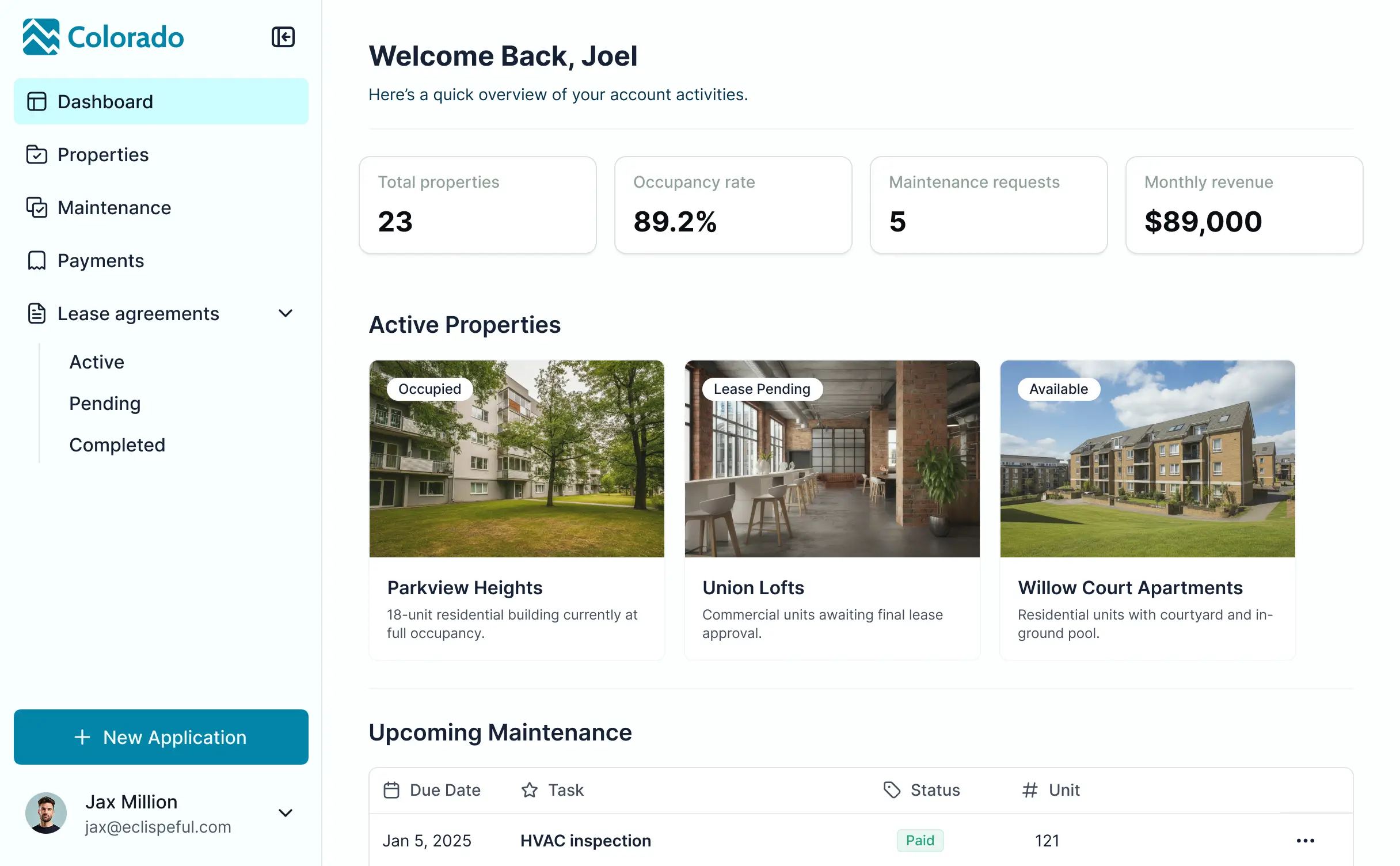
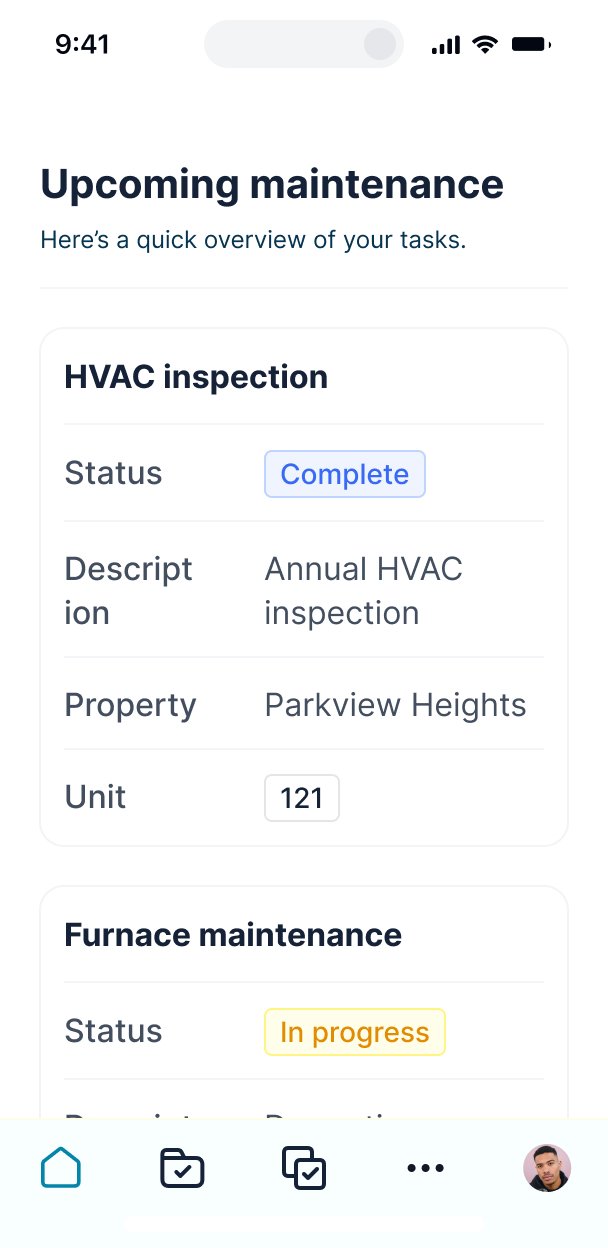










Bring all your data together in real time
Softr's AI Co-Builder generates a database when it builds your app, or you can connect to 17+ data sources. Whether you have existing data or are building from scratch, you're covered.


Add only the views and features you need
Describe what you need, get a property management system back. Then switch between AI and visual editing to add content, adjust logic, and iterate as your workflows evolve.
Tenant & Owner Portals


Lease Management

Tenant Communication

Lease Management

Work Order Management

Billing & Rent Collection

Online Listings & Applications


Build a secure portal for clients, tenants, and vendors
Launch a secure portal to submit requests, track updates, make payments, or access documents — while you manage all property workflows in one place.

Production ready
Create custom user groups (e.g., tenants, owners, staff, vendors) with separate logins and tailored views for each role.

Branding
Deliver a professional portal that reflects your company’s look and feel — providing a seamless branded experience.

Workflow automation
Use Softr Workflows to automate processes across your app — or connect to Make, Zapier, n8n and more.

Advanced permissions
Control who can view or update property leases, payments, requests, files, and more with granular permissions.

Works on any device
Turn your portal into a mobile app with Softr’s PWA feature, so tenants, owners, and vendors can access it on the go.

Security
Keep tenant and owner data protected with enterprise-grade security. Fully compliant with SOC 2 and GDPR.
.svg)
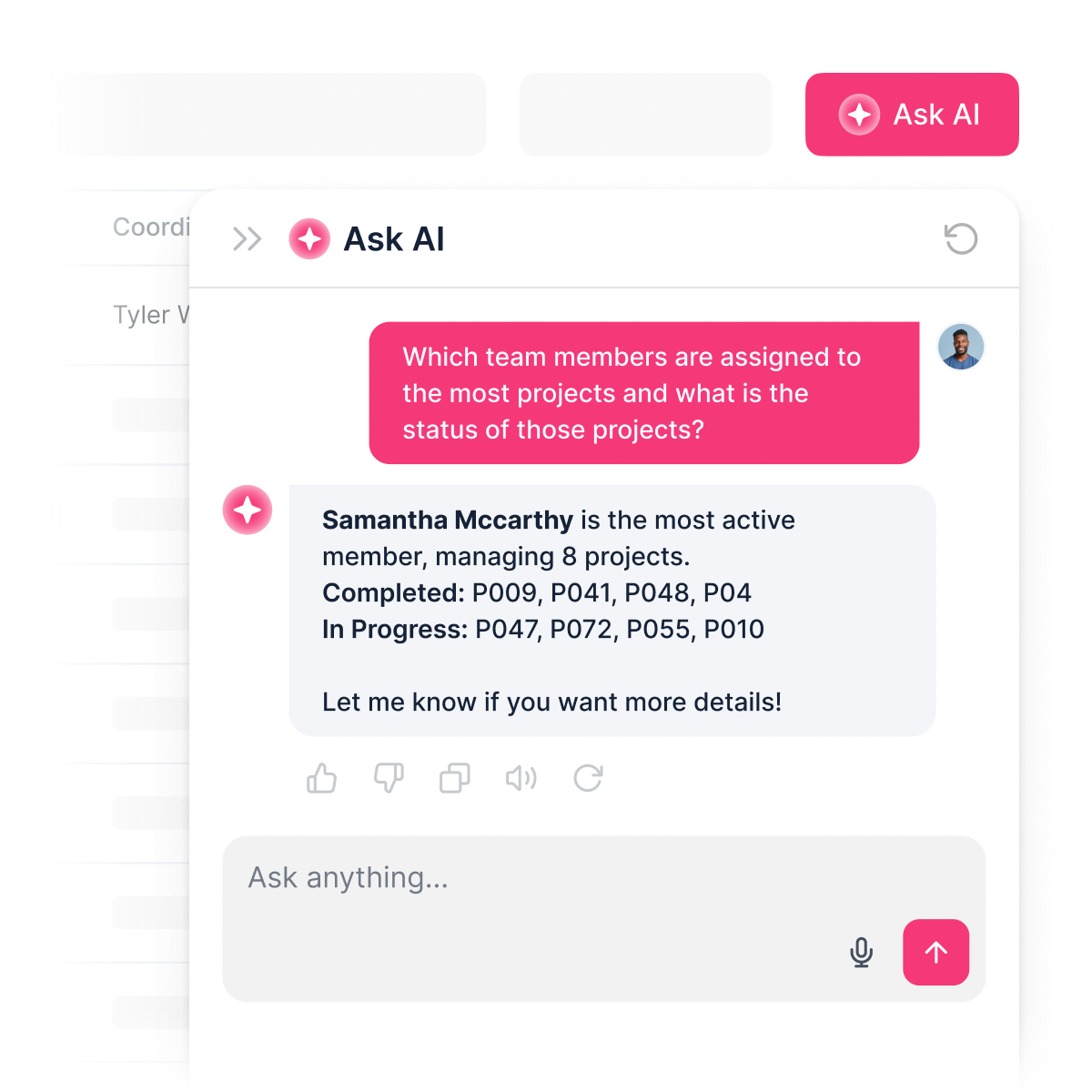
Add a built-in AI assistant
No more back and forth. Let clients and tenants ask AI questions inside your portal and get instant answers based on live data.


Consolidate all your tools
Don’t stop at property management. Build vendor portals, CRMs, listing tools, and more—all on one platform.

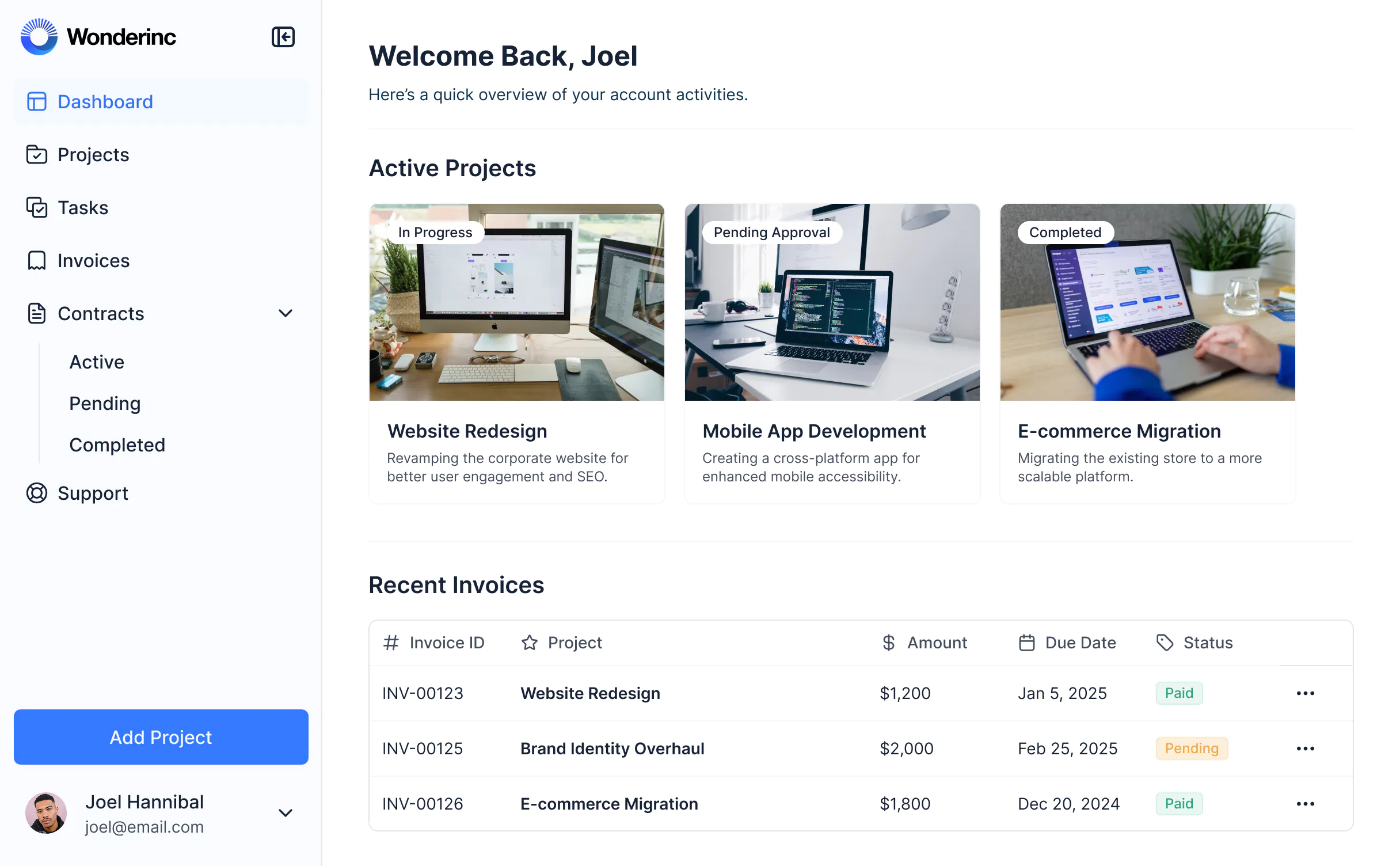


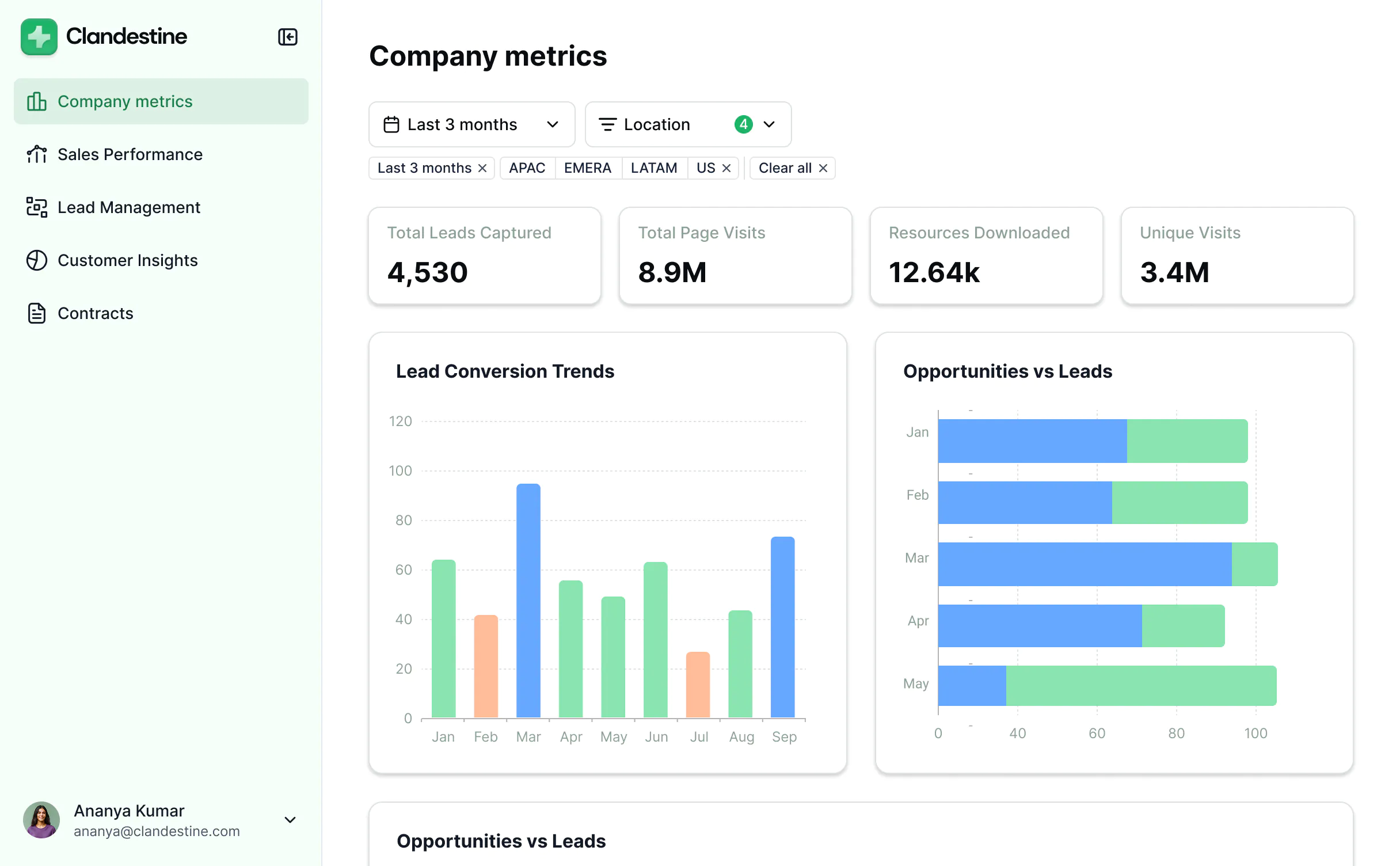
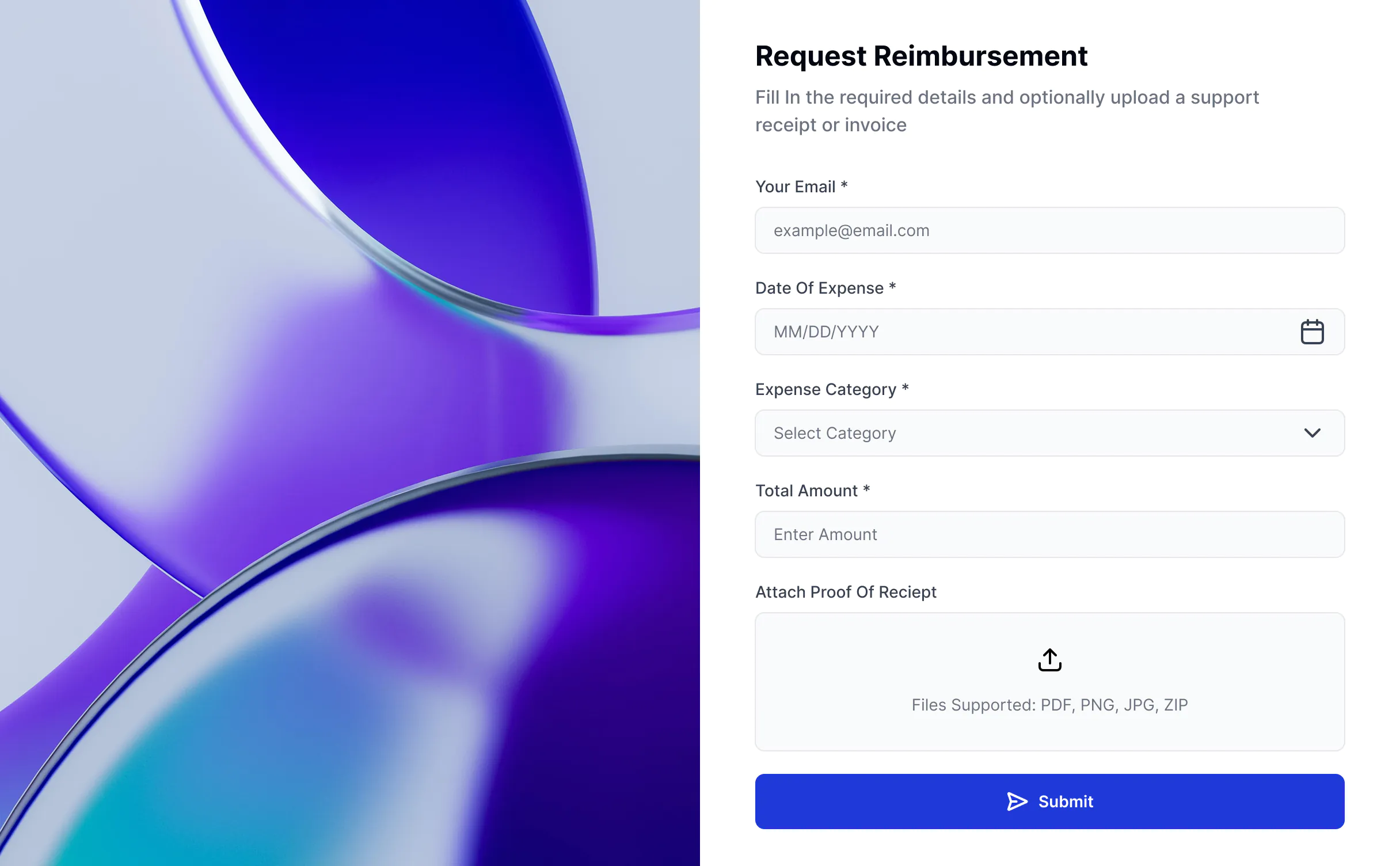


Go from zero to app, incredibly fast
Co-build with AI
Simply describe what you need. Let Softr handle everything - Interface, database, workflows.
Iterate with AI or visually
Control most critical parts of your app yourself, including: roles, permissions, and security.
Ship the same day
Invite team members or external clients and partners right away. Build AI apps with no developer handover.



Frequently asked questions
What is a property management portal?
What are the benefits of property management software?
What features should a property management app have?
Why should I build a property management portal with no-code?
Can I give tenants or contractors access to my property management app?
How much does it cost to build a property management app with Softr?
How do I create a property management tool?
What data sources can I connect to a property management system?
Can I build a property management tool with AI features in Softr?
What’s the difference between using Softr vs an off-the-shelf property management platform?
Build a property management app with AI
Free forever. No credit card required.


