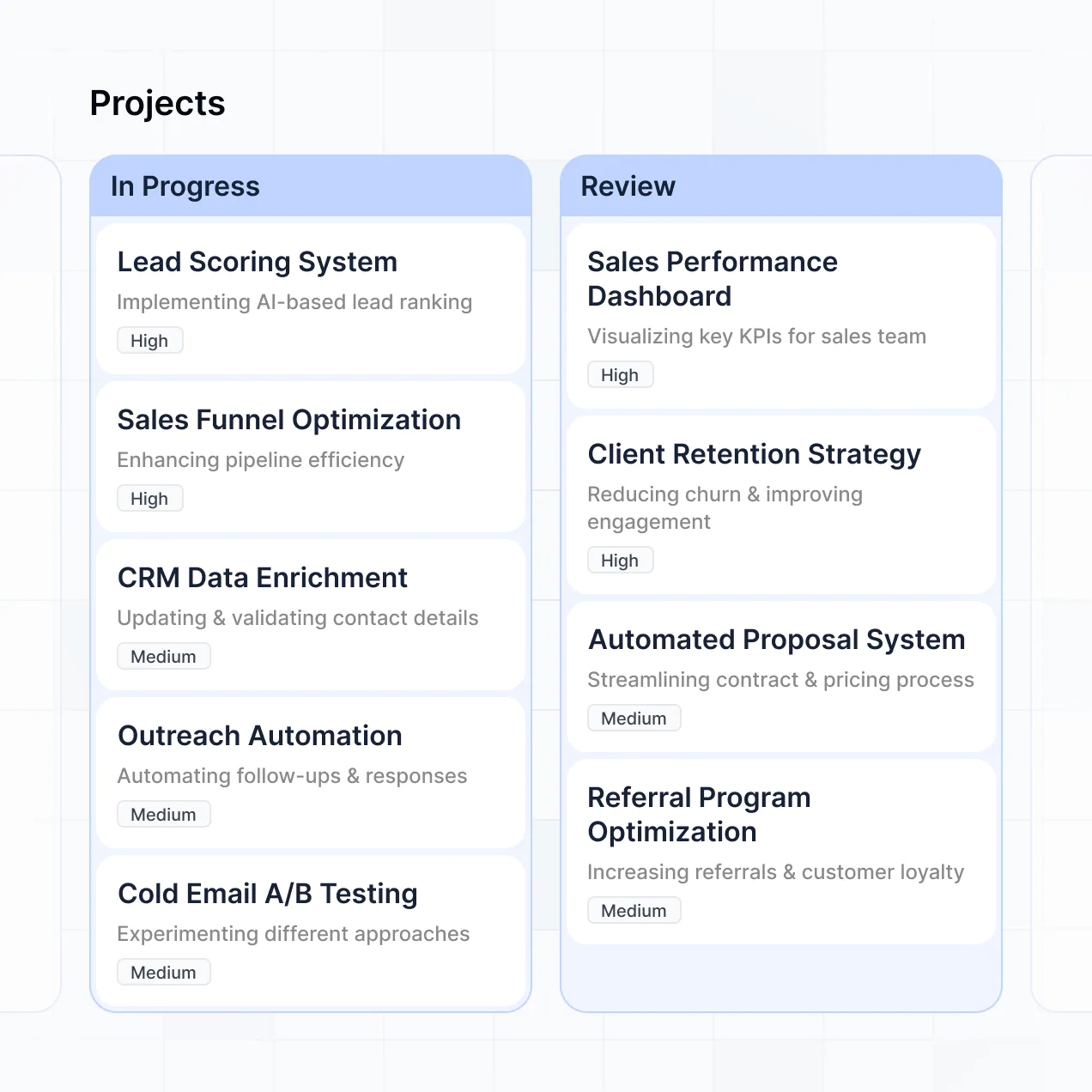
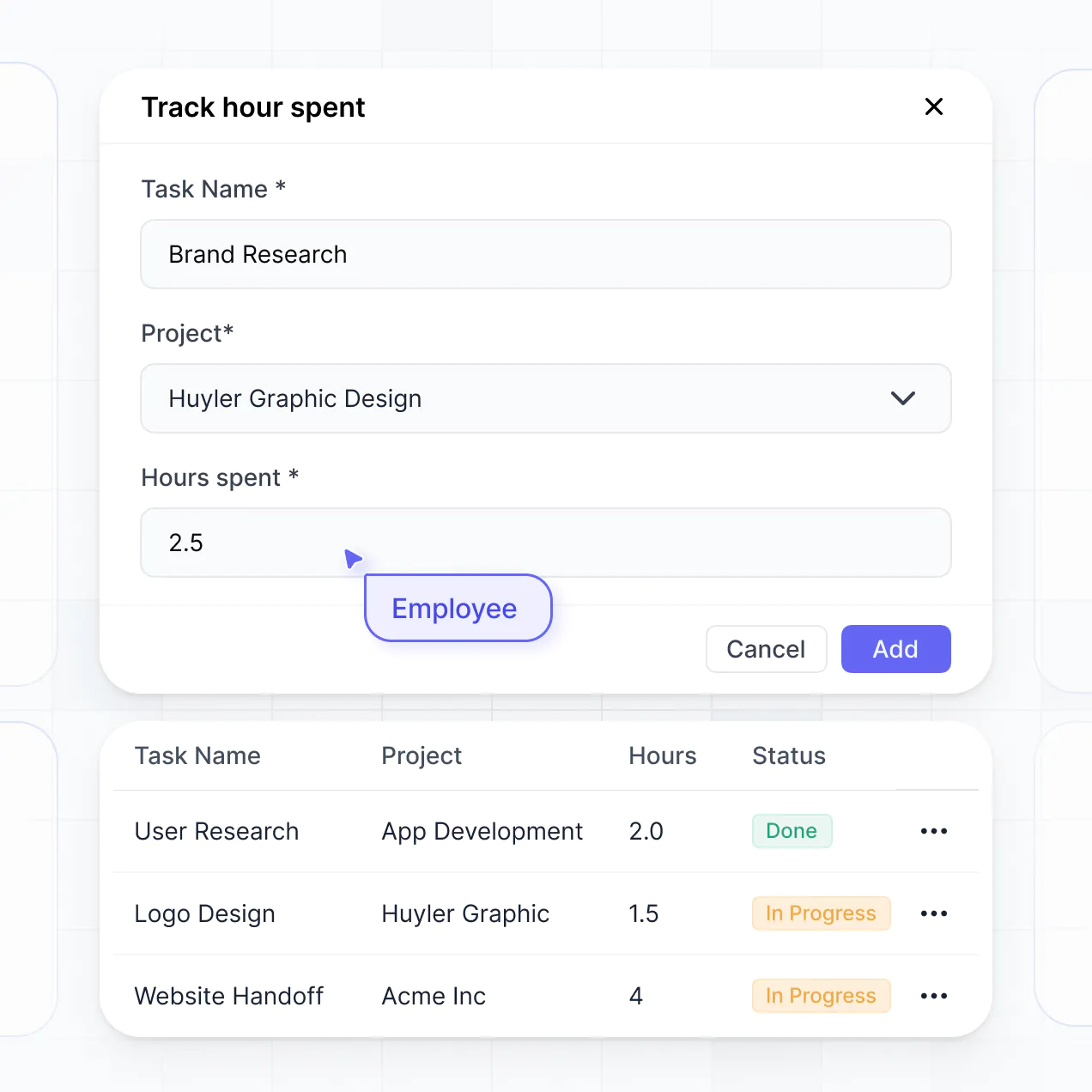
Describe resource requests and allocation rules, then Softr generates a working tool with permissions and capacity views for operations.
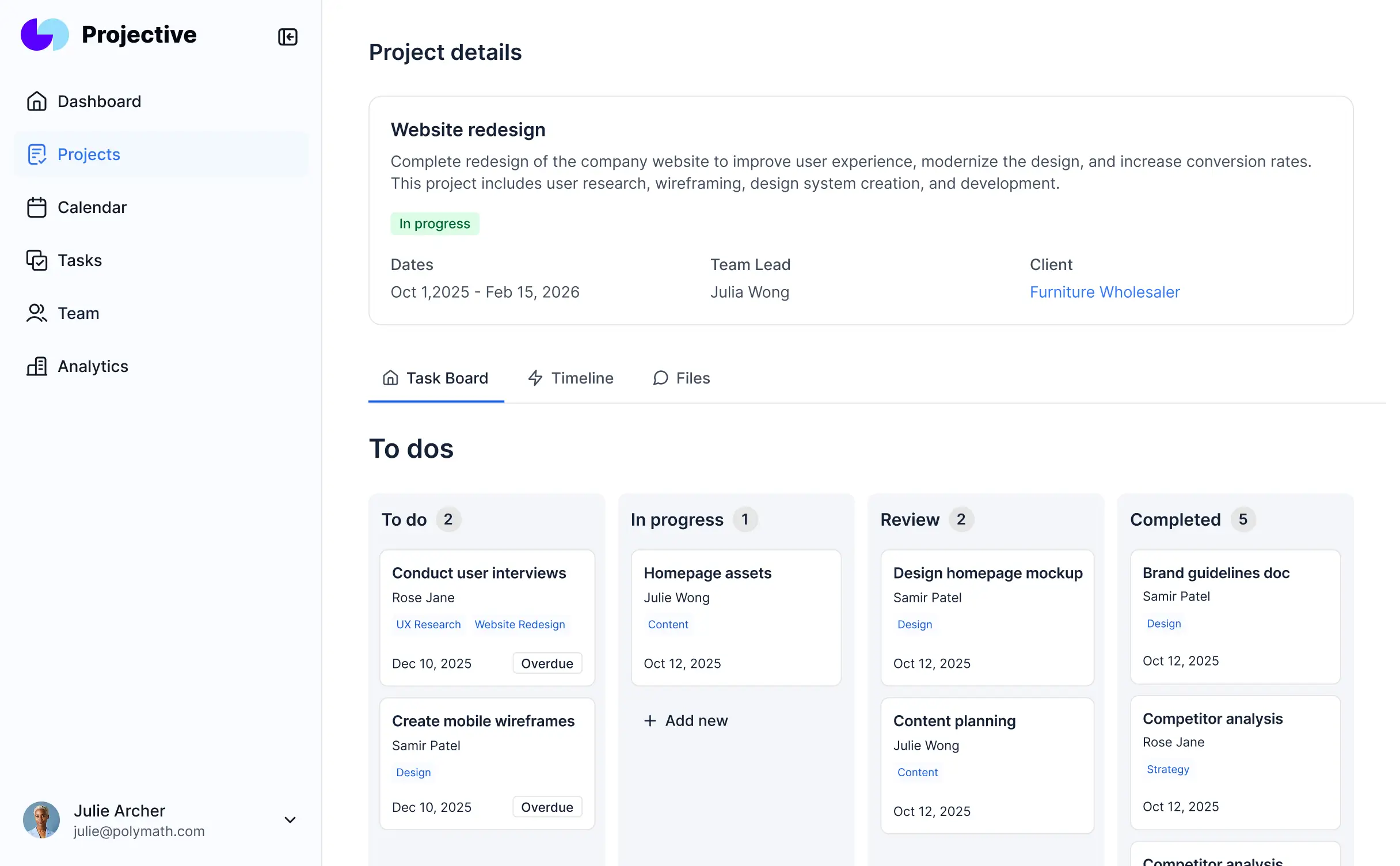
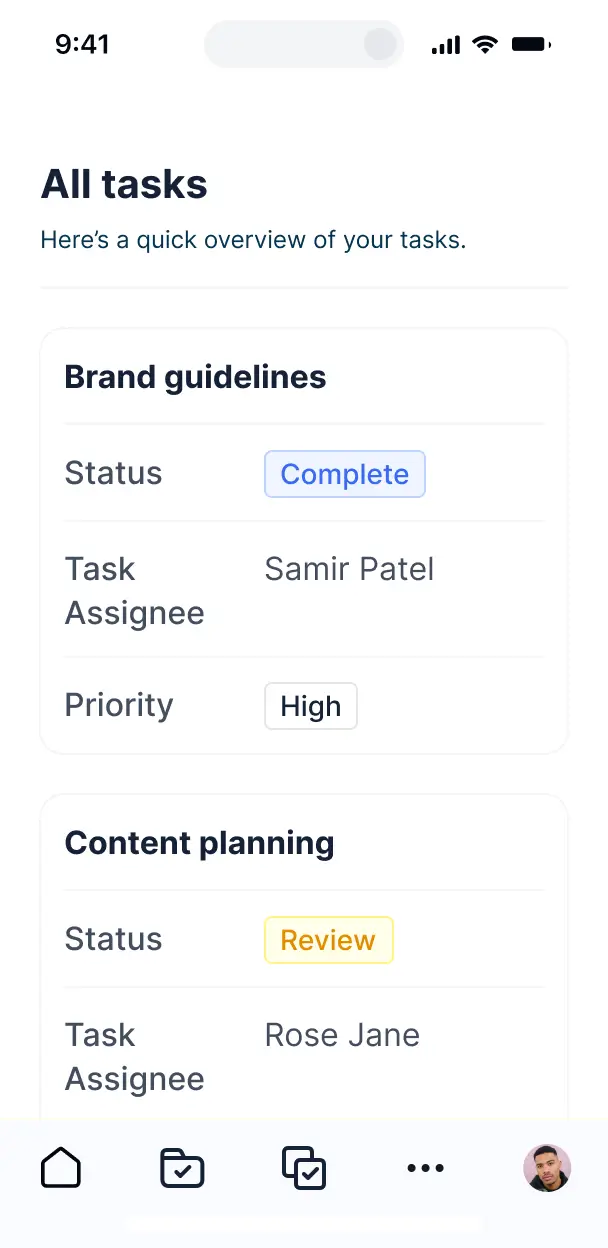



Choose the views and workflows your process needs. Customize intake, allocation, and capacity tracking now, then adapt as priorities change.


Manage resource data in Softr Databases, or connect Airtable, Notion, Google Sheets, and other systems with real-time sync for one source of truth.
Give each teammate the right resource views and access. Set up secure logins, user groups, and granular permissions for allocations and capacity data.
Give planners, managers, and contributors tailored access to availability and utilization views.
Trigger intake approvals, allocation updates, and utilization analysis when resource records change.
Review availability calendars and capacity reports from any device, with mobile-ready apps by default.
Use email, Google, or SSO logins to secure resource planning access for every teammate.
Keep allocation and capacity data protected with encryption in transit and at rest, plus granular access control.
No more one-size-fits-all tools or costly custom builds. Softr is easy to use and fully customizable, so you can launch faster, adapt as you grow, and skip the complexity of traditional software.

Generate intake approvals and allocation tracking in minutes by describing the resource tool you need.

Adjust availability views, capacity reports, and approval workflows as resource planning changes.

Keep intake, allocation, calendars, and capacity reporting in one resource management tool.
Co-build with AI
Simply describe what you need. Let Softr handle everything - Interface, database, workflows.
Iterate with AI or visually
Control most critical parts of your app yourself - roles, permissions, security.
Ship the same day
Invite team members or external clients and partners right away. No developer handover.
Use drag-and-drop blocks to build a portal that looks sleek and modern out of the box. Add only the features you need, and iterate as your workflows evolve.




A resource management tool is a secure workspace where project managers, team leads, and operations staff log in to plan and monitor shared resources. It can bring together project assignments, employee availability, equipment records, capacity updates, budget details, and allocation timelines. Instead of searching through email threads and spreadsheets, teams can see who is assigned to each project, which equipment is available, and where upcoming shortages may affect delivery.
For resource managers, the main benefit is a single place to coordinate people, projects, equipment, and capacity without waiting for a developer. Softr is an AI app builder for business software. Describe your workflow in plain language, and it generates the database, pages, and logic, already connected and secure, with no code at any point. You can also start with a template or build from scratch. Store project assignments and availability in Softr Databases, or connect tools such as Airtable, Google Sheets, or HubSpot. Visual editing keeps you in control of the scheduling layout, team access, and company branding as your resource planning process changes.
A resource management tool can include features such as:
- **AI assistance:** Ask AI can answer questions about utilization, staffing gaps, or upcoming assignments. Database AI Agents can classify resource requests or flag projects where a team member is overallocated.
- **Custom capacity views:** A Vibe Coding block can create a bespoke capacity heatmap showing workload by person, project, or week.
- **Automated updates:** Softr Workflows can notify a project manager when an allocation request is approved or when an assignment record changes.
- **Controlled access:** Logins and permissions can ensure employees see their own assignments while managers see team capacity.
- **Operational forms:** Add request forms with file uploads and conditional logic for project briefs, equipment needs, or staffing changes.
- **Planning views:** Use dashboards, charts, lists, filters, tables, kanban boards, and detail views for utilization, availability, project status, and allocation history.
Everything uses drag-and-drop blocks and remains editable after the first version.
Start by describing how your team handles project assignments, availability updates, equipment requests, and capacity reviews in plain language. Softr turns those requirements into a production-ready app on a stable, secure foundation. Unlike tools that generate raw code you must maintain, Softr handles authentication, database logic, and security natively. That reduces the Day Two risk of broken allocation rules, exposed employee schedules, or fragile project dashboards. When you use a Vibe Coding block for a custom capacity planner, every prompt and edit is versioned, so you can roll back a change that disrupts assignment views instead of trying to recreate the right prompt.
Yes. Keep engineering, marketing, and operations in one app while each person sees only the projects, assignments, and equipment records relevant to their role. Login details and user groups determine whether someone views personal availability, manages department capacity, or oversees company-wide allocations.
You do not need an existing system to begin. If your resource plan currently lives in a spreadsheet, recreate project assignments, employee availability, equipment records, and allocation requests directly in Softr Databases, which is built into the platform. If you want to keep using another source, Softr connects with Airtable, Google Sheets, HubSpot, Notion, Coda, monday.com, Supabase, and SQL databases, while the REST API connector covers other systems. Either way, you decide how resource records are structured and how managers, team leads, and employees see them.
Softr Databases is the recommended starting point for a resource management tool. It is a native relational database built for business apps, with high performance, instant automation triggers, and fast access because the data runs inside Softr. Softr also connects to 21+ external data sources, including Airtable, Google Sheets, HubSpot, SmartSuite, and BigQuery. You can use several sources in one app, such as employee availability from Google Sheets and project records from Airtable. Most supported sources provide real-time two-way sync, so allocation changes and capacity updates stay aligned with the systems your teams already use.
Resource managers can control the layout, navigation, and content shown to each role. For example, an employee might see their own assignments, availability, and equipment requests, while a project manager can view team capacity and edit project allocations but not company-wide budget records. Pages or blocks can be shown or hidden based on the logged-in user, with precise view and edit rights. You can also filter schedules by the current user or department. Softr's built-in preview lets you open the app as any user group before launch, so you can verify access to employee schedules and project records without creating test accounts.
Yes. Apply your organization's logo, colors, fonts, and custom domain, then remove Softr branding. This gives project managers, employees, and department leads a resource planning workspace that matches the identity they already recognize.
You can adjust colors, fonts, spacing, and page structure to fit the way your resource team works. Common blocks include:
- **Table:** Compare employee availability, project assignments, utilization, or equipment status.
- **List or Card:** Show open staffing requests, upcoming allocations, or unassigned projects.
- **Detail View:** Let a project manager inspect one assignment, including dates, role, hours, and notes.
- **Forms:** Collect resource requests, schedule changes, and equipment reservations, with file uploads where a project brief is needed.
- **Charts:** Track utilization, capacity by department, and allocation trends.
- **Calendar:** Review deadlines, bookings, leave periods, and project schedules.
You choose which blocks appear after login and how they are arranged. Every part remains editable in the visual builder as planning processes evolve.
Resource planning can involve sensitive employee availability, billable hours, project budgets, and staffing decisions, so access controls matter. Softr encrypts data in transit with TLS and at rest on secure infrastructure. Role-based permissions, users managed in your data source, visibility rules, and global restrictions help limit who can view or edit employee schedules, project assignments, and financial records. With Softr Databases, data stays in Softr's secure environment, hosted in Europe in Germany, and the database is SOC 2 Type II compliant. When you connect an external source, Softr stores nothing and displays live records according to your access settings. Authentication, access control, and monitoring follow industry best practices.
It can be production-ready for real project managers, employees, and department leads working with live assignments, availability records, and staffing requests. Many AI tools generate fragile custom code that becomes difficult to maintain or secure after launch. Softr builds the app on a stable, business-grade foundation with authentication, secure hosting, and granular permissions handled natively. That addresses the Day Two problem, so changes to project records or team access do not depend on maintaining a pile of generated code. You can start with an AI-generated resource planning workflow, then refine its pages, permissions, and allocation views visually before real users rely on it.
Pure vibe coding tools generate fragile code that can be difficult to secure when employee schedules, project assignments, and budget records change. Traditional no-code tools often require extensive manual configuration before a usable planning workflow exists. Softr takes a hybrid approach: describe the resource process, and it generates the database, app, and logic in minutes, then refine the allocation views and permissions visually. Authentication, roles, secure hosting, and business-grade infrastructure are already in place, helping non-technical teams move from an initial capacity planner to production software. Softr apps are also agent-ready. A logged-in user can operate the app through an AI assistant over MCP, but only within the same project and department permissions already applied in the interface. There is no second permission model to build or audit.
Set up a workflow for the first staffing request your team receives. When a project manager submits a request for an analyst, designer, or equipment item, Softr Workflows can automate the next step inside the app when a record changes or a button is clicked. Softr also syncs with tools such as Stripe and Intercom, while REST API connections and webhooks support advanced cases. You can send allocation data to another system, trigger actions when a manager approves an assignment, or display project and availability records from an external tool. These workflows do not require code.
Describe your resource management needs. Softr generates a working tool in minutes, with no dev work needed.