Build custom inventory management software with AI
Softr makes it easy to build an inventory management app tailored to your business—no code required.
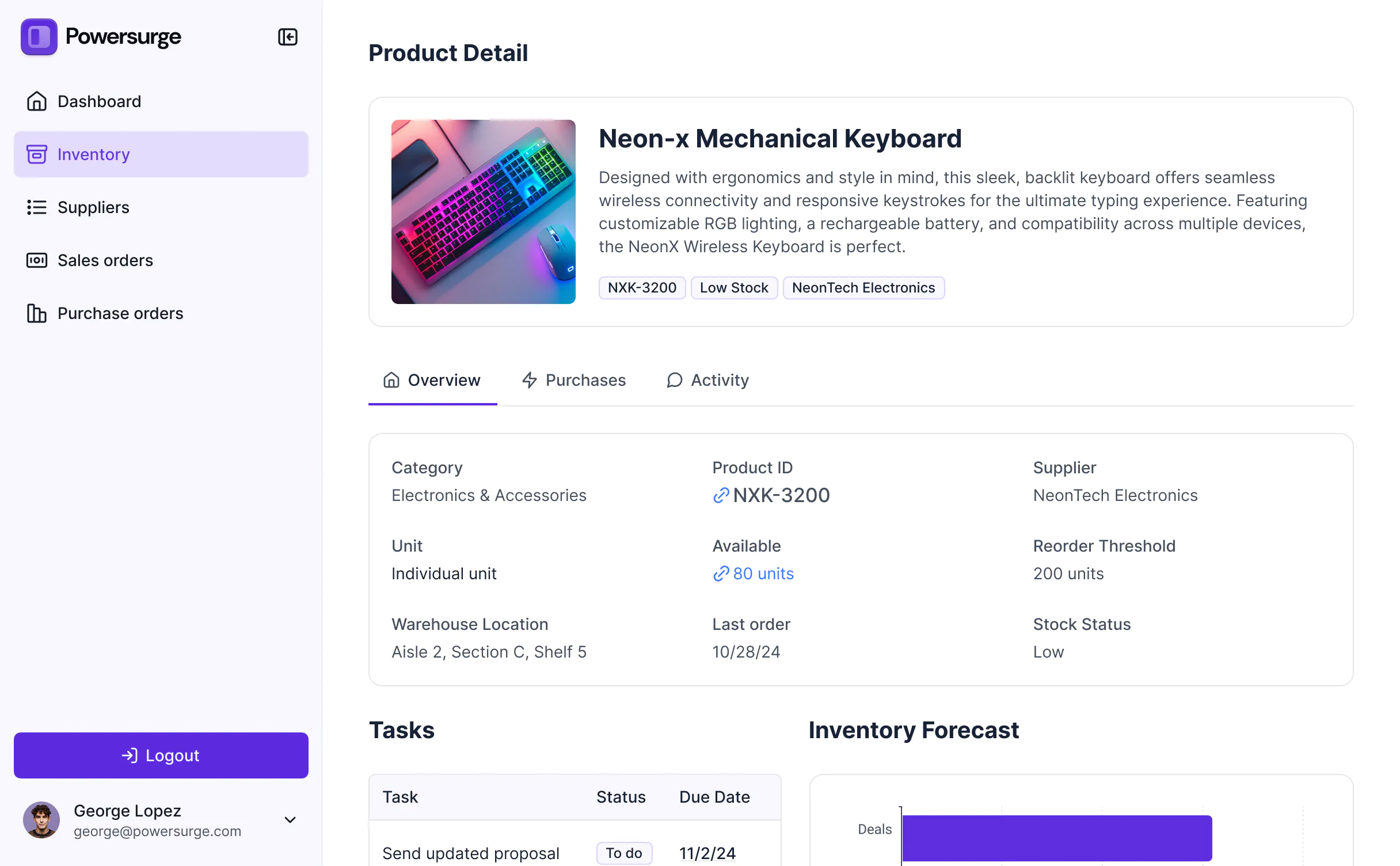
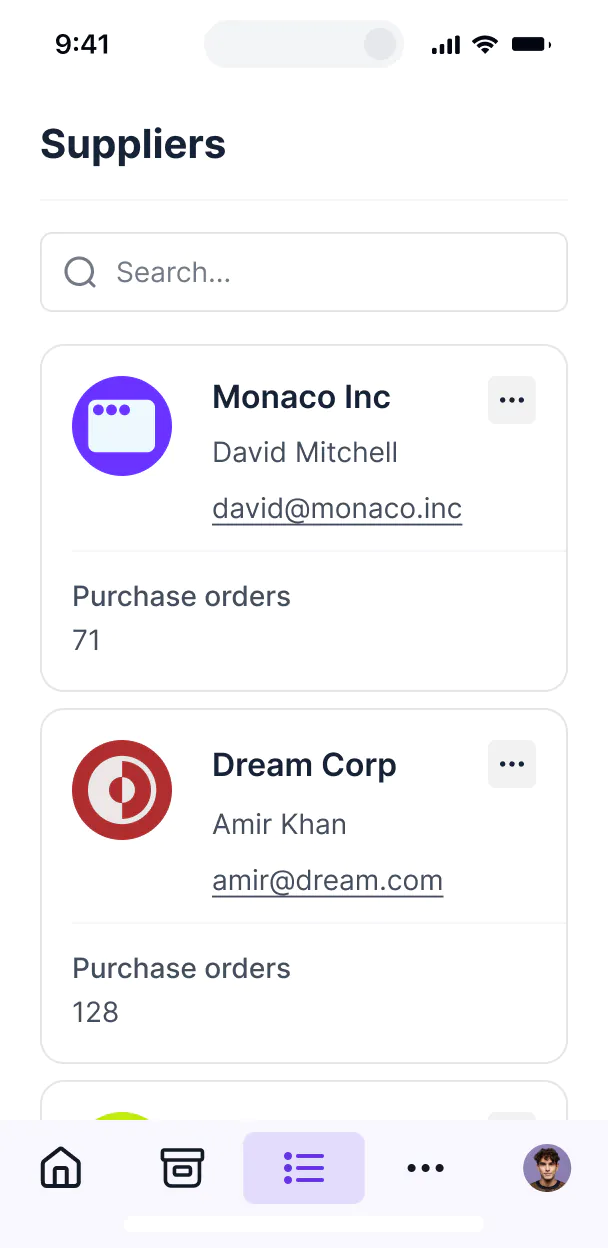



Create a single source of truth for your inventory & tools
Softr's AI Co-Builder generates a database when it builds your app, or you can connect to 17+ data sources. Whether you have existing data or are building from scratch, you're covered.
Secure and fully functional by default
Create a modern, mobile-friendly inventory management system your team will love using.
Production ready
Logins, user management, hosting, and more — built in and working from the moment you hit publish.
Branding
Deliver a sleek, professional inventory system that reflects the look and feel of your brand.
Automations
Use Softr Workflows to automate processes across your app — or connect to Make, Zapier, n8n and more.
Advanced permissions
Customize who sees what, and which actions they can take, even at the most granular level.
Works on any device
Turn your inventory system into a downloadable mobile app in one click with Softr’s PWA feature.
Security
Protect sensitive information from security threats. Softr is fully compliant with SOC2 and GDPR regulations.
Consolidate all your operational tools
Stop overspending on pricey tools with unused features. Build custom business software that fits your workflows perfectly.
Go from zero to app, incredibly fast
Connect to your data in seconds
Integrate with your spreadsheets and databases, including Airtable, SQL, Hubspot, Google Sheets, Supabase, BigQuery, and more—in just a few clicks. Your data is always secure and in sync.
Customize layout and logic
Drag and drop customizable building blocks with various views and functionalities. Granular permissions allow you to control what data each user can access, and which actions they can take.
Publish and launch
Ship applications that your team will love in minutes or hours, instead of days or weeks. Deploy on both desktop and mobile.


Frequently asked questions
An inventory management app is software that helps businesses track, organize, and manage the products or materials they keep in stock. Instead of using spreadsheets or paper logs, an app gives you a central place to see what you have, what’s running low, and what needs to be restocked. Modern apps often connect to sales, purchasing, or shipping systems so inventory is updated automatically in real time.
An inventory management app is used to control the flow of goods in and out of a business. It helps teams stay organized, avoid errors, and make better decisions.
Businesses use inventory apps to:
- Monitor stock levels in real time.
- Manage supplier orders and purchase requests.
- Prevent overstocking or running out of items.
- Track product locations across warehouses or stores.
- Generate reports for forecasting and business insights.
An inventory app ensures the right products are available at the right time while reducing manual work and mistakes.
A custom inventory management system adapts to your business instead of forcing you into a one-size-fits-all tool. The main benefits include:
- Efficiency: Reduce manual tracking and human error.
- Accuracy: Always know your real stock levels in real time.
- Flexibility: Track the exact data you care about — like batches, serial numbers, or expiration dates.
- Integration: Connect inventory with your CRM, accounting, or order management system for a single source of truth.
- Scalability: Add new features as your business grows without replacing the entire system.
This makes a custom system especially useful for businesses with unique workflows, multi-location operations, or fast-changing product lines.
A good inventory app should include the following features:
- Real-time stock tracking so you always know current inventory levels.
- Barcode or QR code scanning to speed up logging and reduce mistakes.
- Low stock alerts so you can reorder before running out.
- Supplier and purchase order management to streamline reordering.
- Multi-location support if you store inventory in different warehouses or stores.
- Reporting and analytics to understand sales trends and forecast demand.
- Integrations with sales, eCommerce, or accounting tools.
- User permissions to control who can view, edit, or approve updates.
With Softr, you can use AI to create an inventory management app that includes all of these features and more, while customizing the look and functionality to match your brand and workflows — all without code.
Traditionally, building an inventory management system required coding from scratch or buying expensive enterprise software. Today, you can create a fully functional inventory management system in minutes with Softr's AI Co-Builder — no coding required.
Here's how it works:
- Generate your app from a prompt: Describe what you need and the AI Co-Builder generates a fully functional app — database, business logic, and utility pages (like login, password reset, and account settings) already included.
- Refine to your needs: Switch between prompting and visual editing to customize logic, control who sees and edits what, add features, and scale as your business evolves — all on your own, no developers needed.
- Customize branding: Add your logo, colors, and domain so the inventory management system reflects your brand.
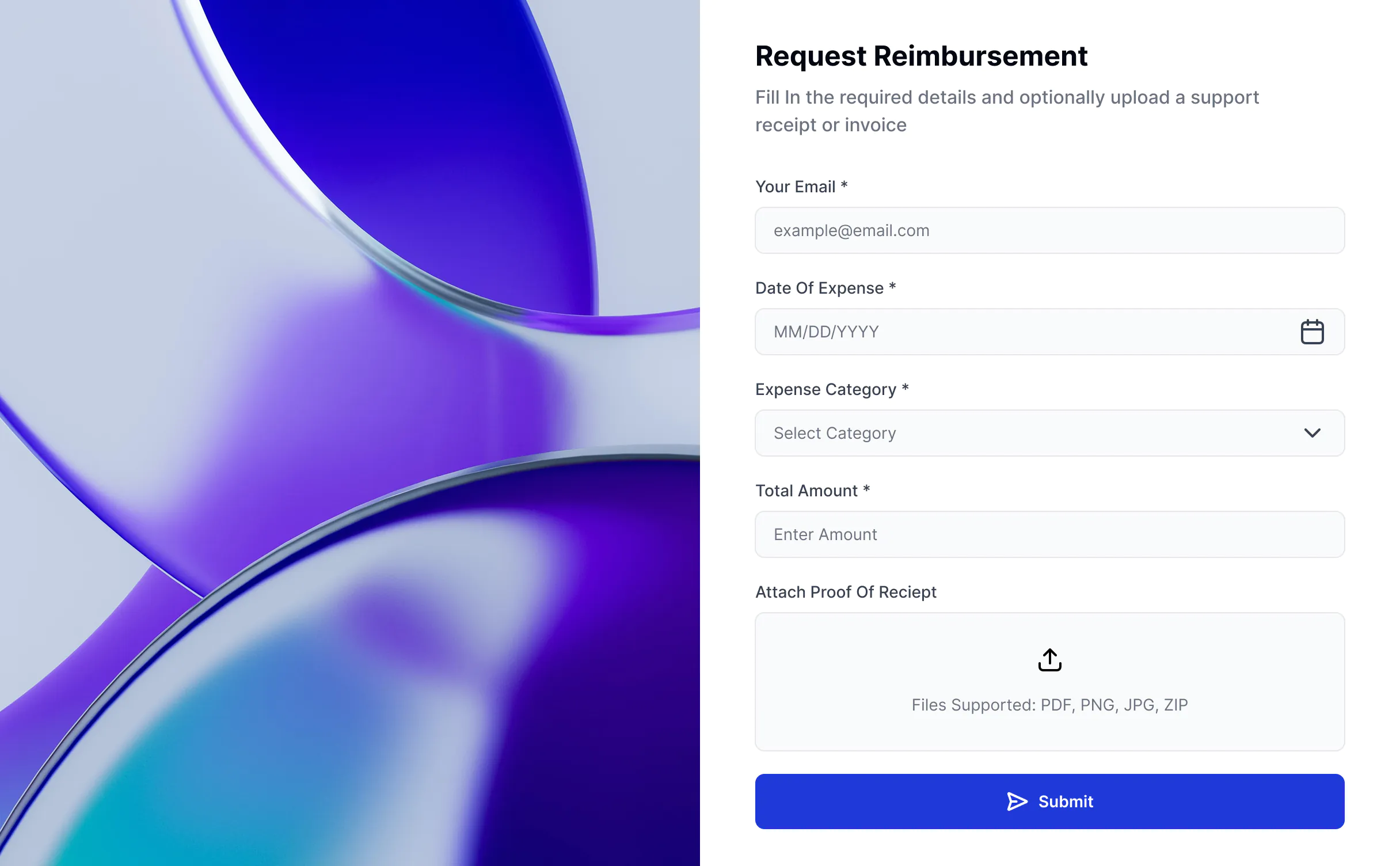
- Add workflow automation: Use Softr Workflows to automate tasks like sending low-stock alerts, notifying suppliers when reorders are triggered, or updating your team when shipments are received. You can also add Softr Forms to log stock adjustments, submit purchase requests, or report damaged goods and trigger workflows automatically.
- Launch and iterate: Publish in minutes, then update or expand your inventory management system as your product catalog and operations grow.
Many businesses try to customize off-the-shelf inventory tools, only to find themselves limited by rigid features, high costs, and slow implementation.
With Softr, you can:
- Match your workflow, not the other way around — design your inventory system around how your business actually works, instead of adapting to a one-size-fits-all tool.
- Launch faster — get an app live in minutes with the AI Co-Builder, not months.
- Save costs — no developer dependency, no pricey enterprise licenses.
- Stay flexible — add new features (like supplier tracking, multi-location stock, or custom reports) as your needs evolve.
- Integrate seamlessly — connect with 17+ native data sources like Airtable, Google Sheets, SQL, Supabase, or Softr’s built-in database, and link with other systems via native integrations or APIs.
In short, building with Softr gives you the flexibility of custom software without the cost or complexity, something off-the-shelf solutions can rarely match.
Softr's AI Co-Builder generates a Softr database schema when it builds your inventory management system, so if you're starting from scratch, your data structure is ready to go. You can add or import data directly — no migration needed.
If you already have data elsewhere, Softr connects to 17+ sources including Airtable, Google Sheets, HubSpot, Notion, MySQL, PostgreSQL, monday.com, ClickUp, and more — or connect any system through the REST API connector.
Either way, your inventory app stays in sync with your data in real time.
Yes. Softr includes built-in AI features you can add to your inventory app without any coding or API setup.
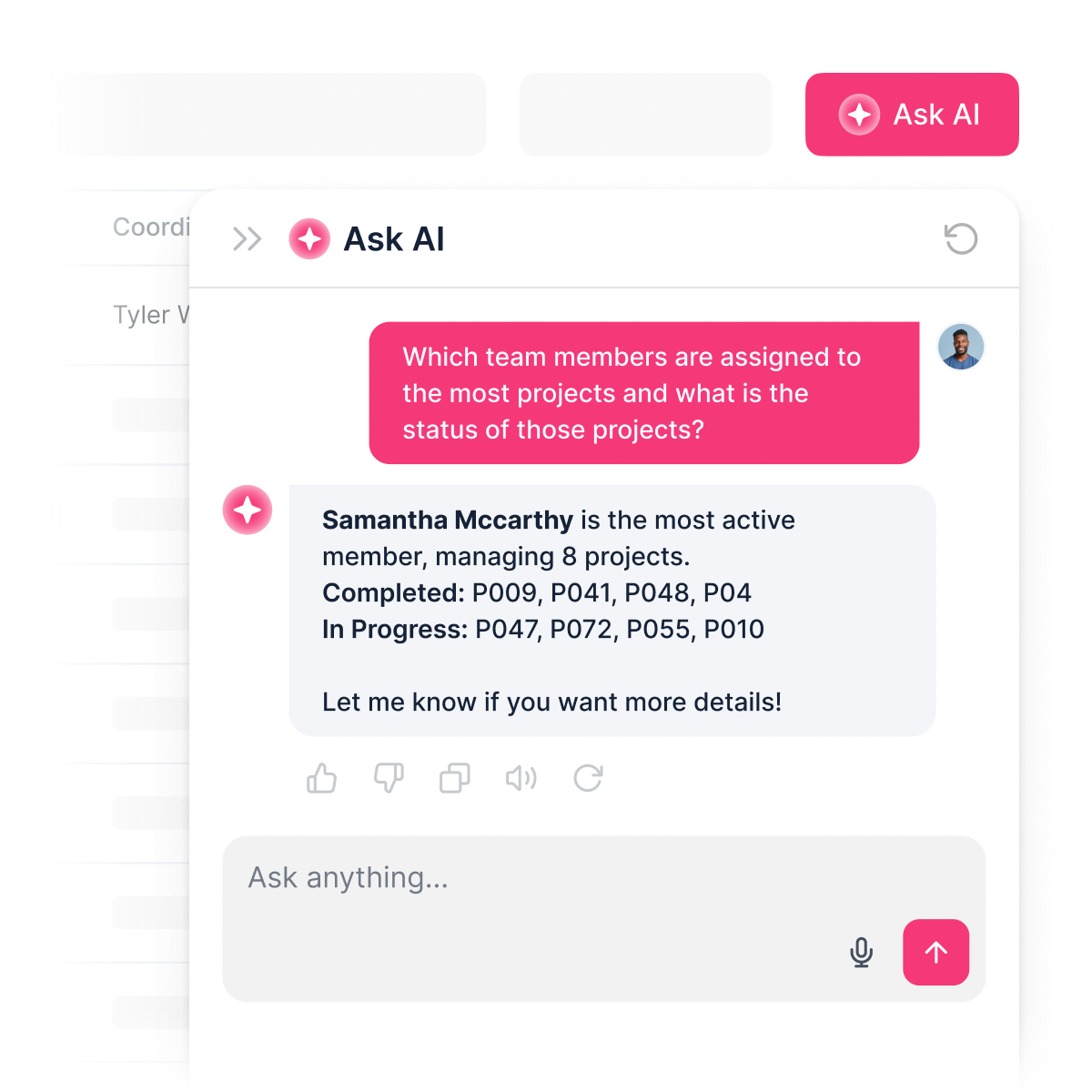
You can add an AI assistant that reads from your live inventory data and answers questions instantly — so your team can ask about low stock levels, weekly sales, or top-performing products and get accurate answers pulled directly from your data.
You can also customize how the AI responds, set permissions so only the right roles can access sensitive information, and keep responses secure.
This turns your inventory app from a static database into an interactive tool — saving your team time while giving everyone self-service access to the insights they need.
Most inventory tools are either too rigid, too expensive, or fall apart the moment real users and real data are involved. Softr is different because it's built for actual business use from day one.
Describe the inventory app you need, and the AI Co-Builder generates a fully functional app — database, logic, and UI already connected. No generated code to debug, no developer needed to make it production-ready.
From there, you stay in control: customize through prompting or visual editing, manage data in Softr Databases or connect to existing tools, set up role-based permissions, and automate processes with Softr Workflows. As your business grows, your inventory app grows with it — without starting over or calling in a developer.
Frequently asked questions
An App User is someone who can log into the Softr app you've built.
We will only count users that are in your published apps.
If you have public pages that doesn't require login, anonymous users who visit those pages will not count.
An App User is someone who can log into the Softr app you've built.
We will only count users that are in your published apps.
If you have public pages that doesn't require login, anonymous users who visit those pages will not count.
An App User is someone who can log into the Softr app you've built.
We will only count users that are in your published apps.
If you have public pages that doesn't require login, anonymous users who visit those pages will not count.
An App User is someone who can log into the Softr app you've built.
We will only count users that are in your published apps.
If you have public pages that doesn't require login, anonymous users who visit those pages will not count.
Build a custom inventory management system with AI.
Launch your system in minutes — connected, secure, and ready for real users.