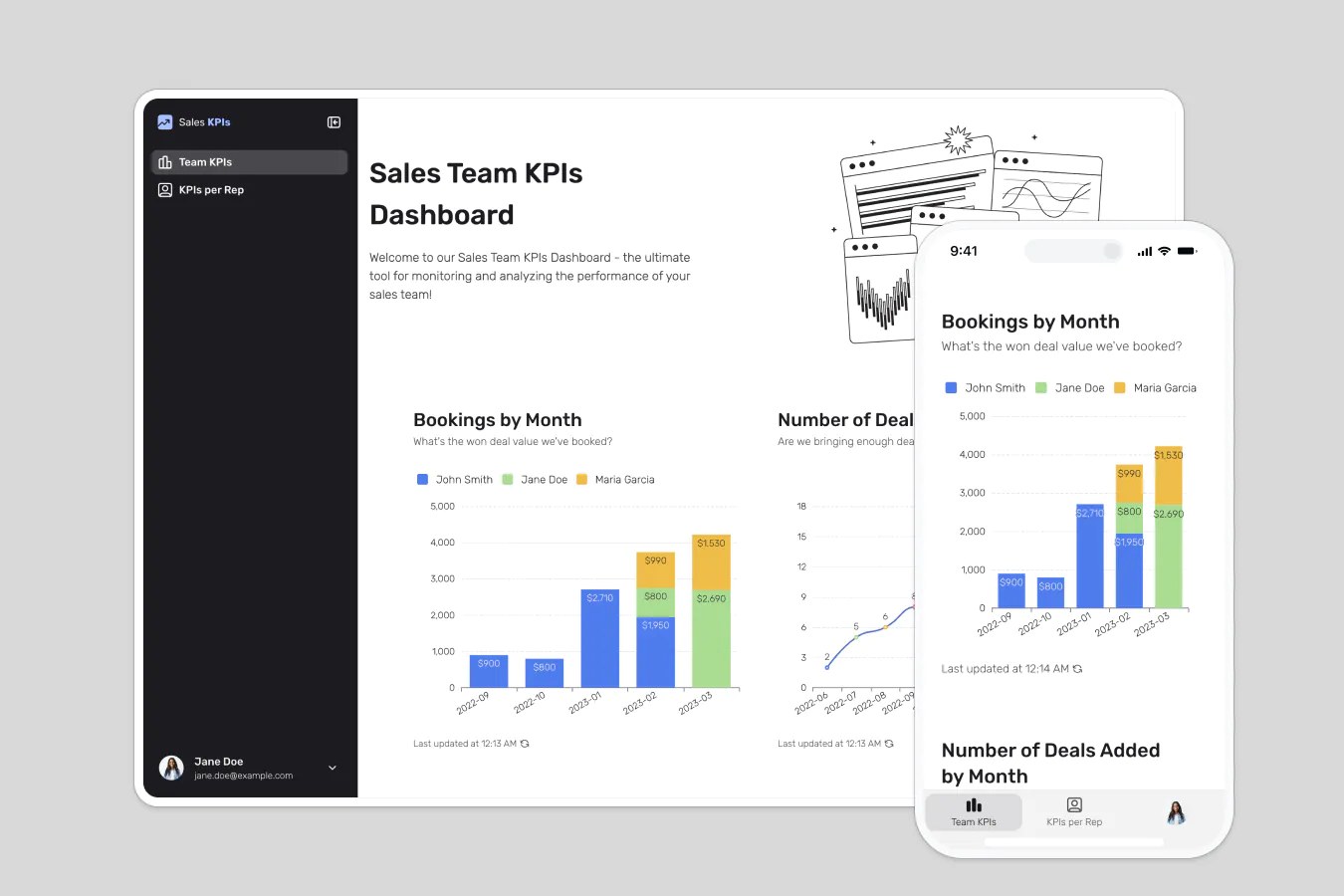
Provide sales teams visibility and control over their sales pipeline.
Data sources supported





.svg)


Resources




No items found.
Overview
This free template lets you build a fully customized no-code dashboard on top of your existing data, giving your team real-time visibility into pipeline performance.
It includes a sample database that shows exactly how to structure your data for this use case, and it also works with any Softr-supported data source (including Airtable, Google Sheets, Notion, HubSpot, monday.com, and more).
Why use this sales KPIs dashboard template
- Give your team visibility into the sales pipeline: Help reps stay on top of their metrics, while managers monitor progress toward team goals.
- Track real performance, not gut feelings: Surface key KPIs like deal status, value, forecasted revenue, and quota attainment.
- Empower self-serve access to dashboards: Each rep gets a personalized view of their data, so they can take ownership without waiting on a manager.
- Cut down on status meetings and manual reports: Eliminate spreadsheet chaos with a single source of truth everyone can rely on.
Template features:
- Personalized dashboards
- Performance tracking
- Deal status visibility
- Goal setting and milestones
- Works on any device
Who is this sales dashboard template for?
This template is built for fast-moving sales teams, but it’s flexible enough to support a wide range of use cases:
- Startup and SaaS teams: Visualize growth metrics, monthly recurring revenue (MRR), and conversion rates.
- Sales leaders: Monitor performance across reps and regions without building reports from scratch.
- Revenue ops teams: Build a scalable system for forecasting, pipeline review, and performance analysis.
- Agencies and freelancers: Track proposal wins, lead sources, and contract values.
- Customer success teams: Use the dashboard to track renewals, upsells, and health scores.

“What we love most about Softr is the instantaneous, customizable power a no-code platform allows.”

- 1
- 2
- 3
- 4
Frequently asked questions
What are the most common sales KPIs I can track?
Do I need a Softr account to use the template?
Can I use this sales dashboard template with a free Softr account?
Can I add my own KPIs and custom filters?
Can managers and reps see different views?
Can I automate alerts based on sales performance?