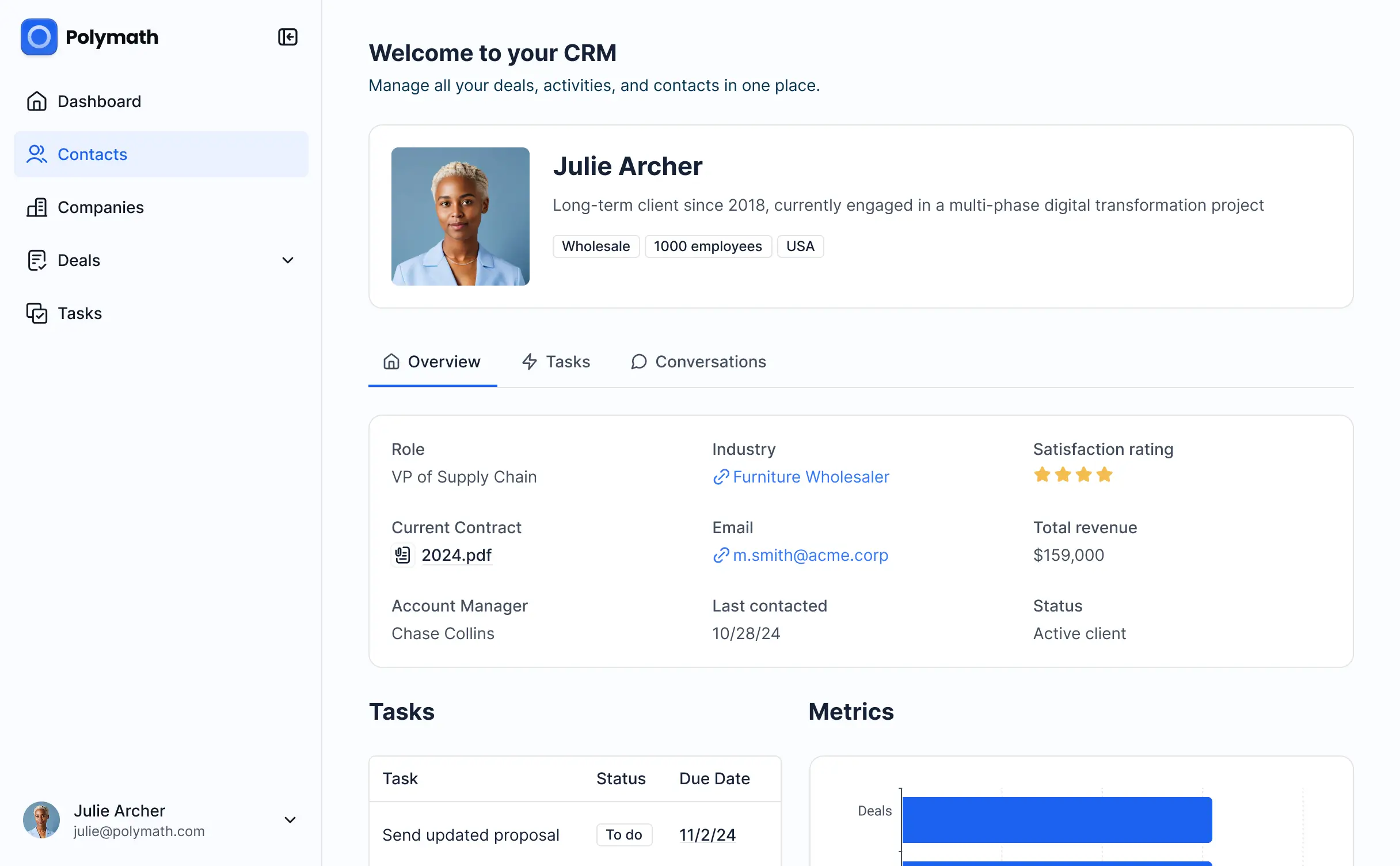
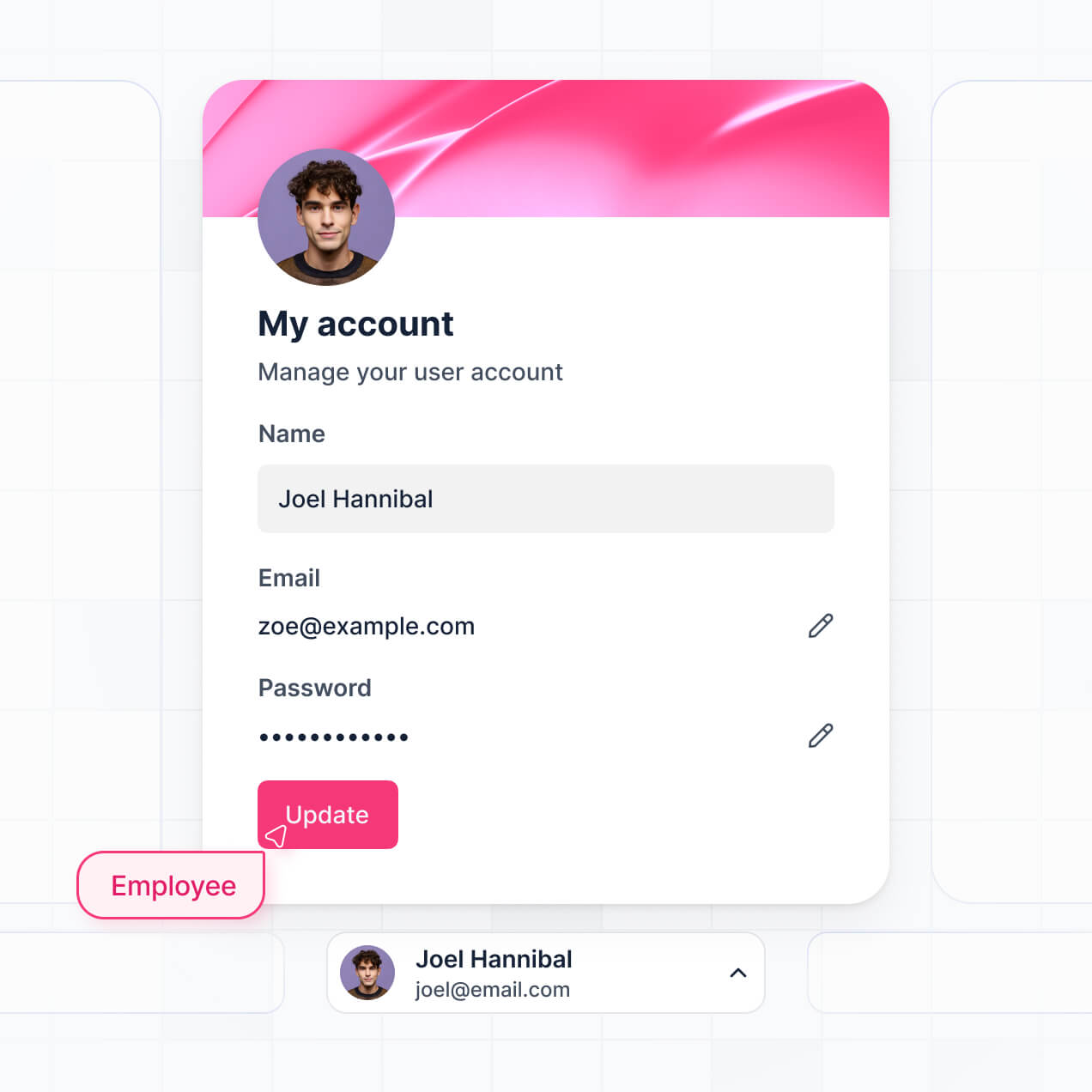
Track leads, manage pipelines, and view sales insights in an AI-powered custom CRM software built with AI to fit your unique workflow.


Customize your custom CRM software setup with the exact steps and views your team needs. Add features as processes evolve—no code needed.


Connect spreadsheets, CRMs, and project trackers with real-time sync—or manage everything in Softr Databases. Create a single source of truth for your business.
Give each teammate the right lead data and tool access. Set up secure logins, user groups, and granular permissions—no IT support or dev work needed.
Give different sales members tailored access and dashboards, so each role sees just the pipeline and contacts they need to manage.
Streamline your sales processes with Softr Workflows. Trigger native notifications based on lead status changes to keep your pipeline moving.
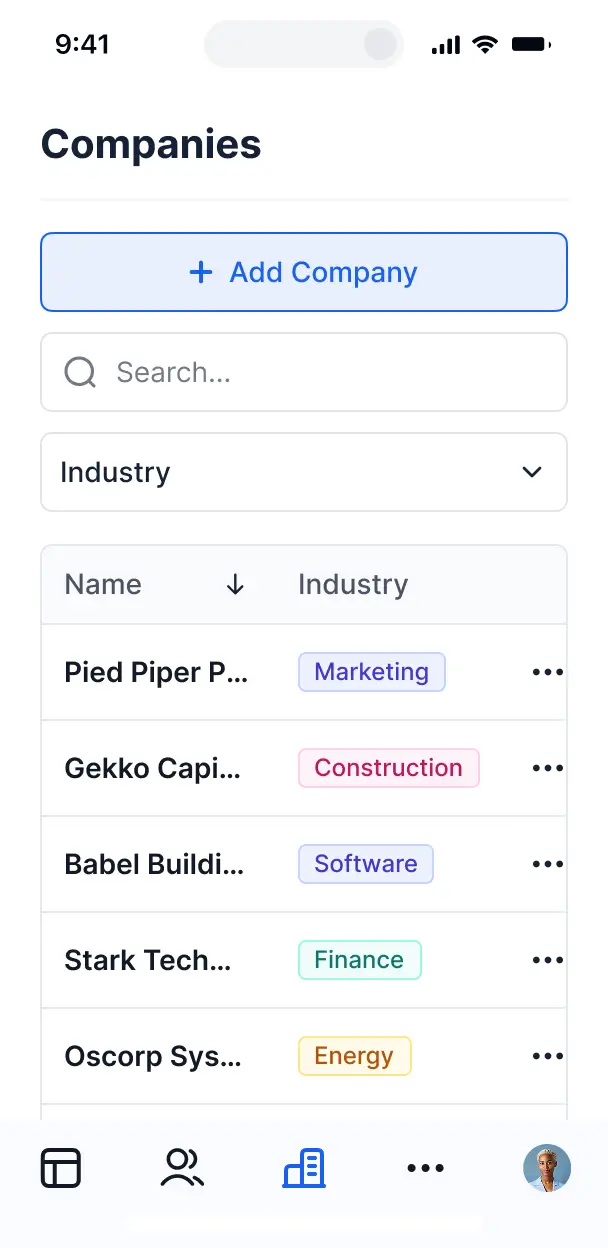
Access and update your custom CRM software on the go. All apps are mobile-ready out of the box for your field sales team.
Use Google, email, or SSO logins to give your team fast, secure access to customer data—no IT tickets needed.
Keep sales and internal data safe with SOC2 and GDPR compliance, plus fine-tuned access control at every level of your CRM.
No more one-size-fits-all tools or costly custom builds. Softr is easy to use and fully customizable, so you can launch faster, adapt as you grow, and skip the complexity of traditional software.

Build your custom CRM software in minutes with AI—no manual setup or complex lead configuration needed.

Add features like pipeline tracking, automated notifications, or sales insights as your workflows evolve.

Start with a CRM, then add client portals, dashboards, or internal forms—all in one place with no extra tools.
Co-build with AI
Simply describe what you need. Let Softr handle everything - Interface, database, workflows.
Iterate with AI or visually
Control most critical parts of your app yourself - roles, permissions, security.
Ship the same day
Invite team members or external clients and partners right away. No developer handover.
Use drag-and-drop blocks to build a portal that looks sleek and modern out of the box. Add only the features you need, and iterate as your workflows evolve.




A custom CRM software is a secure, personalized environment where your sales team and managers can log in to track customer relationships, manage leads, and store contact history. It centralizes all your sales activity—like deal stages, client notes, and follow-up tasks—in one place, eliminating the chaos of scattered spreadsheets and messy email threads. This ensures your team stays aligned and your customers receive a consistent, high-quality experience.
Softr is the first AI-native platform for building business software, making it the ideal choice to build a custom CRM software that matches your specific sales pipeline. Instead of forcing your business into a rigid, off-the-shelf product, you can describe your sales process to the AI Co-Builder to instantly generate a database, lead tracking pages, and automation logic—all fully connected and secure.
You don't need to code at all. You can start with an AI-generated foundation, a professional template, or a blank canvas. Your data can live in Softr Databases, or you can sync with external sources like Airtable, Google Sheets, or HubSpot. You have total visual control to brand the interface, set granular permissions for sales reps versus managers, and scale the system as your customer list grows.
You can include a wide range of features in your custom CRM software to optimize your sales funnel. A high-performing CRM typically combines standard data management with AI-driven insights:
- AI-Powered Intelligence – Use Ask AI to let your reps query customer data conversationally, or deploy Database AI Agents to automatically research potential leads or summarize long interaction histories.
- Vibe Coding Blocks – Create unique, custom components—such as a specialized deal probability calculator—using the AI Code block to "vibe code" the exact functionality your sales process requires.
- Softr Workflows – Set up native automations, like sending a Slack notification when a deal moves to "Closed-Won" or automatically assigning a new lead to a specific territory manager.
- User Portals & Logins – Ensure account executives only see their assigned accounts while the VP of Sales has a full visibility into the company-wide pipeline.
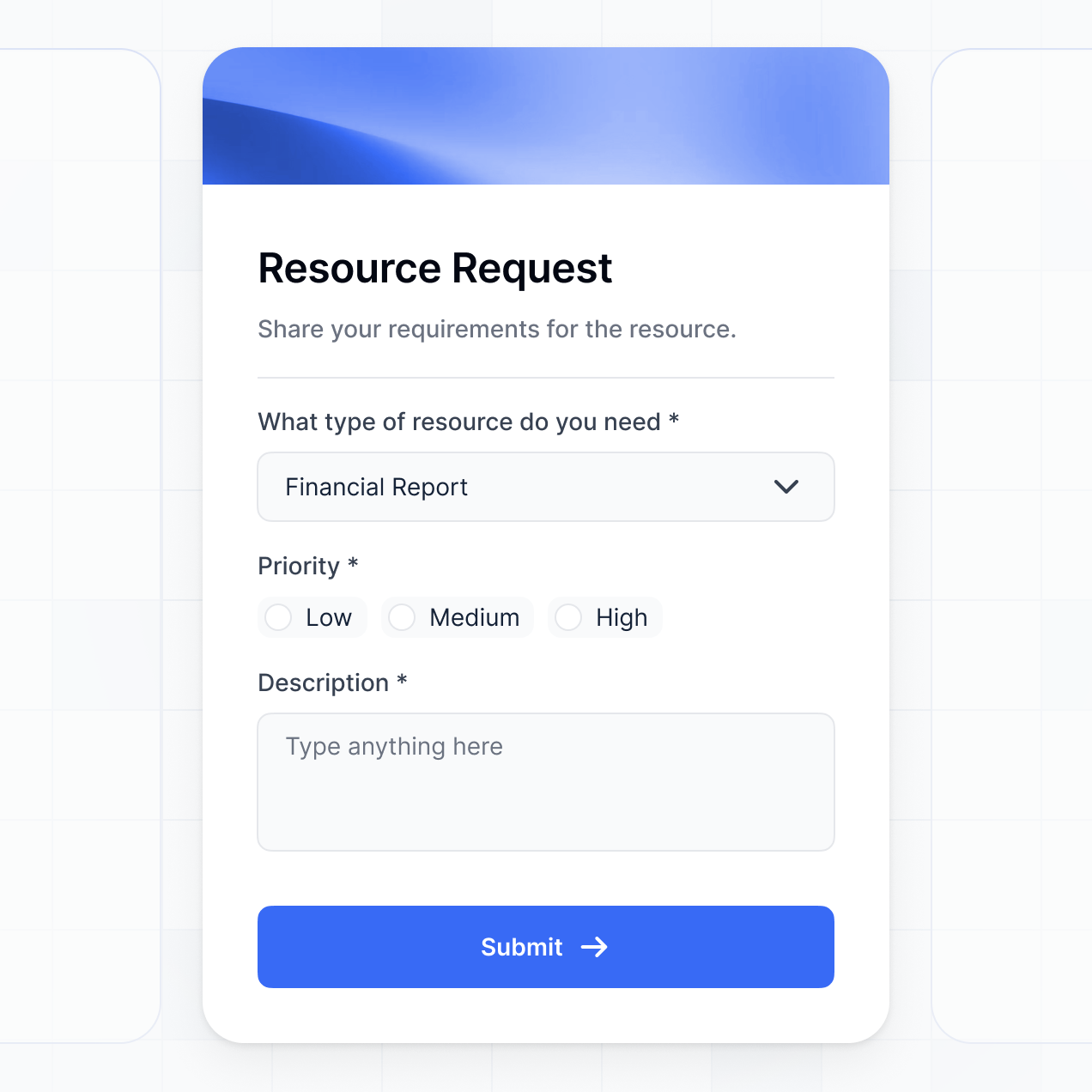
- Forms & Data Collection – Capture leads directly from your website or log meeting notes with custom forms featuring file uploads and conditional logic.
- Dashboards & Charts – Visualize your sales performance, conversion rates, and monthly recurring revenue with real-time charts.
- Lists & Advanced Filtering – Manage your contacts using searchable tables, drag-and-drop kanban boards for deal stages, and detailed customer profile views.
Everything is built using Softr's drag-and-drop interface. If you need a hyper-specific tool, use Vibe Coding to generate it with AI, and easily iterate as your sales strategy evolves.
Vibe coding is about prioritizing results and using AI to build the perfect sales tool. You can "vibe code" a custom CRM software in Softr by simply telling the AI Co-Builder what kind of data you need to track, such as lead sources, deal values, and contact dates. Softr then builds a production-ready CRM on a secure, stable foundation.
While other platforms might generate standalone, buggy code, Softr handles the foundational aspects—like user authentication, database relationships, and field-level security—natively. This allows you to experience the speed of vibe coding without the technical debt of managing raw code. You describe your sales workflow, Softr generates it, and your team can start closing deals immediately.
Yes. You can manage multiple sales teams or departments within a single custom CRM software. By utilizing roles and permissions, you can ensure that the regional sales team only accesses their local leads, while the marketing department can view high-level campaign performance data. This centralizes your data while maintaining strict privacy and focus across different business units.
Absolutely. You do not need an existing database to start building with Softr. If you are launching a new sales initiative, you can use Softr Databases, which is built directly into the platform and optimized for your application's speed and reliability.
If you do have existing data in tools like Airtable, Google Sheets, HubSpot, Notion, or SQL, you can connect those as well. You can also use the REST API to pull in customer data from other internal systems. Regardless of where your data originates, you have complete control over how it is structured and displayed inside your custom CRM software.
Softr Databases is the recommended relational data source for your custom CRM software. It is designed specifically for business applications, offering high performance, instant automation triggers, and a fast user experience because the records live natively on the platform.
Softr also connects to over 17 external data sources if your customer info is stored elsewhere. You can integrate with Airtable, Google Sheets, HubSpot, SmartSuite, BigQuery, and more. You can even combine sources—for example, pulling lead data from HubSpot while managing internal sales tasks in Softr Databases. Most connections support real-time, two-way sync, ensuring your CRM is always up to date.
Yes, Softr gives you comprehensive control over how your sales team interacts with the custom CRM software. You can tailor the layout, navigation, and specific page elements to match your team's workflow. Blocks and pages can be filtered or hidden based on user roles, ensuring every employee sees exactly what they need.
You can establish various roles—such as BDR, Account Executive, and Sales Manager—assigning specific edit and view permissions to each. For instance, reps might only edit their own deals, while managers can oversee all accounts and generate reports. This customization keeps your CRM clean and secure, especially when multiple teams are working within the same app.
Yes, you can fully white-label your custom CRM software in Softr. You can incorporate your own logo, brand colors, and custom typography, and host the app on your own domain to provide a professional experience for your team. You can also completely remove Softr branding, ensuring your company's identity is the only thing your users see.
Yes, Softr provides extensive flexibility to design the layout of your custom CRM software. You can modify spacing, colors, and the overall structure of your pages to align with your brand standards. You can choose which functional blocks appear and control visibility for different user groups.
To organize your sales data, you can use various block types:
- Table blocks – for quick scanning of large lead lists or transaction histories
- List or Card blocks – to display detailed company profiles or representative bios
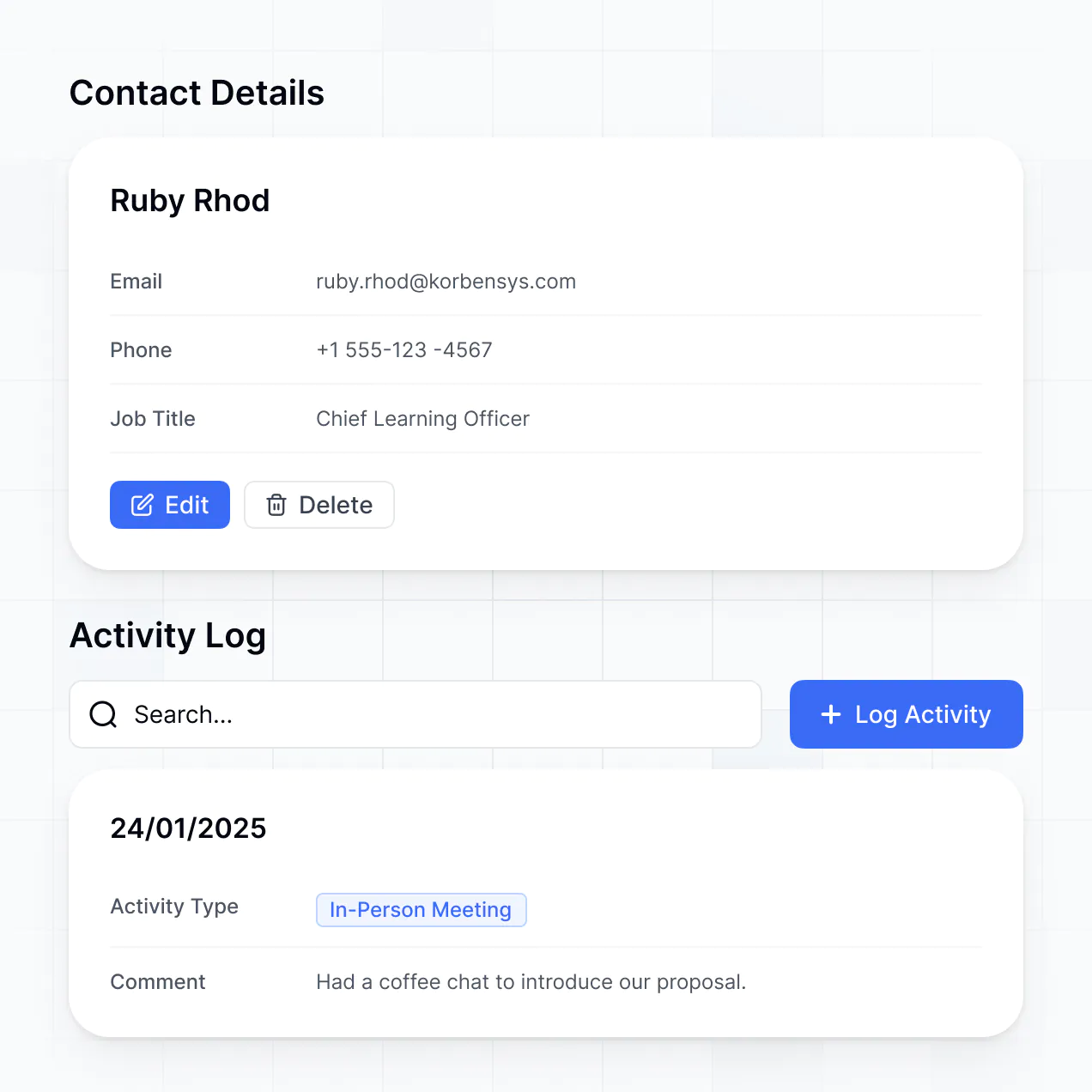
- Detail View – to dive deep into a single customer’s full interaction history
- Forms – for reps to quickly log new leads or update contact info
- Charts – to track visual KPIs like sales targets and pipeline velocity
- Calendar blocks – to manage follow-up calls and demo schedules
If your sales process changes, you can instantly update these views using the visual builder without any downtime.
Security is a core component of Softr. All data is encrypted via TLS in transit and at rest, with hosting on top-tier, reliable infrastructure. Your custom CRM software gives you granular control over data access; you can define precisely who can view or modify specific records using role-based permissions and visibility rules.
When using Softr Databases, your information is stored in a secure environment in Europe (Germany) with SOC 2 Type II compliance. For apps connected to external sources like HubSpot or SQL, Softr serves as a real-time interface and does not store the data itself, adhering to your source's security settings. We follow industry-standard practices for authentication and monitoring to ensure your sensitive sales data remains protected.
The custom CRM software generated by Softr is fully production-ready. While other AI tools might only provide a basic mockup or fragile code, Softr builds your app on a professional, scalable infrastructure.
We provide the essential business features—such as secure login, role-based access, and reliable database hosting—right out of the box. This eliminates the "Day Two" maintenance hurdles typical of AI experiments. Your CRM is secure, scalable, and ready to handle your actual customer data and team workflows from the moment it is generated.
Softr is the first AI-native platform designed for building business software. Unlike "vibe coding" tools that produce unmanaged code or traditional no-code platforms that require tedious manual configuration, Softr’s AI Co-Builder creates apps on a secure, enterprise-grade foundation.
This hybrid approach allows you to use AI to generate your CRM database and logic in seconds, while still providing visual tools for customization. You get the speed of AI combined with the reliability of built-in authentication and permissions, making it perfect for teams that need to go from an idea to a live CRM and start scaling on day one.
Yes. Softr allows you to build powerful native workflows and connect your custom CRM software to the rest of your business stack. You can automate recurring tasks with Softr Workflows or integrate directly with tools like Stripe for payments or Intercom for support. Softr also supports webhooks and a REST API for complex data syncing.
Whether you need to trigger a welcome email to a new lead, sync revenue data from your billing system, or notify your team of a high-value opportunity, you can build these automations into your CRM without writing any code.
Describe what you need. Softr's AI builds your custom CRM software without code in under an hour.