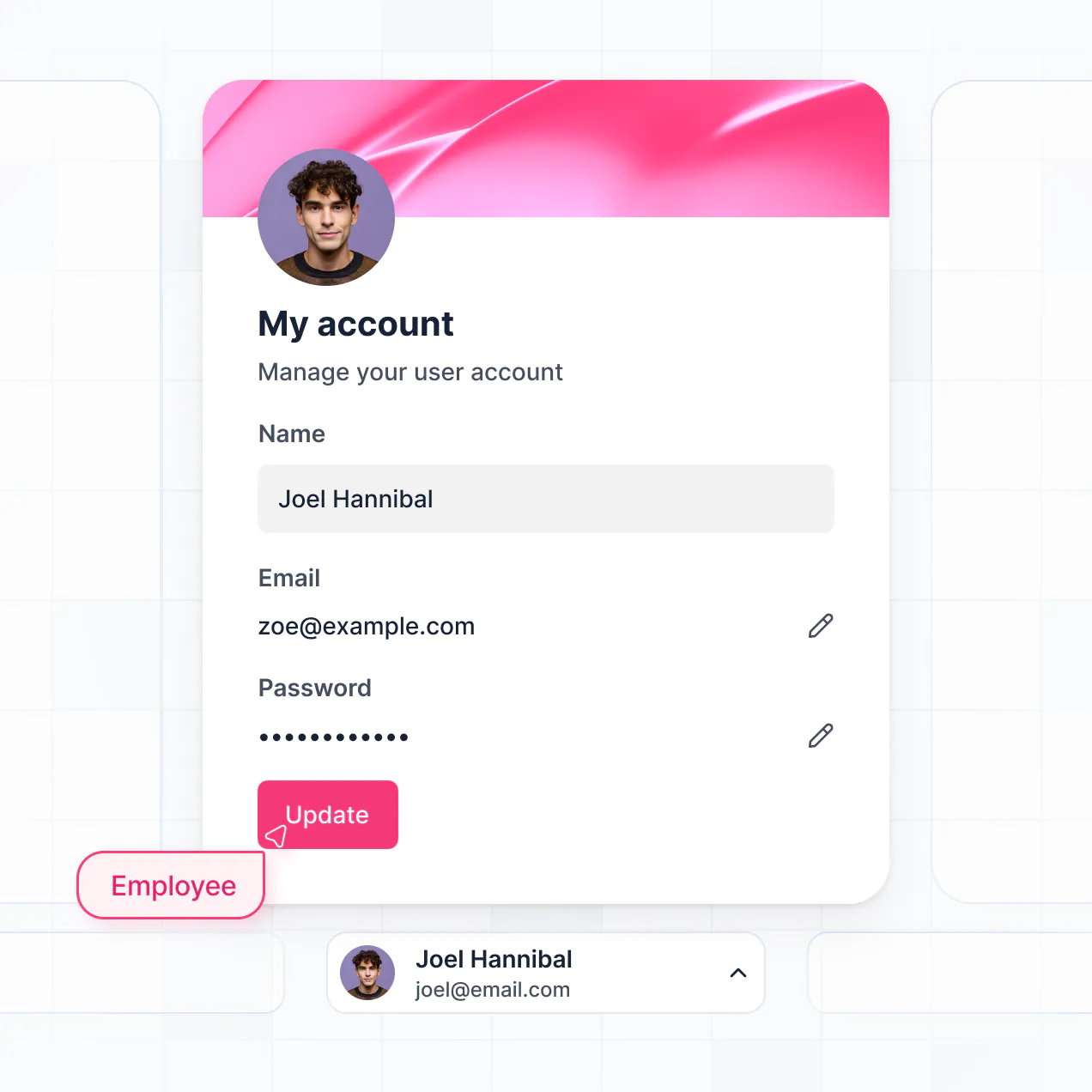
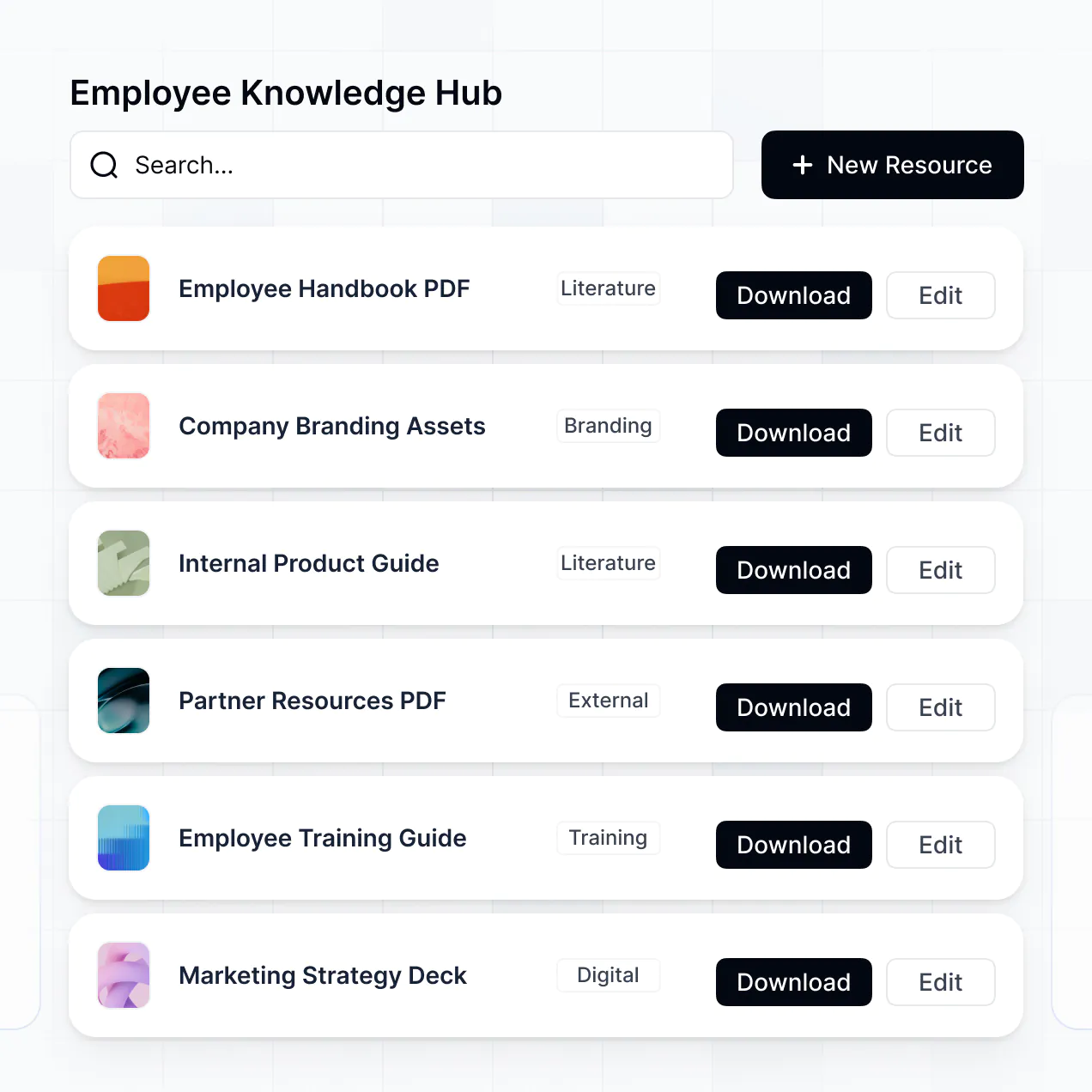
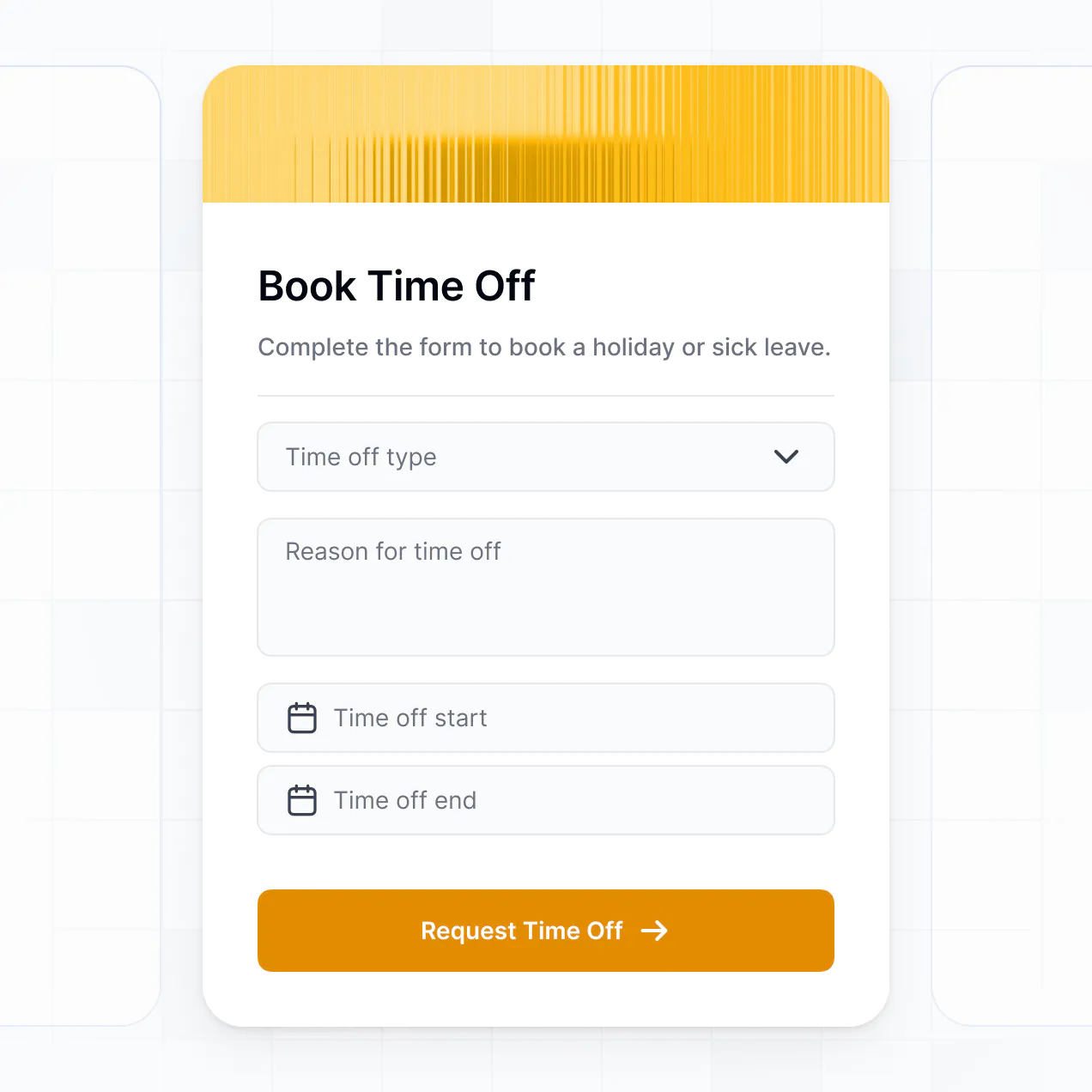
Track new-hire details, route onboarding tasks, collect employee documents, and answer employee questions in one place for HR teams.
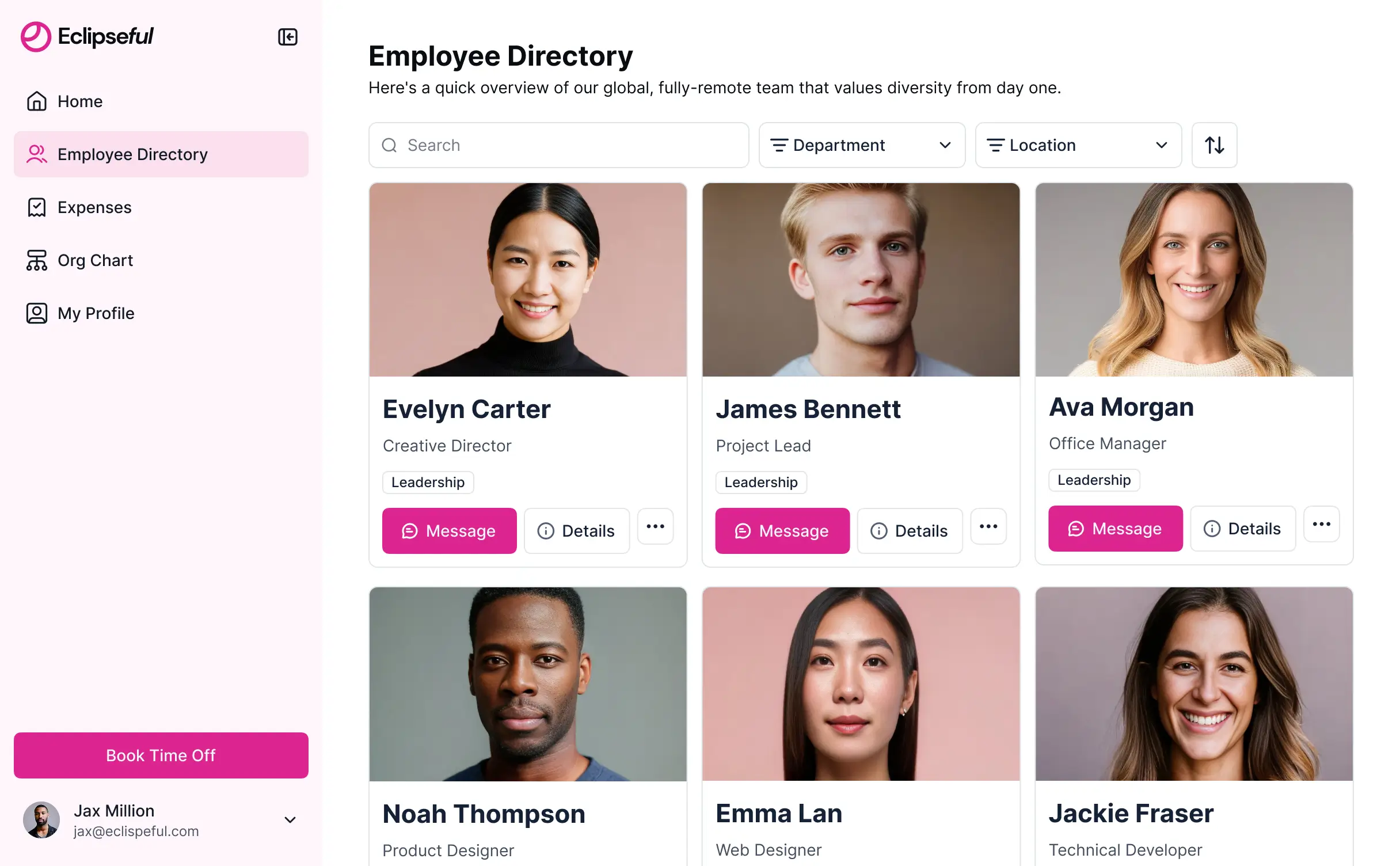
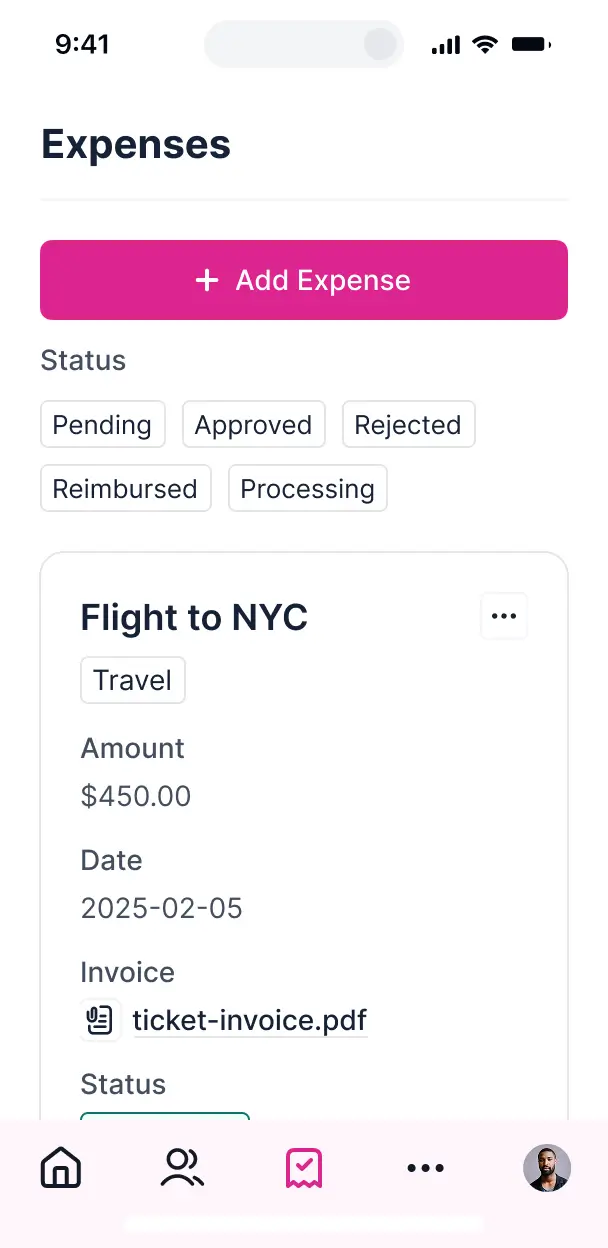



Set up only the views and workflows your onboarding process needs. Customize them now, then adapt as roles, policies, and hiring plans change.


Manage employee records in Softr Databases, or connect Airtable, Notion, Google Sheets, and HR systems with real-time sync. Keep onboarding data in one place.
Give employees and managers the right views and access in a branded portal. Set up secure logins, user groups, and permissions for onboarding in minutes.
Employees can complete onboarding tasks and submit documents from any device. Turn the portal into a downloadable PWA in one click.
Trigger task assignments, reminders, and status updates with Softr Workflows whenever onboarding records change.
Create separate experiences for new hires, managers, and HR teams, so each group sees the onboarding tasks and records they need.
Control who can view employee information, submit documents, update tasks, or manage onboarding records at a granular level.
Protect employee information with encrypted data and granular permissions. Softr Databases is SOC 2 Type II compliant.
No more one-size-fits-all tools or costly custom builds. Softr is easy to use and fully customizable, so you can launch faster, adapt as you grow, and skip the complexity of traditional software.

Describe your onboarding process and get a working employee portal in minutes, with no complex configuration.

Add new onboarding steps, views, and integrations as roles, policies, and hiring plans change.

Bring employee records, documents, task tracking, and onboarding questions into one portal.
Co-build with AI
Simply describe what you need. Let Softr handle everything - Interface, database, workflows.
Iterate with AI or visually
Control most critical parts of your app yourself - roles, permissions, security.
Ship the same day
Invite team members or external clients and partners right away. No developer handover.
Use drag-and-drop blocks to build a portal that looks sleek and modern out of the box. Add only the features you need, and iterate as your workflows evolve.




Onboarding software gives new hires, managers, HR teams, and IT staff a secure place to manage the employee onboarding process. It can bring together welcome information, policy files, training tasks, equipment requests, account updates, and onboarding timelines. Instead of following scattered email threads and spreadsheets, everyone can see the right checklist, documents, and progress in one employee portal.
The biggest benefit for HR teams is keeping every new hire's checklist, document, training task, and start-date milestone in one place. Softr is an AI app builder for business software. Describe the onboarding process you need, and it generates the database, pages, and logic, already connected and secure, without writing code. You can also start from a template or build from scratch, then adjust everything visually. Store employee records in Softr Databases, or connect tools such as Airtable and Google Sheets. HubSpot and other sources are also available depending on your plan. You control the page layout, role-based visibility, and company branding as the onboarding process changes.
You can shape the portal around the work HR, managers, and new hires handle every week:
- **AI inside the app:** Ask AI can answer questions about benefits, policies, and training requirements, while Database AI Agents can classify onboarding status or flag incomplete employee records.
- **Custom interface:** A Vibe Coding block could create a personalized first-week progress bar or a manager view of pending approvals. It inherits your theme and permissions.
- **Automations:** Softr Workflows can create an IT task when a hire's start date is added, or notify a manager when required documents are uploaded.
- **Access control:** Employees see their own checklists and files, while HR can manage all employee records.
- **Forms:** Collect tax documents, emergency contacts, and equipment requests with file uploads and conditional logic.
- **Reporting:** Use dashboards, charts, lists, filters, tables, kanban boards, and detail views to track onboarding progress. Every block is drag-and-drop and remains editable later.
Describe the onboarding flow in plain language, such as a new-hire checklist with document uploads, manager approvals, and IT setup tasks, and Softr's AI builds it. The result runs on a stable, secure foundation rather than raw code that can become difficult to maintain. Authentication, database logic, and security are handled natively, so an HR team is less likely to face a Day Two problem when employee records, training tasks, or access rules change. If you use a Vibe Coding block for a custom onboarding timeline, every prompt and edit is versioned, so a change that breaks the employee view can be rolled back.
Yes. HR can run one onboarding app for engineering, sales, finance, and operations while each employee sees only the checklist, documents, and tasks assigned to them. Managers can view their department's new hires, while HR retains the broader employee and compliance record view.
You do not need an existing database to start. If your employee list and onboarding checklist are currently in a spreadsheet, import or recreate them in Softr Databases, which is built into the platform. You can structure fields for start dates, departments, managers, training tasks, and document status from the beginning. If records already live elsewhere, Softr can connect to Airtable, Google Sheets, Notion, Coda, or the REST API. HubSpot, monday.com, Supabase, and SQL connections are also available on applicable plans. Either way, you decide how employee records are organized and displayed.
Softr Databases is the recommended starting point for onboarding software. It is a native relational database for business apps, so employee records, start dates, training tasks, and document statuses run with high performance and can trigger automations instantly without a third-party API in the way. Softr also connects to 21+ external sources, including Airtable, Google Sheets, HubSpot, SmartSuite, and BigQuery, with most supporting real-time two-way sync. One employee portal can draw on several sources at once, such as a spreadsheet for new hires and a separate system for training records.
HR can define the portal around each role and department. For example, a new hire may see only their own welcome checklist, benefits files, training tasks, and equipment request, while an HR administrator can view and edit employee records across the company. Managers can see onboarding progress for their direct reports without accessing private tax documents or another department's hires. Softr lets you control navigation, pages, blocks, field visibility, and actions. Views can be filtered by the logged-in user, and the built-in preview lets you open the app as any user group before launch, without creating test accounts.
Yes. HR teams can apply the company's logo, colors, fonts, and custom domain to the employee portal, then remove Softr branding. This gives new hires and managers a consistent place to find welcome materials, policy files, and onboarding tasks that matches the rest of the employee experience.
You can adjust colors, fonts, spacing, page structure, and the information each employee sees after login. Common blocks can match specific onboarding work:
- **Table:** HR can review employee names, start dates, departments, and onboarding status.
- **List or Card:** New hires can browse welcome resources, policy files, and training modules.
- **Detail View:** A manager can open one employee's checklist, equipment request, and outstanding tasks.
- **Forms:** Employees can submit emergency contacts, profile details, and document uploads.
- **Charts:** HR can track completion rates by department or start-date cohort.
- **Calendar:** Teams can coordinate orientation sessions, manager check-ins, and training deadlines.
Everything remains editable in the visual builder, so the portal can change when your onboarding process changes.
Employee onboarding can include sensitive records such as tax documents, personal contact details, equipment requests, and benefits information, so access rules matter. Softr encrypts data in transit with TLS and at rest on secure infrastructure. Role-based permissions, data-source user management, visibility rules, and global restrictions control which HR administrators, managers, and new hires can view or edit records. With Softr Databases, data stays in Softr's secure environment, hosted in Europe, Germany, and the database is SOC 2 Type II compliant. When you use an external source, Softr stores nothing and displays live data according to your access settings. Authentication, access control, and monitoring follow industry best practices.
It is production-ready for real HR teams, new hires, and managers handling live employee records and onboarding deadlines. Softr builds on a stable foundation with authentication, secure hosting, and granular permissions already handled, rather than leaving your team with fragile generated code to maintain. That addresses the Day Two problem: HR can update checklists, managers can review tasks, and employees can upload documents without rebuilding the application from scratch. Softr's foundation is used by over 1 million builders, giving teams a path from an AI-generated onboarding app to daily operational software.
Pure vibe coding tools generate custom code that can be fragile to secure and maintain. Traditional no-code platforms often require teams to configure the database, authentication, roles, and pages manually. Softr takes a hybrid approach: describe an employee checklist, manager dashboard, or document workflow and AI generates the database, app, and logic, then refine the result with visual controls. The business foundation, including hosting, authentication, permissions, and user groups, is already there for non-technical HR teams. Softr apps are also agent-ready. A logged-in user can operate the onboarding portal through an AI assistant over MCP, but only within the same employee records, actions, and permissions available in the app, so there is no second permission model to build or audit.
Set up the first automation around a new hire's start date: when HR adds the employee record, Softr Workflows can trigger IT setup tasks, notify the manager, or update the onboarding checklist. Workflows can also respond to a button click, such as an HR approval or a document submission. Softr connects with tools such as Stripe and Intercom, while REST API connections and webhooks cover advanced cases. That lets your employee portal send onboarding data out, display records from other systems, and react to user actions without code.
Start with a working employee portal and tailor onboarding flows in minutes, no dev work needed.