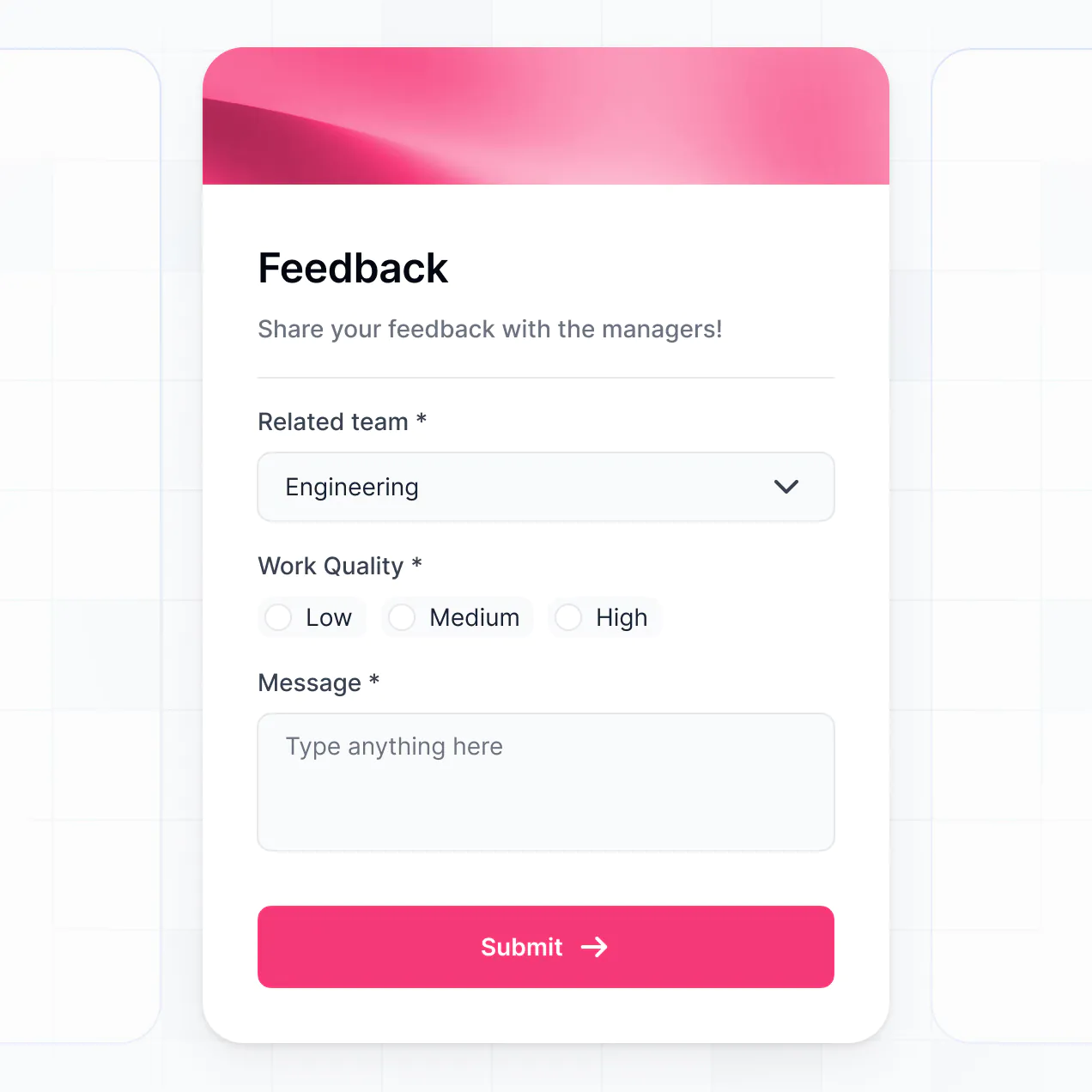
Guide new hires, track task completion, and share resources in an AI-powered portal built with AI to fit your unique HR workflow.
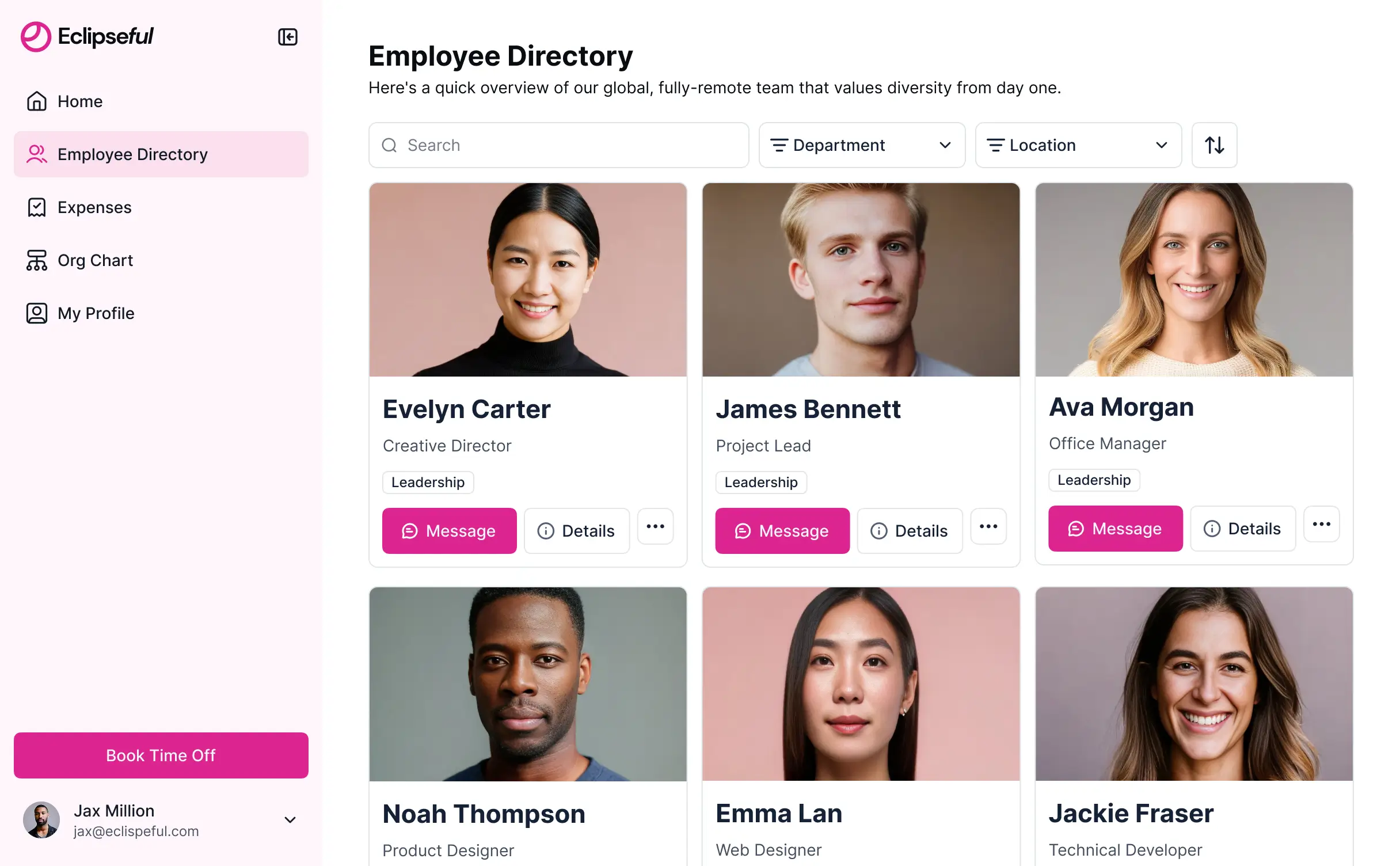



Customize your onboarding checklist tool with the exact steps and views your team needs. Add features as processes evolve—no code needed.


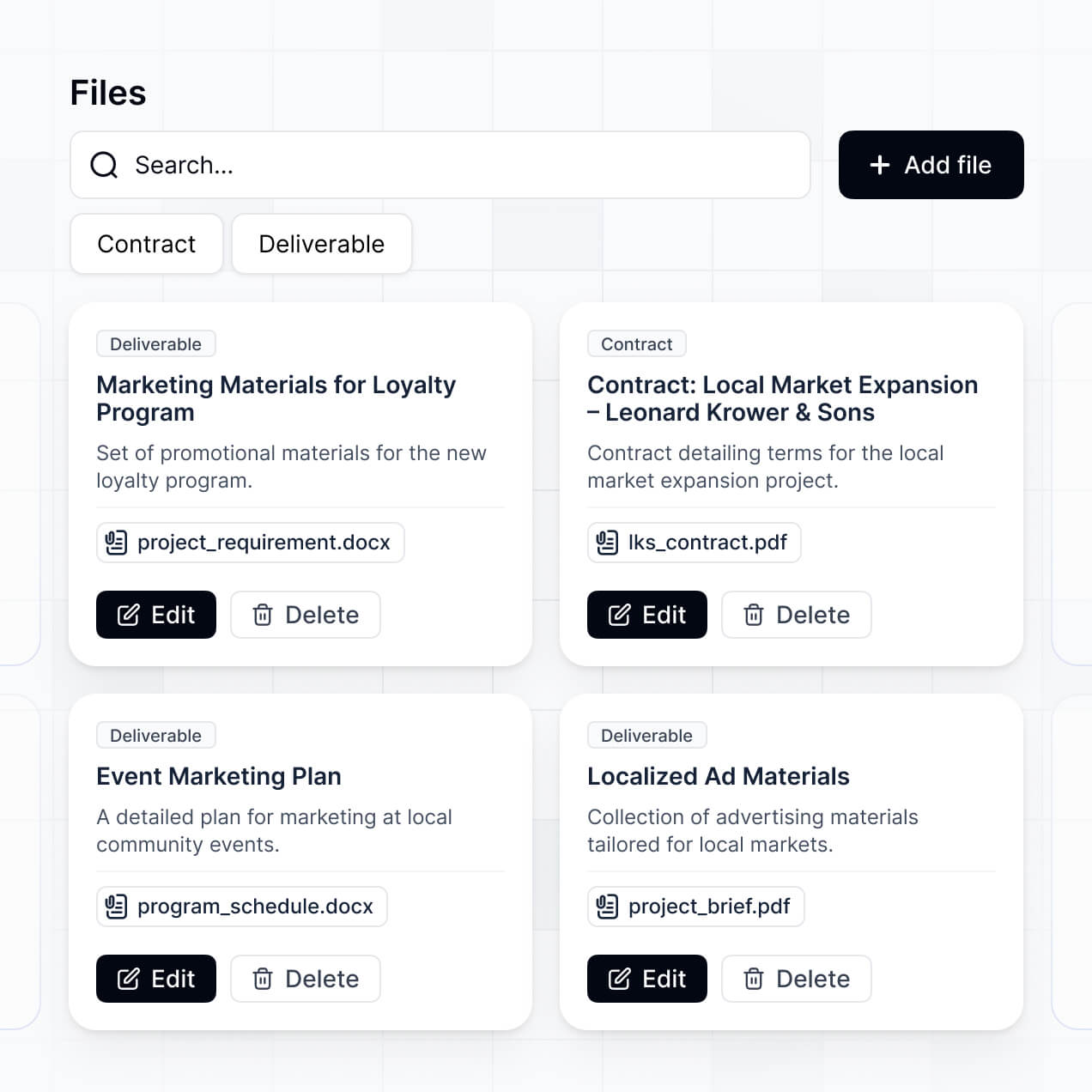
Connect candidate info, task lists, and signed documents with real-time sync—or manage everything in Softr Databases. Create a single source of truth for your business.
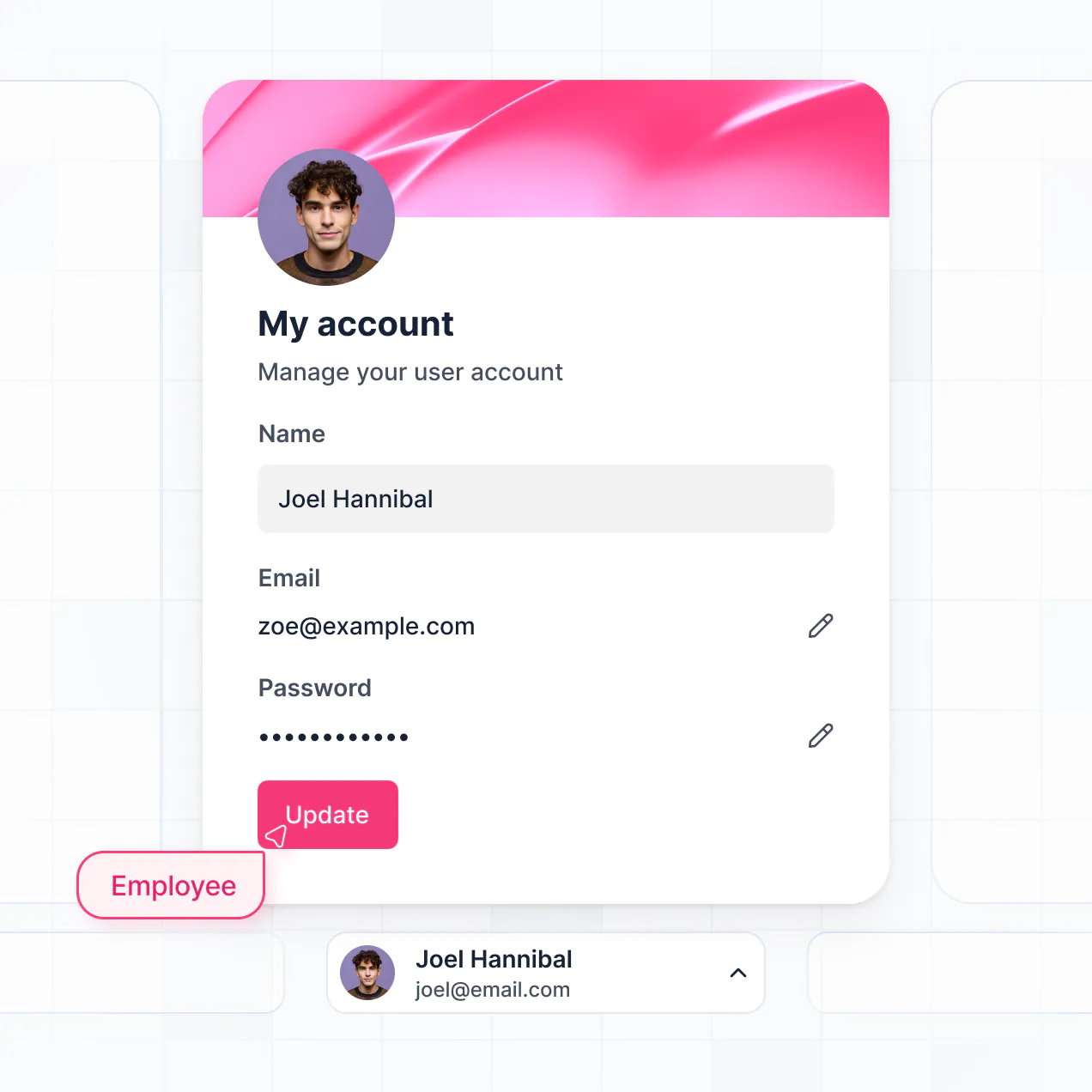
Give each new hire the right views and access in a branded portal. Set up secure logins, onboarding groups, and permissions in minutes.
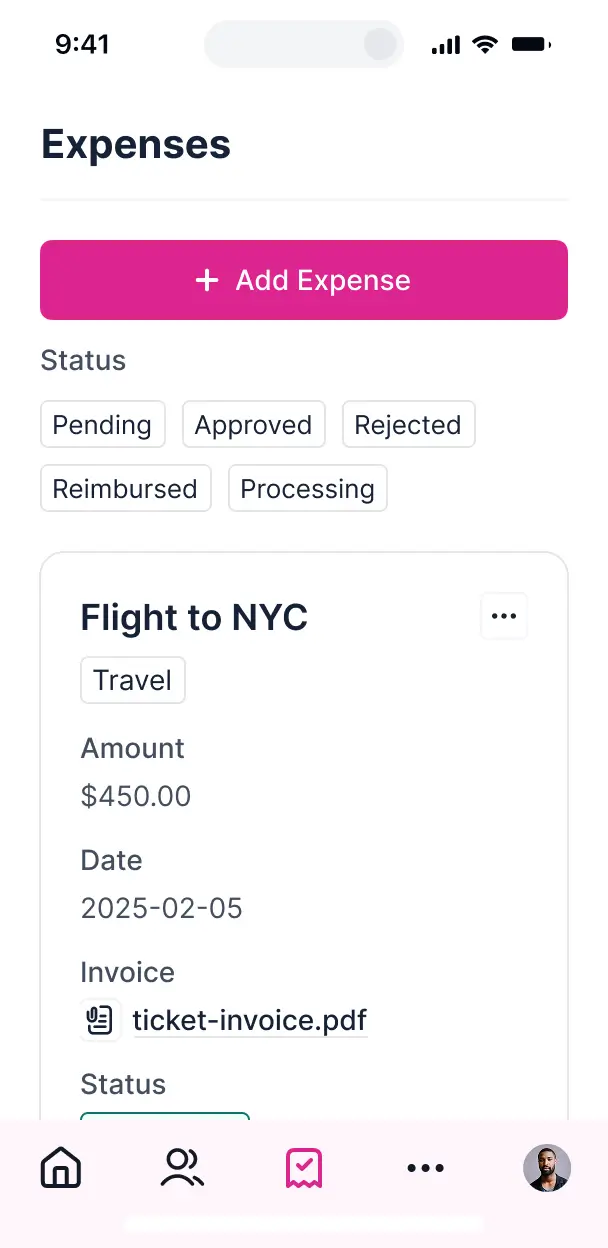
Softr apps are mobile-ready. New hires can complete their onboarding tasks on the go via a downloadable app with Softr's PWA.
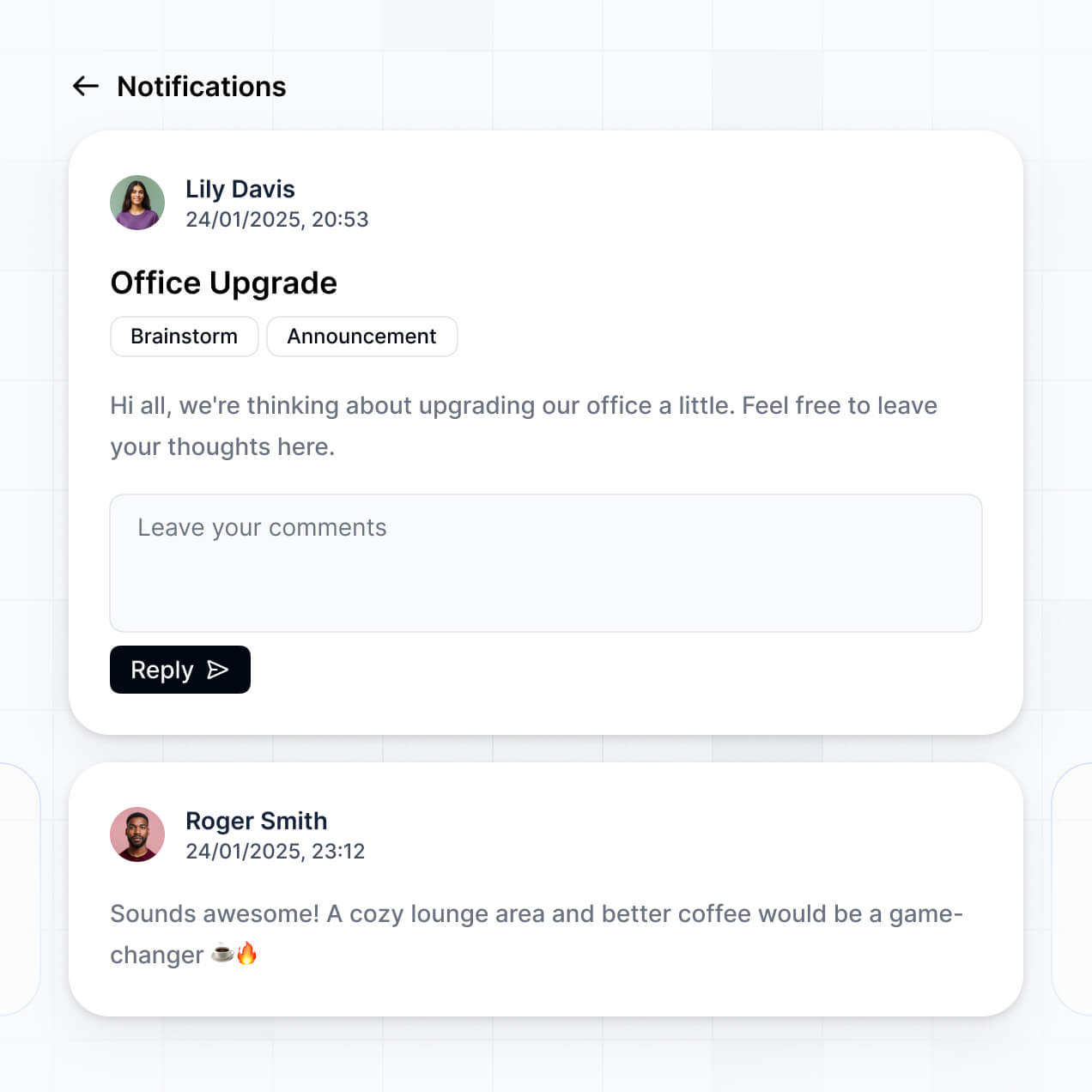
Build native automations to handle welcome emails, milestone notifications, and manager alerts whenever tasks are checked off.
Provide separate logins for employees and managers, creating personalized onboarding dashboards tailored to each specific role.
Apply rules for different departments. Customize who sees which documents and what actions they can take at a granular level.
Protect employee information from security threats. Softr is fully compliant with SOC2 and GDPR regulations for total peace of mind.
No more one-size-fits-all tools or costly custom builds. Softr is easy to use and fully customizable, so you can launch faster, adapt as you grow, and skip the complexity of traditional software.

Build your onboarding checklist tool in minutes with AI—no manual configuration or manual setup needed.

Add features like document tracking, feedback forms, or milestone alerts as your hiring needs grow.

Start with a checklist, then add employee portals and training dashboards—all in one place without extra tools.
Co-build with AI
Simply describe what you need. Let Softr handle everything - Interface, database, workflows.
Iterate with AI or visually
Control most critical parts of your app yourself - roles, permissions, security.
Ship the same day
Invite team members or external clients and partners right away. No developer handover.
Use drag-and-drop blocks to build a portal that looks sleek and modern out of the box. Add only the features you need, and iterate as your workflows evolve.




An onboarding checklist tool is a secure employee portal where new hires can log in to complete their orientation tasks, access training materials, and submit required documentation. It centralizes the entire first-week experience in one place, so HR managers don't have to rely on scattered emails or manual spreadsheets. This makes it easier to track progress and ensure every new employee has a consistent, professional start at your company.
Softr is the first AI-native platform for building business software, making it the fastest way to build an onboarding checklist tool that matches your company's specific HR workflows. You can simply describe your orientation process to the AI Co-Builder to instantly generate your task database, task tracking pages, and onboarding logic—all pre-connected and secure.
You don't need to write a single line of code. You can start with AI, use a pre-built employee portal template, or build from scratch. Everything runs on Softr Databases, or you can link your existing company data from Airtable, Google Sheets, HubSpot, and more. You have full control to adjust the task layouts visually, decide which departments see which training modules, and brand the portal with your company colors. It's quick to launch for your next hiring class and flexible enough to scale as your team grows.
You can include a wide range of features in your onboarding checklist tool to ensure a smooth transition for new hires. A great onboarding app usually combines functional task management with AI-powered assistance:
- AI-Powered Intelligence – Use Ask AI to let employees search the company handbook conversationally, or set up Database AI Agents to automatically summarize candidate resumes for managers.
- Vibe Coding Blocks – Build custom UI elements—like an interactive office map or meet-the-team gallery—using the AI Code block to generate exactly what you need.
- Softr Workflows – Create native automations, such as sending a Slack notification to an IT manager when an equipment request form is submitted.
- User Portals & Logins – Securely manage access so each new hire only sees their own specific onboarding tasks and personal information.
- Forms & Data Collection – Capture emergency contact info, tax documents, and feedback surveys with custom forms and file uploads.
- Dashboards & Charts – Visualize onboarding completion rates and time-to-productivity metrics for HR leadership.
- Lists & Advanced Filtering – Display training modules using searchable tables, kanban boards for task progress, and detailed resource views.
Everything is built using Softr's drag-and-drop blocks, so you can create these features without coding. If you need a custom progress bar or gamification element, use the Vibe Coding block to generate it with AI.
Vibe coding is about prioritizing speed and using AI to build the exact onboarding experience you envision. You can "vibe code" an onboarding checklist tool in Softr by describing your department-specific requirements to the AI Co-Builder. Softr then generates a structured app with the administrative foundation you need.
Unlike other tools that generate raw, unhelpful code snippets, Softr handles the foundational tasks—like user authentication for employees, secure database logic for HR records, and permission levels—natively. This means you get the agility of AI-driven creation without the stress of managing custom code long-term. You describe the workflow, Softr builds the portal, and your new hires can start their journey immediately.
Yes. You can manage different departments (like Sales, Engineering, or Marketing) or various hiring cohorts in a single portal. Each employee only sees the checklists, training videos, and documents assigned to their specific role or start date. This is ideal for growing organizations that need to tailor the orientation experience across different teams from one central dashboard.
Yes, you can. You don't need an existing HRIS or database to start building your onboarding tool with Softr. If you're starting fresh, you can use Softr Databases, which is built into the platform and handles everything from employee profiles to task status updates natively.
However, if your employee records are already stored in tools like Airtable, Google Sheets, HubSpot, or SQL, you can easily connect those. You can also use the REST API to pull in data from other HR software. You maintain total control over how your onboarding tasks are organized and how they are displayed to the new hire.
Softr Databases is the recommended native data source for your onboarding app. It was designed for business software, offering high performance, instant automation triggers, and a fast experience because the employee data lives within the platform.
If your team uses other tools, Softr connects to 17+ external sources like Airtable, Google Sheets, and SmartSuite. You can even mix and match sources—for example, pulling employee names from HubSpot while storing private onboarding documents in Softr Databases. Most sources support real-time sync, ensuring that when an employee checks a task as "done," it updates your records immediately.
Yes, Softr gives you full control over the new hire experience. You can customize the dashboard layout, side navigation, and content to match your company's culture. You can show or hide specific checklist items based on the user's role, so a software engineer only sees technical setup tasks while an account manager sees CRM training.
You can also set up granular roles—such as New Hire, Manager, or HR Admin—to define who can view or edit specific data. For instance, employees can only edit their own profile, while HR Admins can view the progress of all onboarding cohorts. This keeps the onboarding journey secure, organized, and deeply personalized for every individual.
Yes, you can fully white-label your onboarding portal in Softr. Use your company logo, brand colors, custom typography, and a custom domain (like onboarding.yourcompany.com) to provide a seamless brand experience from day one. You can remove all Softr branding so that the portal feels like an official, in-house tool built by your organization.
Yes, you can. Softr provides the flexibility to control the visual design and layout of your onboarding portal. You can adjust the styling to match your brand and choose how tasks are presented to employees. You can mix and match blocks to create the perfect flow:
- Table blocks – to list required tax forms or hardware requests
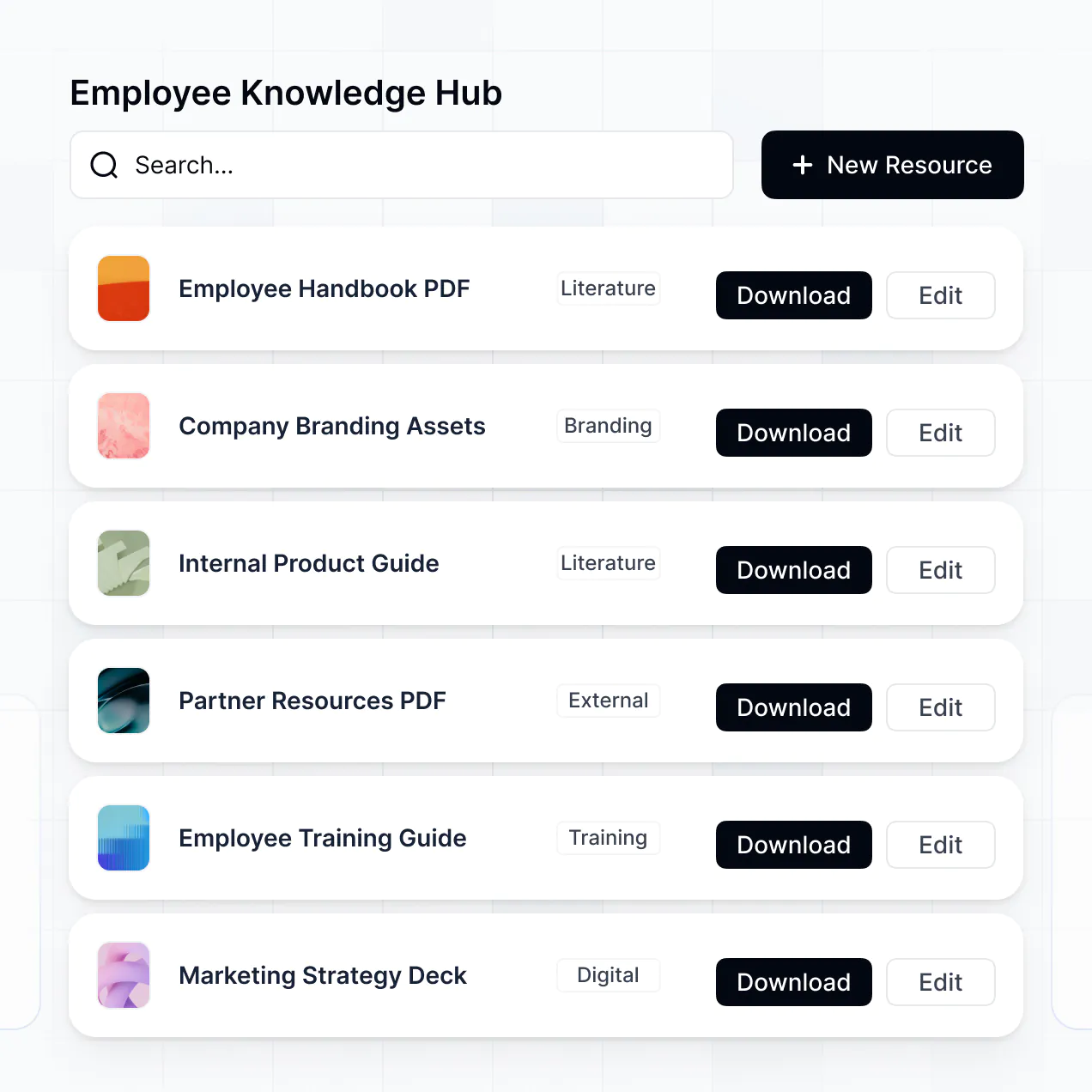
- List or Card blocks – to showcase company values, team bios, or office perks
- Detail View – to provide a focused view on a specific training manual or benefits summary
- Forms – for gathering employee signatures or feedback
- Charts – to show the employee their personal progress through the checklist
- Calendar blocks – to display scheduled orientation meetings and social mixers
If you decide to change your onboarding process later, you can easily drag and drop new blocks or update existing ones within the visual builder.
Softr prioritizes the security of your sensitive employee information. All data is encrypted in transit and at rest, with hosting on reliable infrastructure. You have granular control over visibility; you can implement role-based permissions so that only HR can see private documents like tax IDs or salary details.
For apps using Softr Databases, your information is stored in a secure environment with SOC 2 Type II compliance and data hosting in Germany. If you link to external sources like Airtable, Softr acts as a secure interface and does not store the data itself. This ensures you maintain total governance over your internal HR data while providing a friendly user interface for staff.
It is fully production-ready. While many AI generators create brittle code that is difficult to maintain, Softr builds your onboarding tool on a mission-critical business foundation.
We provide the technical essentials like secure logins, permission-based access, and reliable hosting natively. This solves the long-term support issues of AI apps—you get a functional, scalable portal that your HR team can start using with new hires today, without worrying about managing custom code scripts.
Softr is the first AI-native platform specifically for business software. Unlike basic form builders or complex no-code tools that require weeks of manual setup, Softr's AI Co-Builder generates a tailored onboarding app and its database in minutes.
Our platform offers a hybrid advantage: use AI to rapidly generate the logic and structure, then use our visual editor for pixel-perfect adjustments. You get the speed of modern AI with the reliability of enterprise-grade features like granular roles and secure data syncing. It's built for HR professionals who need to move from a manual process to a professional digital portal overnight.
Yes. Softr supports powerful native workflows and integrations to connect your onboarding portal with the rest of your tech stack. You can automate tasks like sending a welcome email via Gmail when a user first logs in, or syncing new hire details with Stripe for payroll setup.
Through Softr Workflows, webhooks, or the REST API, you can trigger actions based on checklist completion—like notifying a manager when a new hire finishes their safety training—without writing any code.
Describe what you need. Softr's AI builds your custom onboarding tool in minutes without any code or dev work.