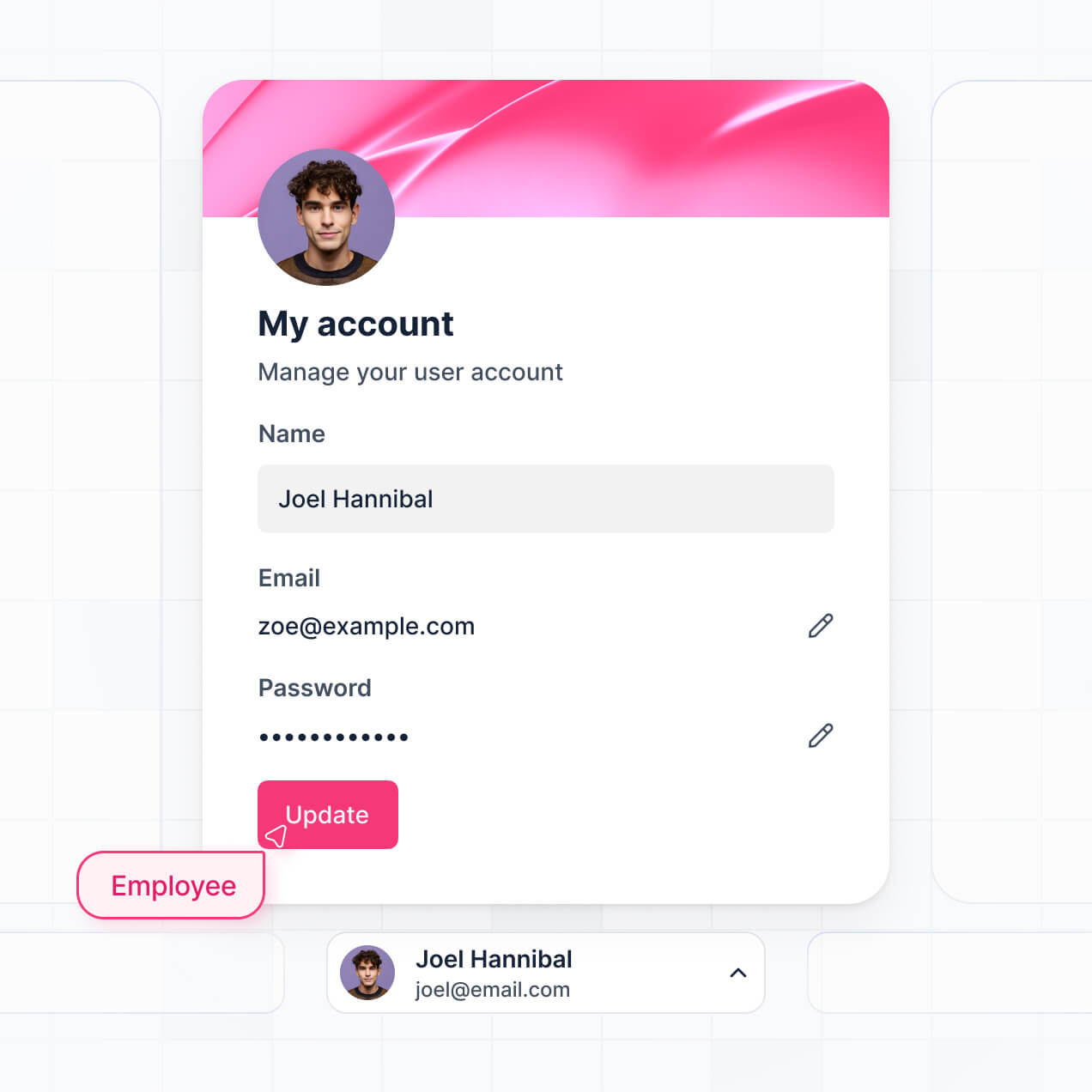
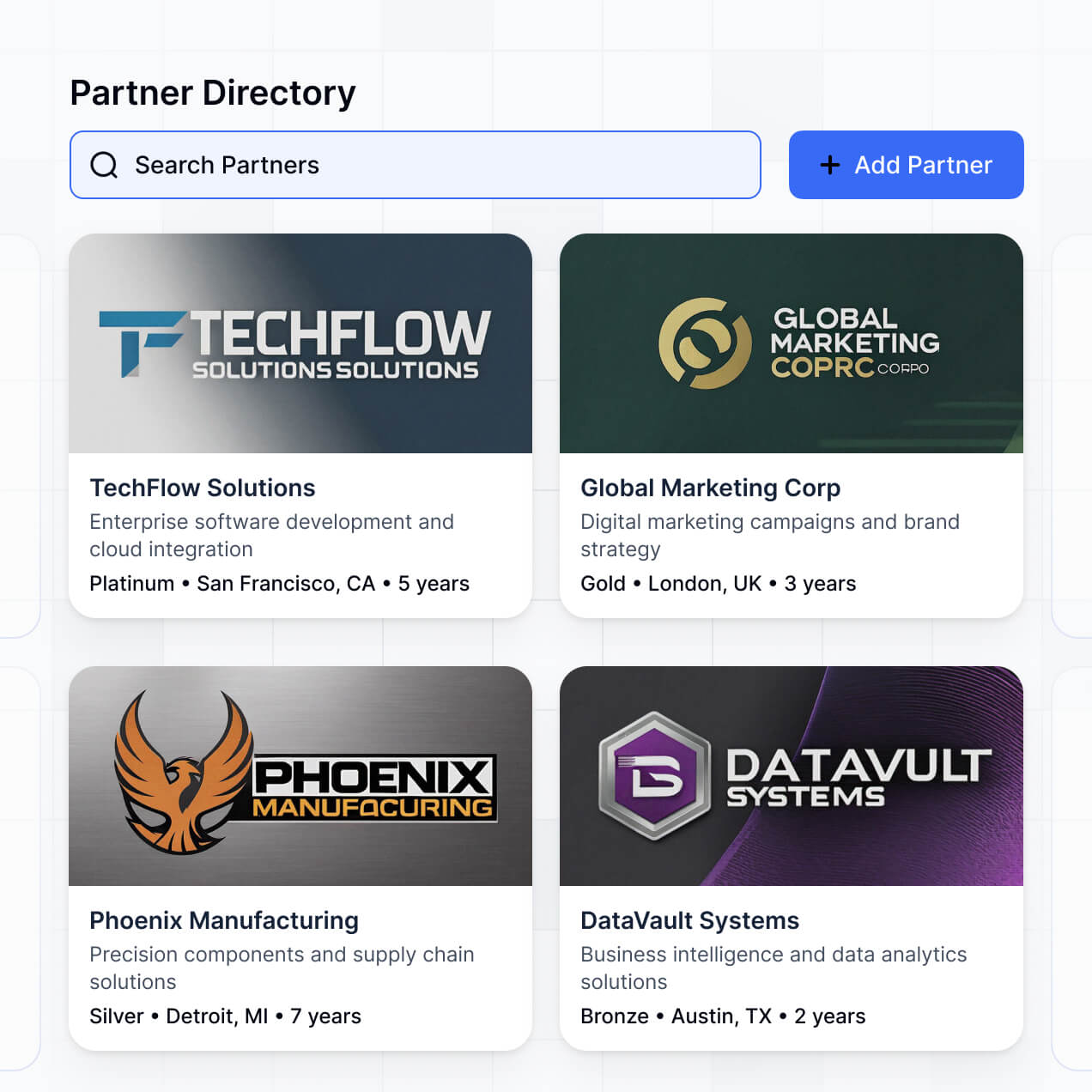
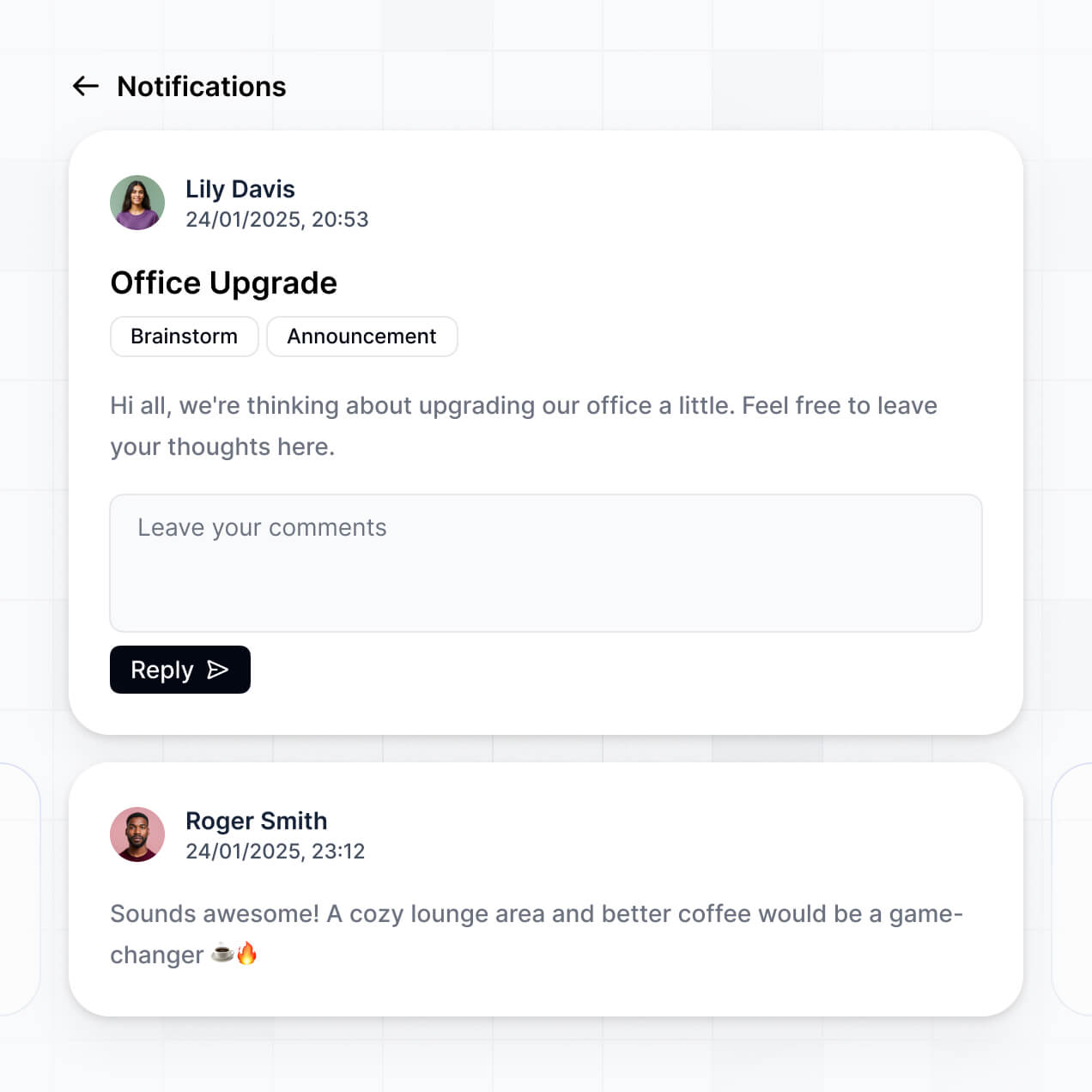
Manage users, share secure documents, and automate requests in an AI-powered portal built with AI to fit your business's workflow.
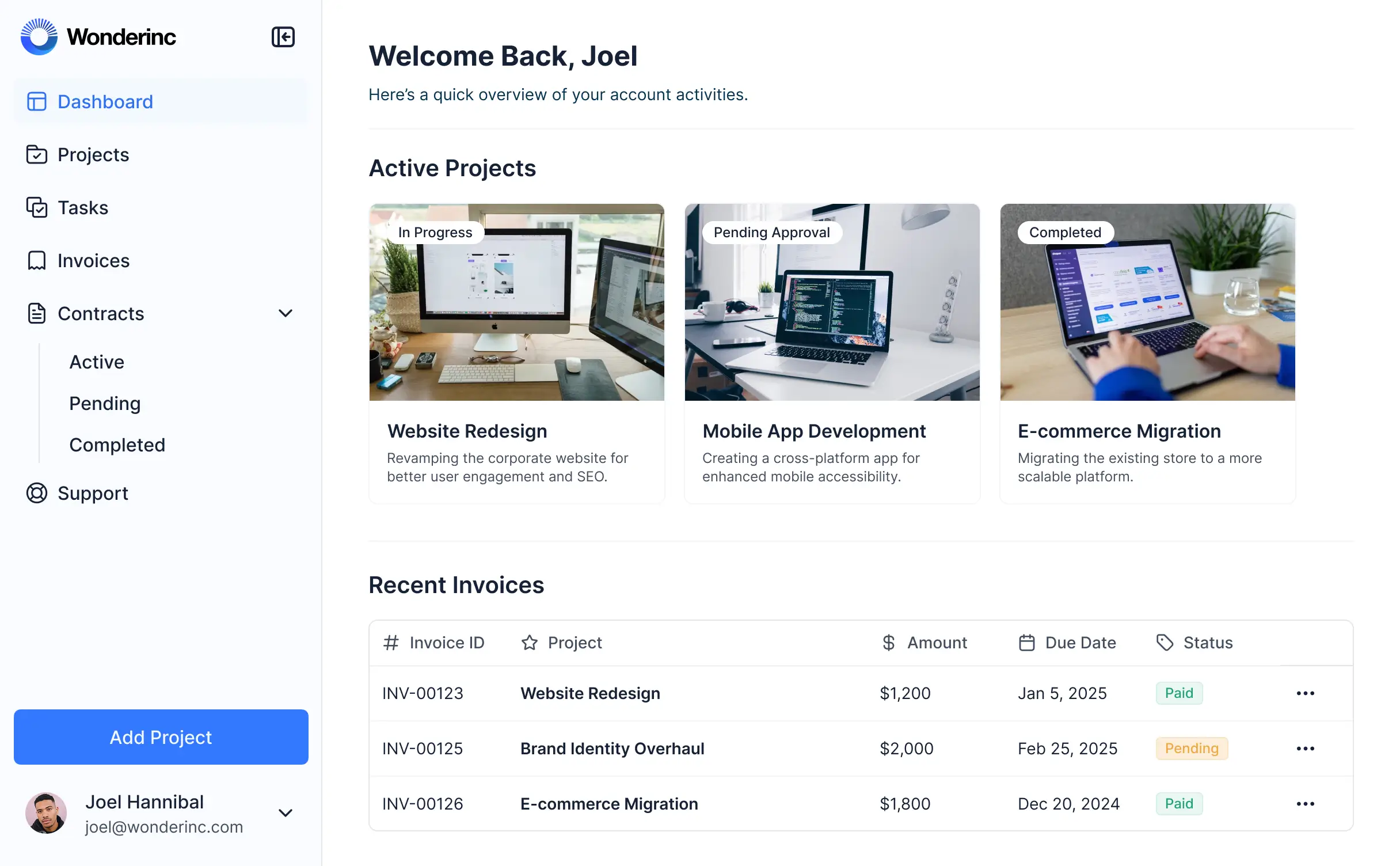
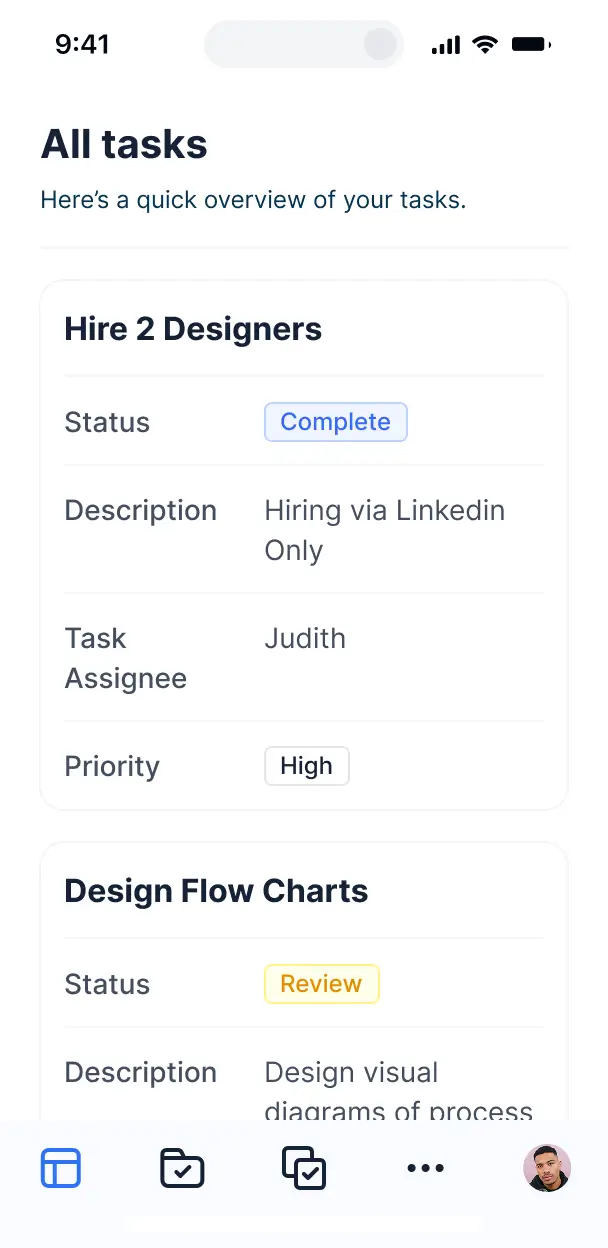



Customize your free portal software with the exact steps and views your team needs. Add features as processes evolve—no code or experts needed.


Connect spreadsheets, CRMs, and other systems with real-time sync—or manage everything in Softr Databases. Create a single source of truth for your business processes.
Give each user the right views and access in a fully branded portal. Set up secure logins, user groups, and permissions in minutes.
Softr apps are mobile-ready by default. Turn your portal into a downloadable app in one click with Softr's PWA technology.
Build native automations to handle email notifications, status updates, and inbound request synchronization automatically.
Provide separate logins for clients and staff, creating personalized resource directories for every distinct user group.
Apply rules for different groups. Customize who can view files or edit records at even the most granular level within your portal.
Protect sensitive information from security threats. All portals built with Softr are fully compliant with SOC2 and GDPR regulations.
No more one-size-fits-all tools or costly custom builds. Softr is easy to use and fully customizable, so you can launch faster, adapt as you grow, and skip the complexity of traditional software.

Build your free portal software in minutes with AI—no manual configuration or development time needed.

Add features like secure file sharing, resource directories, or inbound forms as your needs evolve.

Start with a portal, then add dashboards, forms, or project trackers—all in one place with no extra costs.
Co-build with AI
Simply describe what you need. Let Softr handle everything - Interface, database, workflows.
Iterate with AI or visually
Control most critical parts of your app yourself - roles, permissions, security.
Ship the same day
Invite team members or external clients and partners right away. No developer handover.
Use drag-and-drop blocks to build a portal that looks sleek and modern out of the box. Add only the features you need, and iterate as your workflows evolve.




Free portal software is a secure, digital environment where you can provide stakeholders—like clients, vendors, or employees—with a centralized hub to access data, files, and updates. Instead of managing complex projects through endless email threads or messy shared folders, a portal keeps all professional interactions in one place. Using a platform like Softr allows you to start for free, providing a professional experience that simplifies organization and improves transparency for your business.
Softr is the first AI-native platform for building business software, making it the ideal choice for creating a professional portal without high costs. You can describe your specific requirements—such as a client dashboard or an internal resource hub—to the AI Co-Builder to instantly generate your database, secure login pages, and interface logic.
You don't need to code to get started. You can launch your app using AI generation, a pre-built template, or from scratch. Everything runs on Softr Databases, a native relational database, but you can also connect external sources like Google Sheets or Airtable. You maintain full visual control to brand the portal and set granular permissions, ensuring your free solution is quick to launch and flexible enough to scale with your growing team.
You can include a wide variety of features in your portal to match your specific business needs. A powerful portal app typically combines functional UI components with AI intelligence:
- AI-Powered Intelligence – Use Ask AI to allow clients to query their own project data, or set up Database AI Agents to summarize meeting transcripts or categorize uploaded documents.
- Vibe Coding Blocks – Create custom UI features, like a personalized progress tracker or a specialized file gallery, by simply describing what you want to the AI Code block.
- Softr Workflows – Build native automations, such as sending a Slack notification when a client uploads a new document or updating a status when a task is marked complete.
- User Portals & Logins – Securely manage access so clients only see their specific invoices and project timelines.
- Forms & Data Collection – Gather feedback or intake new requests with custom forms and file upload capabilities.
- Dashboards & Charts – Visualize key metrics, such as project completion percentages or billing statuses, with real-time charts.
- Lists & Advanced Filtering – Organize information into searchable tables or Kanban boards so users can find what they need quickly.
Everything is built using drag-and-drop blocks, and if your requirements evolve, you can easily use the Vibe Coding block to add custom functionality later.
Vibe coding is about moving from idea to a working portal in minutes using natural language. You can "vibe code" your portal in Softr by describing your business workflow to the AI Co-Builder. Softr then generates a production-ready portal that sits on a secure, stable foundation.
Unlike other tools that just output raw code you have to host and fix, Softr handles the complex infrastructure—like user authentication, permission logic, and data security—natively. This means you get the speed of vibe coding to launch your free portal without the technical debt of managing code. You describe the portal you want, Softr builds the interface and database, and it's ready for your users to log in immediately.
Yes. You can manage multiple distinct clients or internal teams within a single portal. Each user only sees the specific documents, project updates, and sensitive data assigned to them based on their unique login and assigned role. This is an efficient way for agencies or HR departments to use free portal software to communicate with many different stakeholders without cross-contaminating data.
Absolutely. You don't need an existing database or spreadsheet to start building your portal. If you're starting fresh, you can use Softr Databases, which is built into the platform and optimized for the apps you create.
However, if you already have project information in tools like Google Sheets, Airtable, HubSpot, or SQL, you can connect those as well. You can even use the REST API connector to sync data from other business tools. Regardless of the source, you have total control over how your portal displays and structures your information.
Softr Databases is the recommended native data source for your portal software. It is a relational database built for speed and performance, offering instant automation triggers because the data is hosted directly on the platform.
Softr also supports 17+ external data sources if you prefer to keep your records elsewhere. You can connect to Airtable, Google Sheets, HubSpot, SmartSuite, BigQuery, and more. You can even combine different sources—for example, pulling financial data from HubSpot while keeping project task lists in Softr Databases. Most sources support real-time, two-way sync, ensuring your portal always reflects the current status of your business.
Yes, Softr gives you comprehensive control over how users interact with your portal software. You can tailor the layout and navigation to match your workflow, and use visibility rules to show or hide specific blocks based on who is logged in.
You can define different roles—such as 'Manager,' 'Client,' or 'Freelancer'—to control exactly what each person can view or edit. For instance, a client might only have view-access to their project roadmap, while a manager can edit timelines and upload invoices. This granular permission system ensures your free portal remains secure and uncluttered, providing a personalized experience for every user.
Yes, you can fully white-label your portal software using Softr's professional branding tools. You can add your company logo, set your brand color palette, and use custom fonts to ensure the portal looks like a proprietary tool you built yourself. You can also connect your own custom domain and remove Softr branding, providing a seamless experience for your clients that emphasizes your brand identity.
Yes, you have full flexibility over the design and layout of your portal. Softr allows you to adjust spacing, typography, and page structure to create a professional interface. You can drag and drop blocks to decide where content appears and set specific visibility for different user groups.
You can use specific blocks to showcase your information:
- Table blocks – for structured data like project tasks or inventory lists.
- List or Card blocks – for visual elements like team directories or service packages.
- Detail View – for deep dives into a single record, like a specific project brief.
- Forms – for collecting information like feedback or support tickets.
- Charts – for displaying progress reports or financial summaries.
- Calendar blocks – for tracking deadlines and milestones.
If your portal needs to change as your business grows, you can make updates instantly within the visual editor.
Softr is built with enterprise-grade security as a priority. All data is encrypted in transit via TLS and at rest, with apps hosted on secure, reliable infrastructure. You maintain full control over data visibility through role-based permissions and global restrictions.
For portals using Softr Databases, data is stored in a secure EU-based environment (Germany) with SOC 2 Type II compliance. For portals connected to external sources like Airtable or SQL, Softr doesn't store your data locally—it simply displays it in real-time based on your specific access settings. Softr follows industry best practices for authentication and monitoring to ensure your data stays protected at all times.
The portals generated by Softr AI are fully production-ready from day one. While many AI 'vibe coding' tools produce fragile, unhosted code that is difficult to maintain, Softr builds your portal on a stable, managed infrastructure.
Softr handles the essential backend components—like secure hosting, user authentication, and granular permissions—natively. This approach eliminates the 'Day Two' struggle of AI development; you get a functional, scalable portal immediately that is ready for your team or clients to use without worrying about underlying code stability.
Softr stands out as the first AI-native platform designed for business software. While traditional no-code tools require hours of manual configuration and 'vibe coding' tools often generate unmanageable code, Softr provides a hybrid advantage.
You can use the AI Co-Builder to generate the foundation of your portal in minutes, then use the visual builder for precise refinements. You get the speed of AI combined with the reliability of a platform that includes built-in authentication, user roles, and secure hosting. It is built specifically for teams who need to move from a prototype to a secure, functional portal without technical complexity.
Yes. Softr allows you to automate tasks and connect your portal to the rest of your software stack. You can utilize native Softr Workflows to automate repetitive tasks or integrate with third-party tools like Stripe for payments and Intercom for support.
Whether you need to trigger an email via Zapier when a new client signs up, sync data with your CRM, or display live project info from external databases, you can build these integrations directly into your portal. This ensures your free portal software acts as a central hub for all your business operations without requiring any custom coding.
Describe what you need. Softr's AI builds your portal in minutes. Start for free today.