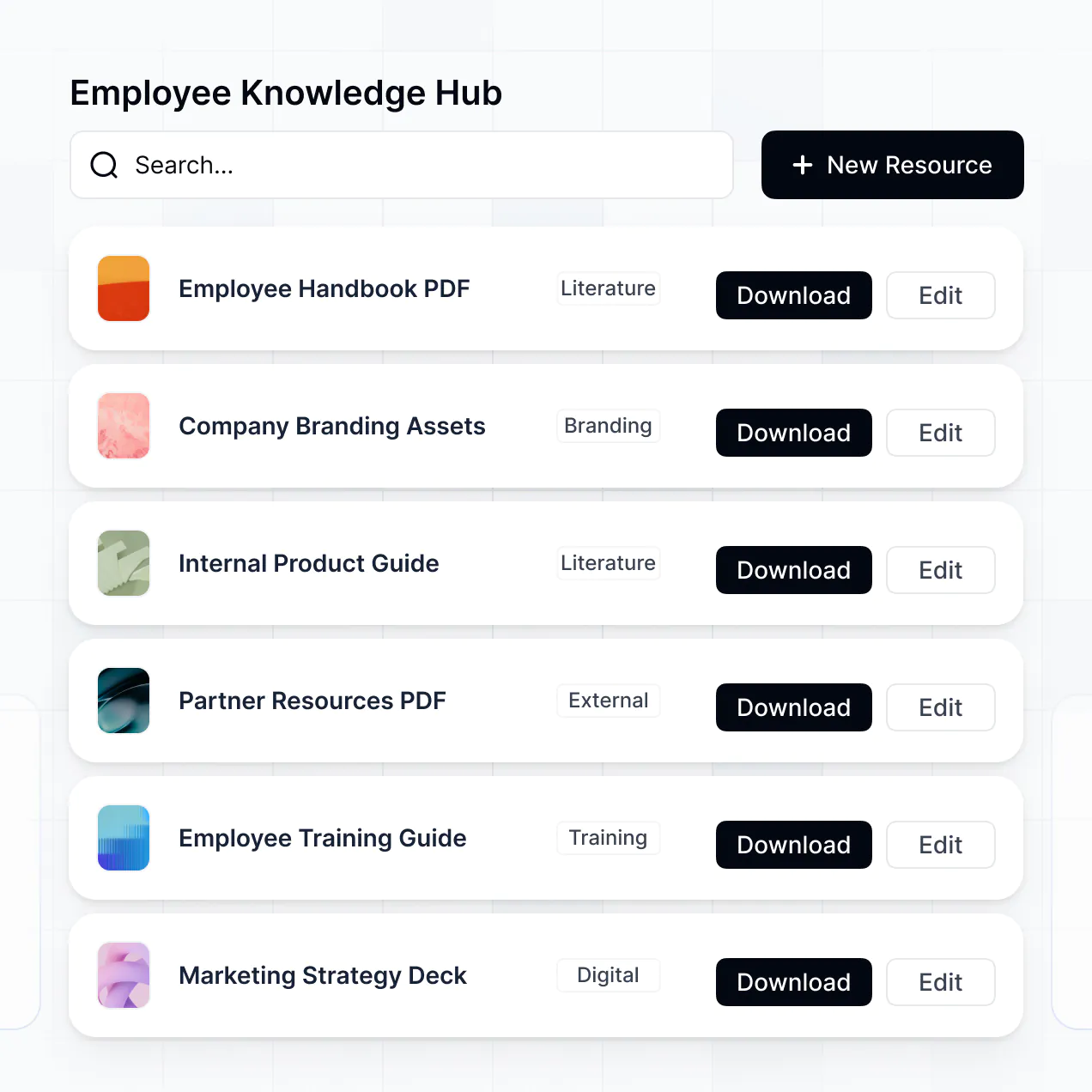
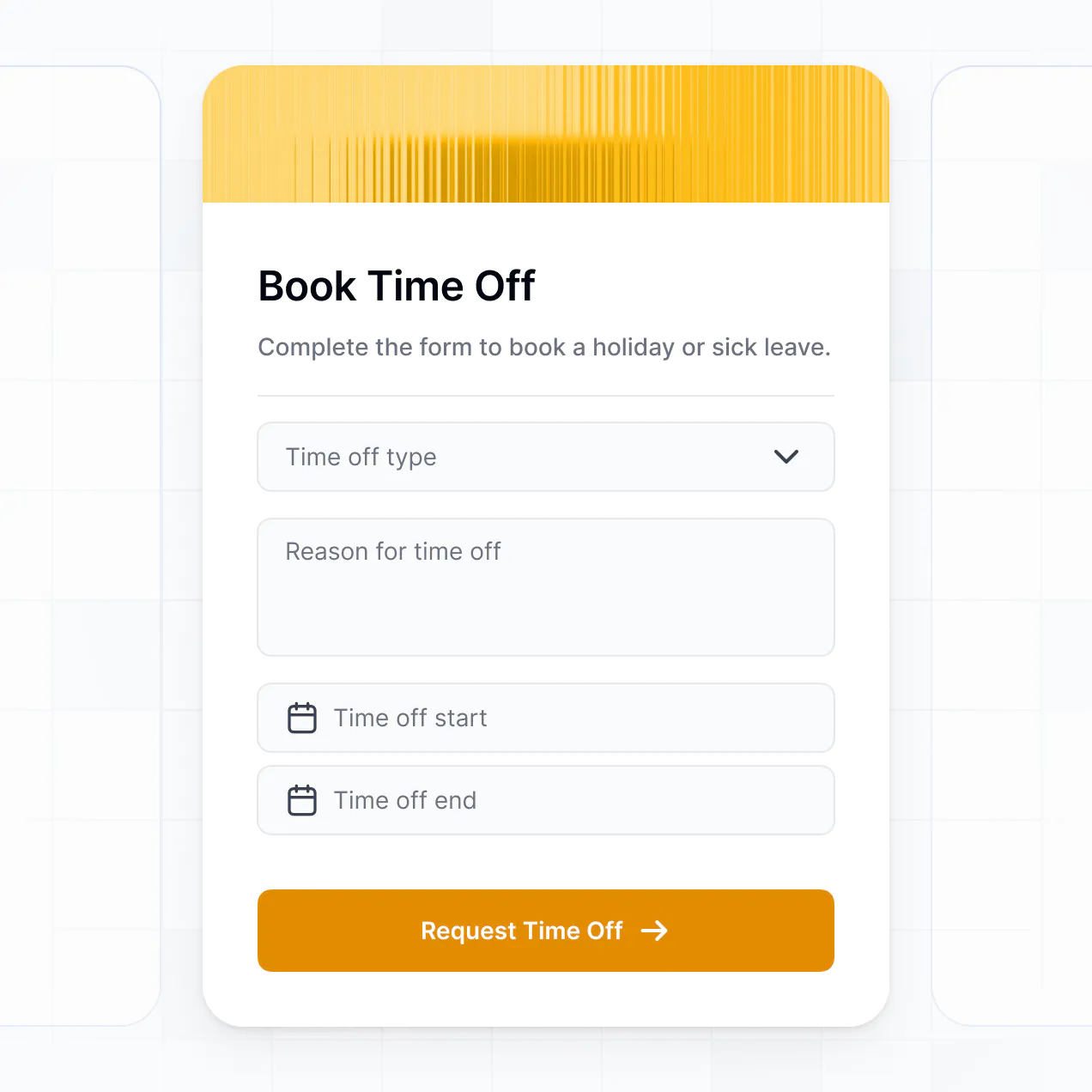
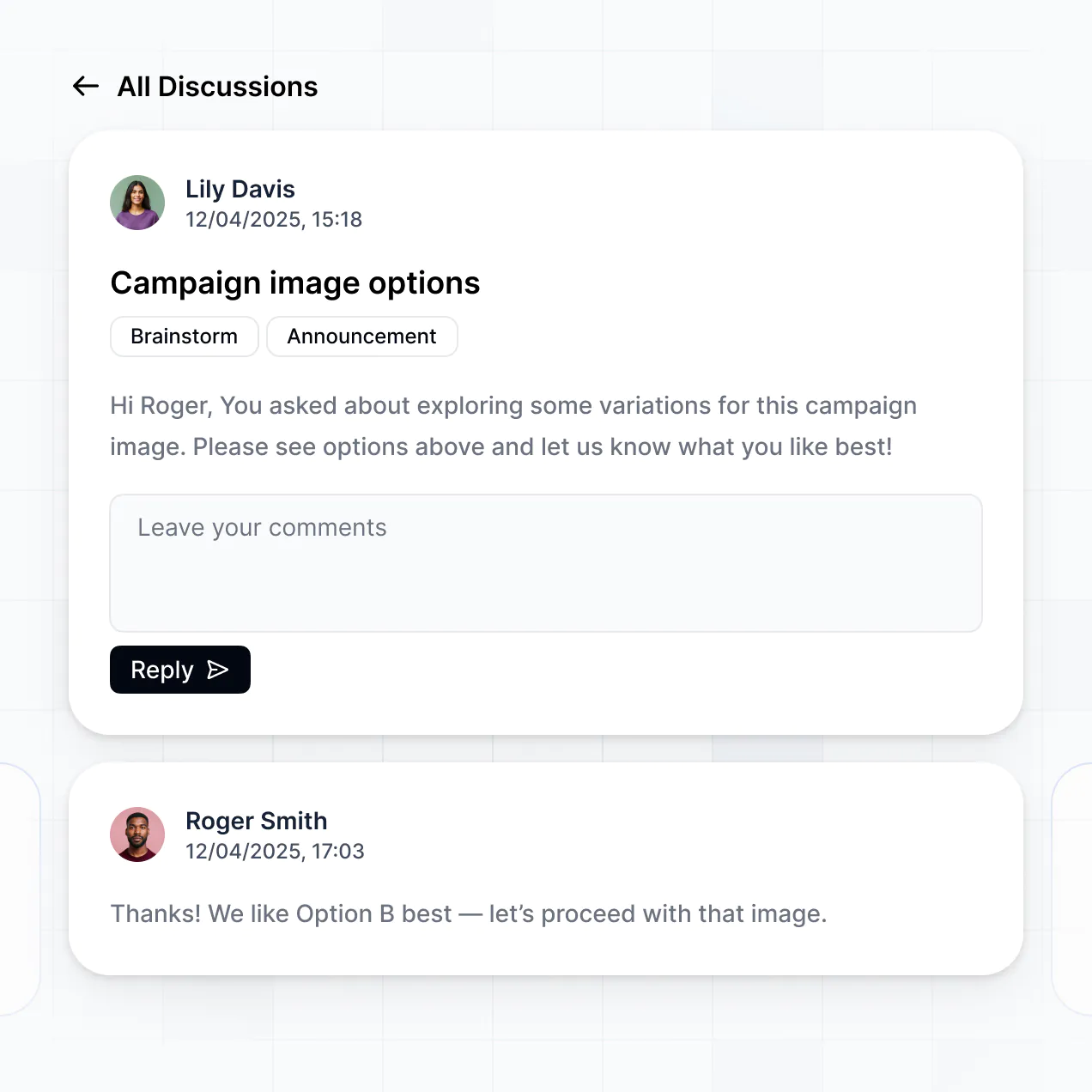
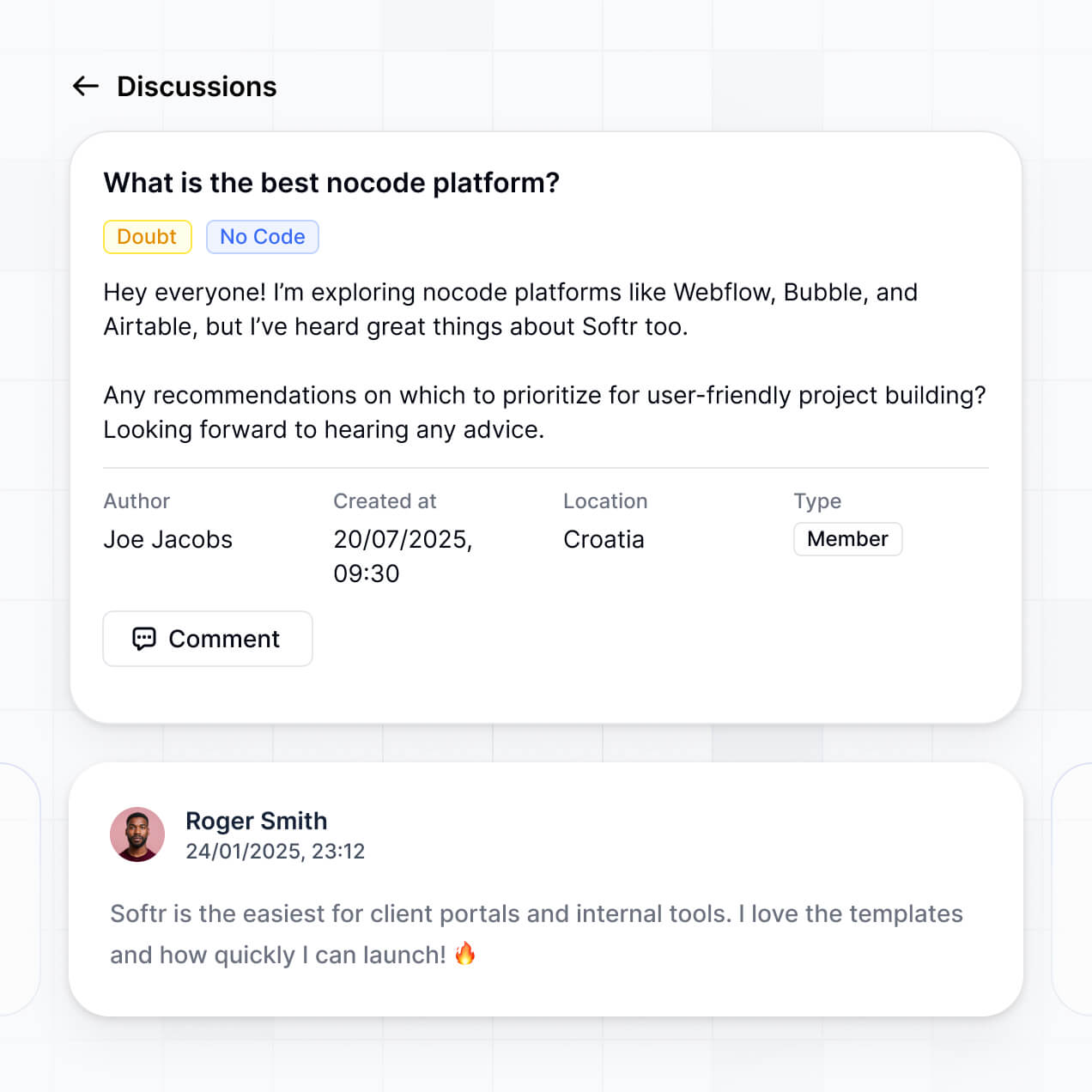
Create an intranet in minutes, connect knowledge, directories, announcements, and requests, then refine secure access as your teams grow.
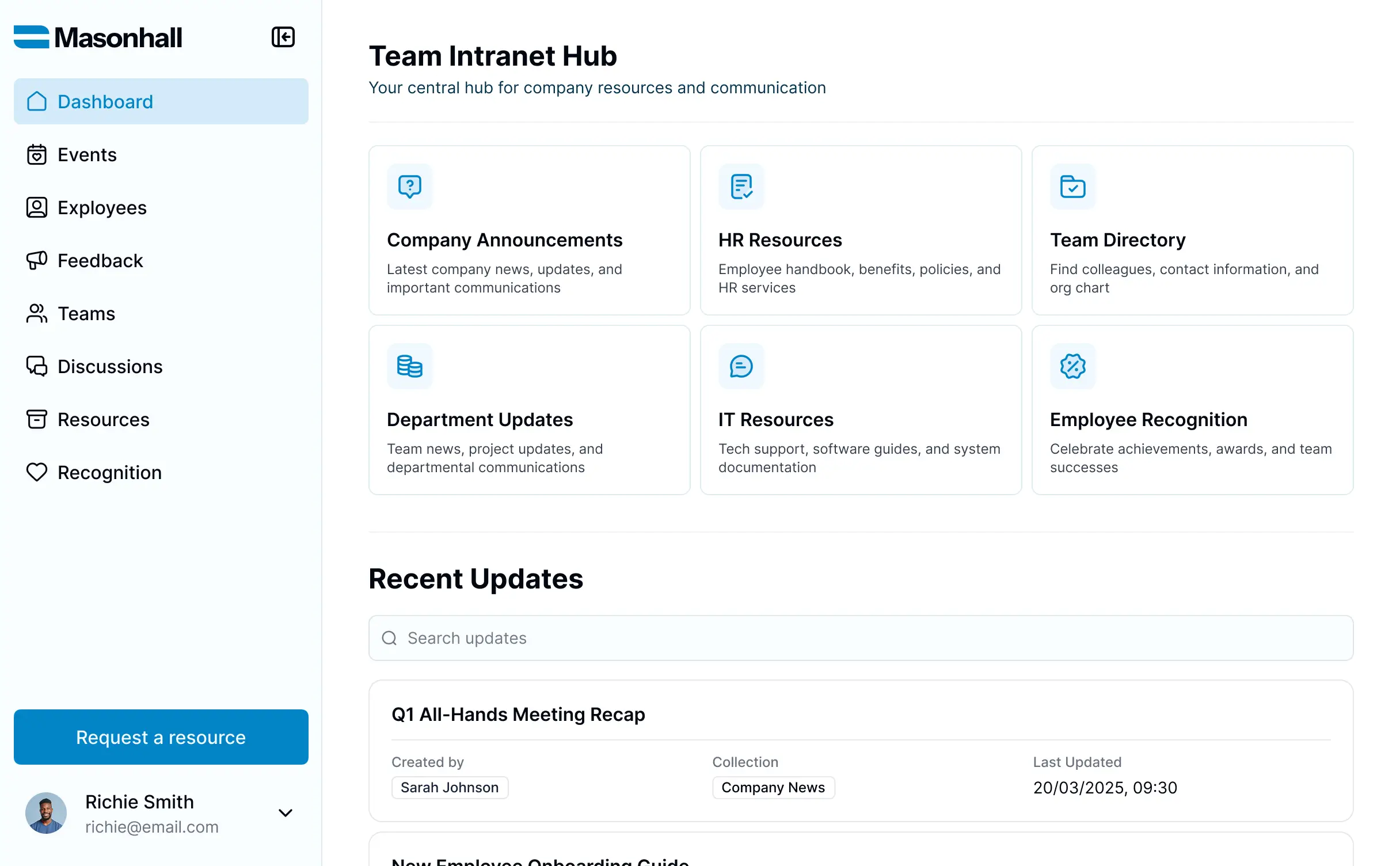
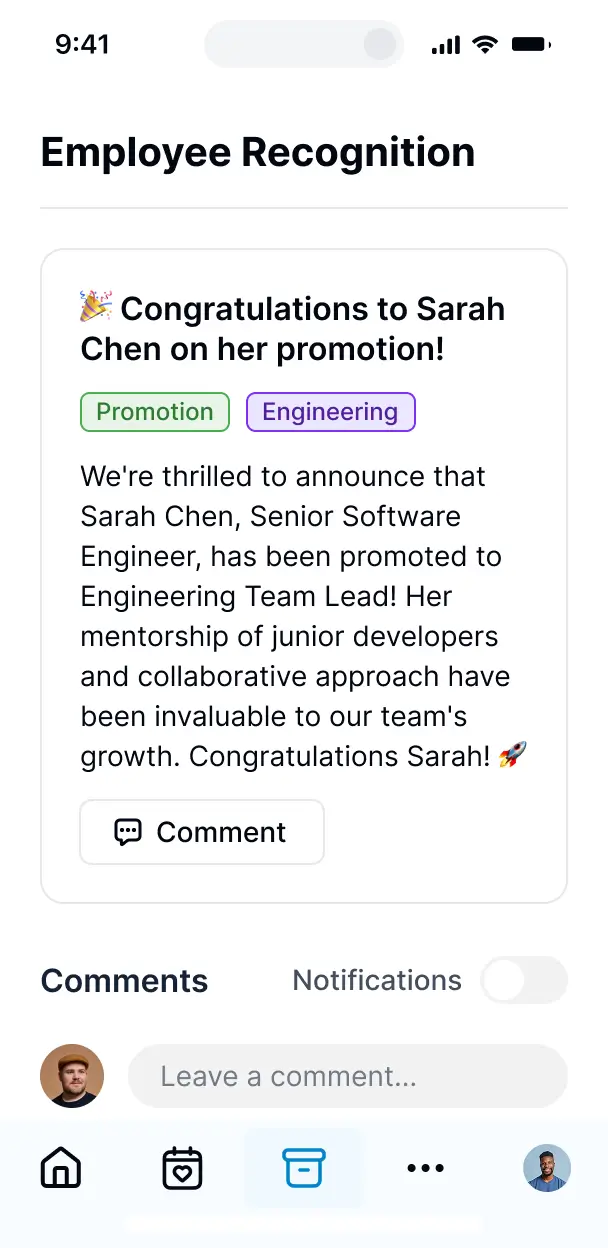



Choose only the intranet views and workflows you need today, then add new spaces, approvals, and knowledge paths as your company changes over time.


Start with Softr Databases for company knowledge, directories, announcements, and requests. Connect Airtable, Notion, Google Sheets, or other sources with real-time sync.
Give employees the right knowledge, directories, announcements, and request tools. Set up secure logins, user groups, and granular permissions.
Give employees, managers, and department groups tailored spaces, dashboards, and knowledge access.
Trigger native workflows when articles publish, announcements post, or internal requests change status.
Let employees browse knowledge, find colleagues, read announcements, and submit requests from any device.
Use email, Google, or SSO logins so employees can reach their intranet without extra account setup.
Protect company knowledge and employee records with encryption, SOC 2 Type II compliance, and granular access control.
No more one-size-fits-all tools or costly custom builds. Softr is easy to use and fully customizable, so you can launch faster, adapt as you grow, and skip the complexity of traditional software.

Generate searchable knowledge, directories, and request flows in minutes, then refine every page visually.

Add team spaces, approval steps, and announcement views as your intranet needs change.

Bring knowledge, people records, announcements, and requests into one intranet.
Co-build with AI
Simply describe what you need. Let Softr handle everything - Interface, database, workflows.
Iterate with AI or visually
Control most critical parts of your app yourself - roles, permissions, security.
Ship the same day
Invite team members or external clients and partners right away. No developer handover.
Use drag-and-drop blocks to build a portal that looks sleek and modern out of the box. Add only the features you need, and iterate as your workflows evolve.




An intranet is a secure workspace where employees log in to find the information and tools they need. It can bring together company policies, onboarding documents, team announcements, employee directories, project updates, and internal timelines. Instead of searching through scattered email threads or outdated spreadsheets, teams get one organized place for the knowledge and records they use every day.
For teams managing policies, onboarding, and company updates, Softr keeps internal knowledge in one place without requiring code. Softr is an AI app builder for business software: describe the intranet you need, and it generates the database, pages, and logic, already connected and secure. You can also begin with an intranet template or build from scratch with visual blocks. Your data can run on Softr Databases, or connect to tools such as Airtable, Google Sheets, or HubSpot. You remain in control of the navigation, page layout, employee access, and company branding while refining the app visually.
An intranet can combine everyday employee tools with AI and workflow features, including:
- **AI inside the app:** Ask AI can answer questions about leave policies or onboarding procedures, while Database AI Agents can classify support requests or enrich employee records.
- **Vibe Coding blocks:** Create a custom department directory component with filters for location, role, and team when standard blocks are not enough.
- **Softr Workflows:** Trigger an automation when an employee submits an equipment request or when an HR record changes.
- **Access controls:** Let employees see their own requests while HR administrators manage sensitive records.
- **Forms:** Collect policy acknowledgments, feedback, and equipment requests with file uploads and conditional logic.
- **Dashboards and lists:** Display announcements, training completion, charts, tables, kanban boards, and detail views on live data.
Everything uses drag-and-drop blocks and remains editable after the first version.
Vibe coding means describing the intranet you want and letting AI build it. You might ask for an employee home page, a searchable policy library, a department directory, and an equipment request flow. Softr handles the authentication, database logic, and security on a stable foundation, rather than leaving you with fragile code to maintain. That matters on Day Two, when a broken permissions rule could expose HR records or an outdated workflow could delay equipment approvals. If you use a Vibe Coding block, every prompt and edit is versioned, so you can roll back a change instead of repeatedly re-prompting.
Yes. One intranet can serve HR, finance, IT, and department managers while each person sees only the announcements, policies, requests, or employee records assigned to their role. Login-based permissions separate shared company content from department-specific work without requiring a separate app for every team.
You can start without an existing database, even if your employee directory or policy library is currently a spreadsheet. Softr Databases is built into the platform, so you can create structured tables for employees, departments, policies, announcements, and equipment requests directly in Softr. If records already live elsewhere, you can connect Airtable, Google Sheets, HubSpot, Notion, Coda, monday.com, Supabase, or SQL databases, depending on your plan. The REST API connector covers other sources. Either approach lets you decide how employee records are structured and displayed.
Softr Databases is the recommended starting point for an intranet because it is a native relational database built for business apps. It offers high performance, instant automation triggers, and faster access because the data runs directly in Softr. Softr also connects to 21+ external sources, including Airtable, Google Sheets, HubSpot, SmartSuite, and BigQuery. An intranet can use several sources at once, such as Google Sheets for an employee directory and Airtable for equipment requests. Most supported sources provide real-time two-way sync, so changes to policies, announcements, or employee records can stay current.
HR administrators might manage employee profiles and policy acknowledgments, while employees can read approved policies and submit their own equipment requests without viewing private HR notes. Softr lets you control navigation, layout, and content for each logged-in user. Define precise view and edit rights by role, then filter records by the current employee or department. The built-in preview lets you open the intranet as any user group before launch, so you can verify who sees employee records, team announcements, and manager dashboards without creating test accounts.
Your employees can see an intranet that uses your company logo, colors, fonts, and custom domain rather than Softr branding. Full white-labeling helps the policy library, employee directory, and internal announcements feel like part of the company systems people already use.
An intranet can be arranged around the way employees find and use information. Use a **Table** for an employee directory or training register, a **List** or **Card** block for policy updates and team announcements, and a **Detail View** for the full text of an onboarding procedure. **Forms** can collect policy acknowledgments, IT requests, or feedback. **Charts** can show training completion by department, while a **Calendar** can display company events and onboarding sessions. Colors, fonts, spacing, page structure, and block placement are adjustable, and you can decide what each employee sees after login. The visual builder keeps every part editable as your departments and internal processes change.
An intranet may contain sensitive HR records, employee contact details, performance documents, or leave requests, so access control matters as much as the pages themselves. Softr encrypts data in transit with TLS and at rest on secure infrastructure. Role-based permissions, users managed in your data source, visibility rules, and global restrictions help limit who can view or edit each record. With Softr Databases, data remains in Softr's secure environment, hosted in Europe, Germany, and the database is SOC 2 Type II compliant. When you connect an external source, Softr stores nothing and displays live data according to your access settings. Authentication, access control, and monitoring follow industry best practices.
Production-ready means employees can rely on the intranet for real policies, onboarding records, department announcements, and IT requests without a fragile maintenance burden. Softr builds on a stable foundation with authentication, secure hosting, and granular permissions handled natively. That avoids the Day Two problem common with tools that generate custom code but leave you responsible for securing and maintaining it. The result is an app designed for real users and real internal records from day one, while you can continue refining pages and workflows visually as the company changes.
Pure vibe coding tools generate fragile code that can be difficult to maintain or secure. Traditional no-code tools often require teams to configure every database, page, permission, and workflow manually. Softr takes a middle path: describe an employee directory, policy hub, or onboarding workflow in plain language, then refine the generated app with visual controls. Authentication, roles, permissions, and hosting are already part of the foundation, which helps non-technical teams move from an initial intranet to production use. Softr apps are also agent-ready. A logged-in employee can operate the intranet through an AI assistant over MCP, but only within the pages, records, and actions their existing user group permits. There is no second permission model to build or audit.
A useful first automation could notify the IT team when an employee submits an equipment request, then update the request status when someone clicks an approval button. Softr Workflows runs automations inside the intranet when a record changes or a user clicks a button. You can also sync with tools such as Stripe and Intercom, display data from other systems, or send employee and request data elsewhere. REST API connections and webhooks cover advanced cases, including triggering an external workflow from a policy acknowledgment or onboarding task. These workflows do not require code.
Describe your intranet, generate it in minutes, and refine it visually as your company grows.