Configure the Source tab and direction settings to display newest items first. Learn to map system timestamps or custom date fields to your list blocks.
Automate document signing by connecting DocsAutomator to Softr using webhooks to sync signature links and signed PDFs back to your database in real-time.
Configure DNS records, CNAME, and SSL settings to point your registrar to Softr, ensuring your web app launches securely on a root or custom subdomain.
Master data mapping by synchronizing specific Airtable attributes with List block components to ensure real-time visibility for your web app users.
Master the iframe setup by enabling advanced security settings, grabbing specific page URLs, and adjusting CSS for responsive, mobile-friendly embedding.
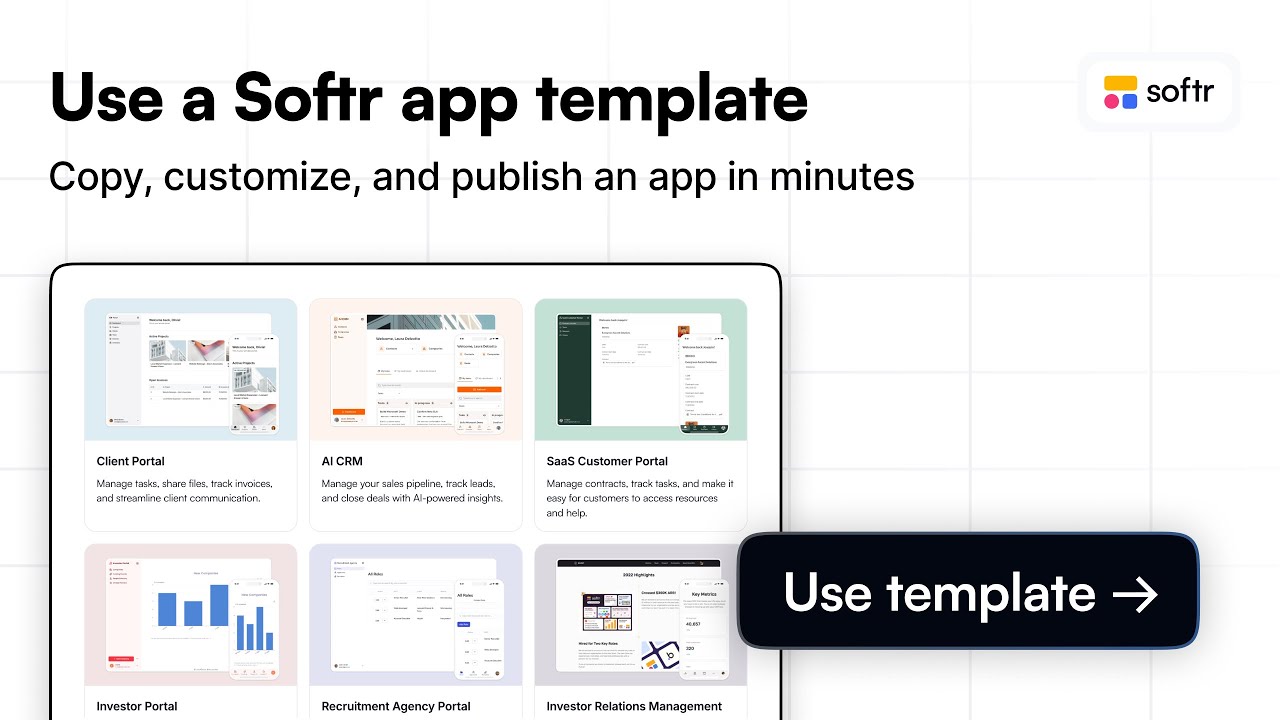
Browse 90+ professional layouts to build Kanban boards and login pages. Quickly select a category-specific foundation to launch your app even faster today.
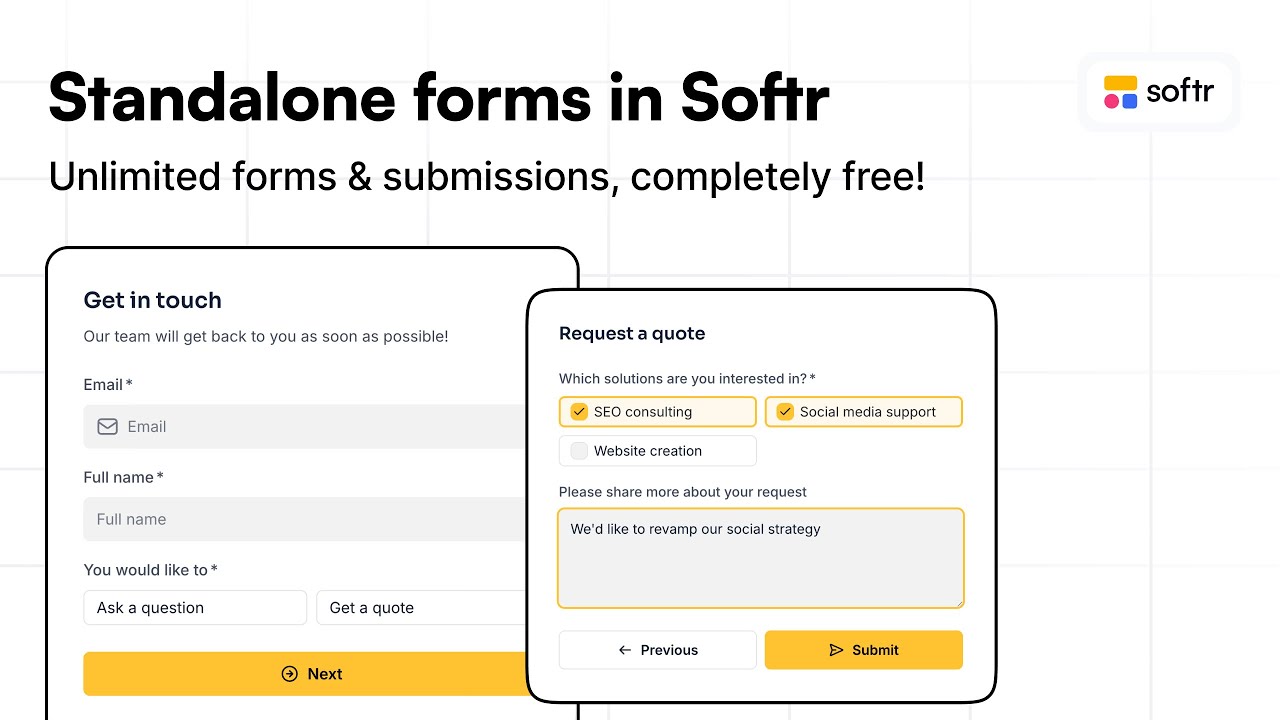
Collect data from any site by embedding standalone forms. Learn to configure Softr Databases, multi-step conditional logic, and custom domain publishing.
Bridge no-code reliability with the power of the Vibe-Coding block to enable bulk CRUD actions, CSV data imports, and natural language logic for your apps.
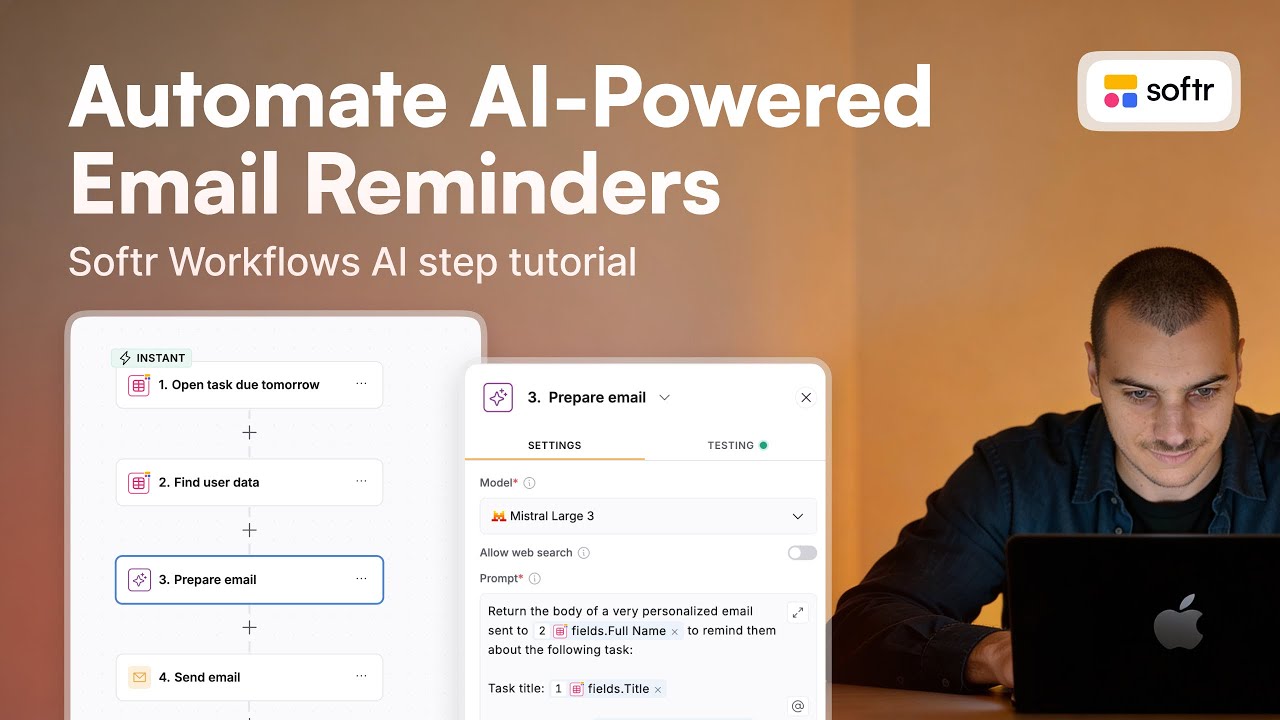
Maximize productivity by using Softr Workflows to fetch record data and use an AI action to generate custom email advice based on task due date status.
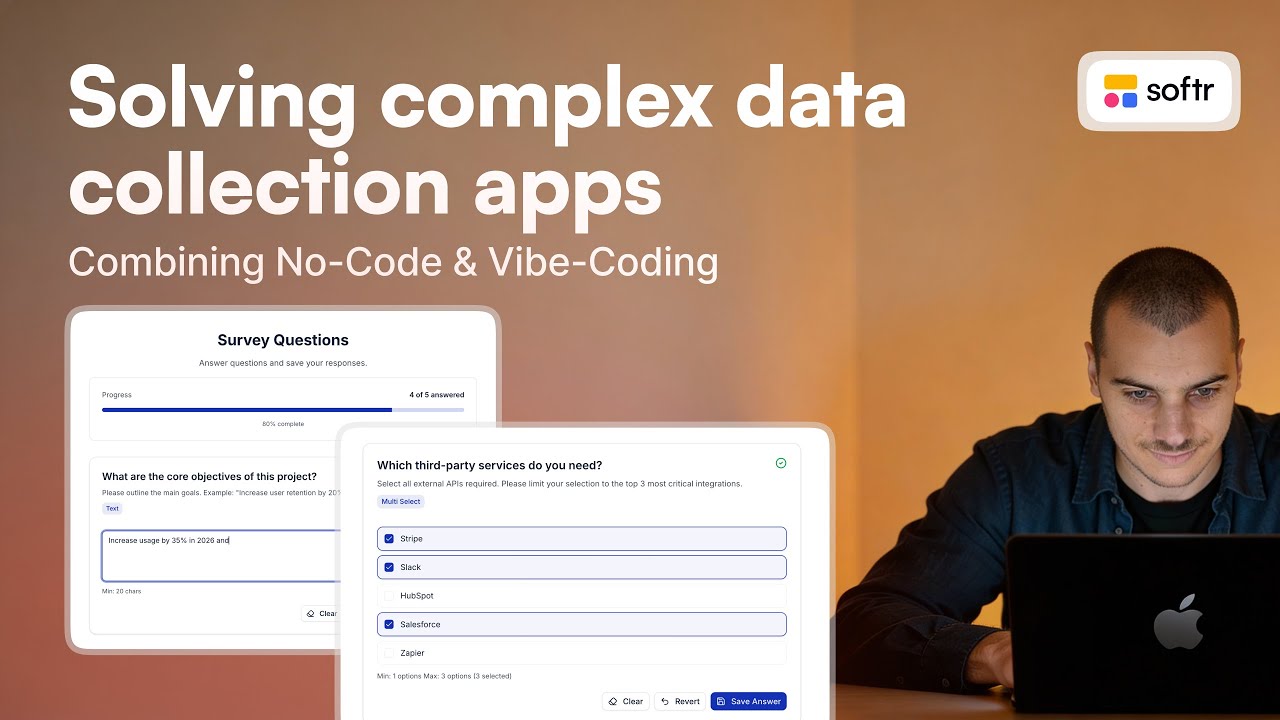
Master advanced data collection by combining a Vibe-Coding block with Softr Workflows and JSON payloads to build dynamic forms with custom validation.
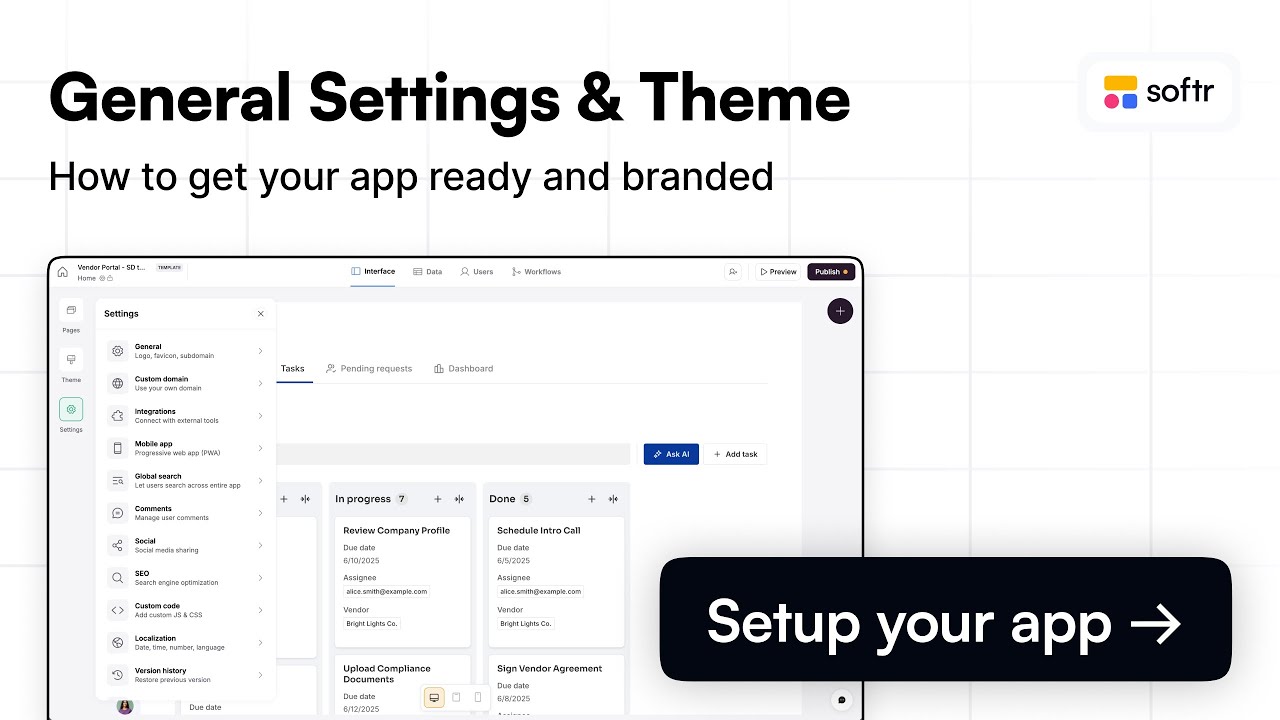
Define global styling rules, upload favicons, and configure progressive web apps to ensure your Softr application remains on-brand across every device.
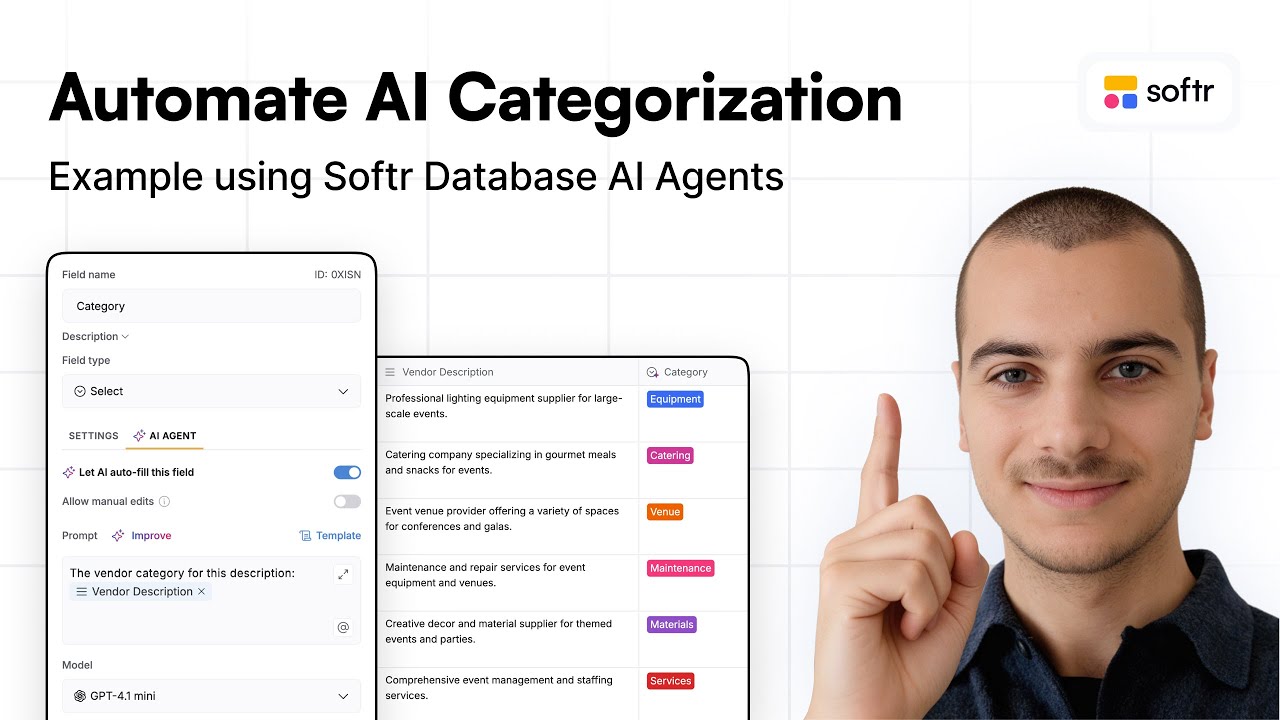
Clean and enrich your data by configuring AI agents within Softr Databases to auto-fill fields, extract invoice details, and update record categories.
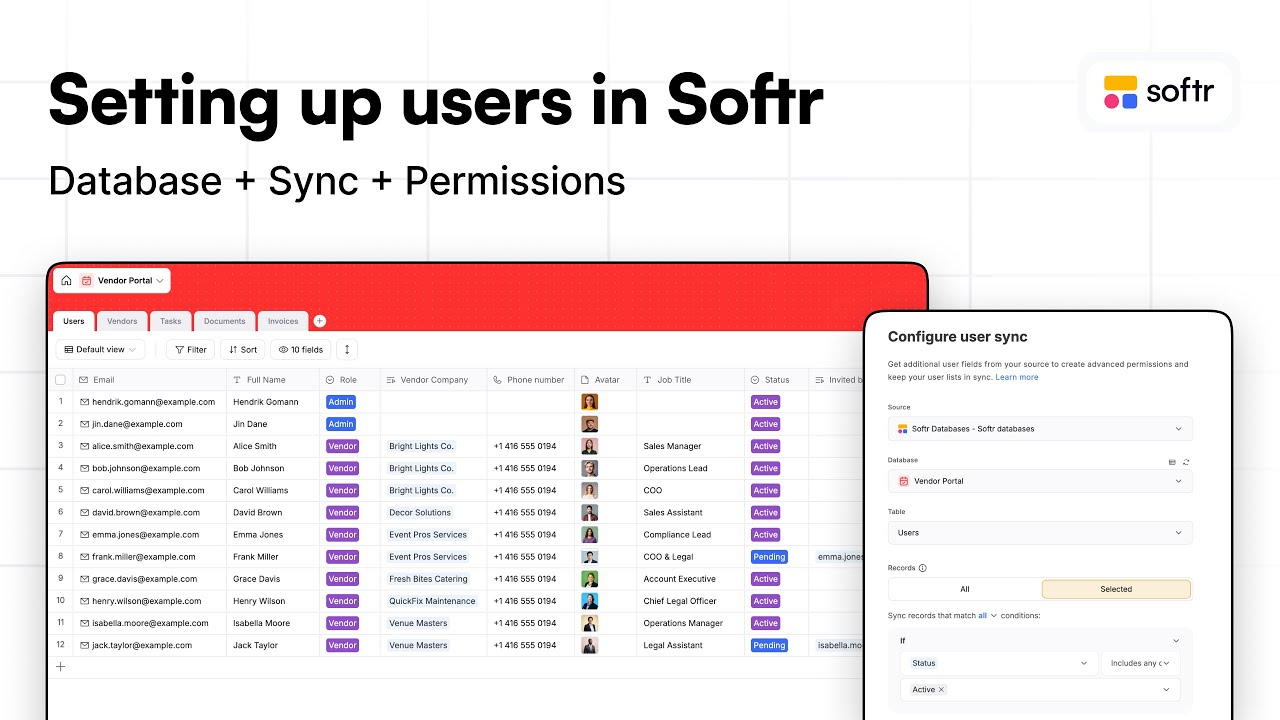
Map Softr Databases to granular user groups using select fields and related records. Learn to sync active member status and set app-wide data restriction.
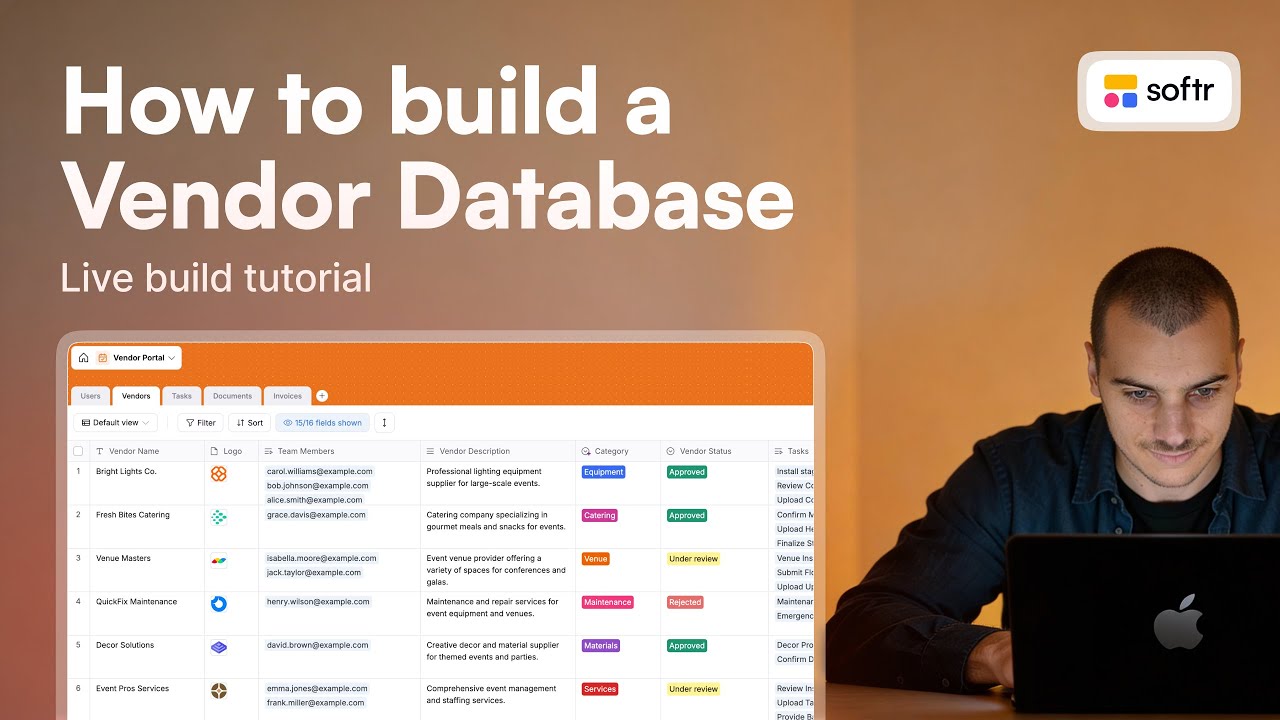
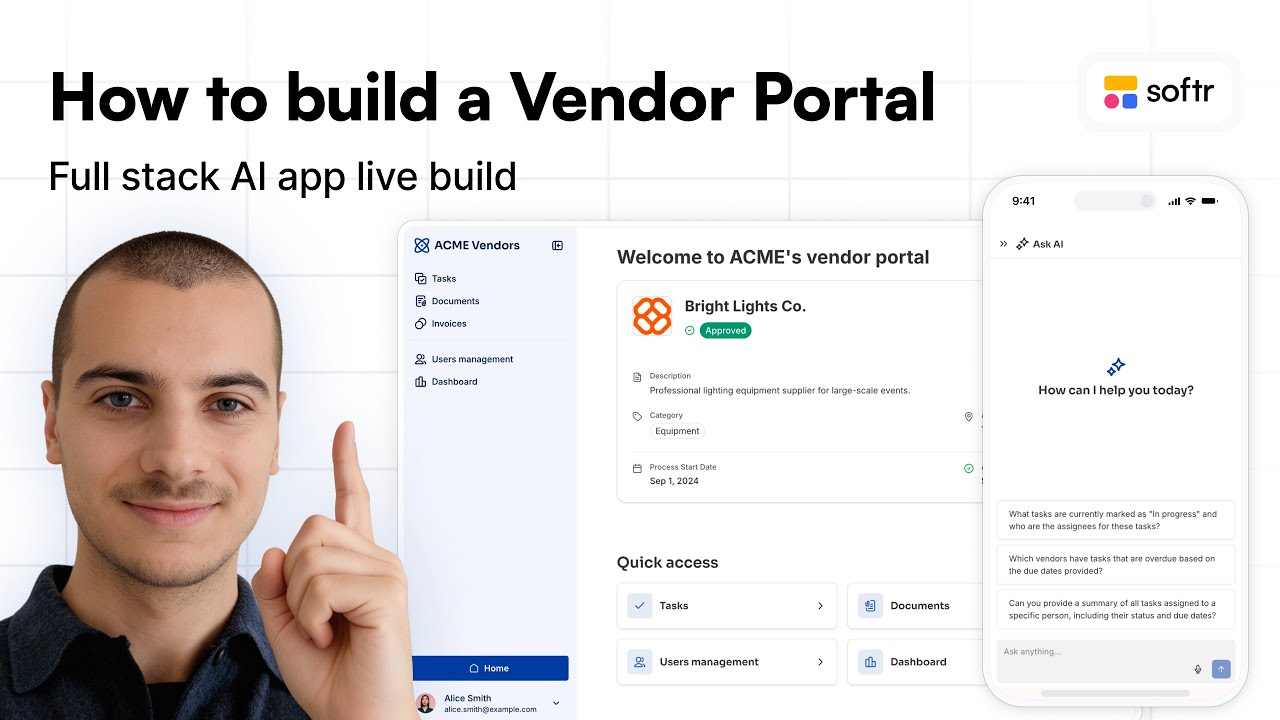
Map related records and primary field logic in Softr Databases to build a scalable portal with secure user groups, invoice tracking, and vendor profiles.
Configure Softr Databases to store records, manage granular user groups, and automate vendor onboarding workflows with built-in AI database agents.
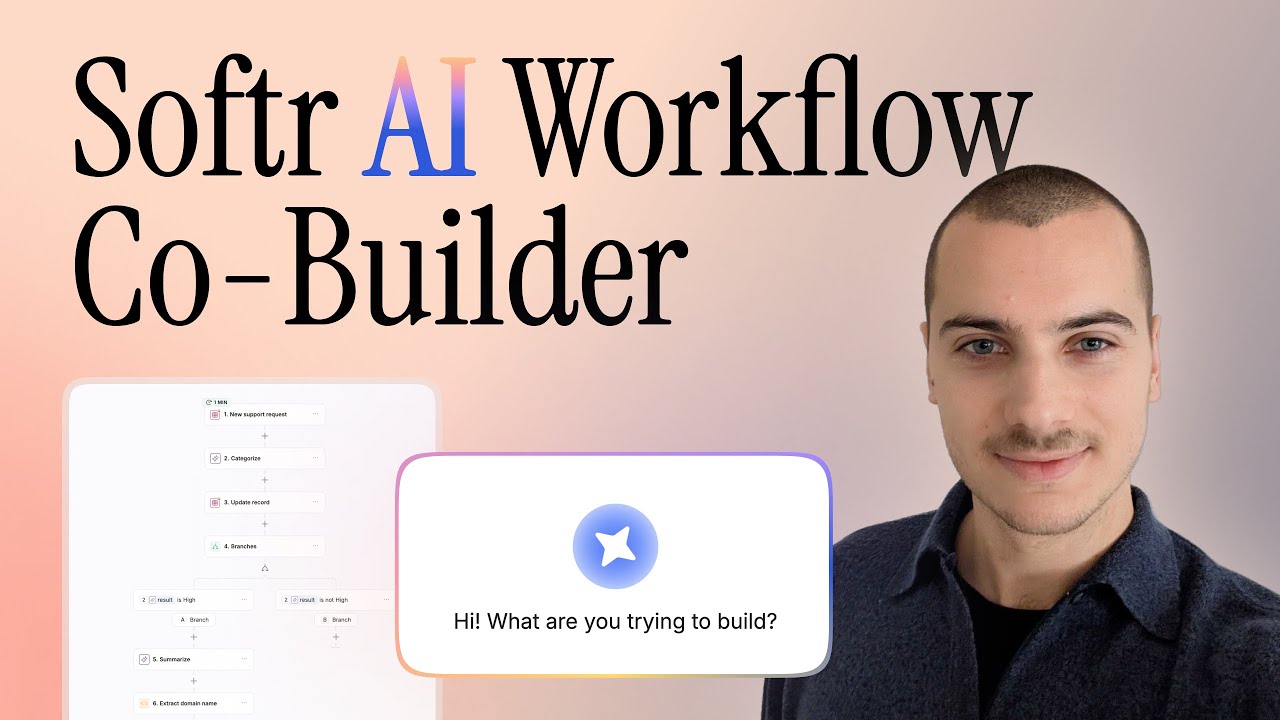
Convert natural language prompts into complex Softr Workflows featuring business logic, Slack notifications, and AI-generated JavaScript for scaling apps.
Master Softr's column containers to display chart blocks side by side while using user groups to restrict sensitive revenue data to specific managers.
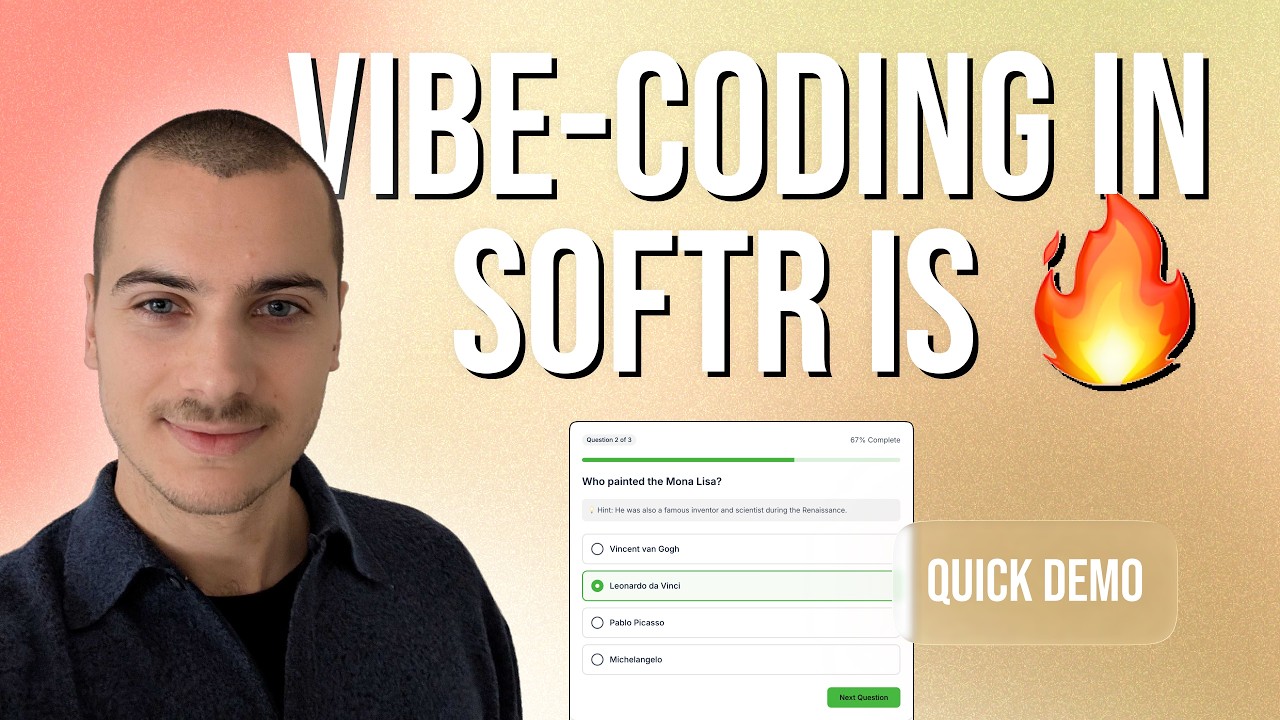
Master the Vibe-Coding block to build a scalable quiz app by connecting JSON data in Softr Databases to automated webhooks for advanced score tracking.
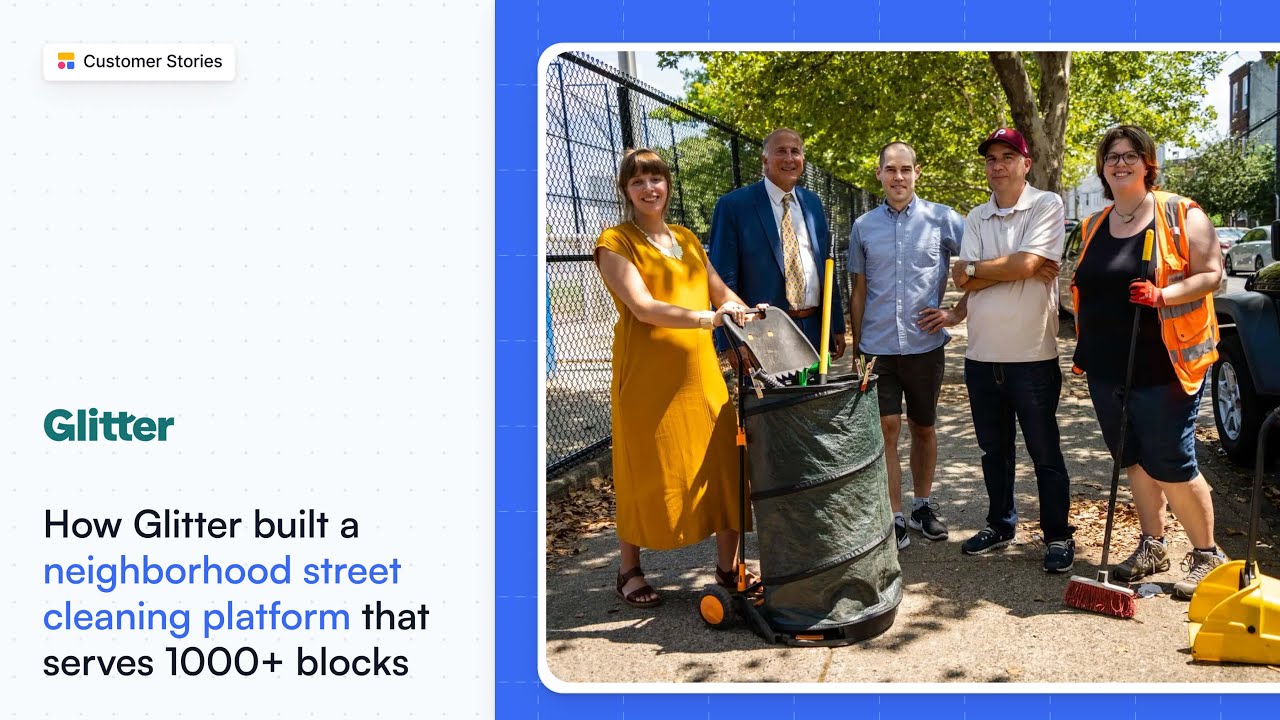
See how Glitter uses Airtable and Softr to turn siloed data into a scalable cleaning platform with automated workflows and dynamic, templatized pages.
Master the Vibe-Coding block to bulk upload CSV data, automate JSON parsing through Softr Workflows, and enable Ask AI on a kanban task management app.
Learn to use the Vibe-Coding block to build custom community forums by connecting data sources, prompting AI, and configuring webhooks for advanced logic.
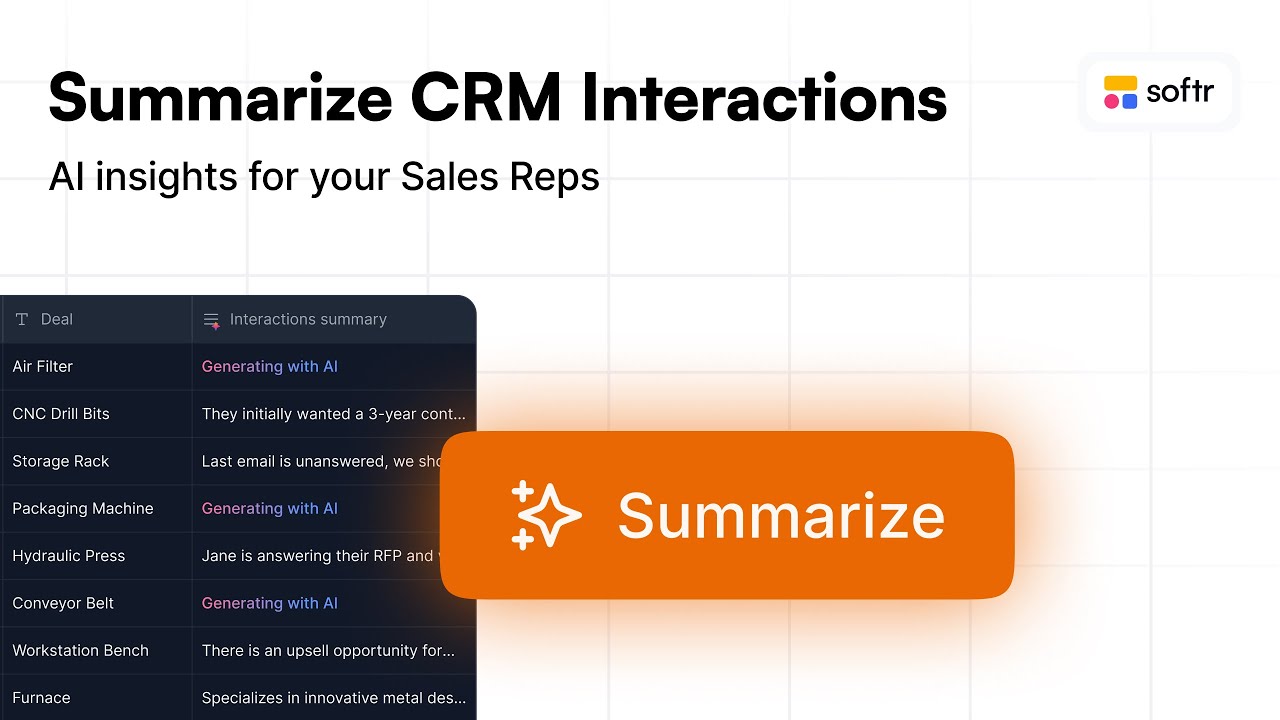
Master Softr Workflows to summarize CRM deal history. Learn to map deal IDs, run custom AI prompts, and refresh your item details block in real-time.
Break down the exact logic needed to automate outbound messages by mapping Softr Databases fields to trigger email actions within Softr Workflows.
Instantly duplicate app interfaces and Softr Databases to your workspace. Learn to customize fonts, colors, and blocks before launching on a custom domain.


![How to Sort by Date Added in Softr [2026 Full Guide]](https://cdn.prod.website-files.com/67a3700c65457964cf349cd4/69fe0f27b874a29d38134f77_c8ada479-7b9f-4c1d-b3ef-2532970c8223.jpeg)
![How to Connect a Custom Domain in Softr [2026 Full Guide]](https://cdn.prod.website-files.com/67a3700c65457964cf349cd4/69fe0f23b3f151a3e02431bb_ef21aafa-f68e-4c8c-816a-dd45caf88e97.jpeg)
![How to Add One Airtable Field in Softr [2026 Full Guide]](https://cdn.prod.website-files.com/67a3700c65457964cf349cd4/69fe0f21d98daaacf832464a_b51acd66-372d-4e8d-bb8e-c9459945fd56.jpeg)
![How to Embed a Softr Page into a Website [2026 Full Guide]](https://cdn.prod.website-files.com/67a3700c65457964cf349cd4/69fe0f1fa4a15acd3fc81b54_147e0270-fc45-4aeb-95ee-3b60793d651c.jpeg)
![How to Use Softr Templates to Make Web Apps [2026 Full Guide]](https://cdn.prod.website-files.com/67a3700c65457964cf349cd4/69fe0f1ca830a8c8c54a86fd_3a6b01e9-9bbd-49d8-a51b-4a3a79e5f7f9.jpeg)