Transcript
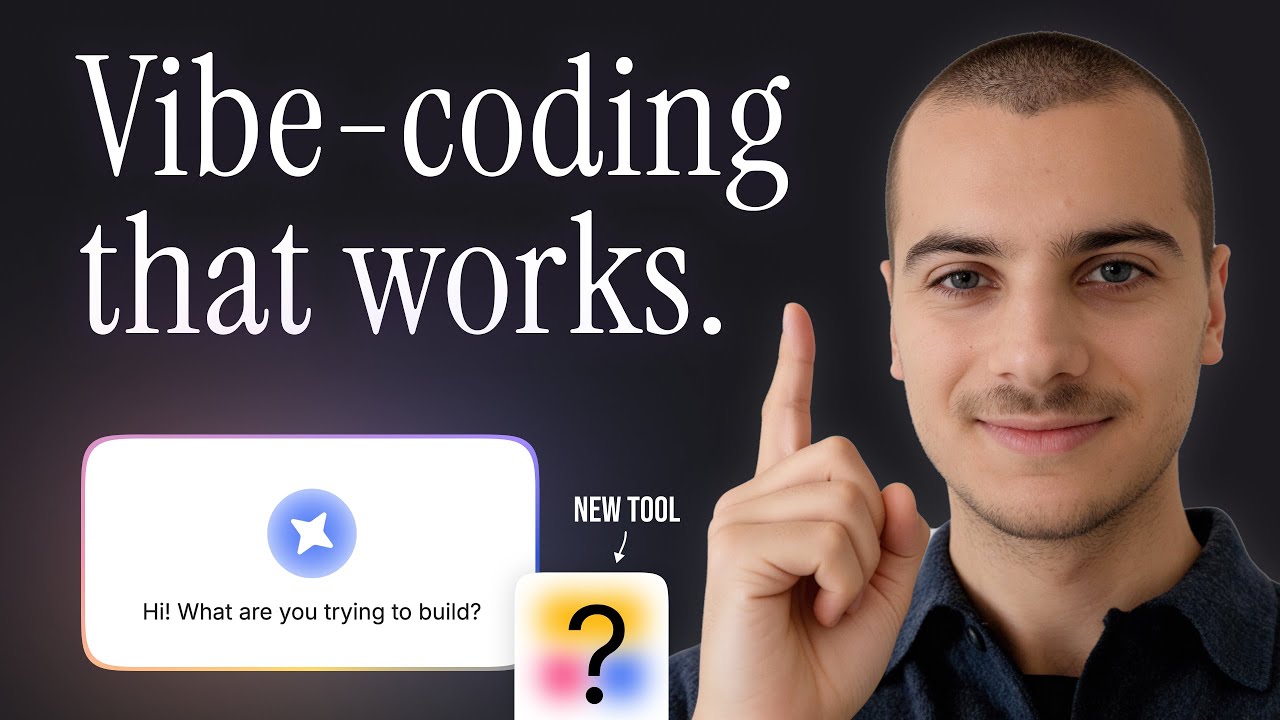
Softr has released one of the best features of the year. It's called the Vibe-Coding block and it allows you to add the magic of AI to all your reliable Softr apps, combining the best of both worlds: no-code and AI.
I took five minutes to build this app to demonstrate how we can leverage this new feature. This is a task management app where you are able to bulk upload new tasks.
Thanks to the Vibe-Coding block, we have a preview of the data that we're importing. I confirm the upload and it's being processed in the background while AI enriches all the tasks we have just added.
[.blog-callout]
If you need to get moving even faster than five minutes, you can use the AI co-builder to generate a full project management tool or database schema with a simple prompt.
[.blog-callout]
I already see some tasks that have been added. We've got some AI insights here on how to implement the task, and after a couple seconds, all tasks have been added.
This is a native kanban block, so I can do all these native drag and drop status updates. I've also added Ask AI, which is a native feature from Softr that allows you to have an AI chatbot on top of the data that the block is displaying.
To summarize, we have a bulk upload feature with a nice preview and AI enrichment in the backend. We display the data in a native kanban block and the user can query this data via the Ask AI feature.
Now let's look into the three components of this app: a database, an interface, and a workflow. Here is a very simple no-code database that hosts our task data.
[.blog-callout]
While Softr connects to many tools, using Softr Databases is the most powerful, native way to manage your data directly within the platform for maximum performance.
[.blog-callout]
We could add more tables like users and projects, but right now this was enough for this mini-app. Our interface is also super simple with a tab container so we can switch views easily.
We have our kanban block configured here where we decide which fields to show and the Ask AI action. This was very easy to configure and the only prompt I had to write.
When we click one of these cards, it opens in a modal an item details block that I have designed. The last block I needed was the bulk add tasks, which is the Vibe-Coding block.
I described what should happen: allow the user to upload a CSV, limit to one CSV, and show a preview of the data. Whenever it's sent, it goes to a webhook I have configured in my Softr Workflows as a JSON.
[.blog-callout]
Native Softr Workflows allow you to keep your business logic and automations as close to your app design as possible, reducing the need for dozens of external multi-tool subscriptions.
[.blog-callout]
The Vibe-Coding block parses the CSV into JSON and sends it to the webhook URL. We run a bulk action loop based on the array that we got from the task data.
Each task is enriched by AI to write the action plan. Finally, we add that record with the name, description, and status from the CSV, while the "how to get there" comes from our AI step.
It was super fast and easy to set up. It is also very reliable because we're not asking the AI to code the full app, the user groups, all the blocks, designs, and workflows.
We are using this Vibe-Coding block for something very specific where we can clearly define what has to be done. It sends data in a specific format to a workflow that knows how to process it.
We display it in a block that didn't have to be reinvented. It comes with a native user-friendly interface and provides useful features for the end user, like Ask AI.
This is the way that I believe business apps should be built. They should rely on a very strong infrastructure while offering extra customization and magic with AI when it really makes sense.
[.blog-callout]
If a native block doesn't fit your exact design vision, the Vibe-Coding block lets you prompt for a custom component that connects seamlessly to your database.
[.blog-callout]
It was always possible to customize Softr apps with custom code, but this time it is directly integrated. The Vibe-Coding block can safely connect to your data source and reuses your app theme.
It is officially time to start building apps that will actually go live in production and be reliable. Use these tools to build apps that your users will love.