


Build a custom online space where users can post questions, join discussions, and connect through common interests.
Data sources supported





.svg)


Resources




Overview
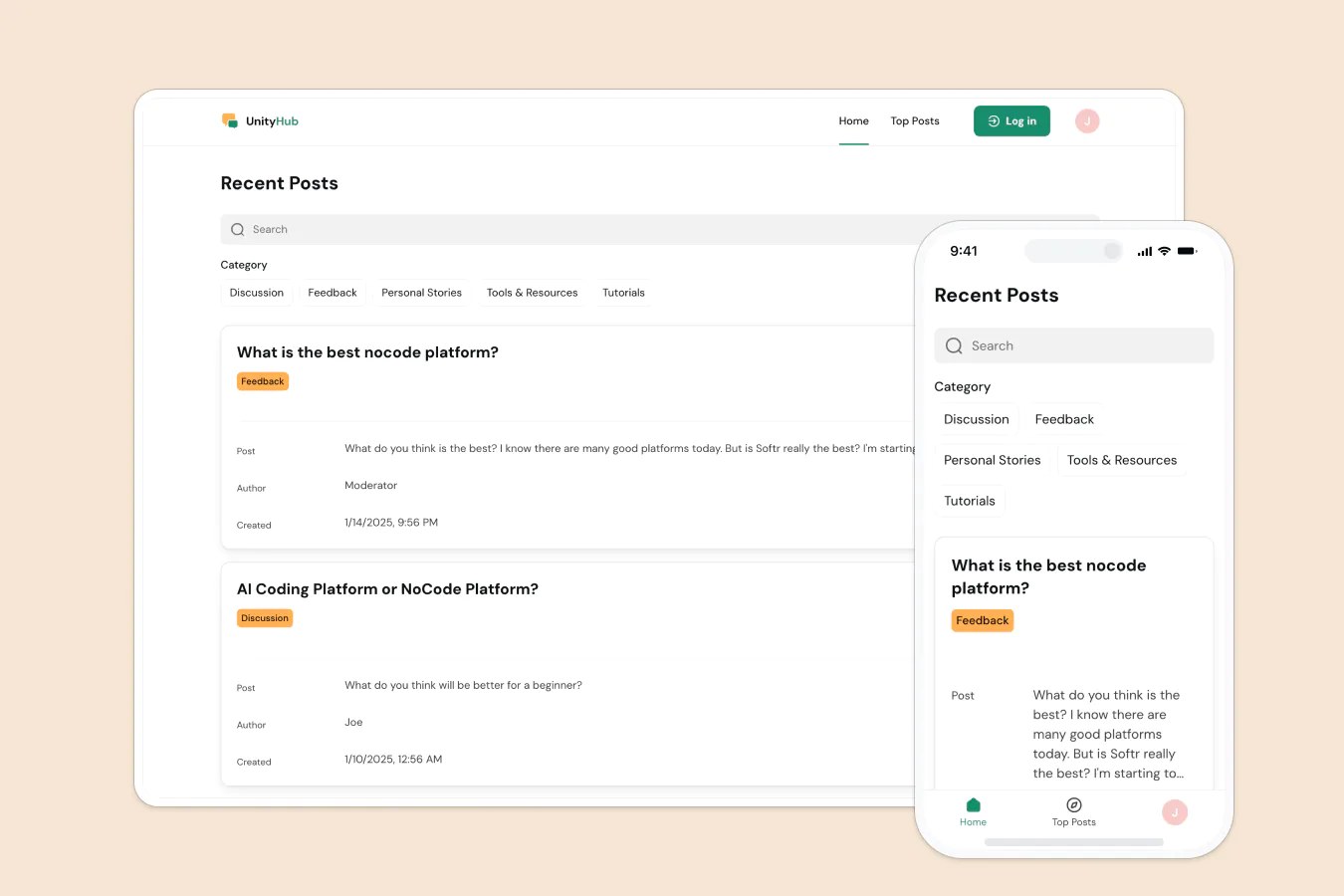
This free template lets you create a modern community forum on top of your existing data, so your users can collaborate, ask questions, and share ideas.
It includes a sample database to show you how to structure your data for forum posts and user profiles. It's also flexible enough to use with any Softr-supported data source (including Airtable, Google Sheets, Notion, monday.com, HubSpot, and more).
Why use this community forum template
- Build a sense of belonging: Create a centralized space for users to ask questions, share knowledge, and help each other out.
- Moderate and manage with ease: Admins and moderators can edit or remove posts, enforce guidelines, and keep the conversation productive.
- Structure conversations your way: Tag posts by category and use search filters to keep discussions organized and discoverable.
Template features:
- User accounts and logins
- Posts by category
- Attachments and links
- Search and filtering
- Admin and moderator controls
- Works on any device
Who is this community forum template for?
This template is great for any business, group, or product team that wants to foster community and conversation. Example use cases include:
- Customer support hubs: Let customers post questions, find solutions, and help each other.
- Product communities: Gather user feedback and build engagement with your audience.
- Alumni or internal groups: Create a shared space for discussion, mentorship, and updates.
- Educational programs: Support peer learning and collaboration with a shared Q&A forum.
- Niche hobby or interest groups: Bring people together around shared passions or goals.

“What we love most about Softr is the instantaneous, customizable power a no-code platform allows.”

- 1
- 2
- 3
- 4
Frequently asked questions
Can I use this template to create a private community?
Do I need a Softr account to use the template?
What data sources does this community forum support?
Can I customize the forum layout and branding?
Can I moderate discussions and manage users?
Can I adapt the forum to my community and automate moderation alerts?